
Fostering an Inclusive Learning Environment Using an E-Learning Course to Develop New University Lecturers
Beth Derbyshire B.L.Derbyshire@salford.ac.uk
bethderbyshireconsultancy@gmail.com
Learning and Teaching Enhancement Centre, University of Salford
This poster presentation shows how we developed an e-learning course using ThingLink to ensure accessible and inclusive access. The course, Introduction to University Teaching, is a course developed for new lecturers to support them in their initial stages of teaching at the university. Some students struggled to attend the in-person sessions, therefore, an e-learning course was created so that participants could undertake the course at any time and at their own pace. ThingLink has been an excellent resource to help us develop this e-learning format.

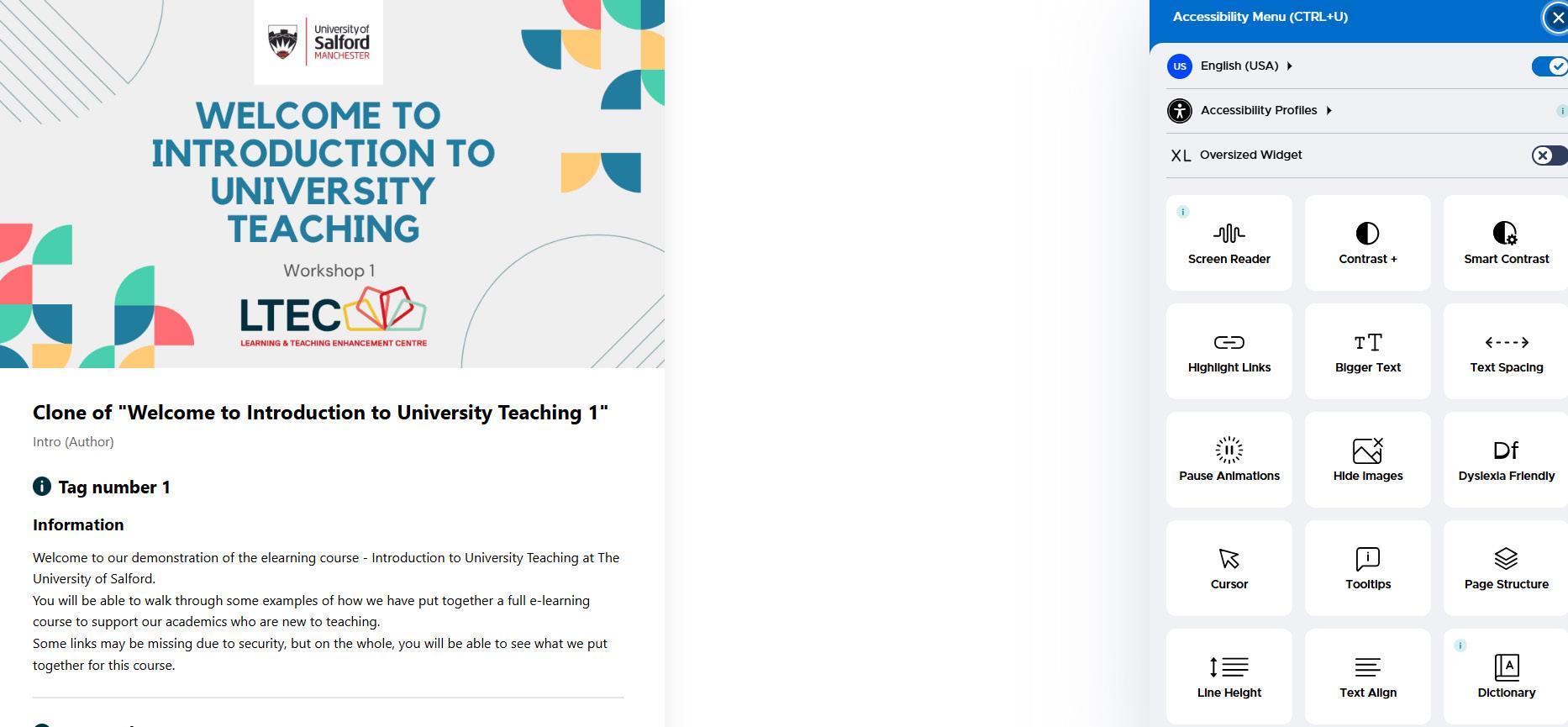
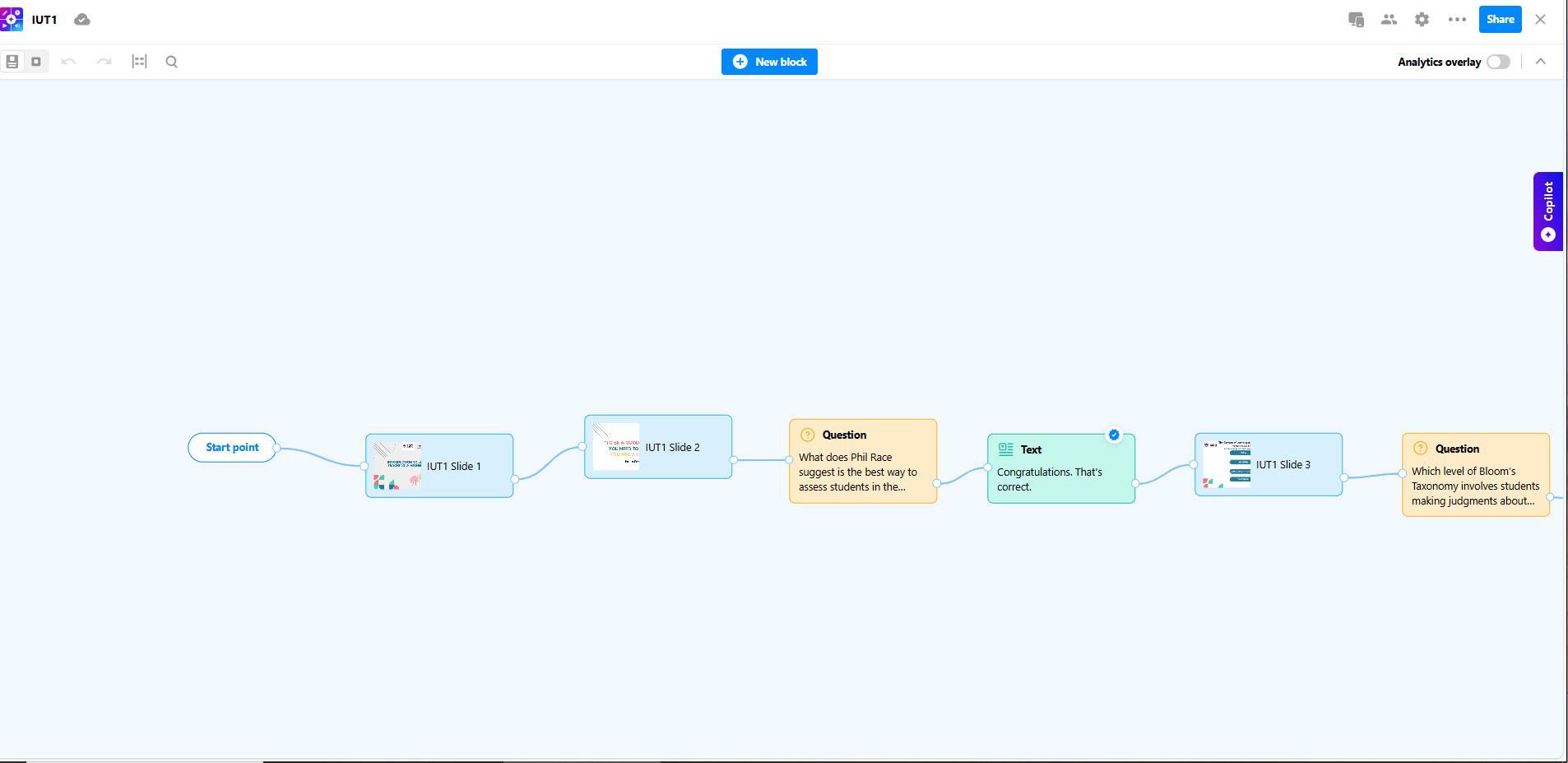
ThingLink as a platform enabled us to create an accessible e-learning course with a scenario builder option to allow immersive, self-paced learning. The platform has built-in accessibility tools for the participants to use, including Immersive Reader. The participants log in through Single Sign On meaning we can view their progress. We decided to use this platform as well to introduce teaching staff to what ThingLink can do.
At a basic level, we used the slides we used in the in-person sessions as a storyboard to create the course and then adapted it for e-learning. The colours and logos link to the university's brand and slides have a consistent design. The Learning Journey clearly lays out each session, with the option to undertake each session on its own. Offering more flexibility. The tags pulsate in order to guide learners on what to click first. It is important that learners know how to navigate the course and this is also explained in the information behind the tags. Some tags are locked so participants can't just click through and pass.
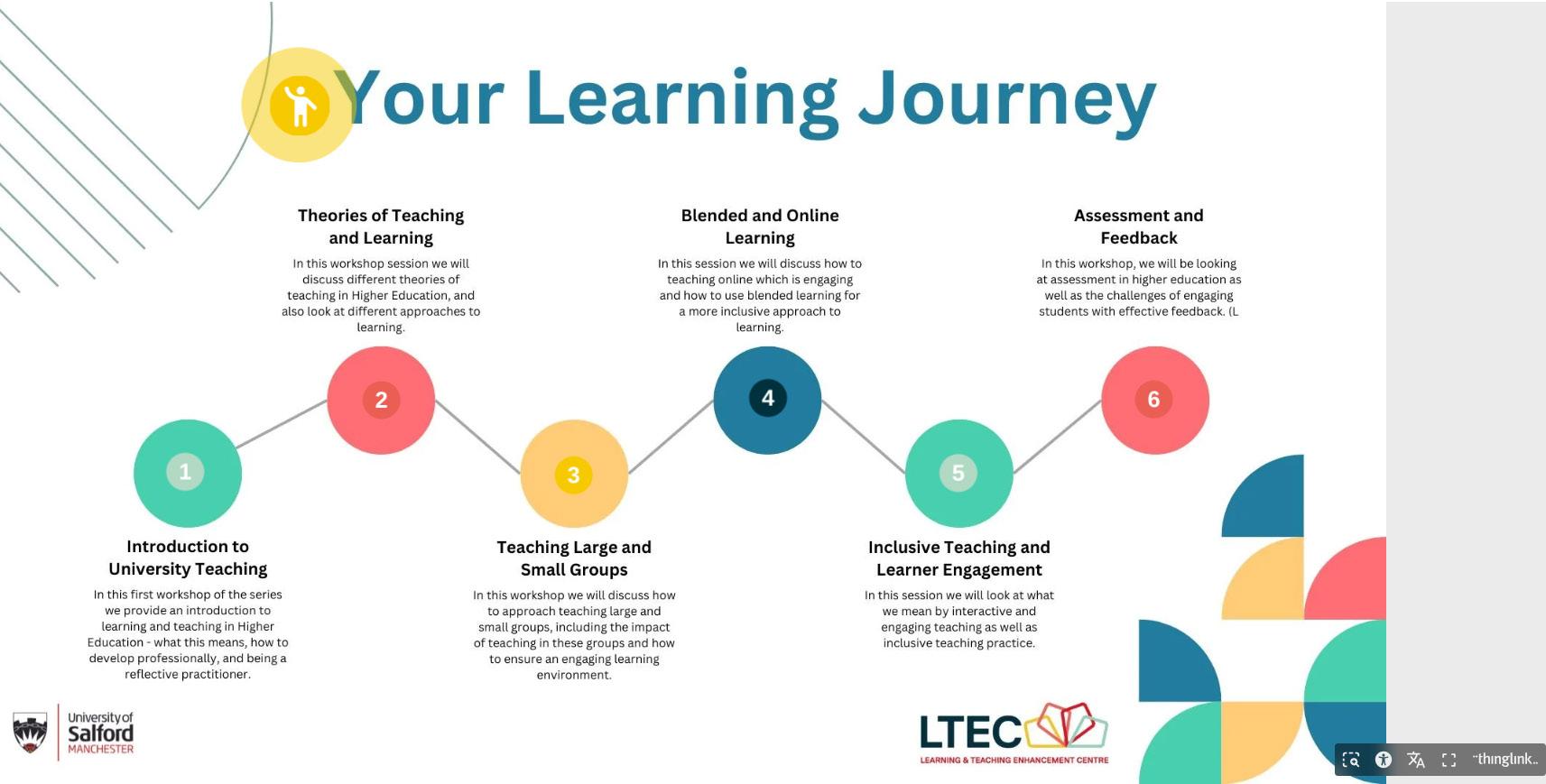
Learning Journey screenshot
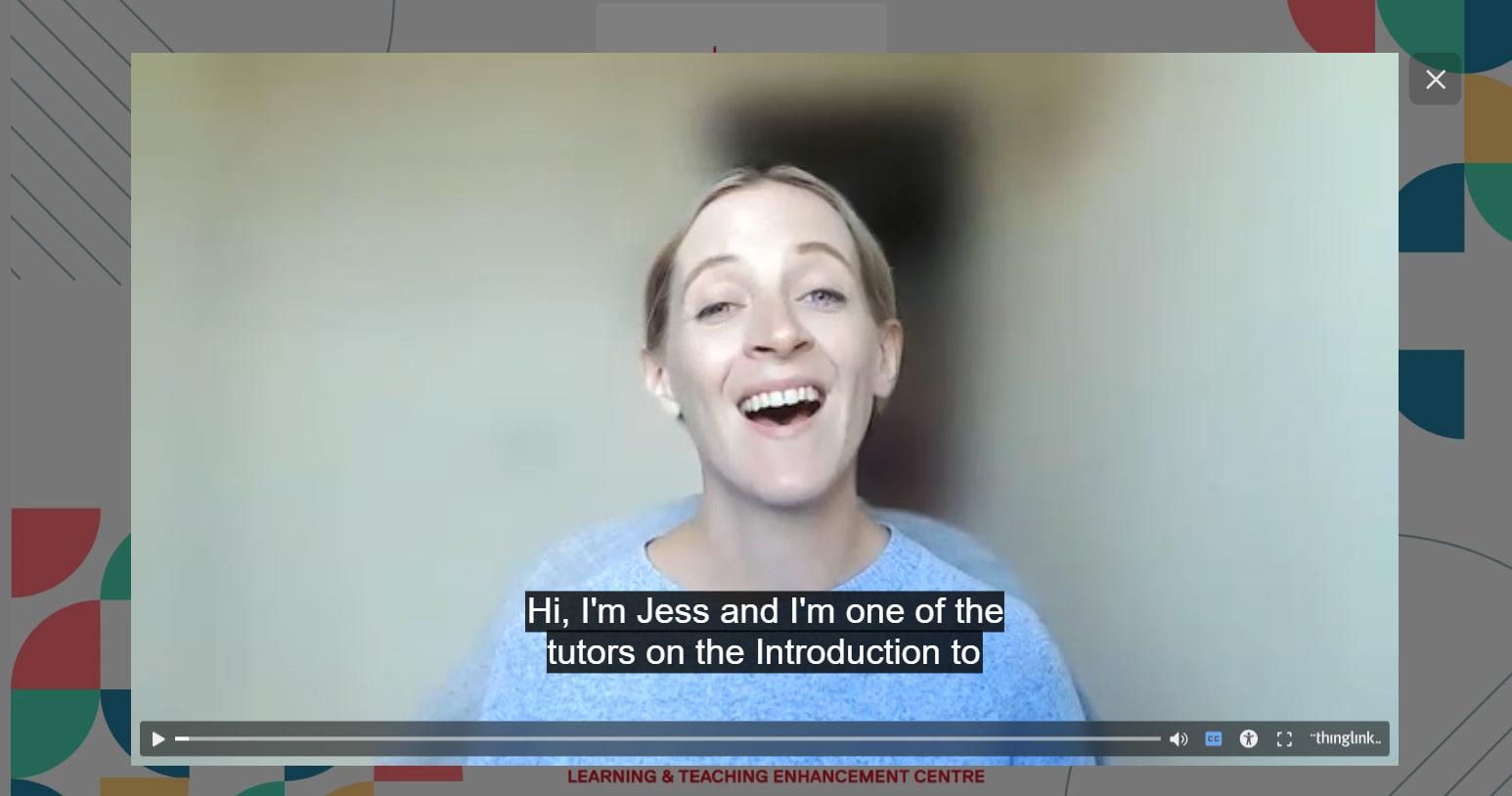
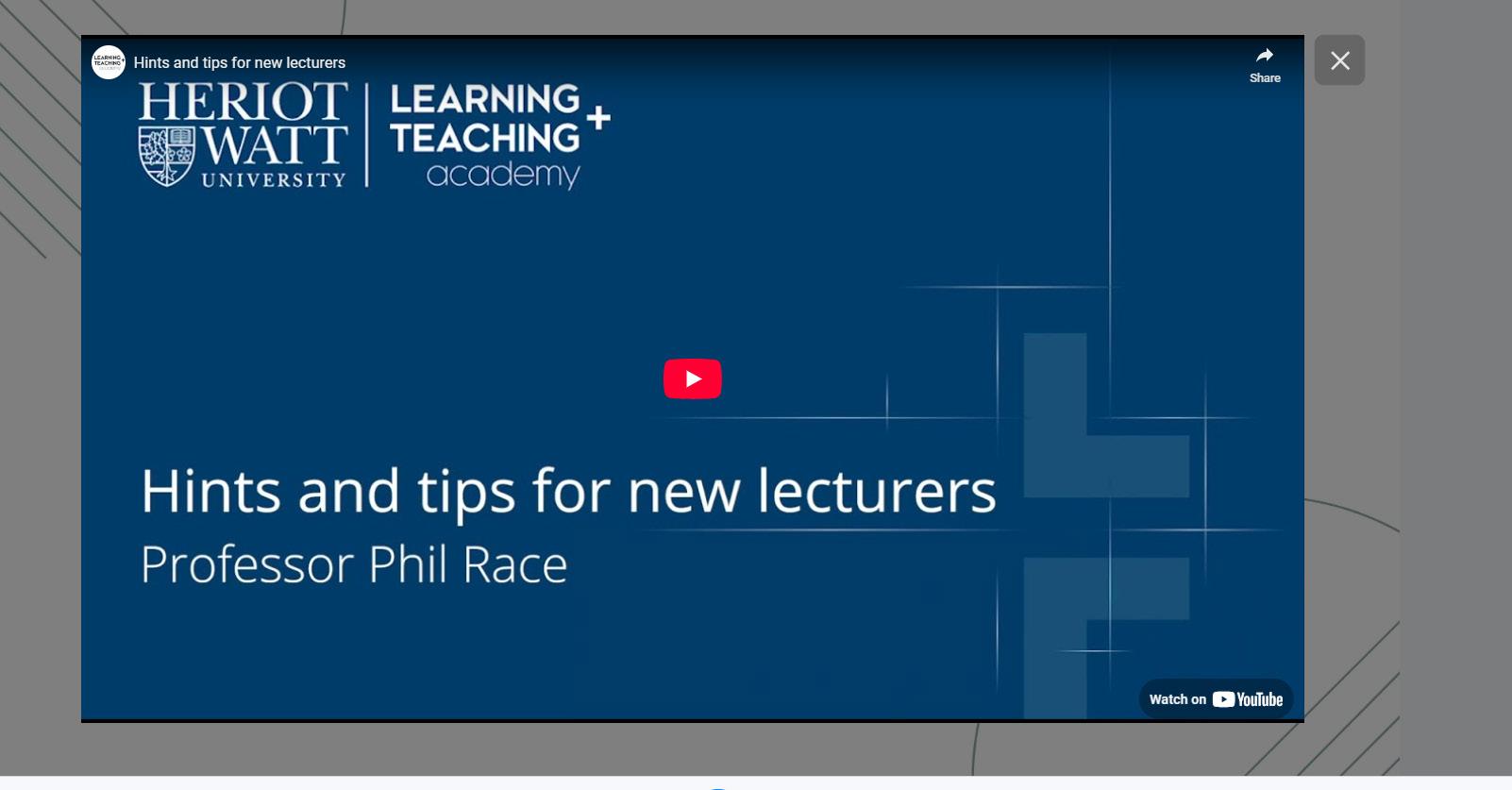
Video explanations were also added so that the e-learning experience is more humanized. We chose to use the real teachers rather than AI bots to ensure a more humanized experience. Accessibility is a main priority and closed captions are added to the videos with generated help from Microsoft Stream.
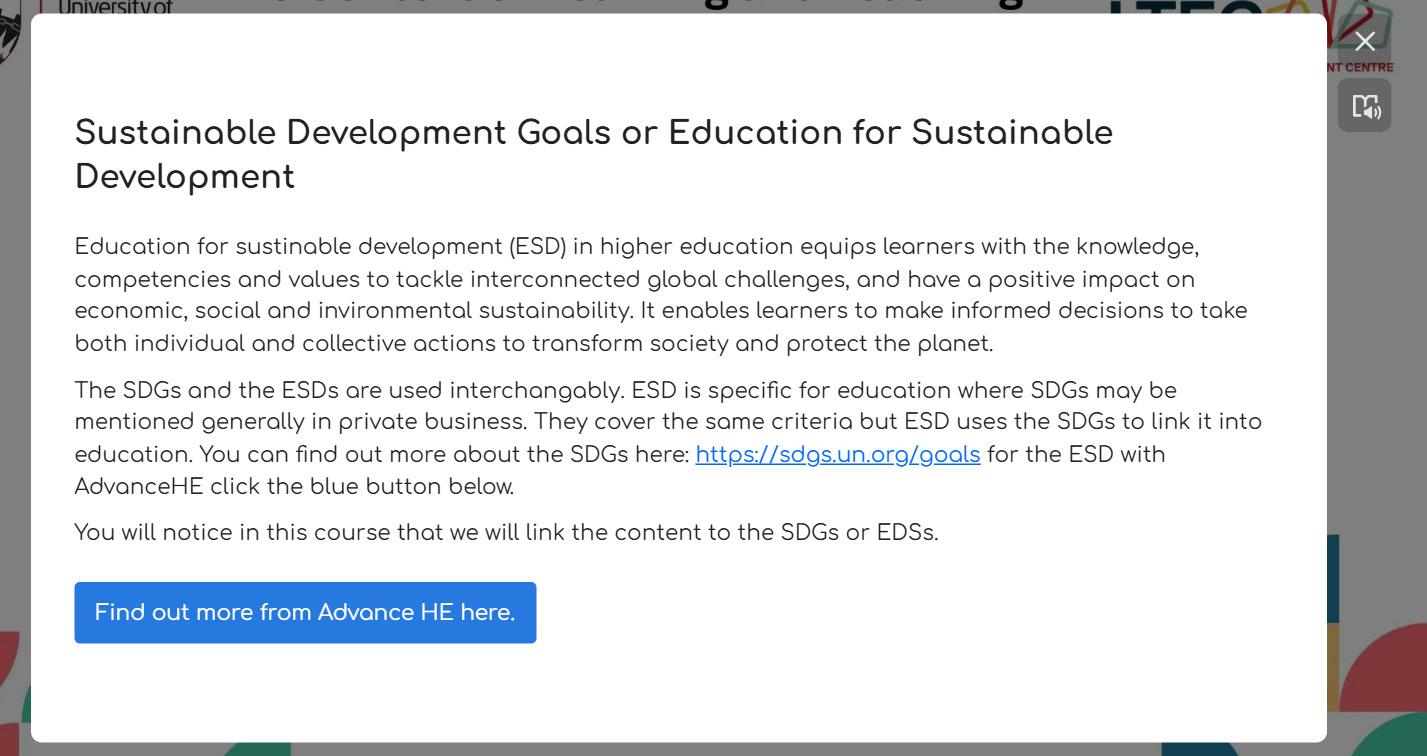
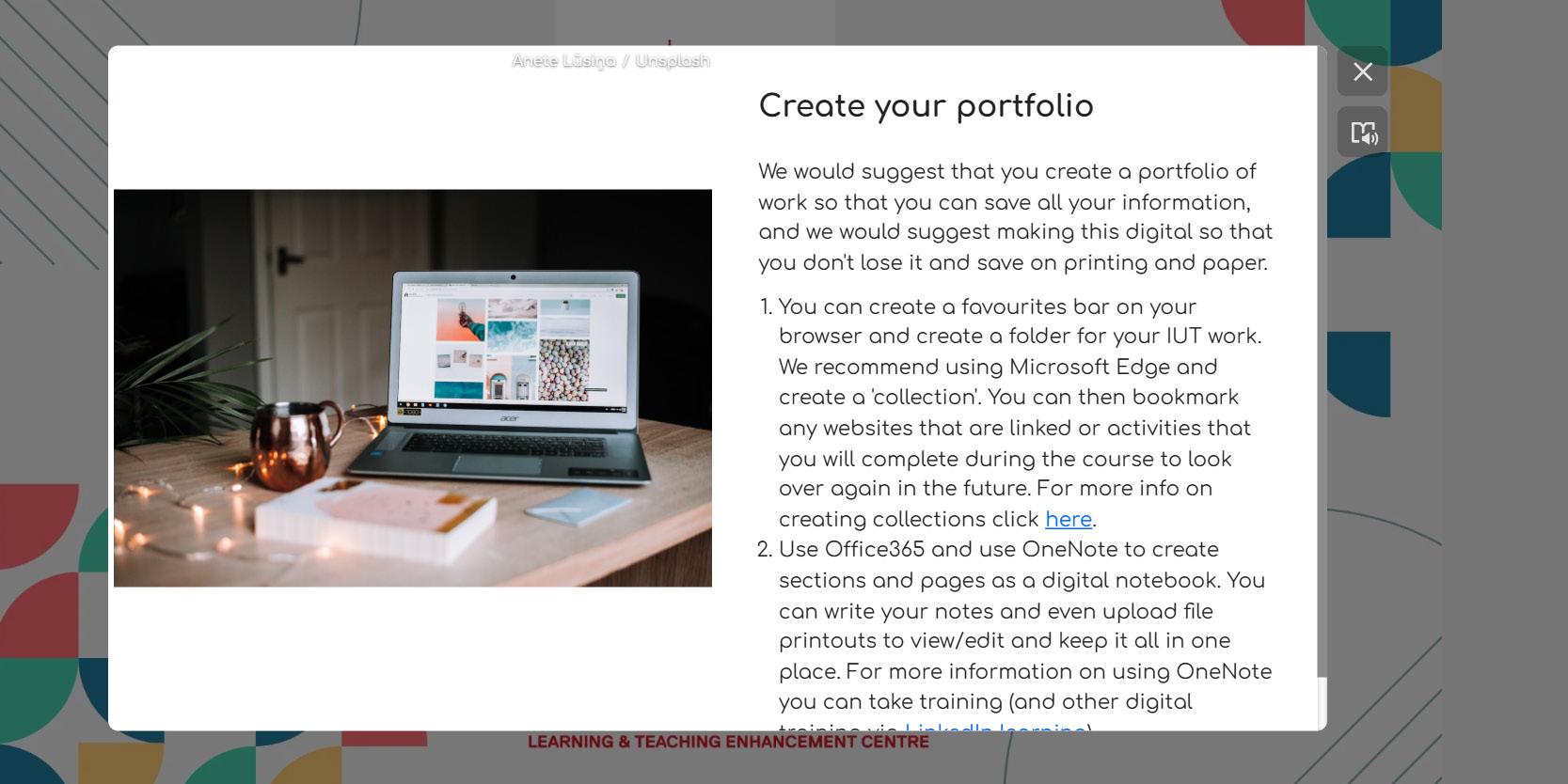
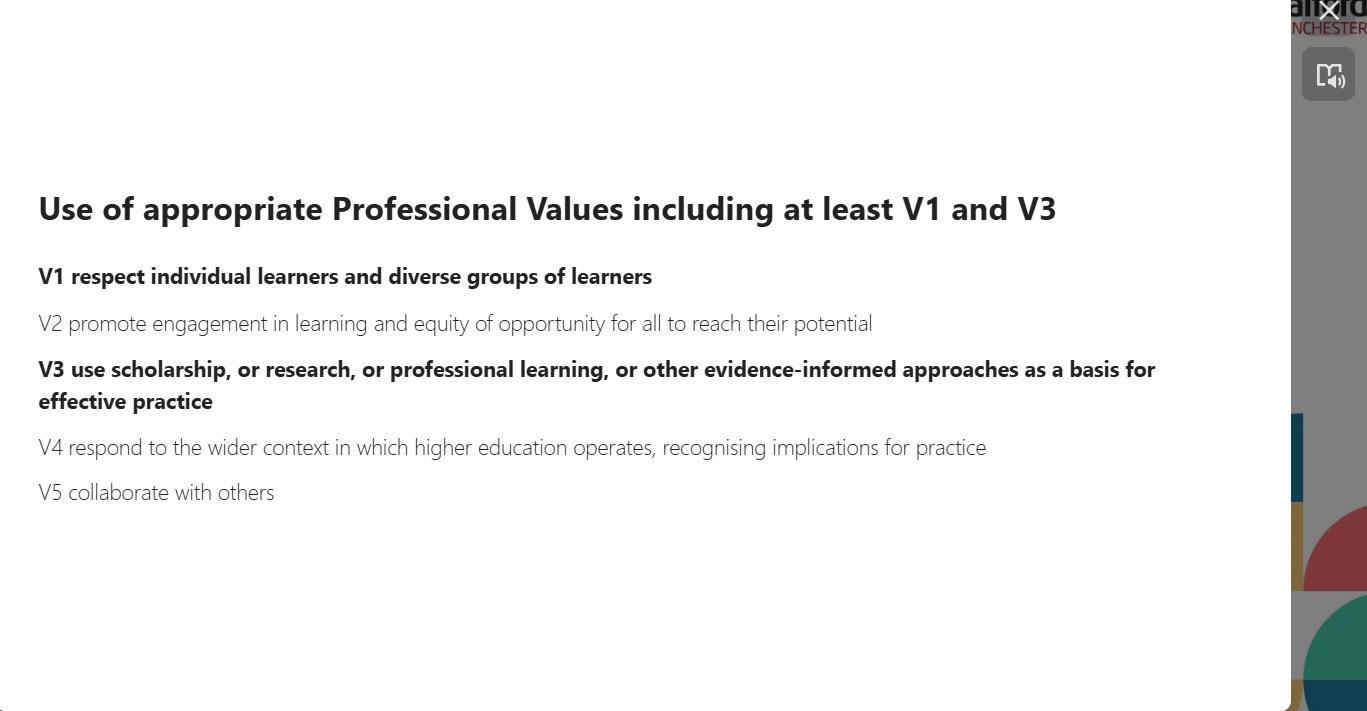
Throughout the course we embed the Sustainable Development Goals, enhance digital skills and link to AdvanceHE Professional Standards Framework to align with the university's learning and teaching principles.
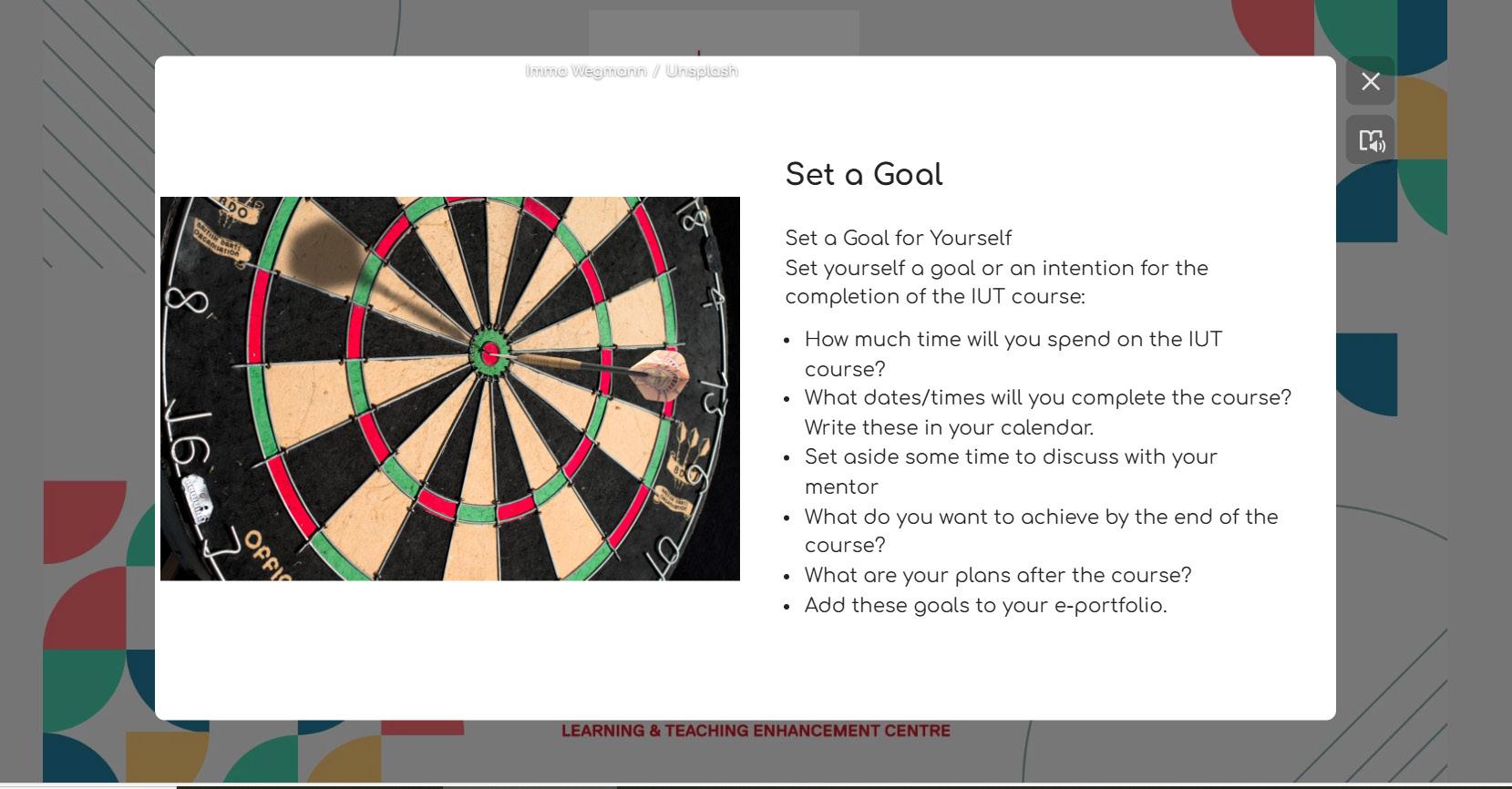
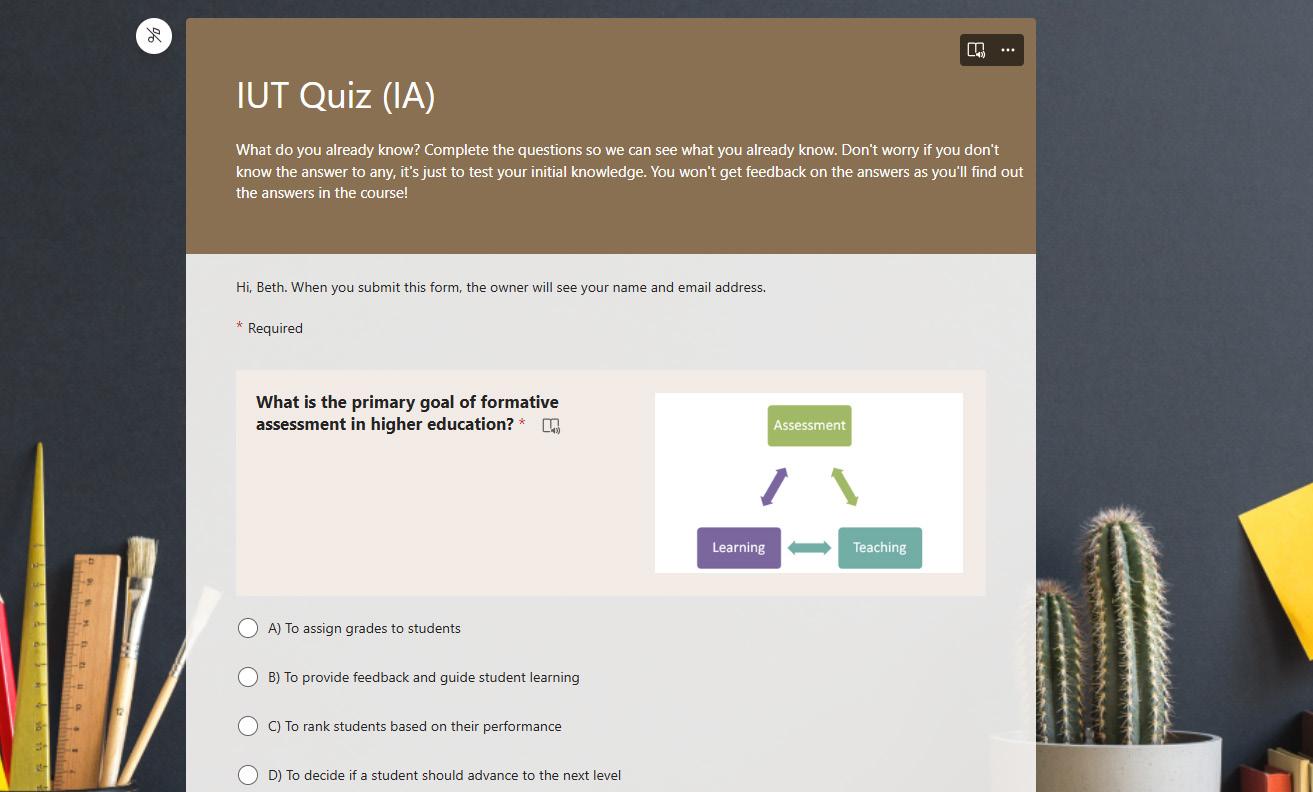

The course follows good teaching practice to emulate what a good lesson is as part of experiential learning. Participants are asked to set goals for the course as a motivator and an initial and summative quiz are set at the beginning and the end of the course to show distance traveled.
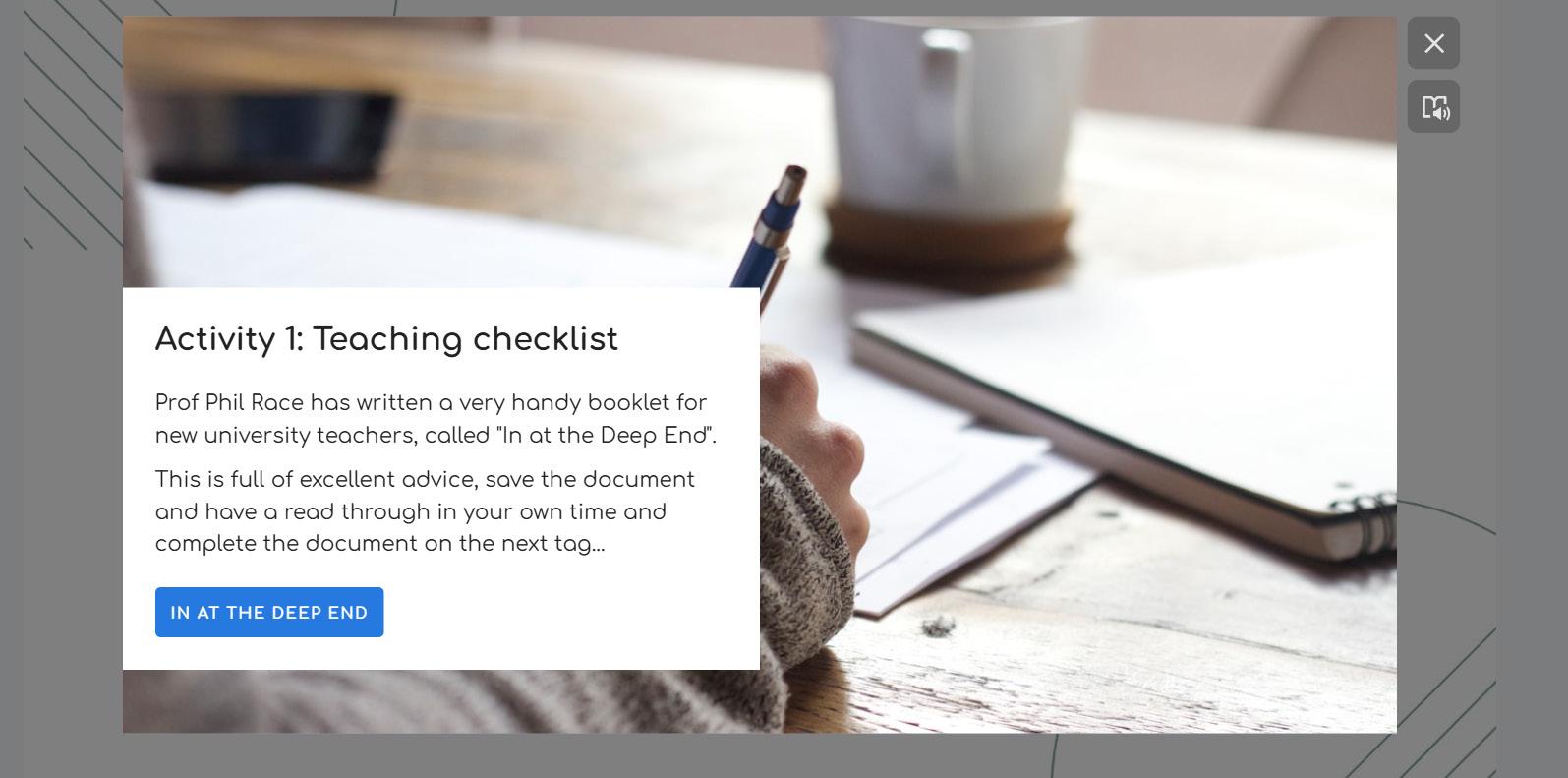
Different activities are asked of the participants throughout the course to ensure active learning. A variety of activities from research journals, videos and collaborative boards are added to support different learning preferences.
You can embed other applications inside ThingLink tags. Padlet is embedded and used as collaborative boards. This is motivating for the participants as they can read and discuss with fellow participants.
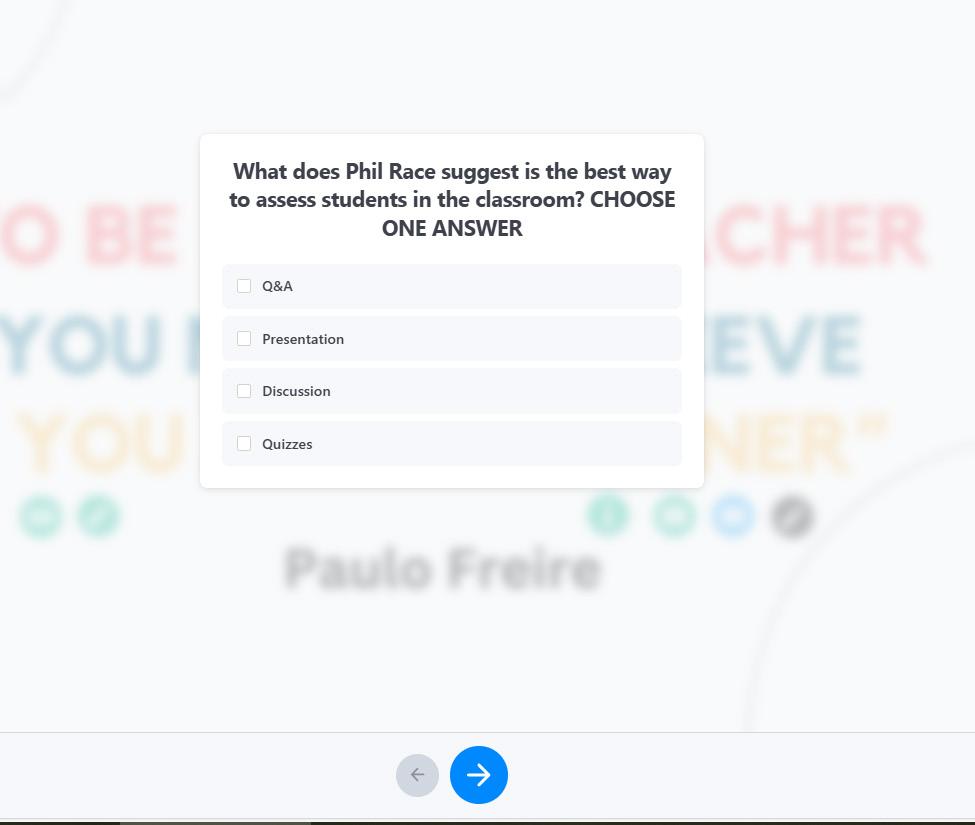
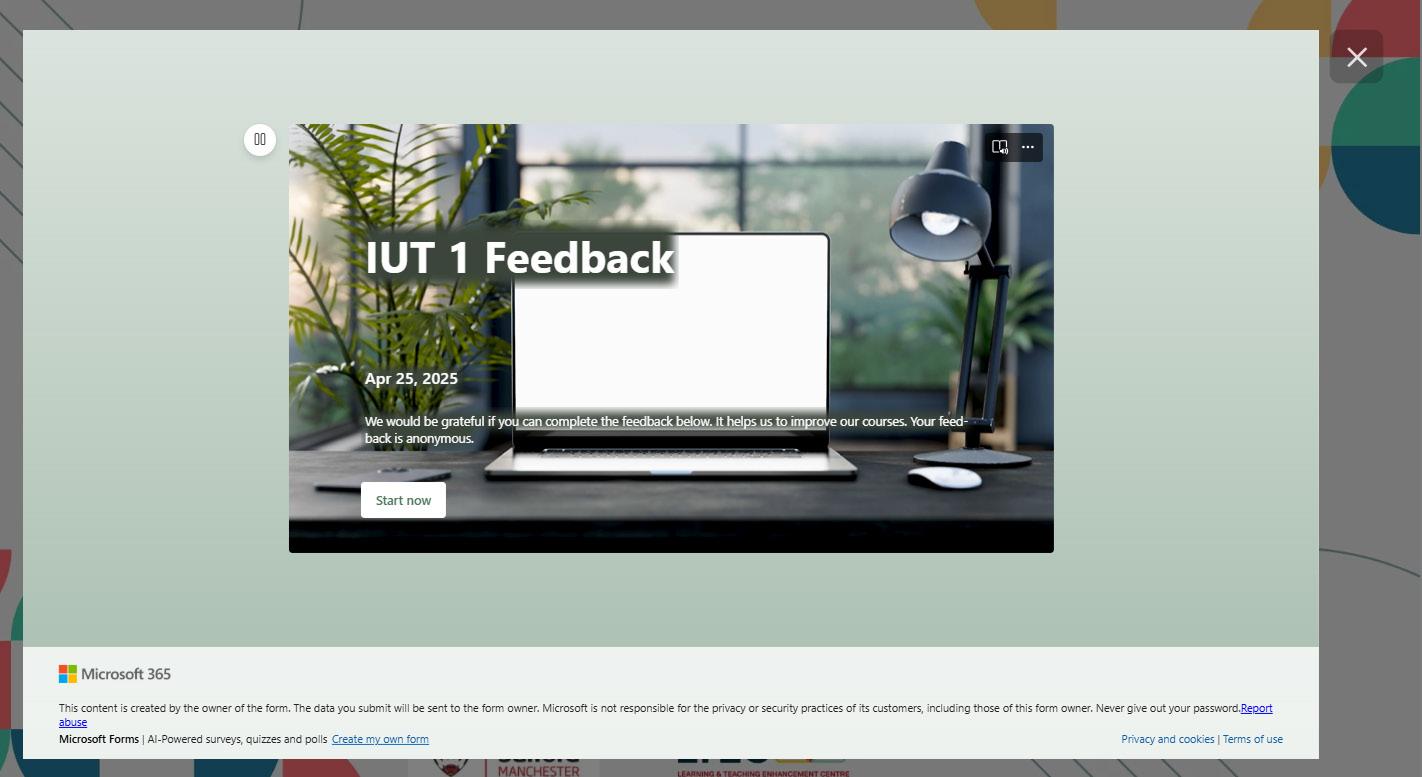
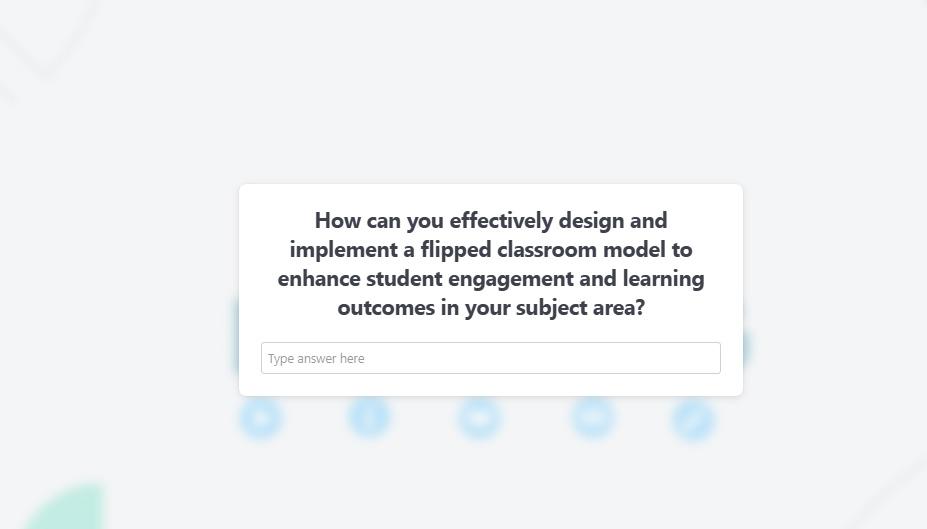
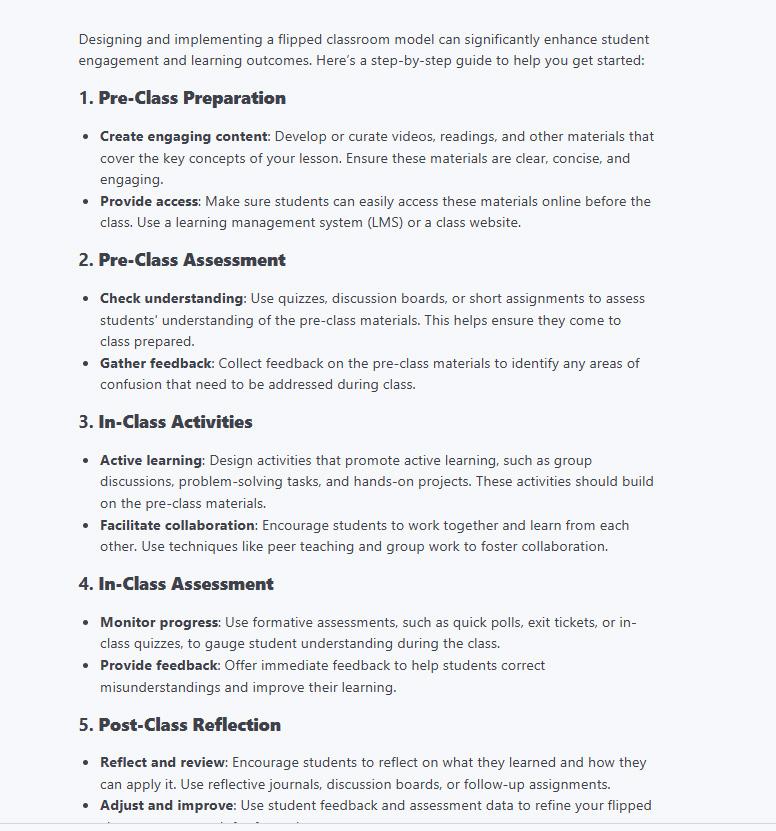
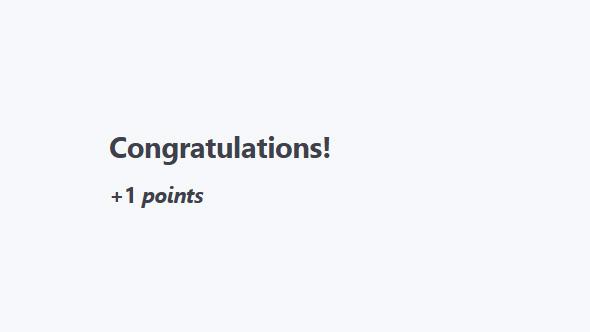
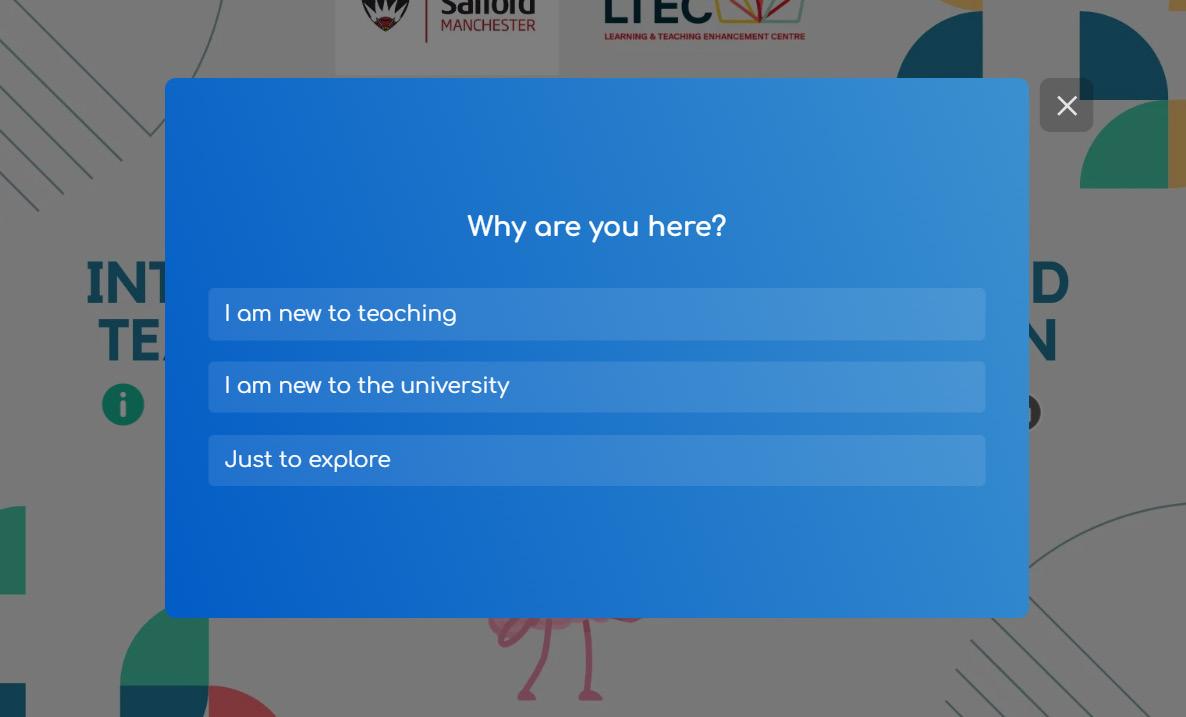
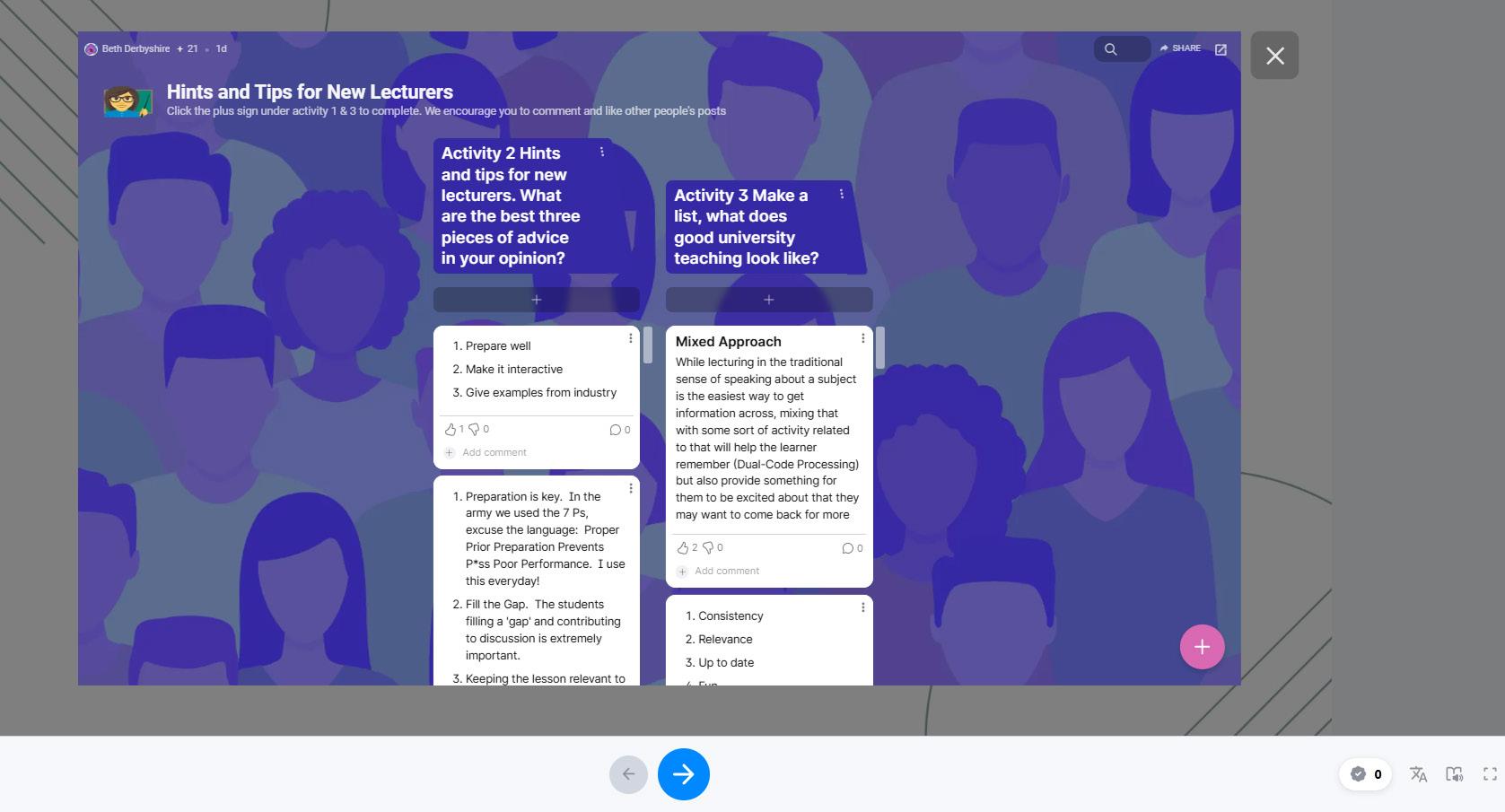
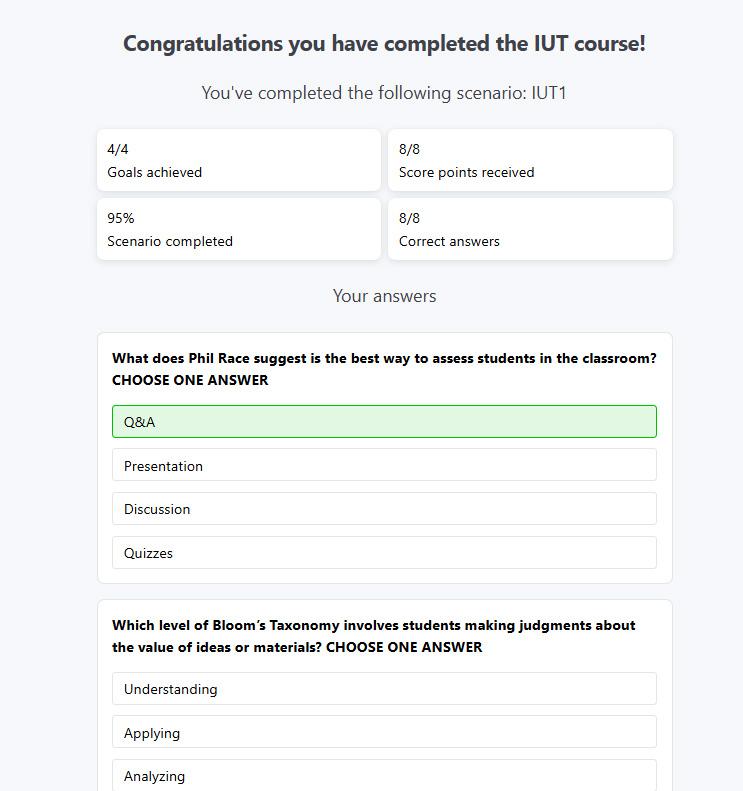
The scenario builder gives the option to add in quiz questions. Learners are formatively assessed throughout to ensure they are reading the content. There is also a gamification element to this. Different questions from multiple choice and open ended are used to support higher order thinking and deeper learning. Answers are automated so no need for the teacher to mark students' work. If students' answer incorrectly, the correct answer is provided. ThingLink gives a summary of the course at the end of each scenario.
Screenshot of video embed of teacher talking
Screenshot of Sustainable Development Goals slide
Screenshot of using Digital Skills as part of the activities
Screenshot of using links to Professional Standards Framework
Screenshot of goal slides and initial quiz slide
Screenshots of activities