
ALI MOHAMED ELSANAFAWY 900225712 Department of Architecure Digital Representation Tools for Architects ARCH 273/1521 Spring 2024 Dr. Amr Gouda , Dr. Tamir El-Khouly The American University in Cairo
PORTFOLIO


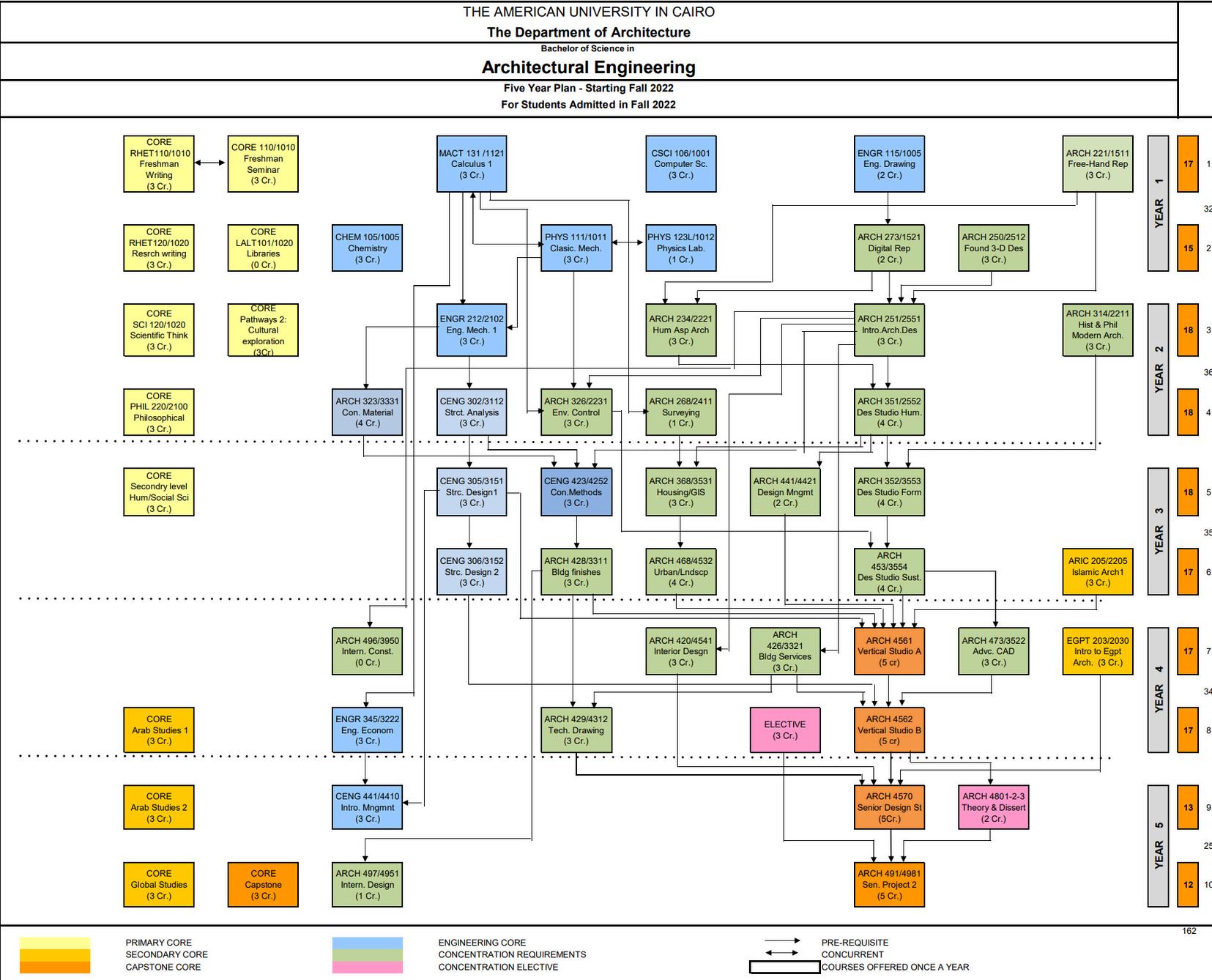
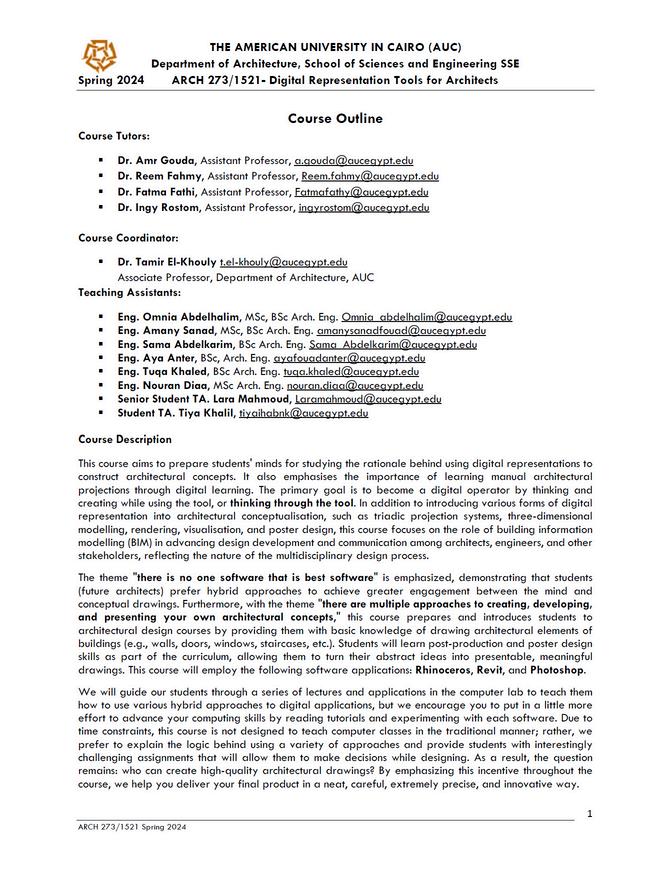
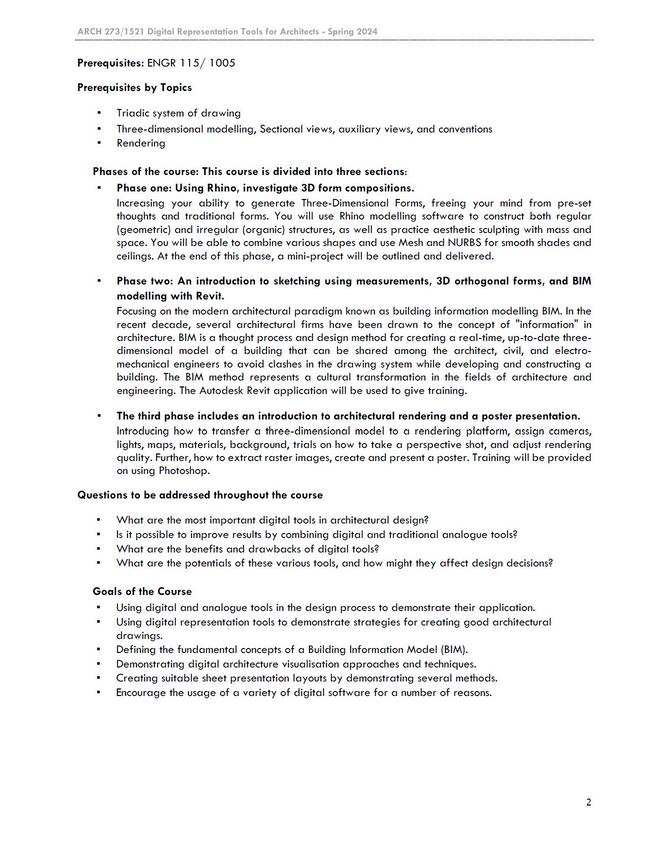
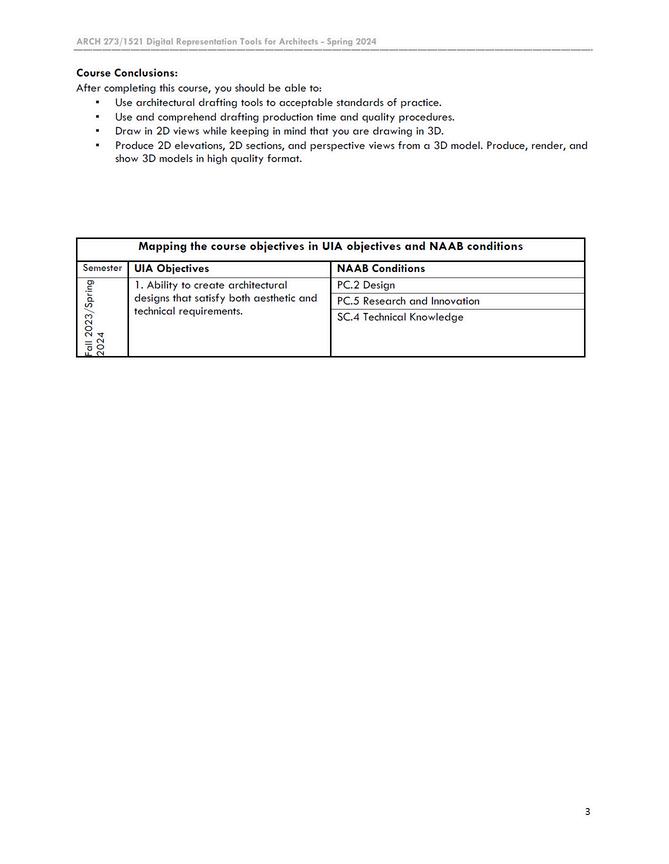
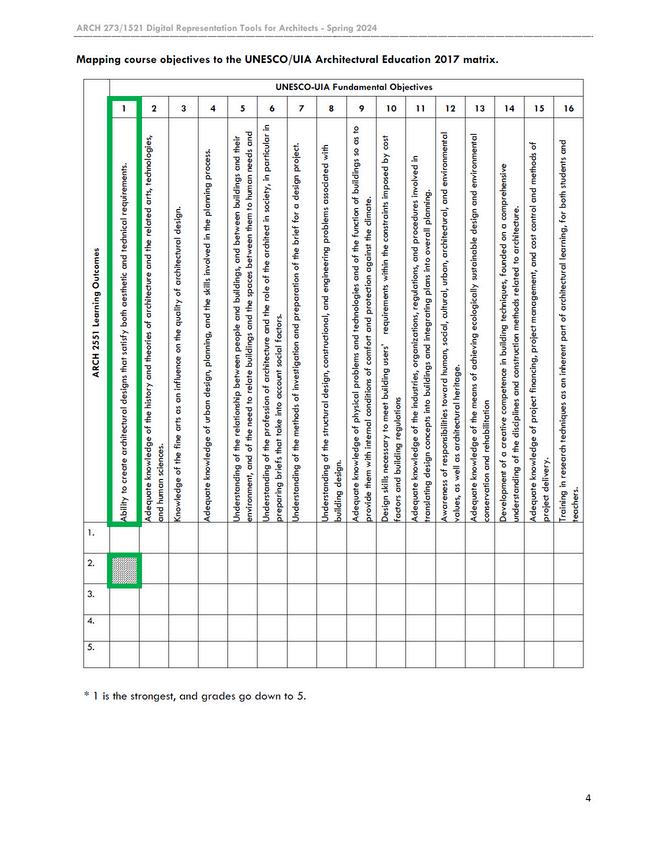
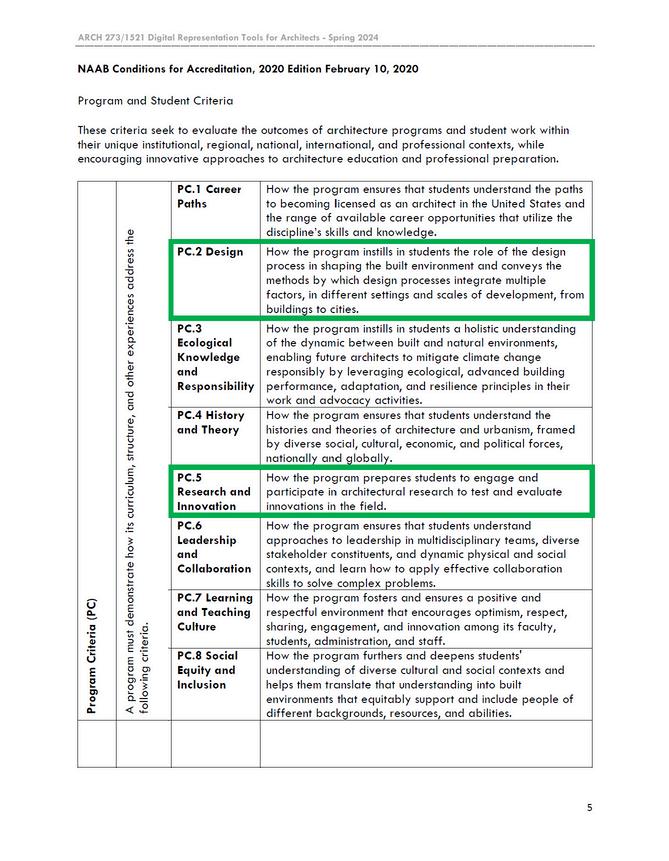
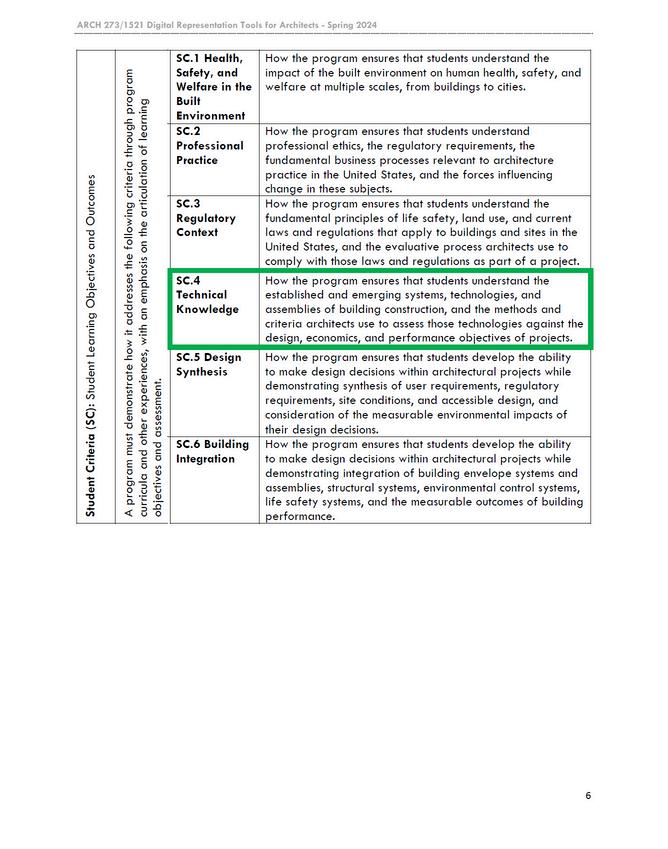
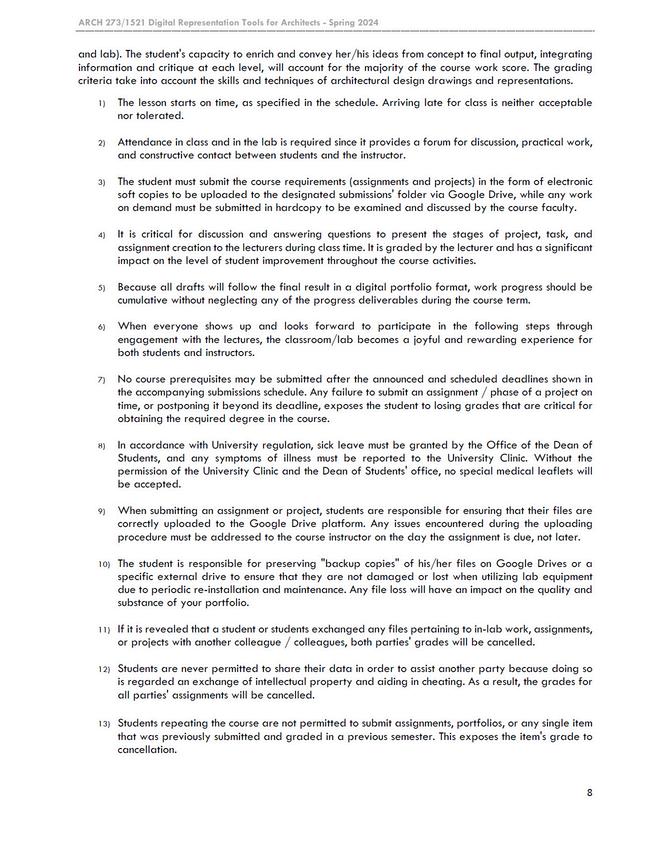
The course outline and syllabus serve as the roadmap a comprehensive overview of what to expect thro typically outlines the course objectives, learning ou learning experience. It often includes informatio materials, and important dates. The syllabus, on the covered, reading assignments, grading criteria, and subject matter. Both the course outline and syllabus effectively, stay organized, a
p for a successful academic journey, providing students with oughout the course. The introduction to the course outline utcomes, and expectations, setting the tone for the entire n on the course structure, assessment methods, required other hand, delves deeper into the specifics of each topic any additional resources that will aid in understanding the are essential tools that help students navigate their studies and achieve their academic goals.
This module focuses on the creation of 3D a us dive into the world of three-dimensional manipulated to form visually striking and co on approach, learners will experiment wi principles to construct abstract geometri traditional sculpt
abstract geometric form compositions. That made shapes, exploring how they can be combined and onceptually meaningful artworks. Through a handsth a variety of materials, techniques, and design c compositions that challenge the boundaries of ture and spatial design.
In Rhino, designers can create 3D organic s precise control, smooth gradients, and geo edit. Meshes are easier to manipulate, esp supported by various software and file fo surfaces, Boolean operations, and fillets to choosing between the two, consider the p smooth surfaces, and intended use (e combination of NURBS and meshes can lev the d
shapes using either NURBS or meshes. NURBS offer ometric continuity, but may require more effort to pecially for character animation, and are widely ormats. Rhino provides modifiers like subdivision o enhance both NURBS and mesh surfaces. When project's requirements, such as desired precision, e.g., design, animation, 3D printing). Often, a erage the strengths of each approach to achieve esired result.
In the first two computer labs, you learned how to use the patch, loft, and cage edit functions in Rhinoceros software to create curvilinear objects. You must make a 3D model of London's Velodrome.
100%
GRADE : ASSIGNMENT DESCRIPTION : To create a composition of several models that are rectilinear with
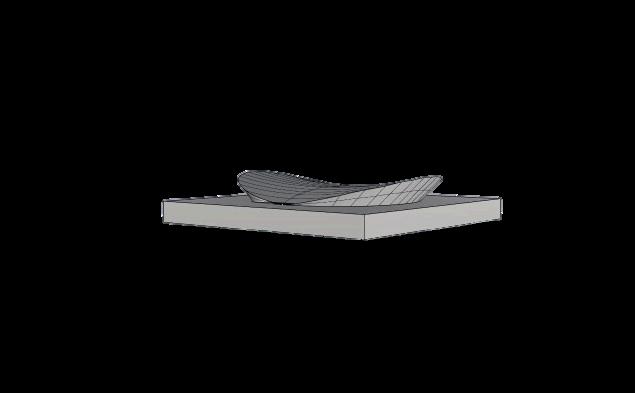
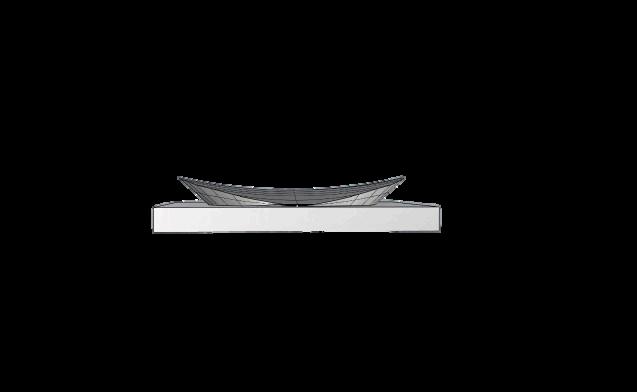
The feed back I received is that I well executed the model on Rhino.
This assignment was a bit challenging as it was the 1st time for me to work on Rhino REFLECTION :
This assignment intends to practice, think about, and grasp some fundamental concepts of building three dimensional form compositions composed of abstract shapes using Rhinoceros’ basic 3D modelling tools.
GRADE :
90%
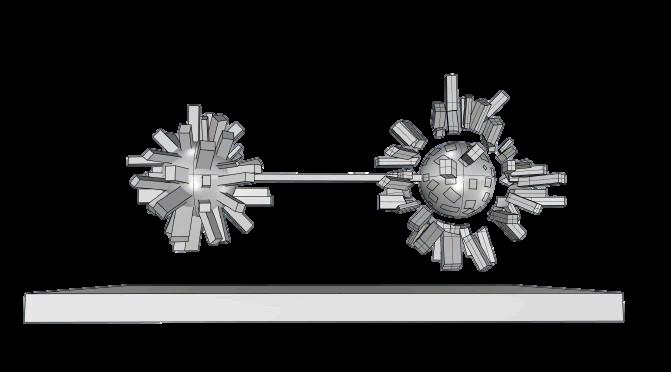
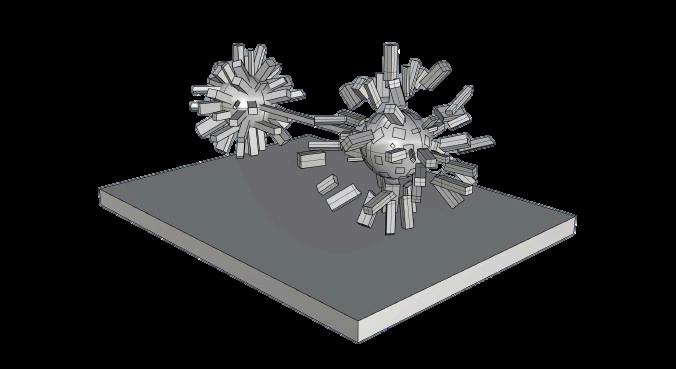
The feedback I received that the model is overall nice and have a good concept.
This assignment was a bit challenging as it was the 1st time for me to work on Rhino
Converting a mesh to a clean NURBS sur command, smoothing the result, and man Leveraging tools like "Shrink-Wrap" and t quality NURBS model, though experimenta spe
rface in Rhino involves using the "MeshToNurbs" nually refining areas that don't convert cleanly. hird-party plugins can also help achieve a highation is key to finding the best workflow for each cific mesh.
This assignment aims at practising, thinking and understanding some basic concepts of creating three dimensional form compositions that consist of curvilinear origins using more advanced 3D modelling methods in Rhinoceros application.
92% GRADE :
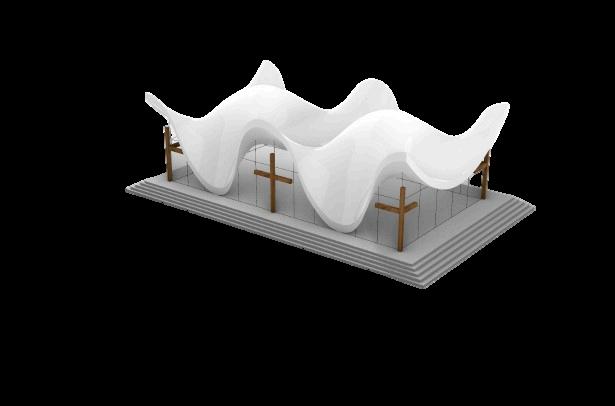
The feedback I received is to have a better looking rendering.
This assignment was a bit challenging as I didn’t get used to it.
ation & Rendering (Part 1)
Visualizing a 3D perspective using Photos tools to create depth and realism in d perspective grids, and shading techniques and bring their concepts to life. Photosho effects, and shadows to enhance the dep more realistic and immersive. Through t detailing and the transform tool for perspe 3D visualizations that captivate viewers an digit
shop involves leveraging the software's powerful igital designs. By utilizing features like layers, , designers can simulate three-dimensional space op enables the manipulation of textures, lighting pth perception of objects, making them appear the strategic use of tools like the brush tool for ective adjustments, designers can craft compelling nd convey a sense of depth and dimension in their tal artwork.
Therefore, you are requested to produce a peace, in its concept, formation, and vis experience. The pavilion’s form should not and 10m height, and it can be located a show proficiency in the use of differen
a creative digital design for a pavilion of war and sualisation, provides users with a one-of-a-kind exceed the dimensions of 20m length, 20m width, nywhere on the AUC campus. The design should nt software to express the pavilion’s concept.
Dealing with a three-dimensional form with a deep vision and comprehension of the material, light and shadows and enhancing what was designed and submitted in an earlier conceptual stage and embracing the representation capabilities and visualization skills.
87% GRADE :
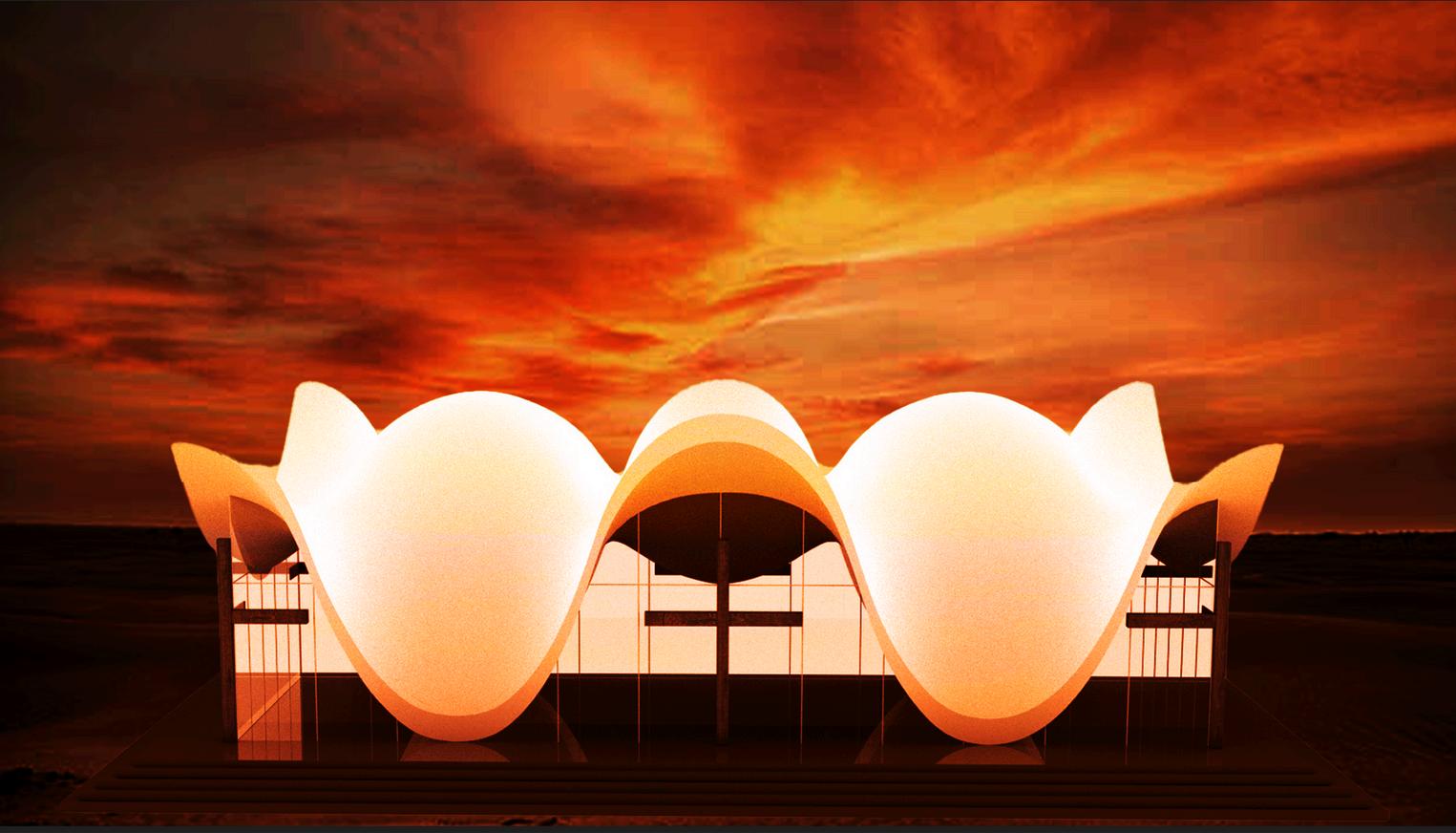
The feedback I received was that I had a unique render that was different from the rest submitted renders.
This assignment was a bit challenging as it was the 1st time for me to work on photoshop.
The content related to "Photoshop Session includes guidance on creating scientific tablets, post-production techniques for Photoshop. It covers setting up poster layo design tips for visually appealing poste tutorials for individuals seeking to enhance using
n 2: Introduction to Rendering and Poster design" posters, utilizing Photoshop brushes and Wacom architectural rendering, and graphic design in outs, advanced rendering methods, and practical ers. These resources offer valuable insights and e their skills in graphic design and poster creation g Photoshop.