Key Features of Google Analytics
1. Real-Time Reporting: This feature allows you to see what is happening on your website in real-time. You can monitor how many visitors are currently on your site, what pages they are viewing, and where they are coming from
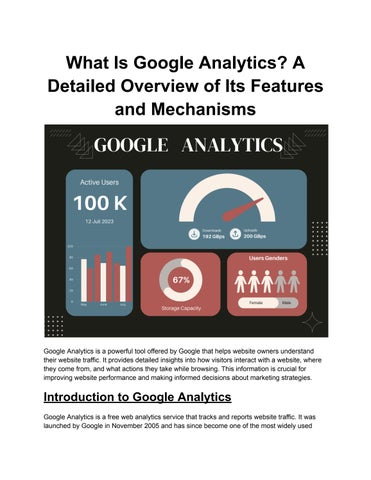
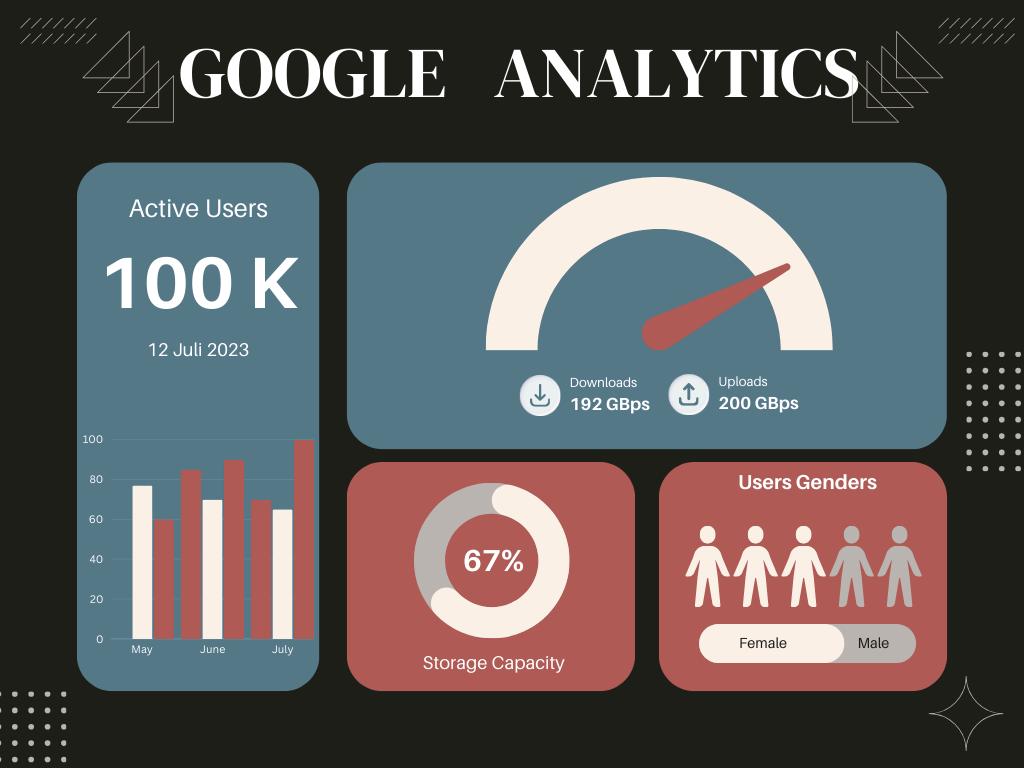
2. Audience Reports: These reports provide insights into the demographics, interests, and behaviors of your website visitors You can learn about the age, gender, and location of your audience, as well as the devices they use to access your site
3. Acquisition Reports: Acquisition reports show you how visitors are finding your website You can see the performance of different traffic sources, such as organic search, paid search, social media, and direct visits
4. Behavior Reports: These reports help you understand how visitors interact with your website You can see which pages are the most popular, how long visitors stay on each page, and the path they take through your site.
5. Conversion Tracking: Google Analytics allows you to track specific actions that are valuable to your business, such as purchases, form submissions, and sign-ups This helps you measure the effectiveness of your marketing efforts and optimize your conversion rates
6. Custom Reports and Dashboards: You can create custom reports and dashboards to focus on the metrics that matter most to your business. This allows you to quickly access the data you need without having to sift through standard reports
How Google Analytics Works
1. Data Collection: Google Analytics uses a small piece of JavaScript code that you add to your website’s pages This code collects data about how visitors interact with your site, such as the pages they visit, the links they click, and the time they spend on each page.
2. Data Processing: Once the data is collected, it is sent to Google's servers for processing During this phase, the raw data is transformed into meaningful reports that you can access through the Google Analytics interface.
3. Data Configuration: Before data is processed, it can be configured to include or exclude specific information For example, you can set up filters to exclude traffic from your own company’s IP addresses or to include only traffic from a particular country.
4. Data Reporting: The processed data is then made available in the form of reports Google Analytics offers a wide range of pre-defined reports, as well as the ability to create custom reports that suit your specific needs.
Setting Up Google Analytics
1 Create a Google Analytics Account: To get started, you need to create a Google Analytics account. This involves signing in with your Google account and providing some basic information about your website
2. Set Up a Property: A property represents your website or app. You can set up multiple properties under a single Google Analytics account.
3. Add Tracking Code to Your Website: Google Analytics will provide you with a unique tracking code that you need to add to every page of your website. This is usually done by pasting the code into the header section of your site
4. Configure Your Settings: Once the tracking code is in place, you can configure various settings to customize your data collection and reporting. This includes setting up goals, filters, and linking your Google Analytics account to other Google services, such as Google Ads
Benefits of Using Google Analytics
1. Improved Marketing ROI: By understanding which marketing channels are driving the most traffic and conversions, you can allocate your budget more effectively and improve your return on investment (ROI).
2. Enhanced User Experience: Google Analytics provides insights into how users interact with your website This information can help you make informed decisions about design changes, content updates, and overall user experience improvements.
3. Data-Driven Decision Making: With access to detailed data and reports, you can make decisions based on actual performance metrics rather than assumptions or guesswork
4. Identify Opportunities and Challenges: Google Analytics helps you identify what’s working well and what’s not This allows you to capitalize on opportunities and address challenges promptly.
Conclusion
Google Analytics is an invaluable tool for anyone looking to optimize their website and improve their online presence Its comprehensive features and detailed reports provide valuable insights into visitor behavior, helping you make informed decisions and achieve your business goals Whether you are a small business owner or a digital marketing professional, understanding how to use Google Analytics effectively can give you a significant advantage in the competitive online landscape