COMMUNITY
TABROOM.COM TIP INTRODUCING THE NEW TABROOM.COM
FORUM by Kevon Haughton
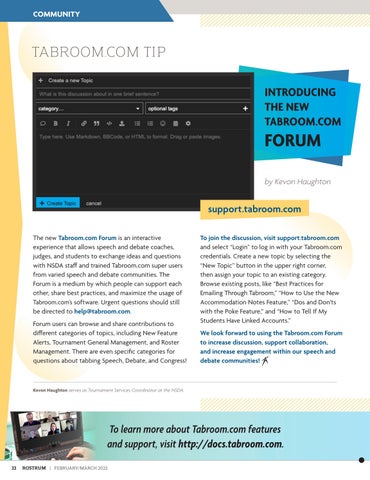
support.tabroom.com The new Tabroom.com Forum is an interactive experience that allows speech and debate coaches, judges, and students to exchange ideas and questions with NSDA staff and trained Tabroom.com super users from varied speech and debate communities. The Forum is a medium by which people can support each other, share best practices, and maximize the usage of Tabroom.com’s software. Urgent questions should still be directed to help@tabroom.com. Forum users can browse and share contributions to different categories of topics, including New Feature Alerts, Tournament General Management, and Roster Management. There are even specific categories for questions about tabbing Speech, Debate, and Congress!
To join the discussion, visit support.tabroom.com and select “Login” to log in with your Tabroom.com credentials. Create a new topic by selecting the “New Topic” button in the upper right corner, then assign your topic to an existing category. Browse existing posts, like “Best Practices for Emailing Through Tabroom,” “How to Use the New Accommodation Notes Feature,” “Dos and Don’ts with the Poke Feature,” and “How to Tell If My Students Have Linked Accounts.” We look forward to using the Tabroom.com Forum to increase discussion, support collaboration, and increase engagement within our speech and debate communities!
Kevon Haughton serves as Tournament Services Coordinator at the NSDA.
To learn more about Tabroom.com features and support, visit http://docs.tabroom.com. 22
ROSTRUM | FEBRUARY/MARCH 2022