1 minute read
Removing the WLAN Module


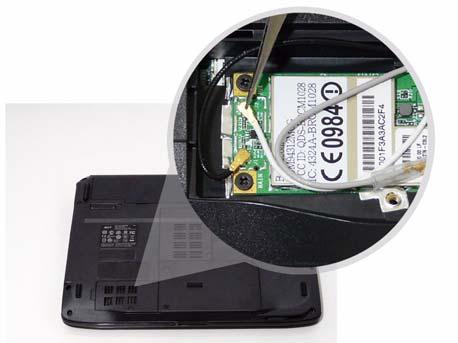
1. See “Removing the Battery Pack” on page 44. 2. Remove the WLAN cover. See “Removing the Lower Covers” on page 47. 3. Disconnect the antenna cables from the WLAN board.
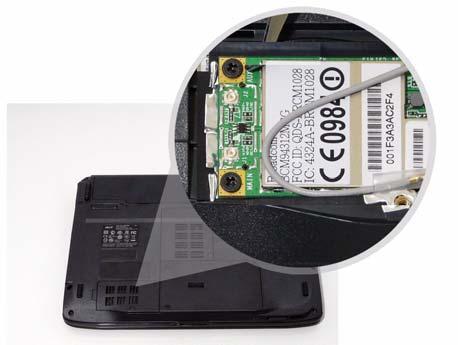
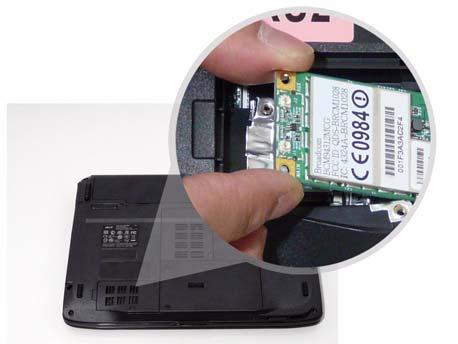
4. Move the antenna away and remove the two screws on the WLAN board to release the WLAN board.
Step
Size
WLAN Module M2*3 (NL) 2
Quantity Screw Type
NOTE: When attaching the antenna back to the WLAN board, make sure the cables are sitting in the housing to prevent damage.