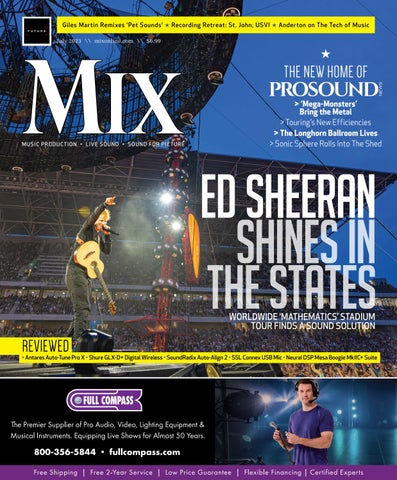
Giles Martin Remixes ‘Pet Sounds’ ★ Recording Retreat: St. John, USVI ★ Anderton on The Tech of Music > ‘Mega-Monsters’ Bring the Metal > Touring’s New Efficiencies > The Longhorn Ballroom Lives > Sonic Sphere Rolls Into The Shed THE NEW HOME OF MUSIC PRODUCTION • LIVE SOUND • SOUND FOR PICTURE July 2023 \\ mixonline.com \\ $6.99 WORLDWIDE ‘MATHEMATICS’ STADIUM TOUR FINDS A SOUND SOLUTION REVIEWED • Antares Auto-Tune Pro X • Shure GLX-D+ Digital Wireless • SoundRadix Auto-Align 2 • SSL Connex USB Mic • Neural DSP Mesa Boogie MkIIC+ Suite SHINES IN THE STATES ED SHEERAN
Giles Martin Remixes ‘Pet Sounds’ ★ Recording Retreat: St. John, USVI ★ Anderton on The Tech of Music > ‘Mega-Monsters’ Bring the Metal > Touring’s New Efficiencies > The Longhorn Ballroom Lives > Sonic Sphere Rolls Into The Shed THE NEW HOME OF MUSIC PRODUCTION • LIVE SOUND • SOUND FOR PICTURE July 2023 \\ mixonline.com \\ $6.99 WORLDWIDE ‘MATHEMATICS’ STADIUM TOUR FINDS A SOUND SOLUTION REVIEWED • Antares Auto-Tune Pro X • Shure GLX-D+ Digital Wireless • SoundRadix Auto-Align 2 • SSL Connex USB Mic • Neural DSP Mesa Boogie MkIIC+ Suite SHINES IN THE STATES ED SHEERAN
 CLIVE YOUNG
 STEVE HARVEY
 RICH TOZZOLI, BRUCE MACPHERSON, MIKE DWYER
3 mixonline.com | JULY 2023 | MIX FEATURES 26 Ed Sheeran’s Mathematics Tour Finds a Sound Solution BY
30 Touring’s New Efficiencies— Power, Weight and Low-Carbon BY
34 Ninth Annual St. John, USVI, Recording Retreat BY
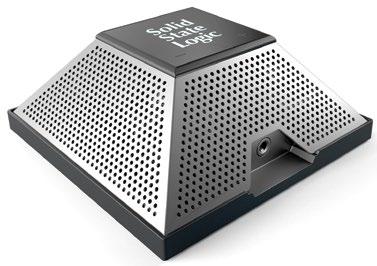
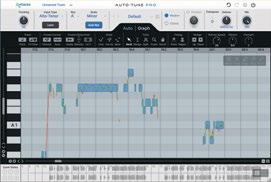
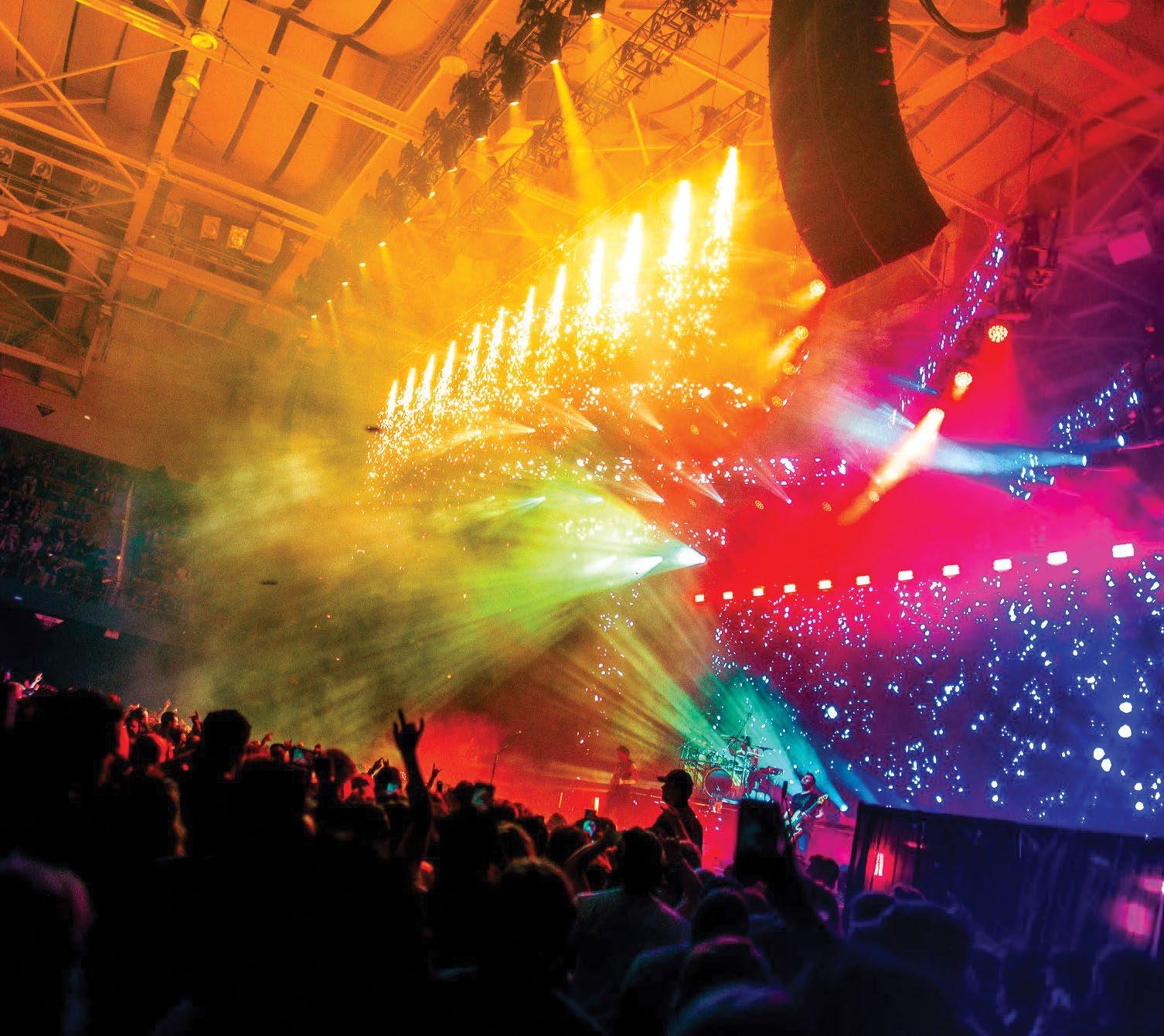
MUSIC 10 Giles Martin on Remixing ‘Pet Sounds’ for Dolby Atmos BY CLIVE YOUNG 14 News & Notes: Pricetone Studios Goes Immersive; 4-Track Analog for Annabelle Chairlegs LIVE SOUND 16 ‘Mega-Monsters’ Tour Brings the Metal BY CANDACE HORGAN 20 The Longhorn Ballroom Lives BY CLIVE YOUNG 22 Sonic Sphere at The Shed: Live 128.12 Immersive Playback BY TOM KENNY 24 News & Notes: Bring Me the Horizon on the Road with Eighth Day Sound; L-Acoustics to Distribute Mixhalo DEPARTMENTS 6 From the Editor: Live Sound—On The Move and Getting Greener 8 Current: Mix Nashville Wrapup 50 Open Channel: Music Technology? Or, The Technology of Music? BY CRAIG ANDERTON PRESENTED BY 22 16 On the Cover: Ed Sheeran is crossing North America this summer on the latest leg of his global Mathematics tour, backed by production house Major Tom and a 212-box Meyer Sound Panther line array system. Photo: Ralph Larmann. Mix, Volume 47, Number 7 (ISSN 0164-9957) is published monthly by Future US, Inc., 130 West 42nd Street, 7th Floor, New York, NY 10036. Periodical Postage Paid at New York, NY, and at additional mailing offices. POSTMASTER: Send address changes to Mix, PO Box 8518, Lowell, MA 01853. One-year (12 issues) subscription is $35. Canada is $40. All other international is $50. Printed in the USA. Canadian Post Publications Mail agreement No. 40612608. Canada return address: BleuChip International, P.O. Box 25542, London, ON N6C 6B2. TECHNOLOGY 40 New Products: Studio and Live Sound 42 Review: Antares Auto-Tune Pro X BY MICHAEL COOPER 44 Review: Shure GLX-D+ Digital Wireless System BY STEVE LA CERRA 46 Review: Sound Radix Auto-Align 2 Plug-in BY MIKE LEVINE 48 Review: SSL Connex USB Microphone BY BARRY RUDOLPH 49 Review: Neural DSP Mesa Boogie MkIIC+ Suite BY MIKE LEVINE 07.23 Contents Volume 47, Number 7
MIX SMARTBRIEF
FOLLOW US twitter.com/Mix_Magazine facebook/MixMagazine instagram/mixonlineig


CONTENT
VP/Content Creation Anthony Savona
Content Directors Tom Kenny, thomas.kenny@futurenet.com
Clive Young, clive.young@futurenet.com
Senior Content Producer Steve Harvey, sharvey.prosound@gmail.com
Content Manager Anthony Savona, anthony.savona@futurenet.com
Technology Editor, Studio Mike Levine, techeditormike@gmail.com

Technology Editor, Live Steve La Cerra, stevelacerra@verizon.net
Contributors: Craig Anderton, Barbara Schultz, Barry Rudolph, Robyn Flans, Rob Tavaglione, Jennifer Walden, Tamara Starr
Production Manager Nicole Schilling
Group Art Director Nicole Cobban
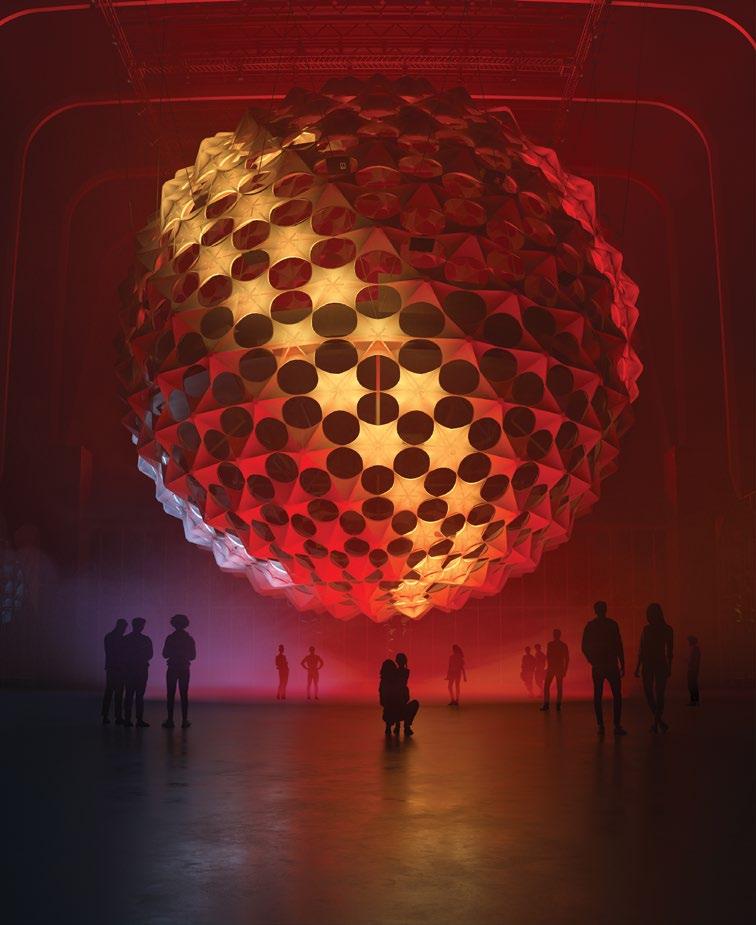
Design Directors Will Shum and Lisa McIntosh
ADVERTISING SALES

Managing Vice President of Sales, B2B Tech Adam Goldstein, adam.goldstein@futurenet.com, 212-378-0465
Janis Crowley, janis.crowley@futurenet.com
Debbie Rosenthal, debbie.rosenthal@futurenet.com
Zahra Majma, zahra.majma@futurenet.com
SUBSCRIBER CUSTOMER SERVICE
To subscribe, change your address, or check on your current account status, go to mixonline.com and click on About Us, email futureplc@computerfulfillment.com, call 888-266-5828, or write P.O. Box 8518, Lowell, MA 01853.
LICENSING/REPRINTS/PERMISSIONS

Mix is available for licensing.
Contact the Licensing team to discuss partnership opportunities. Head of Print Licensing: Rachel Shaw, licensing@futurenet.com
MANAGEMENT
SVP Wealth, B2B and Events Sarah Rees
Managing Director, B2B Tech & Entertainment Brands Carmel King
Managing Vice President of Sales, B2B Tech Adam Goldstein
Head of Production US & UK Mark Constance
Head of Design Rodney Dive
FUTURE US, INC.
Future US LLC, 130 West 42nd Street, 7th Floor, New York, NY 10036
in England and Wales. Registered office: Quay House, The Ambury, Bath BA1 1UA. All information contained in this publication is for information only and is, as far as we are aware, correct at the time of going to press. Future cannot accept any responsibility for errors or inaccuracies in such information. You are advised to contact manufacturers and retailers directly with regard to the price of products/services referred to in this publication. Apps and websites mentioned in this publication are not under our control. We are not responsible for their contents or any other changes or updates to them. This magazine is fully independent and not affiliated in any way with the companies mentioned herein.
If you submit material to us, you warrant that you own the material and/or have the necessary rights/ permissions to supply the material and you automatically grant Future and its licensees a licence to publish your submission in whole or in part in any/all issues and/or editions of publications, in any format published worldwide and on associated websites, social media channels and associated products. Any material you submit is sent at your own risk and, although every care is taken, neither Future nor its employees, agents, subcontractors or licensees shall be liable for loss or damage. We assume all unsolicited material is for publication unless otherwise stated, and reserve the right to edit, amend, adapt all submissions.
We are committed to only using magazine paper which is derived from responsibly managed, certified forestry and chlorine-free manufacture. The paper in this magazine was sourced and produced from sustainable managed forests, conforming to strict environmental and socioeconomic standards.
THE
TO STAY ON TOP OF THE PRO AUDIO INDUSTRY You'll receive * A 5x/week snapshot of news from Mix, Pro Sound News and other leading sources. * Summaries of what matters to you, written by expert editors to save you time and keep you informed and prepared. Sign up today at mixonline.com under Newsletter
SMARTER WAY
MIX_Ad_SB_House_3Sq_Mar23.indd 4 4/7/23 12:14 PM Vol. 47 Number 7 July 2023
mixonline.com
All contents ©2023 Future US, Inc. or published under licence. All rights reserved. No part of this magazine may be used, stored, transmitted or reproduced in any way without the prior written permission of the publisher. Future
Publishing Limited (company number 2008885) is registered
From the Editor
Live Sound : On The Move and Getting Greener
When concerts came back after a mandatory pandemic time-out, it was barely a surprise that 2022 became a record-breaker, with the top 100 tours worldwide raking in $6.28 billion according to Pollstar. The big question was, without the novelty factor of seeing live music again, could 2023 ever hope to measure up? With the summer concert season now upon us, we already know the answer: Yes.
Live sound providers at every level are still busy, and their need for audio pros to replace those who left the business during the pandemic remains, too. There’s never been a better time for those entering the field to pay their dues, with many gaining real-world knowledge and work opportunities that normally would take years to earn.
One way or another, the live sound industry is meeting the unprecedented demand for live entertainment—and it has to: Audiences are packing venues of every size, from your local underground hip-hop show to the mega-stadium down the block. You know it’s a big year when tours are making headlines outside of the entertainment section of your local paper. When Taylor Swift’s Eras stadium tour hits your area, keep an eye out for the inevitable article on its local economic impact—hotels, restaurants, hairdressers and more are all getting their ancillary piece of the pie. Research consultancy QuestionPro estimates the average Swiftie is spending $1,300 in relation to the tour (though I can attest that they’re definitely looking to save a few bucks; if I had a dollar for everyone who’s asked ‘Could you get me into the Taylor tour?’, I could probably buy a ticket myself).
Clearly, there are few things that can stop the momentum of the concert industry right now—but one of them is the environment. As I write this, dense, hazardous smoke from 400 Canadian wildfires has been blanketing the east coast for days, making everyone here in New York look at Canada like it’s the guy who burned popcorn in the office microwave. The reality, however, is that a number of local mid-level concerts have been cancelled, and there’s likely a few more that’ll go away before the smoke clears up.
The blame for those wildfires has been placed squarely at the feet of climate change, and we’re probably going to see more environmental factors affect the concert industry in the years to come. However, we can also do something about it; we can’t control the weather, but we can change the role that concerts play in the ongoing climate crisis, better mitigating the inadvertent damage that shows cause.
We’ve reacted incisively to environmental problems before. Back in 2011, there was a string of weather-related concert disasters, including the tragic Indiana State Fair stage collapse that killed seven and injured 58
people. The tour industry reacted responsibly, founding the Event Safety Alliance to develop standards and training that changed how it handled safety issues at large events, including weather-related problems. While there have been many environmental groups and policies involved in touring over the years, as the climate crisis continues to worsen and affect the bottom line, those efforts need to get similarly more coordinated.
For decades, many tours have provided a platform for environmental groups to raise awareness among concertgoers. It’s useful to educate fans that the longer you use something, the more you reduce its carbon footprint, but increasingly tours have bigger aspirations. For nearly 20 years, the nonprofit Reverb has helped artists like Billie Eilish, the Dave Matthews Band, Paramore and others reduce their tours’ carbon emissions while elevating their waste reduction and diversion, sometimes by truly staggering amounts.
Now Coldplay has released stats developed by MIT that find the band’s current world stadium tour has so far produced 47% less CO2e emissions than its previous one in 2016-17 and diverted 66% of its tour waste from landfills—and that’s just the tip of the (melting) iceberg. Using kinetic dance floors and stationary bikes, audiences have generated 15kWh of power per show—enough to run the band’s C-stage performance every night and provide the crew with phone and laptop charging stations. The list of impressive stats goes on (funding 5m new tree plantings, for instance) and can be found on the band’s website. Clearly, if a stadium concert can have a massive economic impact on the surrounding area, harnessing the mass collaborative power of those assembled fans can have an environmental impact, too.
Of course, right now, those kinds of initiatives are only within reach of acts that can fill at least an amphitheater. The technology behind those efforts has to become more accessible and financially realistic for smaller productions in order to have an industry-wide effect. It’s going to be a long time before scrappy hardcore bands playing storefront venues on their first tour can harness the power of a mosh pit with a kinetic dance floor. Until then, however, they can take comfort knowing that their ancient Econoline van may be broken down on the side of the turnpike, but it has a smaller carbon footprint than that sparkling new Prevost tour bus that just passed them on its way to a stadium.
Clive Young, Co-Editor
MIX | JULY 2023 | mixonline com 6 Current

Mix Nashville: Immersive Music Production
 Photos by Beth Gwinn
Even the morning-long rains didn’t stop more than 300 audio professionals from coming down to Music Row on Saturday, May 20, for Mix Nashville: Immersive Music Production, an all-day event held in conjunction with Host Partner Curb Studios, along with the facilities at the historic Columbia Studio A, Black River Entertainment’s Front Stage and Sony 360RA immersive studio, and Starstruck Studios’ new SSL/ATC-based 7.1.4 Dolby Atmos mix room.
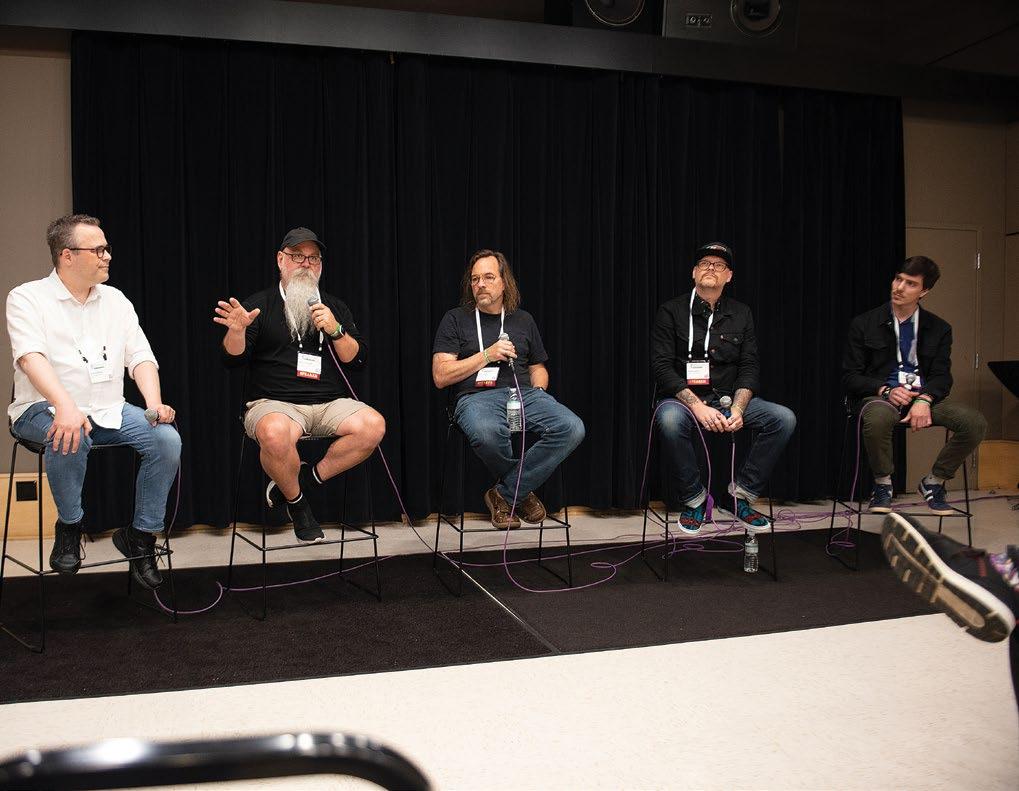
The day kicked off in Columbia Studio A with a Keynote Conversation titled “Immersive Music—Art Meets Commerce,” moderated
by engineer/producer F. Reid Shippen and featuring two of Nashville’s most talented audio professionals: producer/engineer David Leonard and producer/artist Dann Huff. That was followed by a Mix Panel Series featuring discussions on “Separate But Equal: The Stereo and immersive Mix” and “Monitoring the Mix: Speakers and Headphones.”
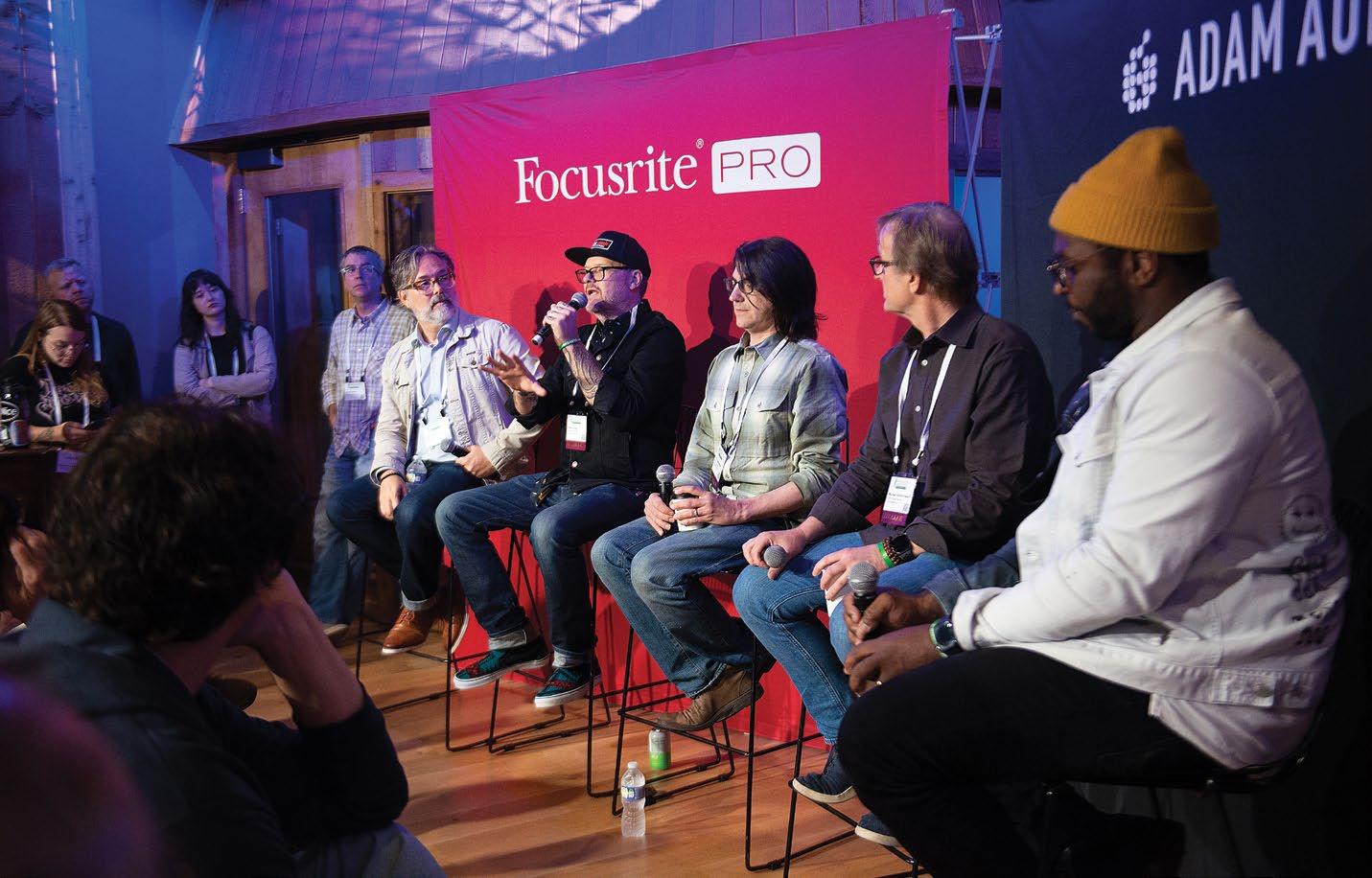
Across Music Square East, Focusrite Pro and ADAM Audio presented a series of expert panels (including mastering) focused on real-world, engineer-to-engineer conversations. SSL and ATC took over Starstruck Studios’ immersive
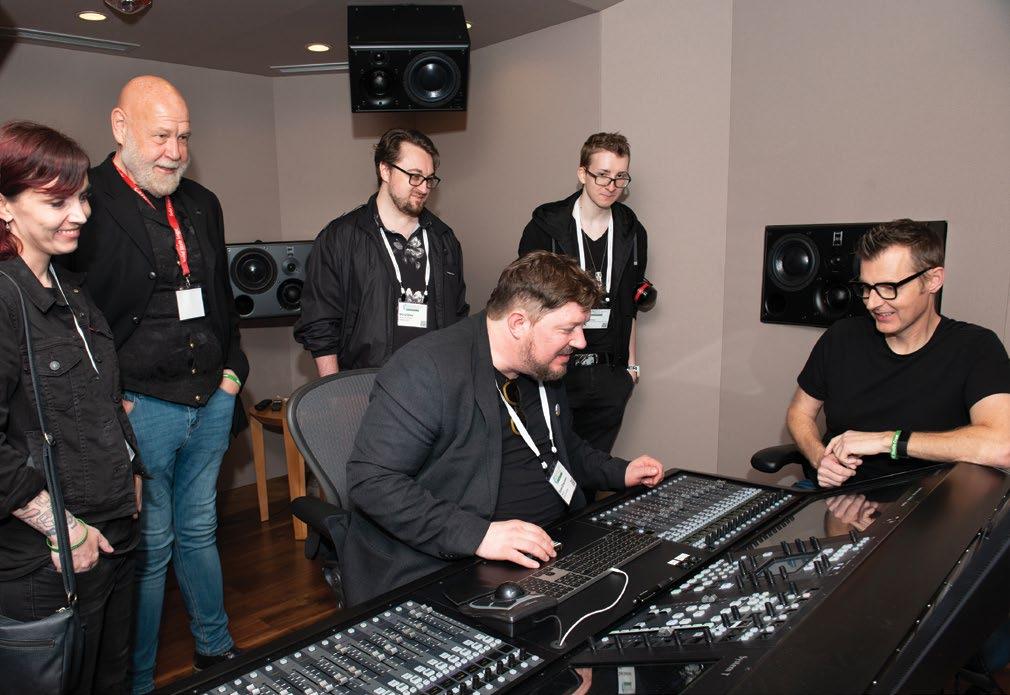
mix room to show off the SSL System T for Music and ATC 7.1.4 Dolby Atmos monitor system.

Across Music Circle South, at Black River Entertainment, Sony took over the main lobby and the 360RA immersive mix room to showcase its new Virtual Mixing Environment, 360RA mixing tools and new MDR-MV1 Studio Monitor Headphones. Further down the hall, Sennheiser/ Neumann set up a complete 7.1.4 KH Series monitor system, with curated playback sessions by Coast Mastering’s Michael Romanowski, featuring Nashville engineers.
Back at Columbia Studio A, Avid and Westlake
Current // news & notes
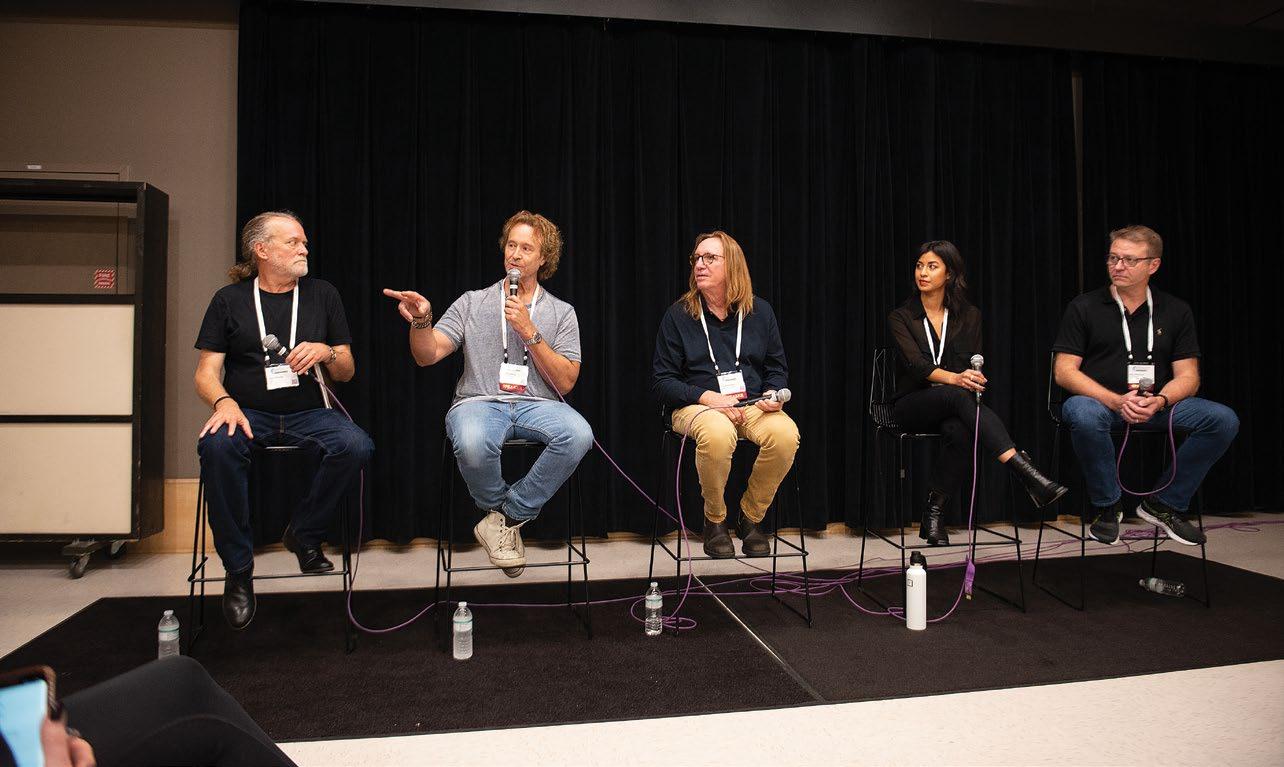
The Mix panel ‘Separate But Equal: The Stereo and immersive Mixes’ featured, from left, Mix co-editor Tom Kenny (moderator), engineer Jeff Balding, producer/engineer Chuck Ainlay, engineer Shani Gandhi and producer/engineer Matt McClure.
Westlake Pro and Avid hosted a panel titled ‘Creating immersive Mixes,’ featuring, from left: Chad Evans of Westlake Pro, Jeff Huskins of BMG, producer/engineer Mills Logan, and engineer Dustin Richardson.
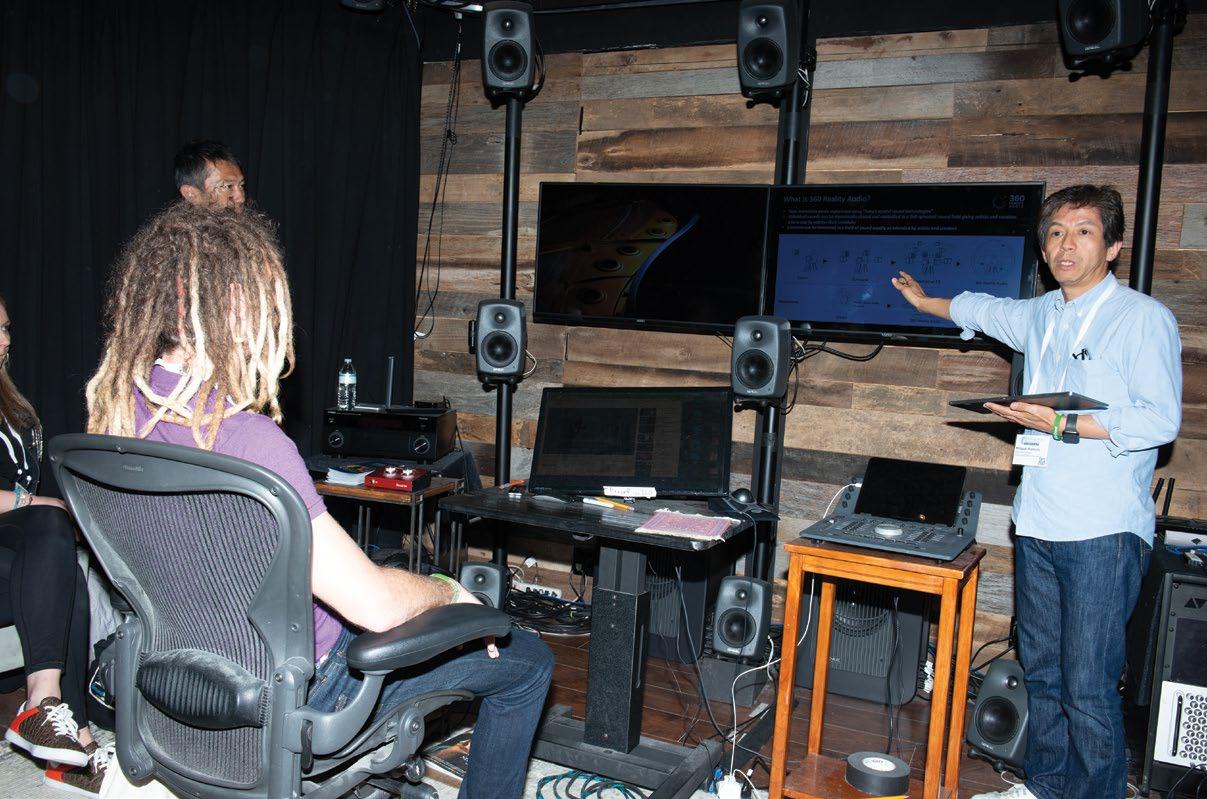
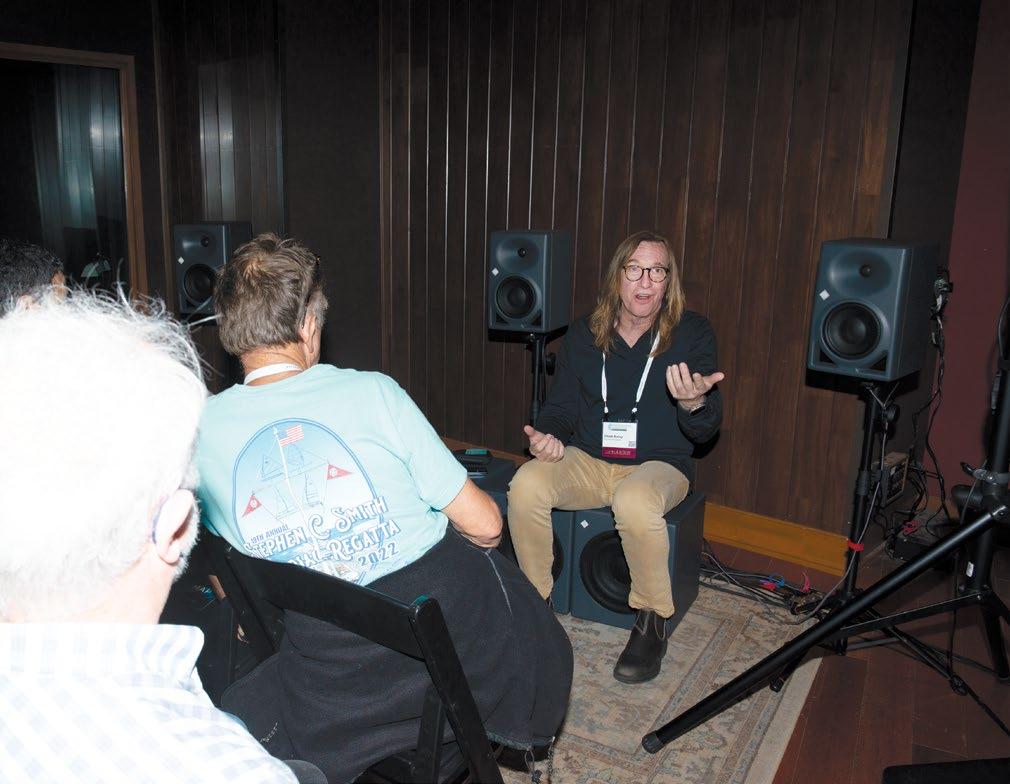
Sony’s Hiroyuki Komuro discusses the 360RA setup at Black River Entertainment’s new immersive mix room.
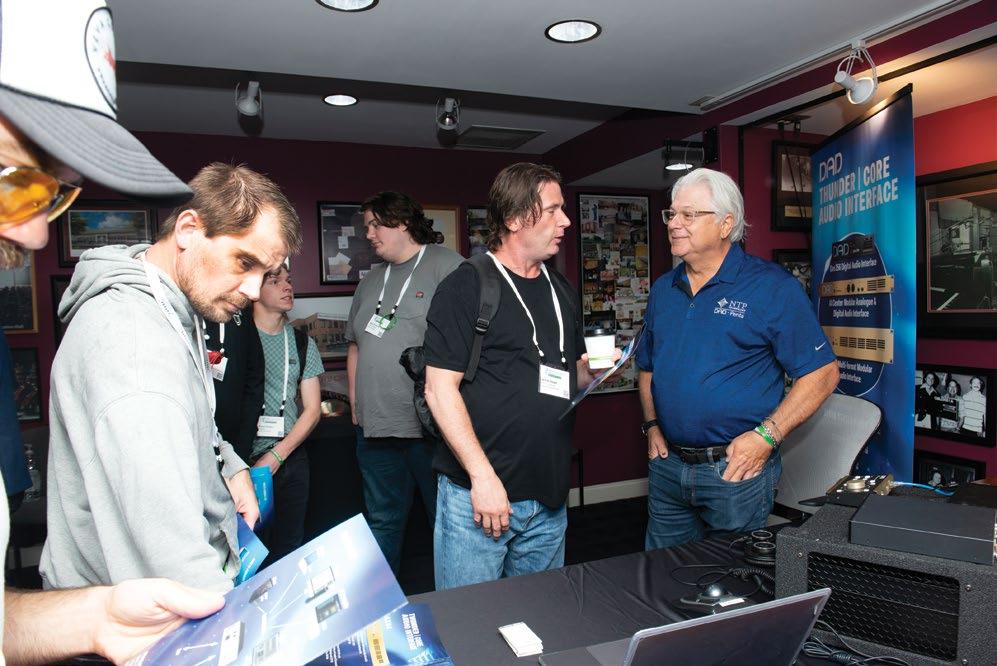
Kurt Howell of NTP Technology (DAD, Penta) talks with attendees at Columbia Studio A.
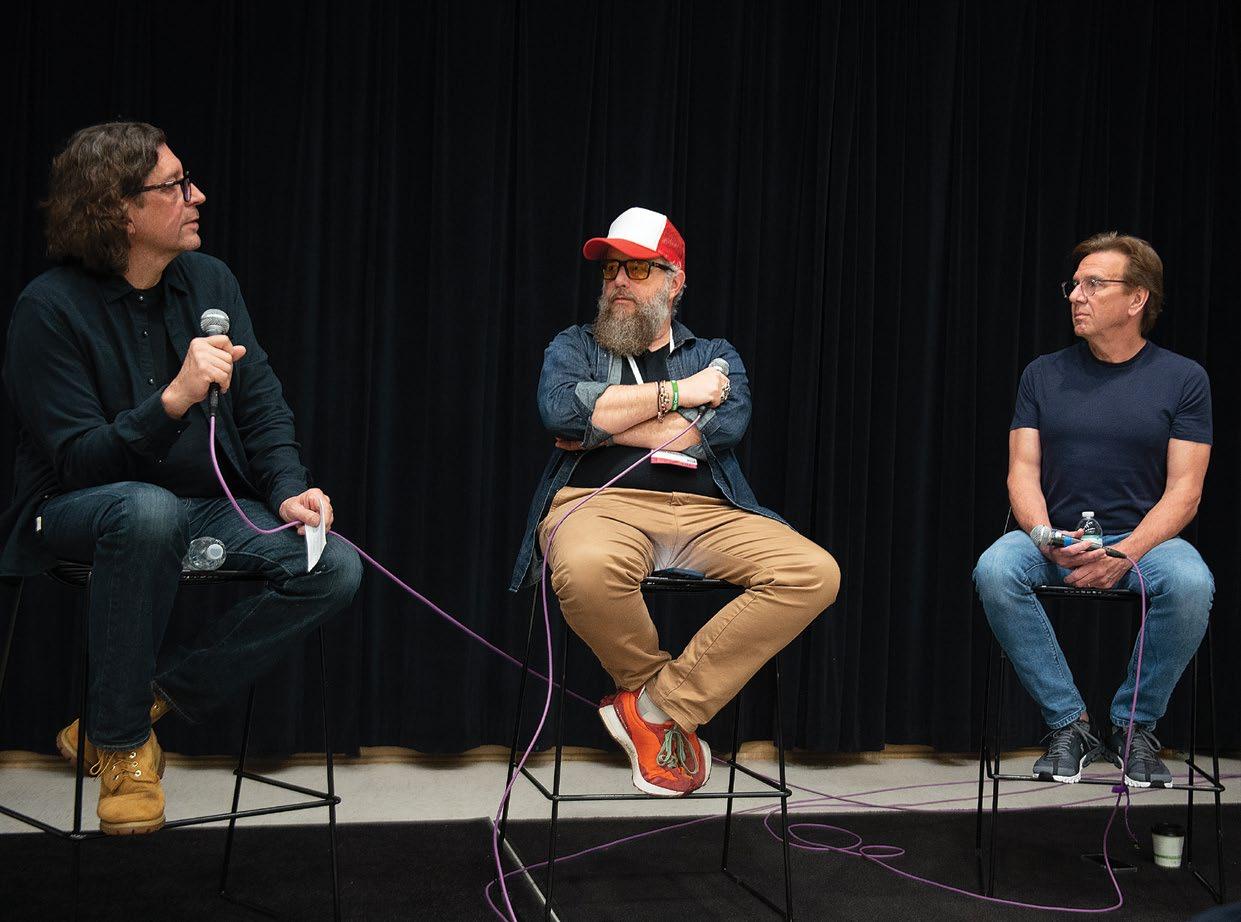
The day kicked off in Columbia Studio A with a Keynote Conversation titled ‘Immersive Music—Art Meets Commerce,’ featuring, from left: producer/engineer David Leonard, producer/engineer (and moderator) F. Reid Shippen, and producer/artis Dann Huff.
Pro hosted two panel sessions, the first breaking down a few Avid tools for creating immersive mixes, and the second titled “Creating immersive Mixes.”
Tabletop Sponsors included NTP Technology, Grace Design, DPA Microphones, Genelec, Wholegrain Digital Systems, Coast Mastering, Symphonic Acoustics and Vintage King.
At night, the event shifted to Berry Hill for a party at Host Partner Blackbird Studio, coinciding with a Studio Crawl and Listening Sessions at Imogen Sound, ADAM Audio’s showroom, Westlake Pro, Addiction Sound and Sputnik Sound, with a multi-facility scavenger hunt sponsored by Vintage King and Avid. n
SSL’s Phil Scholes, far right, points out mix features on the SSL System T for Music, at Starstruck Studios’s new ATC 7.1.4 Dolby Atmos mix room.
Focusrite Pro and sister company ADAM Audio hosted a series of panels throughout the day at the newly renovated Curb Studios. Pictured, from left: Focusrite Pro’s Dave Rieley, and mastering engineers Pete Lyman, Daniel Bacigalupi, Michael Romanowski and J Clark.
Chuck Ainlay sits amid the Sennheiser/Neumann KH Series 7.1.4 setup at Front Stage Studios to discuss his mixes, in a playback series curated by Michael Romanowski of Coast Mastering.
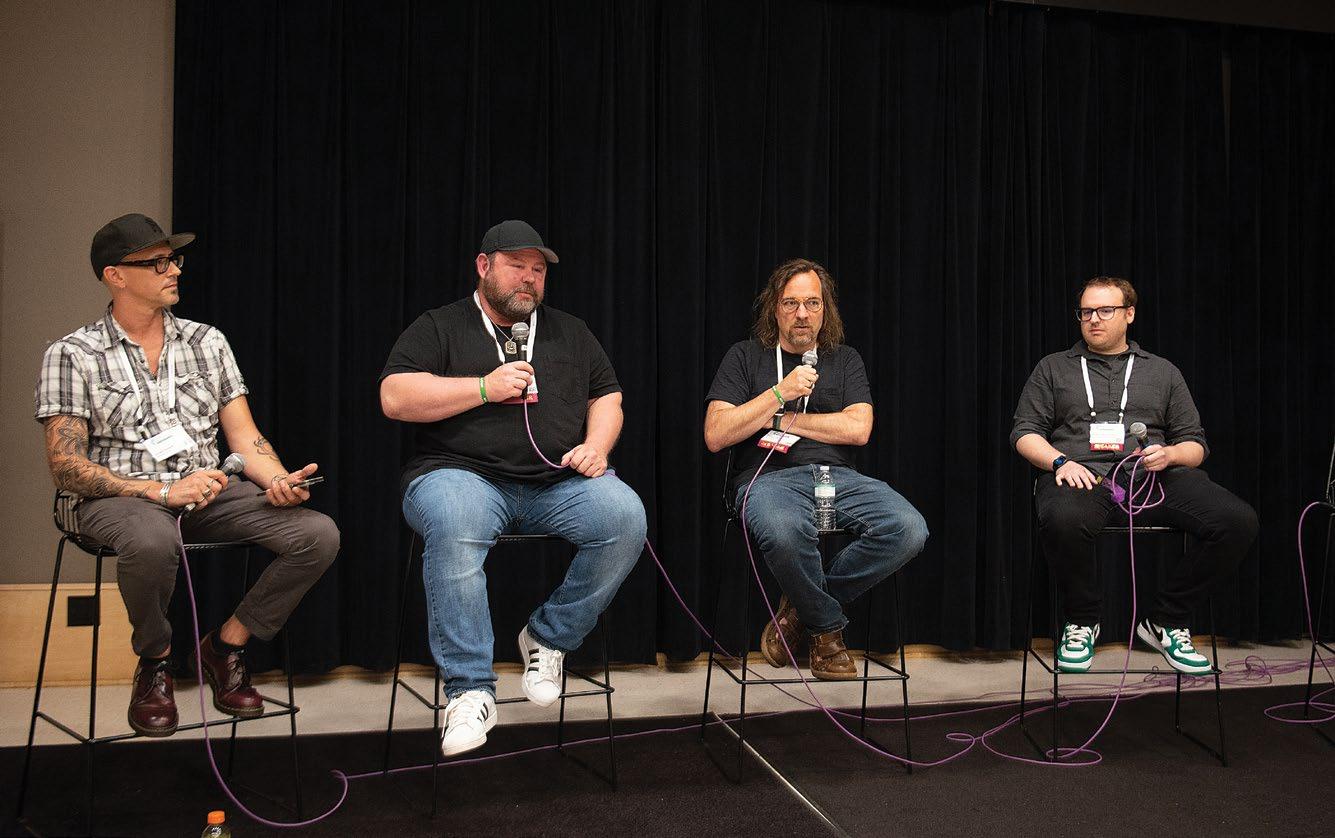
The Mix panel titled ‘Monitoring the Mix: Speakers and Headphones,’ featured, from left, Mix co-editor Clive Young (moderator), producer/engineer Vance Powell, producer/engineer Mills Logan; mastering engineer Pete Lyman and engineer Will Kienzle.
Giles Martin on Remixing The Beach Boys’ Pet Sounds in Atmos
Giles Martin has brought the classic album into immersive…warily.
By Clive Young
Having remixed classic Beatles and Rolling Stones albums for Dolby Atmos in recent years, perhaps it was only a matter of time until Giles Martin was invited to give the same deep, immersive treatment to The Beach Boys’ 1966 magnum opus, Pet Sounds Released in June on Apple Music, Amazon Music and Tidal, Martin’s new mix takes the ambitious album spearheaded by Brian Wilson, a musical genius with hearing in only one ear, and expands it to fully engulf the listener with its sparkling highs and melancholy lows, all while staying true to the song cycle’s original sonic imprint
and artistic intent.
Taking the album apart, said Martin, led him to rediscover its unusual instrumentation, audacious use of then-limited studio effects like reverb, and of course the Beach Boys’ trademark stellar harmonies. “People say it’s a psychedelic album, and it’s not; it’s more like a classical record, and working on it, you suddenly understand the depth of the talent that goes into it,” said Martin. “Pet Sounds is one of those things where you fall in love with it more from opening it out and exposing it.”
Martin was approached to mix the album for Atmos shortly after completing similar duties for
the Beatles (“I had just finished doing Revolver, so I was kind of stuck in 1966,” he joked). While working his way through each track, Martin sent mixes to Wilson and longtime Beach Boys producer/engineer Mark Linett for appraisals, but largely built his mixes by referencing original versions of the album.
“On my desk, I have the mono mix, the stereo mix, and the multitrack I’m turning into Atmos, all on different buttons, and I’m flicking between them, trying to hear what is good and what’s bad,” he said. While it would be natural to expect the 1966 mono and stereo mixes to be identical in
MIX | JULY 2023 | mixonline com 10
Music
PHOTO: Capitol Photo Archives / Alex Lake
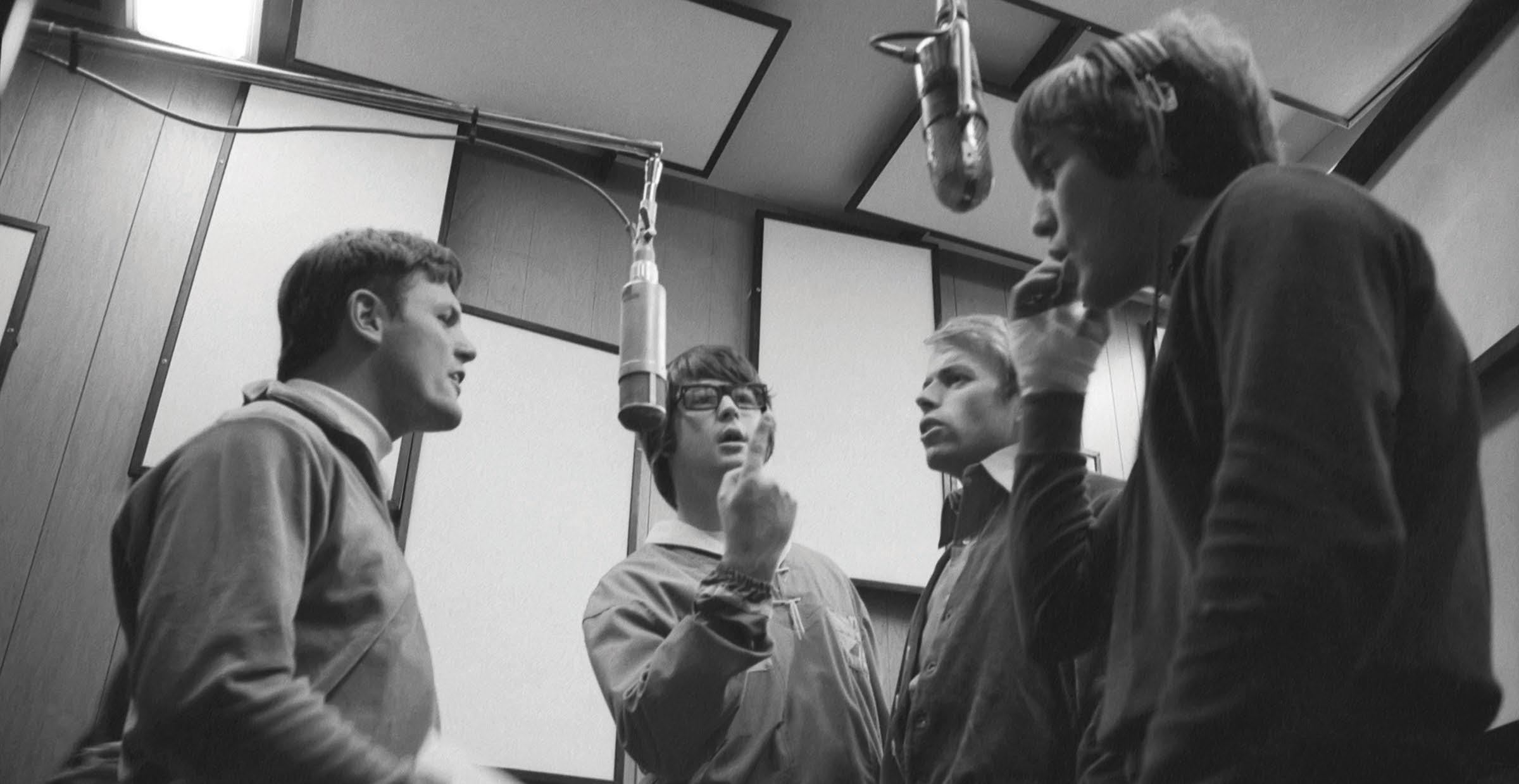
Bruce Johnston, Brian Wilson, Al Jardine and Dennis Wilson harmonizing during a Pet Sounds recording session.

many ways, he found that wasn’t the case: “The reverbs are very different on the stereo—it’s quite a bit wetter. I wound up making sure that [my mix] was not going to be wetter than the stereo; in fact, I think it is a little bit drier than that, even though it’s in Atmos, which does create a sense of space.”
Martin’s guiding principle was to focus on what Wilson was originally looking to accomplish with each song. “What I do is respect what the artist was trying to create and get in their head, and then open it out a bit more so there’s a soundfield you can move into,” he said. Doing that, however, was a relative process: “It’s a bit like hitting mono with a toffee hammer, and it’s shattering around you slightly. You have this center field and you can then afford to have the immersion around you. Manny Marroquin, who’s a great mate of mine and a fantastic mix engineer—he’s way better than I am—we talk about this and we said the great thing about this format is it does give you room to open out the frequencies.”
Martin had a basic game plan he applied to each song. “Essentially the instrument tracks are three tracks and they’re left, center, right, and that’s going to horseshoe around you with a lot of the backing vocals further back while the vocals are front and center,” he explained, adding later, “You have to be careful when you’re expanding out that you don’t fragment things too much, that it doesn’t sound too dissipated and not direct enough. That’s always the challenge with this.”
Crew, was the fact that the drums were unusually miked. “There doesn’t seem to be a drum kit on this record at all,” Martin exclaimed. “There’s no tracks with drums on their own. There’ll be a kick drum with other instruments or a snare drum with other instruments, so it’s almost like orchestral percussion as opposed to a drum kit. If there’s a snare that I put in the center, the snare will have other instruments on it.
why we do this, but what is underneath that is the work of great artists performing in a room.”
While “Wouldn’t It Be Nice” is arguably the bestknown song on the album, it also proved to be the most difficult to bring into the Atmos realm: “That track, funnily enough, it’s a bit more shambolic than the others; you pull it apart and you hear the shambles, whereas everything else is very precise. With all due respect to how the track is, it’s just made for mono.” That said, Martin’s Atmos mix cannily uses that mono factor to its advantage, as the song pleasantly rolls along with a frontfocused mix until the backing vocals kick in behind the listener with the second verse, making the entire track bloom with new life; it’s the musical equivalent of watching The Wizard of Oz change from black and white into color.
While attributing most of his mix strategy to instinct, he joked, “Technically-wise, I’d like to blind you with science, but I’m too stupid to do that. It really is a question of sometimes I’m using a bit of ADT [Artificial Double Tracking] and stuff to widen images and I’m using the fact that we have height now. We can even put you in the same room as the band, and the thing about this is it’s a very natural record, [so] there’s a lot of bleed on the tracks; it’s a lot like being front and center with this amazing band playing in front of you.”
Adding to the sense of being in the studio with Wilson’s army of session players, The Wrecking
“For instance, ‘Wouldn’t It Be Nice’ has snare and saxes together, and that’s in the center channel. There’s some drums, bass, tambourine and glockenspiel on the left-hand side, and tack piano, keys and guitars on the right-hand side— and the Crew are playing all that live. I think from a point of balancing, even though they were making mono, they separated them so they could balance them in the mix.
“That’s the most incredible thing about this, and you hear it on the record: You can’t replace the sound of people in a room…. What makes this record is the performance, and we kind of take that for granted, which is a good thing because that’s what Brian wants. You’re meant to listen to a song, and the song is meant to make you feel something. That’s the whole point of
Despite a strong track record of remixing classic albums in Atmos, Martin admitted to being intimidated by the responsibility of reinterpreting Pet Sounds: “‘God Only Knows’ is one of my favorite songs, and I have that view of ‘This should not be touched, and maybe especially by me!’ Already there’s an impostor syndrome with me and the Beatles stuff; there’s a double imposter syndrome with me doing The Beach Boys, but in all honesty, you can’t think about these things. I’ve learned from the people I’ve worked with—there is a reason you’re there. There has to be an arrogance involved that’s going, ‘They’ve asked me to do this; they want me to do what I do.’ There has to be that [mindset], but at the same time, you always think you might get your house burned down!”
Another way of looking at the new mix, he suggested, is for adamantly purist fans to see it for what it truly is: One mix among many. “People, if they like, they can listen to the mono, the stereo, or the Atmos version. I would never be as arrogant to say that I’d made the definitive version of Pet Sounds—what I’ve done is I’ve made a Dolby Atmos immersive version that hopefully people will love and enjoy.” n
MIX | JULY 2023 | mixonline com 12
PHOTO: Capitol Photo Archives
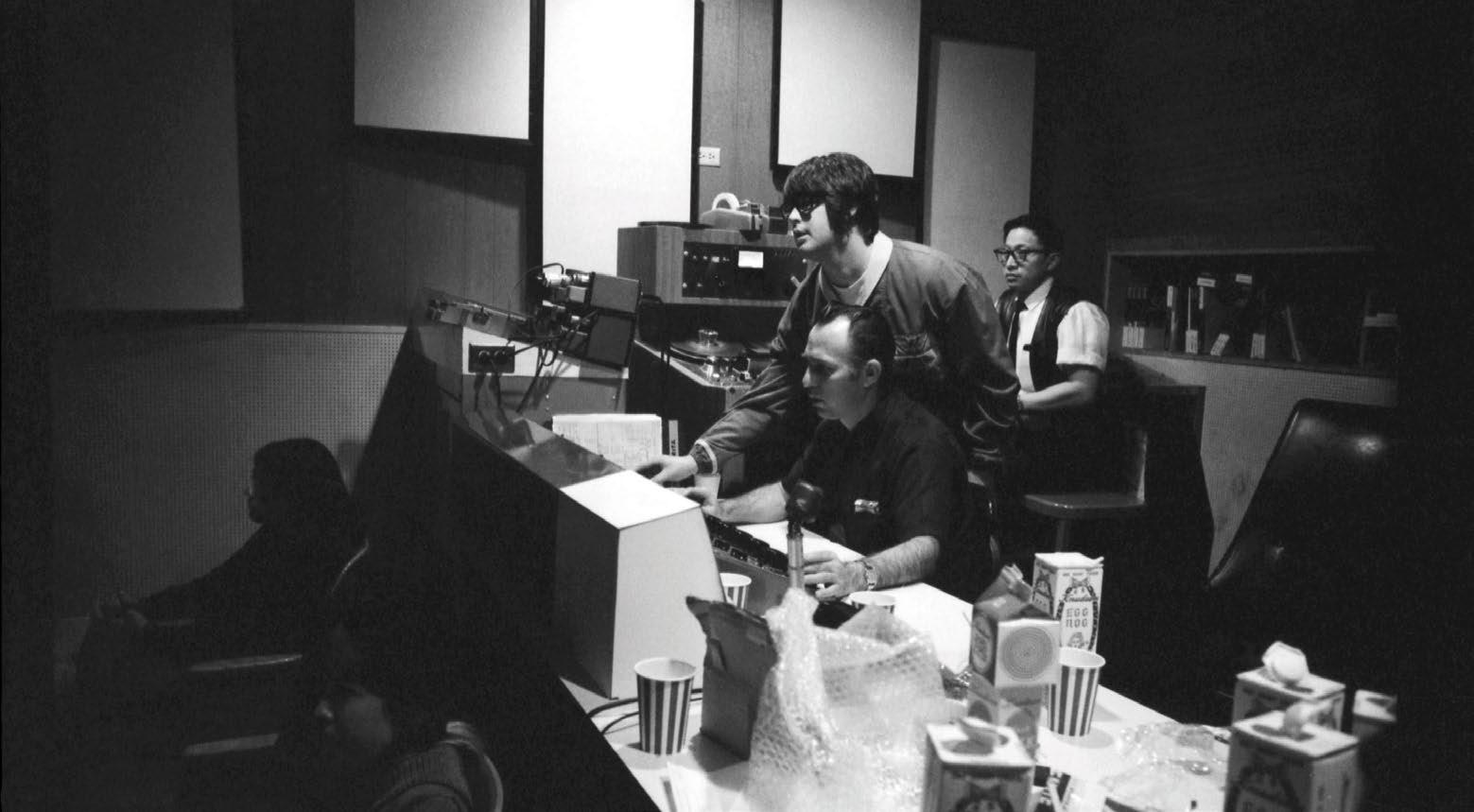
In addition to singing and writing the songs, Brian Wilson produced Pet Sounds, aided by longtime recording engineer Chuck Britz (seated).
Having just completed last year’s Beatles Revolver box set, Giles Martin set to work remixing Pet Sounds for Dolby Atmos.
““I have that view of ‘This should not be touched, and maybe especially by me.’”
—Giles Martin
PHOTO: Alex Lake
Music // news & notes
Speakers Never Get Old at Pricetone Studios
Sean Price’s new Studio B at Pricetone Studios in Burbank, Calif., now houses the first pair of Genelec monitors he ever bought, complementing his all-Genelec main room, which is outfitted for 7.1.4 Dolby Atmos work.
Price acquired a pair of Genelec 8250A Smart Active Monitors, which became the foundational components of every facility he’s created, as soon as he completed his education in 2010. “In school, we used a ton of different monitors to train on, including Genelec 8240As,” he recalls. “But the best-sounding mixes were the ones I did on the Genelec monitors. When I was just starting out, I knew I needed them.”
Price has been building ever-more sophisticated iterations of Pricetone Studios since his first home-based facility in the San Francisco Bay Area. His current 2,000-plus-square-foot facility in Burbank, which he designed and largely built, offers recording, mixing, mastering, ADR and other sound-for-picture services.
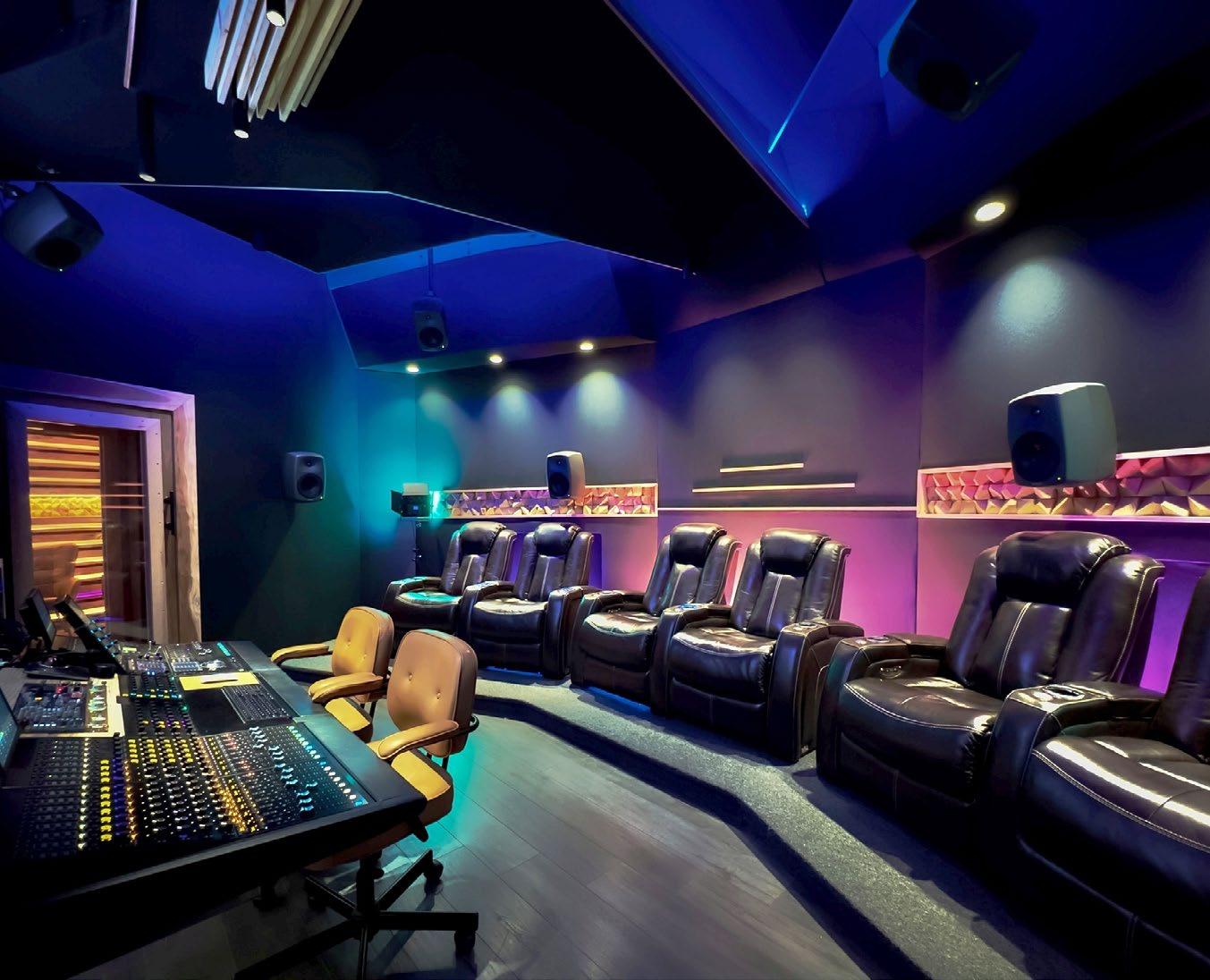
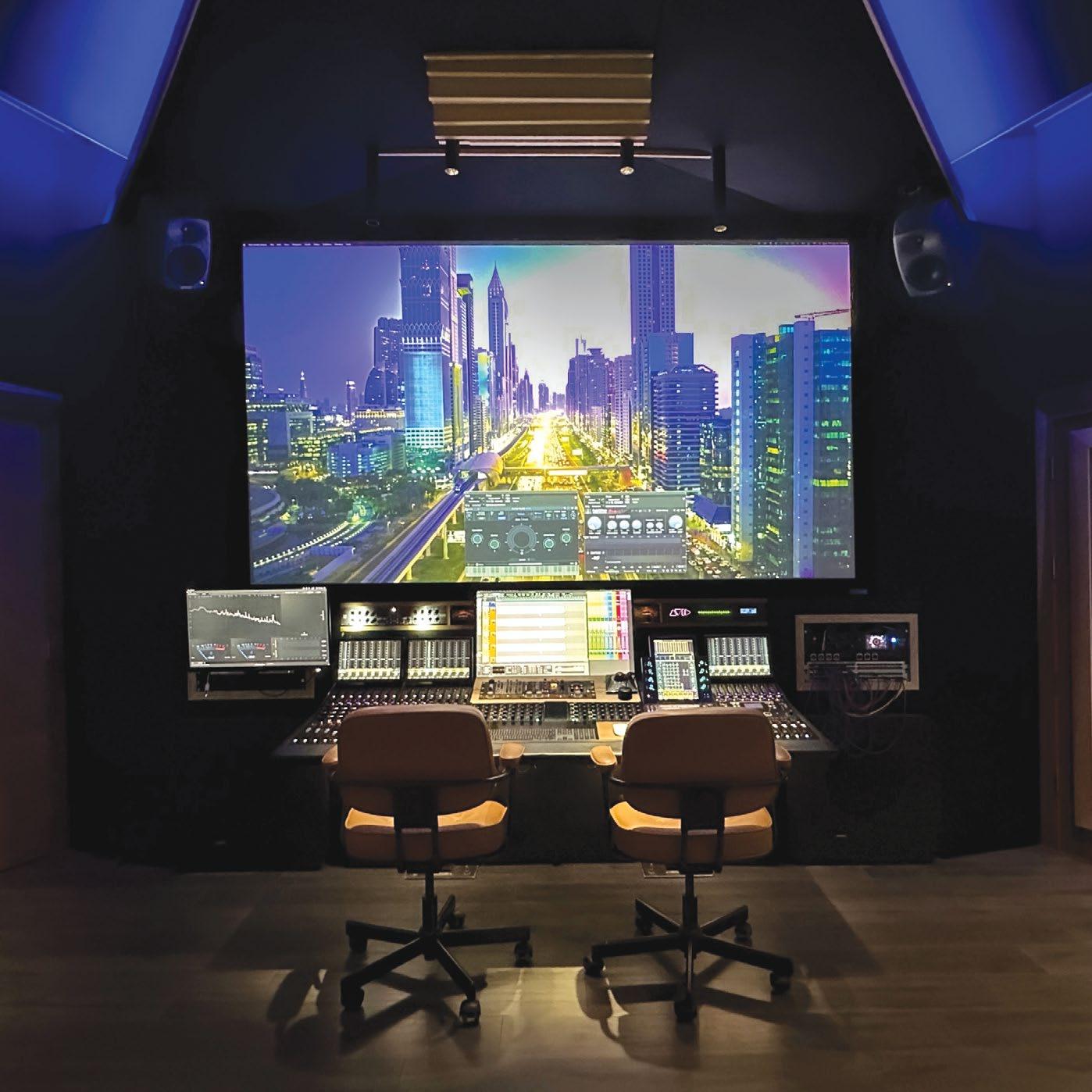
Studio A’s 7.1.4 Dolby Atmos array includes Genelec 8361As for left and right, 8350As for the center channel and surrounds, four Genelec
8340As for the overheads and a pair of 7380A Smart Active Subwoofers. A Genelec 9301A AES/EBU multichannel interface, which also expands the 7300 Series Smart subwoofers’ AES/EBU I/O from stereo to eight channels, manages the system. The room additionally features a massive, 130-inch UHD acoustically transparent screen.
Price’s original Genelec 8250As now serve as the main stereo pair for the newly opened Studio B. “And they still sound as clear and punchy as they did 10 years ago!” he comments.
Genelec Loudspeaker Manager provides monitor system configuration, management and optimization in both rooms. “Thanks to GLM, I can continue to use all of my Genelec monitors in any configuration,” says Price, who also designed and crafted the acoustical treatment paneling used in the studios, including diffusers, in his woodworking shop.
According to Price, GLM’s capabilities have significantly helped the ROI on his speaker purchases. “Monitors I purchased a decade ago still produce consistently excellent results and can still be utilized in future critical listening scenarios,” he says. “Upgrading by adding new monitors over time never causes existing models to become outdated. Of all the equipment and technology I’ve ever bought over the years, Genelec monitors have been one of the few things whose cost has been worth every cent and that have only grown in value.” n
MIX | JULY 2023 | mixonline com 14
A side view of Pricetone’s new Genelec-based 7.1.4 Dolby Atmos mix room.
A front view of Pricetone’s new Genelec-based 7.1.4 Dolby Atmos mix room.
Music // news & notes


Four-Track Tape Brings Magic to Mixing for Mackin
Tascam’s Portastudio 244 four-track recorder has become integral to the sound of Austin-based rock trio Annabelle Chairlegs.
Lead vocalist and band founder Lindsey Mackin— the band also includes bassist Derek Vaughan Nunez Strahan and drummer Nick Cornetti—has been writing and recording her own music since landing in Austin, Texas, almost a decade ago. She has been using the 244 for over six years, and also got Tascam’s Model 12 integrated production suite two years ago, she reports.
“I record most of the time when I am writing music, as it helps me ‘visualize’ the direction that I’m taking. Most everything I am working on, whether released or not, will end up on the Tascam 244. It may also make its way on to the Model 12, depending upon what I want to add to the track or what kind of sound I’m looking for,” she says.
Mackin performs and tours regularly and, after releasing two full length albums, an EP and some singles, album number three is on the way and she is just starting her fourth record.

“The 244 is my primary recording tool. I’ll be releasing a new album later this year titled Heavy Sleeper, and on that project, I worked with an engineer in a recording studio,” she says. “We ended up using a mix of songs I recorded on the 244 and some that were captured at his studio, Dandy Sounds in Dripping Springs, Texas. In my mind, I was going to re-record all the tracks, but ended up wanting to use the tracks from my 244 as the foundation of the record. Being an analog recorder, I think the 244 has such a dreamy and warm quality, and I really wanted to hold on to that. I couldn’t let it go.
“I love recording analog and I tend to get less distracted when using the Portastudio, as it lets me focus on the creative aspects as opposed to the technical,” she continues. “I also love the natural compression that the tape provides. It brings magic to mixing and makes it more like a performance, which I think is amazing and important. With the 244, the noise reduction is always on, which I love. I think that’s part of the 244’s charm. Everything sounds so good! I tend to stay on the 244 for as long as I possibly can.” n
mixonline.com | JULY 2023 | MIX
Lindsey Mackin, founder of Austin, Texas, band Annabelle Chairlegs.
Mega-Monsters Brings the Metal
By Candace Horgan
For heavy metal fans, one of this year’s highlights has been the Mega-Monsters tour, featuring Atlanta-based Mastodon and French metal masters Gojira rotating coheadlining slots. The tour spent most of the spring careening across the U.S. before both bands took a well-deserved break, but the rock resumes with more shows next month.
Tackling Mastodon’s mixes are Rob Lightner at front of house and Patrick Krause in monitorworld, while Gojira’s mix team includes FOH man Johann Meyer and monitor mixer Eric Shenyo. The tour marks Krause’s first tour with Mastodon, says Lightner, but the two engineers
have known each other for some time: “I’ve been doing monitors longer than front of house, and Paddi is always going to be my first call when I need somebody to replace me. When he was available for this, I just instantly felt like things would be right. He’s very particular about things, and he’s very good at what he does.” Rounding out the crew are Bobby Brickman, handling system tuning duties, and monitor tech/RF coordinator Sam Schmitt.
For FOH engineers Lightner and Meyer, the tour has provided an opportunity to work together again, as the two bands have toured together before, and both engineers speak highly
of each other.
“There’s a long history of us going back and forth with new ideas and influencing each other to try new things, and it’s always so well-received,” says Lightner of Meyer. “It’s not necessarily just sharing ideas with Waves; it’s sharing ideas and techniques throughout all audio aspects. The singer for Gojira doesn’t like low end on stage, and subs tend to couple on stage, so we just tried to talk about ways that we could supplement our low end with the sub configurations. I think we all really achieved a great balance of being able to keep it nice and punchy, but not focused in the center of the stage.”
MIX | JULY 2023 | mixonline com 16 Live
PRESENTED BY
PHOTO: Errick Easterday
DCR Nashville has been providing all audio production on the Mega-Monsters tour, including the L-Acoustics K2 line arrays seen here above co-headliner Gojira.
Adds Meyer, “I think it’s super cool in the engineering world to share; I don’t really like calling it tricks or magic or whatever, but ideas, you know? In the digital world, we all use plugins and stuff, and sometimes you pull up a plug-in on the screen and you’re like, ‘Oh, what is this thing like?’ Like we named one the ‘Space Tube’—it’s a plug-in with a lot of things that we don’t really understand. ‘Okay, let me try this thing.’ I remember after he left, I texted him that I like this Space Tube; I think I’m going to buy it.”
Both front of house and monitors use Avid Venue S6L-32D consoles, provided—as is all the audio production on the tour—by DCR Nashville. They use the E6L engine and a Stage 32 to connect to outboard gear—and there’s quite a bit of that in the racks. Lightner uses an Eventide H3000 Ultra-Harmonizer, a Neve Portico II Master Buss Processor and an Empirical Labs Distressor at the FOH position.
“I’ve always really enjoyed a Distressor on the snare, and I use an Eventide H3000 for vocal effects,” says Lightner. “I have the Neve Portico II on my main bus. It’s something that I’ve recently started using, and I’ve been really excited about the results that it’s given me. It’s a nice feature to have, the Silk Red/Blue Texture controls, to just add a little bit of flavor to the overall mix.”
Meyer, meanwhile, sings the praises of his SSL compressor for outboard gear: “Mainly, I use an SSL Bus Compressor on my mix bus. That is something I’ve been using for a long time, I’m really used to mixing to it, and I lean pretty hard on it. I also have a Little Labs Voice of God, which is a weird thing that you don’t really see often—a frequency resonator. It’s going to boost the frequency and cut it at the same point so it’s just like a very sharp peak; it’s really cool for kick or bass to get a little more low-end to sound a little bigger. I also have a couple of Distressors and a couple of Yamaha SPX90 reverbs that I really love.”
Of course, the plug-in integration with the S6L is something that both Lightner and Meyer treasure. They use a Waves Titan server to handle all Waves plug-ins and feel that it has been incredibly powerful and stable for their needs.
“It reacts a lot faster than the older version,” says Meyer. “Obviously, it has more DSP, but I’m not maxing it out at all; I think I’m running at about 10 percent. Also, it’s unlimited power with this new Titan server. We did four weeks with no issues.”
The tour has been traveling with an L-Acoustics K2 line array system, running a total of 36 K2s, supplemented by Kara speakers for near-fields and 16 KS28s for subs, all powered by L-Acoustics LA12Xs.
Prior to going out, Meyer was a little unsure about using the K2, but found it passed the test with flying colors: “I’m very much used to the K1, the big one; I’ve used the K2 a few times in club shows and stuff, and in my head, I was like ‘K2 is for clubs.’ I was really surprised how loud and powerful it can be in an arena. We did the Kia Forum in L.A., which is a pretty massive venue, and we had absolutely no problem getting enough pressure and power, and there was still headroom available.”
Lightner ascribes part of the smooth handling of the K2 array to Brickman’s talents. “Bobby was really good about working with us and trying to achieve everything that both Johann and I are trying to get out of the P.A.,” he notes. “It didn’t take him long to really figure out what makes us happy and how to how to achieve that every day. It’s been really a breath of fresh air to not have to worry and do my own EQ-ing on top of what the system already has. There’s only been a couple of nights here and there where I did any sort of adjustment to the overall EQ. That’s typical stuff that happens during the daytime versus when the show comes and people get in the venue, but Bobby was really on top of it.”
Both Lightner and Meyer use a combination of Box of Doom ISO boxes and DI signals for the guitar, while bass is strictly DI. For guitar DI, Meyer uses a Two Notes Torpedo speaker simulator that he blends with the signal from the Box of Doom, while Lightner uses a Radial.
Nearly everyone in both bands uses in-ears, though Gojira’s vocalist/guitarist Joe Duplantier and lead guitarist Christian Andreu supplement with wedges, and bassist Jean-Michel Labadie is only using wedges. Meanwhile, in the Mastodon camp, lead guitarist and singer Brent Hinds ditched IEMs early in the tour, according to Lightner: “Brent does not use in-ears. He’s tried it; he goes back and forth sometimes. He’s a very particular guy, and he seems to like just the oldschool speakers on stage moving air. In fact, we started out the tour without any side fills, and he just felt that there was something missing without them.”
For all the history between the bands, there was surprisingly little collaboration on the first tour leg outside of Duplantier sitting in one night on Mastodon’s “Blood and Thunder,” but that looks likely to change when the tour resumes. “They’re very good friends, so they like to do that stuff,” says Meyer. “Backstage, we have a small drum kit and amps, practice stuff, and sometimes Brent from Mastodon pops in the Gojira dressing room and grabs a guitar.”
The second U.S. tour leg is right around the corner, too, as the bands and audio pros re-team in August. As Paul Owen, president of DCR Nashville, points out, “I have looked after Gojira and Mastodon for many years and it’s so good to see both of them out on a major tour together. I have had a long-standing relation with this production team and engineers, and have always admired their approach; it’s a great sounding tour.” Those sounds will continue as the next leg rolls into early September, to be followed by a South American run in November. ■
MIX | JULY 2023 | mixonline com 18
Gojira FOH engineer Johann Meyer mans the Avid S6L-32D console nightly on the Mega-Monsters tour.
PHOTO: Errick Easterday
The Longhorn Lives!
By Clive Young
There are lots of venues that want to be cool, but there’s blessed few that have that elusive vibe simply baked in. The Longhorn Ballroom in Dallas is one of those places—a venue steeped in history but still of the moment, standing tall with a dash of attitude and yet a welcoming atmosphere. Built 72 years ago, it’s the kind of place that hosted both the Sex Pistols and Merle Haggard the same month; that was once owned by Lee Harvey Oswald’s assassin, Jack Ruby; and which brought in legends like Al Green, James Brown and Bobby Blue to play “service industry nights” for Black patrons, openly flouting its location where, just outside of Dallas police jurisdiction, segregation laws of the era couldn’t be enforced. The venue has presented everyone from Patsy Cline to Patti Smith, from Tex Ritter to Red Hot Chili Peppers, and from George Strait to Selena. In short, the Longhorn Ballroom is cool.
In more recent times, however, it was also closed. Despite the Longhorn’s legacy, the venue slowly fell into disrepair in the 2000s as it changed hands multiple times before shuttering in the late 2010s, eventually going up for a foreclosure auction on the steps of the local county courthouse during the pandemic. In the crowd that day was Edwin Cabaniss, who knew the venue well, having nearly bought it in 2015.
“At the time, the owners thought they wanted to sell it, but they weren’t quite ready—and I thought I wanted to buy it, but ultimately I wasn’t quite ready either,” he recalls with a chuckle. As the head of indie promoter Kessler Presents, he had resurrected Dallas’ Kessler Theater in 2010, and would go on to wrangle Houston’s Heights Theater back to life in 2016. With both those venues now thriving, when the Ballroom came up for auction in 2022, Cabaniss made sure he roped the Longhorn the second time around. “I understood that, yes, there were a lot of opportunities for improvement, but it wasn’t like it was a massive overhaul; they were all solvable problems,” he says.
Aiming to bring the venue up to date without ruining what made it unique, Cabaniss and his
team moved the stage from the end of the ballroom to one of its long walls, improving sightlines for most of the audience. The one drawback was that a supporting steel pole in the center of the dance floor—already an issue—would now be directly in front of the stage. The answer was to run a steel beam across the entire ceiling, allowing the pole to be removed. Elsewhere, ADA-compliant ramps were added, much of the interior was gutted and rebuilt, and the parking lot was fortified so that cars no longer sank into it.
When it came to the venue’s sound, Cabaniss turned to Dallas-based acoustician Melvin Saunders, who developed a multi-tiered noise abatement strategy that included using Icynene spray foam insulation inside the gutted interior walls to aid sound absorption while improving the venue’s energy efficiency. Meanwhile, Josh Ball, operations manager for Austin-based Nomad Sound and production manager at large for Kessler Presents, spec’d an audio system that included Yamaha CL5 consoles at front of house and monitors, and a sizable Nexo system to cover the now 2,000-capacity venue.
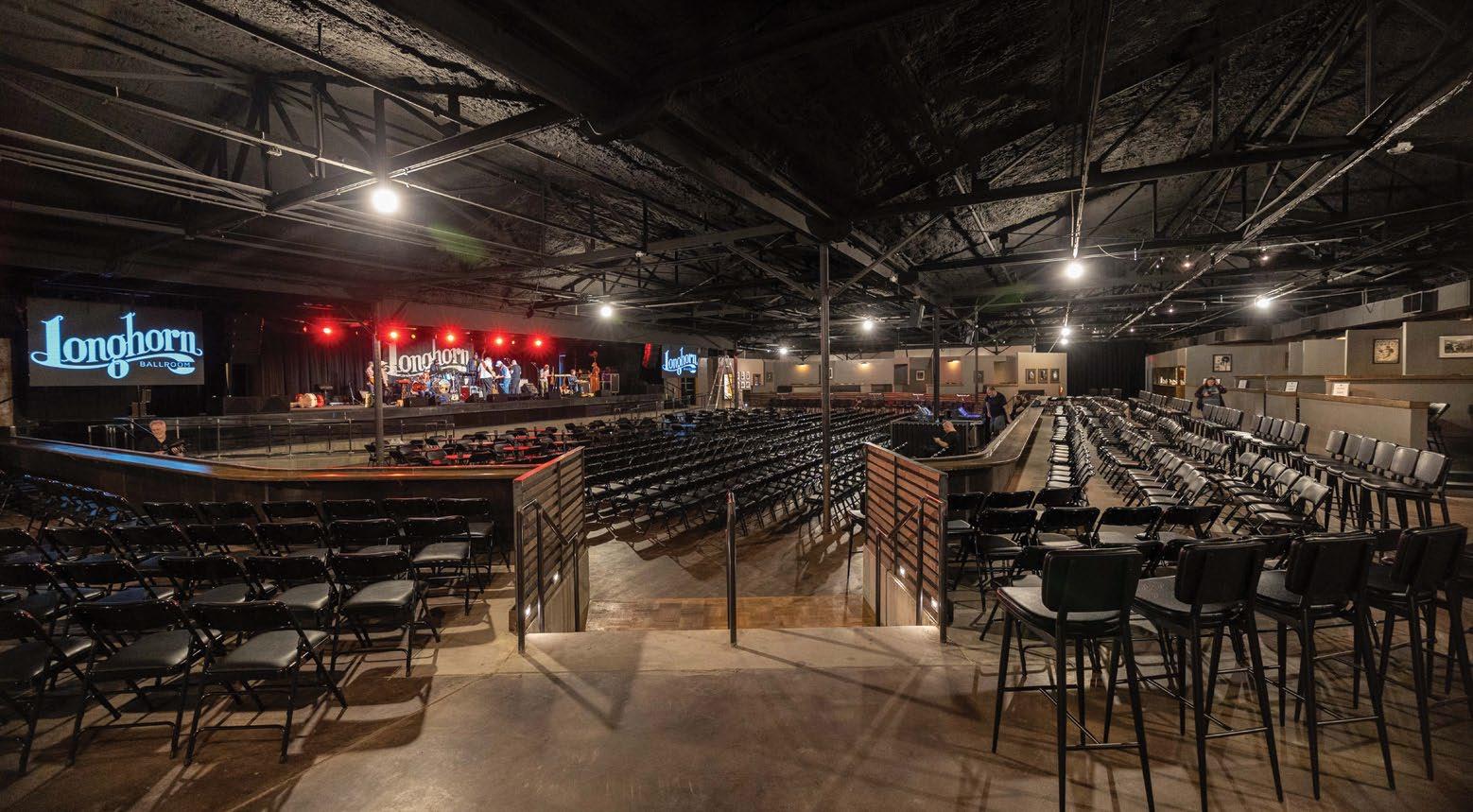
The stage hangs are each comprised of four Nexo Geo M1210 loudspeakers, with a
120-degree flange in the bottom box to provide additional width; four additional M1210s are used as frontfills, hung from the ceiling. For the house-right outhang, S1230s are hung vertically to cover VIP boxes, while two M1210s and an S1230 comprise the house-left outhang; even further out in the room are four PS10s used for delays. All the Nexos are controlled over Dante and powered by four NXAMP4X4 and two NXAMP4X2 amplifiers. Elsewhere in the room are Sound Bridge Xyon subs, and up on stage, monitoring is supplied by a half-dozen Nexo 45N12 wedges, along with Nexo LS18 and PS10s for the drum monitors and a PS15 for the bass rig.
Since the Longhorn Ballroom reopened March 30 with Asleep at the Wheel doing the honors, it’s been getting both good crowds and good reviews—but the revitalization project is far from over. Having bought some surrounding properties, Cabaniss has plans to resurrect the historic recording studio next door and, permits willing, turn the parking lot behind the Longhorn into a 6,500-capacity amphitheater by the end of 2024. “We’ll be doing the Joni Mitchell thing in reverse,” he cracks. “We’ll un-pave a parking lot and put up paradise!” ■
MIX | JULY 2023 | mixonline com 20 Live // news & notes //
Following foreclosure and a nearcomplete gutting, Dallas’ legendary Longhorn Ballroom is back in business, complete with Yamaha desks and a Nexo P.A.
Photo: Andrew Sherman
Photo: Emma Delevante
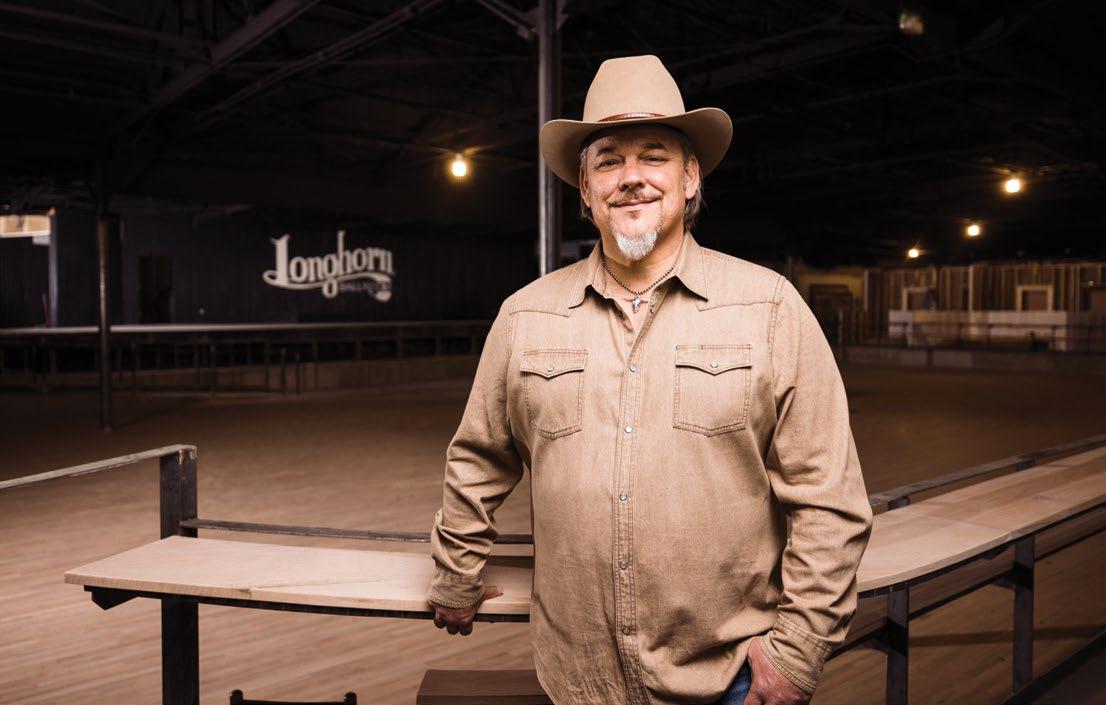
Edwin Cabaniss, head of indie promoter Kessler Presents, spearheaded the Lornhorn Ballroom’s revival.
Live // news & notes // presented by
Sonic Sphere at The Shed
By Tom Kenny
It’s a match made in artist-meets-technology heaven: Sonic Sphere and NYC’s The Shed. The former, a traveling entertainment experience centered around sound and music and lights; the latter, a hip Manhattan venue that features avant-garde and experimental multimedia performance and installations.
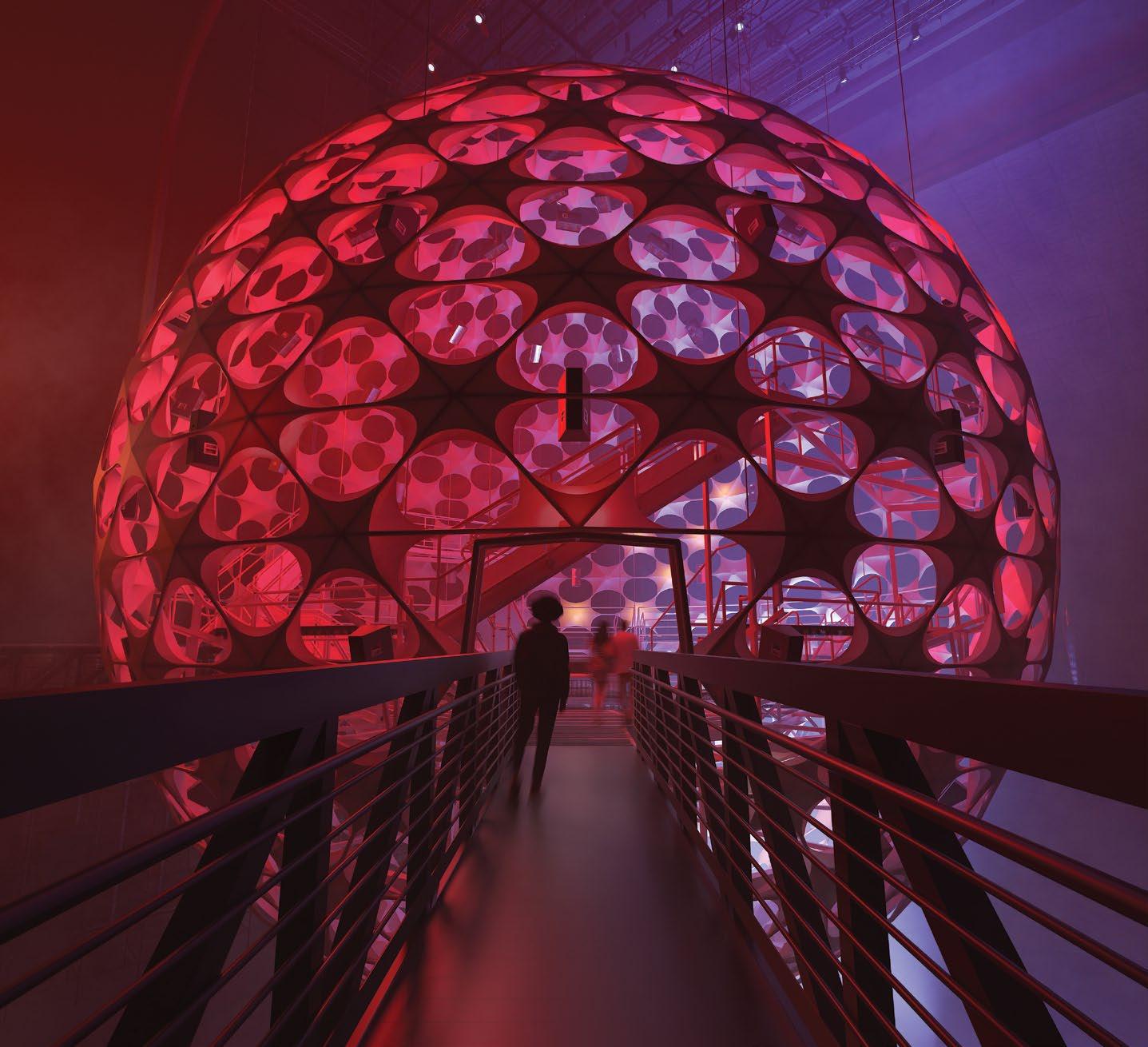
From June 12 through July 7, The Shed will host a curated series of truly immersive musical performances and listening sessions played back within the largest of the 12 iterations so far of Sonic Sphere, this version a suspended 65-foot diameter sphere, with a hardwood dance floor ringing the inside, a performer’s platform suspended within a central net, seating for 250 and a custom 128.12 JBL immersive audio playback system.
“We actually use a method called Fibonacci packing to find the most even distribution of those speakers within the sphere, and that’s quite interesting because it’s sort of offset against the actual spiral geodesic base structure of the sphere itself,” says Merijn Royaards, a sonic architect who teaches sound design for film and art installation at the Bartlett School of Architecture at University College London; he’s also a co-founder of Sonic
Sphere, along with Ed Cooke and Nicholas Christie. Alex Poots led the artistic curation at The Shed.
“This is our biggest installation yet,” he adds, noting that last year’s iteration at Burning Man was about half the size, though it incorporated the net, and most recently in Miami, they introduced some hard surfaces. “And this is a first for us, in that I’ve always been pushing for a hard dance floor. Most of it is meant to be a deep listening session, so the seating is a bit like an operating theater—it’s staggered, with benches at varying degrees of angles. Some of them are a bit more upright, some of them a bit more reclined. Obviously, it’s in the round, and now there are walkways in between for a pseudo-dance floor, and those walkways are perforated hard floors, which makes it acoustically as transparent as we could get.”
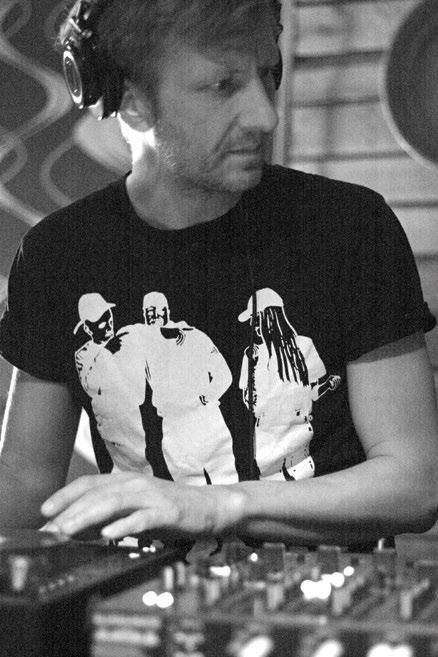
The exhibition is based around multiple 45-minute listening sessions each day, punctuated by scheduled performances from the likes of DJ/ producer UNIIQU3, DJ/producer Carl Craig, classical pianist Igor Levit, composer Steve Reich and drummer/producer Madame Gandhi, among others. For the playback portions, Royaards spent the weeks prior to opening night in a warehouse in Brooklyn, setting up the mixes in FLUX:: Immersive, the spatial audio creation tool designed in conjunction with Ircam.
“We’ve got a mini sphere setup, and that allows me to mix to the format to an extent, but I’m always in the sweet spot,” Royaards notes. “On location, the performer will always be in the sweet spot. In terms of mixing, it’s limiting but also it opens up other creative doors, right? For this iteration, much more than for the others, I’ve been thinking more about making tracks immersive rather than spatial. A good example is the xx performance. There’s about 20-odd stems, the drums are all printed to one stereo track. In previous iterations, I might have been tempted to pull apart those drums and to use a pan on the guitar.
“In this case, I actually took whatever was there—the drums are stereo but they are stereo in one corner and also in the other corner—and then I would sort of shift the guitars and do the same. For every listener, it will become an entirely immersive experience. And, of course, you got the periphery of the vertical mixing. That’s one way of making something immersive without thinking too much about having dynamic panning and objects in space. You use what you have, and you immerse the listener in that 3D environment that you have.” ■
MIX | JULY 2023 | mixonline com 22
Sonic architect and cofounder of Sonic Sphere Marijn Royaards
PHOTO: Courtesy of Sonic Sphere
Rendering of audiences walking into Sonic Sphere in The Shed’s 115-foot-tall McCourt space.
PHOTO: Courtesy The Shed
Bring Me The Horizon Hits the Road With Eighth Day Sound
UNITED KINGDOM—UK metalcore act Bring Me The Horizon has had a busy post-pandemic touring schedule. After a string of UK summer festival dates last year, the band tore through the U.S. and Australia before hitting 18 European cities this spring, and there are still a bunch of 2023 festival appearances ahead for the group. Supporting the band through all that has been the UK arm of Eighth Day Sound under Clair Global Group.
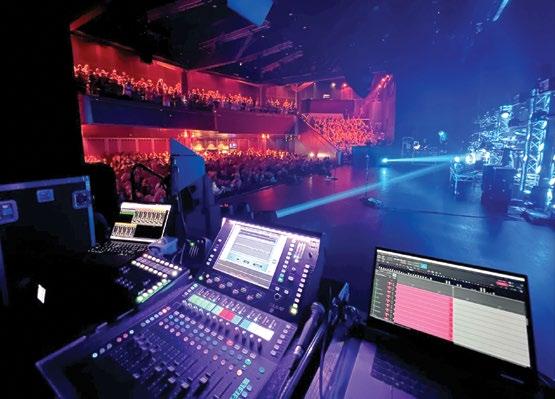
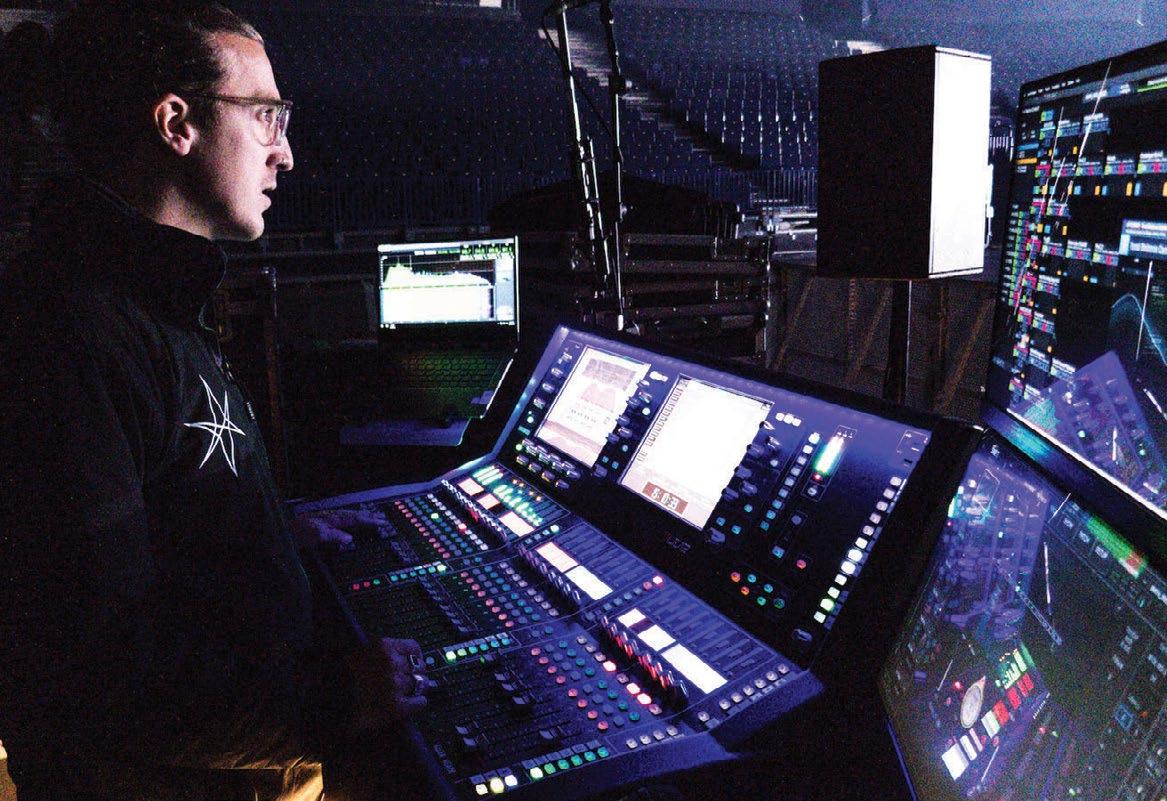
The band’s longtime FOH Engineer, Jared Daly, has been using an Allen & Heath dLive S5000 with a compact dLive MixRack and a DX32 Expander nightly. This tour is the band’s first without an analog split; instead, Daly pulls inputs from the stage Optocore network to minimize the SL rack footprint and to simplify the line system: “I’ve been a dLive user for years, spanning from my time mixing monitors for the band. I’ve loved my time on the Allen & Heath platform; being able to move up and down the console range has been key, as I never have to change or rebuild the show file during any fly show configurations. For outboard, I have one analog piece for the final stage of the mix before broadcast—a Neve Portico MPB, which gives one last stage of saturation and mid-side processing. The show has been built to prioritize the broadcast mix. Working backward from that near field mix and configuring the P.A. to translate has been a great workflow.”
The FOH show file relies heavily on Timecode and is being constantly adjusted underneath the fader. Daly noted, “Throughout, there are elements of theatrical performance that require specific mutes to support moments reflected in the video and lighting designs. There’s volume automation into reverb returns, EQ changes to blend older and newer songs, and a vocal that goes from a full belt scream to a whisper.”
Capturing those vocals are DPA D:Facto 4018s across the board: “Oli
[Sykes, lead vocalist] is running a Shure Axient wireless handheld and Jordan [Fish, keyboards] has a wired DPA. I requested that we move to them in 2019 as I had the chance to try them with another artist and loved them. The off-axis rejection is excellent for those moments where Oli stands close to the drum kit.”
Hanging above the stage is a d&b KSL system provided by fellow Clair Group audio provider Skan PA. As designed by his right-hand man, Jack Murphy, Daly shared, “We had some weight considerations and with flying the sub hangs, with advice from Jack Murphy and Eighth Day, it was decided to move onto KSL to allow more boxes to be flown. The KSL sounded exceptional, as d&b always does. It’s a very tight-sounding box. Having flown subs affords me the luxury of not having to push the low end as hard for the audience in the front rows. A lot of the new material has plenty of low end that needs to reach everyone, and we’ve had great success doing that by incorporating flown subs,” he concludes.
The system comprises KSL loudspeakers with SL subs both flown and on the floor in an array, with a handful of Y10P deployed along the front for fills. All of that is driven by d&b D80 amplifiers, making full use of d&b Array Processing.
In monitorworld, engineer Jon Simcox is running 18 wireless IEM mixes and a hardware pack for drummer Matt Nicholls, plus side fills, extra sub lines on stage, drum thumper, and around 11 FX sends. The band all opt for Jerry Harvey Audio JH Audio Roxannes. Mixes are generated on a DiGiCo Quantum 338 joined by a Waves server. Plug-ins employed include PSE, 1176 for parallel drum compression, SSL channel, BSS402 and H-Verb. ■
MIX | JULY 2023 | mixonline com 24 Live // news & notes // presented by
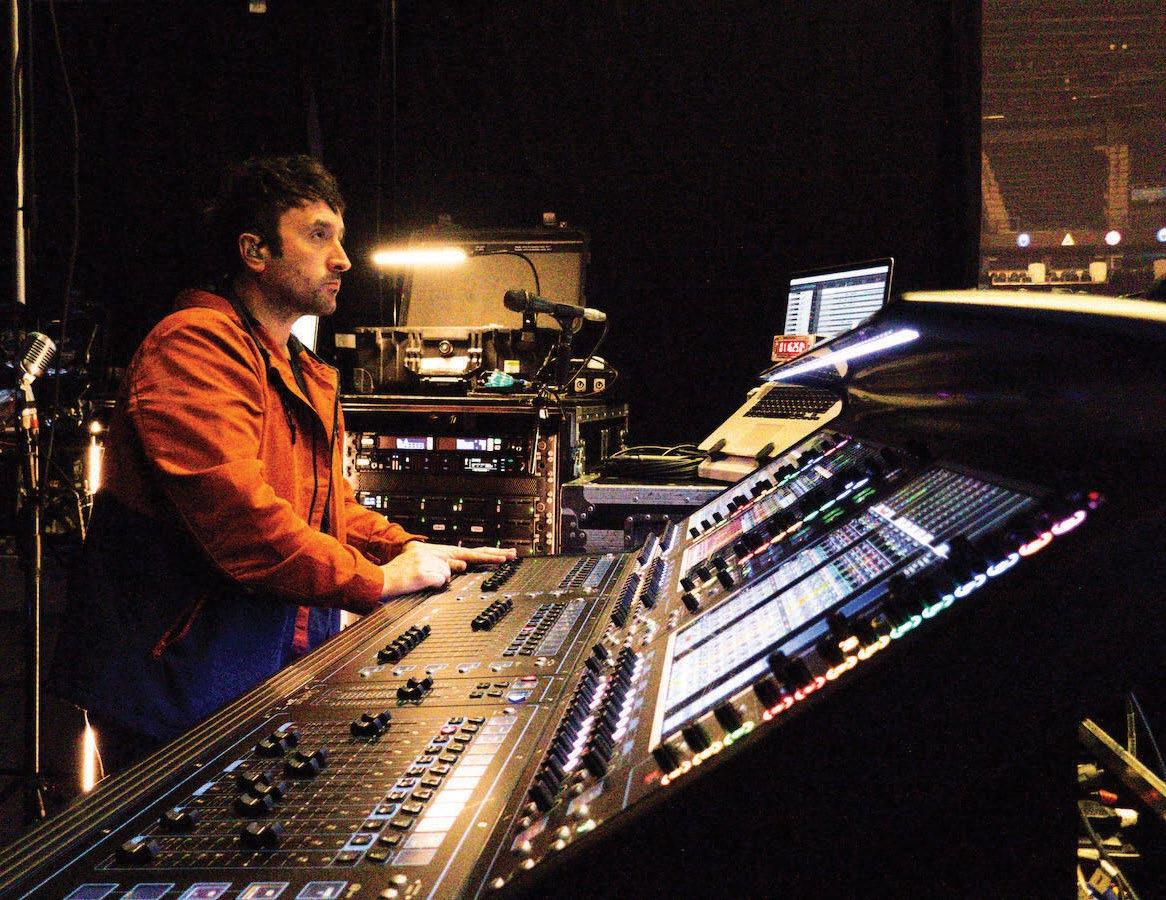
The band’s longtime FOH Engineer, Jared Daly, has been using an Allen & Heath dLive S5000 with a compact dLive MixRack and a DX32 Expander nightly.
In monitorworld, engineer Jon Simcox is running 18 wireless IEM mixes on a DiGiCo Quantum 338 desk.
Live // news & notes // presented by
L-Acoustics to Distribute Mixhalo
SAN FRANCISCO, CA—Startup Mixhalo has been steadily gaining attention for its wireless networking technology for concerts in recent years. Designed to send real-time spatial audio to fans in the audience via their own smartphones and headphones, the technology debuted shortly before the pandemic, and L-Acoustics became an investor in late 2021. Now that partnership is expanding further—and Mixhalo stands to become far more readily available—as Mixhalo’s technology will come pre-loaded as part of L-Acoustics’ spatial audio ecosystem, L-ISA 3.0.
Mixhalo is the first external application to be offered for the L-ISA Processor II, allowing clients to deliver low-latency spatial audio to listeners’ phones, where it automatically and dynamically time-aligns with loudspeakers to complement a P.A. system.

Fulcrum Acoustic
Bows Immersive Division
WHITINSVILLE, MA—Installation loudspeaker manufacturer Fulcrum Acoustic has acquired Concord, NC-based Venueflex. As a result, the various software, DSP and related technologies that Venueflex has developed will become the foundation of the newly formed Fulcrum Immersive. The new entity’s goal is to provide hardware and software tools for designers and integrators to use as they design and deploy immersive solutions.
Joining a burgeoning market in live immersive sound, the Fullcrum Acoustic Immersive technologies include software modeling tools, hardware and software signal processing modules, loudspeakers, amplifiers and acoustic treatments. Dr. Paul Henderson, formerly with Venueflex, will now serve as Fulcrum Acoustic VP of Software & Immersive.
Virscient Unveils LiveOnAir RF Audio
NEW ZEALAND—Virscient has introduced LiveOnAir, a new technology for wireless mics and IEMs that the company claims enables ultra-lowlatency audio over low power wireless links.
The company says LiveOnAir provides audio over long- or short-range wireless links with a latency of less than 5 milliseconds from analog-to-analog. The system can support a range of topologies, codecs, and RF options.
For low-power digital microphone applications, Virscient has a hardware/software reference design based on Nordic Semiconductor’s nRF5340 dual-core Bluetooth Low Energy SoC. Virscient’s LiveOnAir solution for nRF5340 allows OEMs to deliver wireless audio solutions supporting ultra-low-latency transport of 24-bit / 48 kHz audio with a compact hardware BoM. LiveOnAir evaluation kits are available with a range of codec and RF options including Bluetooth, Ultra-Wideband (UWB), and other protocols.
on the cover
When your last world tour ran 260 shows across two years and took the world record for highest-grossing concert tour of all-time, what do you do for an encore? That was the conundrum facing Ed Sheeran in the wake of his 2017-19 Divide tour, which played for 8.9 million people around the globe and brought home a staggering $776.2 million in the process. The troubadour’s answer was to hit the road with his current Mathematics tour, a production that despite its name is anything but “by the numbers.”
Launched in April 2022 and currently crossing North America on a 28-date stadium leg, the world tour uses its in-the-round setting and cutting-edge audio equipment to create an intimate experience, despite drawing some truly massive crowds. Case in point: Sheeran’s two shows this past March at Australia’s Melbourne Cricket Ground played for a total of 211,000 people.
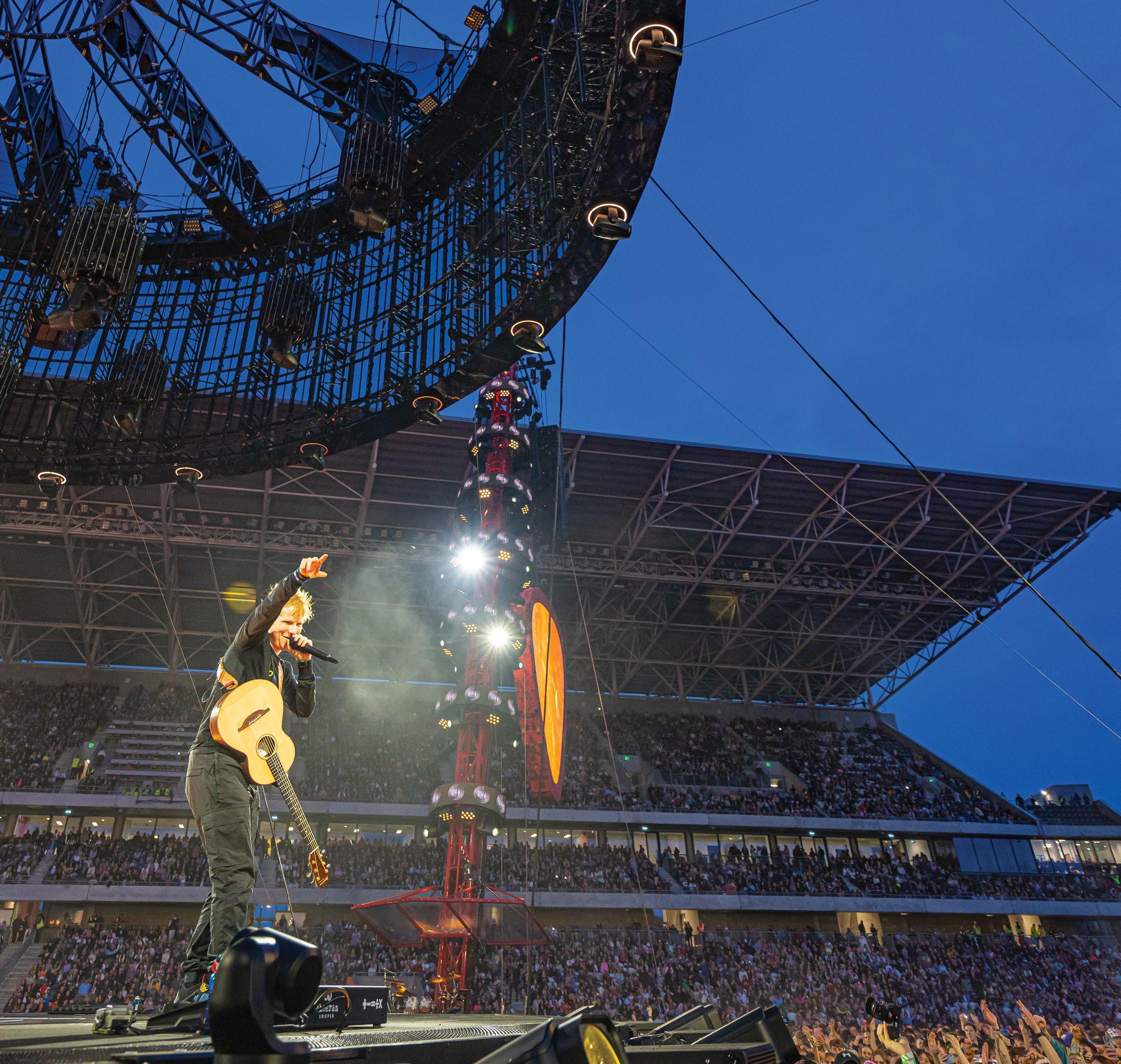
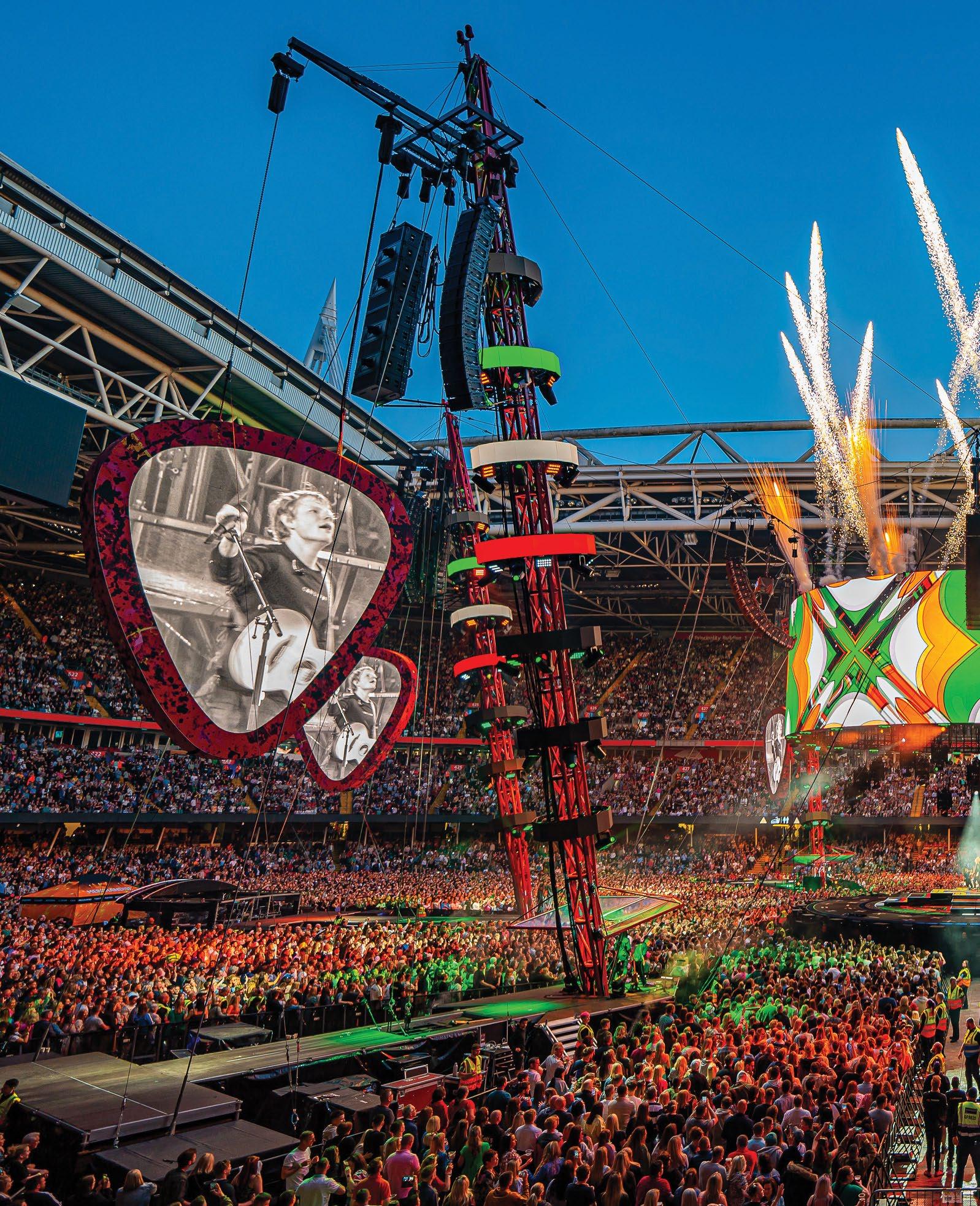
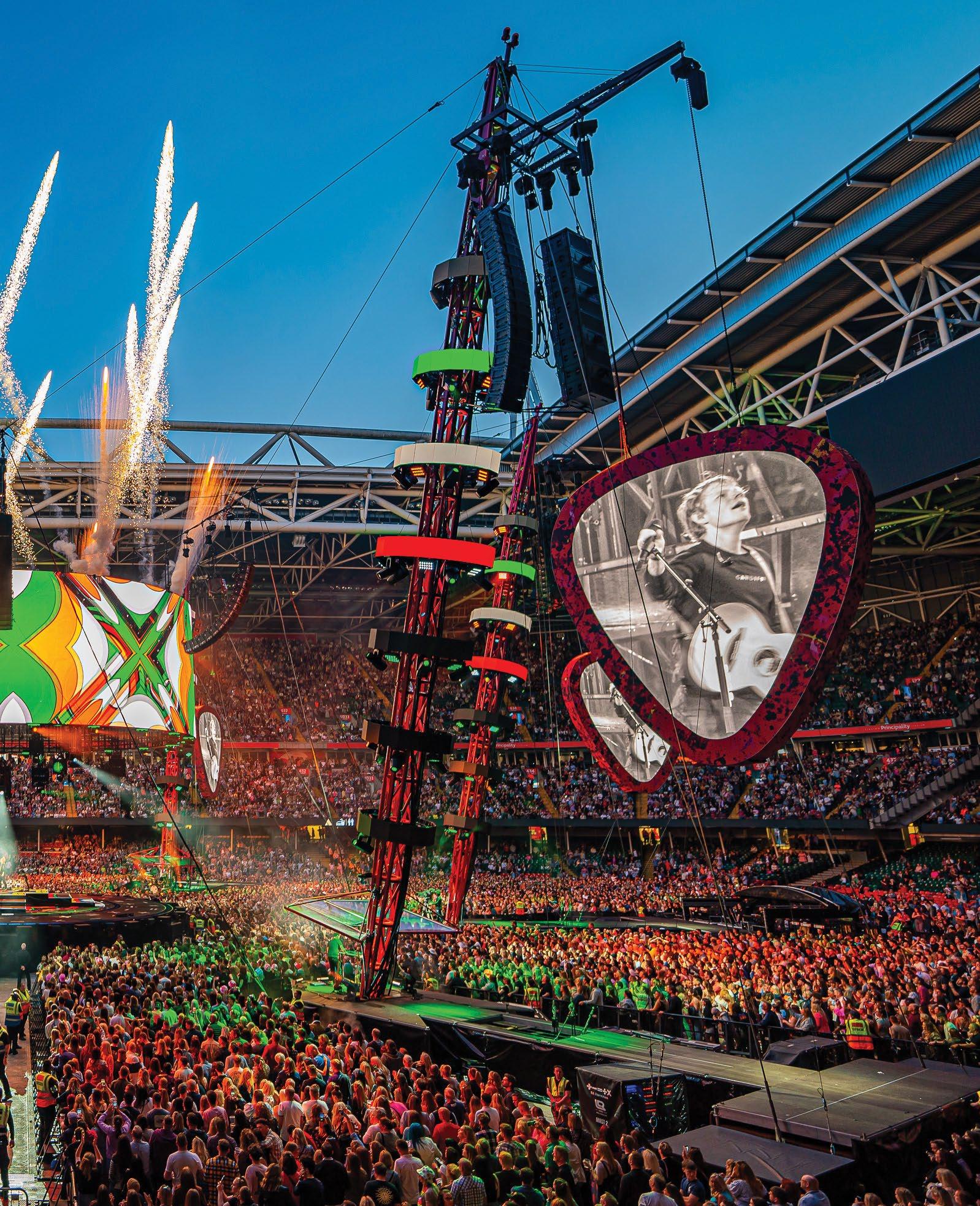
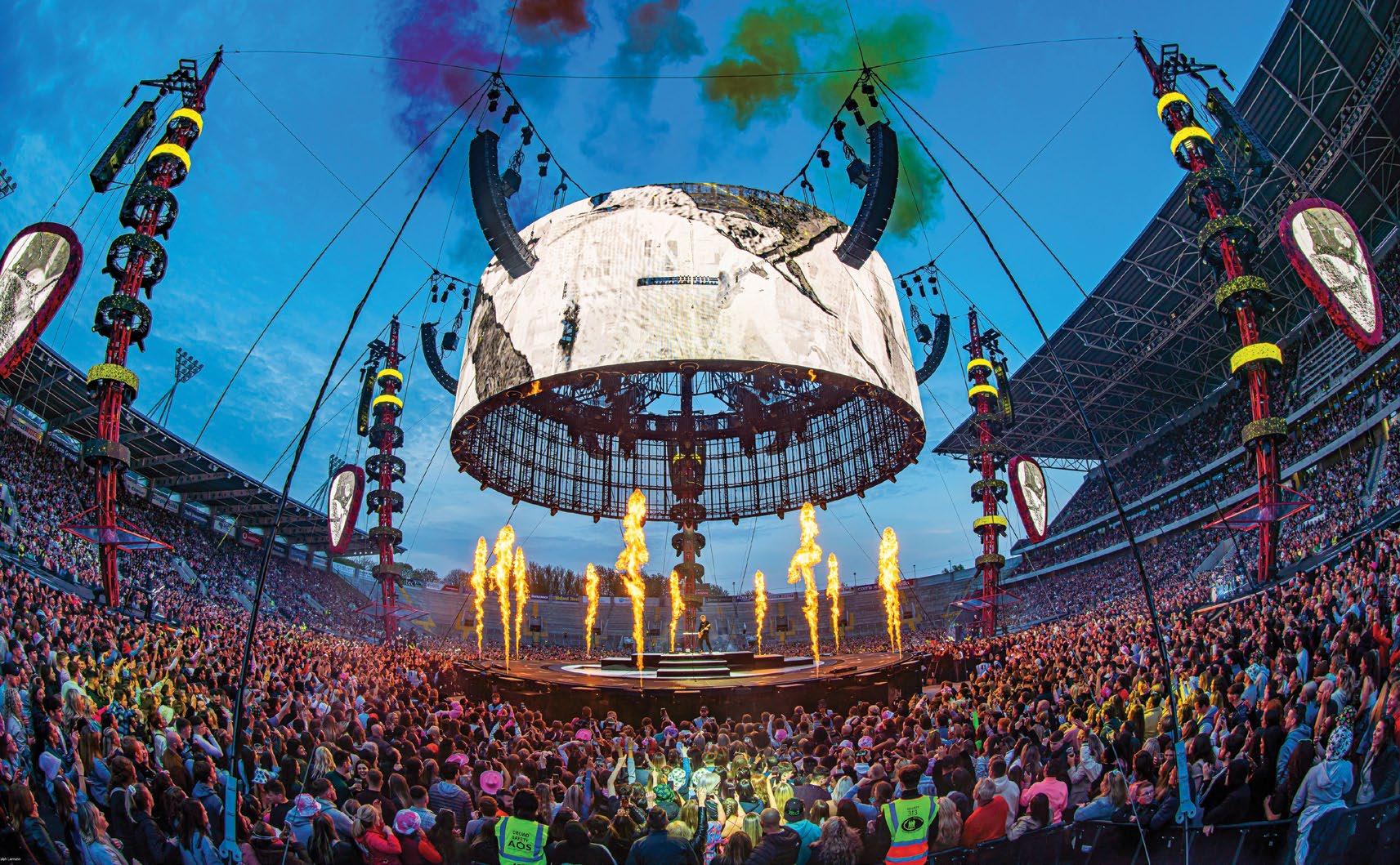
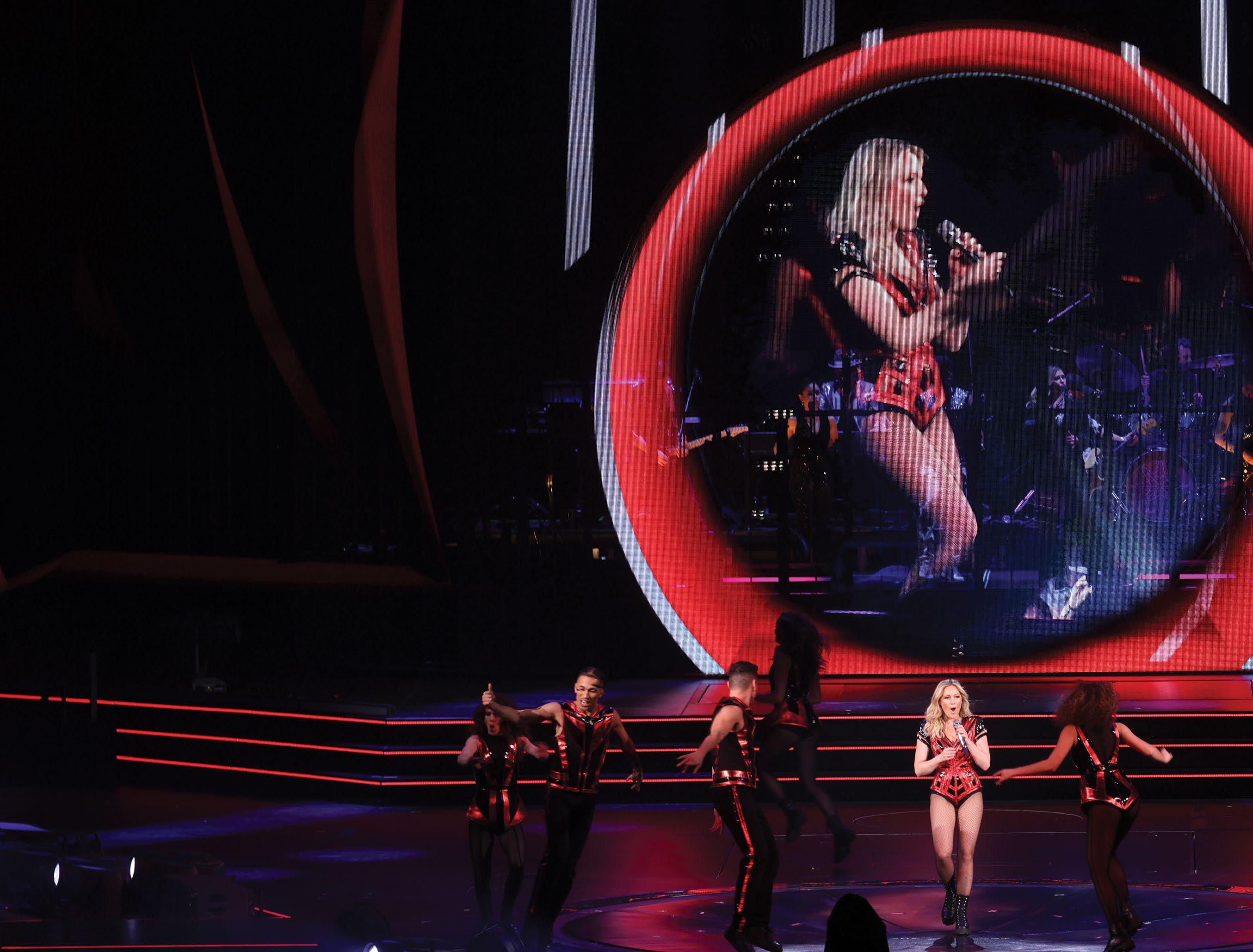
While not spartan, the show’s unique, clean staging prioritizes unobstructed sight lines, even as it incorporates plenty of video screens, loads of lighting, pyro, fireworks and, not to be overlooked, a brand-new P.A. that made its worldwide debut in front of 70,000 people on the tour’s opening night at Dublin’s Croke Park.
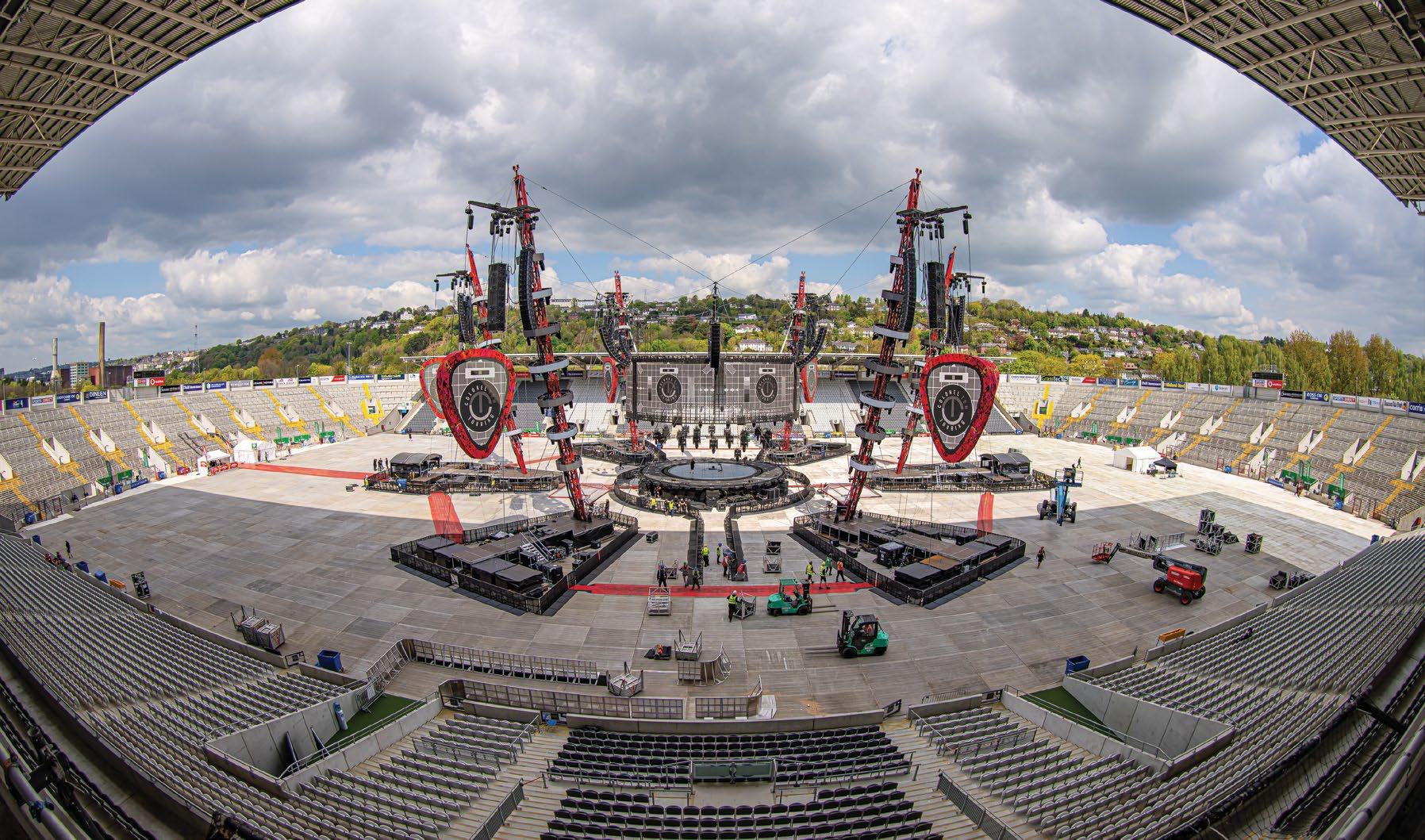
The show’s focal point is a center stage beneath a circular, 360-degree video screen suspended by a network of cables. Those, in turn, stem from six masts out in the crowd that also support a half-dozen giant guitar pickshaped video screens and 14 P.A. hangs. Adding to their functionality, four of the masts each have a stage at the base for a member of Sheeran’s backing band, while the other two masts stand above the two FOH positions, including the one where production director, project manager and tour engineer Chris Marsh spends his evenings bringing mixes to the masses.
HANDS FULL AT FRONT OF HOUSE
There are stadium acts that wouldn’t dream of taking the stage without the aid of playback, timecode and a click in their in-ears; the Sheeran tour has none of that. While the choice removes some of the modern-day safety nets that technology can provide, it also ensures that audiences get a truly live show, regardless of whether Sheeran is performing solo and using loopers to build his songs live, or playing with
Ed Sheeran’s Mathematics Tour Finds A Sound Solution
By Clive Young
MIX | JULY 2023 | mixonline com 26
On the superstar’s massive world tour, the relationship between sound and other production elements is a literal balancing act.
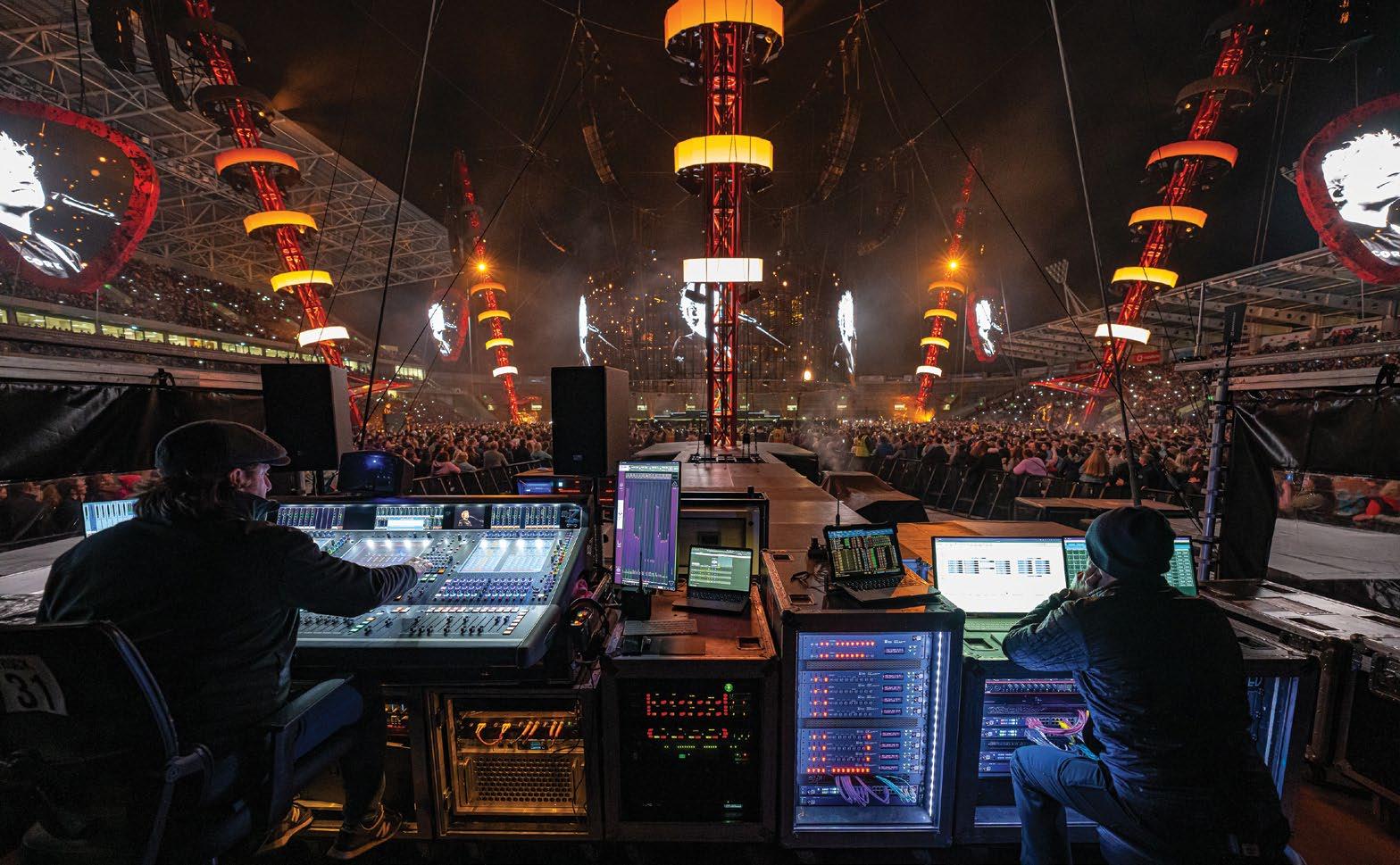
his backing band. Either way, it all makes for a complex concert that Marsh mixes nightly on a DiGiCo Quantum 7 console setup—and as the engineer pointed out, “No show is the same, as there are so many variables.”
Despite the new presence of additional musicians, the performances don’t always hew closely to the familiar recorded versions, treating fans to new interpretations from both the musicians’ and the mixer’s point-of-view. “I have no intention of attempting to reproduce the album versions of the songs Ed performs,” said Marsh, “primarily as they are arranged and performed in a completely different way to which the songs were recorded.”
Keeping things flexible lends freshness to every
show, but it also presents its own set of challenges, as Marsh noted: “I must be very disciplined on watching for cues and following set procedures whilst also being able to respond to environmental factors to keep the mix together.”
In an age where many tours carry endless plug-ins that emulate key outboard units, the Mathematics tour pointedly uses the real thing; there are no plug-ins to be found at front-ofhouse. Instead, the show’s sound is very much altered by physical knobs getting turned on physical rack units. For reverbs, there’s a pair of Bricasti M7 stereo reverb processors, with one on Sheeran’s vocal and the other on his guitar. Given the enormous stadiums on the itinerary, it’s easy to imagine the details of a reverb would
get lost, but Adam Wells, audio system engineer for the production, affirmed, “We’ve had some gigs where of course we’re in a massive room and you question if you can hear them—and then you get these incredible gigs where they really come to life and you can hear exactly what they’re doing.”
Other outboard gear on-hand includes a Cedar DNS8, used as a primary source enhancer to clean up vocals and drum mics, and a Waves MaxxBCL. Adding some weight to the bottom end, the MaxxBCL is inserted over the leftright bus and gets the subs going when Sheeran thumps the body of his acoustic guitar for a kick drum-like sound.
Despite the new addition of backing musicians, the parts of the show where Sheeran builds songs with loops remain among the most interesting to tackle, said Marsh: “There are several songs that are performed on the looper that are challenging to mix. It is really important to try and balance the live playing with what becomes the recorded loop—this can be difficult to gauge at times, but is very satisfying when you achieve it!”
MODERN MONITORING
In keeping with the design aesthetic, the stages are kept clean; other than a pedal board and keyboard, Sheeran’s center stage is devoid of visual distractions like floor monitors. The same goes for the backing musicians at their remote stages, so all the performers wear JH Audio Roxanne in-ear monitors to keep locked in with each other, despite the near 50-meter distances between them.
The engineer behind those monitor mixes… is Marsh. “Monitoring is surprisingly easy on this tour,” he said, explaining, “We have been looking after Ed’s monitoring from FOH for years, but with the addition of a band, we did consider adding a monitor engineer and console. However, the unique layout of the staging meant that there was no ideal place to have a monitor console. The best solution was to allow the musicians to mix themselves, so we integrated Klang and Klang:kontroller into our system, and we were off.”
Klang immersive in-ear mixing is integrated into Marsh’s DiGiCo Quantum7 via a DMIKlang card, providing real-time spatial audio mixes into each musician’s IEMs. The tour later dropped the kontrollers—hardware controllers that can be used as personal monitor mixers— and Marsh now handles mix requests during soundcheck, though he readily admitted, “I
27 mixonline.com | JULY 2023 | MIX
All Photos: Ralph Larmann
The entire Meyer Sound Panther P.A. is loaded in every night, as it acts as a counterbalance to the video screens, lighting and more.
would not suggest this as ‘the way forward,’ but rather a unique solution to a very unique set of requirements.”
All RF vocal mics on the tour are Sennheiser 6000 Digitals. The drum kit is captured primarily via DPA 4099 CORE mics, along with a Sennheiser e901 on the kick and e904s on the toms, plus a Shure Beta 56A for the snare. All that is supplemented by triggers on the drums, allowing Marsh to work with a mix of an acoustic drum kit and samples as needed.
NOT-SO-SIMPLE MATHEMATICS
On many tours, the stage design comes first and the P.A. is nearly an afterthought, putting the audio team in the position of having to find space for the loudspeaker hangs. On the Mathematics tour, however, the P.A. is actually a crucial element of the design, and not merely so that the audience can hear the show.
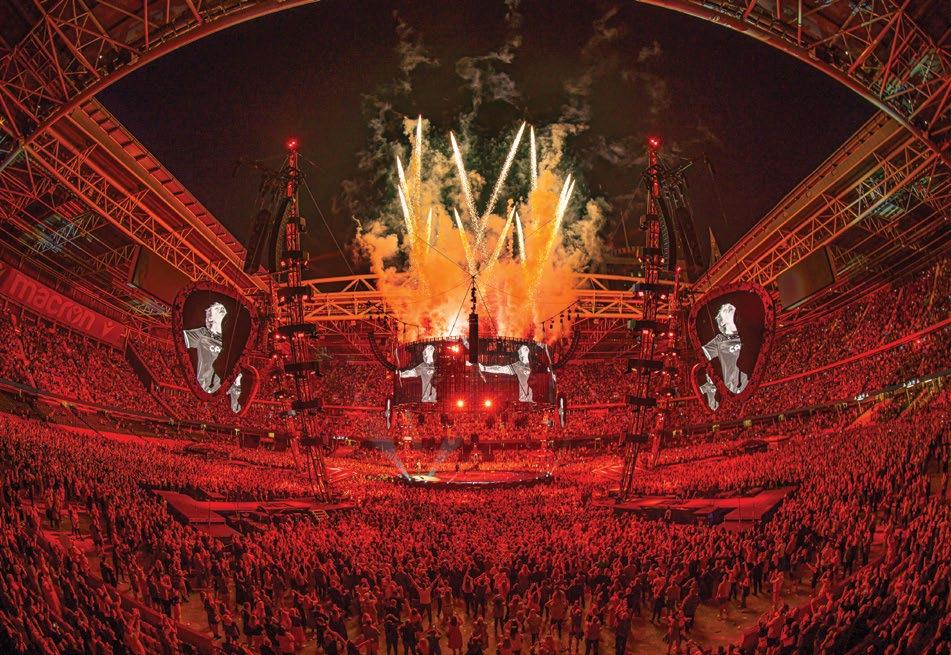
“For the design concept, Ed had always wanted to do a stadium in-the-round show, and the whole production is designed around having next to no limited sight lines at all,” said Wells. “Everything is about being able to see Ed from every seat of the house, and every part of the design hinted toward that, even to the fact that the P.A. is very high so that there’s no sight line issues. From a P.A. perspective, this also helps us get the top boxes of the arrays closer to ear level at the back row, requiring less array up-tilt.”
In order to provide those unobstructed sight lines, the video screens, lights and more are hung well above the crowd, and keeping all those production elements in the air is a counterbalance: the PA system. The relationship between video, lighting and sound is a literal balancing act.
“Everything in the show design is weightcalculated,” said Wells. “The loudspeaker count is identical every day and acts as a ballast for other show elements, and for that reason, every box has to go in every day—which makes my job a lot easier in terms of logistics.”
Amazingly, the crucial need to achieve that balance led to the creation of Meyer Sound’s flagship Panther line array system.
For years, Sheeran’s sound provider has been UK-based Major Tom, which fielded a sizable Meyer Sound Leo system for the 20172019 Divide tour. When the Mathematics tour was being devised, however, it became quickly became apparent that using Leos again was out of the question.
“A Leo is 120 kilos, and a speaker that large and heavy logistically would never have worked,” said Wells. “That prompted the conversation between Major Tom and Meyer Sound that we needed a loudspeaker with Leo SPL and Leo power, but with Lyon weight or lighter—and that’s exactly what we ended up with. It was an
incredible feat of engineering on Meyer Sound’s part to be able to develop a speaker with that SPL with the footprint it has, and its powerto-weight ratio is like nothing else. It can be a theater box, an arena box and it’s definitely a stadium box—we can attest to that. I’m finding that 105 meters away, we’re still very much in the coverage zone; the speaker looks very small in the distance for what the clarity is.”
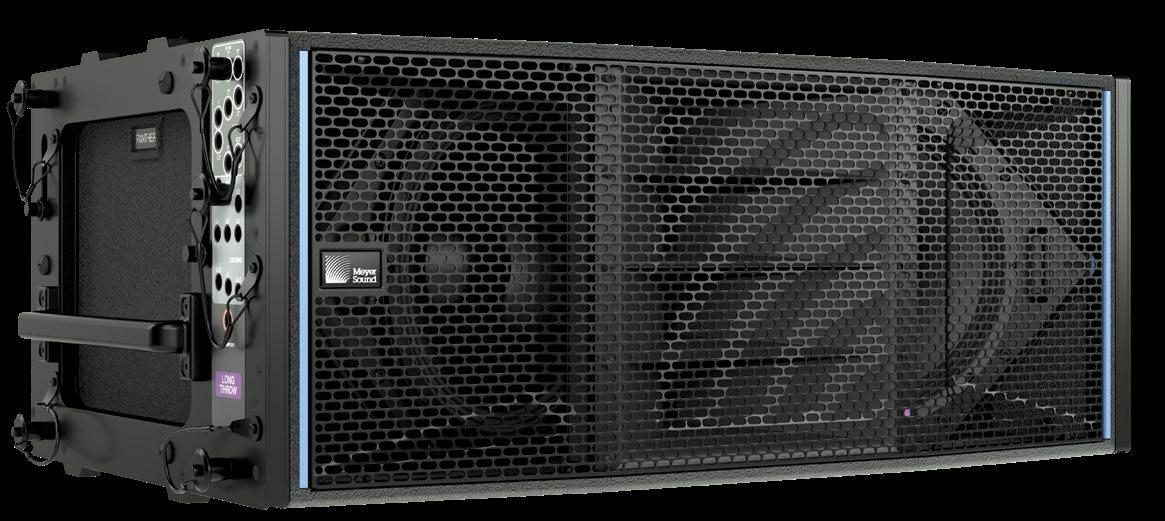
The resulting P.A. on the tour is made up of 212 Panther loudspeakers across 14 hangs configured into two rings. The inner ring comprises a half-dozen arrays that each have 10 Panther L boxes—80-degree long-throw horns— and two Panther Ms, which have a mediumthrow, 95-degree horn. Meanwhile, the outer ring has eight hangs of 16 boxes, comprising mostly Panther Ls and Ms, with the short-throw hangs getting additional Panther W 110-degree wide-dispersion horns. All of the Panthers are connected via a massive Milan AVB network, and speaker management is handled by Meyer Sound’s newly launched Nebra software.
Wells explained, “The entire audio network is managed and monitored by Nebra, and it will soon be a one-stop shop to configure, implement and monitor any Meyer system. It is a public release that, for us, has replaced the legacy RMS monitoring in Compass. We’re also helping the development team field-test new release features from an end-user perspective. We’ve
MIX | JULY 2023 | mixonline com 28
U.K.-based sound provider Major Tom, Ltd. took delivery of the first 212 Panther loudspeakers produced, making opening night the first time anyone heard the new system in an array.
Creating both the FOH and monitor mixes on his DiGiCo Quantum7 console is production director and FOH engineer Chris Marsh (left), joined by audio systems engineer Charlie Albin (right).
All of the audio components are connected through a massive Milan AVB network—one of three on the tour.
got a production with over 300 loudspeakers connected to the network; that’s not something anybody else in the world has right now, so it’s a great opportunity for both parties.”
STADIUM SOUND STRATEGY
Even if the staging and P.A. hangs don’t change from day to day, the stadiums do—which presents its own set of challenges when it comes to ensuring every seat is covered. The down-tilt angles on the inner hangs are always the same, but conversely, the outer ring changes every time. Throughout the first leg of the world tour, nearly 80 percent of the shows were outdoors, but with the current North American leg, it’s been a 50/50 split of open and enclosed venues, all but one of which are NFL stadiums. That leads to floors being a consistent 360 feet long by 160 feet wide, but the height of the stands is another story.
“In these big U.S. stadiums, the vertical coverage we have to cover from top to bottom is large, so I have to get creative,” said Wells, “We’re trying to get as much trim height as we can out of these motors; the up-tilt ranges from 14 to 19, sometimes 20 degrees if I can get it, but it is right on the limit of what the center of gravity will allow us to do within the line-array design and weight distribution on motors. I’m finding that this is a balancing point now where we need to get the appropriate up-tilt on the arrays. The design is extremely smooth top to bottom. If you could take the inner ring of P.A. and slide it underneath the corresponding outer hang, you’d almost have a continuous line array; the whole thing is designed on having almost seamless transition through the entire two arrays.”
While the resulting staging feels—and is— massive, it can still get swallowed up by the sheer
scale of some U.S. stadiums, said Wells: “At AT&T Stadium in Dallas, the enormous scoreboard— one of the biggest in any sporting stadium— made us look very small, but we still didn’t lose that intimacy of the show. What amazes me when I walk around during a concert is that the design is such an aesthetically beautiful thing; it still feels very intimate, and Panther only adds to that, because you still have HF clarity and what feels like a very localized source even when you’re very far away from the array.”
Mounting a production on the scale of Sheeran’s stadium tour is never a simple task, but in the late-pandemic months leading up to the tour’s April 2022 start, there were some interesting moments at Major Tom regarding being able to deliver the project while dealing with manufacturers’ delivery times and an industry returning from lockdown. Meyer Sound hit its delivery date for the massive 212box Panther order, prioritizing it over everything else—including assembling a demo rig of its new flagship loudspeaker. As a result, said Wells, “Nobody had used it in a line array, and we were doing a show on it! It was always going to be a great-sounding loudspeaker, but we just didn’t know how good until we put it into a venue and listened to it. It was a huge leap of faith for both parties, but without question, one that paid off.”
It’s also paid off for the 4,000,000 (and counting) fans who have caught the tour, enjoying the close sound amidst the loose vibe and utter spectacle. While the U.S. tour leg may end at Inglewood, Calif.’s SoFi Stadium on September 23, the Mathematics tour will cast a long shadow over concert design and sound for some time to come—or at least until Sheeran’s next excursion. ■
mixonline.com | JULY 2023 | MIX
The bases of the six masts serve double-duty as stages and FOH positions.
Touring’s New Efficiencies
Desire to cut costs and reduce carbon footprint is driving the move toward compact, lightweight, power-efficient concert system packages
By Steve Harvey
Whether driven by a desire to save money or save the planet, artists have a growing number of options when it comes to the latest generation of touring sound technologies.
Of course, the two impulses are not mutually exclusive; indeed, they reinforce each other. Touring with smaller and lighter mixing consoles and line arrays can significantly reduce transport costs, as one example, through a reduction in the number of trucks and associated fuel and labor costs and, as a result, the carbon footprint of the entire venture.
There are knock-on effects, too. Lighter speakers may reduce load-in, setup and teardown times. Smaller, lighter speakers can also reduce some of the limitations on a show’s lighting, video and other production design elements. A smaller
desk takes up less space at the FOH mix position, which enables the promoter to sell more seats.
To be clear, these new technologies may be smaller and lighter, but that doesn’t mean that their performance or capabilities are compromised. Indeed, these products may be more efficient in terms of space, weight and running costs, but they are no less powerful than other products from the same manufacturers.
Plenty of bands have sung about climate change over the decades, but the impulse to do the right thing regarding the threat of global warming has led some artists to get proactive on tour in recent years. Coldplay, Massive Attack, Billie Eilish and The 1975, to name but a few, have variously pledged to reduce the carbon footprint of their tours, promoted and implemented recycling initiatives at gigs and
provided data to researchers studying bands’ touring emissions. One major artist was even the impetus behind one of these new efficient, cost-saving and green products.
THE LOUDSPEAKERS
When Ed Sheeran adopted an in-the-round stage show a couple of years ago, his longtime production manager, Chris Marsh, of UK production provider Major Tom, approached Meyer Sound about developing a smaller, lighter box with a lower power draw than Leo, which he had been using. “He had a new structure, where weight was going to be a major issue,” recalls Andy Davies, Meyer Sound’s UK-based senior product manager. “And he had an artist asking his team to consider the environmental impacts of all of the decisions that they made.”
MIX | JULY 2023 | mixonline com 30
Meyer Sound has been recognized as a Bay Area Green Business since 2016, a reflection of company owners John and Helen Meyer’s passions and personal sense of responsibility. “So it’s not new to us to think like this,” Davies says.
Modern, complex productions have added a new variable to rigging safety considerations, he continues: “There’s more and more automation for set pieces, video pieces and lighting pieces that move during the show. The overall weight loading is no longer calculated by how much elements weigh but by their momentum stopping weight if the power goes off during a move. That can significantly increase the overall weight of the production in the rigging safety calculations. So we needed to look for lighter solutions to fit in—which all dovetails with the green aspects. And that was really the spark that
pushed Panther into happening,” he says.
Despite a relatively short lead time between the request and the start of Sheeran’s tour, Meyer Sound’s design teams were up to the challenge. “That’s because of the way our engineering team is organized and the way they understand each other. Our acoustics team literally sits next to the electronics team and the amplifier team,” Davies says.
Panther offers a 20 percent power draw saving over previous comparable products, while its compact form factor and lighter weight occupies considerably less space during transport. “We’ve paid particular attention to how efficient it is on a truck pack,” Davies notes.
Meyer Sound points to a UK survey that found a single diesel semi-truck covering 10,000 miles can generate a carbon footprint of 17.3 U.S. tons (15.7 metric tons). Taking out a system anchored by 212 Panther boxes reduced the Sheeran tour’s truck count from five to three, with a similar reduction in sea freight shipping containers, a significant cost saving in addition to the green benefits. (All that said, the single biggest contributor to any show’s emissions is audience transportation to and from the event.)
Fewer trucks require fewer drivers. “And if you’re reducing [speaker] weight and size, that requires fewer people to ensure safe handling,” Davies adds. “A forklift driver may only need one assistant rather than two.” That’s not a big deal on a production with a crew call in the hundreds, he adds, “But on smaller shows, it makes a very real difference.”
THE FULL STAGE
You may not have heard of Helene Fischer, but her popularity with German-speaking audiences rivals the likes of Rihanna and Céline Dion. Her current arena show, created with Cirque du Soleil, fills 30 trucks, with a lot of the contents—lighting, video, aerial acrobatics apparatus—suspended overhead. With so much going on above the stage, says Holger Schader, senior consultant, touring and special events for production provider Solotech in Germany, the P.A. had to be light and compact.
“There needed to be a system which has a smaller footprint than usual but that is powerful
enough,” he says. Fortuitously, Solotech is a partner in L-Acoustics’ pilot program as the manufacturer begins to roll out its new L Series progressive, ultra-dense line source speaker system, which will become commercially available later this year.
All told, there are 60 tons of gear flown in the roof on Fischer’s current tour, a series of five-day residencies at arenas across Germany, Austria and Switzerland. “If we had gone for a standard solution, we would have had at least two to two and a half tons more on just the audio side,” Schader says. “The weight difference is essentially between 40 and 50 percent compared to a [L-Acoustics] K1 or K2 rig. With Helene Fischer, we saved one truck.”
L Series came about after L-Acoustics analyzed hundreds of projects and found that two elements, the L2 and L2D, flown separately or together in a fixed geometry, could satisfy most applications with little compromise in power, coverage or consistency compared to the company’s other products. L Series requires 56 percent less paint, 30 percent less wood and 60 percent less steel, according to L-Acoustics, resulting in 30 percent less volume and 25 percent less weight compared to an equivalent line array box.
Due to the limited number of L Series boxes available on the pilot program, the tour also uses K3 for the 270-degree hangs, or else the weight and space savings would have been greater, he says. When considering speaker options for a tour, there may be associated weight savings, he also points out, with larger boxes needing a heavier hoist compared to smaller array elements, as well as power consumption differences.
One other benefit of L Series is that it reduces setup mistakes, Schader says, as the angles between array elements are fixed. That hasn’t translated into manpower savings on the Helene Fischer tour, due to the production’s overall complexity and the K3 side hangs. “So it still takes about six hours to load out on a good night,” he reports.
COMPACT CONSOLE AND CONTROL
Having worked for nearly 15 years as a freelancer and with Rat Sound and 3G, including as a system tech with Depeche Mode, Tame Impala, alt-J and
31 mixonline.com | JULY 2023 | MIX
Helene Fischer performs in Hamburg, Germany with L-Acoustics’ new L Series loudspeaker system.
PHOTO: Joern Pollex/Stringer, Getty Images
Meyer Sound’s Panther line array element, currently on tour with Ed Sheeran, whose production sound company, Major Tom, first suggested the tour’s need for a new compact, lightweight and power-efficient loudspeaker system on a large scale.
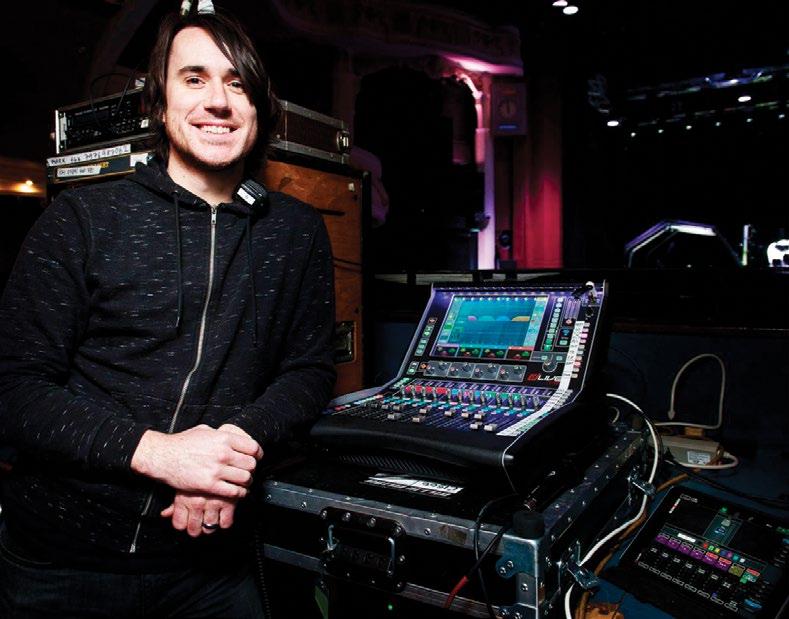
others, Tom Worley returned to his native New Zealand during the pandemic to rethink his career. In 2021, he set up Worley Sound, a new touring sound company specializing in FOH and monitor control packages, now based in Nashville.
As Covid-19 became old news, touring sound professionals thought they would get back to 10-truck tours. “But they quickly realized that 10 trucks now cost the same as 15 trucks. Things have changed, and you have to react to the market,” says Worley, who currently has gear out on three global tours, plus several shorter, national tours.
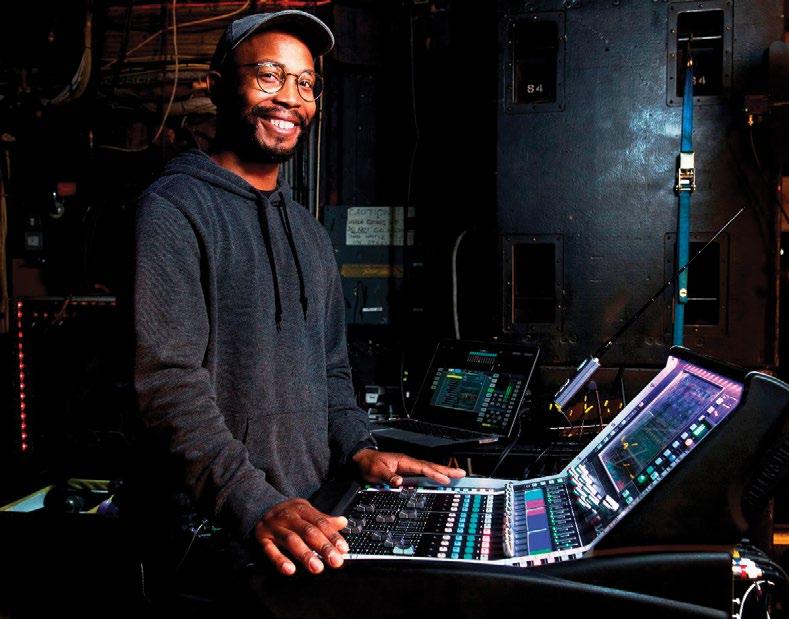
Worley Sound has 20 consoles in inventory, 12 of them DiGiCo desks. Four of those consoles are compact, 12-fader SD11s. “They’re always out on bus tours,” he reports. “People are conscious of space and price, but they still want a DiGiCo. They might not get all the faders, but they can still have their flexibility and virtual soundcheck in a very small footprint and still sound amazing.”
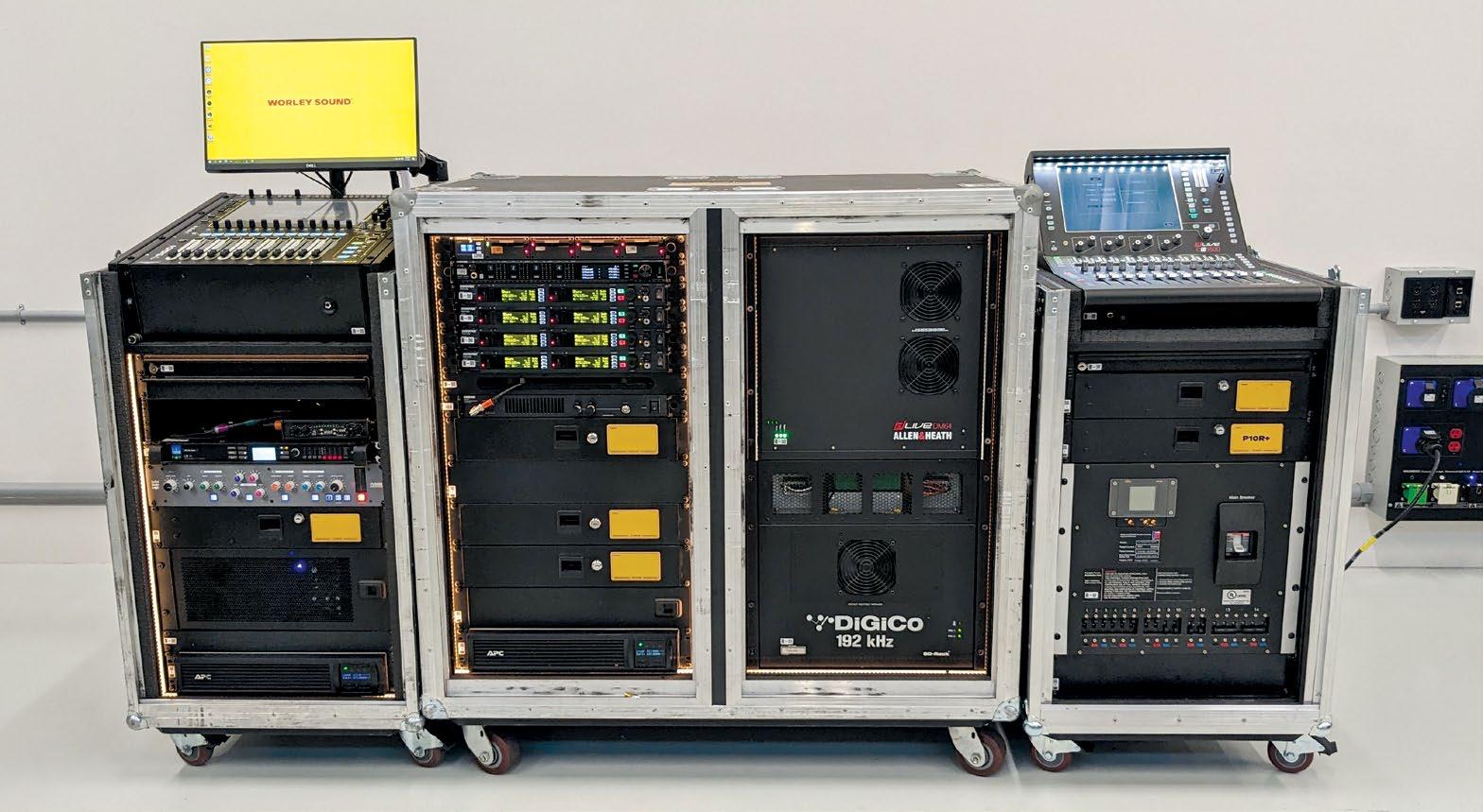
Worley Sound’s Nashville location was chosen with affordability and logistics in mind, he also reveals. With his previous West Coast employers, clients had to pay to transport a control package or system to the tour’s first show, which might be on the opposite coast. But now, Worley says, “Our first question is, ‘Where’s your bus coming from?’ Because a lot of buses come from Nashville and Alabama.”
Although it’s a generalization, it does seem that the new generation of live sound engineers don’t necessarily want or need a large-format console to mix their artists. “They want a compact system that’s easy to set up and pack down,” Worley agrees. “They want a flexible
system that allows interconnectivity with other devices, whether that’s Waves, Dante or MADI. And they want something affordable. We have to be conscious of air freight costs and truck space, because if they want to carry something, then we need to find a way to make it more affordable.”
SMALL-FORMAT FILLS ARENAS
Monitor engineer Salim Akram, together with FOH engineer Drew Thornton, famously used a pair of 12-fader Allen & Heath dLive C1500 desks on Billie Eilish’s sold-out world tour back in 2019. “You can take an arena show, a quality front of house and monitor package, and pretty much put it in a fly pack,” says Akram, who also tours with Finneas and is currently mixing monitors for Dijon on the Re:Set concert series.
There are two primary reasons to carry a small-format console, he believes: “Cost and consistency. It allows you to remove the variables of using a different house console every day. And
I can bring the console home and prep it on a four-foot table.”
Outside of fly dates, or on a tour without budget constraints, Akram will invariably opt for a larger desk. Yet the C1500 packs much the same punch since the MixRack brain is common to all dLive systems; only the control surface is different. “The limitation, obviously, is faders and screens,” he says.
Akram, who owns the lighter CTi1500 version, constructed from titanium, has mixed shows with up to 100 inputs on the desk. With any show, the trick is to determine which are the primary sources or groups that need to be on the 12 faders, he explains. “I think the biggest workflow for me is finding how to get something, metaphorically speaking, from the basement to the top floor in a minimum of two key presses.” During rehearsals, it will become obvious which inputs are set-and-forget, he adds, and they can go on another fader bank.
“Once my mixes and scene automation is set, you shouldn’t really have to be jumping around to different banks,” he continues. But if there is an issue, the DCA spill function will expand my grouped sources to the faders. “Just one press, and it pulls them up from under the hood. And I’m always on send-to-fader mode, so I can address whatever it is.”
Weighing just 25 pounds, and only 50 pounds with a suitable case, the CTi1500 won’t cost you in excess baggage fees, Akram comments, subject to the airline’s limits, of course. Following some U.S. dates with Finneas, he recalls, “We were able to take the entire monitor platform on an airplane to Australia, keep it under 70 pounds, and not have to pay overweight baggage fees anywhere—and use the same show file for consistency.” ■
MIX | JULY 2023 | mixonline com 32
PHOTO: Courtesy of Worley Sound
Worley Sound’s compact DiGiCo and Allen & Heath console/control systems, packed up and ready to roll.
PHOTOS: Courtesy of Salim Akram
Drew Thornton, left, and Salim Akram, right, set up a pair of 12-fader Allen & Heath dLive C1500 desks at FOH and monitor world for Billie Eilish’s most recent tour.

Ninth Annual St John, USVI, Recording Retreat

A Music-Making Island Getaway, With a Powerful Mobile Studio
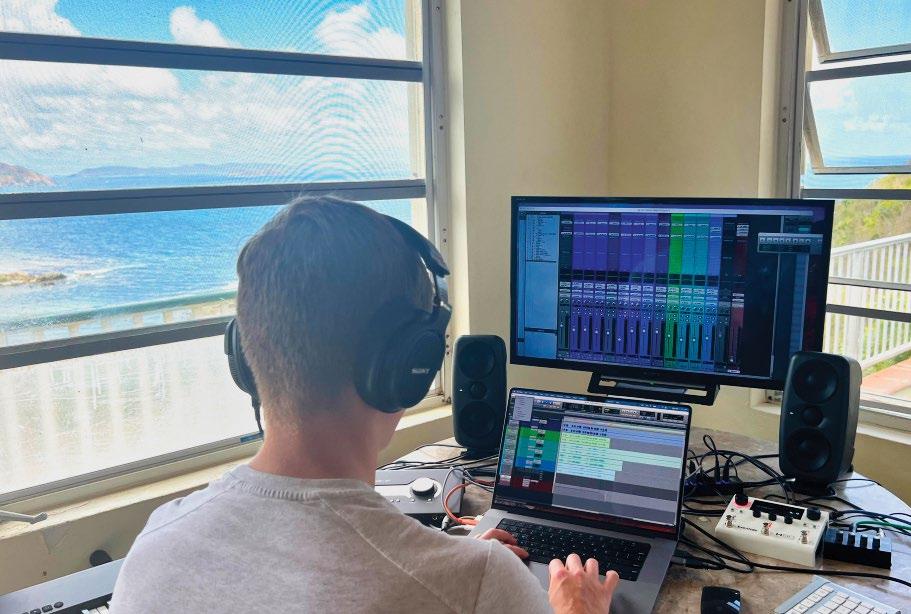 By Rich Tozzoli, Mike Dwyer, Bruce MacPherson
Wow, it’s good to be back! This year, we were lucky enough to have the whole gang down to record TV cues and also play a few live shows in some super-cool locations on the island. All the technical preproduction and previous experience paid off, as we were set up within minutes of arriving, after I ushered out an insanely giant spider from the room. Refreshed after a night of sleep from the long journey, tracking began at 6:30 the next morning, inspired by the natural light and bags of Zabars coffee in the French press.
Once again, the recording rig that we flew down was centered around a Universal Audio Apollo X4 interface connected via Thunderbolt to my loaded 16-inch MacBook Pro. Monitors were the compact but mighty IK Multimedia iLoud MTMs, flanked by a number of MIDI controller/keyboards. Essential to quick flow on any mobile rig is a wireless Magic Mouse and wireless keypad. We unhooked the Sony television in the room and used it via HDMI as a second large monitor. Everything else would be hooked into the system on an as-needed basis, keeping the sessions moving along smoothly.
Here are a few of the most-used rockstar pieces of gear on this recording trip, with a brief explanation of how each was put to its creative test. We all agreed how lucky we were to have these in our arsenal, letting both the gear and the location inspire our work.
MIX | JULY 2023 | mixonline com 34
All Photos: Courtesy of Rich Tozzoli
Before and after: The empty space upon arrival, at left, with the small but mighty studio setup on Day One.
Author Rich Tozzoli with the Telecaster.
IK MULTIMEDIA TONEX
Imagine being able to carry your entire amp collection with you wherever you go. Maybe even in your suitcase to a tropical island…. Using this stand-alone app and DAW plug-in is exactly what ToneX from IK Multimedia allowed us to do.
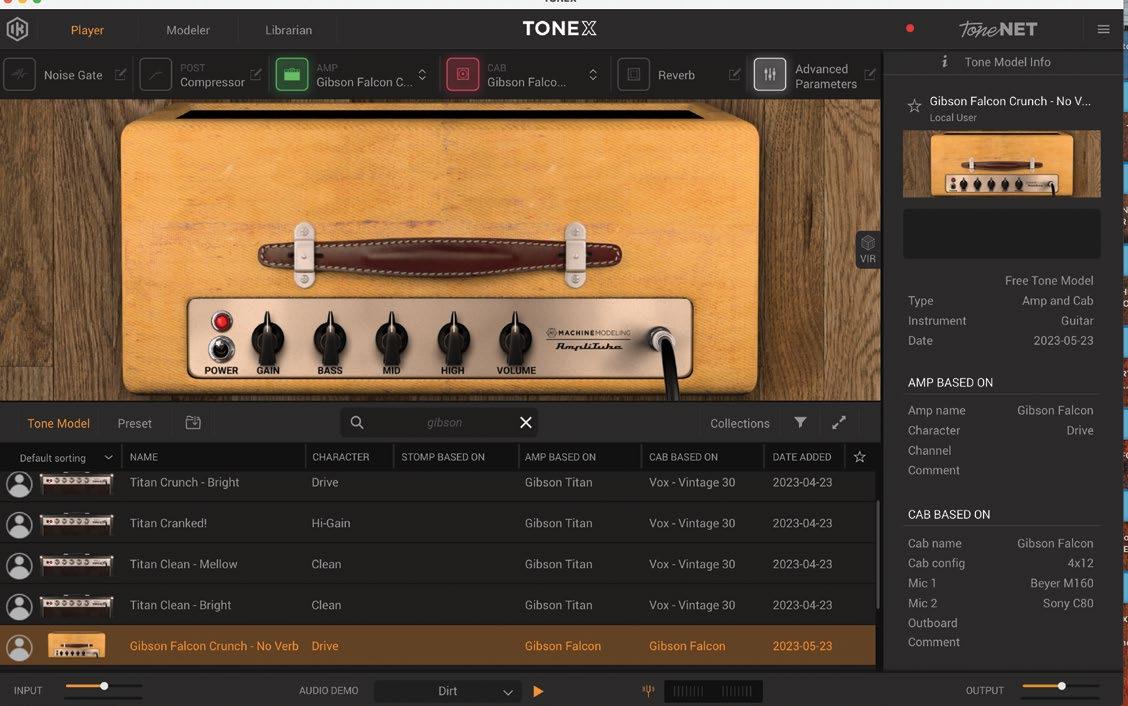
At its core, ToneX is a new take on amp sim plug-ins, using AI machine modeling to create “tone models” of amps. It comes stock with tones of 100 different amps, from companies like Marshall, Fender, Mesa and even Dumble, but what makes this amp sim really stand out is the ability to capture the sounds of your own amps and cabinets. It also has some of the great sought-after pedals, as well, so you can push your sound even harder.
In the days before leaving for St John, I used the modeler section of ToneX to create a series of captures of my 1963 Gibson Titan amp. With 11 tubes, a couple of massive transformers, and tons of mojo, if any amp was going to test the limits of ToneX’s modeling capabilities, this was it. The process was incredibly straightforward, with simple step-by-step instructions, and when I was done, my jaw just about hit the floor; the ToneX model was remarkably close to the sound of the real amp!
On our trip, we put ToneX through its paces, using it on guitar, bass and even synths, and it did not disappoint. Between my amp captures, all the built-in amps, and the thousands of available user-made tone captures available through IK Multimedia’s site, there was no shortage of options, and we were able to find incredible sounds for every situation.
Tozzoli notes: As a player, I can attest that this thing inspires. It reacts
KIT PLUGINS SMASH
Sometimes you want a super-tweakable compressor with a ton of controls to dial something in just so. Other times, you just want something that’s fast, easy and fun. That’s where Smash from KIT Plugins comes in—inspired by the sound of analog amplifier circuits.
The main knob controls a series of compressors and saturators, all carefully tweaked by KIT to give you an enormous range of sonic
to the fingers remarkably well, like the real amp should. Plus, you can tweak the stock settings by adding amp controls (based on each model) such as, bass, mids, treble, gain, reverb and noise gate. Since coming back from St. John, we have also modeled my 1947 Gibson BR6 and 1966 Gibson Falcon amp. Holy s#(& cool! You can also access a huge and growing library of shared user models that are posted in the ToneX ecosystem, offering virtually endless sonic options.
Note, though, that you cannot capture reverb or modulation effects from your amps.
—Mike Dwyer
possibilities at a single twist. The first half of the knob’s range offers subtle to moderate compression, perfect for vocals, guitars or anything that needs a little control and a bit of attitude. Twist the knob past halfway, and things start to get perfectly nasty.
This is where you’ll find the aggressive, pumping, saturated sounds that give Smash its name. If you like the attitude that these extreme settings give but find it’s making things a little abrasive, Smash has you covered with the addition of the Hi-Cut knob. This controls a high shelf, allowing you to duck down any potential harshness, perfect for taming cymbals while smashing drum tracks.
Combine that with the built-in mix knob for easy parallel processing, and you have everything you need with three simple knobs. Just smash, tame and blend. One of our favorite features of Smash is the lo-fi button. Hitting this gives you that classic midrange-y, slightly telephone-y sound. Combine this with some heavy compression and saturation, and Smash becomes a one-stop shop for gritty, vibey, lo-fi sounds. On this trip, we put this to good use, automating both the main control and the lo-fi button on drums to create interesting drop sections throughout the songs.
If you’re looking for super-precise dynamic control, you might want to look elsewhere, but if you’re looking for an inspiring, easy-to-use compressor that will give you new and interesting sounds in seconds, Smash might be just what you’re looking for.
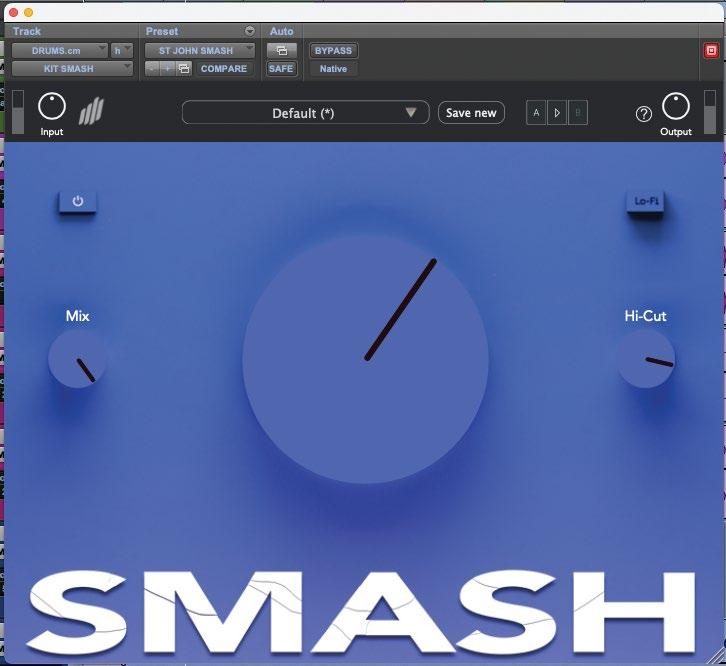
35 mixonline.com | JULY 2023 | MIX
—Mike Dwyer
LAUTEN LS-308 MIC
It’s not often that a mic comes around that makes you completely reconsider what’s possible while recording, but that’s exactly what happened with the Lauten LS-308.
The LS-308 features a unique second-order cardioid pickup pattern, giving it an unbelievable 270 degrees of off-axis rejection. In practice, this means it picks up exactly what it’s pointed at and not much else.
Our first test of the mic came while building percussion loops for a track. With drummer Ray Levier at the helm, we placed the mic on a floor tom, and despite recording in an untreated, reverberant room with squeaky ceiling fans running overhead, multiple pairs of open-back headphones live in the room, a coffee maker running in the background, and the mic placed about a foot from an open window with the sound of ocean waves crashing against the shore pouring in, when we listened back, the signal was surprisingly pristine.
Even after applying heavy compression, there was virtually no sign of background noise or room tone! Just to be sure we weren’t going crazy or this wasn’t a fluke, we tried a more typical condenser mic in the same position, and it was exactly what we would expect: weird
UNIVERSAL AUDIO WATERFALL ROTARY SPEAKER
In my countless years of recording, I’ve used a lot of different Leslie cabinets and simulations of them. For the most part, nothing beats the real thing. However, this vintage emulation of a Leslie 147 speaker cabinet could be a game-changer.
Here’s how to make a plug-in Leslie simulator sound like a real Leslie in your recording environment:
• Start with an emulation of a great Leslie.
• Make the tube and drive character authentic.
• Give the engineer microphone choices with classic examples.
• Give the engineer mic placement choices to capture the magic. In my opinion, UA has accommodated these long-unanswered requests. This plug-in can get sweet and lovely or dirty and grimy. The brake speed setting is unique as to the phase of the sound from different positions around the sphere. Remaining “untechnical,” it has a “sweep you up” feeling when you bring it into chorale and through fast speed.
Universal Audio has a hit. Lucky for me, it’s built into the company’s new Waterfall Hammond B-3 plug-in, so I can use it in several different ways.
Tozzoli notes: This thing is not just for keyboards. I added the Rotary cabinet to a Les Paul guitar part on one of our cues, and it absolutely nailed it for vibe and character.
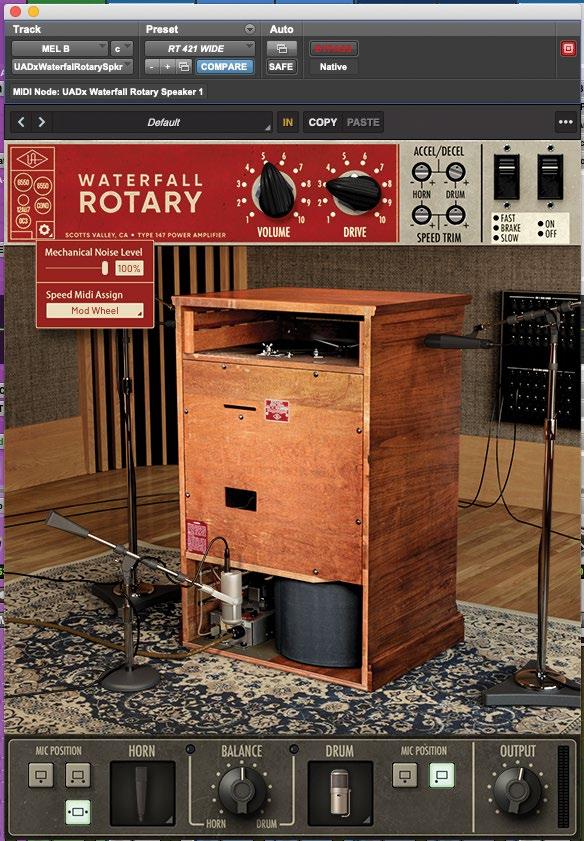 —Bruce MacPherson
room reflections and tons of background noise. The Lauten, by comparison, sounded like it was recorded in the booth of a studio.
We did notice that the 308 is extremely sensitive to mic placement. Even a slight change in the angle of the mic had a pretty dramatic effect on the sound. This made perfect sense considering how laser-focused the polar pattern is, but it just meant spending an extra second making sure it was pointed at exactly what we wanted to hear.
Another unique feature of the mic is that in addition to the typical low-cut filters you find on many condensers, the LS-308 also has a selectable high-cut, allowing you to roll off the top end above 8 or 10 kHz, perfect for taming overly bright sources. Even with the mic set flat, the tone of the 308 is definitely on the darker side, especially for a condenser, but when we wanted a brighter tone, we found that it took EQ exceptionally well, brightening up without any sign of harshness.
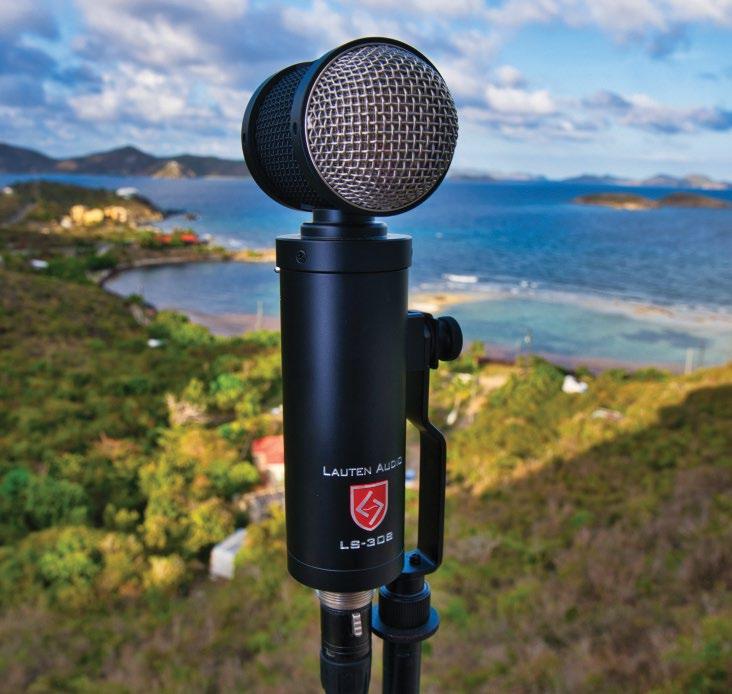
While many mics try to be all-arounders, Lauten clearly took a refreshingly different approach with the LS-308. This mic is an incredible problem-solver. When you need the ultimate in isolation, I don’t think you can do much better than this mic.
—Mike Dwyer
ROLAND JX08 SOUND MODULE
Keeping with the small and powerful theme, this polyphonic synthesizer rocks not only for its sound, but the tactile control over its parameters. Based on the mid-’80s classic Roland JX-8P polysynth, this modernized version features twopart multitimbral capabilities, dual/split modes and 17 built-in effects, such as chorus, reverb, fuzz and delay, which are actually quite good. It can act as an audio interface and can also be paired up with the optional K-25m keyboard.
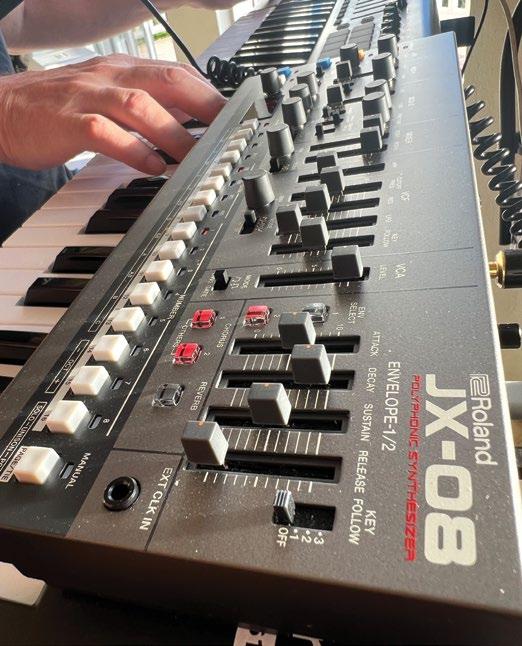
Connected to the laptop via USB-C and played from the MIDI controller, we used it for a number of compositions that really begged for the sonic gifts that it can deliver. It’s sometimes easier to just make sounds from scratch rather than hope you’ll stumble upon a preset that fits (although there are 256 of them included). Good old-school parameter tweaking of the sliders and knobs is exactly what I did to get where we needed to go with it.
From big filter sweeps and creepy bells to huge basses and arpeggiated melodic lines (synced to MIDI beat clock), it delivered every time. Cross-modulation, pitch envelope and layering capability make the JX-08 a huge and powerful tool. It was a great addition to this year’s retreat, and its small size made it easy for me to bring in my carry-on. I’d love to see what Roland might have for next year!
—Bruce MacPherson
MIX | JULY 2023 | mixonline com 36
CHERRY AUDIO GX-80 AND MERCURY 6
Rich and I wanted to include these, as we both not only owned them already but used them extensively on this trip.
First up is the GX-80, an extremely authentic re-creation of Yamaha’s 1977 classic polyphonic synth, the CS-80. The beauty and power of this piece of software is undeniable. Dual-layering and stereo spreading of the “ranks” make it incredibly flexible, and a large bank of excellent presets is a great place to start. The addition of the famous Yamaha GX-1 ($50,000 in 1976) parameters is really the hidden extra value here. But the deal-sealer is the way the parameters react when using our keyboard controller’s sliders and knobs via MIDI continuous controller messages. For me, they are smoother than most plug-ins and have a much more immediate feeling—as if you’re using the real thing.
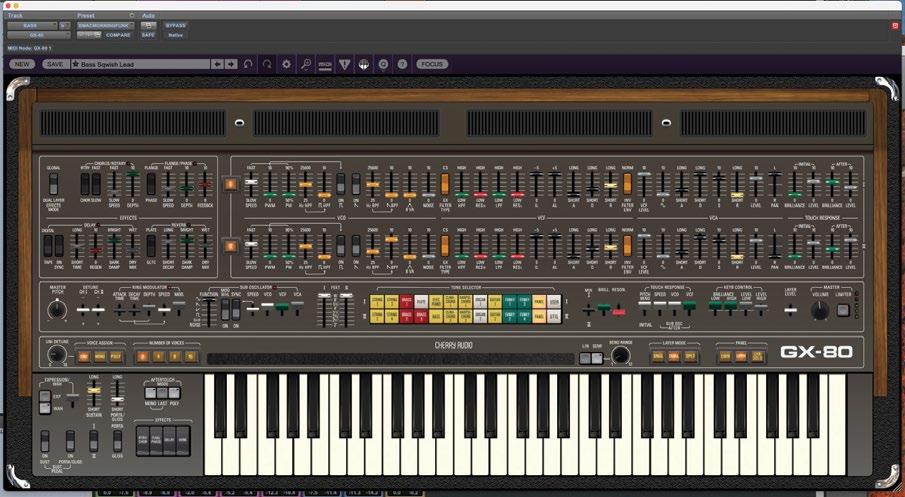
The Mercury 6 is Cherry Audio’s latest re-creation, emulating the classic Roland Jupiter 6 analog synthesizer (1983). This release was also very well done and truly shines in the fat bass and arpeggiator department. There’s lots to choose from with over 500 presets, and the full sync capabilities to MIDI tempo make it a pulsing monster.
In addition, both the GX-80 and Mercury 6 have very good-sounding built-in effects and are a lot easier to keep in tune than the real things! But damn they sound badass.
—Bruce MacPherson
EVENTIDE H90 HARMONIZER MULTI-FX PEDAL
One of the few pieces of hardware on the trip, the H90 is an advanced big brother to Eventide’s popular H9 pedal. This little beast takes the power of an Eventide H9000 rack unit and pumps in 62 algorithms—52 from the H9 Max pedal and 10 extra all-new ones.
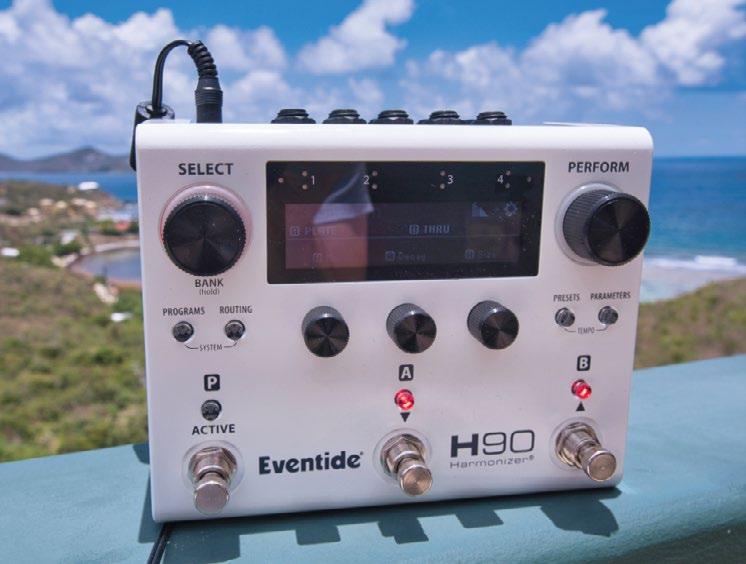
For access, you have five push knobs, seven LED buttons, three footswitches and a high-resolution OLED display on the front panel. There’s MIDI in/ out/thru, two expression pedal inputs, four ins/outs, and a USB connection for onscreen access to the H90’s control app.
It can run two programs at once that can be processed and stacked in a variety of ways, and it has a serious collection of
presets. You can even run effects inserts into and out of the pedals signal chain. But, wow, it’s really about the creativity you get with this thing. How could you not be inspired by the pitchshifting, delays, flanging, tape echoes, blackhole reverbs and so on?
At home, using the USB-connected control app, I’ve used it quite a bit not only with guitar, but plugged into my Oberheim OB8 and Virus Polar synths in full stereo spread. The word epic comes to mind but might not be enough of a descriptor. However, it’s not just for the studio, as I take it out on gigs for chorus, reverb and delay effects. It lets you have easy access to six different switchable parameters, either externally with controllers or internally with the tap switches. Oh, and don’t forget the built-in tuner. The H90 is an incredibly powerful multi-effects processor and is way more than just a stomp pedal. It’s a movie score in a box.
—Rich Tozzoli
LIQUIDSONICS SEVENTH HEAVEN PROFESSIONAL REVERB
I love reverbs. It’s that simple. With that in mind, there are probably few software reverbs at this point that I don’t own or have tried. Seventh Heaven is one of those that I heard about through my L.A. grapevine, so I had to give it a try. What also got me was the website statement: “exhaustively and meticulously sampled, it is the most comprehensive and realistic simulation of the Bricasti M7 available.” Ok, now I really had to know!
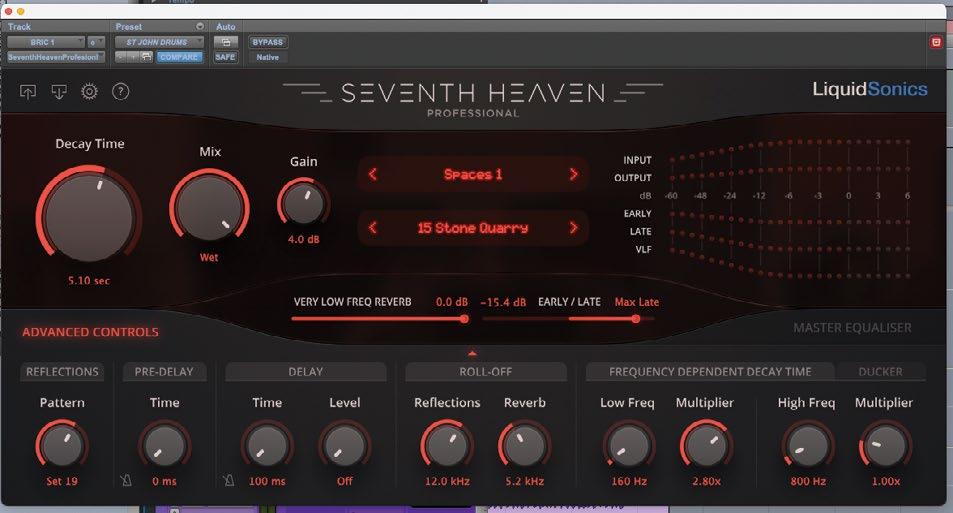
Under the hood, you have Ambiences, Chambers, Halls, Plates, Spaces, Interiors and Nonlinear presets based on 30 of the best reverbs from the Bricasti M7. It can run from mono up to 9.6, so multichannel capabilities are deep.
After not more than a few minutes of use on some strings and big percussion, I knew there was something different here. Digging deeper, I found out the design team used what is called Fusion-IR to build this—basically, a hybrid of algorithmic and convolution reverb. Simplifying the technique, the sound is crisp, clean, deep, organic and unique from other software reverbs I have. Up to 30 seconds of this caliber of reverb? I’m in!
I appreciate that it includes compact view and full view, where you can get to the Advanced Controls page with Reflections, Pre Delay, Delay, Roll-Off, Frequency Dependent Decay Time and a Ducker. Clicking the Master Equalizer tab, there is a 5-band equalizer available where the low and high bands can be switched between a shelf and a bell.
This is one I was excited to show the guys when we arrived, and even in a non-perfect recording/mix environment, it was clear how sonically powerful this thing was. Not only did we use Plates, Ambiences, Spaces and NonLin on just about everything (via typical Aux channels), but I came to love applying it directly to a track or bus and using the Decay Time, Mix and all-mighty Gain knob to make huge string sections absolutely sing. Also, on epic percussion tracks, I would push up a little bit of high-frequency air with the EQ and pump up the Low Freq multiplier, which is like a multiband monster on steroids. An instant check of the master bypass confirmed how much better tracks sound with Seventh Heaven doing its magic. This is an undeniably badass reverb.
—Rich Tozzoli
37 mixonline.com | JULY 2023 | MIX
SONY MDR-MV1 STUDIO MONITOR HEADPHONES
WIth full disclosure here, I’ve known the gang at Sony for many years now, and am a fan of both their mics and more advanced headphones. Andy Munitz, Sr. product manager at Sony, had told me about all the design work going into Sony’s latest release, and I assumed they would be solid. However, when they arrived a few days after we began tracking, they took not only me by complete surprise, but every person on this trip who put them on their head. The initial reaction was, “Wow, I want these,” and yes, that’s genuine.
The MDR-MV1 is designed for accurate reproduction of spatial sound for mixing and mastering, with an open back structure that was carefully tuned by the Sony engineering team. Ultra-lightweight (coming in at less than 8 ounces) and remarkably comfortable, the inclusion of Aluminum Alloy in the design allows them to kind of “float” on your ears. The listed frequency response is 5 Hz to 80 kHz, and, yes, you read that right.
Upon first use and a quick comparison, my longtime previous favorite headphones were relegated to the travel bag and these MV1s became the go to’s. It was quite a shock to me, but they are that instantly good, both physically and sonically. When tracking with them, I was able to hear the smallest changes in my guitar tones, and they also allowed engineer Mike Dwyer to add fine details to EQs, reverbs and compression when mixing. Yes, the open-back design does let some bleed out when tracking, but for us, the end results were well worth it.

The MDR-MV1s are so relaxing and comfortable that I would wake
LABORATORY AUDIO STRIKEFORCE CINEMATIC PERCUSSION
Laboratory Audio’s cinematic percussion library is aimed directly at achieving a massive modern film score ensemble percussion sound. It was recorded in various studios, rooms, halls and tunnels in L.A. at 192 kHz, although it was delivered as 24-bit/48 kHz.
Keeping it simple, the interface offers up Ensemble and Solo Percussion, Impacts, Menus and FX and Tick Tocks. The GUI features close and far mix, along with a blend and panning options. What’s super-cool, though, is that the dynamic layers are processed differently. For example, the EQ, compression and reverb processing changes from quiet dynamic layers to the louder ones. Also, you can go from a solo (if offered) or small ensemble sound to a bigger one with a single slider, in real time. There are 115 patches recorded with six dynamic layers and 16 round robins in all. This approach
up each morning and start composing in them because they were so sonically inspiring to work in. It’s like being in a sonic atmosphere that you don’t want to leave. I have since used them at my home studio every day since coming back and I have no doubt that I’m not alone in my feeling about how good these are. But I’ll let you be the judge when you try them yourself.
—Rich Tozzoli
play the sounds yourself or trigger other MIDI loops. The patches are not named typically, because they are ensembles of different drums and kits created by the production team. Aside from a multitude of drums, you’ve got anvil hits, impacts, metallic sounds and tick tocks. But my favorites are the sub-booms, which are the best I’ve heard in any library to date. They add a thunderous low to tracks, but with a remarkable presence that doesn’t get lost in the mix like others.
With this program, it’s all about the layering and the ability to play each dynamic as its own articulation. Not only do I create layers within a single patch, but I copy the parts to additional tracks and add different patches. The end result is nothing short of massive drum and percussion scores.
creates energy, excitement and a highly useful musical plug-in.
Note that this is not a loop-based library; you
Musically potent and easy to use, Strikeforce Cinematic Percussion lets you perform percussion… And it simply makes your tracks bigger and badder.
 —Rich Tozzoli
MIX | JULY 2023 | mixonline com 38

Tech new products
Yamaha DM7 Series Live Consoles
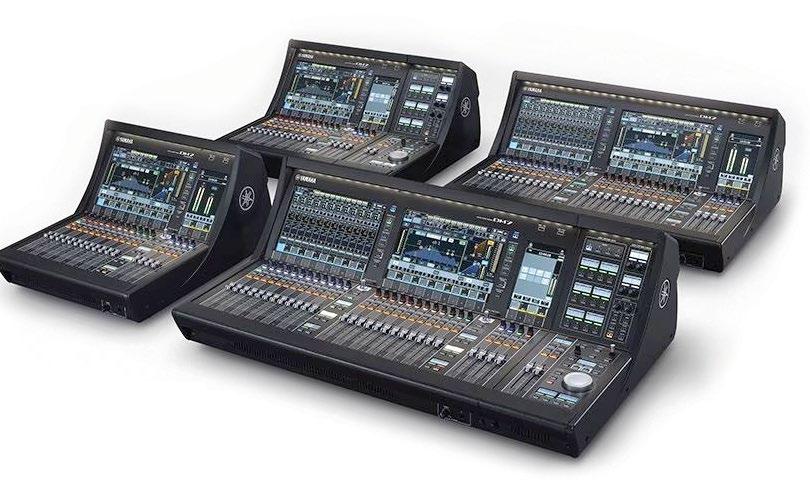
Just days prior to InfoComm, Yamaha unveiled its new DM7 Series of professional digital mixers. With an eye toward flexibility and expansion, at launch, the line includes two models—a 120-channel (DM7) and 72-channel (DM7 Compact, or DM7C) mixing console— each with an additional control expansion unit (CTL-DM7), for a total of four purchase options, all shipping in August 2023. The DM7 can process 120 input channels and features 32 local
Black Lion Audio Seventeen 500 Compressor
The new Seventeen 500 from Black Lion Audio, a 500 Series unit styled on a traditional 1176-style compressor, isn’t a direct clone, as it sports a
inputs, with 16 local outputs. The DM7 Compact can process 72 channels and has 16 local inputs and 16 local outputs. Both models feature up to 144 in/out Dante networking at 96 kHz, 48 mix, 12 matrix and two stereo buses, and they can be used with the optional Yamaha R Series I/O Racks and a variety of Dante devices. Drawing from the flagship Rivage PM Series, the DM7’s channel strip features four varieties of channel EQ, alongside a new FET Limiter and Diode Bridge Compressor. Both the DM7 and DM7C are equipped with 64 channels of Dan Dugan auto-mixing. Also included are a range of Yamaha’s Virtual Circuitry Modeling plug-ins, including the Portico 5033 equalizer and Portico 5043 compressor/limiter, as well as the DaNSe dynamic noise suppressor and Dynamic EQ. A major new addition is the series’ Split Mode, which allows the input channels, scenes and mix buses to be divided, letting one DM7 or DM7C function like two separate mixers. Using one console, users can mix Front of House and monitors, FOH and broadcast and so on.
redesigned, IC-based front end with the aim of providing detail and nuance, as well as some features unavailable on original 1176s. The unit’s front-end circuit is coupled with the company’s custom-designed output transformer in an effort to achieve bottom end that balances out its top end, aiming for a clean, punchy, modern sound under light compression and a more colorful vintage character when pushed. The unit uses high-grade Nichicon signal capacitors, and has additions such as a frequency-adjustable side-chain for preventing unwanted overcompression triggered by big low-frequency signals and a comp mix (wet/dry mix) knob for blending the dry signal with the compressed signal. There’s a stereo link functionality, and the Seventeen 500 also sports an “all-buttons-in” mode, allowing users to simultaneously engage multiple Ratio controls.
QSC L Class Loudspeakers
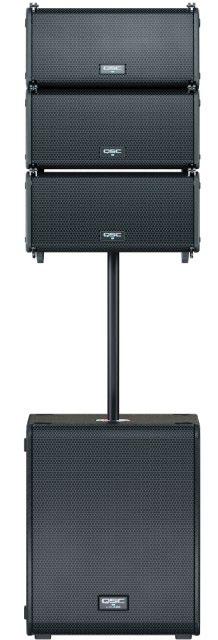
Consisting of three new models, the L Class from QSC is the company’s next generation of intelligent active loudspeakers, intended for use in a variety of applications, ranging from portable setups to networked fixed installations. The LA108 and LA112 are two-way active line array elements. The LA108 features an 8-inch LF driver and a 1.75-inch HF compression driver powered by Class D amplification with 1000
watts for the LF section and 300 watts for the HF section. Frequency response is stated as 57 Hz to 20 kHz, and nominal coverage is 100 x 15 degrees (horizontal x vertical). The LA112 features a 12-inch LF driver and a 1.75-inch HF compression driver powered by Class D amplification with 1600 watts for the LF section and 800 watts for the HF section. Frequency response is stated as 53 Hz to 20 kHz, and nominal coverage is 90 x 15 degrees.
The LS118 is a direct-radiating active subwoofer with a single 18-inch LF driver capable of delivering SPL up to 136 dB (@ 1 meter). It can be deployed in omnidirectional or cardioid patterns. Class D amplification for the LS118 is 3600 watts, and frequency response is stated as 35 Hz to 11 Hz. Audio connections for L Class loudspeakers include XLR-F (analog in) and XLR-M (analog thru), two RJ45 EtherCON (for Dante and QSC SysNav in/thru), and PowerCON TRUE1 (AC power input with loop through).
Rupert Neve Designs

Newton Channel Strip
The Newton Channel is a new channel strip from RND intended for both studio and live sound applications. Named after Rupert Neve’s birthplace (Newton Abbot, England), the Newton Channel includes a fully Class-A mic preamp with a sweepable high-pass filter; a musical three-band discrete EQ section with LF and HF shelves and a fully parametric mid band; a flexible VCA compressor; and custom Rupert Neve Designs transformer-coupled outputs with
MIX | JULY 2023 | mixonline com 40
the company’s harmonic color stage: variable Silk Red & Blue. The Newton’s input stage accepts both mic and line level signals, the compressor’s action can be linked with a second Newton, and 31-position detented controls are used throughout. The compressor can be placed pre- or post-EQ, and both the EQ and compressor can be fully bypassed via switches on the front panel. The Newton Channel also offers both Main and -6 dB Outputs, the latter allowing users to fully drive the Newton in order to achieve more transformer harmonics without clipping the next device in the chain.
64 Audio VAC Pro Mini Cordless Vacuum Cleaner
64 Audio has released what would seem to be a much-needed product, the VAC Pro mini cordless vacuum cleaner, intended for cleaning in-ear monitors, earphones and hearing aids. According to the company, “VAC Pro includes
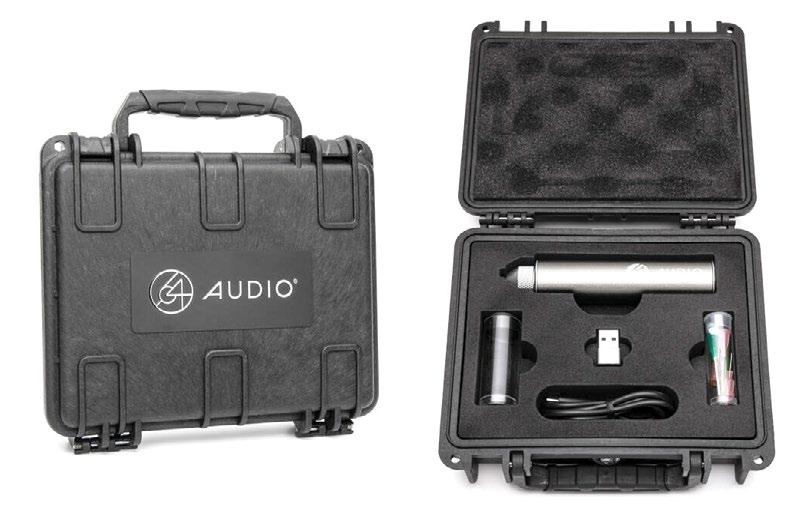
the audio tracks they want as a reference point for other tracks to align with. Additionally, Aligner includes a polarity parameter to show if any of the tracks switched polarities while employing the plug-in. For users who prefer to align an audio track on their own, Aligner provides the option to make sample delay or phase adjustments manually.
Yorkville Sound YXL10SP Powered Subwoofer
Hot on the heels of its YXL18SP 18-inch subwoofer, Canadian pro-audio manufacturer Yorkville Sound has unveiled its new YXL10SP powered subwoofer. Intended for working musicians and DJs, the new sub is the latest addition to the YXL Series. The 10-inch speaker weighs in at just over 30 pounds, providing considerable bass within
ensuring accurate results. Six flexible, precisionprocessing bands allow users to only de-reverb problem frequencies, and added power offers the ability to push the processing bands up to 200% de-reverberation in areas that require it, and much more. Clarity Vx DeReverb Pro features: Next generation of Clarity AI voice processing; instant reverb removal for dialogue and vocals; fast and seamless workflow with
a set of small and large steel needles that can effectively remove stubborn dirt and wax buildup, while the small and large plastic needles are perfect for more delicate cleaning tasks. The wide plastic needle is ideal for larger earphone openings, and the small and large cleaning pins are perfect for cleaning the VAC Pro’s suction nozzle and other hard-to-reach areas.” An included USB-C charging cable and USB-C to USB-A adaptor make it compatible with a range of charging devices.
Nugen Audio Aligner Plug-in
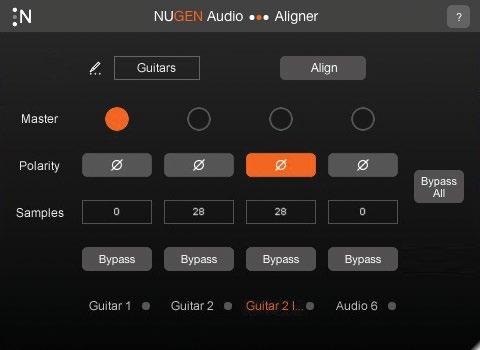
Initially offered as a “stealth” product for Nugen subscribers who responded to the company’s annual survey, Aligner is now available for anyone to buy, with an improved algorithm from the original release. The plug-in, designed to align audio with the touch of a button, features two kinds of bypass controls: one for all tracks at once and another for each individual channel. With this plug-in, users can choose which of
a small footprint. Offering 1,000 watts with efficient speaker components, the YXL10SP is said to be extremely loud for its size. The new model is the third sub in the YXL series, joining the YXL15SP and YXL18SP.
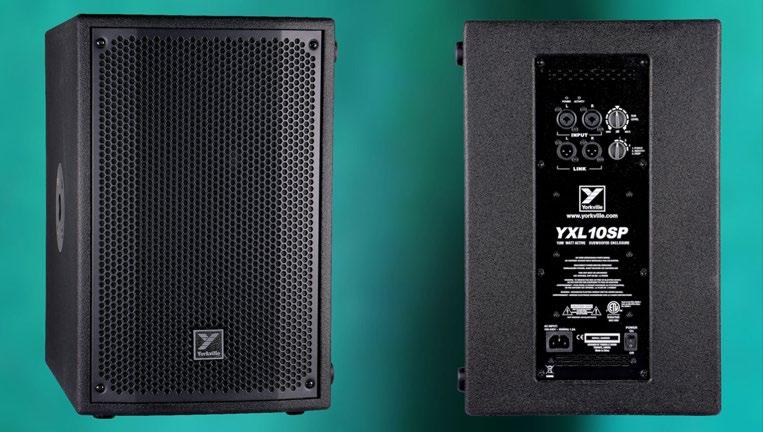
Waves Clarity Vx DeReverb Pro
The release of Clarity Vx DeReverb Pro and Clarity Vx DeReverb plug-ins from Waves brings even more performance to the company’s advanced AI reverb removal plug-in for dialog and vocals. Clarity’s technology dries recordings instantly and in real time, while giving users complete control over processing,
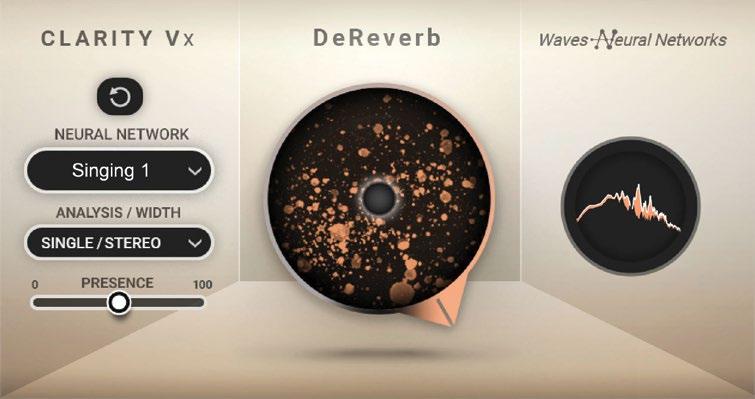
intuitive GUI; real-time workflow in context, fully automatable parameters; oggles for solo, bypass and delta—hear what’s being removed; trained on all types of spaces, including long and short tails; six flexible processing bands; tail smoothing; presence control to restore organic voice frequencies; and much more.
Alcons Audio QB363 Arrayable Bass System
Alcons Audio’s new QB363 mkII is a modular column bass system designed primarily to support the brand’s Q Series line source columns, though it can also be used as an arrayable LFE system with other Alcons setups. The QB363 mkII can be stacked or flown in multiples, and can also function as a base for a slim-profile stack system with the QRP40 point-source column. The system’s 12-inch transducers feature a large, dual3.5-inch voice-coil neodymium motor, reportedly enabling a significantly extended excursion. It is powered and controlled by the ALC amplified loudspeaker controller; the ALC offers QB363-specific drive processing with integrated factory presets for gain, phase, array-length and filtering matching with all Alcons pro-ribbon sound systems. n
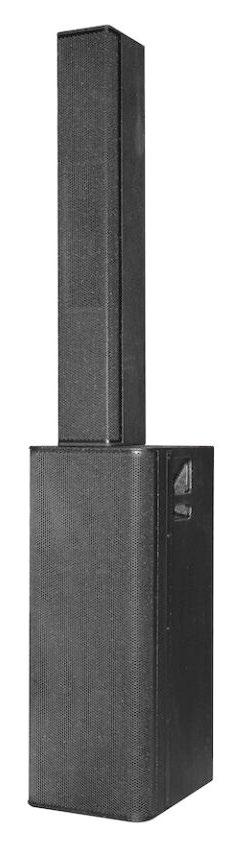
41 mixonline.com | JULY 2023 | MIX
Antares Auto-Tune Pro X
Powerful New Features, But Still a Work in Progress
By Michael Cooper
I use pitch correction on virtually every lead vocal track I produce, but I never stop there; combining the rendered pitch-corrected track with the unprocessed vocal creates an awesome ADT (Automatic Double Tracking) effect, supersizing the money track. Now, with the release of Auto-Tune Pro X, you can create this ADT effect without leaving the plug-in’s window; simply twist the GUI’s new Mix knob to blend dry and processed sounds.
MOST IMPRESSIVE FEATURE
The Mix knob is just one of many new features the updated plugin adds to speed workflow, but it’s not yet a totally smooth ride. I’m reporting here on v10.2.0, Pro X’s third iteration, as the initial release had a show-stopping bug—the AU plug-in’s all-important Graph Mode didn’t work. That’s since been fixed. Two other serious bugs remain—so serious, I feel I should discuss them before getting to all the things that are great about the new release.
First, stored Auto-Tune data can completely disappear, wiping out all your pitch-correction work, if you don’t also have a license for Auto-Tune Pro 9 on your boot drive.
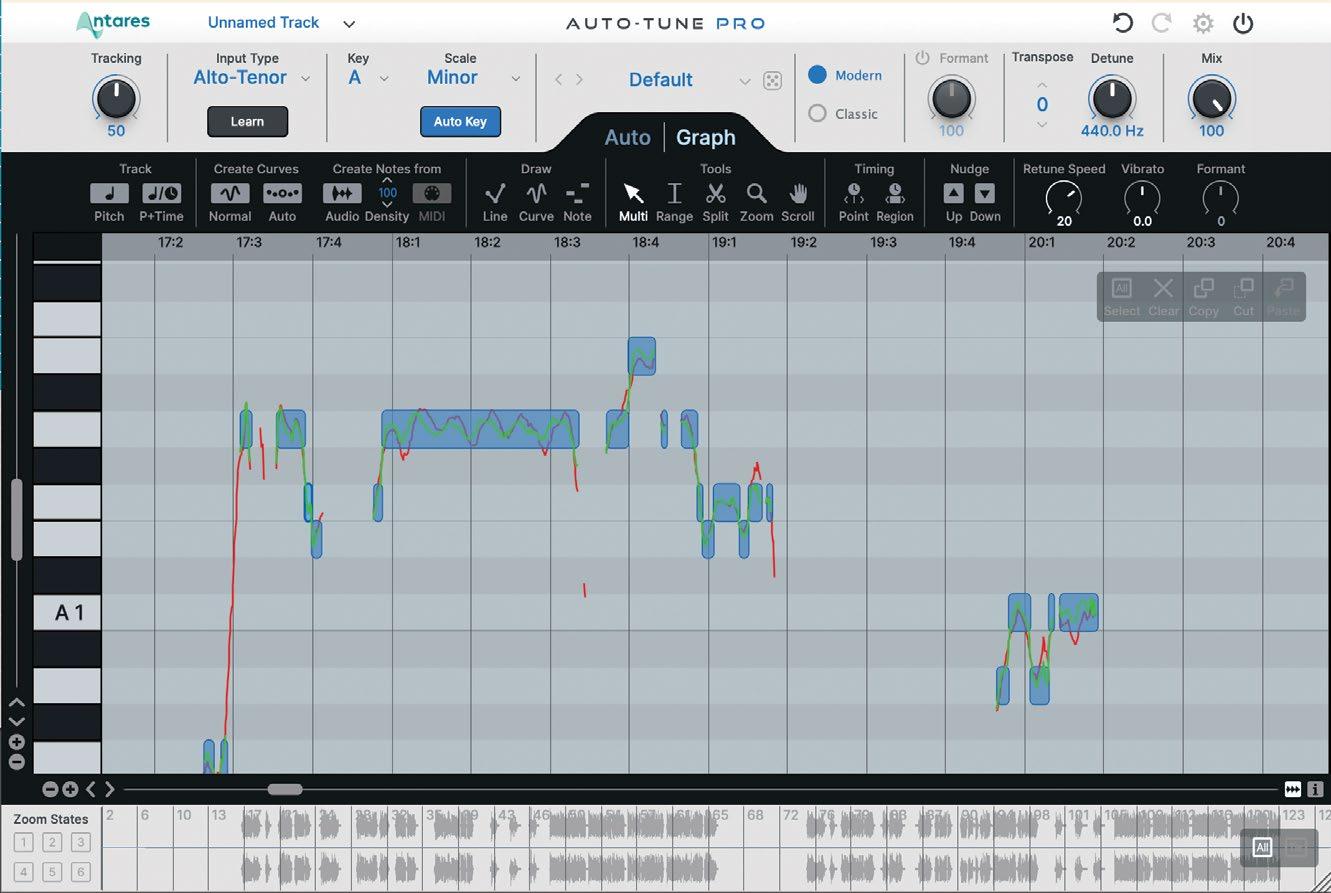
A second bug hamstrings a new marquee feature called MultiView List; clicking on this drop-down menu produces a list of all tracks using Auto-Tune in your current project. The list should populate with the same track names (“lead voc,” “bass gtr” and so on) you assigned in your DAW, but I found all instances displayed “Unnamed Track” in Digital Performer 11.2 (running macOS 12.6.1). Select any track in the Multi-View List, and the instance of AutoTune the track uses will populate the currently opened Auto-Tune window with its distinct control settings, thereby allowing you to tweak them without having to first navigate to the track within your DAW and open the plug-in’s corresponding window. But with every track having the same default name in the list (in DP, at least), it’s difficult to know which track you’re tweaking.
Aside from these major bugs (which Antares has been working the past several months to fix), Pro X is an impressive update. The plug-in now includes ARA2 (Audio Random Access) support for Logic and Studio One, providing instantaneous transfer of audio from those particular DAWs to Auto-Tune’s graph. Place loop
points in the graph, and an ARA2-supported DAW will place the same loop points in its synchronized timeline (and vice versa).
Pro X is also now natively compatible with Apple Silicon, allowing more instances of Auto-Tune to run simultaneously on a next-gen Mac without your CPU choking. The GUI’s freely resizable window always looks sharp due to 4K Vector Graphics, and new Light and Dark Mode preferences let you further tailor the plug-in’s appearance.
With Pro X, you can select which mode—Auto or Graph—to automatically start the plug-in in and choose to have Correction Objects (Note Objects, Lines and Curves used in Graph Mode) automatically generated after tracking audio. After tracking completes, the GUI automatically zooms to the most commonly tracked octave of notes, eliminating the hunt. Your manual zooming—in and out vertically, horizontally or both—goes faster thanks to new modifier-key shortcuts. You don’t even need to figure out a singer’s (or instrument’s) range before you get to work—Pro X uses machine learning to automatically determine the optimal Input Type within seconds.
Multi-level Undo and Redo buttons now provide a safety net in Auto mode just like in Graph Mode. In numerous ways, Auto-Tune Pro X’s GUI is better organized and more customizable than its antecedents’, resulting in a less-cluttered workspace. Finally, because Auto-Tune can be used as a creative effect, Pro X introduces a collection of artist presets, and you can save your own to compete with Cher.
I’d like to see the Mix knob be broken out into separate Wet and Dry level knobs, and a user-adjustable delay control—with a range of 0 to 20 ms—added to the latter. In my experience, combining dry and pitch-corrected versions of the same track can cause occasional phasing during moments in which little retuning occurs and the two waveforms become very closely aligned. Slightly delaying the unprocessed track precludes that artifact and creates a biggersounding ADT effect, to boot.
There’s no disputing Antares rushed Auto-Tune Pro X to market with insufficient beta testing. But the plug-in with the household name (even my physical therapist recognizes it!) will no doubt soon have all major bugs squashed. At that point, Auto-Tune Pro X will be the speediest and most user-friendly release yet. n
MIX | JULY 2023 | mixonline com 42
// reviews
Tech
ARA2 support; speedier workflow.
Shure GLX-D+ Digital Wireless System
Clean Dual-Band Operation in 2.4 and 5.8 GHz Bands
By Steve La Cerra
As the RF landscape becomes increasingly crowded, wireless manufacturers diligently seek ways for audio pros to make efficient use of the available spectrum. Shure’s GLX-D+ Dual Band Digital Wireless System plants a foot firmly in that direction, operating in both the 5.8 GHz band and the popular 2.4 GHz band — effectively doubling the RF bandwidth and increasing the number of channels that can be operated simultaneously.
GLX-D+ systems are available in a variety of configurations, with handheld or bodypack transmitters, and table-top, rackmount or guitar pedal receivers. An assortment of miniature Shure microphones are offered for use with the bodypack, including headset, lavalier and clip-on mics.
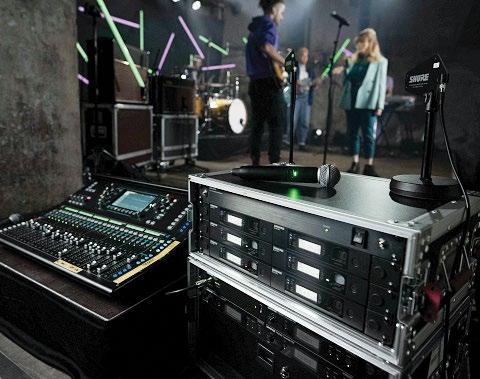
For this review, Shure sent Mix a GLXD1+ Digital Wireless Bodypack transmitter with WA302 instrument cable, a GLXD2+ Digital Wireless Handheld transmitter with SM58 capsule (Beta 58 and Beta 87A capsules are options), and a GLXD4R+ rack receiver.
A GLX-D+ system can be used in one of three modes: 2.4 GHz only, 5.8 GHz only, and 2.4 and 5.8 GHz (“best band”). The latter is the factory default and was the mode I used for most of my review. Each mode has several RF groups, and the user manual provides a guide regarding which mode and group to use based upon the number of receivers in use, as well as the local RF environment.
When running multiple receivers simultaneously, all must be set to the same group; when using more than two receivers, Shure suggests using the optional GLXD+FM Dual Band Frequency Manager. The Frequency Manager can connect up to six GLXD4R+ receivers, creates a shared group of frequencies for all receivers to use, and automatically assigns a frequency to each receiver (!). A maximum of three Frequency Managers may be combined to build a system with a typical channel count of 11, or up to 16 under optimal RF conditions.
OUT OF THE BOX
When I unpacked the GLX-D+ components, I was initially alarmed that there was no battery charger included; then I noticed the battery bay on the front panel of the GLXD4R+ receiver. This— combined with the ability for both transmitters to charge a battery via the USB-C port—means no need for external chargers (the USB-C port is also used for firmware updates).
Transmitters are powered using a Shure SB904 lithium-ion rechargeable battery. A full charge takes three hours and allows a
transmitter to run up to 12 hours of operation (more than 11 hours in 5.8 GHz mode). At the bottom of the GLXD2+ bodypack is a locking door to the battery compartment; the GLXD1+ uses the typical rotating sleeve to gain access to the battery.
The GLXD2+ handheld transmitter is solid (if somewhat unremarkable), while the GLX-D1+ bodypack is built like a little brick. Both transmitters have a minimum complement of controls: on/off switches on the outside, and link buttons, battery compartments, and the USB-C ports under the covers. The GLXD1+ uses a locking TA4-toTS cable for instrument input (thank you, Shure). Notably absent from both transmitters is a gain control. Instead, gain is set at the front panel of the receiver, simplifying setup. One of the features I liked about the system is that gain can be set individually for each transmitter, and is automatically recalled when a transmitter is turned on.
Combined with the fact that multiple transmitters can be linked to a single receiver (though Shure warns that only one transmitter should be powered on at a time), this feature enables you to establish a consistent gain structure when using bodypacks on a guitar or bass rig with multiple instruments that have different output levels. The transmitters also feature a built-in antenna and a multi-color LED indicating transmitter status. Transmission power is 10 mW maximum, and transmission is Shure proprietary digital with a range of 100 feet.
MIX | JULY 2023 | mixonline com 44 Tech // reviews
A typical side-of-stage setup for the Shure GLX-D+ Digital Wireless System, with a stated range of 100 feet.
BE RECEPTIVE
The Shure GLXD4R+ receiver is a compact unit (half-space, 1RU) that can be racked alone or in pairs using the included hardware. Frontpanel features include a power switch, LCD screen, indicator lights for RF status and data sync; buttons for gain up/down, group, link and channel; and the battery charging bay with charge status indicator. The charging indicator lights red while charging, flashes green at 90 percent, and lights steady green at full charge; a spare battery may be charged in the bay while the system is in use.
Around the back, the GLXD4R+ provides threaded jacks for two half-wave antennas (included), a power supply jack with a threaded locking collar for the DC plug, USB-C port for firmware updates, XLR output with mic/line level switch, and a ¼-inch TRS instrument/aux output jack.
The GLX-D+ system couldn’t be easier to use. Turn on the receiver, use the Group button to set the channel group (if necessary), then press the Channel button to initiate auto scan. Turn on the transmitter, and the blue RF indicator on the receiver will flash until the receiver and transmitter are linked, then remain lit. The transmission channel will automatically be relayed from the receiver to the transmitter. Linking happens only on the initial use; when the devices are subsequently powered up, they link automatically. In the event that the devices do not auto-link, press the Link button on the receiver.
Receivers and transmitters may be locked to prevent unwanted changes to system settings.
Moments after powering on the transmitter, the receiver LCD will show battery life in hh:mm, and gain settings (when using our system, the battery gauge showed as high as 14 hours). A five-segment meter shows audio level from the transmitter, and briefly holds “OL” if the audio level reaches clipping. No menu paging is required for operation—another plus. Shure suggests turning on any nearby Wi-Fi devices that will be used during the performance before turning on GLX-D+ components, which brings us to…
THE ROAD TEST
I took the GLX-D+ on the road, mostly using the instrument pack but also using the handheld transmitter. The first time I used it was at the America Gardens Theatre in Epcot at Disney World, Orlando. What better place to evaluate a wireless than this veritable cesspool of RF activity? When advancing these shows, I mentioned to the production manager that I’d bring the GLX-D+, and was warned that the RF environment on-site was very hostile. Perfect. I set up the system for use with an electric guitar and held my breath at the start of soundcheck. Not a hiccup to be heard, not at soundcheck or across six shows (three per day). More importantly, the guitar sounded great.
Back-story: Prior to the shows—while I was still at home—I did an A/B comparison between a guitar connected to the GLXD1+ bodypack versus
a hard wire going into an amplifier, so that I could establish a “unity gain” setting on the pack, i.e., a setting where gain through the GLX-D+ was the same as using a wire into the amp. A gain setting of -18 did the trick, producing almost exactly the same level as the wired connection (I’d have set the gain a dB or two lower on the GLXD4R+, but -18 was the lowest setting). I felt that the sound of the guitar through the GLXD1+ might have been a hair brighter than the wire, but the GLX-D+ sounded very close to a cable.
When I used the GLX-D+ on electric bass at several other locations (casino showrooms, areas that also had high levels of RF activity), there was no evidence of transmission artifacts such as compression/ expansion, which can be heard when using systems of lesser pedigree. Bottom end was tight, and—as with the guitar—I never heard dropouts or interference.
Using the GLXD2+ handheld transmitter with the GLXD4R+ gain set to -3 dB and the output switch set to microphone level, the receiver output almost the same level as that of a wired SM58. I had the chance to A/B a wired SM58 with the GLXD2+, and it was tough to tell them apart.
Judging from the performance of the GLX-D+ system, Shure engineers have certainly done their homework. The system is extremely userfriendly, sounds great and provides excellent RF performance. Power RF users may cite the channel count and lack of networking as limitations, but the GLX-D+ is a great solution for local and touring musicians, corporate, or house-of-worship applications requiring modest channel counts while providing great RF and audio performance. n
PRODUCT SUMMARY
COMPANY: Shure Incorporated
PRODUCT: GLXD24R+/SM58 Handheld
Wireless and GLXD14R+ Instrument Wireless WEBSITE: www.shure.com
PRICE: GLXD24R+/SM58: $649.00; GLXD14R+: $599.00. GLXD+FM Dual Band Frequency Manager: $549
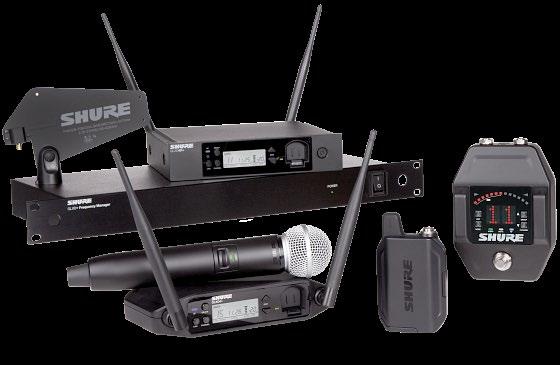
PROS: Excellent RF performance and audio quality; long battery life; easy to use.
CONS: Maximum channel count may be insufficient for creating large RF systems.
45 mixonline.com | JULY 2023 | MIX
Sound Radix Auto-Align 2
Time-Aligning and Phase-Correcting Just Got Significantly Easier
By Mike Levine
Software updates come in many forms. Some are minor maintenance releases, others offer a few or many new features, and once in a while you get an update that fundamentally changes the workflow of a product. Auto-Align 2 (Mac/Win) falls into that last category.
The plug-in is significantly more automatic than its predecessor, which had a more “hands-on” approach. Users had to assign a Send or Receive channel for each plug-in instance. The plug-in would then align the Receive channels to the Send channels. You also had adjustable input and sidechain parameters, whose settings could affect the outcome of the processing, and you could choose to detect delay, phase alignment or both.
By comparison, Auto-Align 2 takes care of all that and more with a single button push. If you’re unhappy with the results, you can manually adjust some of the parameters.
WHAT IS IT GOOD FOR?
The primary function of audio-alignment software is to correct the phase issues that occur when multiple mics are used together in the same space. Because the mics are different distances from the source (or sources) being recorded, the sound waves arrive and get recorded—both directly into mics and through bleed—at slightly different times. That can lead to phase problems.
For example, if you’re recording a drum kit with multiple mics, the snare drum will bleed into other spot mics, such as those on the kick and toms. The snare will get recorded not only onto the track (or tracks) for its dedicated mic (or mics), but will also bleed into the kick and tom mics, arriving at slightly different times on each track.
When you sum those tracks in the mix, the late-arriving waveforms can cause comb filtering and other phase issues. AutoAlign 2’s algorithm looks at the transients, spectral content and other factors of the various tracks and adjusts their timing to create the optimal phase coherence. The result: punchier transients and improved fidelity.
The plug-in also looks for and corrects tracks that are out of polarity with each other. This automatic polarity matching saves you from the tedious process of auditioning various track pairs and checking whether they sound better together with the polarity reversed.
Sometimes, only certain frequencies on a track are out of phase. In those situations, Auto-Align 2’s Spectral Phase Optimization processing kicks in, using frequency-targeted phase shifts to correct such issues.
READY, SET, ALIGN
Sound Radix recommends instantiating the plug-in on all audio tracks as early in the mixing process as possible before you get into significant editing. The company says that the more data available for the plug-in to analyze, the better the results.
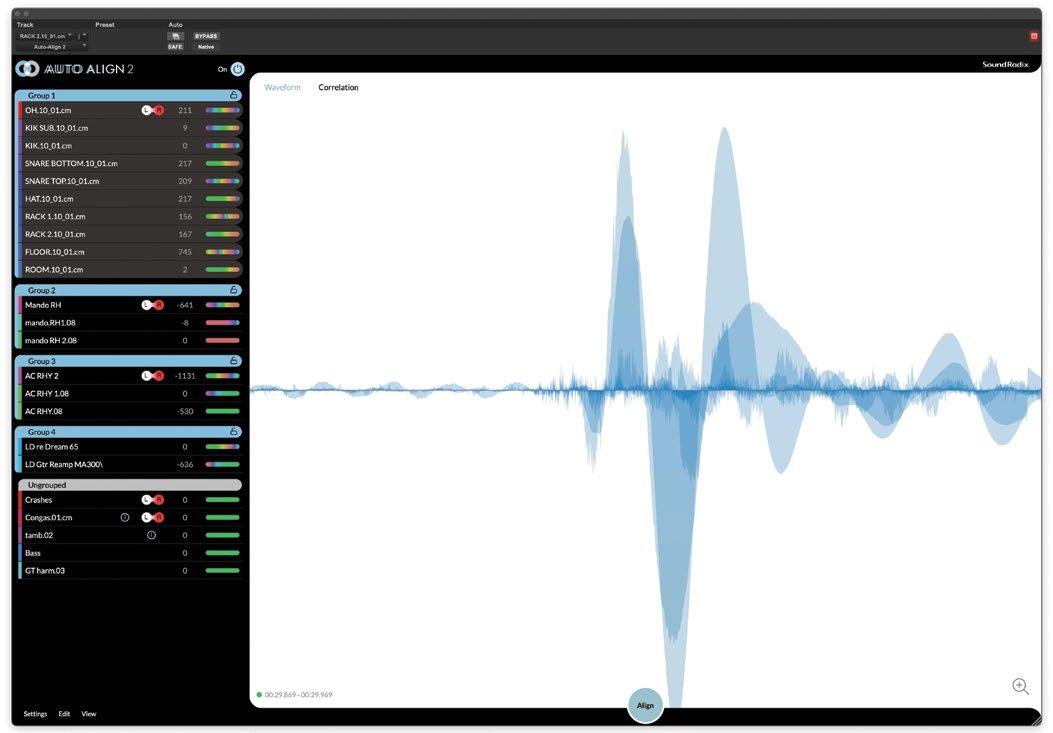
That one button push I referred to earlier is the Align button. You put your DAW transport into Play, press Align, and Auto-Align 2 begins analyzing your tracks. If you stop the playback before 30 seconds, a dialog box tells you that the plug-in needs more data to work correctly. The manual recommends letting the song run from beginning to end.
If you have an ARA2-compatible host that supports Auto-Align 2—currently Reaper, Cubase/Nuendo or Studio One—you don’t need to play back the part; it’s captured automatically. Logic Pro X also offers ARA2 support for the plug-in, but you must hit Play for a second to transfer the data into the plug-in.
I noticed when using Auto-Align 2 under ARA2 in Logic that long, character-based identifiers appeared next to each track name in the plug-in’s tracklist, making the names harder to read. In Studio One, however, the names of the tracks appeared as normal, without the extraneous characters.
Whether you open Auto-Align 2 under ARA2 or as a standard plug-in, all instances of the plug-in are linked, and each shows the status of all tracks in the session with the plug-in instantiated on it. In that display, you’ll see waveforms on the right and a tracklist
MIX | JULY 2023 | mixonline com 46 Tech // reviews
Auto-Align 2 introduces a faster and more automated workflow.
on the left. If you have too many tracks to show simultaneously in the GUI window, you can freely resize. It.
Once Auto-Align has captured the audio, the alignment process only takes a few seconds. The more tracks in your session, the longer it takes. After it finishes, you’ll notice that Auto-Align 2 has grouped your plug-ins. Grouping is critical because the plug-in only aligns tracks within groups.
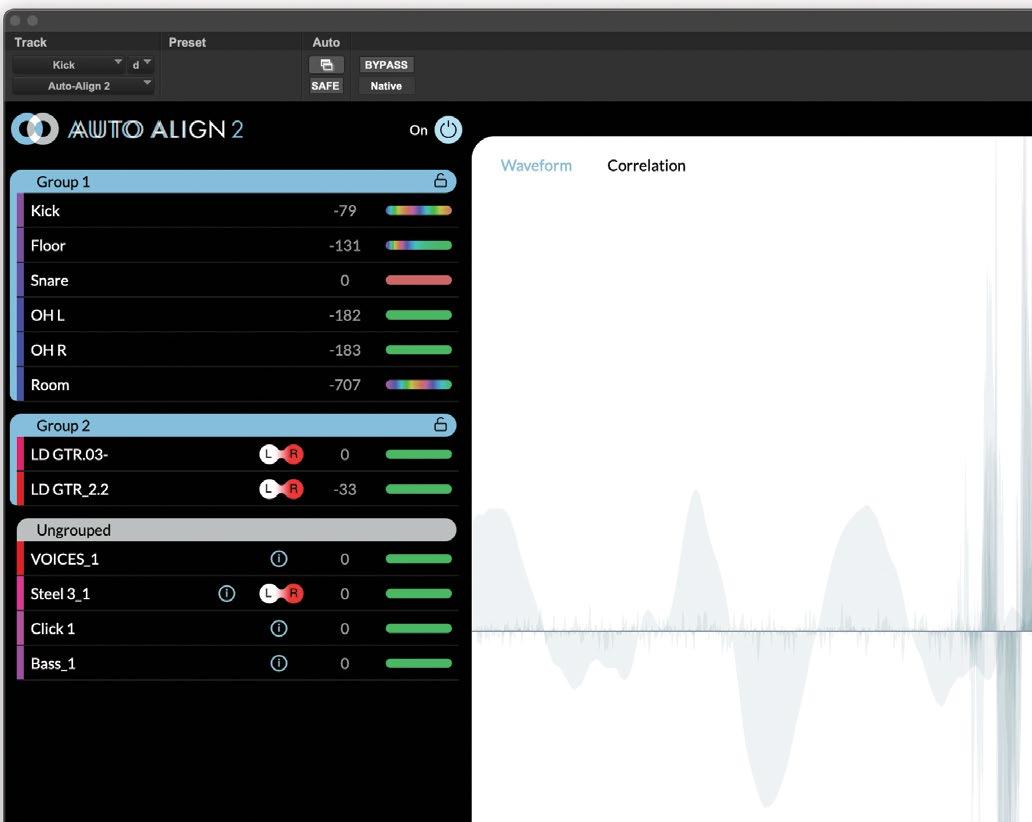
Any tracks with common acoustic information, such as those recorded in the same room, get grouped. Otherwise, the plug-in looks for additional similarities to use in its grouping decisions. If it can’t find any, it leaves those tracks ungrouped, which means they won’t get aligned.
If unsatisfied with the automatic grouping, you can create your own groups and move any track to any group. You create Groups in the Settings menu at the lower left. They’re named Group 1, Group 2, etc. When I first tried this feature, I assumed I’d be able to rename the groups, but there’s no way to do it. It’s not a huge issue, but it would be a handy option. Maybe Sound Radix can add Group naming in a future update.
Within each group, the algorithm typically anoints the earliest arriving track as the “Key Time Track.” You can change which track gets that designation after the initial alignment.
My assumption was that the Key Time Track is the alignment master reference within a group. But a careful reading of the manual showed that wasn’t entirely correct. “The tracks in a Group aren’t merely aligned to the Key Time Track,” states the manual. “Instead, each track is aligned to every other track within the Group and the totality of that alignment is aligned to the Key
Time Track.”
Engineers who use alignment software often have their own system for which drum tracks will be the alignment reference and which will be aligned by them. For example, the snare bottom and hi-hat to the snare top, the overheads to the kick, etc. Because the timing of the Key Time Track isn’t the only factor in the automatic alignment decisions in AutoAlign 2, and you can’t adjust the others, it seems as if you don’t have quite as much manual control over the results as you did in the previous version.
ON DISPLAY
Next to each grouped track is a text field that shows how much it was offset in the timealignment process. You can choose to view the data in samples, milliseconds, centimeters or inches. Positive values indicate that the track was moved forward. Negative values indicate that it was moved backward.
The distance measurements of the offsets indicate how far the sound would have to travel to align with the Key Time Track and equates with the distance between the spot mic on the source and the other mics where the source gets recorded as bleed.
The Key Time Track will show a zero. If you designate a different Key Time Track, the plug-in will immediately change the alignment of all the
PRODUCT SUMMARY
COMPANY: Sound Radix
PRODUCT: Auto-Align 2
WEBSITE: soundradix.com
PRICE: $199 first-time purchase, $99 upgrade PROS: Significantly faster workflow. Upgraded algorithms automatically adjust timing, phase and polarity. Creates automatic alignment groups. Finds optimal reference tracks within groups. ARA2 support in multiple DAWs. Freely resizable GUI. Choice of four formats for viewing timing offsets.
CONS: Somewhat less user control than in the previous version. Implementation of ARA2 in Logic Pro X creates long character strings in the track list. No renaming function for Groups.
tracks in that group. So it’s easy to experiment with different Key Time Tracks.
To the right of the timing data is a colorcoded Phase Meter that lets you know at a glance which type of phase processing, if any, was required to align that track.
Solid green indicates that no polarity or phase adjustments were necessary. Solid red tells you that a 180-degree polarity reversal was implemented. A multi-colored display shows that Auto-Align 2 applied its Spectral Phase Optimization.
The Visualizer is the large, monochrome display on the right side of the GUI. One use is to confirm that the plug-in is capturing audio after you press Align and hit Play on your transport.
After you’ve aligned the tracks, it shows the overlaid waveforms of the currently selected Track Group. At that point, you can see how much the program offsets a particular track by stopping your DAW’s transport and then turning off the Power Button (the master bypass for the plug-in). When you do, you see the offset track return to its original position. You’ll see it flip over if it’s had its polarity reversed.
You can also switch the Visualizer into Spectral Phase Optimization mode, which uses bar-graph style lines and functions like a stereo correlation meter. Selecting a track shows the frequencies in it that are canceling, adding or not impacted vis a vis the other tracks in the Group.
TRIALS
Over several weeks, I used Auto-Align 2 on several mixes and was impressed with its simplified workflow and the power of its new algorithms. Between the timing offsets, spectral phase optimization and polarity adjustments, Auto-Align 2 can add punch and clarity to your mix.
As expected, it had its most significant impact on multitrack drum recordings and other multimic recordings. But it’s easy enough to try it on other tracks that need relative tightening.
If you’re a user of the original Auto-Align, and have an established method for configuring alignments—particularly of drum kit tracks— you may find that the new workflow slows you down a little. That’s because you’ll have to first run the automatic alignment and then reconfigure the Groups to match your system. But I suspect that almost everyone else will greatly appreciate the speed and power of the new version. n
47 mixonline.com | JULY 2023 | MIX
To the right of the track names, you see timing offsets and indicators of phase optimization.
Tech // reviews
Solid State Logic Connex
Advanced USB Microphone/ Audio Interface
By Barry Rudolph
Connex is a USB microphone/interface with four microphones aimed at the four points of the compass. Its low-profile, pyramidal shape is unobtrusive when placed in the center of a conference table or on a small desk, as I use it here in my studio for Zoom calls. It comes with a ¼-inch threaded base for mounting on a camera tripod, and includes an adapter for mounting it on a regular mic stand.
It is plug ‘n’ play for Macs OS 10.14.6 (Mojave) or later; for PCs, it requires a downloadable driver. In the default White mode, only the front-facing capsule is active, with a dual-mono signal output—used for a person(s) speaking directly into it for a podcast or conference call. Depending on the specific mode selected, the four microphones’ outputs are automatically mixed, equalized, compressed and optimized for that particular mode.
PRODUCT SUMMARY
COMPANY: Solid State Logic
PRODUCT: Connex Advanced USB Microphone
In addition to the White mode, the Green Group mode has all four mics mixed to a dual-mono output for people sitting around a conference table—it’s optimized for speech. Next, the Magenta mode changes the audio processing to accommodate quieter voices, with all four mics working together to derive a stereo image around the front of the mic. In this mode, several people sitting or standing in front of Connex for a group sing would be recorded in stereo! The Blue mode is like Magenta except the DSP changes to accommodate louder musical sound sources. Use this mode to record singers and those playing acoustic guitars.
WEBSITE: www.solidstatelogic.com/sslconnex
PRICE: $149.99 MSRP
PROS: Four Group modes; emphasis on speech and music; can be used for “immersive” capture
CONS: None
Finally, there is an Immersive mode where all four microphone outputs are available as separate, discrete mono signals. All the mics’ audio outputs are still combined to channel outputs 1 & 2, as well, but now you could assign channel 3 through 6 outputs (in your DAW) in any surround format you’d like. Mounted on a mic stand in the center of a space, Connex becomes a four-channel surround/ immersive microphone array.
I tried out Connex in a Pro Tools session using it as my Playback engine—it comes up as six tracks: one dual-mono or
stereo pair, and (depending on the chosen mode) four mono audio tracks. It works great as an additional source in immersive productions (Atmos, Sony 360, etc.). I’m betting that Connex will start to be seen at live concerts and shows at the FOH position connected by the included USB-C cable.
Connex automatically runs at the sample rate, up to 96kHz, set by your DAW computer. The mini-stereo headphone output jack’s level is loud enough for checking its operation for location sound work, or stereo playback for mobile laptop use.
All configurations and mode changes use the touch-sensitive, lighted “Solid State Logic” logo on top of the unit. With it, you can set your stereo headphone level, control the volume of the “loopback” level of program audio fed back to the headphones, quickly touch the lighted logo and mute the mic (cough switch) or change its operation to “push to talk” when working in noisy environments.
The SSL Connex Advanced USB Microphone is a well-made and comprehensively thought-out system. It comes with all necessary cables and USB-C to USB-A adapter, a Quick start manual (download the User Guide for the advanced settings) and sells for $149.99. I love mine here sitting on my desktop! n
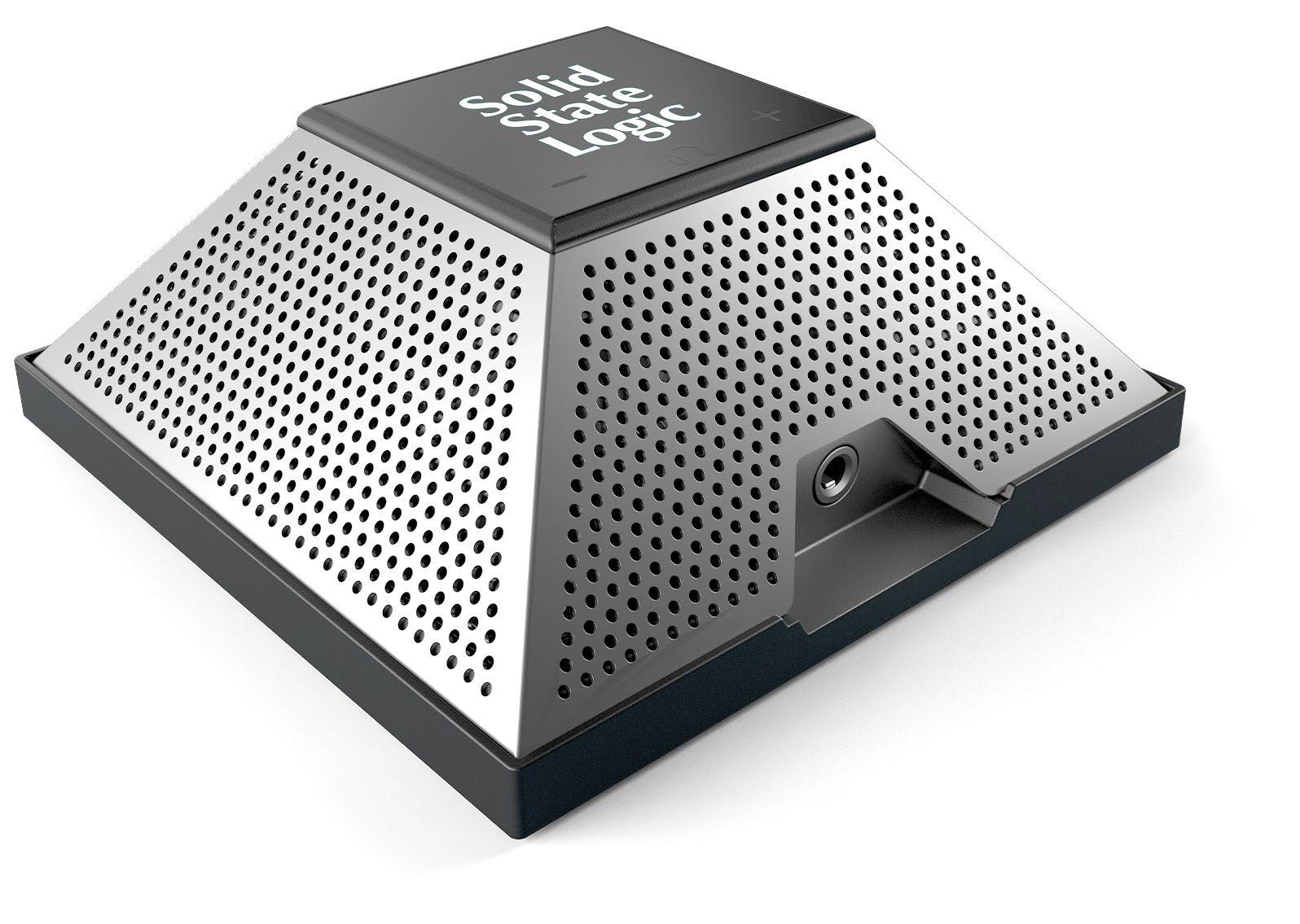
MIX | JULY 2023 | mixonline com 48
Neural DSP Mesa Boogie Mark IIC+ Suite
Variety, Flexibility and Control
By Mike Levine
Neural DSP offers a variety of amp-andeffects modeling software. Some of its products are rig emulations of well-known guitarists such as John Petrucci and Tom Morello, and others focus on individual amps such as the Tone King Imperial MKII or the Soldano SLO-100.
MOST IMPRESSIVE FEATURE
The company’s most recent release in the latter category is the Mesa Boogie Mark IIC+ Suite. The Mark IIC+ amp was made between 1978 and 1985 and was a favorite of guitarists such as Kirk Hammett and James Hetfield of Metallica, Steve Lukather of Toto, Neal Schon of Journey, John Petrucci of Dream Theater and Prince. The software also includes an emulation of the Mark IIC++, a rare modded version of the amp.
The signal chain starts with the Stompbox section. It contains four pedals: Compressor, Overdrive 1, Overdrive 2 and Chorus.
Next is the Amp section, where you can choose between the Mark IIC+ or IIC++ amp heads. The former is black colored and the latter blond. The IIC++ features a slightly brighter sound and has more gain.
In addition to Volume (gain) and Master Volume controls you also get Treble, Bass and Middle knobs. All the knobs are push/pull and feature secondary functions such as (mid) Shift, Bright, Deep and Lead. When Lead is turned on, it activates Lead Drive and Lead Master controls.
Cabinet-wise, you can switch between two different Mesa Boogie 4x12s and a 2x12. Those who prefer their own cabinet IRs can use the built-in IR Loader.
There are ten different mic models to choose from, and changing their positioning on the virtual cabinets is easy. You can pan each cabinet in the stereo field on mono-to-stereo and stereo instances of the plug-in (or in the standalone app).
Even more EQ is available via a separate 9-band Graphic EQ section after the Cabinet. The last stop on the signal chain is the Post FX section, which includes Delay and Reverb pedals. On stereo or mono-to-stereo instances of the plug-in, the Delay offers separate control of the left and right channels, including delay
time, feedback, delay level and more.
The Reverb is an ’80s hall emulation. If you prefer spring reverb, you can turn that on with a knob that’s part of the Rear Panel controls, which are accessible with a push of a button. The Rear Panel also includes a Presence knob and a Class Switch for changing the operating mode from Simul-Class to Class A.
Like other Neural DSP modeling plug-ins, the Mark IIC+ Suite components sound incredibly realistic and provide a vast range of tones. As you would expect with Mesa Boogie amps, the high-gain realm offers the most variety, including everything from overdrive to massive distortion. You can also get some useful clean tones.
PRODUCT SUMMARY
COMPANY: Neural DSP
PRODUCT: Mesa Boogie Mark IIC+ Suite
WEBSITE: neuraldsp.com/plugins
PRICE: $99
PROS: Realistic models of Mesa Boogie Mark IIC+ and ++ amps; compressor, two Overdrives, Chorus, Reverb (hall and spring) and Delay effects; flexible cabinet section with many mic models and easy mic positioning; superb Doubler effect; standalone version includes metronome; good value.
CONS: Transpose effect has no mix control.
Global features in the plug-in and standalone versions include an excellent Doubler, a Tuner and a Transpose knob. The latter has no mix control, which limits its usefulness as an octave-divider effect. Still, it can be handy to have it available. Turning the Input Mode switch to Stereo allows you to use the plug-in with keyboards and other stereo sources.
Whether you use the standalone to practice or the plug-in to mix, the Mark IIC+ suite offers both quality and value.
If you want an easy way to add the iconic sound of Mesa Boogie amps to your studio, you’ll love this software.
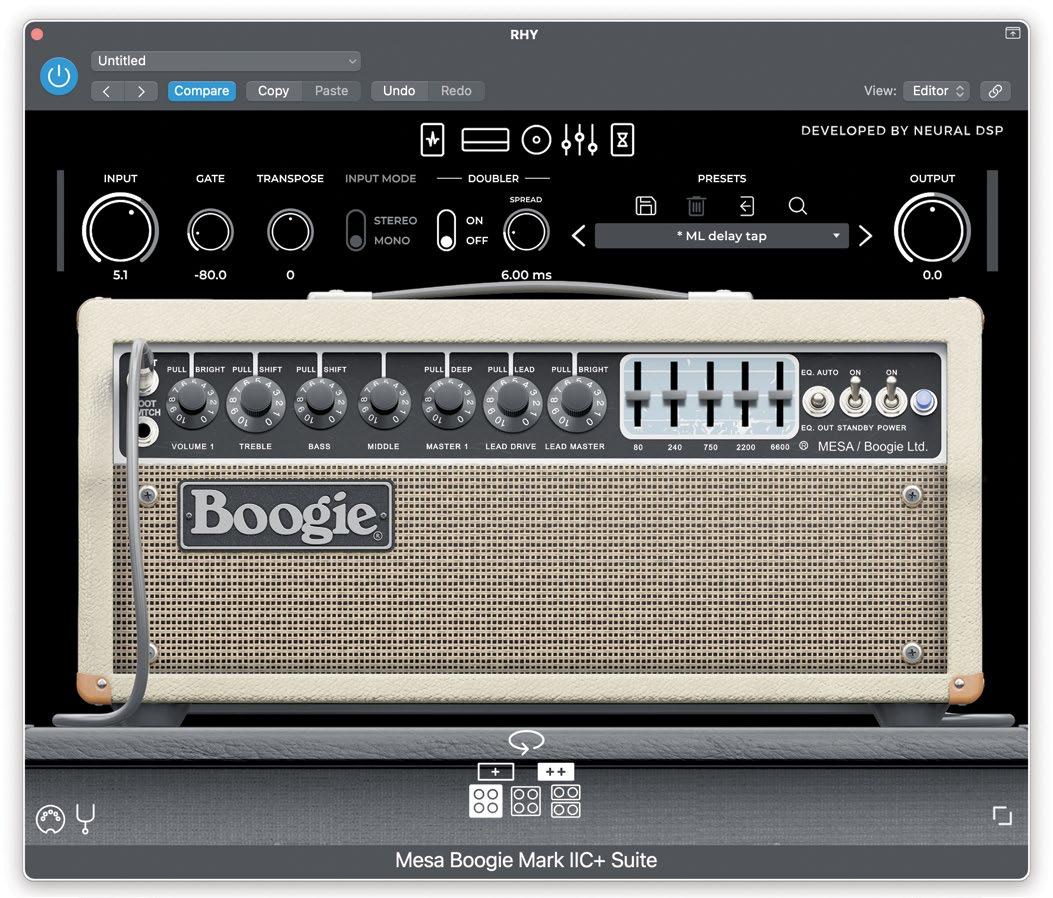
49 mixonline.com | JULY 2023 | MIX Tech // reviews
n
Neural DSP modeled both the Mesa Boogie Mark IIC+ and the rare modded version, the Mark IIC++
The most variety in the high-gain realm
Open Channel
Music Technology? Or, the Technology of Music?
Iblame YouTube.
By Craig Anderton
Well, maybe not totally. There’s also society’s fascination with technology. That’s understandable— we hold the power of yesterday’s mainframe computers in Samsung’s cheapest smartphone. We can send music, video and text across continents in seconds. No one needs postage-paid envelopes for utility bills because we receive bills online and pay via online banking.
And now, most of our art involves technology. But does fascination with the technology of music distract us from the art of music technology?
I went on a mission to find YouTube videos about how to make better music, not how to make better-sounding music. I wanted to see advice on how to bring out emotion and expressiveness, and use technology to further the creative process.
One video summed up my problem with many videos about music technology. A guy talked about how “pros” get their vocal sounds. He took a vocal, then groovequantized a copy to make timing differences that created ersatz doubling. He then detuned the copied track slightly, and added an imager to expand the stereo spread. Next was an octave-lower copy (with formant tweaks) mixed behind the vocal. On playback, when the vocal came on, he bobbed his head approvingly to show how much he was grooving on the vocal. Then, to prove why these techniques were so cool, he bypassed the extra tracks and effects, and we were back to the raw vocal.
I liked it so much better.
This isn’t a diss on the guy. He was excited about technology’s possibilities, as am I. I’ve used some of those techniques myself. But just as the right amount of spice can amplify the flavor of food, too many spices can mask the taste. Had I been asked to produce that vocal, I would have added a gain envelope to spotlight some of the most human vocal qualities, and limited it lightly to bring up the average level. Done. Although that’s probably not what the producer wanted, it was all that the vocal needed to be more expressive.
THERE MUST BE MORE
But saying what I would have done is still about the technology, not the art. The “art” statement would be to let the vocal speak for itself. Overlaid effects can obscure emotion. My advice for the art would be to see how many effects you can remove, not how many you can add.
I looked for videos about how to make DAWs part of the creative
process. I expected something that would extol the virtues of non-linear recording—like if you come up with a catchy riff, record it and figure out what to do with it later. Or if a song’s beginning isn’t punchy enough, what about stealing part of the chorus to start off the arrangement with a bang?
But the next video said the secret to arranging was to find a great example of music in the genre you’re doing, load it as a reference track, and mimic the arrangement. Another video was about how to use automation. That got my hopes up: Automation is great because you can treat a mix like a live performance. Use a hardware control surface, think of yourself as a conductor, and put your feel into the fader motions. If the mix is great, automation preserves it. If not…do it again. But the video covered using a mouse to change synth parameters during a song. Well, that’s better than nothing.
The next video was about using a company’s canned MIDI loops to create hit tracks like the pros. Or, at least, tracks like those made by anyone else who bought the same loops. Uh…okay.
Next up: a video describing an arrangement’s elements—chorus, verse, etc. That’s certainly useful information. But I think people would also benefit from a video that relates these concepts to the arrangement tracks in DAWs, which are manna from Heaven for songwriting. Then another video said the secret to hits was making hummable melody lines…but didn’t say always have your DAW recording, and a mic plugged into your interface, in case lightning strikes while you’re humming.

TECHNOLOGY-ART PARTNERSHIP
Granted, a lot of YouTube videos relate to EDM, but this isn’t a “kids, get off my lawn” moment. It’s a “kids, you’re not being given the collective wisdom that songwriters, engineers and musicians have learned over decades, to which you can then add your own creative twists in our wonderful new world of music technology” moment. Every EDM-related production I’ve done folded in what I learned from the art of other genres. And I’ve been involved in various “new age” productions not because of my experience in that field, but because of what I could bring from rock and classical music.
It’s time to stop thinking of computers and DAWs solely as technology to record and mix music. They can be partners in the art of creativity, multiply our options, and expand our boundaries—not suit us up into the same kind of straitjackets that have plagued other forms of popular music over various decades.
The best drum ‘n’ bass live act I ever saw was—a drummer and a bass player. They had the electronic sound and flash of DnB, but the emotions of humans in control. They got their art/technology balance just right. ■
MIX | JULY 2023 | mixonline com 50
On playback, when the vocal came on, he bobbed his head approvingly to show how much he was grooving on the vocal. Then, to prove why these techniques were so cool, he bypassed the extra tracks and effects, and we were back to the raw vocal.
I liked it so much better.