Inform, engage, and connect using an interactive PDF
Transform your written content into an engaging experience with our interactive PDF creator. With the ability to create animated PDFs and elevate them into dynamic reading experiences, you can seamlessly integrate all types of interactive elements into a single, easy-to-read document. Keep your audience engaged and make your content stand out with Issuu's powerful platform.

What is an interactive PDF?
An interactive PDF gives you more control than ever when it comes to crafting documents, product guides, employee manuals, and documents of all varieties. Your traditional (or flat) PDFs gain new life and dimension when you can incorporate video, audio, hyperlinks, and so much more! Our online interactive PDF maker adds a new element to business and personal communications, and makes creating interactive PDFs a breeze.Traditional PDFs can be overwhelming to some audiences because they appear impersonal. By making interactive PDFs you inject your documents with personal elements that make communication more approachable and engaging. An interactive PDF is also more likely to reduce response time and keep you organized by keeping everything you need within one document. The process of making interactive PDFs is just as simple as creating a normal PDF but with added features like links and embedded content. The flipbook feature makes turning the pages feel more like reading a book than scrolling on a screen.

How to make an interactive PDF:
Upload your PDF document. Issuu’s online interactive PDF maker will then convert it into a flipbook.
Embed videos, links, shopping options etc. directly in your new flipbook. This newly added content will make your interactive PDF more engaging.
Our Article Stories feature allows you to pull stories from your newly created flipbook and turn them into their own articles, ready to be shared on mobile.
With our Fullscreen feature you can make the reading-experience immersive and less distracting. With our Embed feature, your new flipbook can be easily embedded in your website to ensure no one in your network misses it!
Video
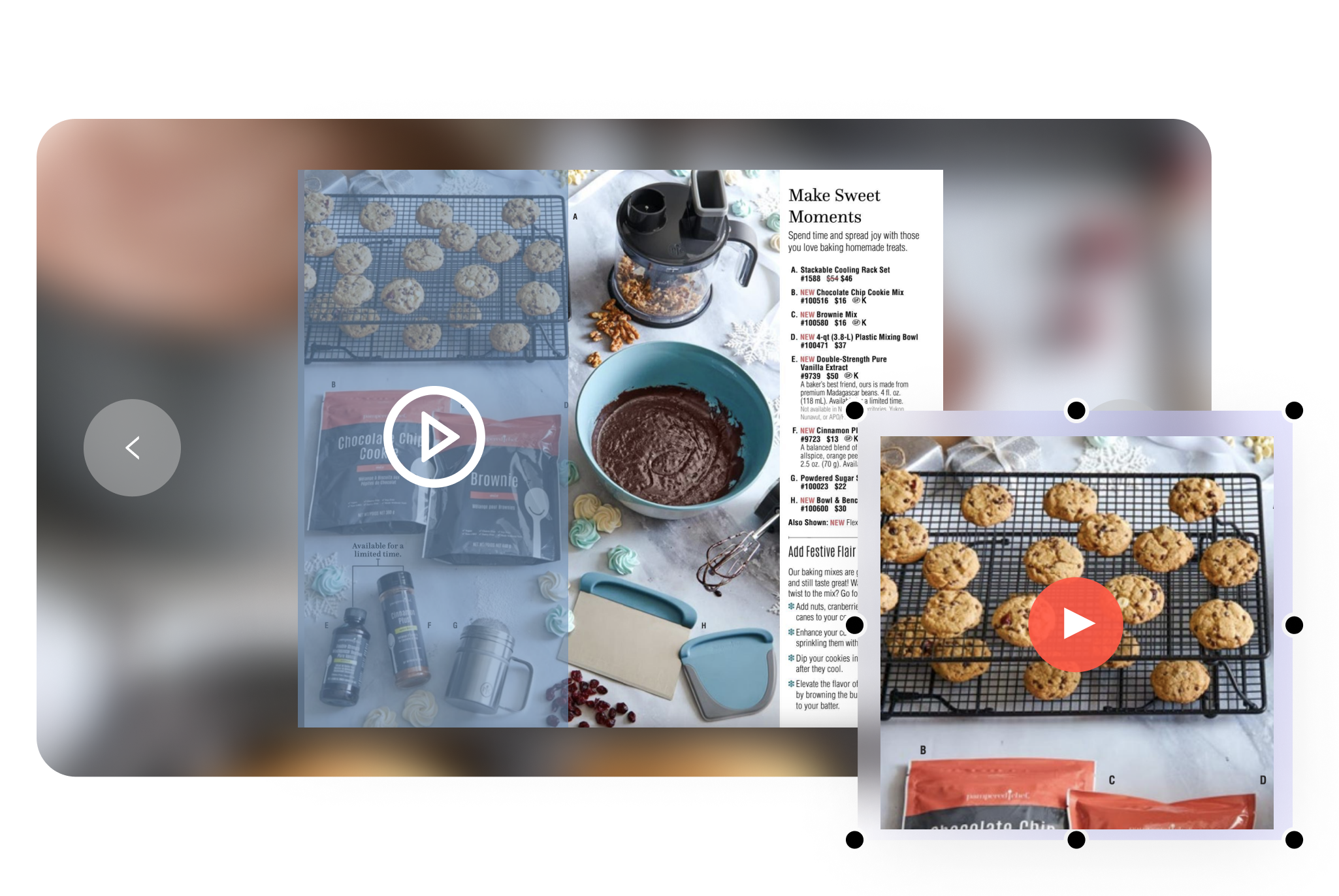
Next-level visual engagement.Video is the ultimate visual engagement tool. Now you can enhance your interactive PDFs with embedded videos for a truly multimedia experience. Just post an embed link from YouTube or Vimeo and you’re on your way!
Links
Go beyond static. A key feature of interactive PDFs is the ability to add links. With links, you can make your PDF shoppable, connect your content, and turn a static document into a deeply immersive and interactive experience. Links turn your PDF into a content hub, connected to your pages and blog posts.

Embed
Put your PDF right on your blog. With the Embed feature, you can put your interactive PDF anywhere on your site, whether that’s right on the homepage or embedded in a relevant blog post or landing page. Embed settings let you choose a display that matches your website’s theme. Our online interactive PDF maker makes the integration seamless.

Explore other solutions
More from Flipbooks

