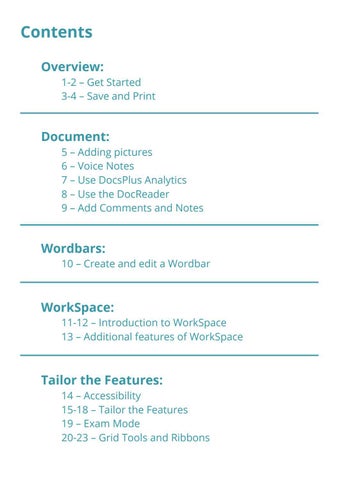
Contents Overview: 1-2 – Get Started 3-4 – Save and Print
Document: 5 – Adding pictures 6 – Voice Notes 7 – Use DocsPlus Analytics 8 – Use the DocReader 9 – Add Comments and Notes
Wordbars: 10 – Create and edit a Wordbar
WorkSpace: 11-12 – Introduction to WorkSpace 13 – Additional features of WorkSpace
Tailor the Features: 14 – Accessibility 15-18 – Tailor the Features 19 – Exam Mode 20-23 – Grid Tools and Ribbons