Logging onto the AIR: Go to: https://www.servicesaustralia.gov.au/organisations/health-professionals/services/medicare/hpos • • •
Select Log on to HPOS Select AIR log on only. Enter in the required authentication filename, username, and password.
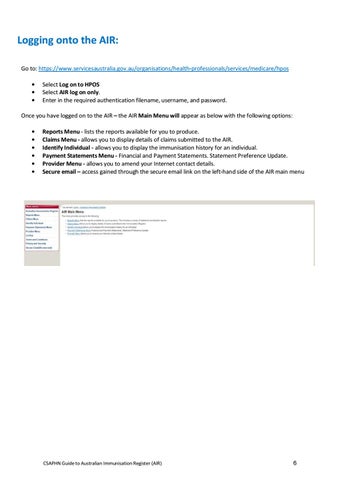
Once you have logged on to the AIR – the AIR Main Menu will appear as below with the following options: • • • • • •
Reports Menu - lists the reports available for you to produce. Claims Menu - allows you to display details of claims submitted to the AIR. Identify Individual - allows you to display the immunisation history for an individual. Payment Statements Menu - Financial and Payment Statements. Statement Preference Update. Provider Menu - allows you to amend your Internet contact details. Secure email – access gained through the secure email link on the left-hand side of the AIR main menu
CSAPHN Guide to Australian Immunisation Register (AIR)
6