Requesting and Retrieving AIR Reports: •
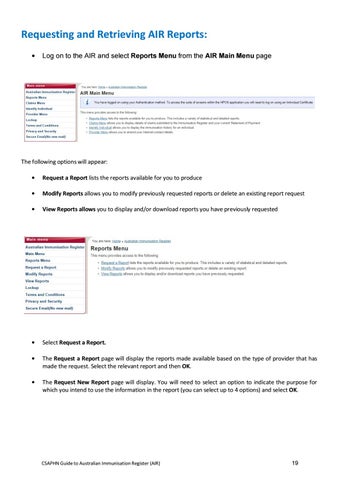
Log on to the AIR and select Reports Menu from the AIR Main Menu page
The following options will appear: •
Request a Report lists the reports available for you to produce
•
Modify Reports allows you to modify previously requested reports or delete an existing report request
•
View Reports allows you to display and/or download reports you have previously requested
•
Select Request a Report.
•
The Request a Report page will display the reports made available based on the type of provider that has made the request. Select the relevant report and then OK.
•
The Request New Report page will display. You will need to select an option to indicate the purpose for which you intend to use the information in the report (you can select up to 4 options) and select OK.
CSAPHN Guide to Australian Immunisation Register (AIR)
19