
Jason Kath
Adam Preusser


Every organization depends on the right space to do its best work. A facility that supports a team. A layout that improves efficiency. A plan that makes room for what’s next. At Rice Companies, we work alongside you to design, develop, and build facilities that move operations forward. Because when your building works better, so does your business and our community.
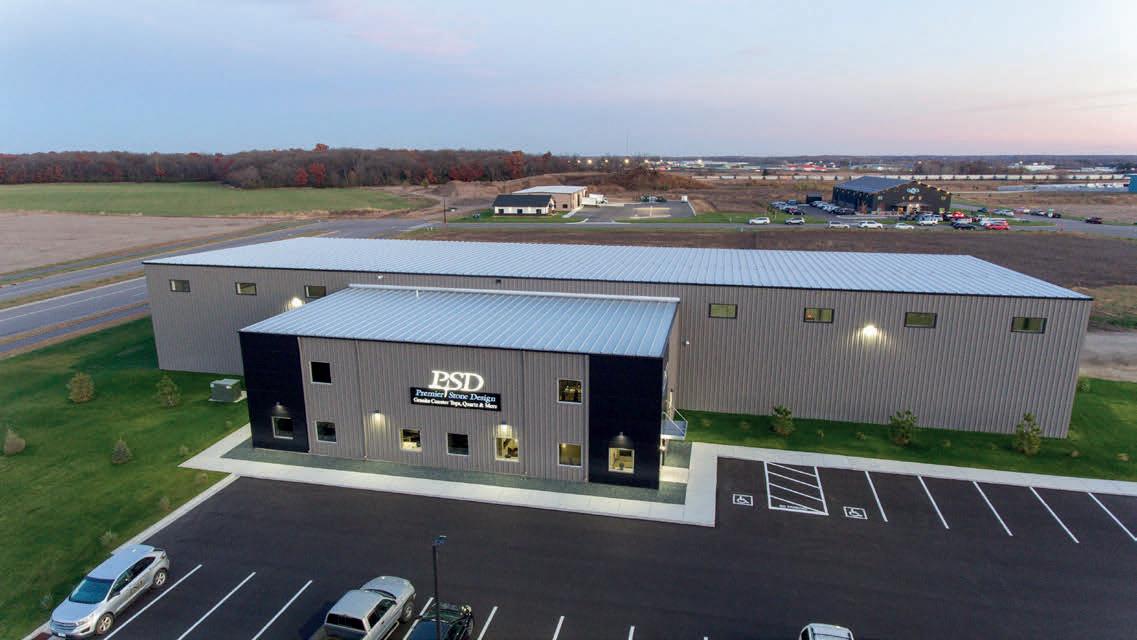








Motor Works Auto Repair Owners Jason Kath and Adam Preusser built a thriving business by putting themselves in the driver’s seat.
New technology is reshaping how businesses prepare for and respond to threats.
CLICKS, CLIPS &
Attention is earned differently now, and the marketing tactics behind it are evolving fast.
David Boyer, owner of Jupiter Moon Ice Cream
Give Coopetition a Try
Virtually Connected
Startup Cash Flow Woes
Stop the Scroll
President: Julie Lunning, (320) 656-3804
Director of Finance and Operations: Kristi O'Connor, (320) 656-3806
Director of Programs & Events: Laura Wagner, (320) 656-3831
Director of Marketing & Communications: Emily Bertram, (320) 656-3809
Director of Membership: Bradley Hoelscher, (320) 656-3824
Executive Assistant: Shelly Imdieke, (320) 656-3800
Member Services & Event Assistant:
Sahvanna Valdez, (320) 656-3822
Executive Director: Rachel Thompson, (320) 202-6728
Director of Sales: Nikki Gustafson, (320) 202-6712
Sales Manager: Sabrina Koelsch, (320) 202-6713
Sports Director: Craig Besco, (320) 202-6711
Marketing Manager: Rachel Foos, (320) 202-6729
Marketing & Services Coordinator: Carlie Mertens, (320) 202-6770
Information Specialist: Maddy Lindholm, (320) 251-4170

Growing up, there was a show on MTV called My Super Sweet 16 that detailed the planning for the birthday party of a lucky teenager. Nearly every episode featured the birthday boy or girl being presented with every 16-year-old’s dream at their extravagant party: a brand-new set of wheels.
As much as I dreamed of one day being gifted a Mustang or Escalade, it was not to be. I drove my mom’s Buick Rendezvous for the first six months after getting my license, until my dad finally agreed to fix up his old 1994 Ford Taurus. Forest green with a bench seat in the front, a cassette player and more than a little rust, it was my very first taste of freedom.
Business Central Magazine
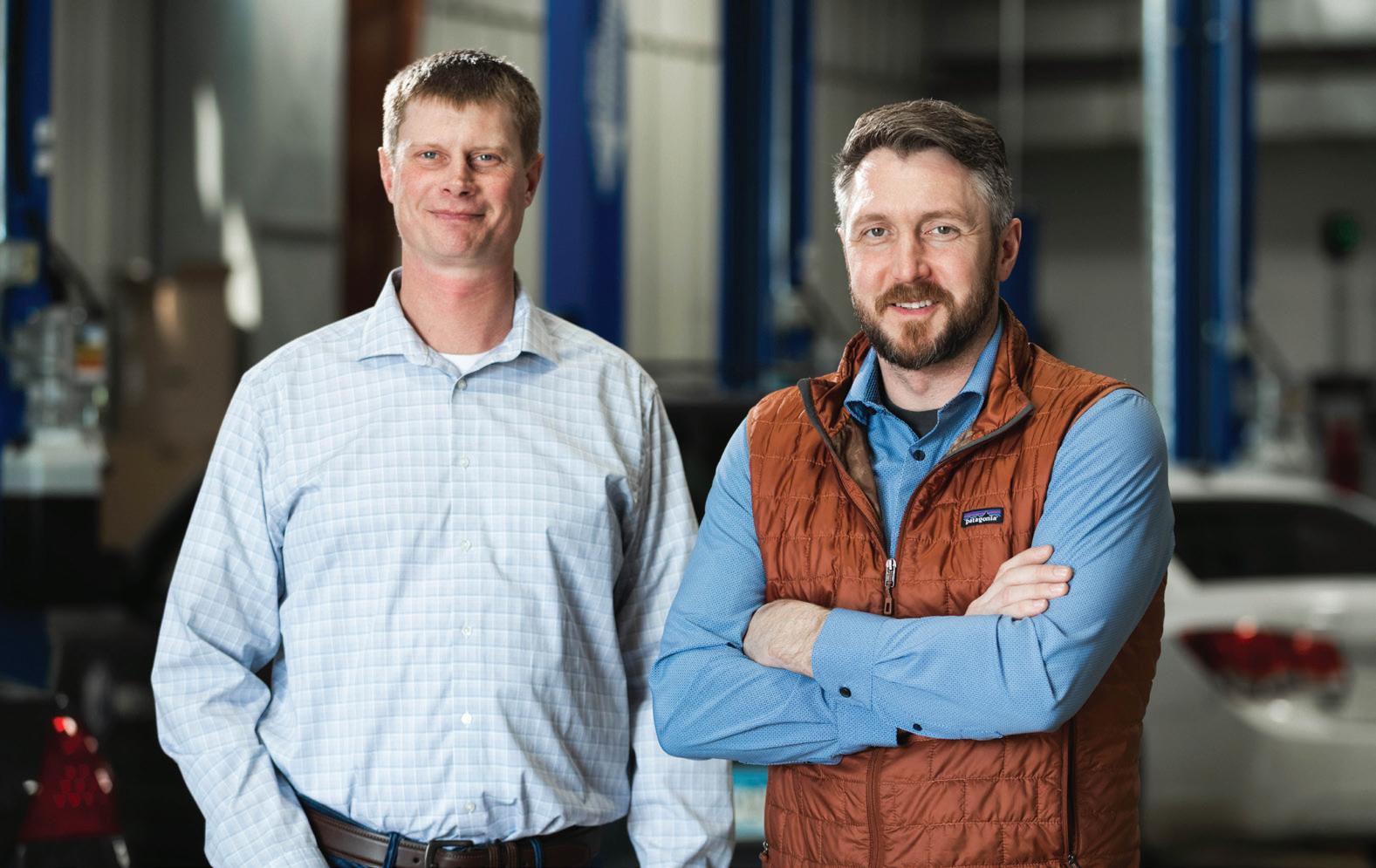
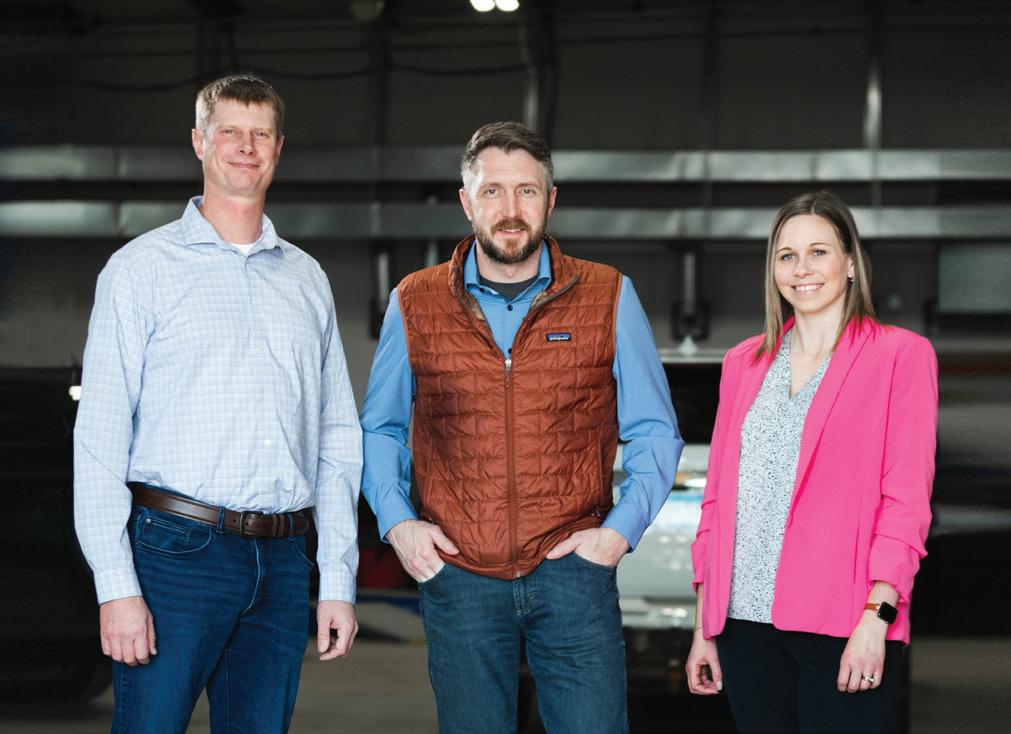
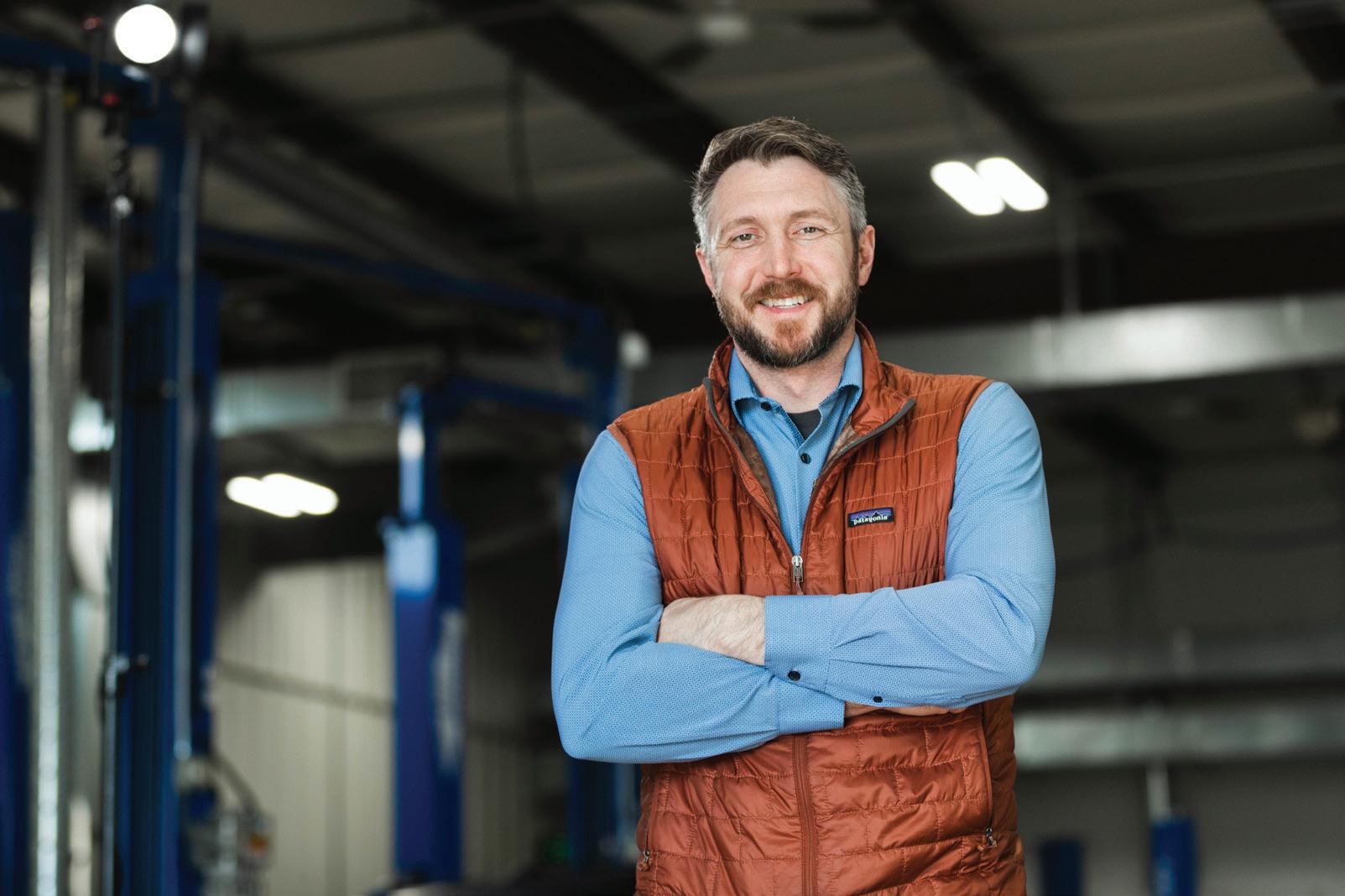
Editor Emily Bertram gets a tour of Motor Works Auto Repair with Owners Jason Kath (L) & Adam Preusser.
My first foray into SUV ownership, it was a great vehicle for my growing family. Plus, the Bluetooth radio was convenient for jamming … to my audiobooks.
Looking back, the vehicles I’ve driven reflect the stage of life I was in at the time. Sometimes the priority was simply getting from A to B. Other times, it was style and comfort, or utility and safety. Through every stage, one thing remained true: I was incredibly thankful to have a reliable vehicle — with a nice sound system.
Cruising around Stearns County, blasting mixed CDs with my friends, never felt so cool.
A few years later, after graduating high school, I decided to invest my graduation party money into a brand new (to me) Pontiac Grand Am. Sure, it had hand-crank windows and was the color of wet clay, but I was able to have an aftermarket radio installed in the dash that glowed red and blue and had great bass. Cruising around Stearns County, blasting mixed CDs with my friends, never felt so cool.
After college, a few years into my first “big girl” job, I found my dream vehicle at a local dealership, and I couldn’t resist purchasing it. My 2008 Volkswagen Jetta in navy blue was a blast to zip around town in. Leather seats, a sunroof, and — get this — an auxiliary port for my iPod Shuffle! It was everything I wanted and needed at that point, and I still miss it some days.
As I entered my late twenties, my priorities shifted, and the need for space for two car seats and a hatchback trunk became more important. Enter the Hyundai Santa Fe.
Adam Preusser and Jason Kath, owners of Motor Works Auto Repair, understand just how important it is to keep people moving. That’s why they prioritize efficiency, transparency, and friendly communication — making car repair easy. You can read more about their story starting on page 28.
Today I drive a black Ford Edge SUV. It’s got a spacious back seat for my kids, a large trunk for my dog and our endless amount of gear, and it gets decent gas mileage. Oh, and it has Apple CarPlay … arguably the best part of all.
Until next time,
Emily Bertram, Editor
Publisher Julie Lunning
Editor Emily Bertram
Founding Editor Gail Ivers
CONTRIBUTING WRITERS
Emily Bertram, St. Cloud Area Chamber of Commerce
Whitney Ditlevson, Stearns Electric Association
Tara Gronhovd, ALIGN Strategy
Randy Krebs, freelance writer
Clint Lentner, Northland Capital
Lynn MacDonald, St. Cloud State University
Jeanine Nistler, freelance writer
Max Subra, St. Cloud State University
Jami Trenam, Great River Regional Library
1411 West St. Germain Street, Suite 101, St. Cloud, MN 56301 / Phone: (320) 251-2940 / Fax: (320) 251-0081 BusinessCentralMagazine.com
Associate Publisher/Sales
Melinda Vonderahe, Marketing Consultant
Ad Traffic & Circulation
Yola Hartmann, Hazel Tree Media
ART
Design & Production
Yola Hartmann, Hazel Tree Media
Cover Story Photography
Switchboard
Editorial suggestions can be made in writing to: Editor, Business Central, 1411 West St. Germain Street, Suite 101, St. Cloud, MN 56301 or emailed to ebertram@stcloudareachamber.com. Submission of materials does not guarantee publication.
For advertising information, contact Melinda Vonderahe (320) 656-3808
© Copyright 2026 Business Central LLC. Business Central is published six times a year by the St. Cloud Area Chamber of Commerce, 1411 West St. Germain Street, Suite 101, St. Cloud, MN 56301. Phone (320) 251-2940 / Subscription rate: $18 for 1 year.
ST. CLOUD AREA CHAMBER OF COMMERCE 2025-26 BOARD MEMBERS
Nick Bischoff, Design Electric
Doug Cook, Headwaters Strategic Succession Consulting LLC
Joe Hellie, CentraCare, Past Board Chair
Ray Herrington, Pioneer Place on Fifth Hudda Ibrahim, OneCommunity Alliance, Vice Chair of the Board
Dave Kleis, Central Minnesota Driving Academy
Matt Laubach, West Bank
Laurie Putnam, St. Cloud School District 742
Paul Radeke, Creative Planning, Board Chair
Alex Schoephoester, Spencer Fane
Brenda Sickler, Theisen Dental
Amy Sip, ASip Consulting
Melinda Tamm, Ms. Melinda’s Dance Studio
Dr. Gregory Tomso, St. Cloud State University
Melody Vachal, Arise Cares
Donella Westphal, Jules’ Bistro

BOOK REVIEW
A fresh look at American history and a practical reminder that small actions can make a big difference.
By Jami Trenam
Sharon McMahon, a former high school government teacher and current Duluth resident, is best known to her millions of followers as @ SharonSaysSo. Affectionately called “America’s Government Teacher,” McMahon has built a national platform by explaining history, government, and current events with clarity, candor, and a touch of humor. Her debut book, The Small and the Mighty, brings that same accessible voice to the page.
Rather than offering a sweeping overview of American history, McMahon presents twelve narrative biographies of lesser-known Americans whose everyday courage shaped our nation in meaningful ways. Organized into eight thematic sections, the book reads more like a short story collection than a traditional history text. Each chapter highlights individuals who didn’t set out to become famous, but who chose to do what McMahon calls “the next needed thing.”

That phrase becomes the heartbeat of the book. These are stories of quiet persistence, principled leadership, and moral clarity. The people featured weren’t always the loudest voices in the room. They were citizens, neighbors, workers, and leaders who saw a gap and stepped forward. The stories of Septima Clark, Norm Mineta, and Claudette Colvin jump from the page and encourage each of us to lead with courage and work in service to others.
For today’s business community, that message feels particularly relevant. In a polarized political climate and a rapidly shifting economic landscape, it can be tempting to feel overwhelmed by the scale of national challenges. McMahon’s work offers a different lens. “None of us can do it all. But all of us can do something. And it might as well be the next needed thing.”
For entrepreneurs, managers, and civic leaders, that mindset translates into steady, valuesdriven action: mentoring a new employee, investing
in workforce development, supporting local initiatives, or simply choosing integrity when it would be easier not to.
Equally powerful is McMahon’s reminder that “Hope is a choice that we make each morning, and we do not have the luxury of hopelessness if we want to see progress.” Hope, in this context, is not passive optimism. It is a disciplined commitment. It means showing up.
As we look toward our nation’s 250th anniversary, The Small and the Mighty serves as both history lesson and leadership guide. It reminds us that impact rarely begins with grand gestures. More often, it starts with one person deciding to act.
Stearns Electric employees drive 2M miles safely
Since September 2022, Stearns Electric employees have safely logged more than two million miles across the cooperative’s 72-vehicle fleet, which includes bucket trucks, digger derricks, material trucks, pickup trucks and SUVs. This marks the first time the cooperative has reached this achievement.
Jolly Trolley collects donations


Jami Trenam is the associate director of collection development at Great River Regional Library.
CHECK IT OUT!
The Small and the Mighty is available for free checkout in both physical and eAudio formats from your public library. Reserve your copy at griver.org.
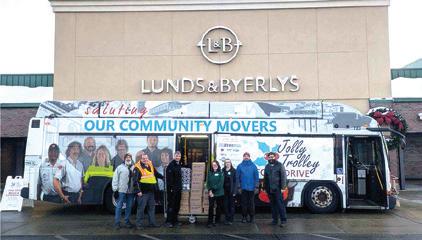
Each December, Metro Bus’s Jolly Trolley Food Drive visits grocery stores throughout Central Minnesota raising funds and collecting donations for area food shelves. Collection totals this year were $3,000 and 9,200 pounds of nonperishables. Over the last 15 years, the Jolly Trolley has distributed well over 43 tons of non-perishables and nearly $40,000.
Crew ranked No. 1
Crew Carwash was ranked the number one Best Place to Work in America in the 2026 Glassdoor Employees’ Choice Awards. This is Crew’s seventh consecutive year on the list, ranking number two last year among the nation’s top 100 large companies.
Customers don’t follow a straight path to purchase. They discover, compare, research and decide on their own timeline. If your marketing isn’t aligned at every stage, growth stalls.
St. Cloud LIVE builds integrated marketing plans that connect your business to the right buyers at the right time. From branding and awareness to consideration and conversions, every channel works together with one clear purpose: generate qualified leads and measurable results.
Our approach starts with strategy built on audience data and local market insight. Creative
is developed to capture attention and drive action. Media plans reach engaged audiences across trusted platforms in print and digital. Each element supports the next so your message stays consistent and effective.
Transparent reporting shows you performance with details on leads, conversions and return on investment, giving you clarity and confidence in every decision.
Ready to activate every stage of your funnel? Let’s build your custom marketing plan. •
Integrated strategy. Qualified leads. Measurable growth.
St. Cloud Live, 113 5th Ave. S., St. Cloud, MN 56301 stcloudlive.news/advertise • 833-773-8591

Part of Forum Communications, a family-owned media company helping businesses win since 1878.

Brenny promotes three employees
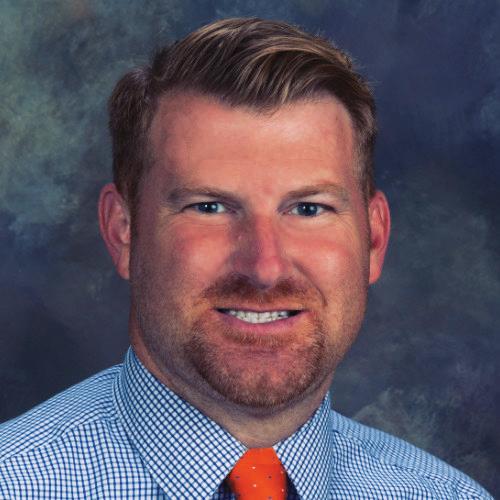
Brenny Transportation Inc. and Brenny Specialized Inc. announced three top-level promotions.
Trisha Phelps was promoted to director of business service and IT, where she will lead technology strategy and oversee business service operations.
Wyatt Ahrens was promoted to vice president of logistics and customer relations, overseeing logistics operations while strengthening customer partnerships and service.
Stacey St. Pierre was promoted to vice president of administration, providing executive leadership across administrative functions, including human resources, compliance, and organizational development.
Froehling Anderson
St. Cloud welcomes its first partner
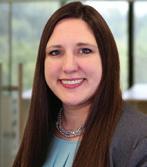
Jacquelyn Bistodeau is the first partner at the St. Cloud office of CPA firm Froehling Anderson. With over 17 years of experience, Bistodeau has worked across the audit, tax, and advisory sides of public accounting. She joined the firm in 2023 and specializes in multistate taxation, trust and estate compliance, strategic planning and business succession and transition plans.
opens new location
House of Pizza has returned to Sartell after two years. Located inside Coborn’s Marketplace at 1725 Pine Cone Road South, the restaurant offers in-store dining, take-out and delivery, serving many of the same menu items from its previous location.

Congratulations to the 2026 St. Cloud Area Chamber Leadership program graduates! If you are looking for volunteers to serve on boards and committees, these individuals are a good place to start.














Lisa Anderson, WACOSA
Diana Arthur, Catholic Charities
Allison Baatz, St. Cloud Financial Credit Union
Kinsey Binnie, American Heritage National Bank
Mic Brunner, St. Cloud State University
Isabella Domm, Jules' Bistro
Kari Greene, Froehling Anderson
Amanda Hackett, Saint Benedict's Monastery
Sarah Hansen, St. Cloud Technical & Community College
Alba Henesy, Trust Real Estate
Bradley Hoelscher, St. Cloud Area Chamber of Commerce
Nikki Johnson, Pantown Brewing Company
Christian Kirmeier, Wits Realty
Mike Lardy, Bravo Burrito














Morgan Long, Advantage 1 Insurance Agency
Betsy Maurer, OnBrand Promo LLC
Molly McAlister, Saint John's Preparatory School
Brian McGlynn, Rice Companies
Ryan Melchert, ORB Management Corporation
Bruce Merrell, Shepherd Security
Giselle Meza, Evenson & Decker, P.A.
Chris Nehring, Coborn's, Inc.
Jon Noerenberg, City of Waite Park
Chad Olson, American Door Works
Suzie Rice, Catholic Charities
Michelle Schmitz, Xcel Energy
Alex Stay, Stay Clean Detailing
Eileen Theisen, Envision Capital



Wolter,
Zimny,


Brittney Goebel, North Creative Co.
Chair, St. Cloud Area Chamber Leadership Program
(320) 249-2027
Michael Brower, American Family Insurance
Vice Chair, St. Cloud Area Leadership Program
(320) 252-5151
St. Cloud Area Leadership is designed to help current and emerging leaders understand the dynamics of the community and the role leadership plays in building healthy communities. This program brings together men and women of diverse backgrounds who share a common commitment to the future of the St. Cloud area.

Develops leaders who add value to your organization
Provides professional networking opportunities and enhanced community connections
Builds employees’ confidence and sense of personal direction
Provides greater understanding and a broader perspective on key issues in Central Minnesota
Fosters meaningful connections between emerging and established leaders
Strengthens existing skills while introducing new knowledge
Applications for the Leadership Program are available online at StCloudAreaChamber.com, select Programs > Professional & Leadership Development > St. Cloud Area Leadership Program.
Applications must be submitted to the Chamber by May 22.
For more information about participating in the 2026-27 program, call Laura Wagner at (320) 656-3831 or lwagner@StCloudAreaChamber.com.

Schlenner Wenner & Co. employees receive certification
Kasey Brinker and Cameron Lemke recently passed the National Association of Certified Valuators and Analysts (CVA) proctored exam and submitted their detailed case study reports. Brinker and Lemke have met all qualifications for CVA certification and will assist the tax team by providing objective, expert business valuations.

Miller to lead Rinke Noonan
Attorney Brodie Miller is the new president and managing partner of Rinke Noonan. Miller is a shareholder of Rinke Noonan and has been with the firm for 19 years. He concentrates his practice in business, construction, and real estate law, and intellectual property.

Fairbanks joins Infinite Eye Care
Dr. Jennifer Fairbanks is now seeing clients at Infinite Eye Care. A member of the American Optometric Association, she received her Doctor of Optometry from Illinois College of Optometry in 2013, earning the Clinical Excellence Award.

Lemke honored by ASHP
Todd Lemke, PharmD, regional pharmacy director for CentraCare, received the 2025 Distinguished Service Award from the American Society of HealthSystem Pharmacists (ASHP). The award honors pharmacy leaders who have made a lasting impact through service and leadership in inpatient care. Lemke oversees pharmacy services for CentraCare’s regional locations.
Changes at the state legislative level can cause fear and uncertainty, but the Chamber is here to help you navigate it.

Change is hard. It’s an ever-present reality, though, and something that is best navigated with preparation — especially in the form of knowledge. So, what happens when that change takes place at a legislative level — say, the retiring of longtime legislators or seat changes from house to senate? And what do these kinds of changes mean for your business? In 2026, we will find out.
Our local legislators are in the midst of a shakeup.
Representative Demuth (13A) is running for state governor; Rep. O’Driscoll (13B) is retiring; Rep. Perryman (14A)
is running for state senate and Rep. Wolgamott (14B) is seeking the state auditor role.
On the senate side, the only incumbent planning to run is Sen. Putnam (14), with Sen. Howe (13) announcing his retirement. This change up presents both opportunities and considerations for the business community. Depending on the outcome of the November 2026 election, we could see a shift in priorities at the state level. Current policies that affect small business — from regulations and workforce to taxes and economic development — may be
affected as new leaders more into place. We will undoubtedly need to be patient as our new lawmakers navigate a learning curve in their roles. It will be a time of change — but it doesn’t have to be hard.
The key for small business owners in navigating this transition lies in staying involved both during and after the election process.
Build relationships with new legislators early. Reach out to newly elected officials, attend listening sessions, or even invite them in for tours. Real-world insight is often appreciated by legislators.
Focus on education. Present the facts in regards to your industry and its needs; become a trusted resource for the legislators.
Stay engaged, not just reactive. Attend briefings, read updates, participate in Chamber advocacy events, and share feedback when asked.
Again, change is hard, but it doesn’t have to be — especially when you have the Chamber on your side. We have plans to work tirelessly to keep you informed and engaged throughout the election process. Watch
our email newsletters and social media for summaries and information on the fast-changing race. Attend candidate panels and listening sessions prior to the election. To stay connected, engage in the Chamber’s government affairs programming — such as Evening at the Capital, the Washington, D.C., trip and monthly meetings. Above all, if you’re ever in doubt, just reach out to us and we can help make introductions, answer questions, and provide you with all of the information you need for your business to be successful. —EB
Stearns Electric and Tee it Up for the Troops support local causes.
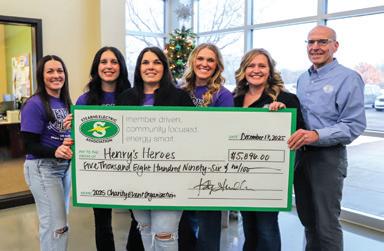
Stearns Electric employees give back Through the cooperative’s 18th Annual Employee Charity Event, Stearns Electric Association employees raised $5,896 for non-profit NICU family support organization Henry’s Heroes Since the inception of this event in 2008, cooperative employees and the board of directors have donated over $71,500 to 18 organizations in Central Minnesota.
Tee It Up for the Troops supports veteran organizations
A record $42,400 was raised during the 12th annual Tee It Up for the Troops event at St. Cloud Country Club in August. The Minnesota Assistance Council for Veterans in St. Cloud, St. Cloud’s Recovery Community Network and Quiet Oaks Hospice shared half of the funds for their work in veteran support and the other half is shared with the National Tee it up for Troops organization.
Whether in business or community, every team, every role, every company shares the same goal: putting people first and making a difference in the lives we touch.

Superintendent Putnam recognized St. Cloud Area School District 742
Superintendent Laurie Putnam made the National School Public Relations Association’s (NSPRA) annual Superintendents to Watch list. According to NSPRA Executive Director Barbara M. Hunter, this honor recognizes leaders who understand that communication is not just about sharing information: it is about building relationships.
Coborn’s receives national recognition
Coborn’s received a 2025 Gold Plate Award from the Food Marketing Institute (FMI) Foundation, honoring outstanding promotion of family meals. Coborn’s received the award for best in-store signage and displays, specifically for its “Protein Powered Meals” campaign.
Associated Wholesale Grocers (AWG) honored Coborn’s with the Best in Class Merchandising Award for the second consecutive year. The award recognizes AWG retailers that demonstrate excellence in merchandising across health and beauty, general merchandise, and specialty.

Sydney Meyer was promoted to senior associate advisor at AIS planning. She has been with AIS since 2022, growing from client service associate to associate advisor before this recent promotion.
Send news releases, announcements, or anything you think is newsworthy to Emily, ebertram@stcloudareachamber.com and we will try to include it.
Team outings are a fun and effective way to boost company culture and collaboration.
By Whitney Ditlevson

Team dinners, trust falls, and happy hours may come to mind when you think of team outings. But in today’s workplace, outings are more than social breaks — they’re strategic tools for improving engagement, strengthening culture and retaining top talent.
Maintaining a strong organizational culture offers various benefits, as outlined by Fortune:
Employee retention
Increased employee health
Positive reputation
Enhanced communication
Better productivity
Offering team outings serves as one easy way to build a strong organizational culture, especially as remote and hybrid work make in-person interactions more difficult.
“Team outings support our culture in that they give people a chance to connect on the human level and less on the job level. They encourage our staff to break silos and hierarchies, as well as boost morale and team belonging,” according to Brittany Haycraft, vice president of human resources at Falcon National Bank.
Outings also foster collaboration, human connection and relationship building not only among teams, but throughout communities, too. Team outings provide connection.
“When people feel connected to their communities, they feel more connected to where they work,” said Jessica Houle, senior vice president of development and engagement at United Way of
Central Minnesota. “This helps play into retention.”
Once you recognize the value of team outings, the next question becomes: what should those outings look like? They can vary from social outings to playful activities to volunteering as a team.
“When Blacklight Adventures first opened, our primary focus was families and kids. But it didn’t take long to notice something unexpected,” Tina Mrozek, owner of Blacklight Adventures, said. “Co-workers, teams and organizations were reserving attractions, too, laughing just as hard, competing just as fiercely and embracing the experience.” Mrozek said the most popular team outings at Blacklight
include escape room challenges and laser tag tournaments.
Outings don’t have to be expensive or elaborate. Smaller activities or volunteer efforts prove just as effective. “We intentionally design inclusive team-building initiatives that foster connection across locations and roles,” Falcon’s Haycraft said. “Activities range from simple, bank-wide moments — like sending candygrams or wearing a favorite sports jersey — to larger initiatives like our United Way Campaign volunteer and giving week.”
Partnering with the United Way offers ready-made volunteer opportunities as a form of team outings. From basic needs drives to United Way Day of Caring, there is something for all organizations. “Volunteering makes you feel good about making
a difference in the communities where you live, work and play,” according to Mary Krippner, director of volunteer engagement at United Way of Central Minnesota. “It can also build leadership and allows people to learn new skills.”
Common indicators of success include increased cross-department collaboration, higher participation in future events and improved employee feedback scores.
“The ROI of team outings can be difficult to measure directly, but their value is reflected in engagement, collaboration and culture,” Haycraft said. “When employees have a chance to connect and get to know one another, it fosters trust, which can build rapport and improve collaboration and communication across departments. Team outings
are not about perfection, but about connection.”
“One of the most memorable outings we’ve seen involved a mixed group of employees from different departments,” Mrozek said, noting that at first, people stayed within familiar circles. “But once the escape room started, titles disappeared and everyone had something to contribute.”
“Across all of our events, success comes from shared goals, the ability to set aside workplace pressures, lighthearted competition and the opportunity to celebrate wins together afterward,” she continued. These experiences often spark conversation and connection that gets carried back to the workplace, long after the event ends.
CHECKLIST
When organizing an outing for your team, plan ahead, says United Way of Central Minnesota’s Mary Krippner. In addition to date, time and location, consider:
Number of employees
Type of activity
Accessibility needs
Budget
Transportation
Dietary restrictions
Employee and/or organization calendars
We know innovation drives business forward. Whether you’re launching something new, upgrading technology, or scaling your operations, having the right financial partner matters.
From funding new equipment to supporting expansion, our commercial lending solutions are built to help you move your ideas ahead with confidence.


When planning team outings, it’s important to be mindful of timing and the pressures it can create for certain areas of the organization, according to Falcon National Bank’s Haycraft. “For example, year-end activities or a holiday party in December can be challenging, as employees often have PTO, personal celebrations and other obligations during that month.”
“Be flexible. Be open to different ideas and don’t be afraid to try something new,” Krippner added.


Whitney Ditlevson is the communications and marketing supervisor at Stearns Electric Association.

GROW | NETWORK | PROFIT
BUSINESSES AROUND THE ST. CLOUD AREA
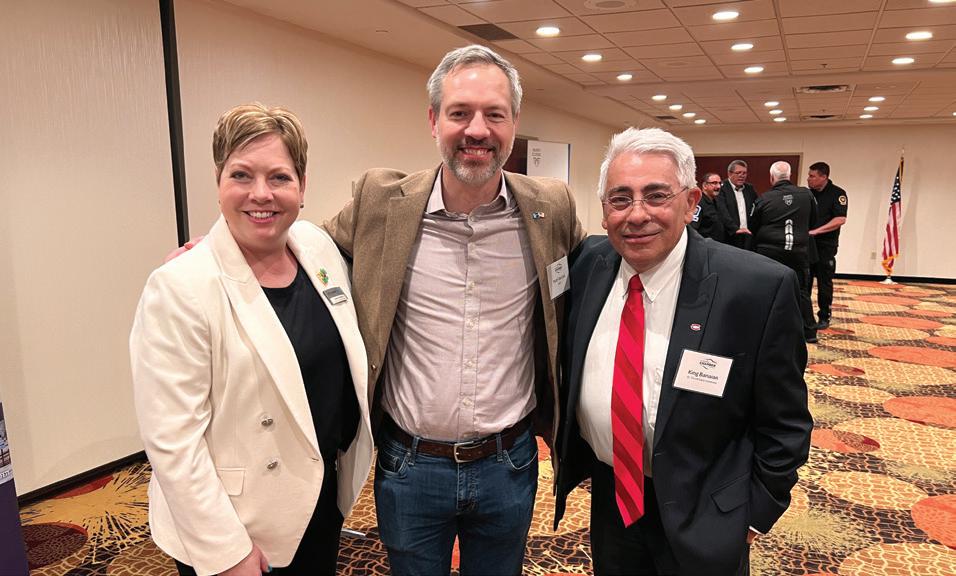
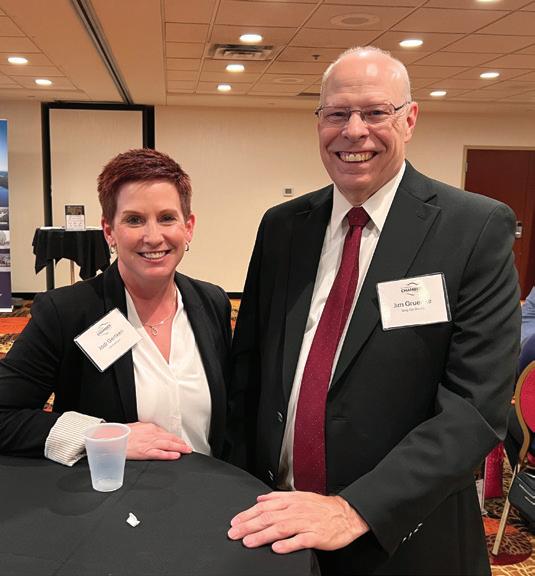
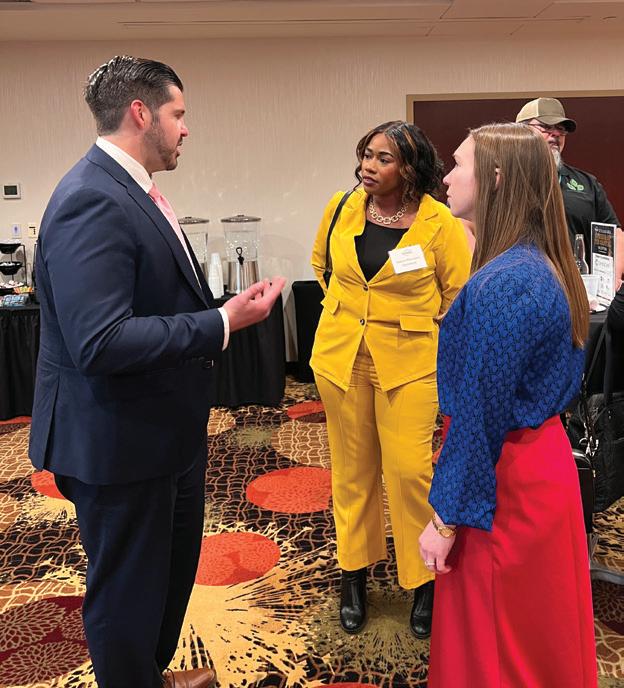
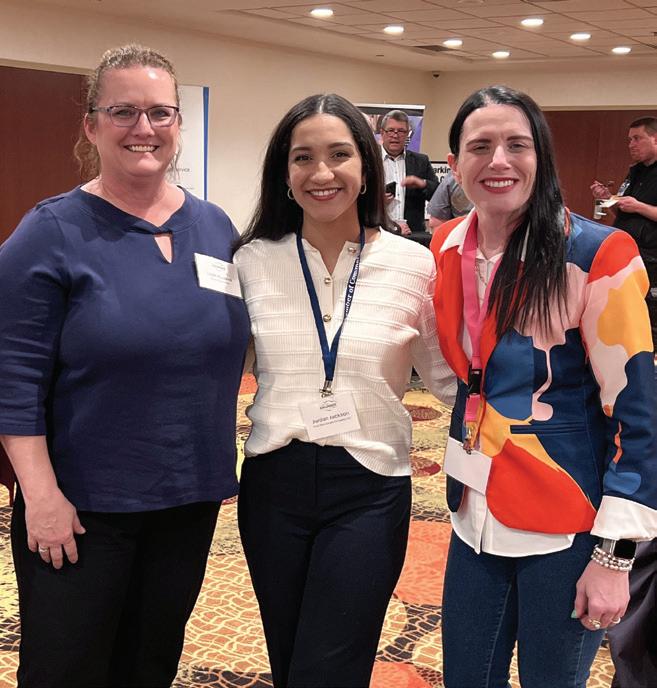
ST. CLOUD AREA HAPPENINGS: Welcoming new members, celebrating new locations, new ownership and major anniversaries

TOP HATS: MILESTONES
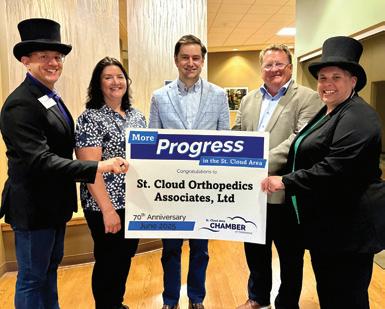
70 YEARS IN BUSINESS: St. Cloud Orthopedics Associates Ltd., orthopedic services, 1901 Connecticut Ave. S, Sartell. Pictured: Jason Miller, Dr. Kim Schaap, Dr. Andrew Mulder, Ed Kelly, Kristin Hannon.
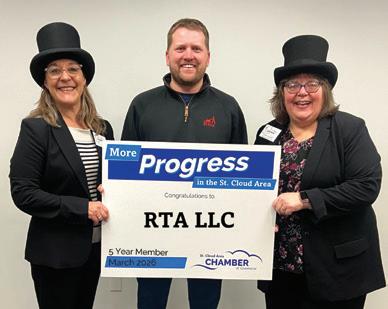
5 YEAR MEMBER: RTA LLC, parking lot striping, (no physical location).
Pictured: Rachael Sogge, Ryan Andvik, Tauna Quimby.
TOP HATS: NEW MEMBERS
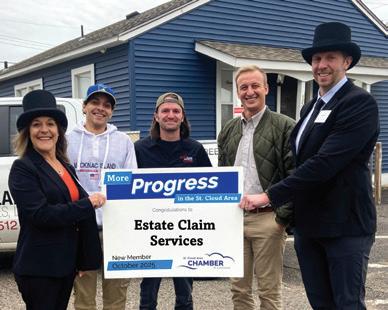
Estate Claim Services, exterior home repair, 15 31st Ave. S, St. Cloud. Pictured: Rachael Sogge, Jarod Johnson, James Davis, Tyler Azure, Brady DeGagne.
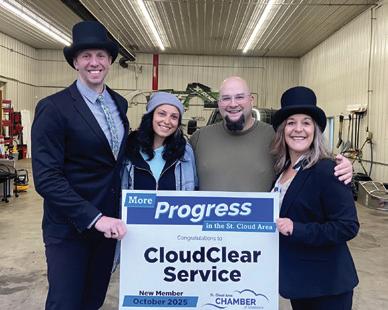
CloudClear Services, comprehensive services to make life easier. Pictured: Brady DeGagne, Lexi Ellison, Jon Hazen, Racheal Sogge.
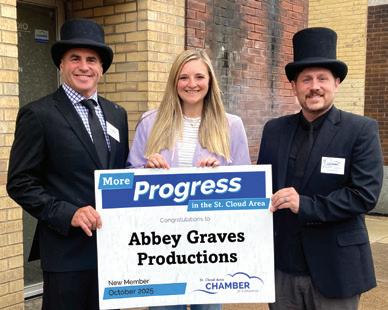
Abbey Graves Productions, podcast production, 21 7th Ave. N, St. Cloud.
Pictured: Lance Barthel, Abbey Graves, Guy Magno.
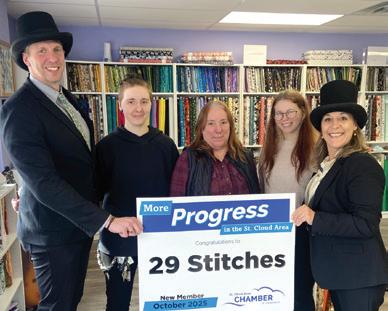
29 Stitches, fabric and craft store, 18 15th Ave S, St. Cloud. Pictured: Brady DeGagne, Jordyn Tomaszewski, Robin Tomaszewski, Paige Berndt, Rachael Sogge.
TOP HATS: NEW MEMBERS
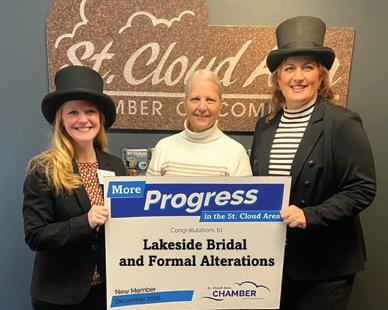
Lakeside Bridal and Formal Alterations, sewing and alteration services, 21325 County Road 8, Cold Spring.
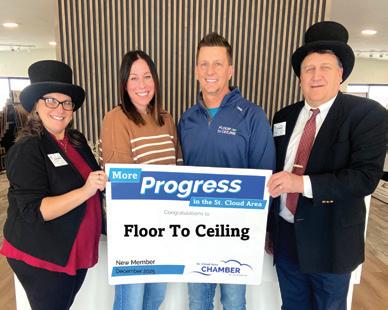
Floor to Ceiling, floor coverings and window treatments, 942 21st Ave. NE, St. Joseph.
Pictured: Paula Capes, Danielle Saboe, Darrick Saboe, Brian Jarl.
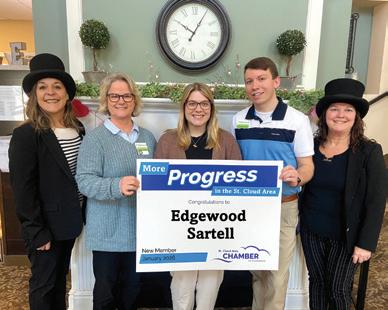
Sartell, senior memory care and short term assisted living facility, 677
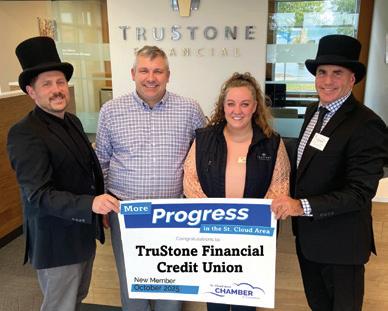
TruStone Financial Federal Credit Union, banking products, 3240 W Division Street, St. Cloud.
Pictured: Guy Magno, Jay Calhoun, Joleen Morgan, Lance Barthel.
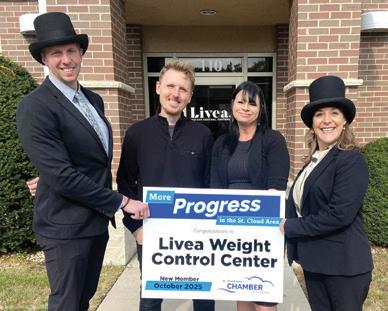
Livea Weight Control Center, weight management, 3315 Roosevelt Rd, Ste. 100, St. Cloud. Pictured: Brady DeGagne, Max Billz, Shelly Stumvoll, Rachael Sogge.
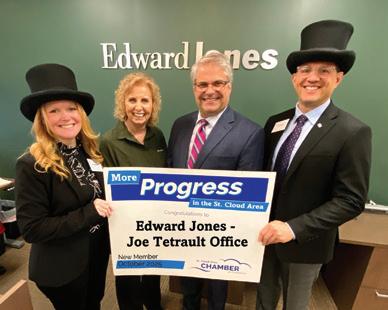
Edward Jones - Joe Tetrault Office, financial planning, 1545 Northway Drive, Ste. 110, St. Cloud.
Pictured: Jenna Binsfeld, Cheryl Hochhalter, Joe Tetrault, Jason Miller.
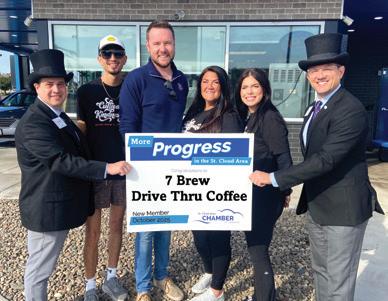
7 Brew Drive Thru Coffee, drive-thru coffee, 4149 Division Street, St. Cloud. Pictured: Mike Brower, Caiden Crowe, Max Wilson, Kristi Giltner, Jacqueline Gobeil, Jason Miller.
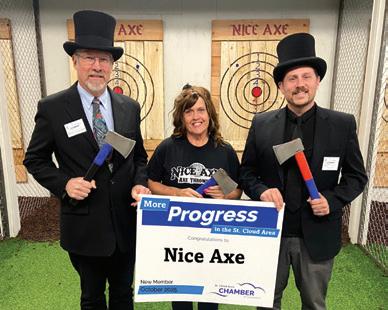
Nice Axe & Granite City Jump, axe throwing and bounce entertainment, 3415 W Division Street, Ste. 142, St. Cloud. Pictured: Patrick Hollermann, Marcia Prescott, Guy Magno.
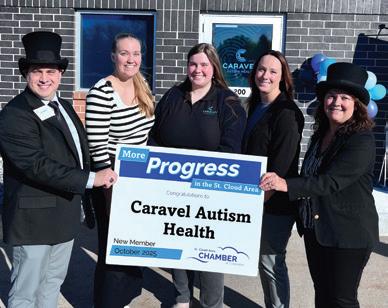
Caravel Autism Health, therapy and peer interaction for children with autism, 226 Park Ave S, Ste. 200, St. Cloud. Pictured: Mike Brower, Elizabeth Pharr, Viktoriya Zorchenko, Carley Fanone, Brenda Eisenschenk.
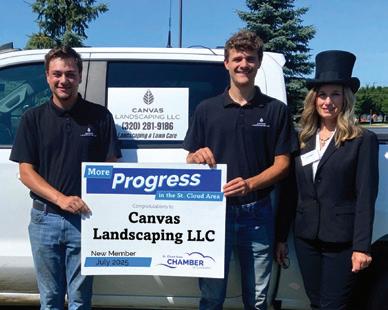
Canvas Landscaping LLC, landscaping services, no physical location. Pictured: Teddy Baumgartner, Josiah Ahrends, Donna Roerick.
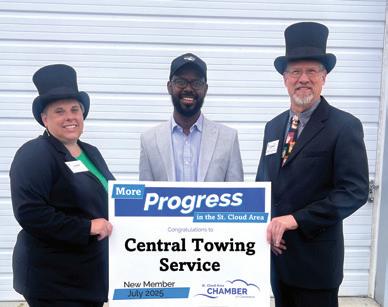
Central Towing Service, towing, 1136 Kuhn Drive, St. Cloud. Pictured: Kristin Hannon, Mustafe Abdulahi, Patrick Hollermann.
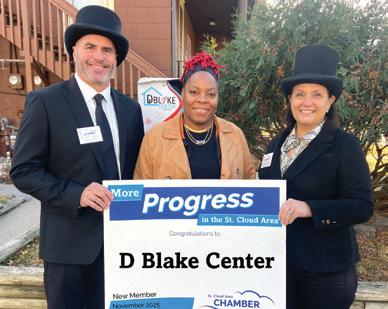
D Blake Center, grieving support for families, 1529 W St. Germain Street, Ste. 101, St. Cloud. Pictured: Lance Barthel, Bianca Ellison, Debbie Clausen.
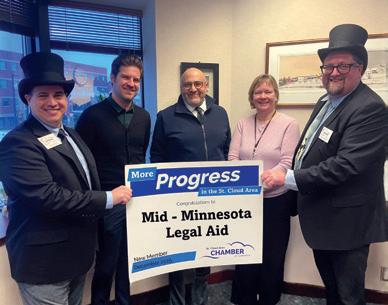
Mid-Minnesota Legal Aid, legal services, 110 6th Ave. S, Ste. 200, St. Cloud. Pictured: Mike Brower, Brian McGill, Yasin Alsaidi, Karla Krueger, Rory Cruser.
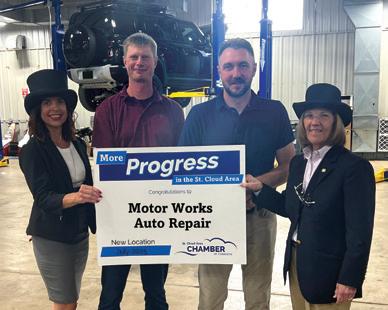
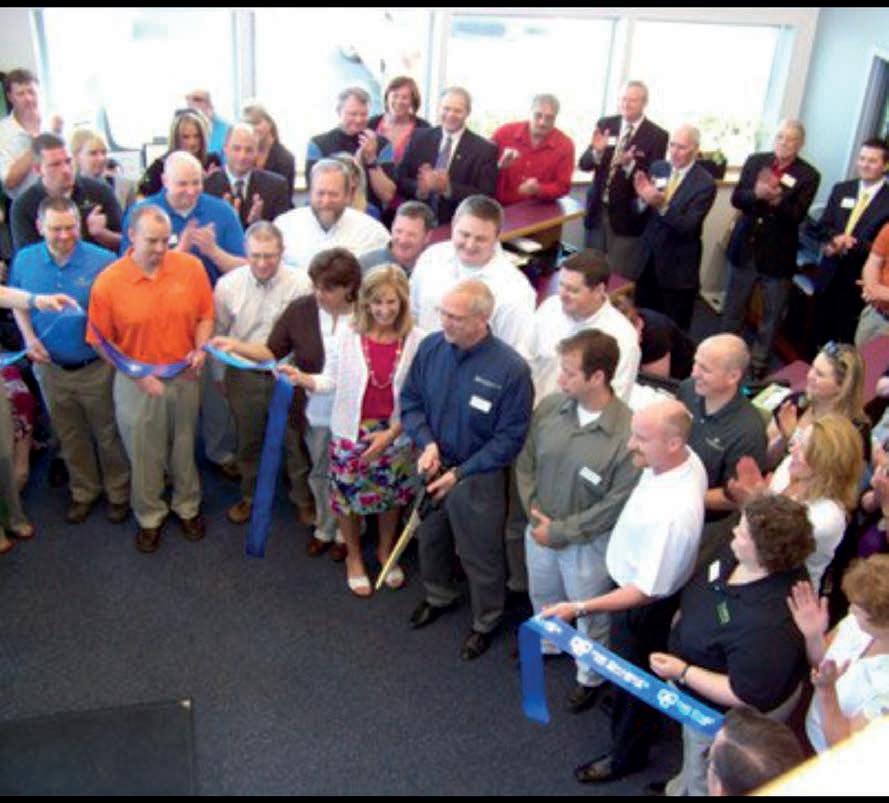
Motor Works Auto Repair, auto repair, multiple locations. Pictured: Rachel Layton, Jason Kath, Adam Preusser, Bernie Perryman.
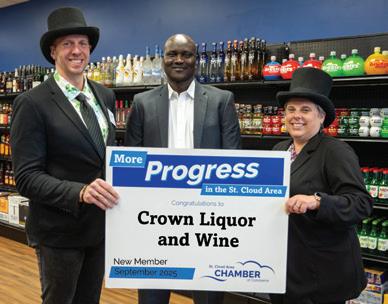
Crown Liquor and Wine, liquor store, 80 33rd Ave. S, St. Cloud. Pictured: Brady DeGagne, Lam Chuol, Kristin Hannon.
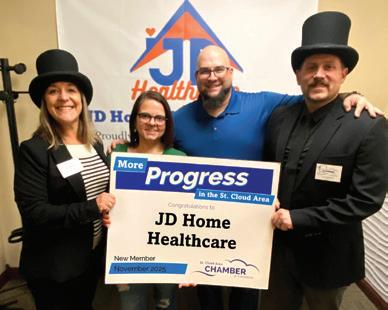
JD Home Healthcare, foster care with home and community-based support and training, 3333 W Division Street, Ste.100, St. Cloud.
Pictured: Rachael Sogge, Brittany Wright, Jon Hazen, Guy Magno.
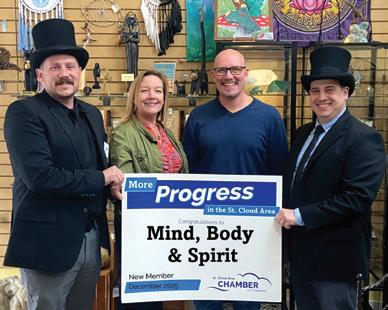
Mind, Body & Spirit, spiritual resources and retail, 915 W Saint Germain Street, St. Cloud. Pictured: Guy Magno, Cindy Moe, Eric Felsch, Mike Brower.
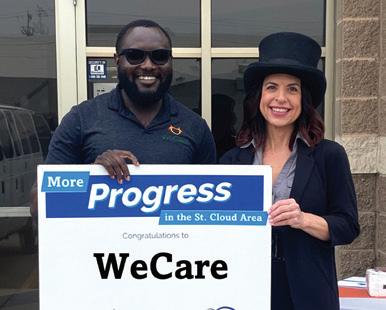
WeCare, healthcare company, 136 Division Street, Waite Park. Pictured: Olatunde Olumuyiwa, Rachel Layton.
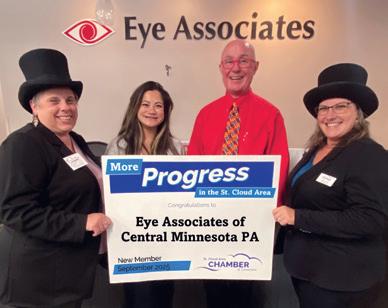
Eye Associates of Central Minnesota PA, eye care clinic, 628 Roosevelt Road, Ste. 101, St. Cloud. Pictured: Kristin Hannon, Dr. Melanie Thares, Dr. Mitchell Gossman, Paula Capes.
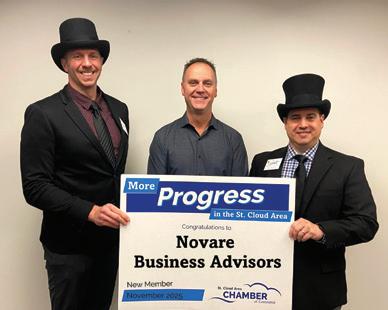
Novare Business Advisors, business transitions. Pictured: Brady DeGagne, James Gruber, Mike Brower.
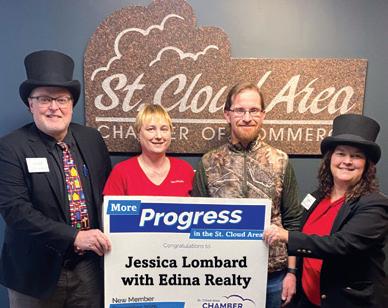
Jessica Lombard with Edina Realty, real estate, 4150 2nd Street S, Ste. 210, St. Cloud. Pictured: Chris Jacques, Jessica Lombard, Charlie Lombard, Brenda Eisenschenk.
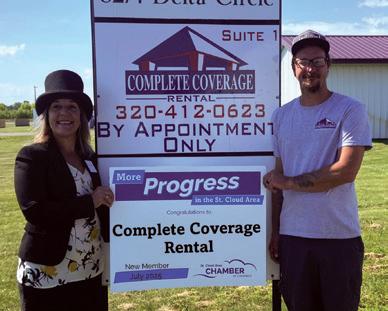
Complete Coverage Rental, rental supplies, 8274 Delta Circle, Ste. 1, St. Joseph.
Pictured: Rachael Sogge, Ryan Russell.
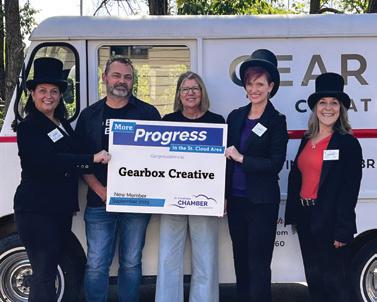
Gearbox Creative, marketing agency, 412 37th Ave. N, St. Cloud. Pictured: Debbie Clausen, Glenn Richards, Sara Mohs, Kelly Doss, Rachael Sogge.
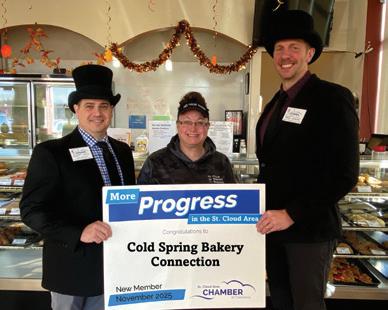
Cold Spring Bakery Connection, baked goods, 103 2nd Street S, Waite Park.
Pictured: Mike Brower, Sadie Holthaus, Brady DeGagne.
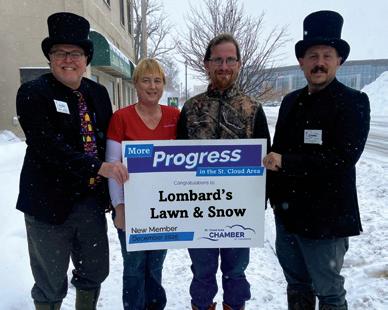
Lombard’s Lawn & Snow, snow removal and lawn care, 308 25th Ave. N, St. Cloud. Pictured: Chris Jacques, Jessica Lombard, Charlie Lombard, Guy Magno.
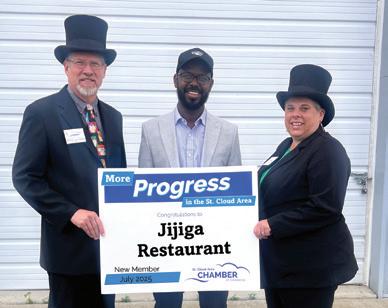
Restaurant,
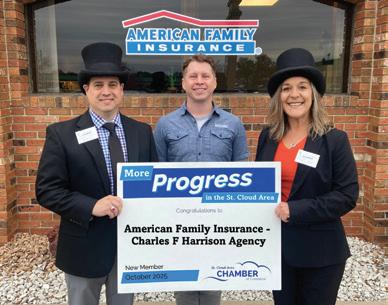
American Family Insurance – Charles F Harrison Agency, insurance agent, 2719 W Division Street, Ste. 3, St. Cloud. Pictured: Mike Brower, Charles F. Harrison, Rachael Sogge.
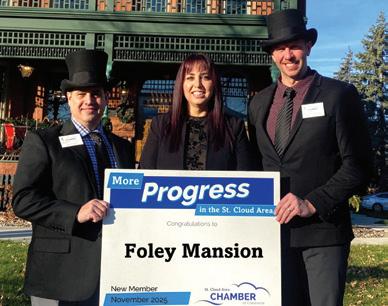
Foley Mansion, event space and historic home, 385 3rd Ave. S, St Cloud. Pictured: Mike Brower, Casey Austin, Brady DeGagne.
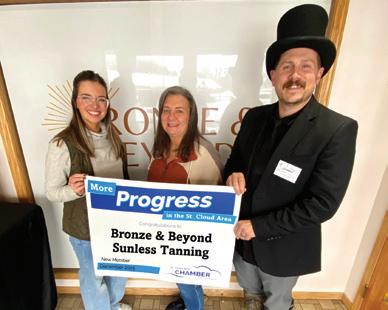
Bronze & Beyond Sunless
sunless tanning options, 1270 32nd Ave. N, St. Cloud. Pictured: Courtney Plante,
MORE ON EVENTS : For information on these or other business events, call 320-251-2940 or visit StCloudAreaChamber.com and click on “Calendar.”
The 59th Annual Central MN Farm Show was hosted by the St. Cloud Area Chamber of Commerce in February. Over 175 exhibitors in more than 280 booths filled the River’s Edge Convention Center to network, learn and market to the agriculture community in and around Central Minnesota.

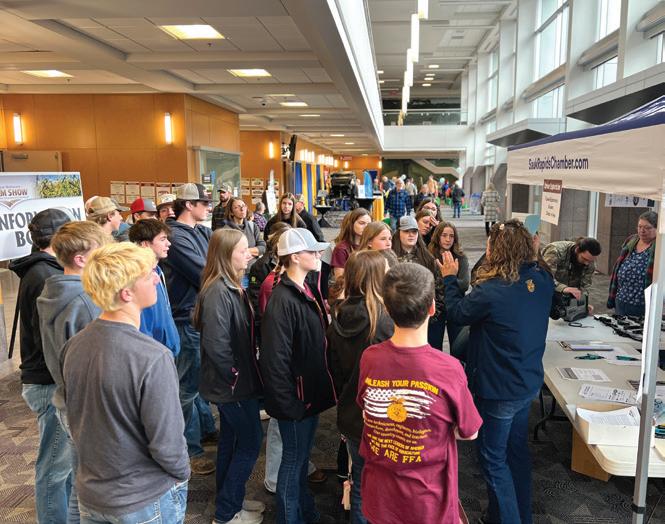
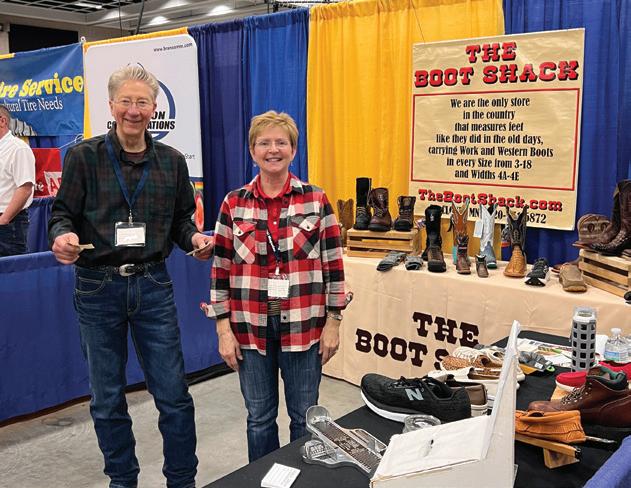
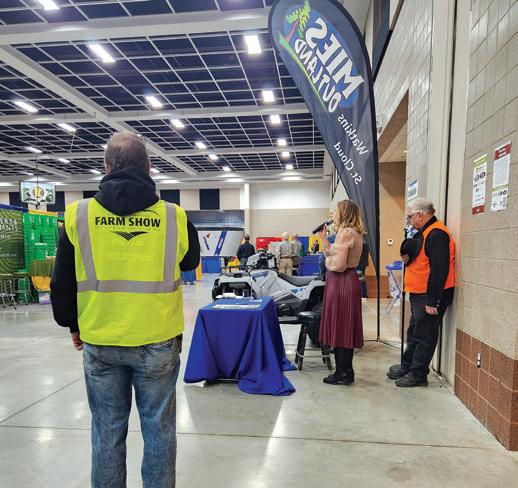

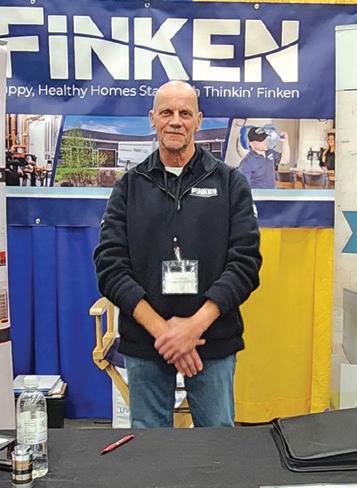
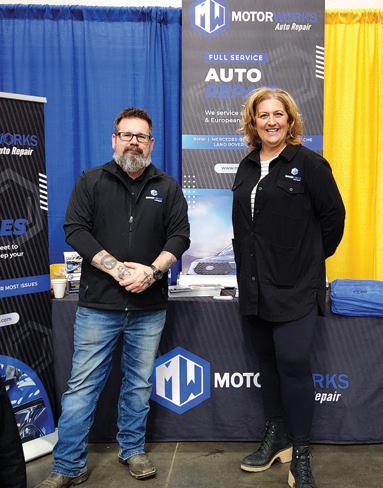

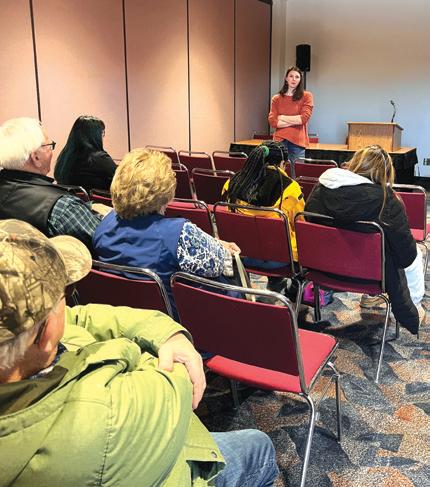
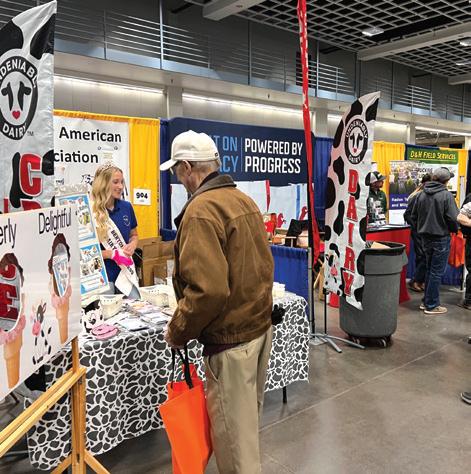
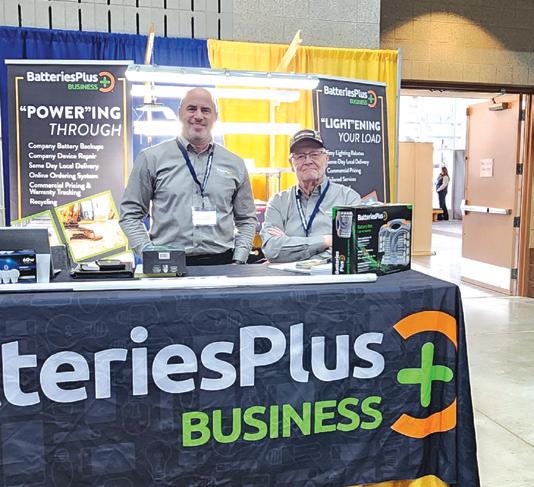
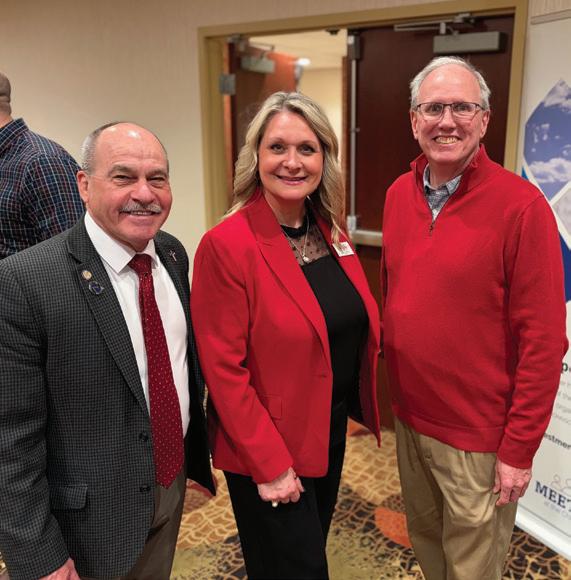
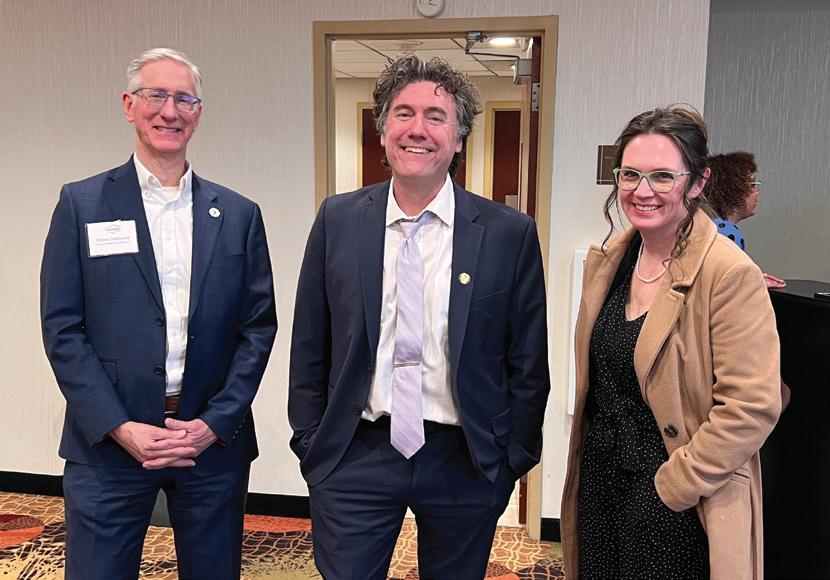
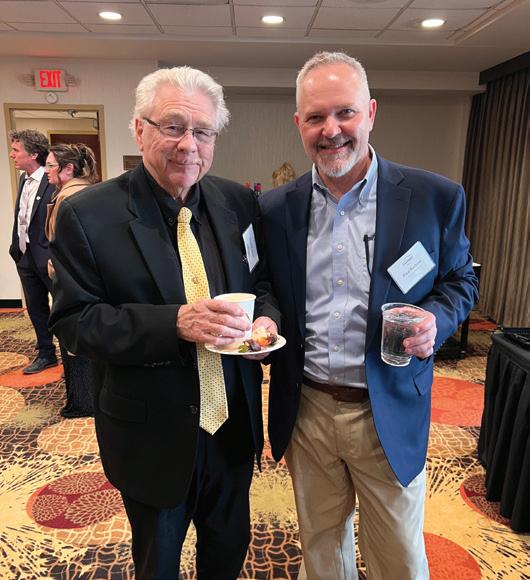
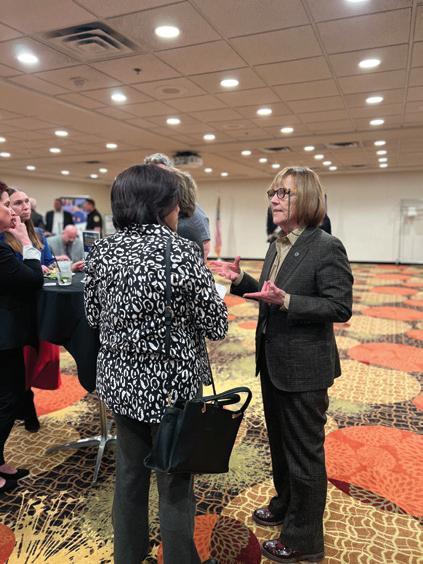
St. Cloud Area Evening at the Capital, sponsored by the St. Cloud Area Chamber of Commerce, provided an opportunity for members to network with many of Minnesota’s elected officials in St. Paul.
GROW | NETWORK | PROFIT
TECH STRATEGIES
RESOURCES THAT HELP YOUR BUSINESS GROW
Smarter prompts and thoughtful refinement turn AI into a more effective business tool.
By Clint Lentner


The tasks that often weigh on us most are usually the ones we haven’t started. They show up as blank pages needing to be written. It’s the email to a customer about a project delay you keep rewriting in your head, the work process you know by heart but can’t seem to document, the report you need to summarize but can’t find a

Contributor
starting point. The work isn’t hard because you don’t know the content; it’s hard because turning thoughts into words takes time and focus.
That’s where an AI assistant like ChatGPT, Copilot, or Gemini can help. Not as a replacement for your expertise, but as a fast way to turn “I’ve got an idea” into “here are a few solid drafts to choose from.”
Clint Lentner is the director of information technology at Northland Capital and Microsoft-focused technologist.
Recall the scene from Apollo 13, where NASA engineers empty a pile of parts on a table and are told to “make this fit into that,” a square CO2 filter into a round opening, using only parts the astronauts had onboard. NASA’s team ended up designing an adapter that wasn’t pretty but worked.
Thankfully, most of our days don’t carry the gravity of a space mission, but this does provide a useful metaphor for how we can use AI in the workplace: Put your parts on the table (notes, ideas, situation, what you’re trying to accomplish) and AI assembles a rough design — something that fits well enough to refine and moves you from staring at a blank page, to editing content.
Give AI a better starting point.
If you ask AI to “Write an email about …” you’ll usually get an output that feels generic. A better approach is to treat AI like you would a trusted intern, keeping in mind four things:
Goal
Audience Context
Preferences
These four items are usually enough to get a first draft worth editing. For example, here are three quick, practical prompts to
get a strong start on those issues mentioned earlier:
1 Delayed project email
Prompt: “Draft a friendly, confident email about a delayed timeline. Include: apology, new date, what we’re doing to prevent repeats, and a clear next step. Under 150 words.”
2.Documenting a familiar process
Prompt: “Turn these notes into a simple standard operating procedure for a new employee. Include steps, decision points, and common mistakes.”
3 A report summary
you can’t seem to start
Prompt: “Examine this report and write a one-page executive summary. Highlight what matters to our industry, with no more than three bullet points per section.”
Shift from writing to editing.
Another item most people miss is that you don’t need to use AI’s words directly to get value. The point isn’t to copy-paste — it’s to gain momentum. Even if you don’t keep a single sentence, a draft gives you something to react to. Think of it as brainstorming on demand. Ask for a draft, then respond like an editor:
“Too formal. Make this more conversational.”
“Rewrite for a small business owner.” “Cut it in half and strengthen the call to action.”
That simple process — draft, critique, tighten, repeat — is a great way to quickly improve the quality of your output.
Remember that AI is the adapter, not the author Many people starting out with AI assistants tend to expect AI to replace the hard parts: judgment, nuance, experience, and the value of using your own words. Again, think of it as a trusted intern who is exceptionally good at gathering information and creating a starting point, yet missing the lived context that makes a seasoned professional effective.
Similarly, don’t give your trusted intern (AI) confidential information, and always doublecheck facts and numbers.
In other words, an AI assistant doesn’t take over your thinking. It takes care of the blank page problem so you can use your expertise to focus on your expert value — making good judgments.

With existing equipment, cities can repair an average of 20 potholes per day. However, thanks to a new one-person pothole-filling truck called the CimlineP5 that uses DuraPatcher technology, cities are filling upwards of 146 potholes per day. The system uses a large nozzle filled with a tar-like asphalt emulsion that, when heated, can be sprayed into a pothole to seal it. This quick-fix only requires one person to operate it, and has roads reopening within two minutes. Source: Popular Science

The art of feedback lies in being proactive, making it routine, and connecting first.


If there’s one leadership skill that separates highperforming teams from dysfunctional teams, it is not charisma, confidence, or strategy. It’s feedback. And yet, most of us avoid giving feedback like we avoid opening our credit card statement after vacation.
Here’s the irony: leaders want clarity, accountability, and growth, but we often resist the very tool that creates those outcomes. We tell ourselves we’re holding back because we don’t want to upset people or because the feedback won’t

Contributor
change anything anyway. The truth is that we avoid feedback to protect our own comfort. And while comfort is easy to justify in the moment, it becomes expensive over time.
Effective feedback can lead to earlier problem identification, healthier relationships, and improved productivity. It prevents teams from drifting into passive frustration and helps leaders address issues before they lead to turnover.
So why do we avoid it?
Because all humans can get defensive. We assume feedback
won’t be received well; we personalize conflict and tell ourselves stories that justify staying silent. But the real roadblock is that most leaders simply lack the skills, modeling, and practice to do it well.
So, how do we increase our comfort with feedback?
The best way to improve giving feedback is to experience receiving it. If you want your team to handle feedback without spiraling, you need to model how to receive it with humility and curiosity.
Start by asking for advice instead of feedback. It lowers defensiveness and invites insight. Try asking: “What’s one change I could make that would improve things for the team?”
Feedback shouldn’t be a rare, serious conversation behind closed doors. It needs to be integrated at every step, from hiring and onboarding to coaching and check-ins. Leaders should pause often to provide both praise and coaching. When feedback becomes routine, it becomes less threatening and more useful.
3 Seek Connection Before Correction
When at least 70 percent of our interactions create connection
and trust, team members are more likely to handle it well when you need to provide corrective feedback. Often, a leader’s frustration grows because a team member is missing the mark and the leader feels frustrated that they have to provide the feedback in the first place.
Before giving feedback, ask yourself: What story am I telling myself? Am I focused on being right, or helping them succeed? A grounded leader will pause until they can lead with clarity instead of frustration.
One of the most effective feedback frameworks for leaders is Intent vs. Impact. Assume positive intent (Connection), then clarify impact (Correction).
For example: “I know you care about being a great teammate. And when you say yes to every request, deadlines get missed. As a result, the team is getting frustrated.” Then move into collaboration: “How can I support you in becoming the kind of teammate I know you want to be?”
Start small. Pay attention to how often you’re creating connection with team members; ask one trusted person for advice; and practice Intent vs. Impact the next time you need to provide feedback.
Growth of any kind is uncomfortable. The good news? Comfort with feedback grows with practice, and the payoff is worth the effort.
Tara Gronhovd is the founder and principal of ALIGN Strategy, a St. Cloud–based leadership coaching and consulting firm that partners with business owners and leadership teams to build grounded, resilient leaders and healthy, high-performing organizations. With 20 years of leadership experience, Tara also co-hosts the Grounding & Growing Leadership podcast and produces the SHIFT Leadership Event.
TECH NEWS
A study from Pew Research Center found that 70 percent of teenagers have used AI chatbots at least once, with 16 percent responding that they use AI chatbots several times a day. While many cited using them as learning and schoolwork tools, respondents also reported using them for companionship or even romantic relationships. As major AI firms roll out parental controls and age restrictions, parents are encouraged to talk to their teens about AI and monitor activity closely. Source: CNN

As masters of commercial HVAC, roofing and architectural exteriors, we’ve been building trusted partnerships for five generations. From quality installation to exceptional service and support, we’ll help you protect and prolong the life of your investments.
TECH NEWS


While it’s common to see owners walking their dogs in forests, the latest canine to take to the woods is the robotic kind. Funded by the European Union, the DigiForest project is all about helping forestry become more sustainable. Robot dogs are sent to forests where they walk through leaves and uneven ground to create 3D maps of the area that can be studied to determine what needs to be done to help the forest thrive. The robot dogs have the same technology as driverless cars and measure the distance between trees with lasers, creating a 3D image of the forest. No chew toys required. Source: BBC

Granite Partners is a private investment and long-term holding company founded in 2002 in St. Cloud, Minnesota, with a mission to grow companies and create value for all stakeholders. We advance a culture of trust, innovation, and excellence as essential to 100-year sustainability, and we aspire to world-class wellbeing for everyone in the Granite community.

While still not officially recognized as money, cryptocurrency remains an important consideration for businesses.
By Max Subra and Lynn MacDonald


Cryptocurrency (crypto) use in the United States has been growing over the last few years, especially among younger people, according to the Office of Financial Research. However, most people are not fully familiar with crypto. As interest continues to rise, it’s becoming increasingly important for business leaders to understand the basics of crypto and its potential impact.
Cryptocurrency is a digital form of money, called a token, that is mostly bought


and sold online. “People use cryptocurrency for many reasons — quick payments, to avoid transaction fees that traditional banks charge, or because it offers some anonymity,” according to the Federal Trade Commission.
“Others hold cryptocurrency as an investment, hoping the value goes up.” While some investors are attracted to price swings, volatility also increases financial risk for anyone holding cryptocurrency.
Platforms such as Coinbase offer customers the option
Max Subra is a business economics student and men’s soccer player at St. Cloud State University. Lynn MacDonald, Ph.D., is associate professor of economics at SCSU and co-director of the SCSU Center for Economic Education
to pay with cryptocurrency. The option to pay with crypto is available, but only a limited number of businesses currently accept it, and acceptance varies by industry. For many companies, operational and regulatory uncertainty still limits adoption. Cryptocurrency exists only in digital form; there are no physical coins or notes to exchange. Digital tokens gain value strictly through the market — meaning their price depends on what buyers are willing to pay. Because of this market-driven structure, value can change quickly and crypto is not backed by the government nor FDIC insured. If you lose access to your digital wallet or send crypto to the wrong person, there may not be recourse for getting the money back. Although crypto transactions are not processed by banks, they are permanently recorded on public blockchains, and U.S. tax laws require reporting certain crypto transactions to the IRS.
Once someone buys crypto, they keep it in their digital wallet. The wallet stores the keys that allow access to the crypto on the blockchain, and most wallets display balances similarly to online financial apps. If you decide to pay with cryptocurrency, you use the wallet to select the amount you want to spend. Then, the app will sell the needed amount of crypto at the current price to complete the dollar-denominated payment. This process means that, in most

cases, you are not truly sending a token (such as Bitcoin) to the merchant. Instead, your crypto is sold and the merchant receives dollars. Since regulations are still catching up, traditional banks do not record these transactions, although major crypto platforms now follow federal tax-reporting rules.
Bitcoin is the most common cryptocurrency, with current valuations indicating that it is worth over $1 trillion and makes up about 50–60 percent of the entire crypto market. Its dominant market share reflects its role as the first and most widely recognized cryptocurrency. Around 1-3 percent of people worldwide (roughly 100 to 300 million people) own some Bitcoin. Estimates vary because many wallets are anonymous, making ownership difficult to measure. Bitcoin is considered a scarce digital asset because only 21 million Bitcoin will ever exist. This limited supply contributes to its appeal for some investors.
Cryptocurrency can be used for investments and some transactions, though it does not currently meet the requirements to be defined as wmoney. Money must serve as a store of value, a widely accepted means of payment, and a unit of account. Cryptocurrencies fail on all three measures. Prices are generally not listed in crypto, acceptance as a means of payment is limited, and volatility makes it difficult for crypto to function as a stable store of value.
Compiled by Shelly Imdieke, St. Cloud Area Chamber of Commerce
Totals represent data reported as of 4/1/2026
Residential Building Permits
6
$6,233,391
Commercial Building Permits
6
TOTAL:
TOTAL: $1,788,876
BY THE NUMBERS
The annual cybercrime cost is projected at $105 trillion, making it one of the largest economic threats globally, according to a study published by cybersecurity platform VikingCloud. Companies may have become smarter, but so have the organizations working against them.
59
percent of companies reported at least one successful cyberattack in the past year.
62
percent of managers say that AI-powered cyberattacks are their biggest challenge.
28+
percent of leaders say they feel unprepared to deal with techniques like deepfakes.
55
$4.88m is the average global cost of a data breach.
percent of small and mid-sized businesses would close if they lost $50,000 in a single attack.
That said, 74 percent of businesses say they feel confident in their cyberattack plans, which illustrates an increased investment in security. AI plays a large role, with 45 percent of leaders reporting that AI is helping to predict and react to attacks faster than traditional methods.


Benefiting: June 5 | Territory Golf Club


Supporting police, fire, and EMS professionals who protect and serve communities across Central Minnesota. Learn more. Get involved.

Thank you to our key sponsors:






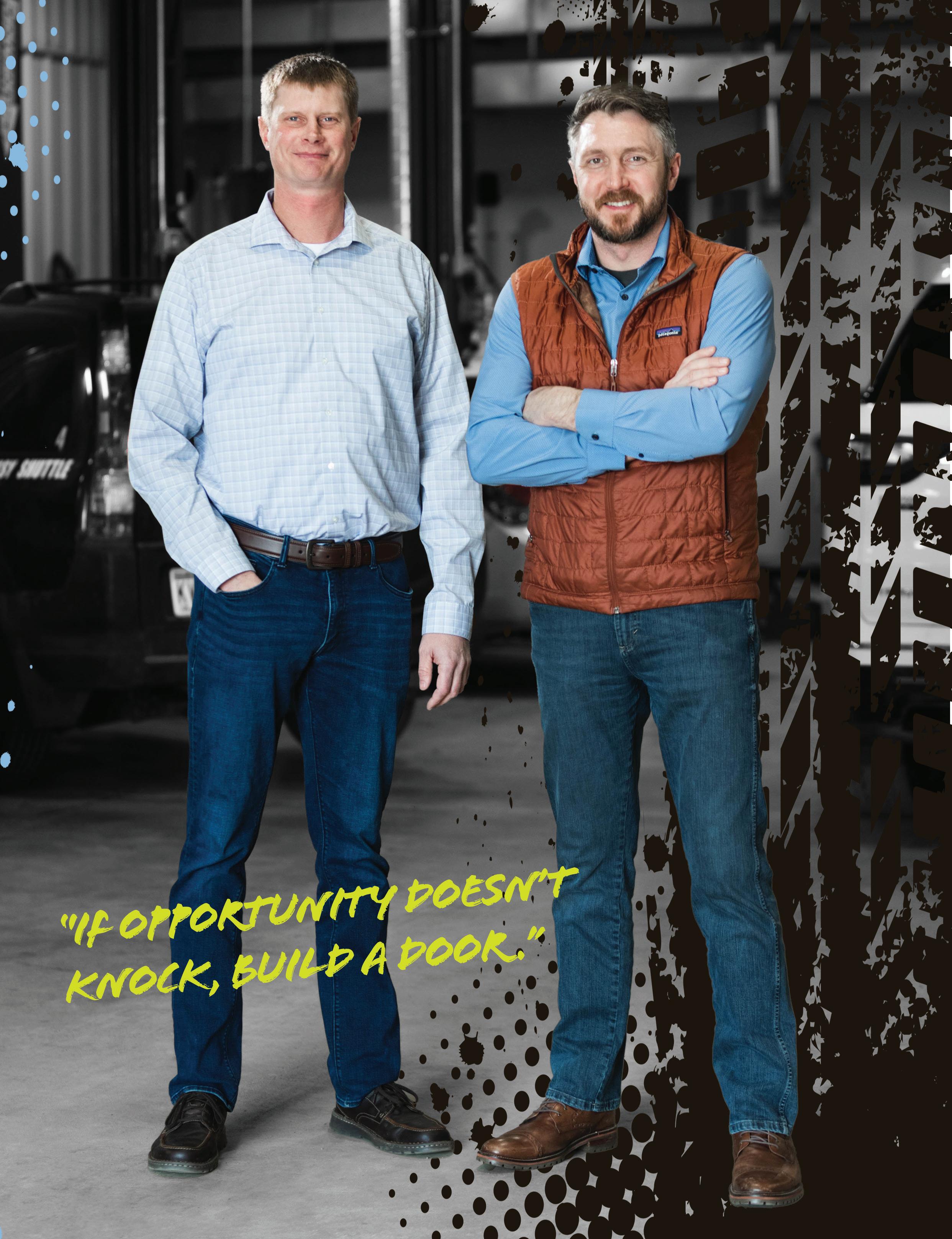
MOTOR WORKS AUTO REPAIR OWNERS JASON KATH AND ADAM PREUSSER BUILT A THRIVING BUSINESS BY PUTTING THEMSELVES IN THE DRIVER’S SEAT.
Adam Preusser and Jason Kath didn’t dream of being entrepreneurs in the automotive industry. They simply wanted to gain some useful skills doing something they enjoyed. “I was getting done with high school and I had no idea what I wanted to do,” Kath said. “If I learn how to fix cars, that’s something I can always use.”
“I grew up on a small farm, and I was very mechanical from a young age,” Preusser said. He enrolled in St. Cloud Technical and Community College’s automotive program, and it was there that Kath and Preusser met and became friends. After graduating from SCTCC, Preusser encouraged Kath to join him working for Augusta Motor Works in St. Augusta. In May of 2004, at the age of 22, Preusser purchased the business from its previous owner, David LaVoi. “My mom and dad let me use their house as collateral to get my initial loan payment,” Preusser said. “That was a big decision.”

The first few years were an adventure in business ownership. “We lost most of the employees that were at the store when I bought it,” Preusser said. “They were all good people. I just don't think anybody wanted to work for a 22-year-old kid.” At the time of purchase, Augusta Motor Works did a little bit of everything — from regular automotive repair to boat and semi work. The first few years were spent dialing in on just auto repair. “We had our down years, where it was tough to make payments, but we figured it out,” Preusser said.
Looking for somebody to come alongside him, Preusser talked to Kath about buying into the business. “I wanted somebody that was in it as much as I was,” he said. “I didn’t have great leadership skills at the time, so I figured it was a good opportunity for both of us to share in the growth of the business and the responsibility.” Kath became part-owner in 2007. That same year, they introduced repair services for European automobiles —
BY EMILY BERTRAM / COVER PHOTOS BY SWITCHBOARD
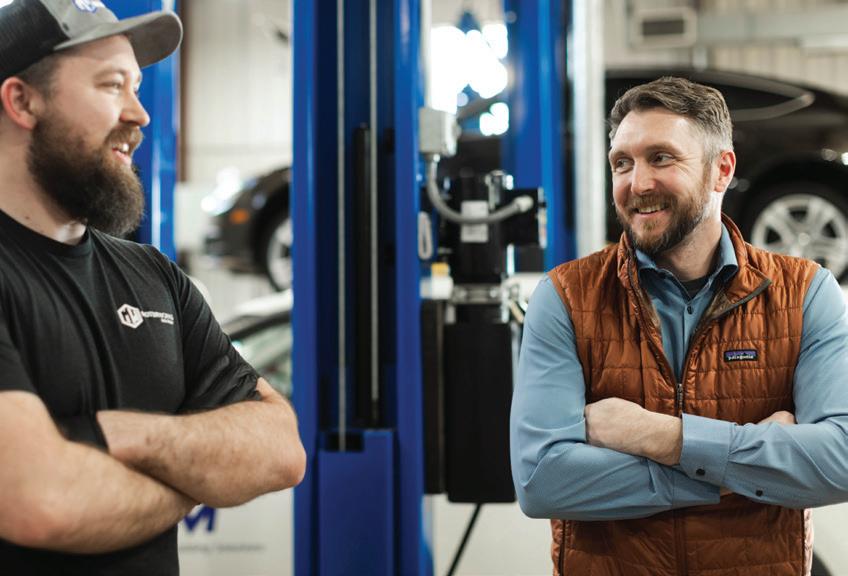
Motorworks had four employees when Adam Preusser (r) first bought the business in 2004. Today they have 80.
Adam Preusser AGE: 44
HOMETOWN
Avon, Minn. EDUCATION
Holdingford High School, St. Cloud Technical and Community College WORK HISTORY
Granite City Tire, Augusta Motor Works FAMILY
Wife Jenna and children
Svea, Artem and Edric HOBBIES
Snowmobiling, hunting, spending time outdoors
FUN FACT
Preusser has his pilot’s license.
an uncommon offering in Central Minnesota and an early sign of the innovation that would define their future.
About 11 years into owning Augusta Motor Works, Preusser and Kath started toying with the idea of expansion. They had learned a lot about managing a shop and had grown a steady customer base. A location at 1601 Riverside Ave. S in Sartell was a fit geographically, with a lot of drive-by traffic, as well as demographically. “When considering new locations, we're looking at average income, average household value and stuff like that,” Preusser said. “You want to know that the people that live there can afford to fix their cars.” They also looked at places with a lot of young families and an increasing population.
the spring of 2020 COVID happened, which didn’t stop us but definitely made us more apprehensive,” Preusser said. “We doubleddown on our current businesses, advertised a lot, and actually grew a lot.”
They made it through the pandemic — only laying off one employee — and revisited the expansion conversation. “We knew we wanted to grow,” Kath said. “So, we're talking to people about purchasing this or that and sometimes it happens in a couple of months, sometimes a couple of years.” And sometimes, it all happens in one month.
“Youcandoit, butit’sgoing totaketwice aslongasyou think.”
ADAM'S ADVICE ON ENTREPRENEURSHIP

They opened their Sartell location in 2015. “It was a very difficult open because within a year they did that Highway One project, and closed all that down,” Preusser said, referring to the road in front of their location. “We survived that, and then our lease got voided there.” Fortunately, they were able to purchase the building and soon dropped Augusta off their name to become Motor Works Auto Repair.
Next, they purchased and renovated a shop in Sauk Rapids. The location officially opened as their third store in December 2018. “In
They added three more locations to the Motor Works lineup in October of 2021. “Big Lake was open on the first of October, Blaine opened on the fourth and Bemidji was the 14th,” Preusser said. The Park Rapids location opened in 2022, the Elysian location in Southern MN in 2024, and the Waite Park service center and corporate office in 2025, bringing the total to nine.
“It broke our corporate office,” Kath said. “We just grew too fast, so that was a big pause moment.” They began focusing on operating procedures. Geographically, their first three stores were each about a 20-minute drive apart, but with the new acquisitions, they now had shops that were over two hours away. It presented new challenges in everything from completing paperwork to making bank deposits.
The challenge proved to be too much for the Elysian location, which Preusser and Kath closed in January of 2026. Where their Park Rapids location is in a hub city for its location in the state, Elysian’s proximity to Mankato hurt its ability to draw in enough customers. “It was using up resources that we should have given to the other stores that were being productive,” Preusser said. Still, the decision to close was a hard one.
Each new store had its own set of unique challenges when it came to the customer base. The Big Lake store was an existing shop with longtime employees when they took over. “When the customers came in, it was the same people there,” Kath said. “It’s just a different name on the building.” On the other hand, Blaine and Bemidji were not operating when Motor Works took over. “We had to completely start over,” Kath said, which is tough, but not always bad. “Sometimes it’s easier to start over on staff because you can hire who you want to hire.”
Technical skills are not necessarily the most important factor when hiring auto technicians at Motor Works. People who are willing to learn, eager to work hard, and be part of the team is critical. “As long as you have a good attitude, we can teach you just about anything,” Kath said.
As is the case in many trade fields, employee turnover in the automotive industry is often high because many companies are competing for the same pool of skilled workers.
“You have to be very careful about what you offer — a good work environment, good benefits — it has to be enticing for them to stay,” Kath said. “Otherwise, there is always someone that’s going to try to steal them.”
Offering employees a high-quality work environment has other benefits as well.
“Watching people grow within the organization is probably my favorite part of the job,”
Preusser said. “Seeing someone step into leadership, increase their responsibilities and build a career here is incredibly rewarding.”
As their business has grown, Preusser and Kath have recognized a common, but often overlooked, reality: auto technicians are not
always customer service trained. “Customer service is always a big deal,” Preusser said. “If our calls aren't handled consistently, the customer is not getting the same product, person to person or even day to day.”
The daily demands of service writers and technicians can result in varying availability to answer phones and conversations that don’t follow the preferred script.
As they expanded to multiple locations, the lack of consistency became even more of a pain point. That eventually led them to add a new service, which has now become its own business called First Ring. First Ring is a call center that employs about 20 people who operate the phones for all eight Motor Works locations, helping with scheduling, answering questions and following up with customers. And it’s grown from there.
Preusser and Kath are involved in the national automotive industry, where they learned that the issue of phone handling was not unique to Motor Works. “Other shops heard we were doing it for our own stores, and they asked if they could have the same service,” Preusser said. “We just added more people to accommodate.” For a monthly fee, 30 other auto shops across the nation use First Ring for their own workflow. Customer service representatives cover the phones from 6:30 a.m. to 8 p.m., as well as some Saturday hours.
The call center is not the only way that Motor Works has streamlined its operations. As any business owner can attest, credit card processing can be an expensive and frustrating necessity. “We didn't like the non-consistency we were getting from vendors,” Preusser said. “They would just change pricing on us without telling us and we would find out about it way after the fact and then have to renegotiate.”
Preusser and Kath watched their credit card fees closely, noticing large fluctuations month over month until they decided something had to change. “I was irritated, so I just started researching,” Preusser said.
Treasure Payments is the proprietary credit card processing business founded by Preusser and Kath. Built specifically for the automotive industry, they now have over 40 other shops in the U.S. using the service for

From one shop to eight locations, Motor Works Auto Repair continues to grow through innovation, industry leadership and investment in its team.
What began as a single auto repair shop in St. Augusta has grown into an eight-location operation employing more than 80 people across Minnesota. Adam Preusser and Jason Kath have expanded Motor Works Auto Repair through strategic acquisitions and a forward-thinking approach to industry challenges.
The two owners have developed innovative solutions to improve operations — not just for their own business, but for others nationwide — including a centralized call center, specialized payment processing and advanced vehicle diagnostic services.
Their success is rooted in a strong commitment to people. Preusser and Kath have built a workplace focused on career growth, leadership development and competitive benefits, helping attract and retain skilled employees in a competitive industry.
Beyond their own operations, they are active mentors and industry leaders, supporting other shop owners across the country while continuing to give back locally through sponsorships, donations and service.
In recognition of their entrepreneurial growth, innovative mindset and commitment to both their employees and the communities they serve, Adam Preusser and Jason Kath of Motor Works Auto Repair have been named the St. Cloud Area Chamber of Commerce’s 2026 Small Business Owners of the Year.
2004
Adam Preusser purchases Augusta Motor Works from David LaVoi, located at 24792 County Rd 7, St. Augusta, Minn.
2007
Jason Kath joins Preusser as co-owner; Augusta Motor Works adds European auto repair to its service line
2008
Economic recession hits, August Motor Works struggles, but survives
2015
Augusta Motor Works opens a Sartell location, changing their corporate name to Motor Works Auto Repair
2018
Sauk Rapids location opens
2020
COVID-19 pandemic hits, causing Motor Works to postpone expansion plans
2021
Motor Works adds three new locations: Big Lake, Blaine, and Bemidji
2022
Park Rapids location opens
2024
Elysian location opens
Preusser and Kath establish First Ring call center
Preusser and Kath launch Treasure Payments credit card processing
2025
Waite Park Service Center opens
ADAS Edge, Motor Work’s mobile recalibration unit, begins operations
2026
Elysian location closes

their own businesses. “If we were just doing it for our own shops, I don't think it would have worked out well,” Preusser said. “Knowing that we had several people who said they would use it if we did it made it worth it to put the time and effort into it.” The goal is not necessarily to profit from the service, but simply to help address another pain point effectively. “It pays for itself, it keeps consistency, we have a great product, and it works,” Preusser said.
COMPANY PROFILE
Motor Works Auto Repair
EIGHT LOCATIONS
Sartell, Sauk Rapids, St. Augusta, Blaine, Bemidji, Big Lake, Park Rapids, and Waite Park
CORPORATE HEADQUARTERS
820 Sundial Dr, Waite Park, MN 56387 (320) 233-2727 motorworksauto.com
OWNERS
Adam Preusser and Jason Kath
BUSINESS
DESCRIPTION
Technology plays a much larger role in automotive repair than it did just ten years ago. Everything from diagnostics to repairs to estimates are integrated with technology in some way, and Preusser and Kath have embraced that across all their locations. “The tooling is getting more and more specialized,” Preusser said. “We have to have a lot of special tools just to put timing sets in or adjust anything inside the motor.” Plus, they must make sure they have enough of the specialty tools to accommodate the needs of all their locations.
Independently owned and operated auto repair business serving Central and greater Minnesota with auto repair services for all makes and models
NUMBER OF EMPLOYEES
80 (all locations) ESTABLISHED IN 2004
MEMBER OF THE CHAMBER SINCE 2024
ADAS (Advanced Driver Assistance Systems) is a name for the electronic technology in vehicles — such as cameras, radar, and sensors — that enhance safety and driving convenience. “All your advanced collision avoidance systems on your vehicle that would step on the brake for you, lane detection, adaptive cruise — they all have to be calibrated,” Kath said. This service is an especially common need for body work. “Even if you didn’t do anything with that system, because you touched it, you have to recalibrate it.”
This growing need led Motor Works to establish yet another service line. ADAS Edge is Motor Work’s mobile recalibration unit,
which does this work for all their locations, as well as other shops around the area. “You have to have all the software and tools to do that, and not every shop wants to buy all the stuff,” Preusser said. “We’re mobile, so we go right to your place of business.”
Technology plays a major role in the transparency that Motor Works provides to their customers. When people bring their vehicles in for repair, technicians complete a Digital Vehicle Inspection (DVI) including pictures, videos and descriptions of all issues addressed and recommended repairs. Documentation and communication are key in building trust with customers. Technicians text with the customers throughout the repair process so that there are no surprises. “You might not be happy about the fact that it's going to cost you $1,000 to fix your oil leak, but you can see that that's your car and there's the oil leak,” Kath said.
When Preusser and Kath started out in the industry, they were technicians first and business owners second. “I was a good technician, but running a business is a completely different job,” Preusser said. “When you start doing everything that a business entails from the accounting side, taxes, employee management, hiring, firing — that was a different skill set to learn.” They may have honed their leadership and management skills over the years, but they didn’t do it alone.
Shop Fix is an auto shop coaching organization that helps shop owners across the nation grow revenue and reduce stress through a peer-driven system of support. Based out of Nashville, it launched in January 2017 with 18 members and has grown to more than 1,100 today. Preusser’s connection to the organization runs deeper than most — he met founder Aar-

on Stokes at a conference in California in 2005. Stokes, who recently passed away, became a close friend and mentor, remaining an important influence until his death.
Since 2018, Preusser has supported Shop Fix operations and served as a business coach, mentoring other shop owners. “It’s fun to work with them and give back to the community, because there are a lot of people who helped us along the way and taught us when we didn’t know what we were doing,” Preusser said. “This is kind of our way to give back to the industry.”
Locally, Motor Works staff serves on the advisory board for the SCTCC automotive program and takes part in its Discovery Academy program at Apollo High School. They also give back to the community in general by sponsoring local events and youth sports teams, hosting school supplies and food drives, and this year launching the Repair It Forward initiative. This program allowed people to nominate someone in need of auto work for a chance to receive $1,000 in repairs. Each store chose one winner, totaling $8,000 in car repairs.
As Kath and Preusser enter their 22nd year of ownership, they are thankful to have made their journey together. It helps that they play complementary roles in managing the organization. Where Preusser takes on more of the corporate side — accounting, taxes and business structure — Kath

"find people who have already done it and learn from them.”
is more operational, taking care of hiring and working more directly with the stores. “We both know our roles really well,” Preusser said.
Business ownership has shaped both Preusser and Kath tremendously. Preusser has grown into a more confident, decisive leader, learning to trust his instincts, embrace change, and accept — not always comfortable — challenges, including overcoming a fear of public speaking. Kath has learned to prioritize continuous learning, a mindset that has shaped his approach to business and expanded his perspective through new experiences beyond his everyday environment.
The two are not ruling out additional locations if the right opportunity presents itself, but they also enjoy where they’re at now. Both married with young families, they balance work and life as best they can, seldom passing up an opportunity to get outside and gain some perspective — and perhaps do some snowmobiling.
Years from now, they both hope to be remembered not so much for what they did, but for how they treated others. As Kath put it, “I hope people will say we are honest, fair, and a good member of the community.”
JASON'S ADVICE ON ENTREPRENEURSHIP
JASON KATH
AGE: 43
HOMETOWN
Sauk Rapids, Minn.
EDUCATION
Sauk Rapids High School, St. Cloud Technical and Community College
WORK HISTORY
Quality Care, Augusta Motor Works
FAMILY
Wife Rebecca and children Lydia and Owen
HOBBIES
Snowmobiling, hunting, playing softball
FUN FACT
Emily Bertram is the director of marketing and communications at the St. Cloud Area Chamber of Commerce and editor of Business Central Magazine.

Kath lives on his family’s farmstead, established in1896.

By Randy Krebs
Whether protecting property from breakins or keeping digital records safe from the ever-changing tactics of cybercriminals, small business owners face a constant array of security challenges. Not to mention being prepared for natural disasters and uncontrollable crises — think storms, fires, floods, power outages and more.
While threats coming from so many fronts might seem overwhelming, there are steps business owners can take to protect the people, places and assets that help make them successful. The most important step is being prepared, which today often means embracing the latest technology.
“Security today is about proactive monitoring,” said Mark Kroska, an infrastructure and security architect who started
AGC Agency 20 years ago. “We’re no longer using the ‘break-fix’ model. Managed service providers design integrated systems that protect infrastructure and minimize downtime.”
“You always need a backup plan for everything you do,” Summit Fire Protection Branch Manager Jeff Jacobson said. “The good news is, there are many specialized tools available to help protect you and minimize risks.”
Today’s security systems help with protecting people and loss prevention, according to Bruce Merrell, founder of Shepherd Security. “We’re no longer in the era of systems going back to see what happened. Today they prevent problems and see what’s happening in real time,” which means, when necessary, both business owners and first responders can engage sooner.
According to Brian Kiffmeyer, the St. Cloud Fire Marshal, a lot of preparedness for businesses is not new and emerging technology. “How they interface with it is. Now the alarm systems do the early detection and make the calls, both to a business owner and first responders.”
Today’s security systems that protect both physical and digital assets are built on numerous technologies developed within the past five to 10 years or earlier. Their common characteristics include high-resolution cameras, integrated monitoring systems, cloud-based data storage and — especially of late — increasing use of artificial intelligence or AI.
Perhaps nothing better represents the importance of modern technology and the
emergence of AI in security systems than cameras. Older (now outdated) security cameras provide grainy, low-resolution video. They also have limited night vision and mobility capabilities and no remote access. Additionally, storage of security files must be on local hard drives. Modern systems are all about multiple cameras with high-resolution video, real-time monitoring, remote access, easy expansion and integration with complementary tools such as alarms and access controls.
Perhaps best of all, storage of data can be cloud-based, saving resources for a business owner and eliminating the need for bulky hardware and on-site storage. For a small business without an IT department, cloud systems reduce maintenance headaches and keep costs predictable.

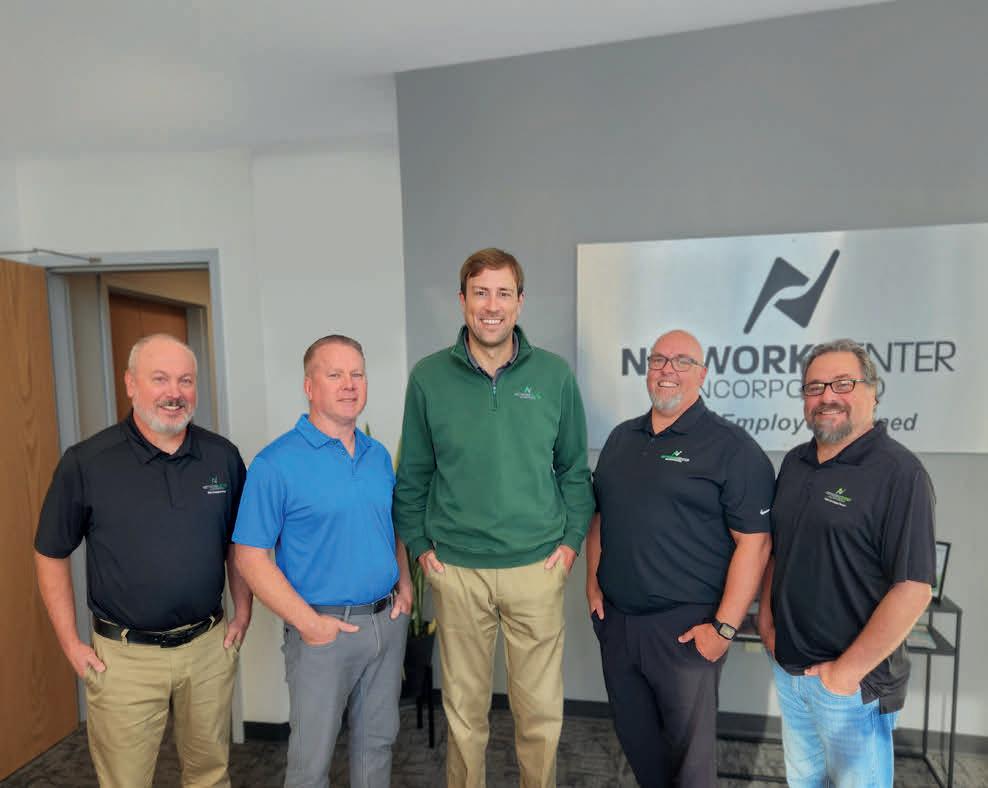


Today’s security cameras can not only be programmed to monitor very specific areas in any condition, they use AI to help identify what is actually being monitored. Whereas a non-AI camera or system might send an alert due to any movement it perceives, AI cameras can determine the source of the motion and send a notice accordingly. “AI really cuts down on notification fatigue,” Merrell said. “It can tell the difference between cars, people and animals and filter them out so you only get a notice about a person, not a squirrel.”
In addition to delivering that convenience and efficiency to the business owner, AIequipped cameras and other new technologies are integrated to provide a higher level of safety and one that is much more sophisticated than systems built even five years ago. “These systems are always monitoring so owners can relax,” Kroska said, pointing out how a business owner can be away from their site on vacation and — through their cell phone — literally see what’s happening at the business, no matter the time.
Merrell believes two of the latest trends in AI for cameras are
the ability to track traffic patterns and even detect weapons a person may be carrying. Such tools allow a business to better identify high-traffic or high-risk areas and, more importantly, keep employees safe. In fact, today’s systems can even be programmed to directly contact law enforcement first and the business owner second. “The safety of employees is always most important,” Merrell said. “Exterior doors should have cameras, along with main entrances, for people and cars.” Why? Those not only monitor properties when nobody is on site, they allow employees who are working in a facility to make sure it’s safe to leave when they’re done for the day — or night.
Today’s security systems are about more than just cameras. They include cloud-based tools focused on cybersecurity, remote monitoring, badge access, remote access and even employee training on digital and personal safety measures. Ultimately, all these tools should be integrated so they work together to provide peace of mind along with security.
“Finding the most security for the best value is key,” Kroska

of AGC Agency said. “Owners need to know where their risk tolerance is and where they might be able to cut corners. We listen to customers about what keeps them awake at night.”
“We ask people ‘What are you trying to prevent?’ ” Merrell said. “Knowing their root cause helps us understand what’s needed going forward. It also avoids customers buying things they don’t need. Bigger is not always better.”
New customers should think about security systems like a new carpenter thinks about tools, Kroska said. Use the money available to buy a good starter system and then upgrade as resources and growth allow. He also recommends getting an outside audit as a good way to determine the effectiveness of security systems. “A second set of eyes can be a great way to determine if you’re following best practices, providing the needed services and keeping your premiums low.”
As for being prepared for on-site emergencies, fires and
natural disasters, Kiffmeyer of the St. Cloud Fire Department says there is a simple guideline. “Preparations should match the risk, not the minimum requirements.”
While cyberattacks might be the newest threat to any organization, there are many other potential threats for which businesses should be prepared — think fires, power outages and Mother Nature’s wrath. “Digital pre-plans for first responders allow firefighters to connect with the business owner about hazards in a building and the number of people there,” according to Kiffmeyer, who has almost 20 years of experience in firefighting and emergency management.
A pre-plan covers details like building layouts or the location of potential hazards like chemicals in the business, all shared in advance with fire crews. The St. Cloud Fire Department works with willing businesses for free to create and maintain pre-plans. “Giving us
Story continues on page 38.
Each year, the Consumer Electronics Show (CES) debuts some of the most cutting-edge technology in the world. This year’s show in January was no different. Here’s what was hot:
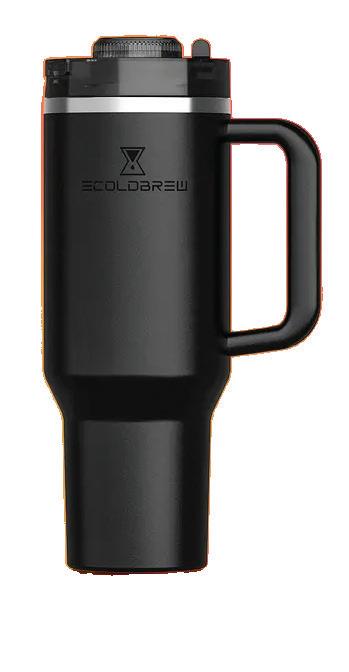
Ecoldbrew: With a built-in bean grinder, this cup can make cold brew coffee in just five minutes.
Lockin V7 Max: A wireless smart lock that never requires recharging? Thanks to optical wireless technology called AuraCharge, it’s possible.
Ultrasonic chef’s knife: This knife from Seattle Ultrasonic vibrates at 30,000 times per second, making cutting tomatoes, potatoes and just about everything else, almost effortless.
Kitchen Assistant: GE Profile released a new refrigerator with a built-in barcode scanner to help update your shopping list, as well as internal cameras so you can see inside when you’re not home to prevent overbuying and food waste.
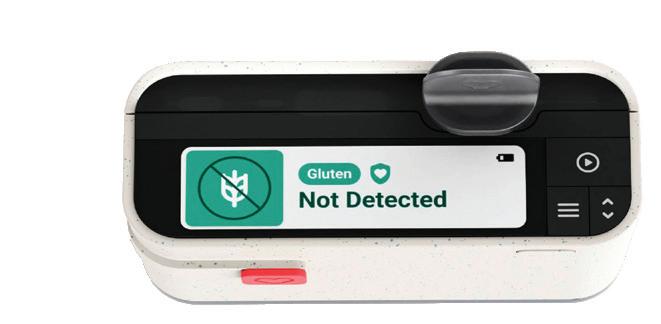
Allergen Alert: This pocket-sized tool can detect gluten or dairy in any food.

The attractiveness of St. Cloud for the Information Technology sector is driven by the spirit of innovation in the region, an existing base of IT and customer service workers, plus unique higher education programs and research centers.
St. Cloud, Minnesota, might not have as flashy a reputation as San Francisco, Seattle, and Austin, but that doesn’t mean it isn’t a technology hub. The region is home to over 5,000 information technology (IT) professionals who support a diverse range of industries and work with global companies.
“The State of Minnesota invested heavily in STEM education over the past decade,” says Cathy Mehelich, Economic Development Director for the City of St. Cloud Economic Development Authority (EDA). “The St. Cloud school district took these guidelines even further, creating a generation of curious problem solvers. It makes sense that many would enter the IT field.” In fact, St. Cloud was named the top STEM city in Minnesota by Insurify.
In 2025, global IT spending was projected to grow by 9.3%, defying economic uncertainty. IT investment will continue in the coming decade as companies continue to automate and innovate. The St. Cloud IT industry is prepared to grow with it.
Information technology is found in almost every company across the country. IT professionals maintain E-commerce sites while optimizing internal systems. Every business, from a lumber company with an internet-connected warehouse to a doctor’s office digitizing medical records, needs IT.
It makes sense that St. Cloud has become an IT hub, as it has always had a diverse range of industries. As technology evolved, representatives from each of these industries explored ways to innovate and adopt modern solutions.
Companies within the IT field often have different location advantage criteria compared to other industries that ship physical goods across the country. However, St. Cloud can meet the needs of digital-first organizations just as well as a manufacturing facility. A few reasons to choose St. Cloud include:
Excellent internet connectivity: St. Cloud is one of the “most wired” cities in Minnesota, with a tremendous internet backbone capacity with long-haul fiber and diverse paths to the Twin Cities 511 building. St. Cloud also has competitive, affordable, high-speed broadband Gb services from multiple providers.
Significant investments in higher education: St. Cloud is one of the top cities in the country for college graduates. St. Cloud State University offers the only graduate program in Information Assurance in the Minnesota State System, and St. Cloud Technical & Community College is a designated National Center of Academic Excellence in Cyber Defense.
Centrally located: Minnesota is based in the Central Time Zone, making it easy to communicate with both the East and West Coasts throughout the day.
Actively growing: St. Cloud MSA is expected to grow by 25% between 2010 and 2030, making it one of the fastestes growing regions in the state.
These advantages are why companies like Wolters Kluwer, and Preferred Credit Inc. choose St. Cloud. In downtown St. Cloud, growing companies like Cetera, Encore/ Midland Credit, and ArcaSearch add to the vibrancy with over 500 employees combined. As St. Cloud’s IT industry cluster continues to gain momentum, now is the ideal time for businesses to explore the opportunities emerging within this fast growing regional hub. Whether you’re considering expansion, relocation, or new partnerships, the City of St. Cloud EDA is here to help you evaluate sites, understand market advantages, and tap into the region’s talented workforce and supportive technology ecosystem. •
LEARN MORE TODAY
Contact the St. Cloud EDA today to discover how your organization can thrive in the heart of Central Minnesota’s innovation economy. We look forward to helping you build what’s next.
& redevelopment
the information ahead of time means that when we show up in an emergency we know exactly where to go, what the hazards might be and how to keep people and ourselves safe.”
The omnipresent risk of fire impacts the safety of most businesses. “Because fire suppression requires certification, businesses always have an annual reminder to make sure their systems work,” Jacobson of Summit Fire Protection said, noting insurance companies also play a role in keeping safety top of mind. For example, businesses that have IT servers on site might be required by their insurers to install specialized fire suppression tools that don’t use water to
extinguish a fire. “Most insurance companies will make sure you have the kind of coverage you need,” he added.
Preparing for disasters, though, is not just about fires. Referencing everything from hurricanes to extreme cold hitting the southern United States this winter, Jacobson said demand is increasing for generators as backup power supplies. “Commercial businesses should always have backup plans,” he said, pointing out that generators have long been required in buildings with elevators. “But all the weird weather events and recent natural disasters now have places like apartments and other businesses getting them, too.”
BY THE NUMBERS
The state’s tech workforce remains strong, with high-paying and in demand jobs. According to the Minnesota Department of Labor and Industry, Minnesota employs roughly 108,000 IT workers, plus about 11,000 IT managers, making up approximately 3.8 percent of total employment.
Nationally, about 317,700 openings are projected annually through 2034, with the median annual wage of $106,000, according to the U.S. Bureau of Labor Statistics.
The highest earnings potential is in computer and information research scientists — professionals who design innovative uses for new and existing computing technology — with a median salary of $141,000.
The main areas of job growth center around artificial intelligence, machine learning and data science, with 49,200 postings in 2025 — an increase of 163 percent over 2024. Security roles also increased 124 percent to 66,800 postings, according to a report from Robert Half. A look at the unemployment rates in the IT industry tells a similar tale. While the national unemployment rate in 2025 was 4.4 percent, systems analyst roles were at 2.6 percent, network and systems administrators at 2.3 percent, and security analysts at 2.1 percent.
Here in Central Minnesota, companies continue to innovate, grow, and push the boundaries of the tech and IT industry — especially those featured here.
While backup power is certainly important, it’s not the only step to take in preparing for the unexpected. Having an ongoing relationship with a contractor or disaster restoration company can be a huge help in preparing for and recovering from storm damage or accidents that may impact a business’s operations.
About 10 years ago, the security landscape for small businesses looked very different. The tools were more basic, less connected and far more manual than what owners rely on today. Given recent improvements and ongoing trends around AI and other technologies, everything points toward a future
where security is smarter, more connected and easier to manage. That means business owners may need to work harder to stay abreast of improvements, but as local security and safety leaders advise, start by identifying your biggest risks — whether it’s theft, unauthorized access or after hours activity — and choose technologies that directly address those concerns. Then develop a system that’s affordable and delivers peace of mind.
Randy Krebs is a freelance writer and editor living in Sauk Rapids. He can be reached at randykrebs@ charter.net.










ATTENTION IS EARNED DIFFERENTLY NOW, AND THE MARKETING TACTICS BEHIND IT ARE EVOLVING FAST.
By Jeanine Nistler
Think back, for a moment, to the marketing messages you absorbed as a child. TV commercials for toys and sugary cereal? Radio jingles? Full-page newspaper ads? While print, radio, TV, and billboards are still viable ways to blast out ads, today you can engage with your existing and potential customers via any number of channels.
“Consistency beats intensity,” said Rachel Thompson, executive
director of Visit Greater St. Cloud.
“Many small businesses try to do everything at once — Facebook, Instagram, TikTok, email, search engine optimization — and burn out in three months.”
Thompson’s advice is to pick two channels where your customers spend time and master them.
“Marketing in 2026 isn't about shouting the loudest. It's about being the most helpful, authentic, and consistent voice in your audience’s ear.”


ABBEY
GRAVES Abbey Graves Productions
Podcasting is a great way to go deeper with your customers or audience. It lets your ideal customer into your world, builds trust, and forms a sincere connection. Podcasting helps establish you as an authority in your niche, and it is a great tool
for marketing your brand and business.
Test the waters by being a guest on another podcast. It is a great way to get a taste for what podcasting entails, and to discover if you like the process of sitting down with a microphone and recording a show. Find a podcast you like and that fits your brand content-wise and pitch yourself as a guest to them.
Podcast run time doesn’t really matter unless you are sending it
to traditional media outlets like radio or TV. The ideal run time is however long it takes to make your point and not have to repeat yourself just because you think an episode must be a certain length.
Businesses can create their own podcasts without hiring a professional. It is all about setting the right strategies and systems to make it a sustainable project for the long term. Podcasting is so much more than sitting down with a microphone and talking, but if you are prepared for the work that goes into a successful show, you can definitely do it on your own.
A podcast can be the center of your content. It can be turned into social media clips, blogs, emails,
Pinterest pins, graphics, videos, and so much more. If you need content for a platform, chances are good a podcast can be edited in a way to serve that platform.


ZAK BRANHAM Client Strategist, Switchboard
Short-form video isn’t new, and it’s clearly not going away, but we see people waiting for proof. “How do we engage a community?” they ask. “We’re not YouTubers.”
Start with whatever platform your target market engages with.
Short-term video really is just the modern version of the commercial. It gives businesses a really fast way to earn attention and create awareness. The real value is that it makes future marketing and sales easier because people already recognize and trust you.
Tone and intent are important. If it feels really rehearsed, it comes off as disingenuous and people don’t want to see that. People engage with things that feel like they were made for them.
Keep your video to 30 seconds or less, and don't worry about the production of it. Just one really clear video is better than waiting to make it perfect. You only
have a few seconds to capture somebody.


RACHEL
THOMPSON
Executive Director,
Visit Greater St. Cloud
Visit Greater St. Cloud has integrated influencer marketing as a core pillar of its strategy for several years now. Influencers aren’t a stand-alone tactic, but a vital component of a multichannel approach.
Story continues on page 42









The biggest trend in marketing is humanity over perfection. The overly polished look is out. In 2026, consumers are craving genuine interactions. This means:
Be real
Short-form video using raw, behind-the-scenes “day in the life” clips on TikTok or Reels perform better than expensive, produced commercials.
Show your face
People want to know the person behind the business or the experience. Don’t be afraid to be the “face” of your brand or let it come out a little under polished.
Less robot, more human Small businesses are using AI behind the scenes to help draft ideas or segment email lists, but the final message must feel human and personal.
Use content creators to reach specific demographics. For Visit Greater St. Cloud, that might be road trip travelers, “foodies,” or outdoor enthusiasts in targeted geographic regions that are likely to visit the St. Cloud area and align with traveler audience goals. Visit Greater St. Cloud works with influencers one-onone to highlight specific seasons (like winter recreation, fall color chasing) or signature events like Restaurant Week.
To stay at the forefront, host or attend major industry media events like the Midwest Travel Network conference to get direct access to high-caliber travel creators. Use influencer platforms (like Shrpa in the
hiteBox Marketing is proud to reach our eighth anniversary in 2026. This and every milestone reminds us to look back at our purpose and reason for starting our agency, and the passion that keeps us going today and into the future. We’ve been refining processes, growing and evolving our team, and expanding into different markets, including opening a sister location in Brainerd, to our main St. Cloud office. Through every refinement, evolution, and growth phase, one thing will always remain at our core: genuine client partnerships.
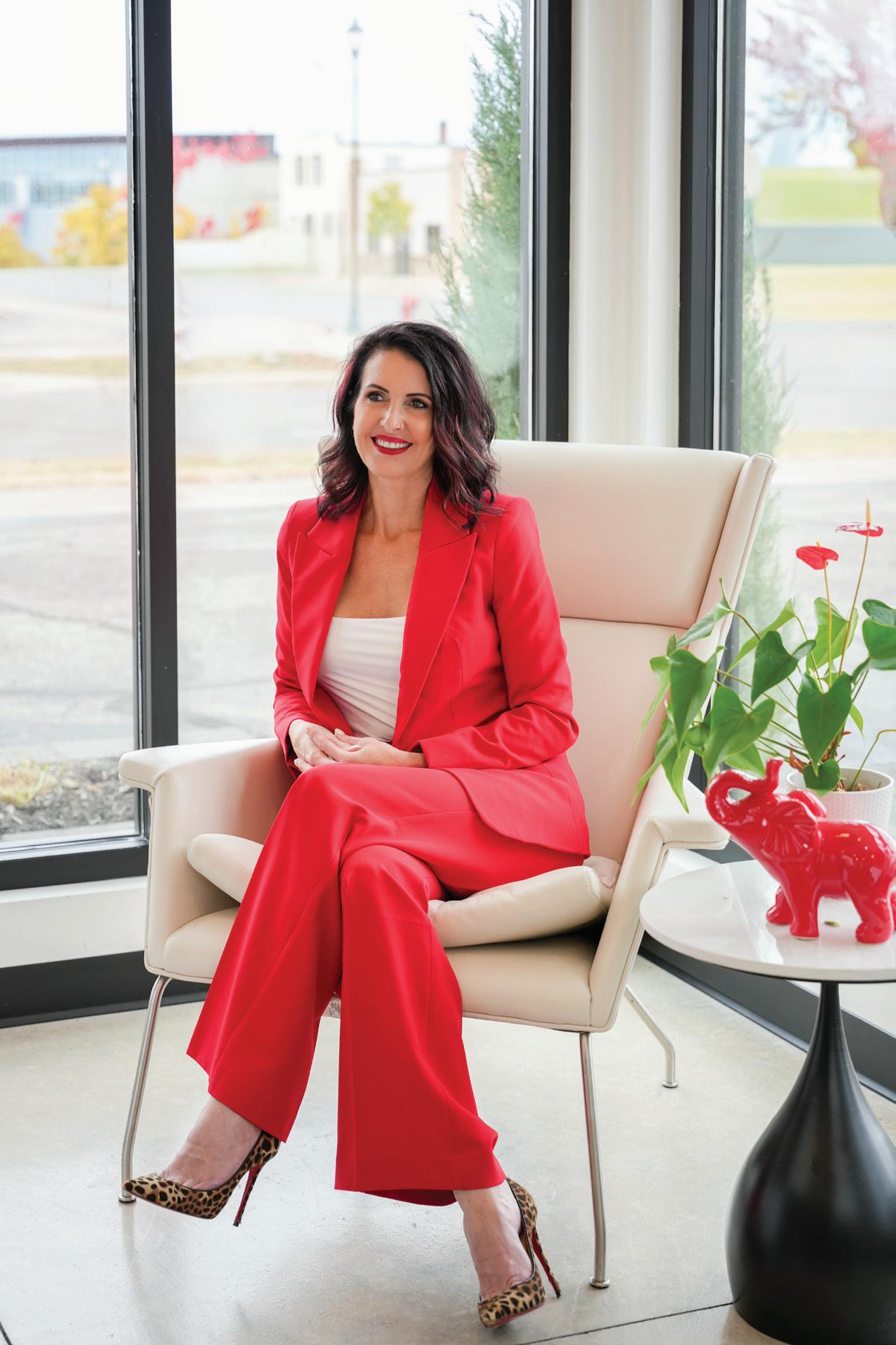
Our story starts in 2018 when Carrie Karki founded the agency. After years of working in marketing and observing the industry, she recognized a common challenge businesses face. Many agencies focus on individual tactics instead of the mission as a whole. “I wanted to create something different,” Karki explains. “Marketing should be aligned with a company’s vision, operation, and sales strategy. When all efforts are connected, they become a powerful driver of growth.” It’s this big-picture and partnership approach that the agency has lead with
A big challenge many companies face is the disconnect between strategy and execution — WhiteBox Marketing bridges that gap. At our core, we’re a consultative agency. Our firm works closely with leadership teams to objectives and opportunities. We examine market positioning and brand perception, sales and marketing alignment, operational readiness to support growth, customer experience and communications, and more.
From there, we serve strategic plans that include branding, website development, creative campaigns, digital marketing, photo and video, public relations, and effective solutions. We don’t believe in a cookie-cutter approach: every client gets a custom plan for their specific business goals, for the best results for their time and budget.
“Someday, we all want to look back and say... ‘we truly made a difference and developed with purpose.’”
— CARRIE KARKI, CEO & FOUNDER OF WHITEBOX MARKETING
Our “Good People Doing Great Things” phrase isn’t just a statement — it’s about doing the right thing, professionally and personally. It’s about community and making impact, beyond business. It’s about being a good neighbor, being inclusive, making friends in meaningful places and giving back where we can. Authenticity is at the core of everything we do. Our clients’ success is our success. “Not just myself, but my company and team of fabulous humans, who helped many,” Karki said. That’s our passion behind the purpose.
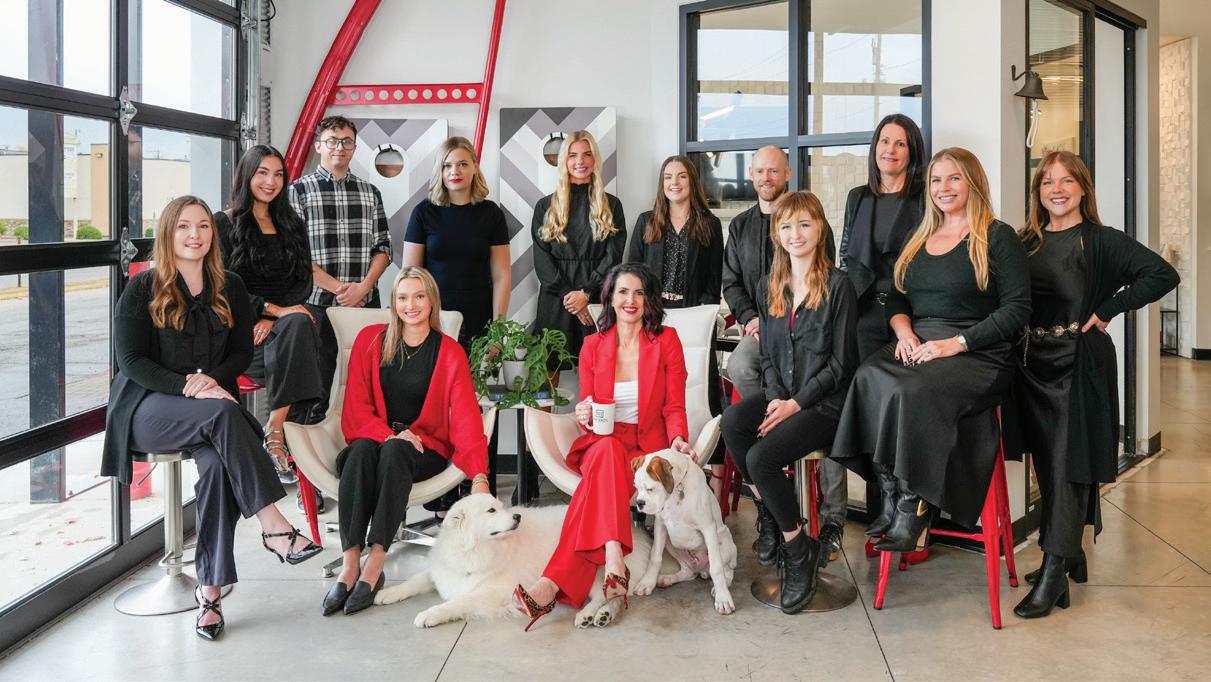
WhiteBox Marketing is a certified Women-Owned Small Business (WOSB), officially recognized by the U.S. Small Business Administration (SBA).
1501 West Saint Germain Street, St. Cloud, MN 56301. WhiteBoxMarketing.com Whitebox Marketing specializes in strategic and creative work that brings you measurable results, entirely custom, optimally timed, and well-aligned for effectiveness and memorability. We’re here to streamline your efforts and communications as an extension of your team: a full-service agency who will align and maximize your marketing.

travel industry) to discover and vet creators, and to maintain a fresh pipeline of talent to draw from for your content trips.
This strategy bridges the gap between “official” marketing messaging and the genuine, lived experiences of real people. For Visit Greater St. Cloud, it has successfully increased destination awareness in markets they couldn't otherwise penetrate and generated high-quality, authentic content that they repurpose across their social and digital channels.
Trust and relevance are important. In 2026, traditional advertising often feels like an interruption. Influencer marketing works because consumers trust recommendations from individuals over brands. An influencer feels like a “digital friend” and their endorsement acts as social proof that your product or destination is worth the time and money.
Influencer content lives inside the user’s natural social feed. It’s a recommendation shared within a conversation, not a billboard blocking the
view. Influencers allow you to speak directly to a highly specific “vibe” (e.g., local craft beer lovers or mountain bikers) who are already primed to care about your message.
You don’t need a massive budget to start. In fact, “microinfluencers” (those with 5,000 to 50,000 followers) often have the highest engagement rates. Look for an influencer whose vibe matches yours. Look past the follower count. Does the creator's tone, aesthetic, and values align with your brand?
For many small businesses, a creator with 2,000 local, engaged followers is more valuable than one with 100,000 followers spread across the country.

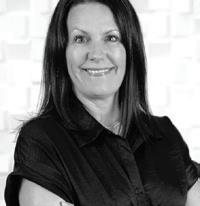
TAMI KINZEL Director of Strategic Partnerships, WhiteBox Marketing
Writing for artificial intelligence (AI) search results isn’t about abandoning search engine optimization. It’s about building upon it. Traditional optimization focused on rankings. Today, the opportunity lies in being

referenced, summarized, and trusted within AI-driven search results.
As search behavior continues to evolve, particularly with the rise of AI-generated answers and summaries, content strategies should expand to ensure companies remain visible, credible, and competitive.
Generative engine optimization (GEO) is the practice of structuring content so it can be clearly interpreted, cited,
and synthesized by AI-powered search engines and generative tools. Instead of optimizing solely for keyword placement and rankings, GEO prioritizes clarity, authority, context, and direct answers — ensuring your brand becomes part of the response users receive, not just one of the links they’re shown.
For small businesses, the fundamentals still apply: clear messaging, strong credibility signals, direct answers to


common customer questions, and explicit service area clarity. The brands that thrive will be those that prioritize usefulness and trust — qualities valued by both humans and AI systems alike.
Jeanine Nistler (jeaninenistler@ outlook.com) is a St. Cloud-based freelance writer whose career has included daily newspaper reporting and editing, as well as communications work in health care, higher education, and state government settings.
According to David Boyer, owner of Jupiter Moon Ice Cream, 98 percent of people are happier after they eat ice cream.
By Emily Bertram • Photo by Schadow Creative
What is your professional background?
I have degrees in both aviation and meteorology from St. Cloud State University. After college, I worked as a trainer for weather forecasting equipment, and I got good at making weather maps, which eventually led me into graphic design. I owned my own web design shop for a few years before entering the corporate world, and I now work in user experience (UX) for a national brand (while also as the owner of Jupiter Moon Ice Cream).
So, why ice cream?
It started from a conversation with a coworker during a particularly difficult project at my corporate job that had us both wondering, what is universally joyful? It came down to two major things — the power over your own success and ice cream. I started making ice cream at home with a small commercial unit. I soon wanted to start selling it commercially, so I attended my first North American Ice Cream Association conference, where I met some of my most influential mentors to date. As I got started, I didn’t want to lose the joyful, experiential aspect of it, so that’s when I got a bicycle freezer. Our first summer in business was in 2019.
Where can people find Jupiter Moon?
Our main location in St. Joseph opened in October of 2020, made possible by very affordable SBA loan rates. We also do a lot of mobile events such as festivals and weddings with our three bikes and our ice cream trailer. In mid-summer of 2023, we opened an additional location at Munsinger Clemens Gardens in the former gift shop, where we also have a full-service coffee bar.
We are the ice cream vendor for all home St. Cloud State men’s hockey games, as well as all home St. Cloud Rox Baseball games.
Tell me about your ice cream.
Our ice cream is considered premium American hard-scoop ice cream, made with a 14 percent butterfat content that balances flavor with mouthfeel. We focus on all-natural ingredients with no artificial coloring or flavors, and we have several vegan options always on rotation. All our ice cream is made in-house in St. Joseph, and we can make over 120 flavors, with about 20 flavors in the lineup in-store at any time.
What’s next for Jupiter Moon?

JupiterMoon Ice Cream
Locations: St. Joseph
15 E Minnesota St., Suite 108
St. Cloud 1399 Kilian Blvd SE (320) 557-0141
For me, while it is about ice cream, it’s also about creating a community gathering place. I would love it if more people saw Jupiter Moon as the place to hang out in town. I am also exploring that potential with a location in St. Paul … stay tuned.
2019: David Boyer rents a commercial kitchen by the hour in Sauk Rapids and starts making prepackaged ice cream cups, sold out of an ice cream bicycle at events
2020: Boyer opens Jupiter Moon Ice Cream in St. Joseph
2021: Boyer adds an Ice cream trailer for more mobile events
celebrate@jupitermoon icecream.com jupitermoonicecream.com
Owner: David Boyer
Opened in 2019
Employee Count:
1 full-time, up to 40 part-time seasonally Joined Chamber in 2022
2022: Boyer purchases two more bikes to add to event options
2023: Munsinger Clemens Gardens location opens
2024: Adds two more ice cream bicycles with a focus on ice cream catering for weddings
2025: St. Joseph location expands into neighboring suite for increased storage space
David Boyer
Family: Daughter Fiora
Hometown: Helena, Montana
Education:
Degrees in aviation and meteorology from St. Cloud State University
Employment History: Worked in meteorology, marketing and design, and the tech industry
Words of Advice: Find good mentors, prepare for staffing challenges, collaborate with other businesses when you can, and stay involved in your community
After a year marked by exceptional teamwork and a commitment to client focus, we are proud to announce that Karl Nikodym Wealth Management Group has earned one of the industry’s highest distinctions. Forbes has named them one of Minnesota’s Best-In-State Wealth Management Teams for 2026.
The Forbes rating is compiled by SHOOK Research and awarded annually in January, based on information from a 12-month period ending March of the prior year. Eligibility is based on quantitative factors and is not necessarily related to the quality of the investment advice.
This well-deserved recognition is a testament to this team’s talent and abilities. Their pursuit of excellence sets an industry standard and helps turn client dreams into attainable goals.
We invite you to have a conversation with Karl Nikodym Wealth Management Group to see what their level of dedication could mean for you and your family.

Karl Nikodym Wealth Management Group
UBS Financial Services Inc. 4150 Second Street South Suite 500 Saint Cloud, MN 56301 320-252-6909
advisors.ubs.com/knwm
For more information on third-party rating methodologies, please visit ubs.com/us/en/designation-disclosures. As a firm providing wealth management services to clients, UBS Financial Services Inc. offers investment advisory services in its capacity as an SECregistered investment adviser and brokerage services in its capacity as an SEC-registered broker-dealer. Investment advisory services and brokerage services are separate and distinct, differ in material ways and are governed by different laws and separate arrangements. It is important that you understand the ways in which we conduct business, that you carefully read the agreements and disclosures that we provide to you about the products or services we offer. For more information, please review the client relationship summary provided at ubs.com/relationshipsummary, or ask your UBS Financial Advisor for a copy. © UBS 2026. All rights reserved. UBS Financial Services Inc. is a subsidiary of UBS Group AG. Member FINRA/SIPC. ED_03232026-9