PRODUCT FOCUS
InfraWorks 2018
by: Tony Carcamo
Customized Grading Materials I
n the past few years, InfraWorks® has evolved to meet current design requirements and workflows for today’s design professionals. New design and analysis features and updates are added every year to improve performance, design accuracy, and workflows for commercial and residential projects. Though most of the focus has been on transportation design features, design professionals can still work on simple residential site projects. Though InfraWorks does not contain advance grading and analysis tools found within AutoCAD® Civil 3D®, it has a few simple grading features or styles to create grading pads. In this article, I will guide you on how to create customized materials and grading styles to create rich compelling models for site pad gradings projects. 32
www.augi.com
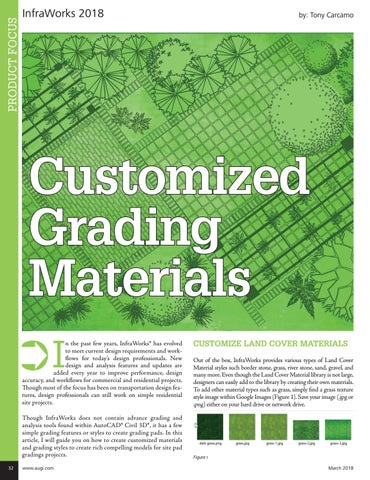
CUSTOMIZE LAND COVER MATERIALS Out of the box, InfraWorks provides various types of Land Cover Material styles such border stone, grass, river stone, sand, gravel, and many more. Even though the Land Cover Material library is not large, designers can easily add to the library by creating their own materials. To add other material types such as grass, simply find a grass texture style image within Google Images (Figure 1). Save your image (.jpg or .png) either on your hard drive or network drive.
Figure 1 March 2018