AutoCAD
AutoCAD 2011 MEASUREGEOM Enter an option [Distance/Radius/Angle/ ARea/Volume] <Distance>: D Specify first point: Specify second point or [Multiple points]: Distance = 50’-0”, Angle in XY Plane = 90, Angle from XY Plane = 0 Delta X = 0’-0”, Delta Y = 50’-0”, Delta Z = 0’-0” A handy little tool, indeed.
5. MIDWAY BETWEEN TWO POINTS (OSNAP) This tool is actually an OSNAP. I will confess that I learned this one from Autodesk’s Lynn Allen when it first came out in AutoCAD. I use this OSNAP daily, even though it has never had its rightful place on the running OSNAP list. You can access it by either typing M2P on the command line or by using your Shift+right mouse click to choose it from the ONSAP pop-up list. Midway Between Two Points is a great tool that allows you to pick a point that you might otherwise need to draw a construction line to accomplish. It requires you to choose two OSNAPS.
12 www.augi.com
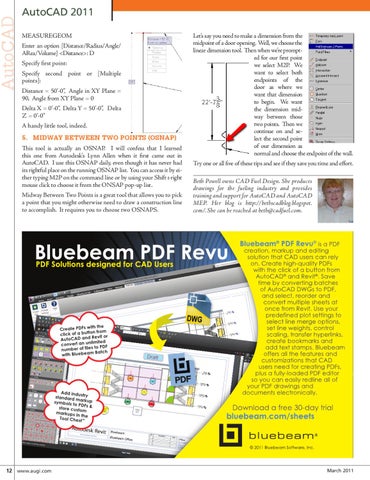
Let’s say you need to make a dimension from the midpoint of a door opening. Well, we choose the linear dimension tool. Then when we’re prompted for our first point we select M2P. We want to select both endpoints of the door as where we want that dimension to begin. We want the dimension midway between those two points. Then we continue on and select the second point of our dimension as normal and choose the endpoint of the wall. Try one or all five of these tips and see if they save you time and effort. Beth Powell owns CAD Fuel Design. She produces drawings for the fueling industry and provides training and support for AutoCAD and AutoCAD MEP. Her blog is http://bethscadblog.blogspot. com/. She can be reached at beth@cadfuel.com.
March 2011