
XLOCK FSM
PACKAGING CONTENT
Product name
App / Cloud System
XL-FSM

XLOCK Fahrradschloss M
XL Lock Manager App (iOS, Android)

Webservice: www.xlock.app; Made in Austria



IP Classification IP65 Dustproof & Waterproof
Temperature -20°C to 70°C
Battery 5v, Micro USB Interface (rechargeable)


Storage
Smartphone Users: unlimited
Fingerprint: up to 10 fingerprints programmable
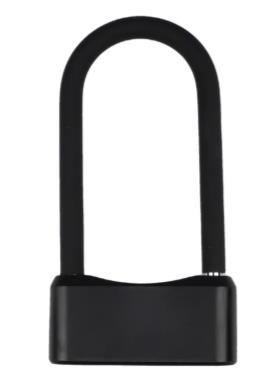
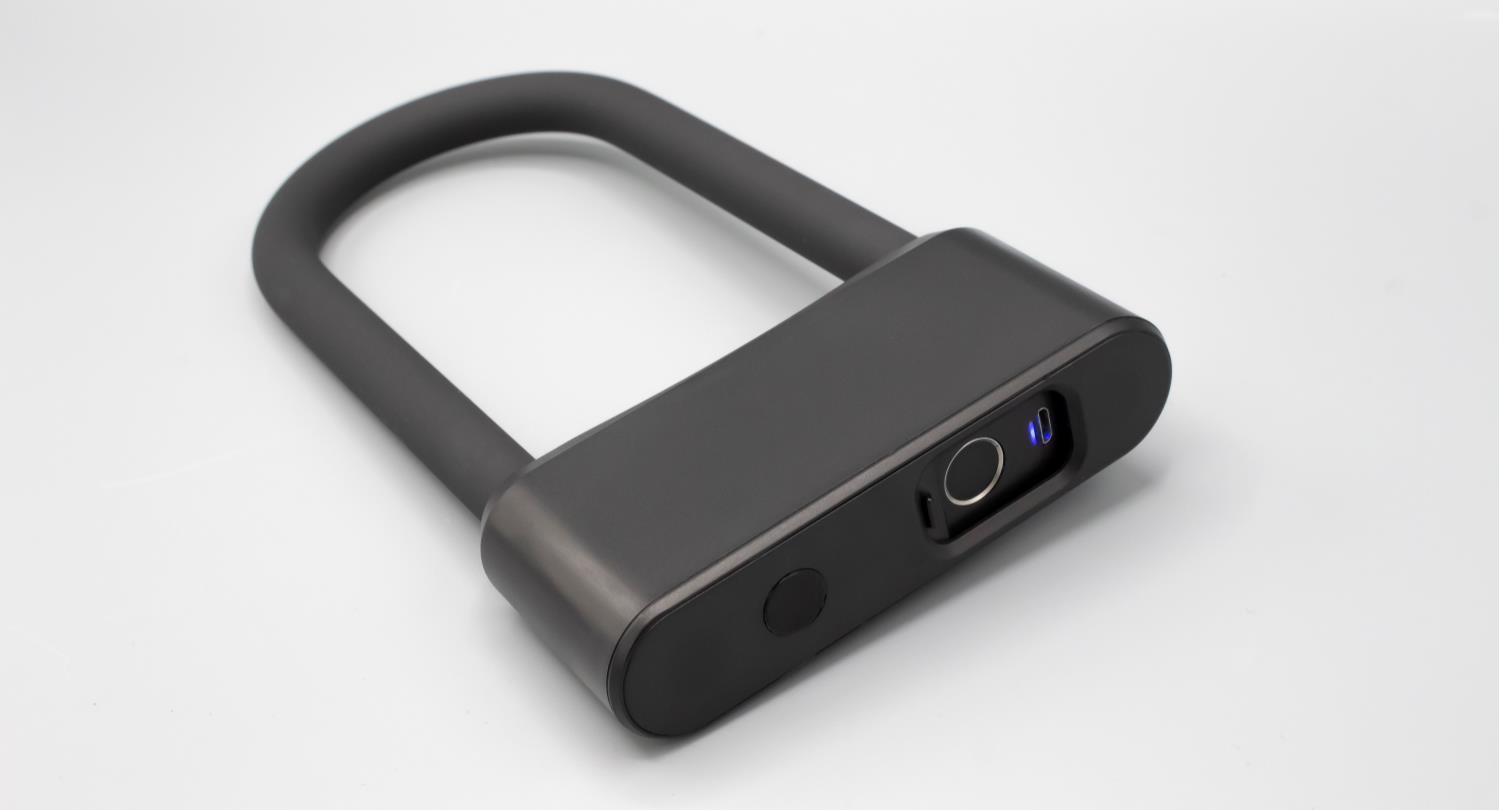
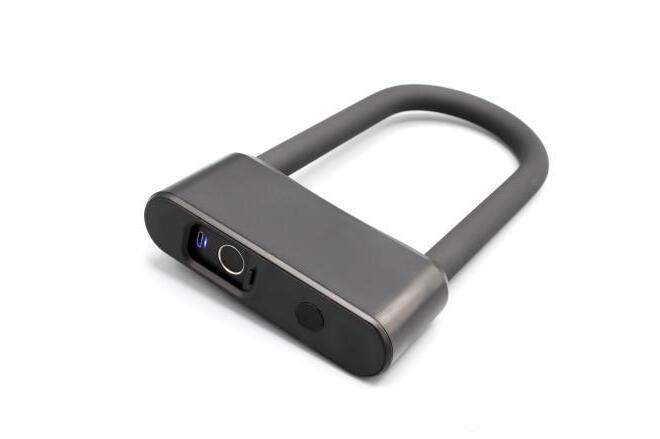
XLOCK Bikelock M

2 x mechanical keys
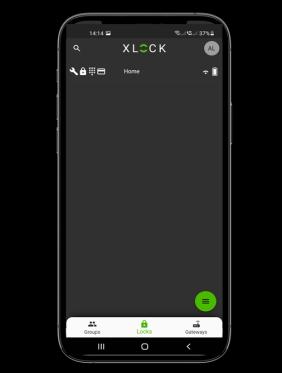
XL Lock Manager app

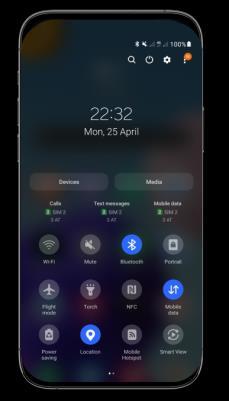
Download and install on your smartphone (iOS & Android). Simply scan the QR code with your smartphone:


Fingerprint reading speed ≤ 0,5 Sekunden
Caution for Android devices: With Android devices, the following authorizations must be granted without restrictions for the commissioning of Bluetooth devices: Location and Bluetooth In retrospect, this is no longer possible with some devices. Then you must uninstall and reinstall the app and then restart the device.
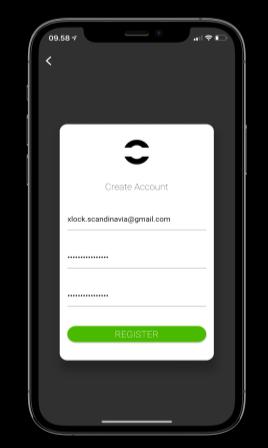
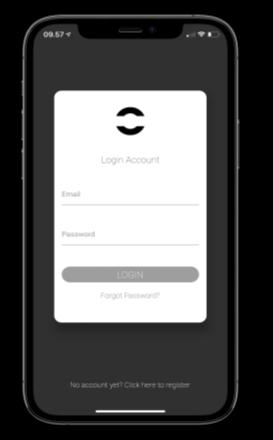
XLOCK ACCOUNT

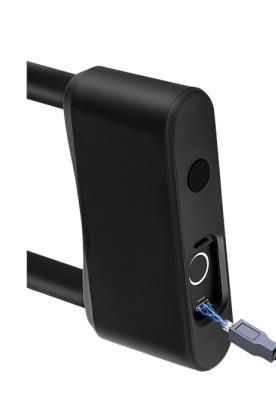
ATTENTION: Charge your XLOCK Bikelock until the green light shows Green light: full battery
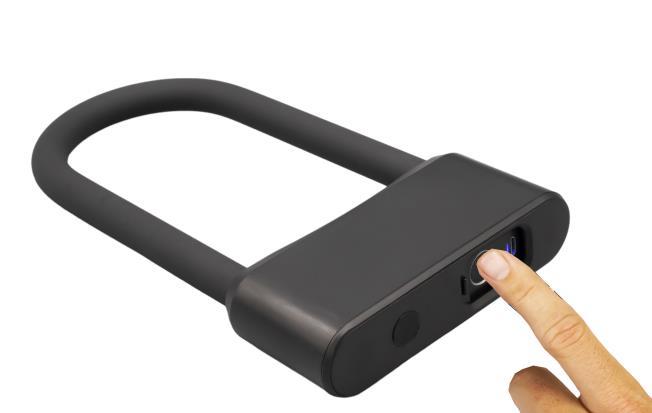
PROGRAM FINGERPRINT





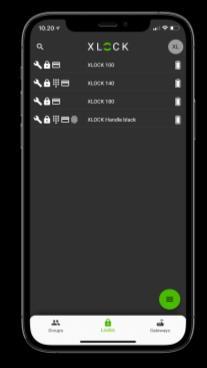
1. Press the lock you wish to program a fingerprint for
5) Choose the timeframe for how long the fingerprint should be activated for and press NEXT.
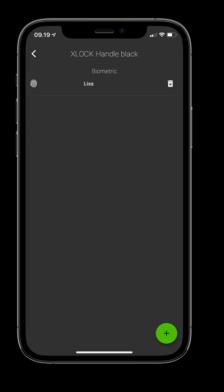


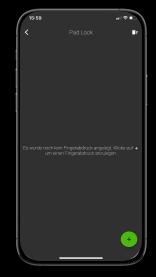
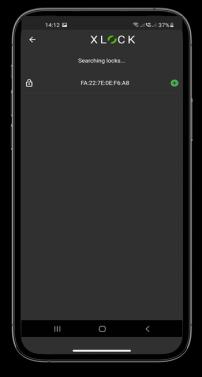
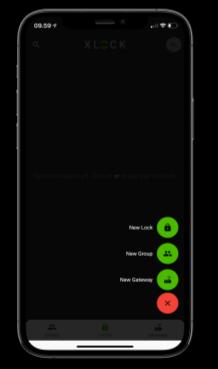
6. Hold and scan your finger 6 times on the fingerprint scanner


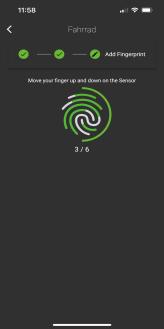

TIP: Make sure to scan all ankles of your finger for better operation
7) Follow the instructions
8) Your fingerprint is now programmed in the lock.

Unlocking your bikelock with your smartphone is very easy and simple The communication between smartphone and bikelock is via Bluetooth and the reading distance is up to 15 metres
You can easily unlock the bike lock with your fingerprint You can program up to 10 fingerprints, which gives you flexibility and the possibility to share the lock with several users Do not forget to close the cover after unlocking with your fingerprint
BATTERY STATUS


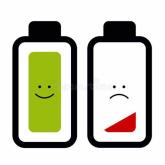
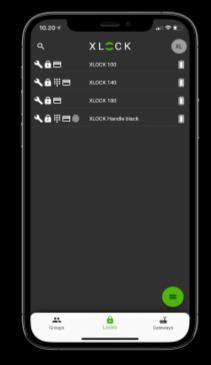
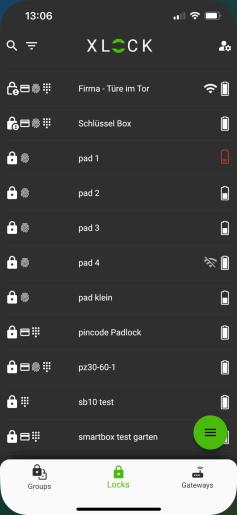
You can check the battery status of the lock in the XL Lock Manager App. After every Bluetooth communication (unlocking, updating a setting or programming a fingerprint) the battery status is checked and updated.
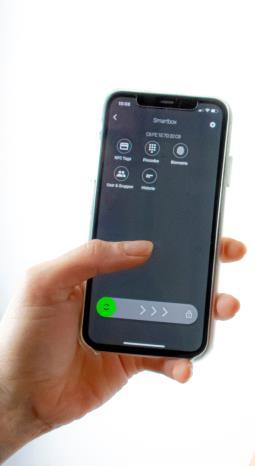
When the battery level is low, you should charge your lock using the USB port
XLOCK ACCESSORIES
Gateways can be used for remote unlocking.
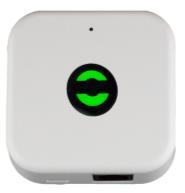
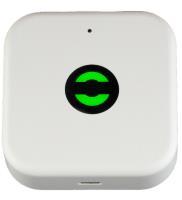
OPTIONAL!! Please order separately.
XLOCK by data mobile

Landstrasse 35-39
AUT
6911 Lochau
info@xlockgroup.com www.xlockgroup.com
The Bluetooth remote key can be used to unlock the Bikelock via Bluetooth without your smartphone.
