
Email Migration in 2026
A complete guide for businesses modernizing their communication infrastructure — covering migration methods, security best practices, and platform selection for the modern enterprise.
JUNE 15, 2026

What Is Email Migration?
Email migration transfers accounts, messages, contacts, calendars, archives, and configurations from one platform to another. A successful migration involves careful planning, data validation, and security configuration — it's an opportunity to modernize infrastructure and adopt a privacy-focused email platform aligned with evolving business needs.
Planning Scope, timeline & risk assessment
Data Validation Verify all content transfers correctly
Security Config Policies & protocols before go-live
Why Migrate? Threats & Hybrid Work

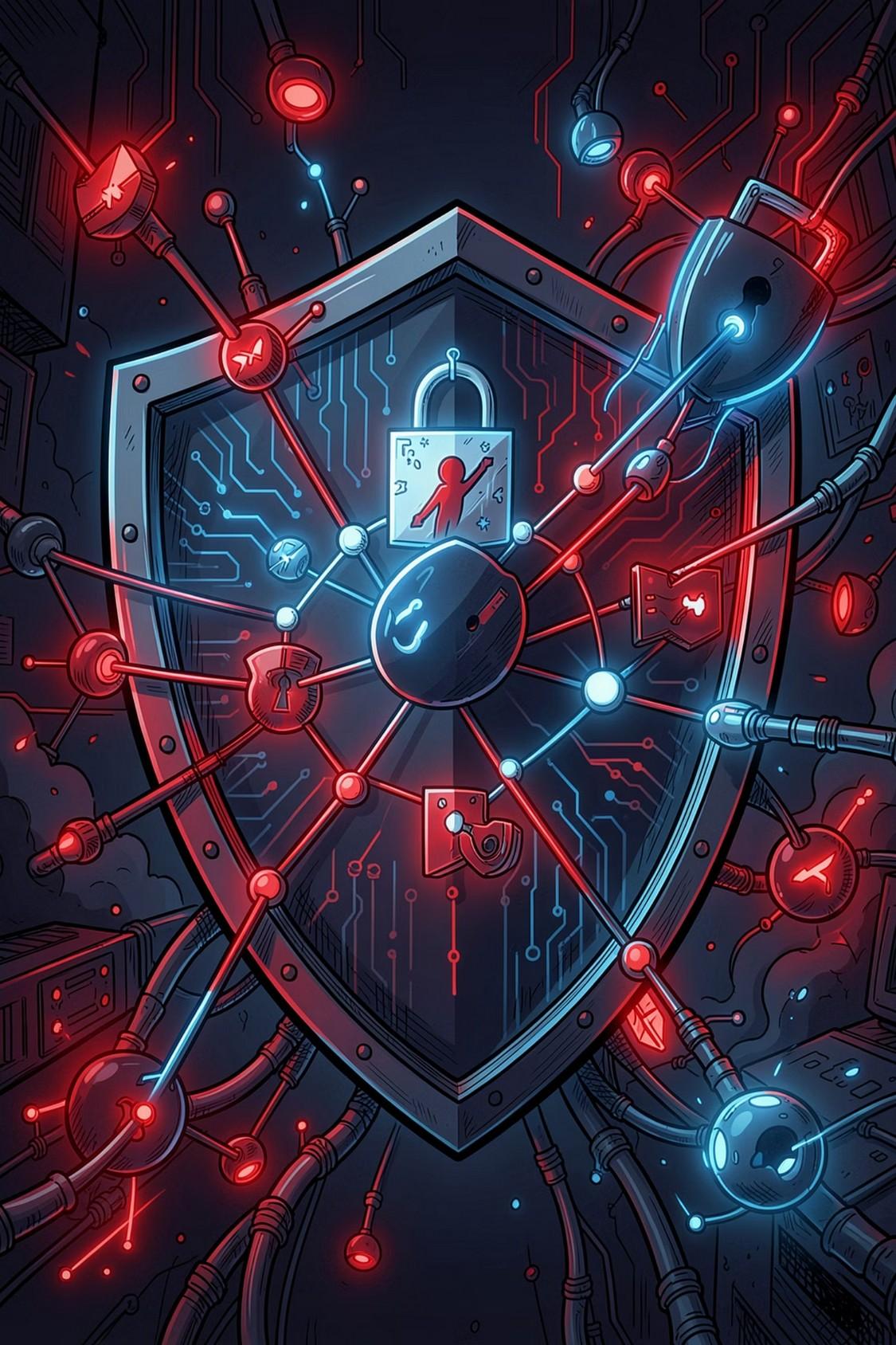
�� Cybersecurity Threats Are Rising
Email is the top entry point for phishing, ransomware, and Business Email Compromise. Legacy systems lack modern controls. Businesses need MFA, advanced threat protection, email authentication protocols, and intelligent spam filtering.
�� Hybrid Work Demands Modern Infrastructure
Employees use multiple devices across locations. Modern platforms support real-time sync, secure remote access, and seamless collaboration — keeping productivity high regardless of where teams work.
Why Migrate? Compliance, Reliability & AI

Compliance & Data
Governance
Regulatory requirements are growing. Organizations need data sovereignty solutions that control where business data is stored and processed.

Better Reliability
Email downtime disrupts operations and revenue. Modern cloud platforms offer high availability, automated backups, and disaster recovery.

AI-Powered Productivity
AI tools for summarization, workflow automation, smart replies, and scheduling are transforming work. Legacy platforms cannot support these capabilities.
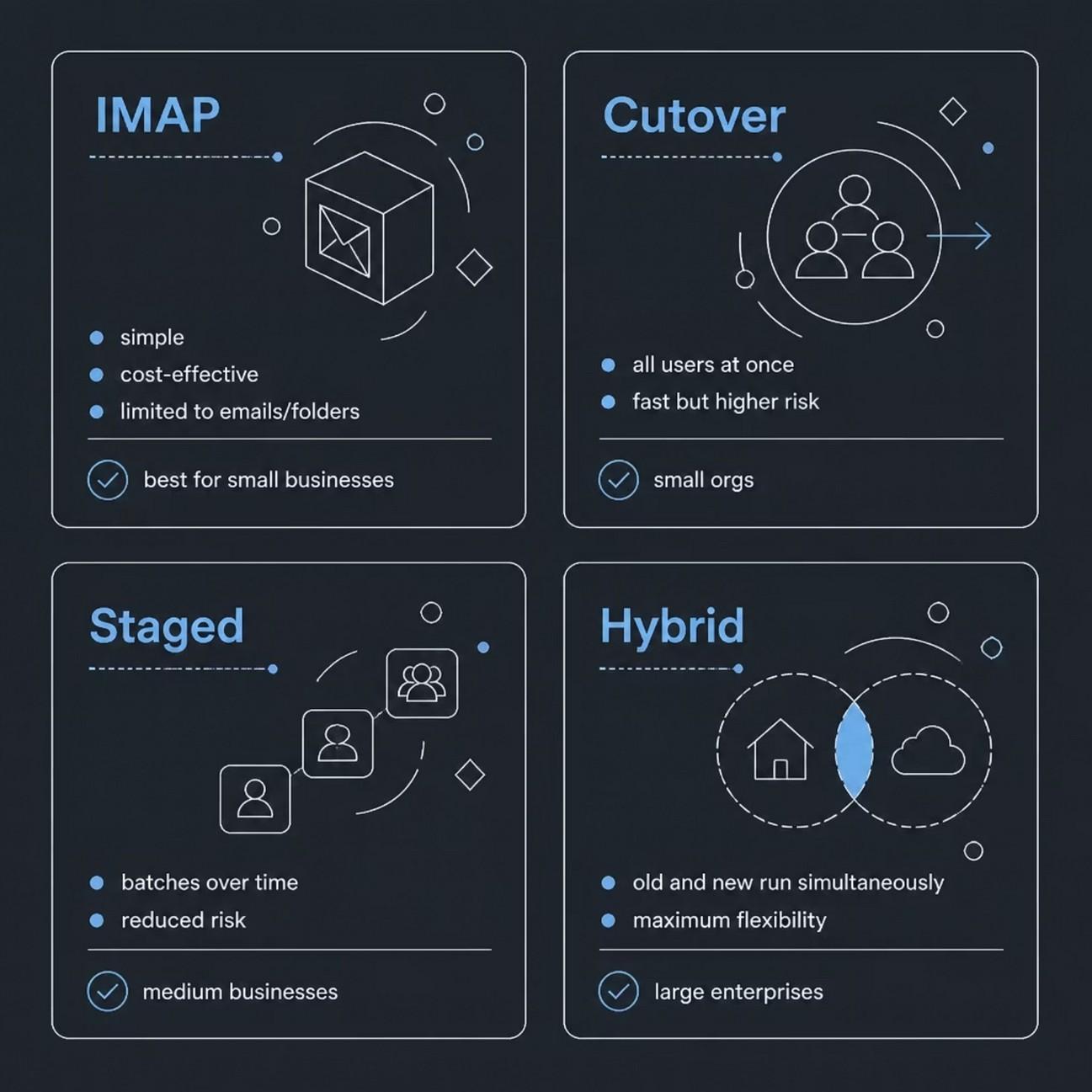
Types of Email Migration
Different
organizations require different approaches. Understanding the options helps select the right strategy.
Email Migration Checklist
Complete these tasks before beginning your migration project to ensure a smoother, more secure process.
Step-by-Step Migration Process
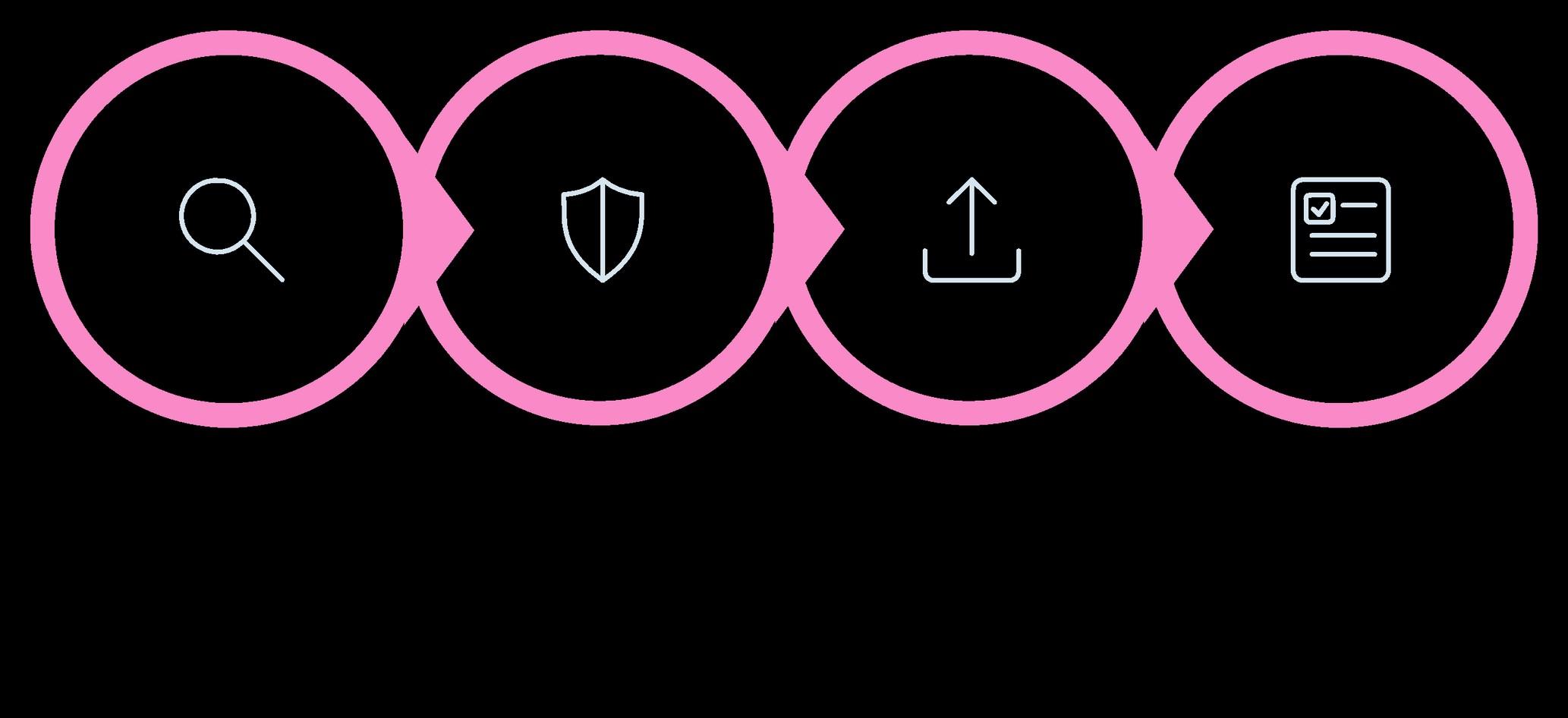
Validate Execute Prepare Assess
A structured, phased approach minimizes risk and ensures a smooth transition. Key actions in each phase: assess your environment and choose the right platform; back up critical data and configure SPF, DKIM, DMARC, MFA, and access controls; run a pilot with a small user group; execute the full migration during low-activity periods; then validate all emails, contacts, calendars, and permissions while monitoring performance.

Common Migration Challenges

1 Data Loss
Incomplete migrations can leave emails, attachments, or user data behind. Maintain backups and validate all migrated content.
2 Downtime
Unexpected interruptions impact productivity. Staged or hybrid strategies reduce this risk significantly.
3 Deliverability Issues
Incorrect DNS, SPF, DKIM, or DMARC configurations can disrupt email delivery. Review all records before deployment.
4 User Resistance
Employees need time to adapt. Training and ongoing support improve adoption and reduce support requests.
Security Must Be a Priority

Stronger Authentication
Multi-factor authentication and access controls
Advanced Threat Protection
Defend against phishing, BEC, and account compromise
A migration should strengthen your security posture — not just move data. Use this opportunity to implement:
Email Authentication Protocols
SPF, DKIM, and DMARC policies
Data Sovereignty
Ensure communications remain under appropriate jurisdictional control

Conclusion & XgenPlus
Email migration in 2026 is a strategic business initiative — not just an IT project. Organizations migrate to improve security, support hybrid work, strengthen compliance, and prepare for AI-powered productivity.
Structured Process
Follow a phased migration plan Secure Platform Choose privacy-focused, datasovereign solutions
Long-Term Growth
Build a resilient communication environment

XgenPlus helps organizations simplify email migration with secure onboarding, expert support, and enterprise-grade infrastructure — enabling stronger security, operational reliability, and long-term scalability.