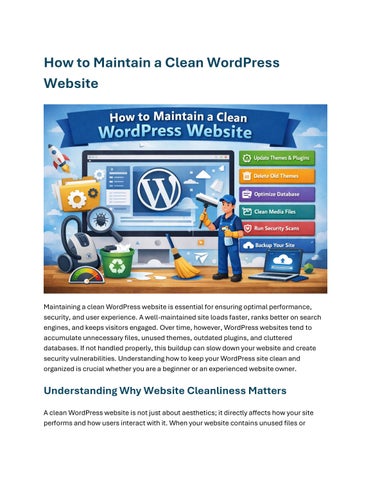
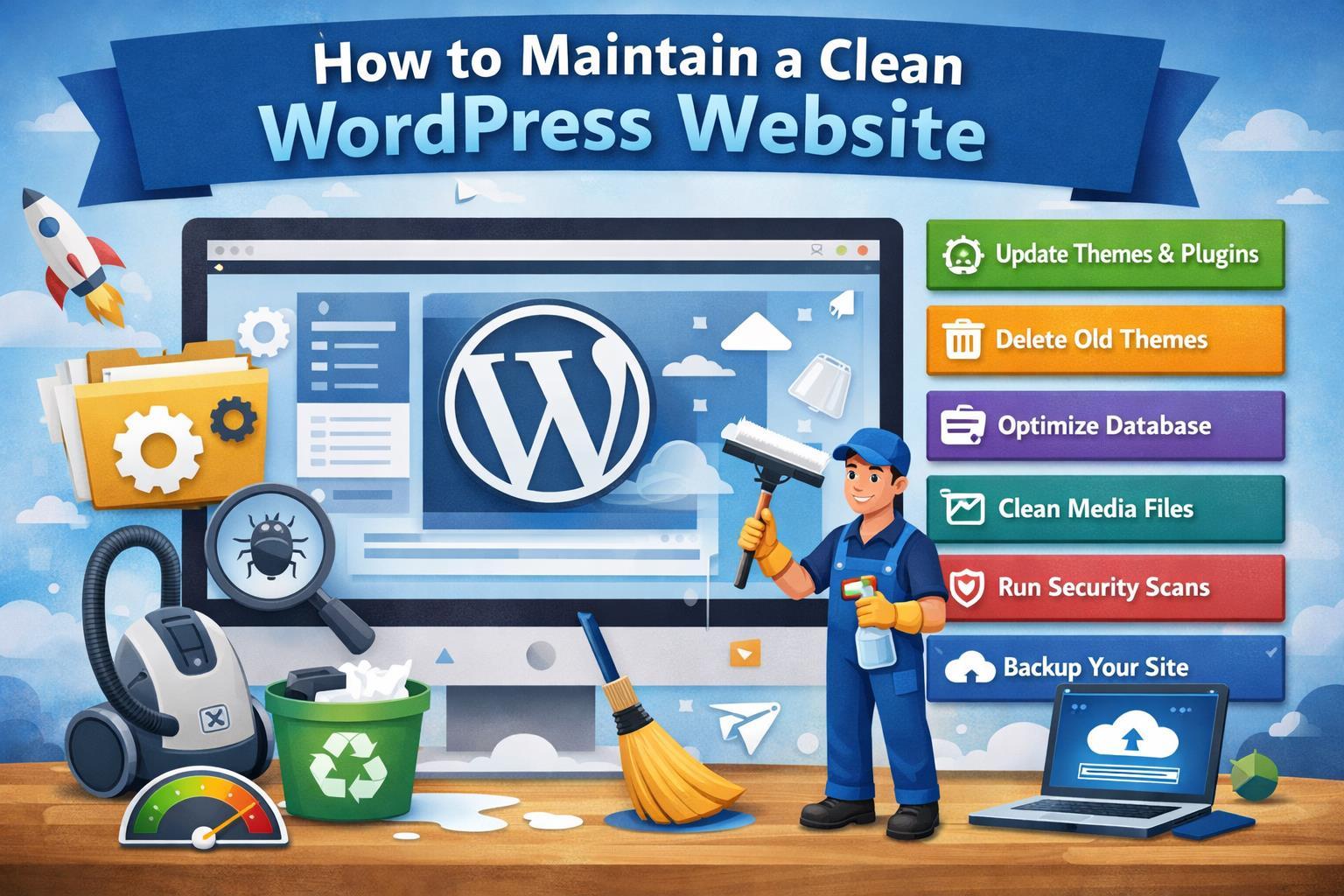
Maintaining a clean WordPress website is essential for ensuring optimal performance, security, and user experience. A well-maintained site loads faster, ranks better on search engines, and keeps visitors engaged. Over time, however, WordPress websites tend to accumulate unnecessary files, unused themes, outdated plugins, and cluttered databases. If not handled properly, this buildup can slow down your website and create security vulnerabilities. Understanding how to keep your WordPress site clean and organized is crucial whether you are a beginner or an experienced website owner.
Understanding Why Website Cleanliness Matters
A clean WordPress website is not just about aesthetics; it directly affects how your site performs and how users interact with it. When your website contains unused files or
outdated components, it increases server load and makes your site slower. Slow websites frustrate users and often lead to higher bounce rates. Moreover, search engines like Google prioritize fast-loading and secure websites, which means cleanliness also impacts your SEO performance.
Another important aspect is security. Old themes and plugins that are no longer updated can become entry points for hackers. Cleaning your website regularly reduces the risk of malware and cyberattacks. Additionally, a clean backend makes it easier for you to manage content, update features, and troubleshoot issues when they arise.
Regularly Updating WordPress Core, Themes, and Plugins
One of the simplest yet most effective ways to maintain a clean WordPress website is by keeping everything updated. WordPress developers frequently release updates to fix bugs, improve performance, and patch security vulnerabilities. Ignoring these updates can lead to compatibility issues and potential risks.
When you update your WordPress core, themes, and plugins, you ensure that your website runs smoothly and securely. It is always a good practice to back up your website before performing updates. This way, if something goes wrong, you can easily restore your site without losing data. Staying updated also helps you take advantage of new features that can enhance your website’s functionality.
Removing Unused Themes and Plugins
Many website owners install multiple themes and plugins while experimenting with different designs and functionalities. However, leaving unused themes and plugins on your website can create unnecessary clutter. Even if they are inactive, they still occupy space and may pose security risks.
To maintain a clean environment, you should regularly review your installed themes and plugins and remove anything that is no longer in use. This not only frees up storage space but also simplifies your website management. Keeping only essential tools ensures that your website remains lightweight and efficient.
In the middle of your maintenance routine, you can also consider using a WordPress Plugin to Clean Up Old Themes to automate the process of identifying and removing
outdated or unused themes. This approach saves time and ensures that no unnecessary files are left behind, making your website cleaner and more secure.
Optimizing the WordPress Database
The WordPress database stores all your website content, including posts, pages, comments, and settings. Over time, it can become cluttered with unnecessary data such as post revisions, spam comments, and trashed items. This excess data can slow down your website and affect its performance.
Cleaning your database regularly helps improve speed and efficiency. You can remove old revisions, delete spam comments, and clear unused data to keep your database optimized. Database optimization tools or plugins can assist in automating this process, making it easier for you to maintain a clean and organized backend.
Managing Media Files Effectively
Media files such as images, videos, and documents play a vital role in enhancing your website’s content. However, uploading large or unnecessary media files can quickly consume storage space and slow down your website. Over time, you may also accumulate unused images that are no longer needed.
To maintain a clean WordPress website, it is important to manage your media library efficiently. You should delete unused files, compress images before uploading, and use proper file naming conventions. Optimized media files not only improve loading speed but also enhance user experience.
Keeping Your Website Secure
Security is a critical aspect of maintaining a clean WordPress website. A compromised website can lead to data loss, downtime, and damage to your reputation. Regular security checks help you identify and fix vulnerabilities before they become serious issues.
Installing a reliable security plugin, using strong passwords, and enabling two-factor authentication are effective ways to protect your website. Additionally, monitoring login activity and scanning for malware can help you maintain a secure and clean environment.
Monitoring Website Performance
Performance monitoring is essential to ensure that your website remains fast and responsive. Tools like Google PageSpeed Insights or GTmetrix can help you analyze your website’s performance and identify areas for improvement. By regularly checking your site’s speed and performance, you can take necessary actions to keep it running smoothly.
A clean website with optimized code, minimal plugins, and efficient database management will naturally perform better. Monitoring performance allows you to maintain this standard and provide a seamless experience to your visitors.
Importance of Regular Backups
Backing up your WordPress website is a crucial part of maintenance. Even with all precautions, unexpected issues can occur, such as server failures, hacking attempts, or accidental data loss. Having a recent backup ensures that you can quickly restore your website without significant disruption.
You should schedule automatic backups and store them in a secure location. Regular backups give you peace of mind and make it easier to recover your website in case of emergencies.
Table: Key Tasks for Maintaining a Clean WordPress
Website Maintenance
Update WordPress Core
Update Themes & Plugins
Remove Unused Themes
Optimize Database
Clean Media Library
Perform Security Scans
Improve security and performance Weekly
Fix bugs and ensure compatibility Weekly
Reduce clutter and security risks Monthly
Improve speed and efficiency Monthly
Free up storage and improve performance Monthly
Detect malware and vulnerabilities Weekly
Maintaining Clean Code and Structure
A clean WordPress website is not just about removing unnecessary files; it also involves maintaining clean code and structure. If you are using custom code or working with developers, ensure that the code is well-organized and optimized. Avoid adding redundant scripts or styles that can slow down your website.
Using lightweight themes and well-coded plugins helps maintain a clean structure. Additionally, following best practices in web development ensures that your website remains scalable and easy to manage.
Enhancing User Experience Through Clean Design
A clean website design improves user experience by making navigation simple and intuitive. When your website is clutter-free, visitors can easily find the information they are looking for. This increases engagement and encourages users to stay longer on your site.
You should focus on maintaining a consistent design, removing unnecessary elements, and ensuring that your website is mobile-friendly. A clean design not only looks professional but also builds trust with your audience.
Final Thoughts on Keeping Your WordPress Website Clean
Maintaining a clean WordPress website is an ongoing process that requires regular attention and effort. By updating your website, removing unused components, optimizing your database, and ensuring security, you can keep your site running smoothly and efficiently. A clean website not only improves performance but also enhances user experience and boosts your search engine rankings.
In the long run, adopting good maintenance practices will save you time and prevent potential issues. Whether you are managing a personal blog or a business website, cleanliness should always be a priority. Paying attention to details like your WordPress
Website Theme and overall structure ensures that your site remains professional, secure, and user-friendly.