A Students Step By Step Guide To Getting Started With





Ulwazi is the official WITS Learning Management System (LMS).
Ulwazi is used as a platform to deliver and support online teaching and learning. Ulwazi is powered by CANVAS.
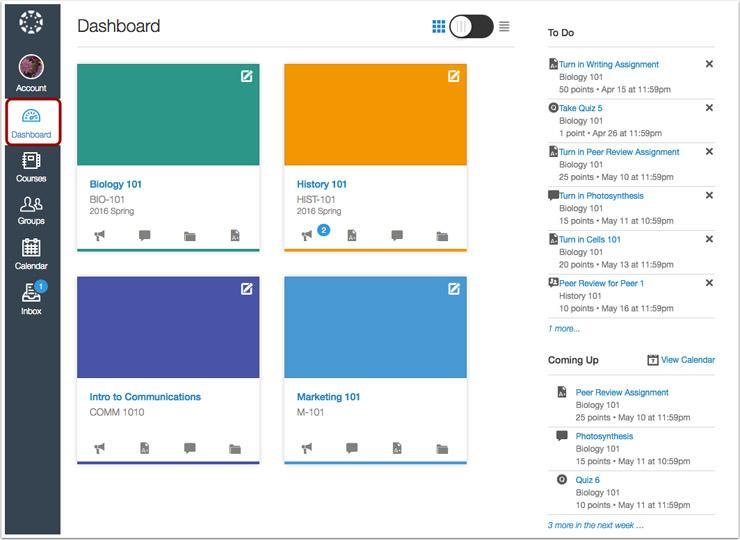
You will have access to all your courses and course material once you have logged into Ulwazi
Ulwazi is available on PC, Web and Mobile
You need to use Ulwazi in order to continue and succeed in your studies.
You need to use Ulwazi in order to:
Access all your courses
Access course materials, such as lectures, classes and resources. Complete activities & assignments. Stay up to date with announcements. Participate in classes and discussions.
Using Ulwazi is easy and convenient

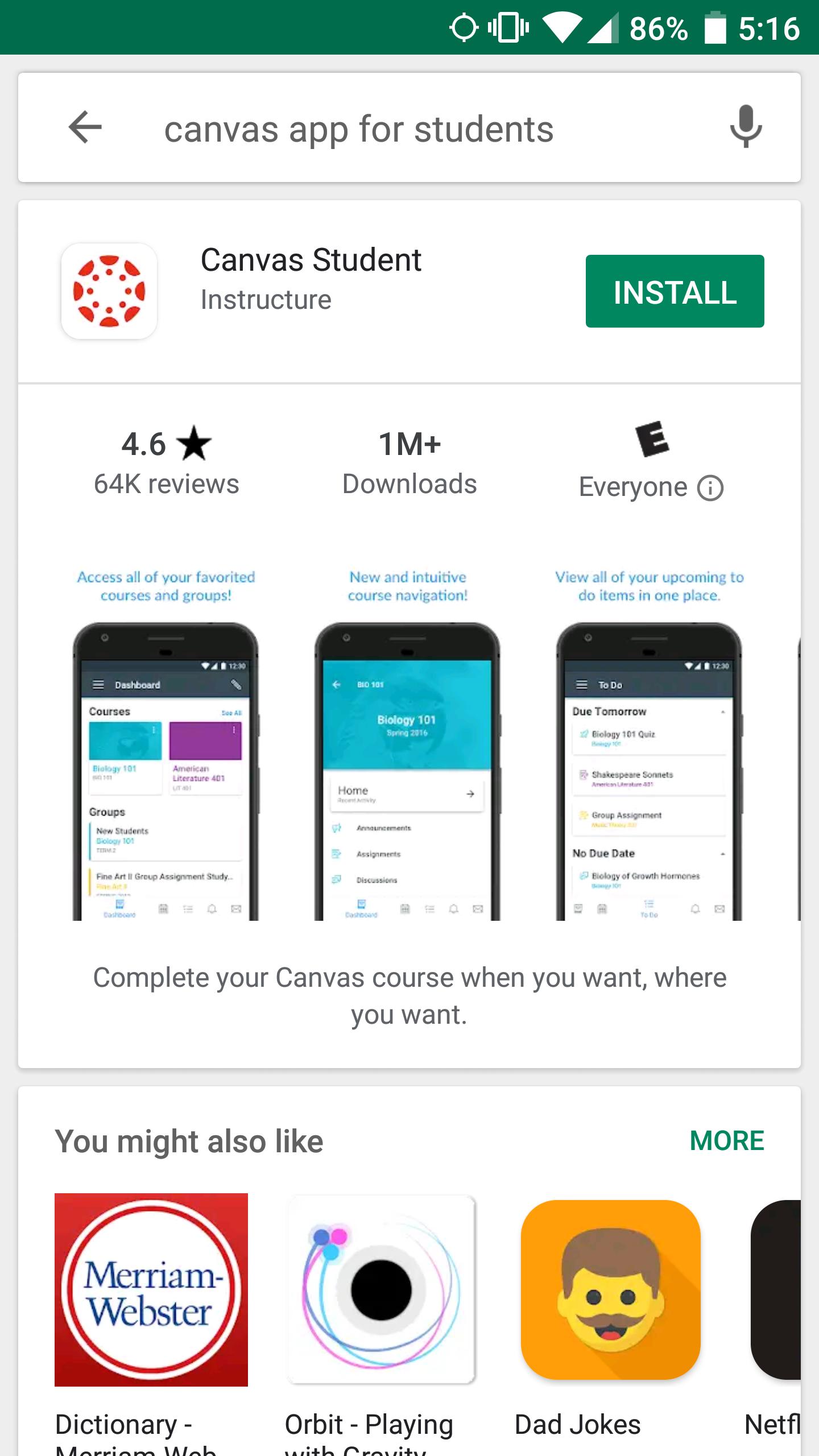


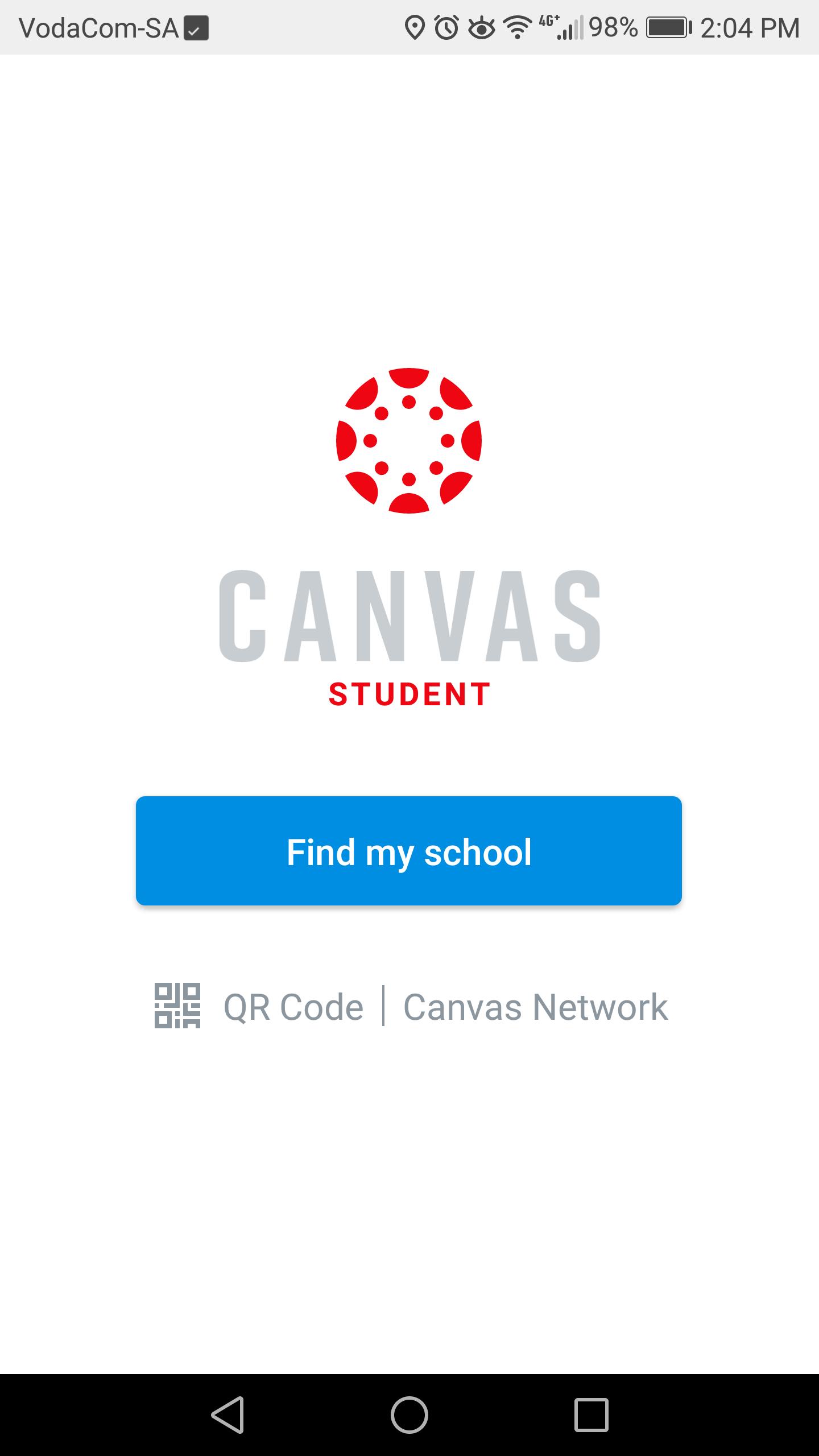
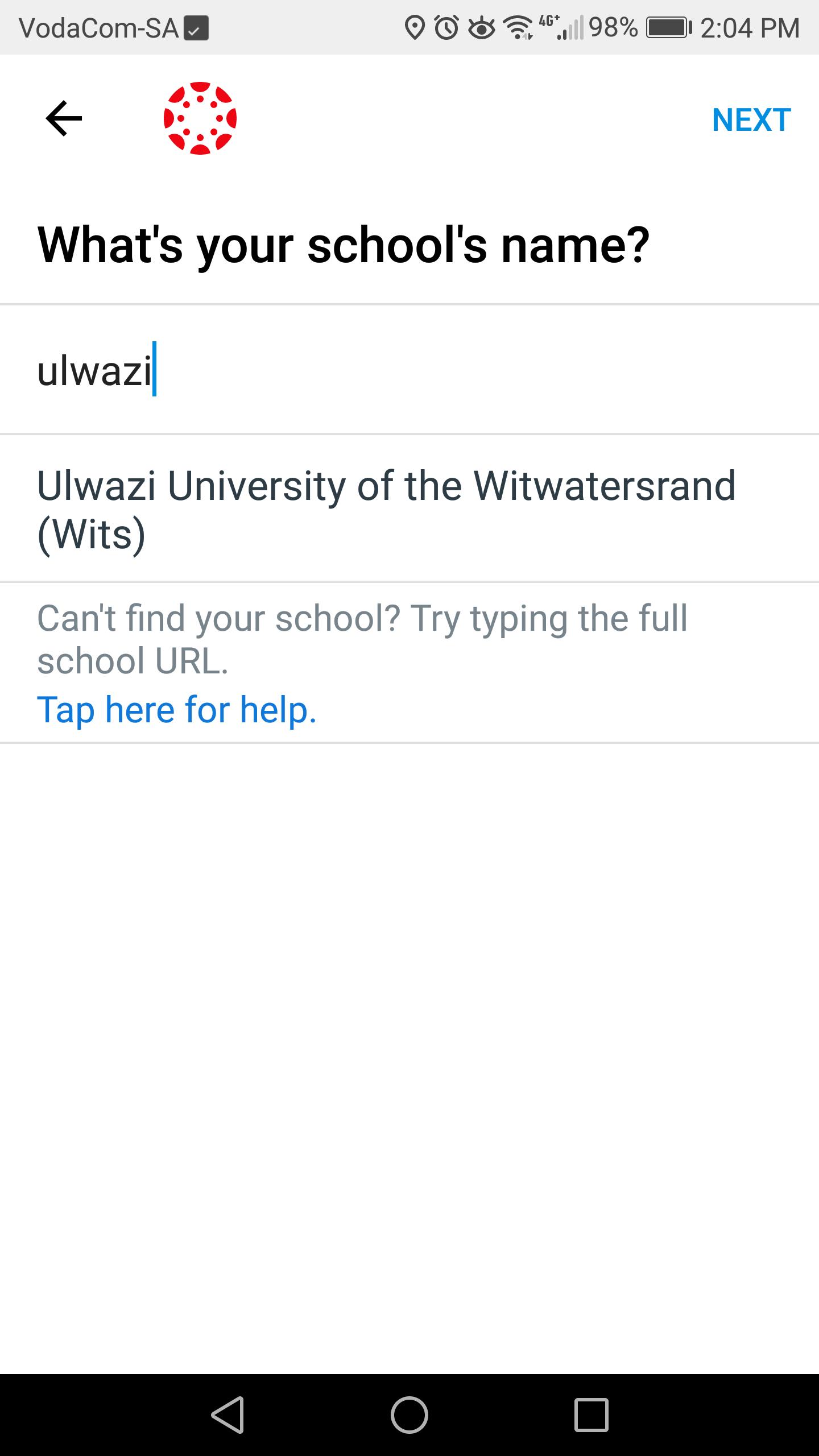
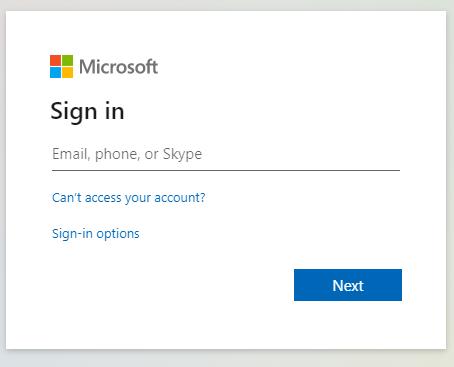
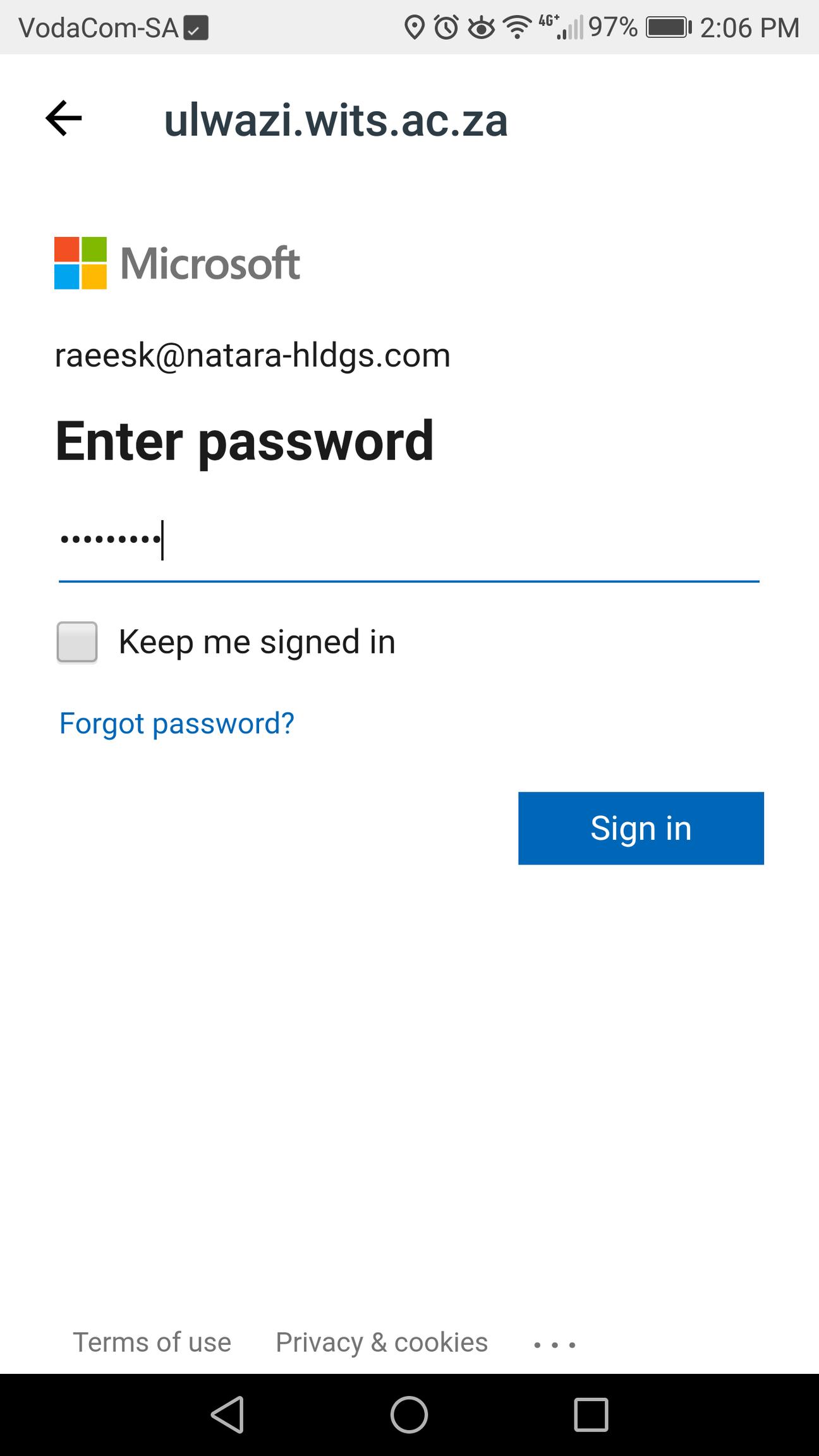
You're Ready To Go!
You are now logged in to Ulwazi and can access all your Courses, Learning Materials and Resources.
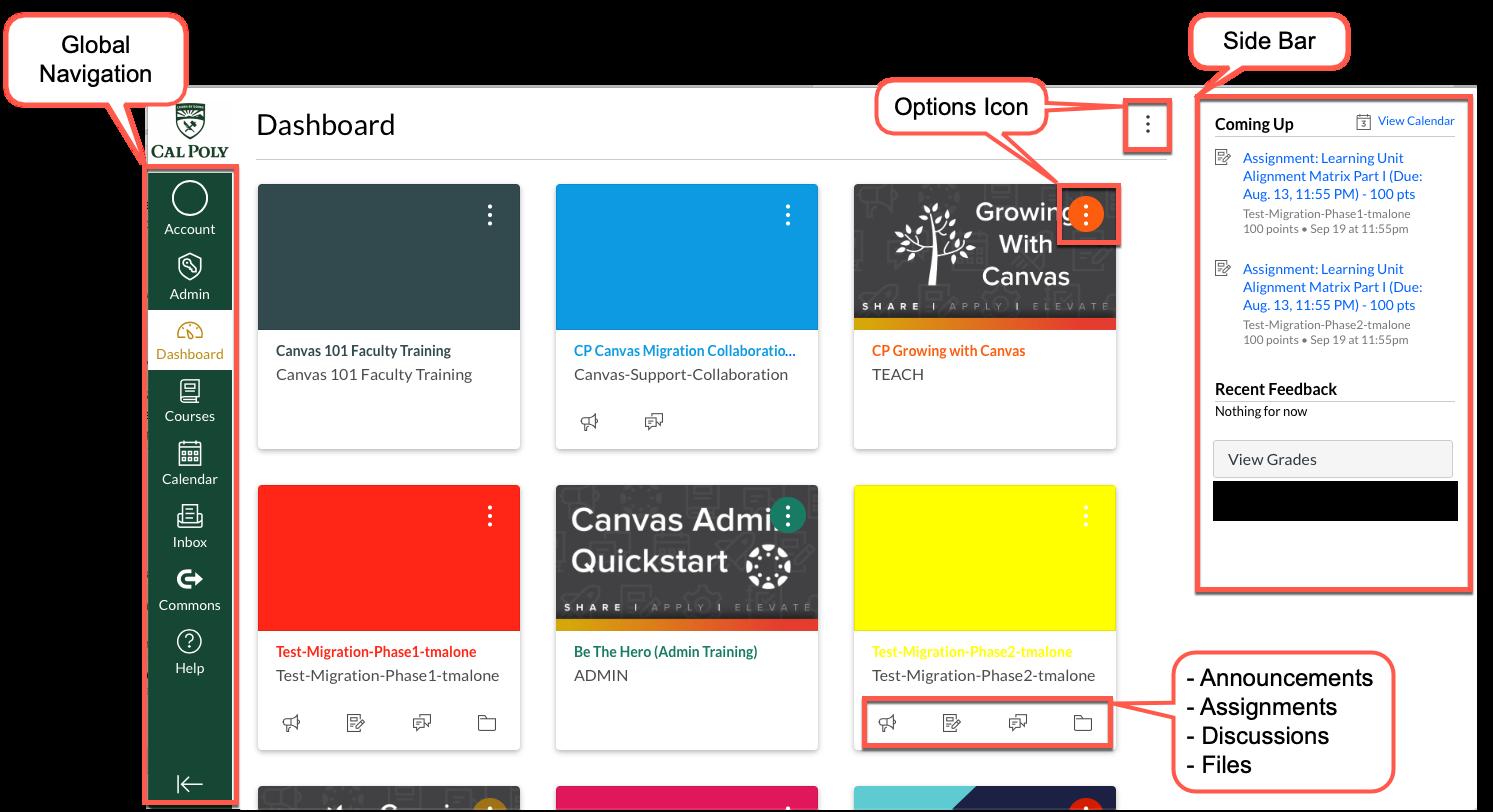
Feel free to explore Ulwazi and all the exciting resources on offer - We also offer a variety of resources to help you learn how to use
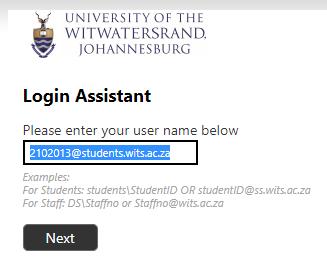
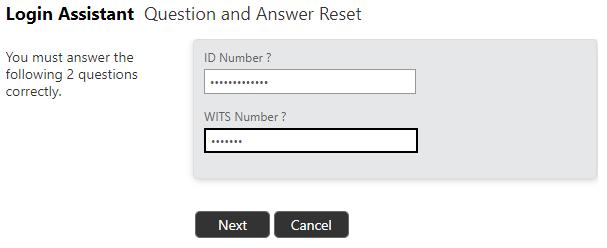
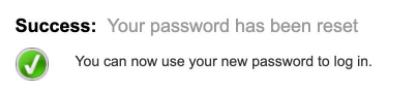
If you can't remember or lost your password, You can visit https://wits.ac.za/mywits/password-reset for information or use the 'Self-Service Password Reset' by following these steps: