How to edit ‘Class Of’ Clubs

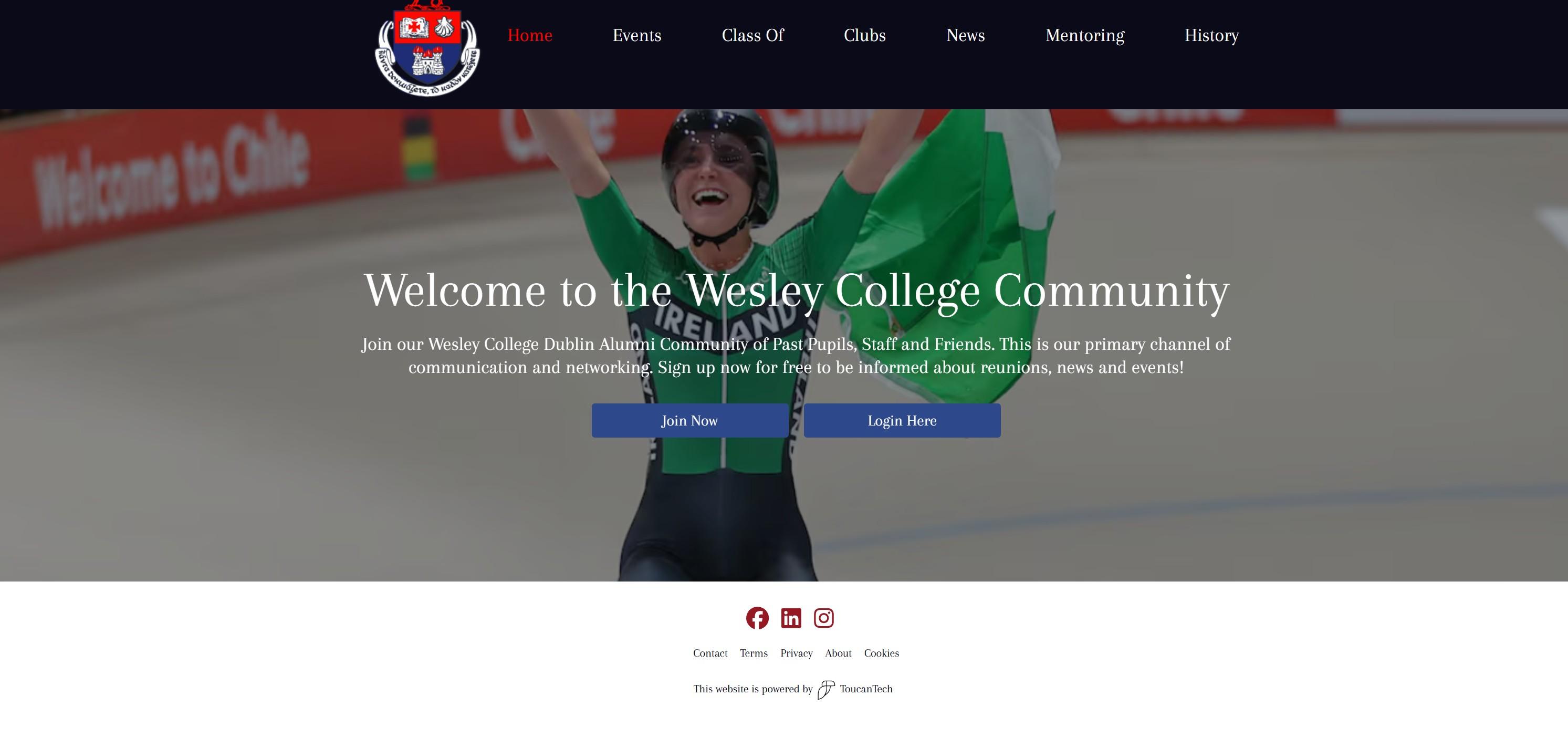
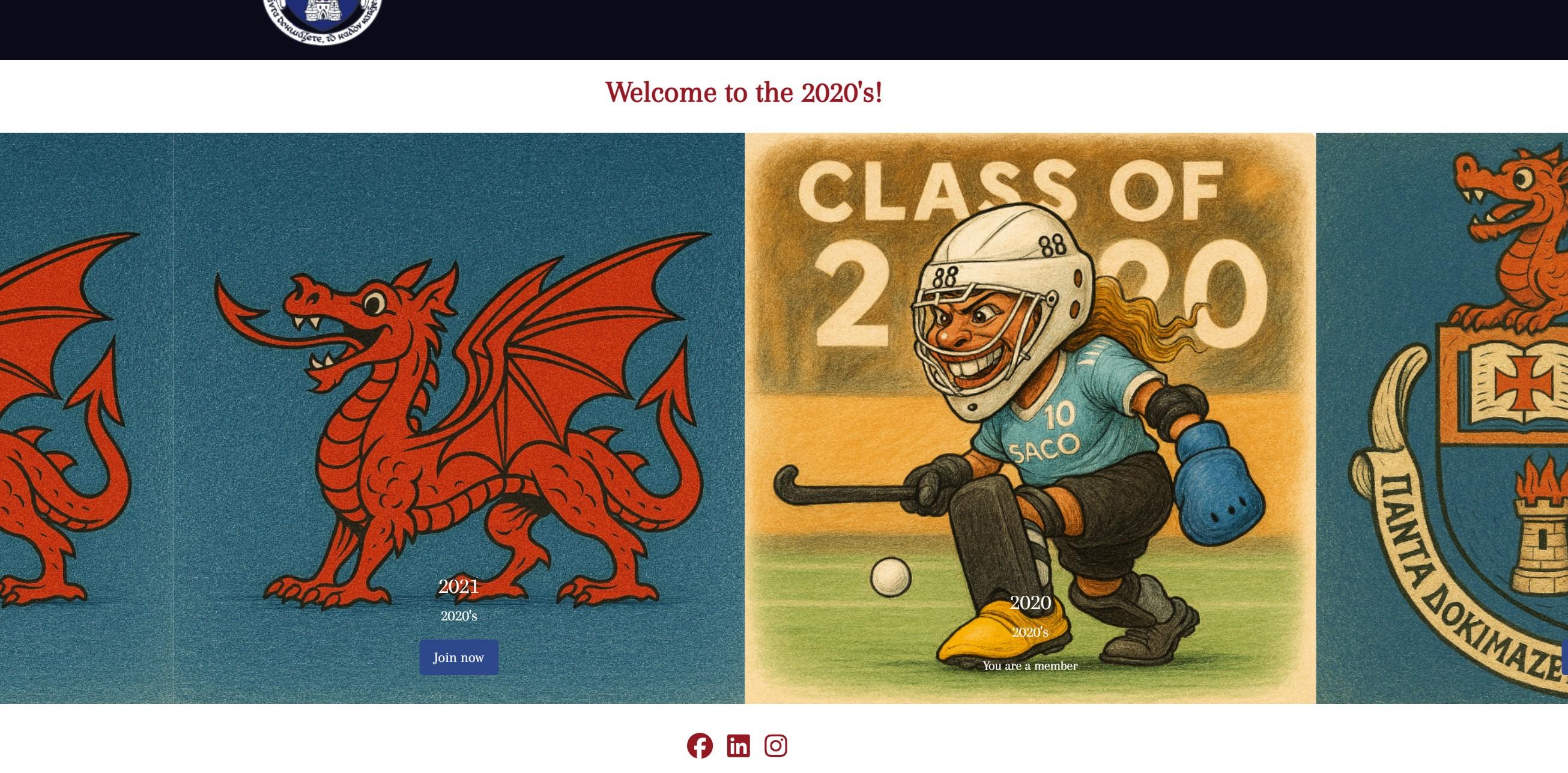
This is mine! You will be accepted once you join your own club
Once you're in, it should look
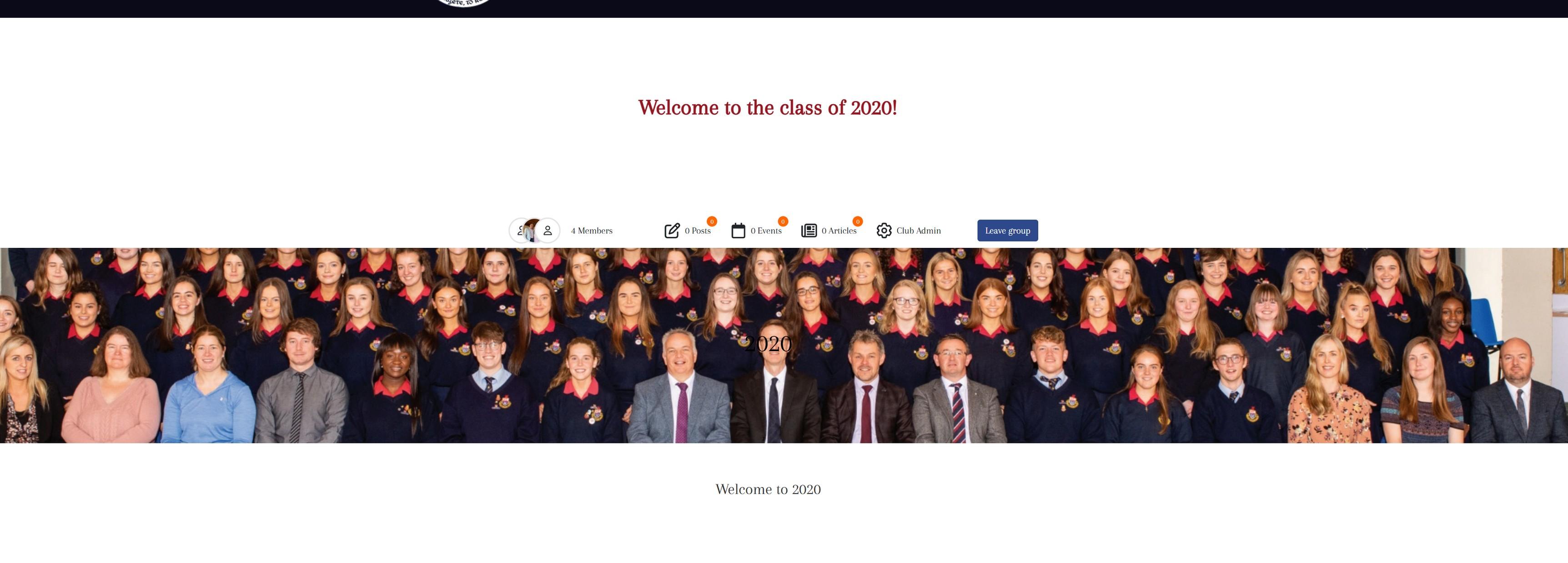
This is where you will be able to edit inside your club – I will accept you as a “club admin”
Here, you can see the members of the club. You can also add and remove members here:
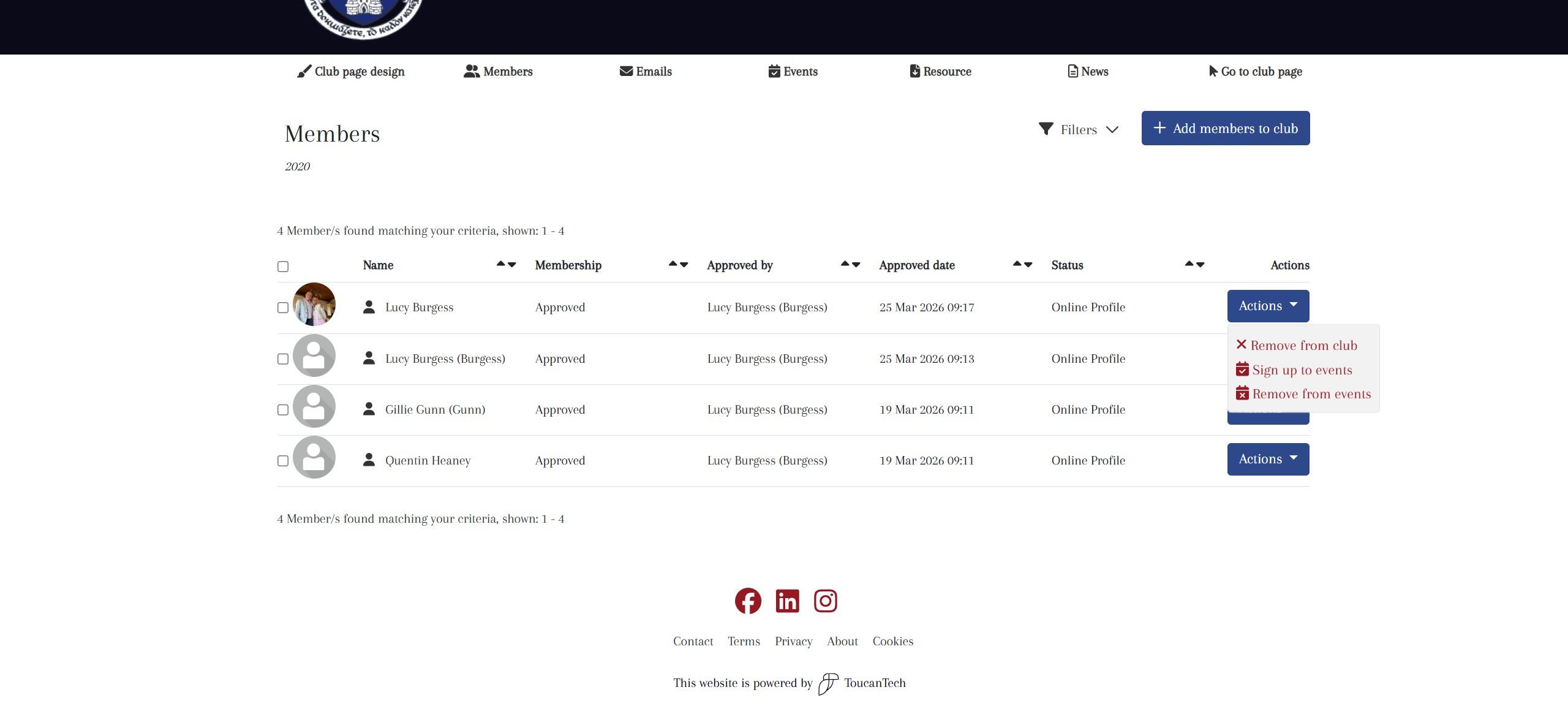
*Only the chosen ambassador can see this information*
This will take some playing around but its easy once you figure it out!
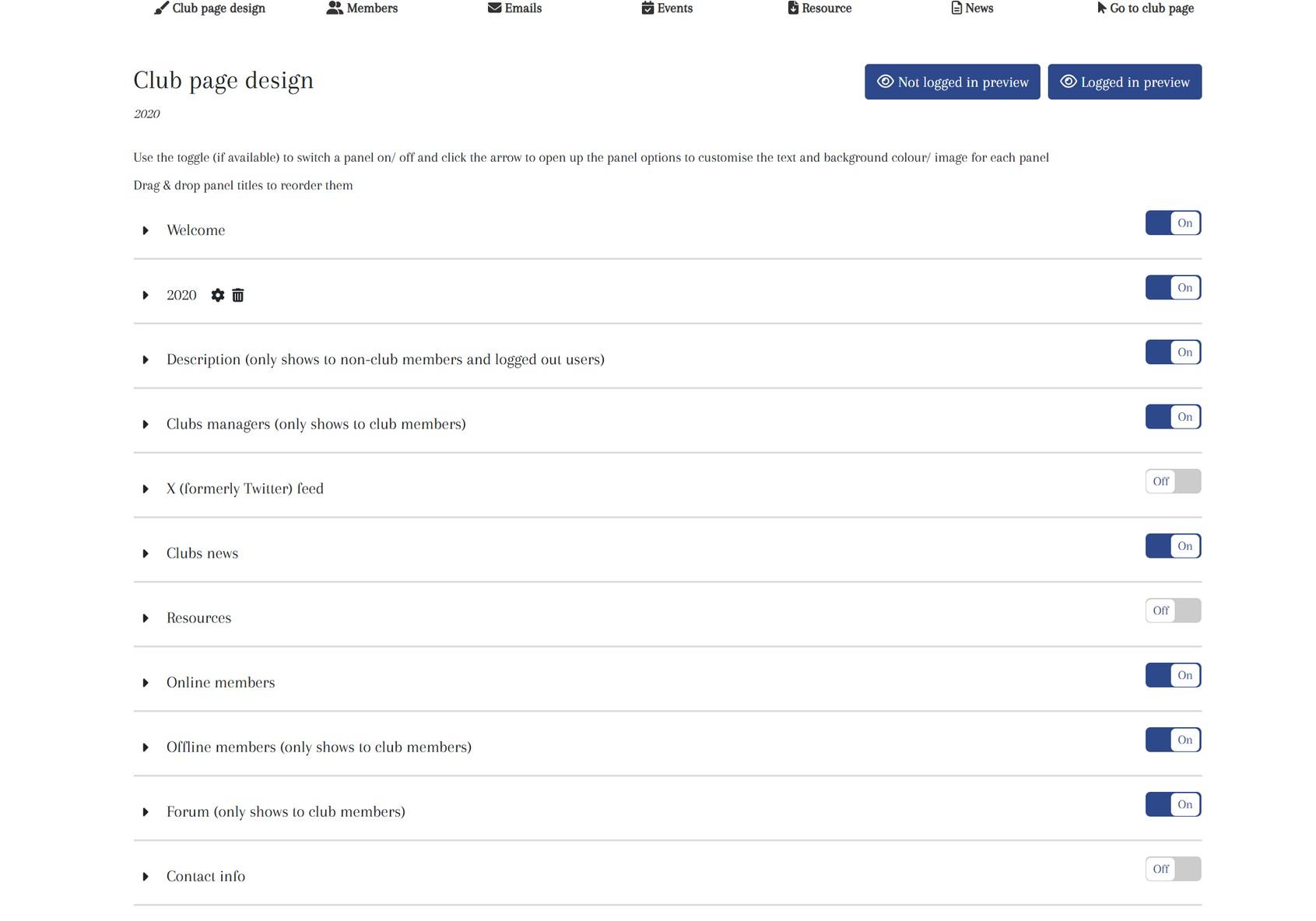
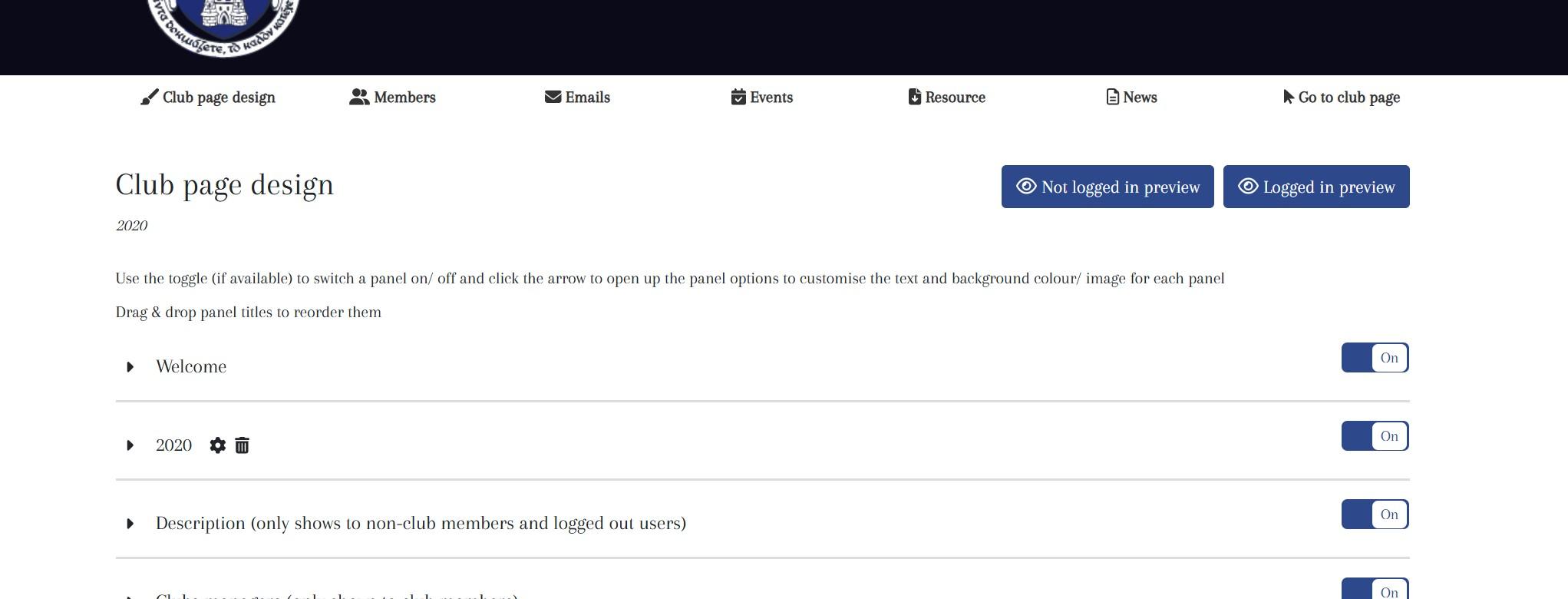
Each of these are your ‘panels’ which can be edited
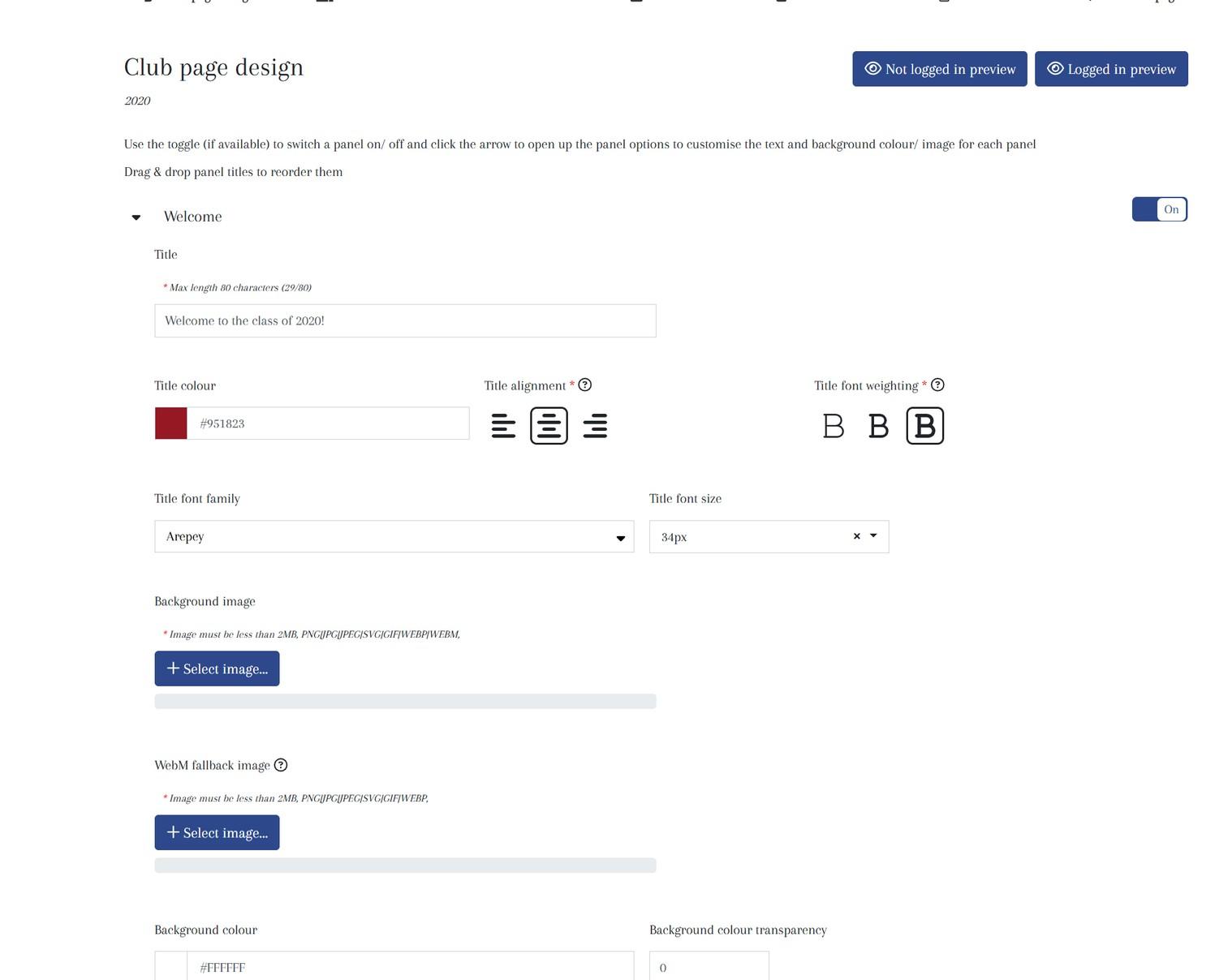
To add new panels, click here.
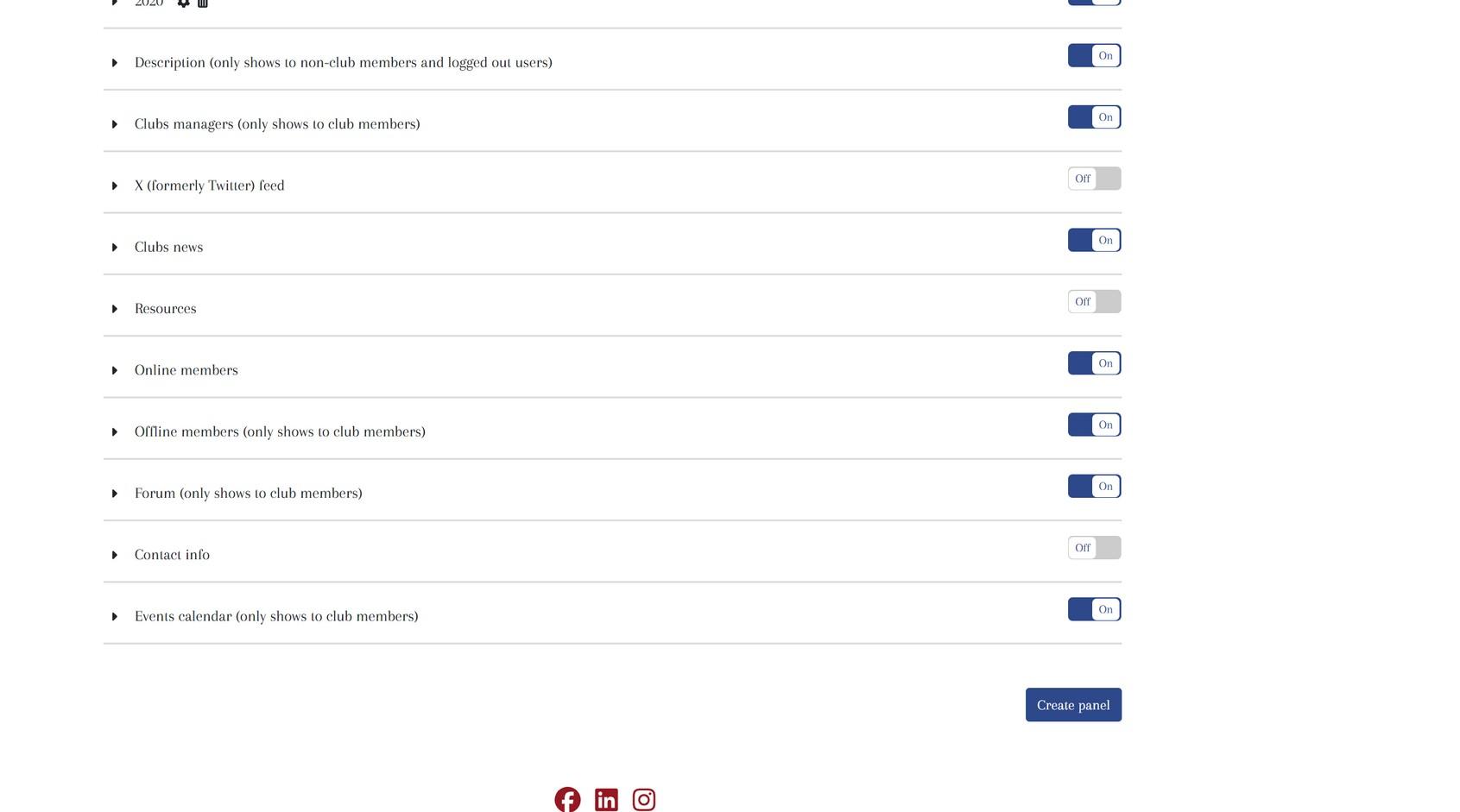
There are various options to choose from depending on what you want to add in.
Always title your panel Find more panel options in here: media, resources, etc.
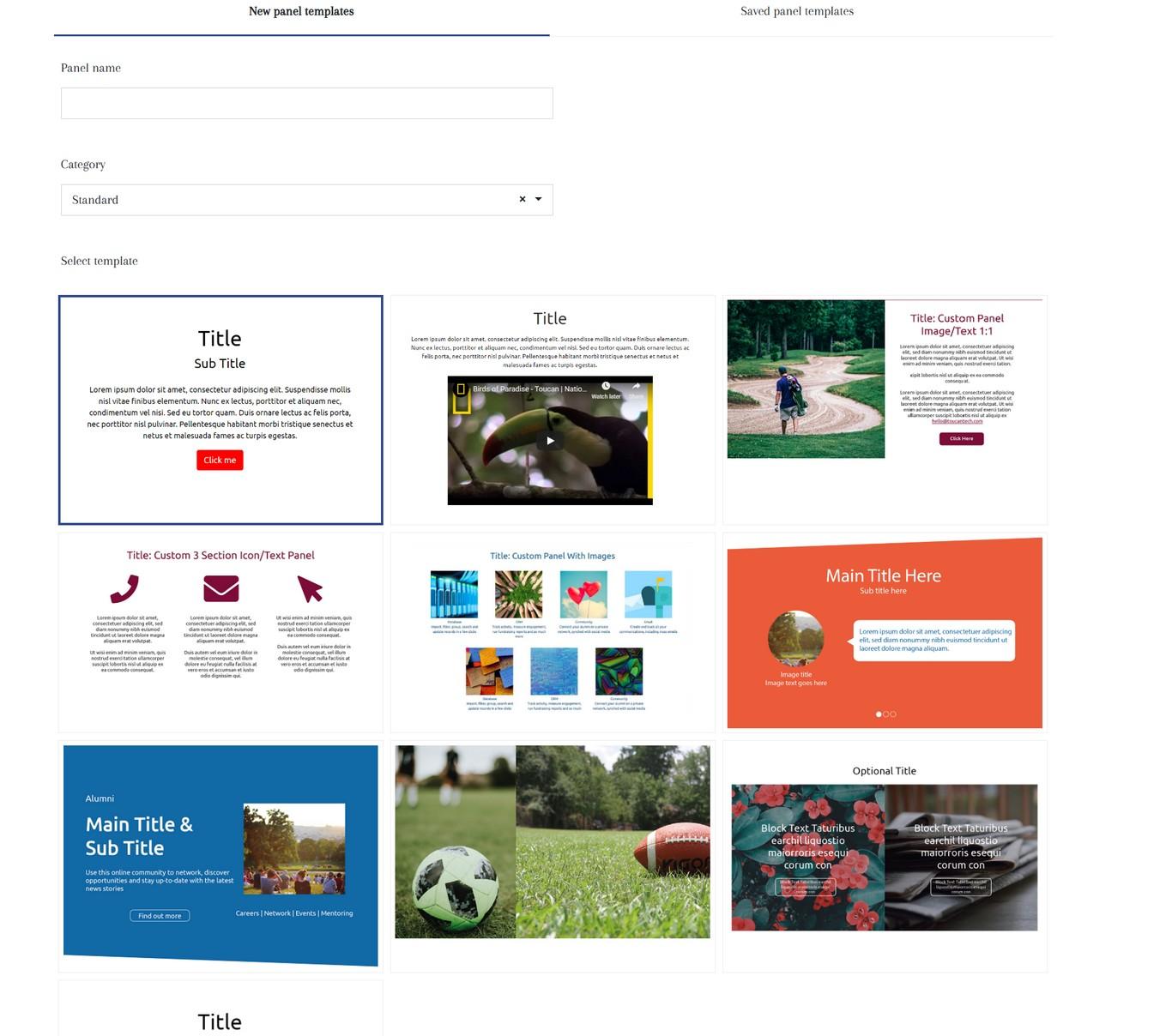
Pre-made options of photo or video panels exist.
Don’t forget to switch your panel ON – you can also preview everything above.
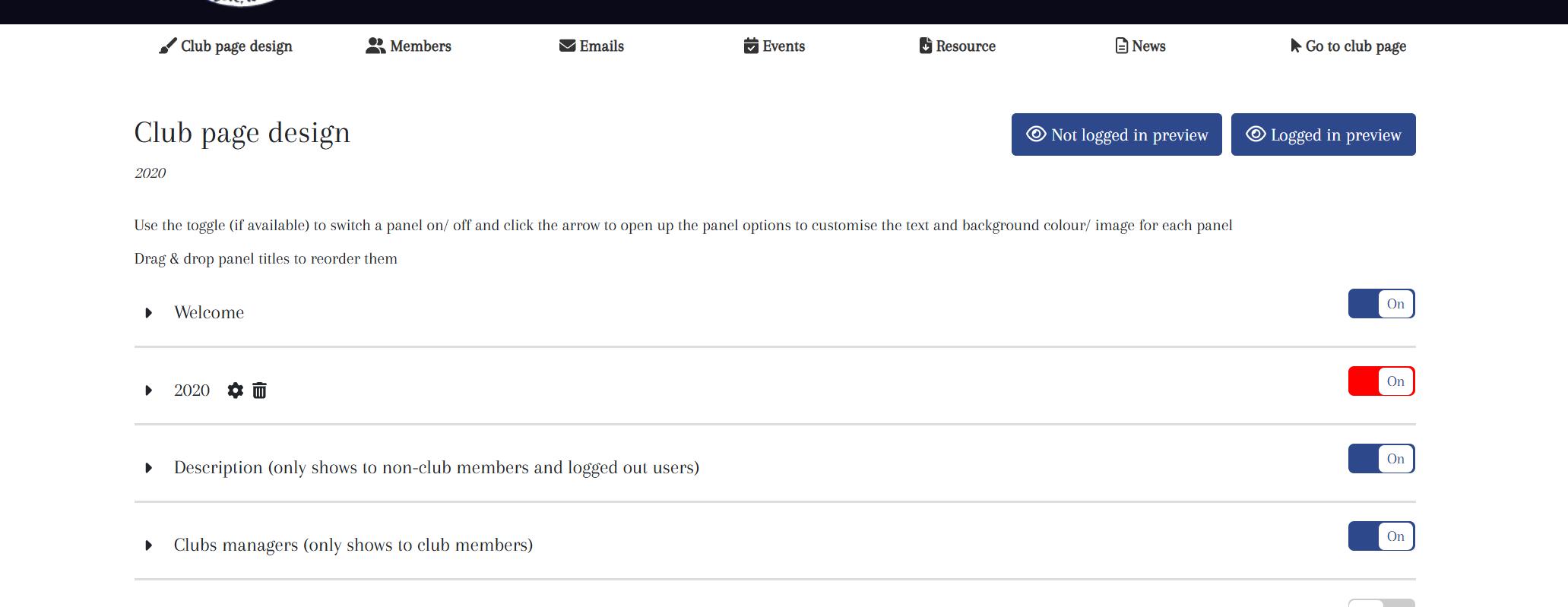
This is from the perspective of a nonregistered user
This is from the perspective of a registered user
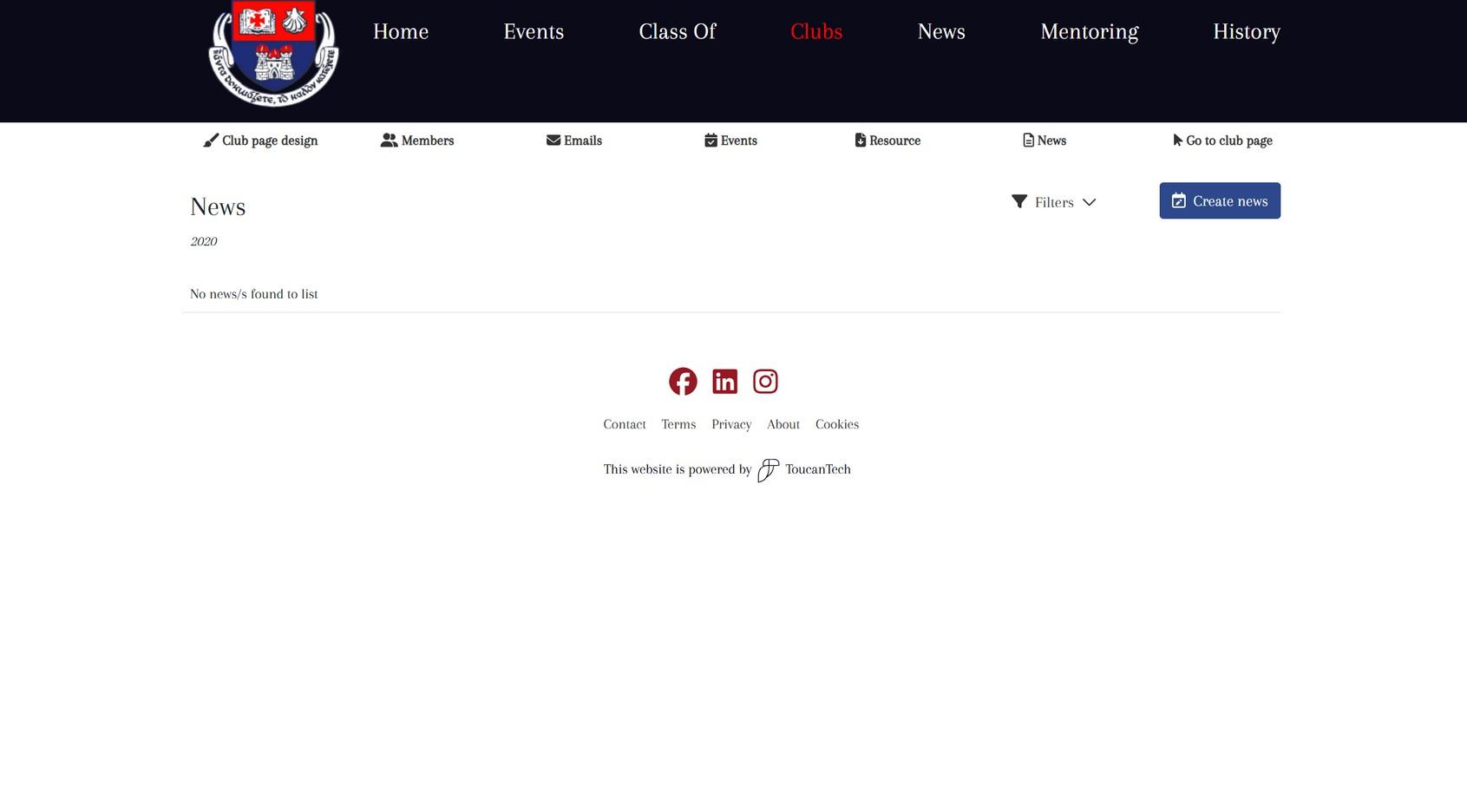
There are also options to add news posts, events, and send emails to the entire club (or selected members).
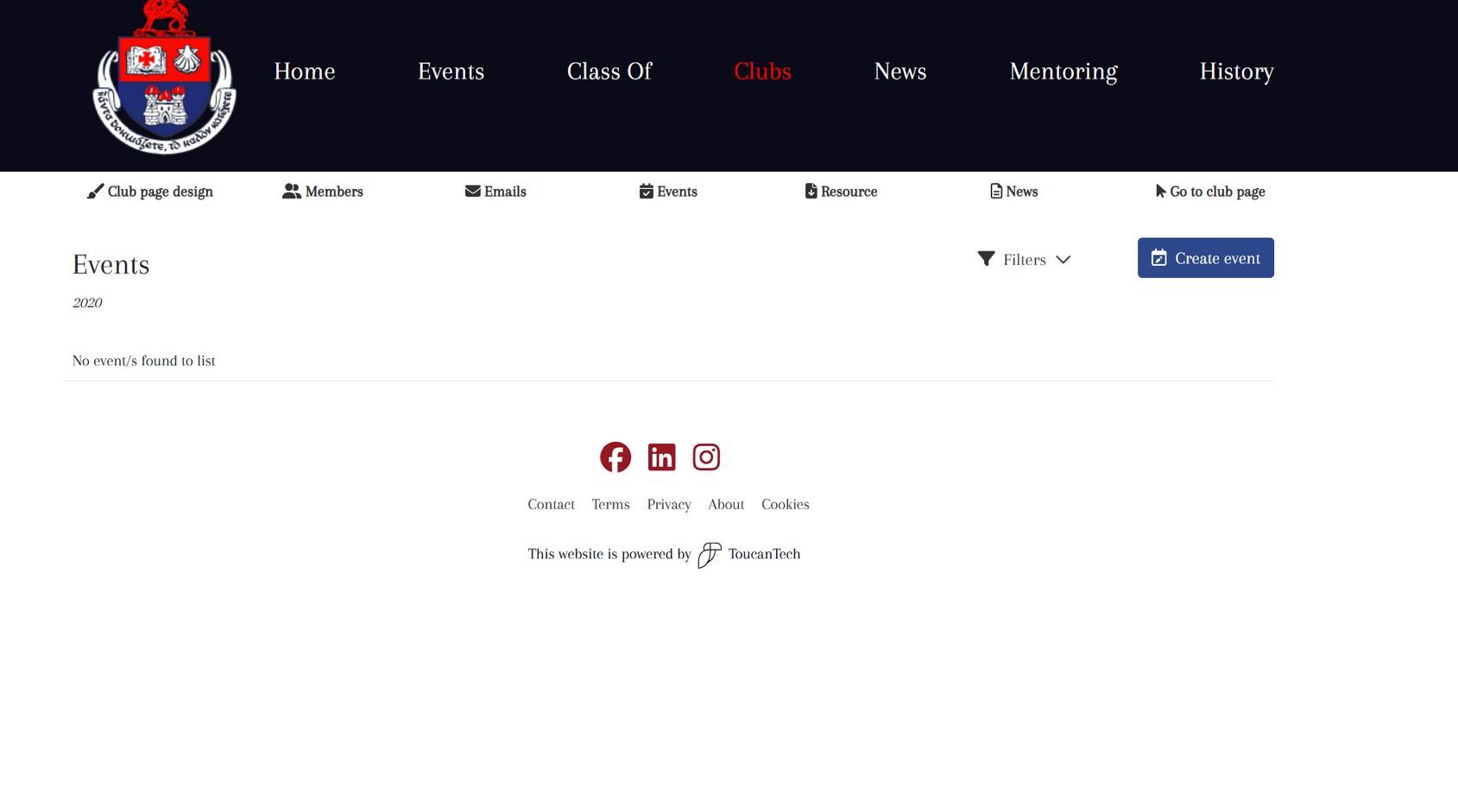
*Note* events must be free, if not contact support and we will post the event elsewhere Ensure this is changed to live!
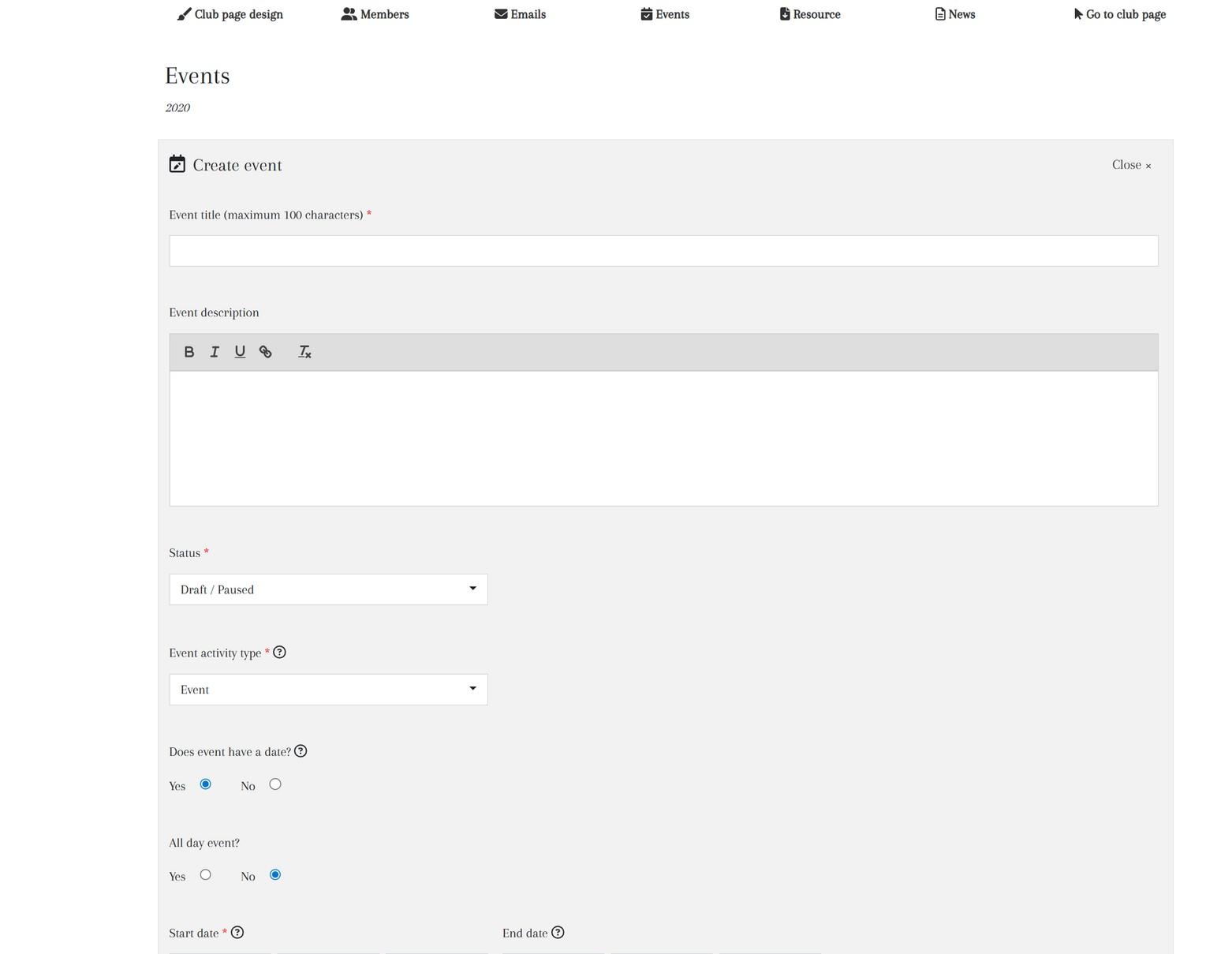
Share news events & updates here
Add the cover image (must be under 2MB)
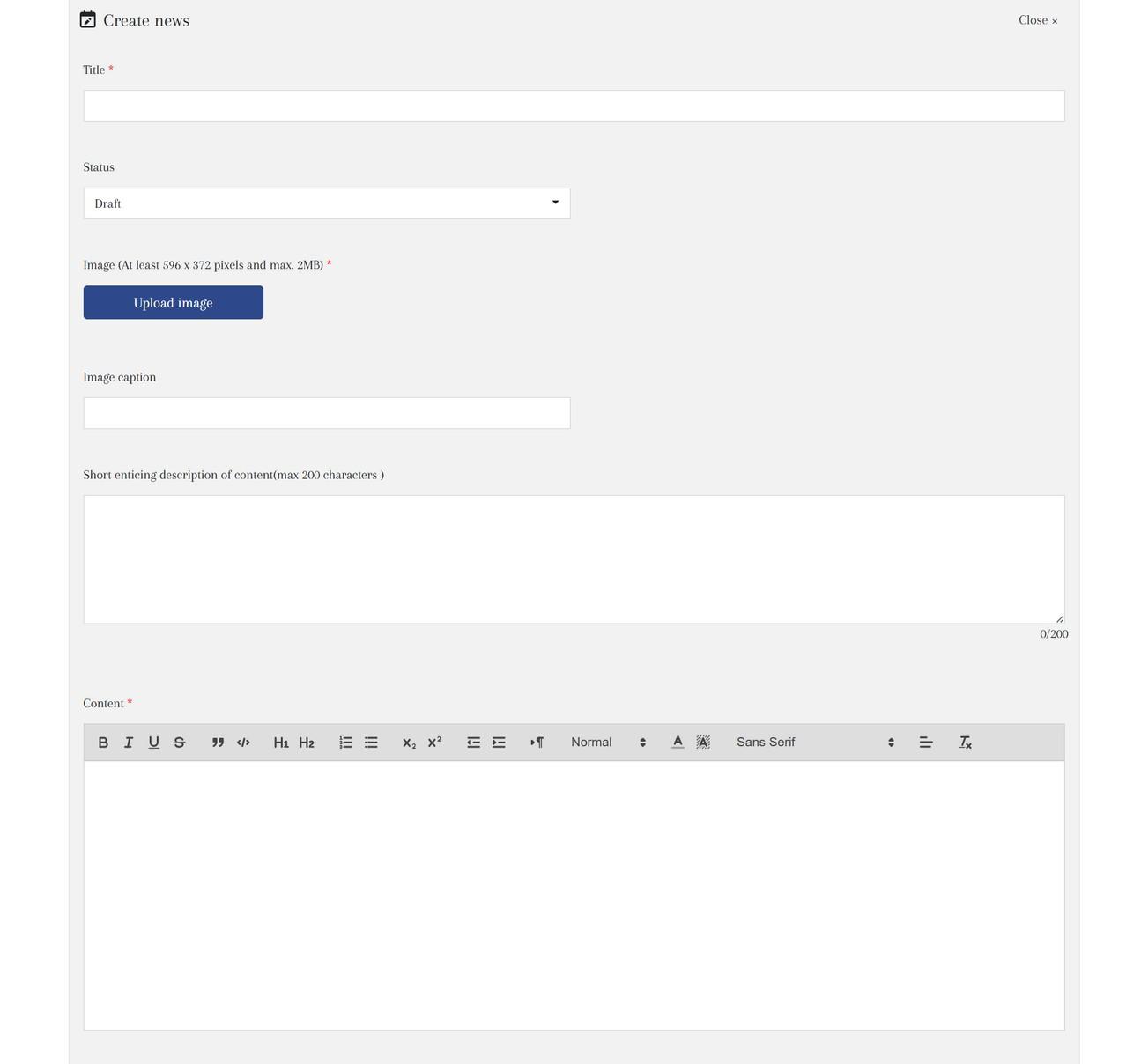
Switch to live when publishing