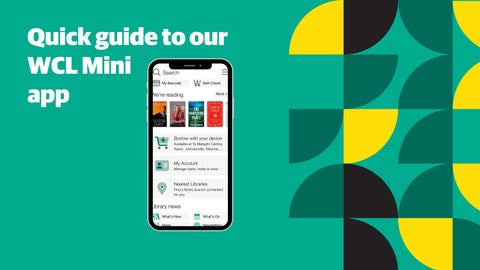
Quick guide to our WCL Mini app
Navigating Your Account
CHECKING YOUR ACCOUNT
Select My Account
CHECKING YOUR ACCOUNT
Check your loans. Check your reservations. Check charges to your account.
Add other library cards.
CHECKING YOUR ACCOUNT From the loans screen, you can view items issued to your card, their due dates, and request renewals.
CHECKING YOUR ACCOUNT From the reservations screen, you can view your reservations and your position in the queue. If not yet ready for pick-up you can: change the pick-up location, cancel the reserve or suspend until a later date.
CHECKING YOUR ACCOUNT From the charges screen, you can view the details of any current charges to your library account.
CHECKING YOUR ACCOUNT From the linked accounts page, you can add other library cards.
OTHER HIGHLIGHTS Search the catalogue. Digital barcode for library card.
Issue items with your phone.
Other features include access to a digital version of your library card, self-issue items (available at some branches only), and browse our catalogue.