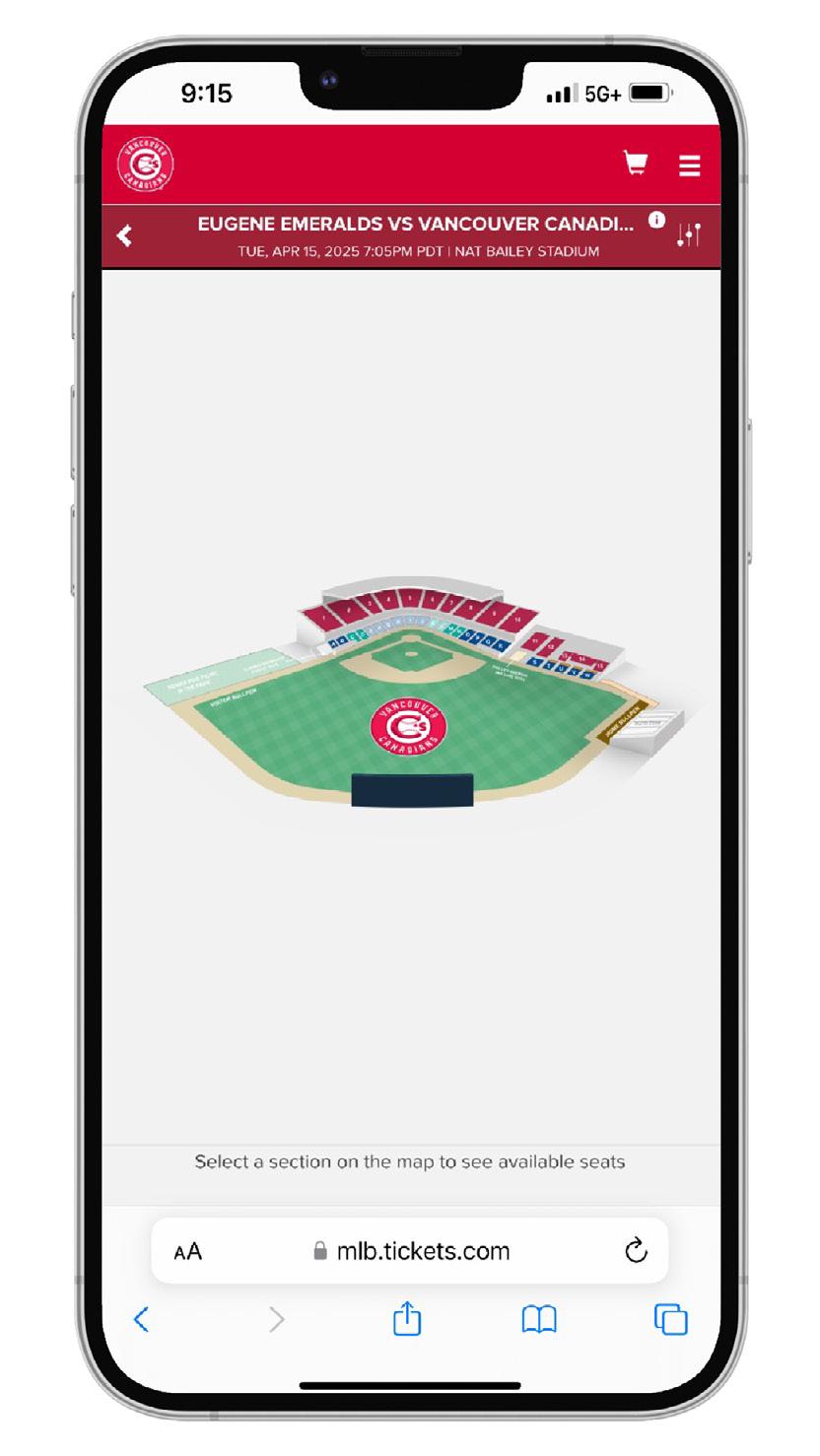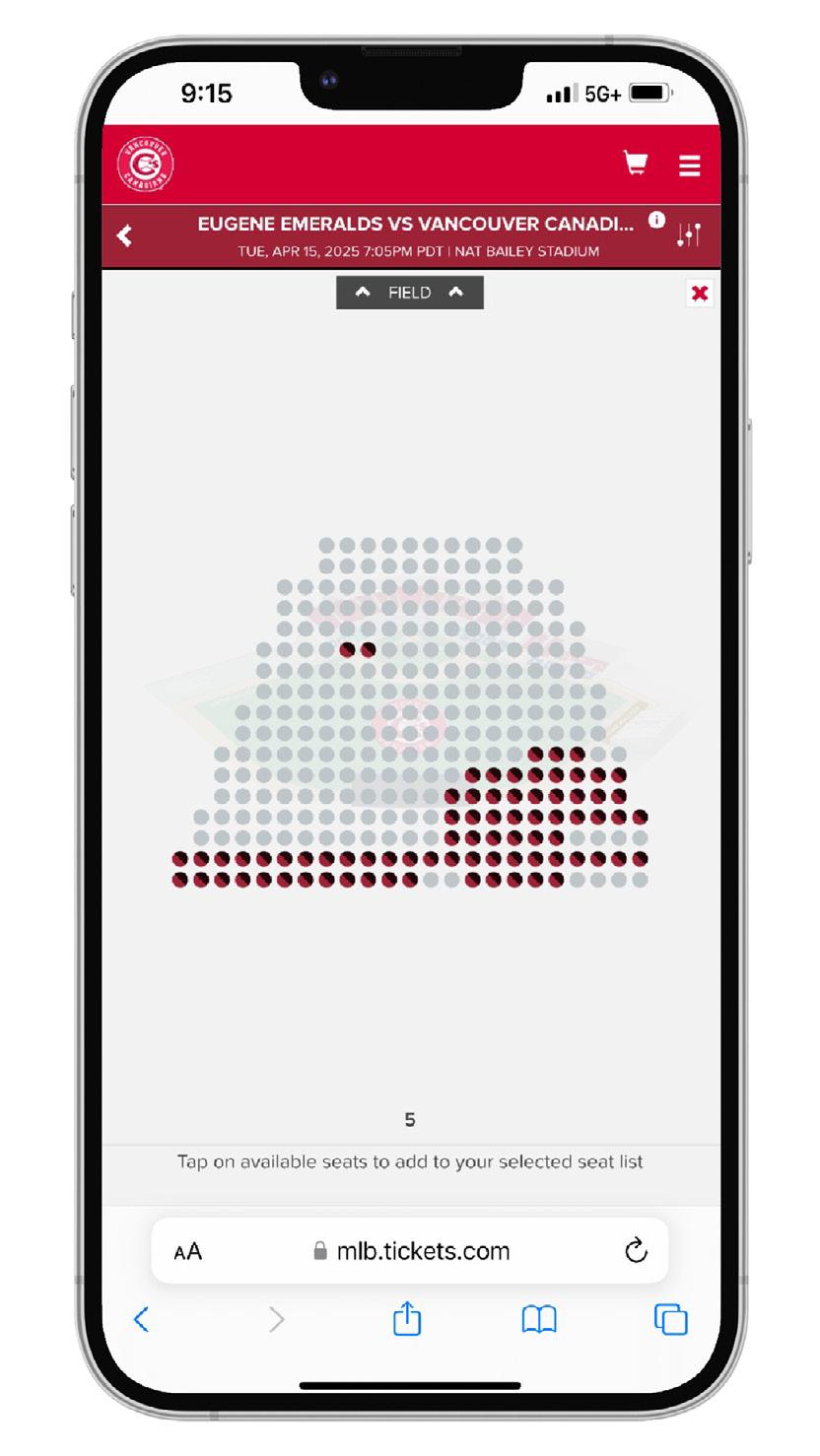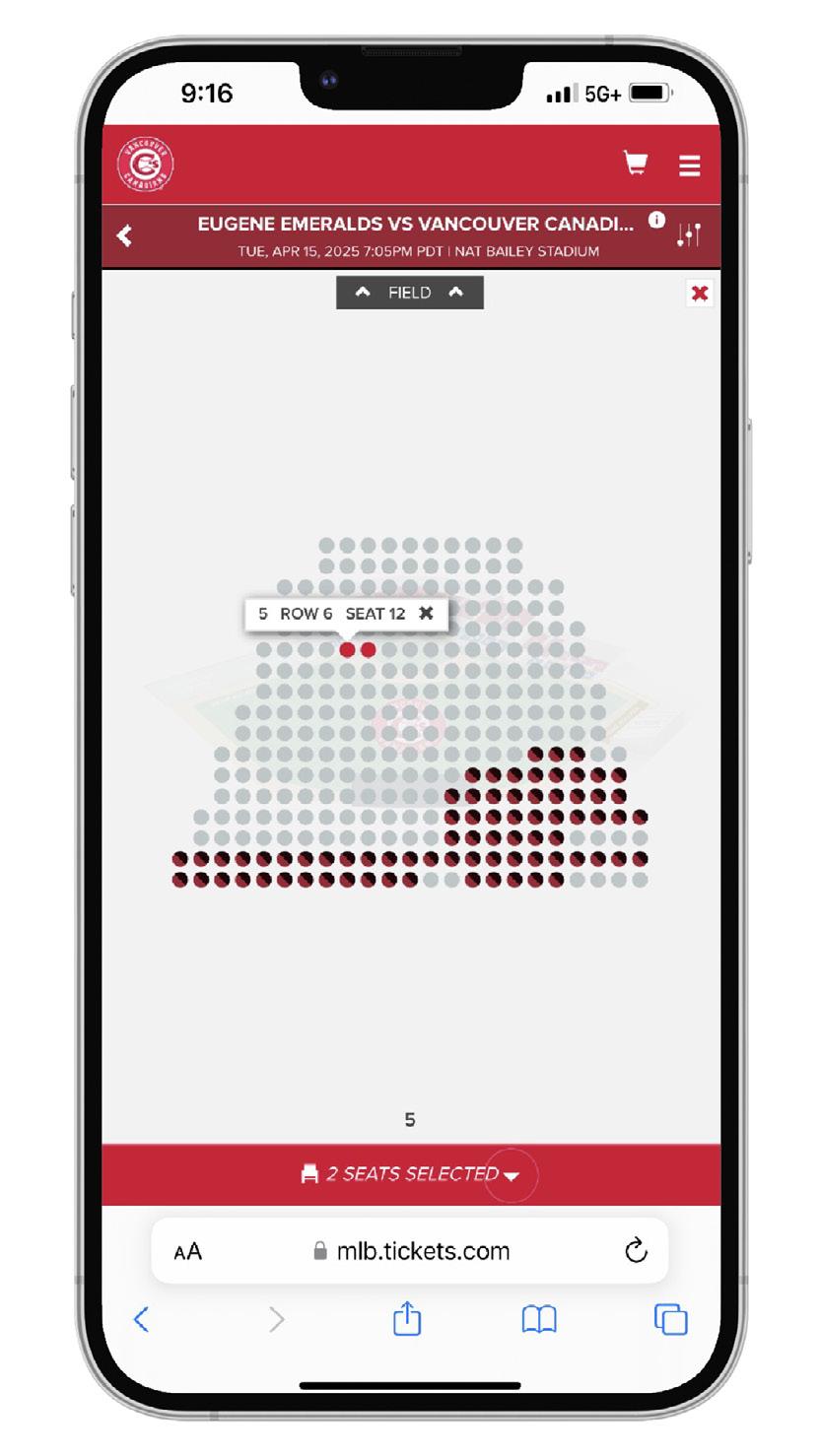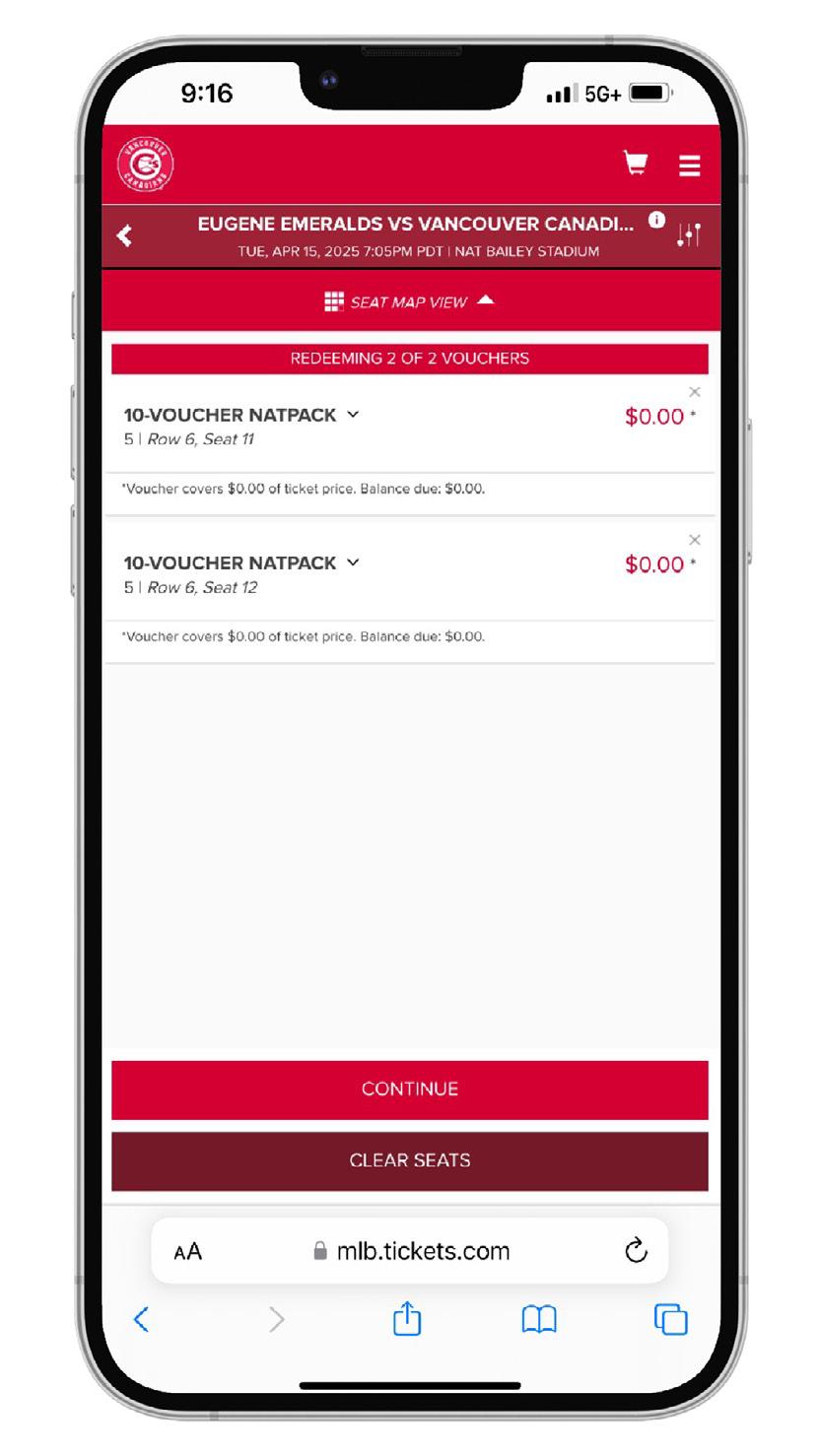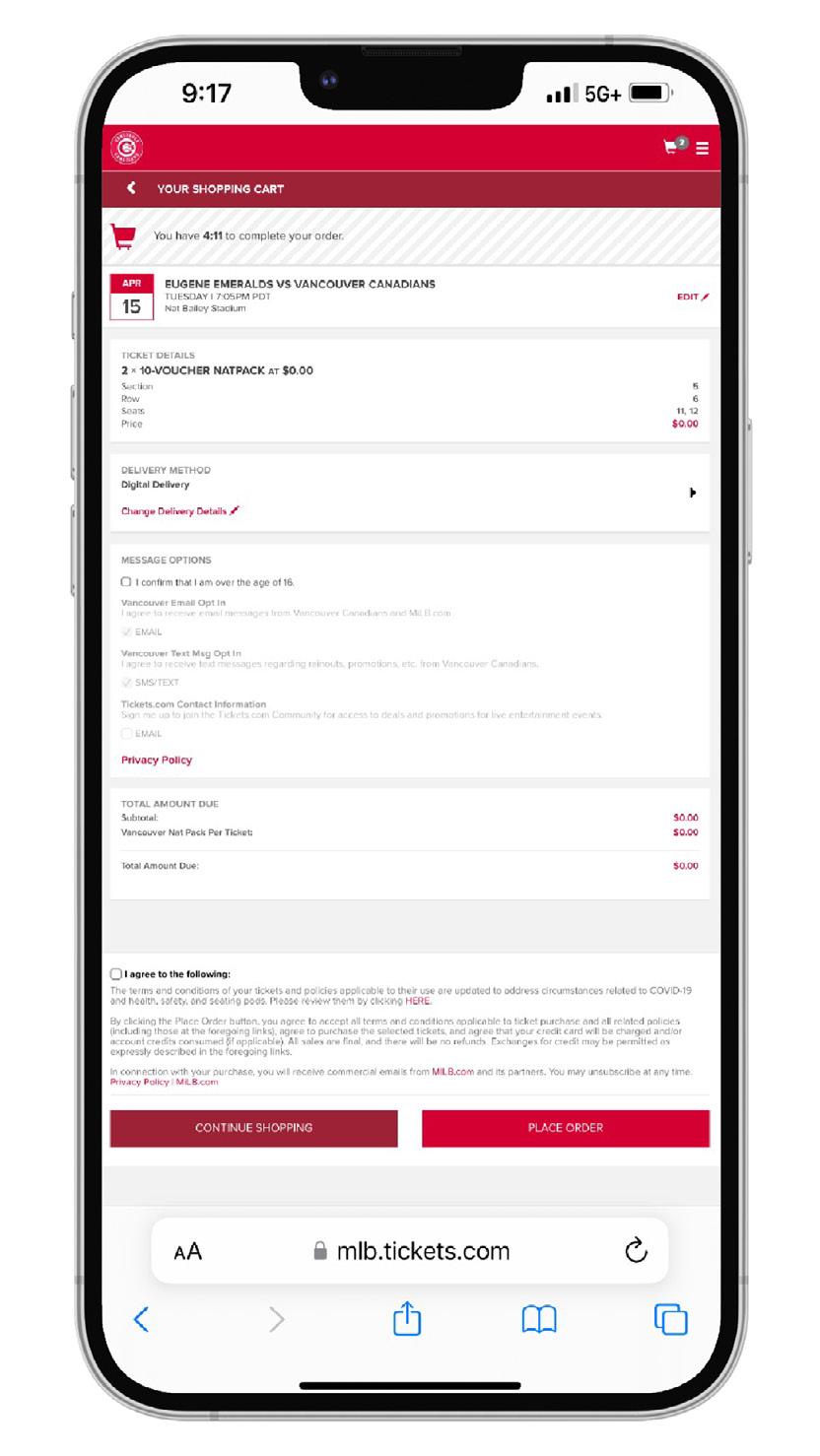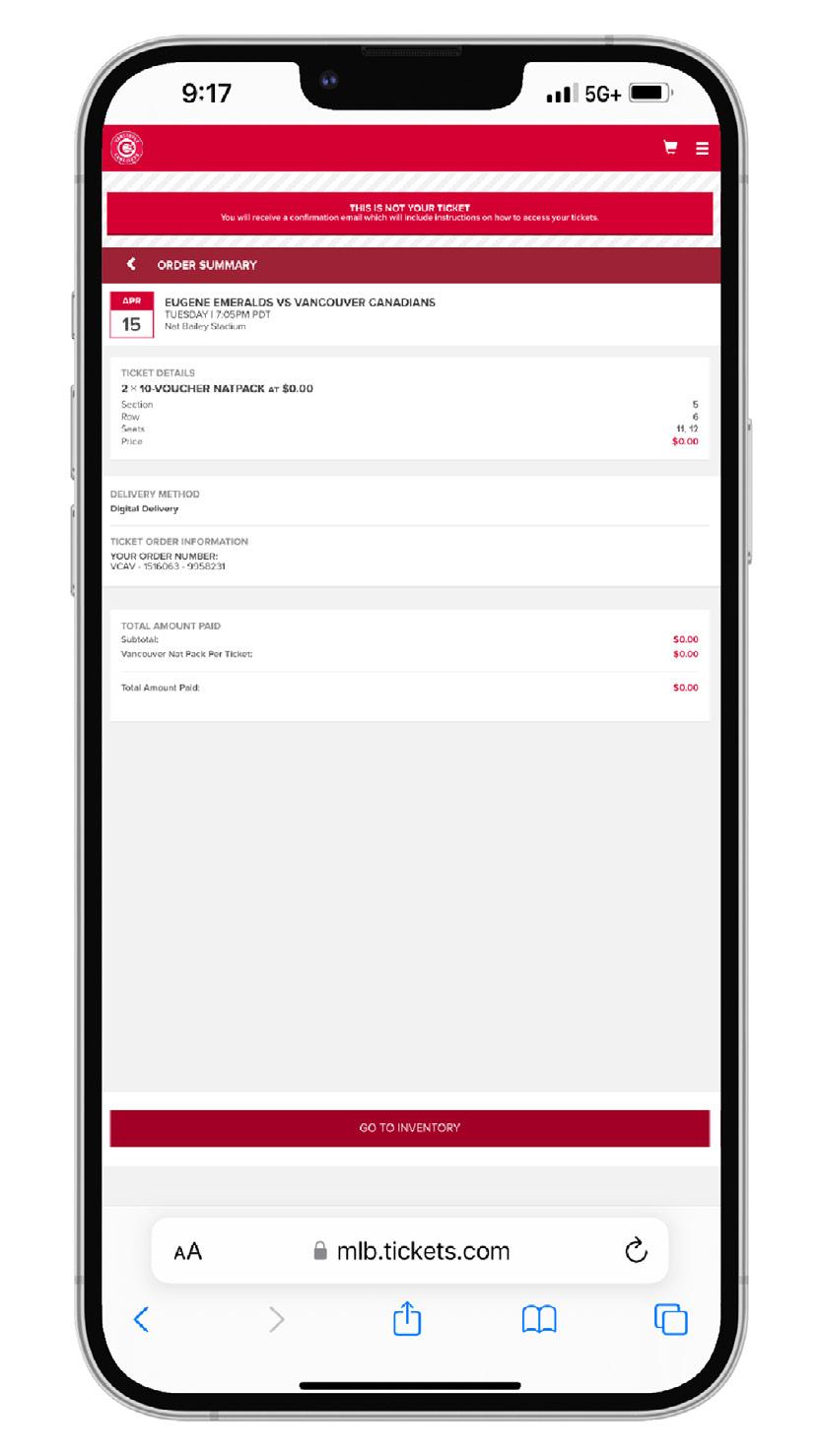
REDEEMING VOUCHERS
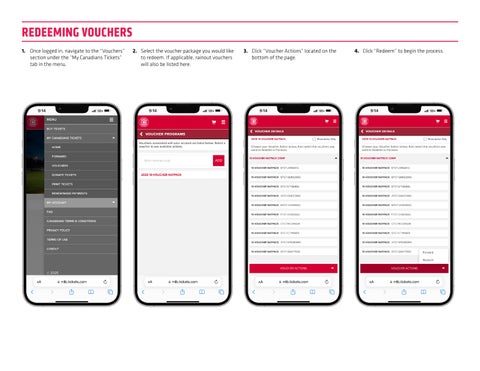
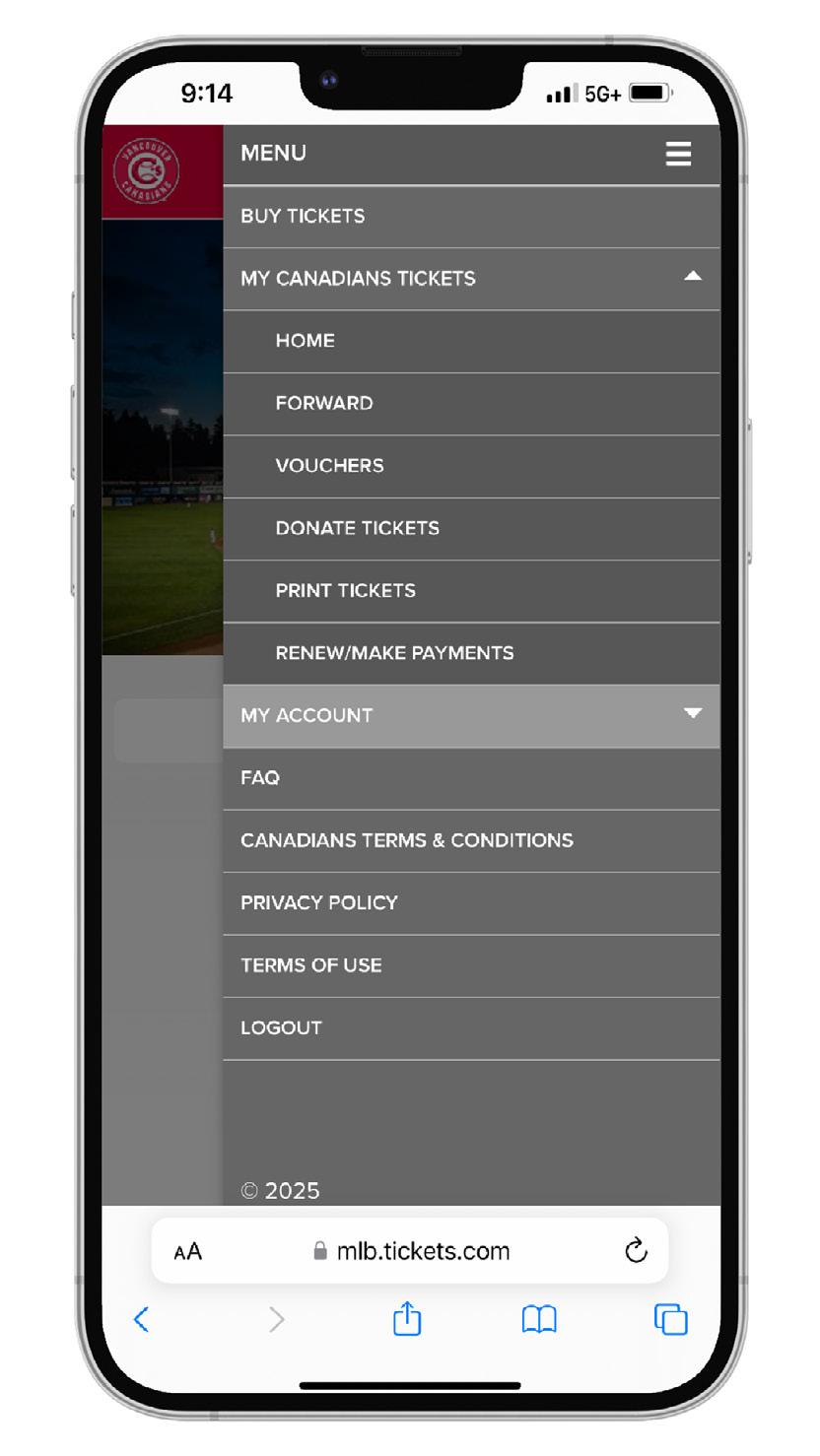
1. Once logged in, navigate to the “Vouchers” section under the “My Canadians Tickets” tab in the menu.
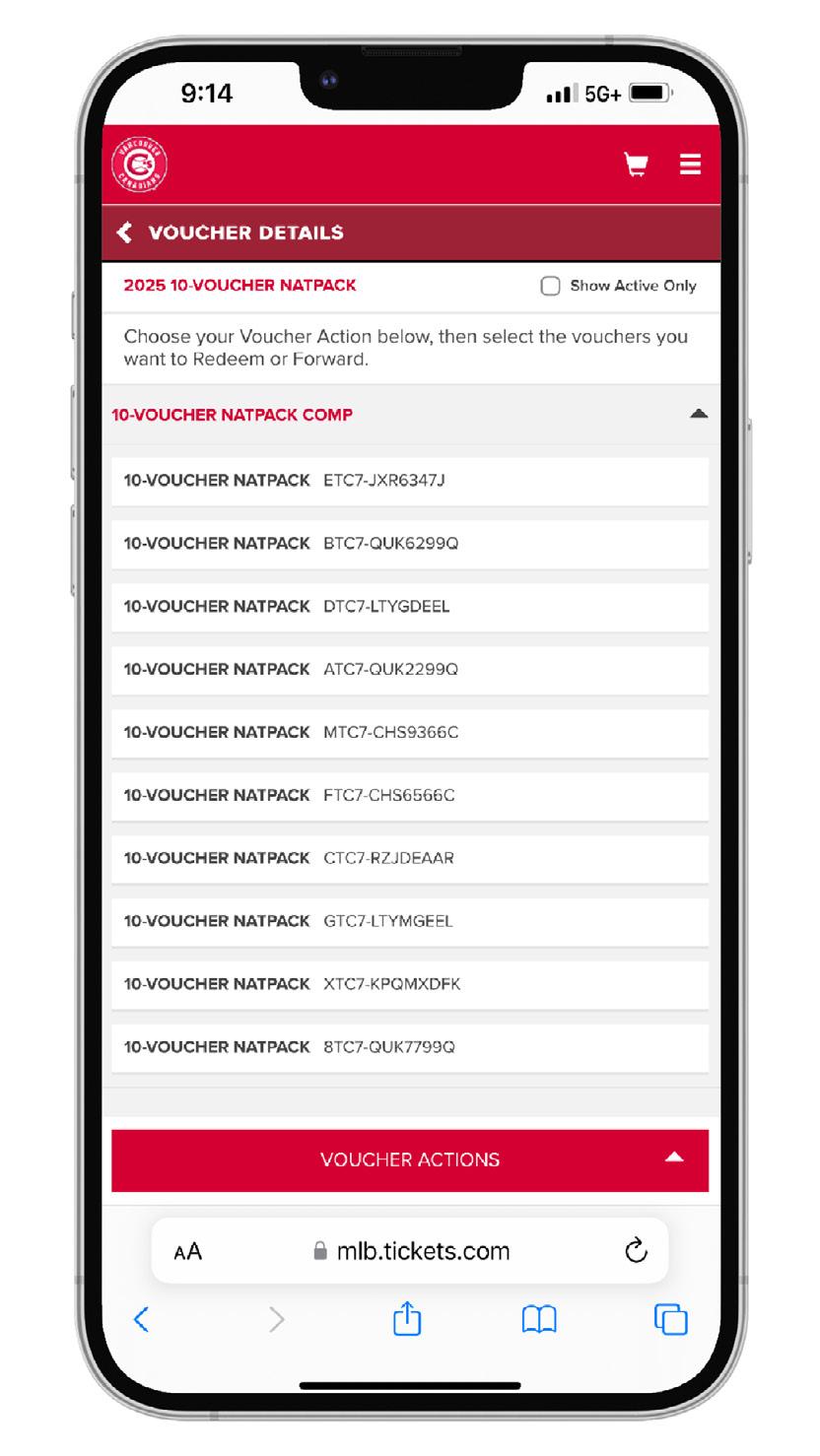
2. Select the voucher package you would like to redeem. If applicable, rainout vouchers will also be listed here.
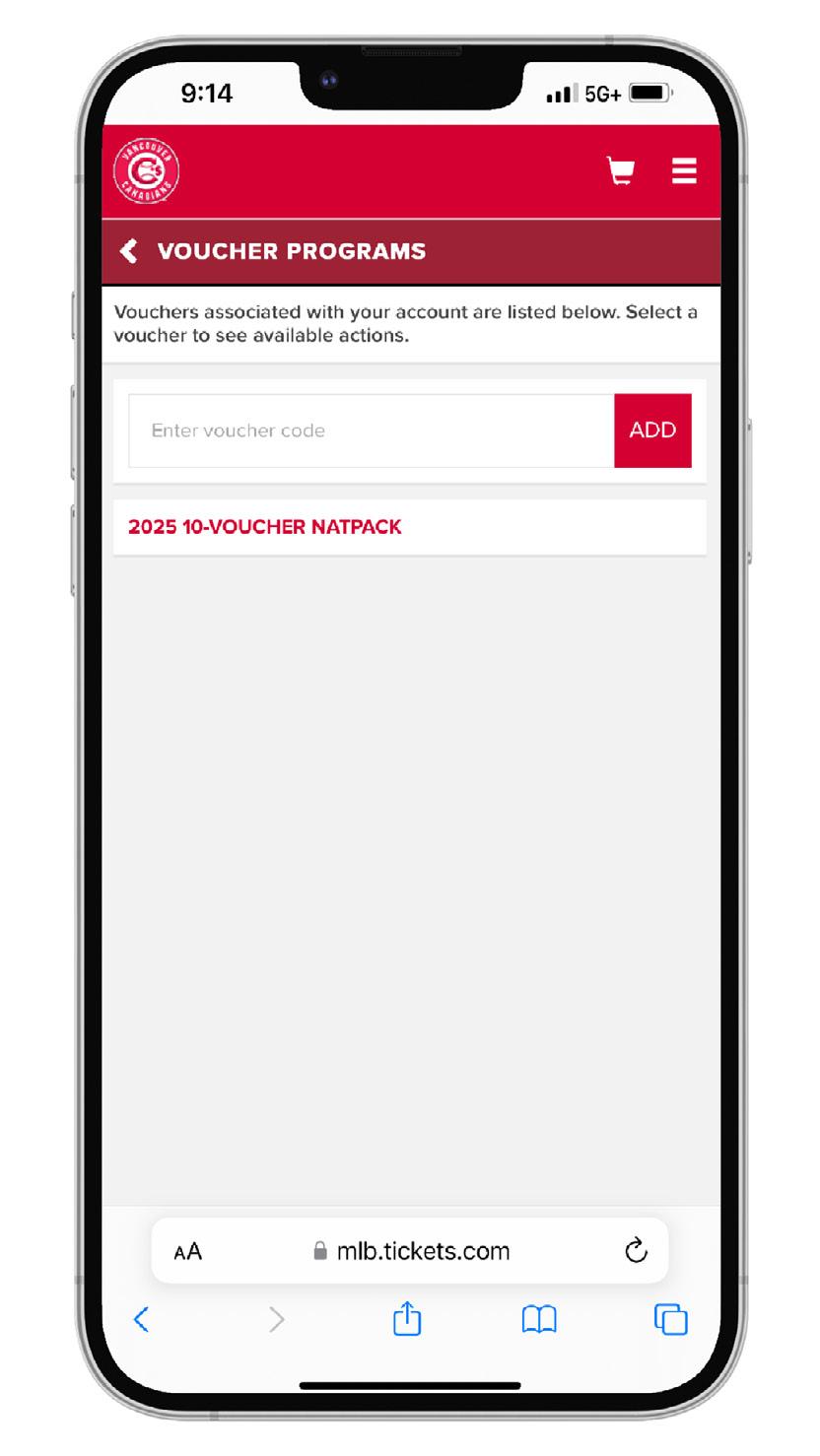
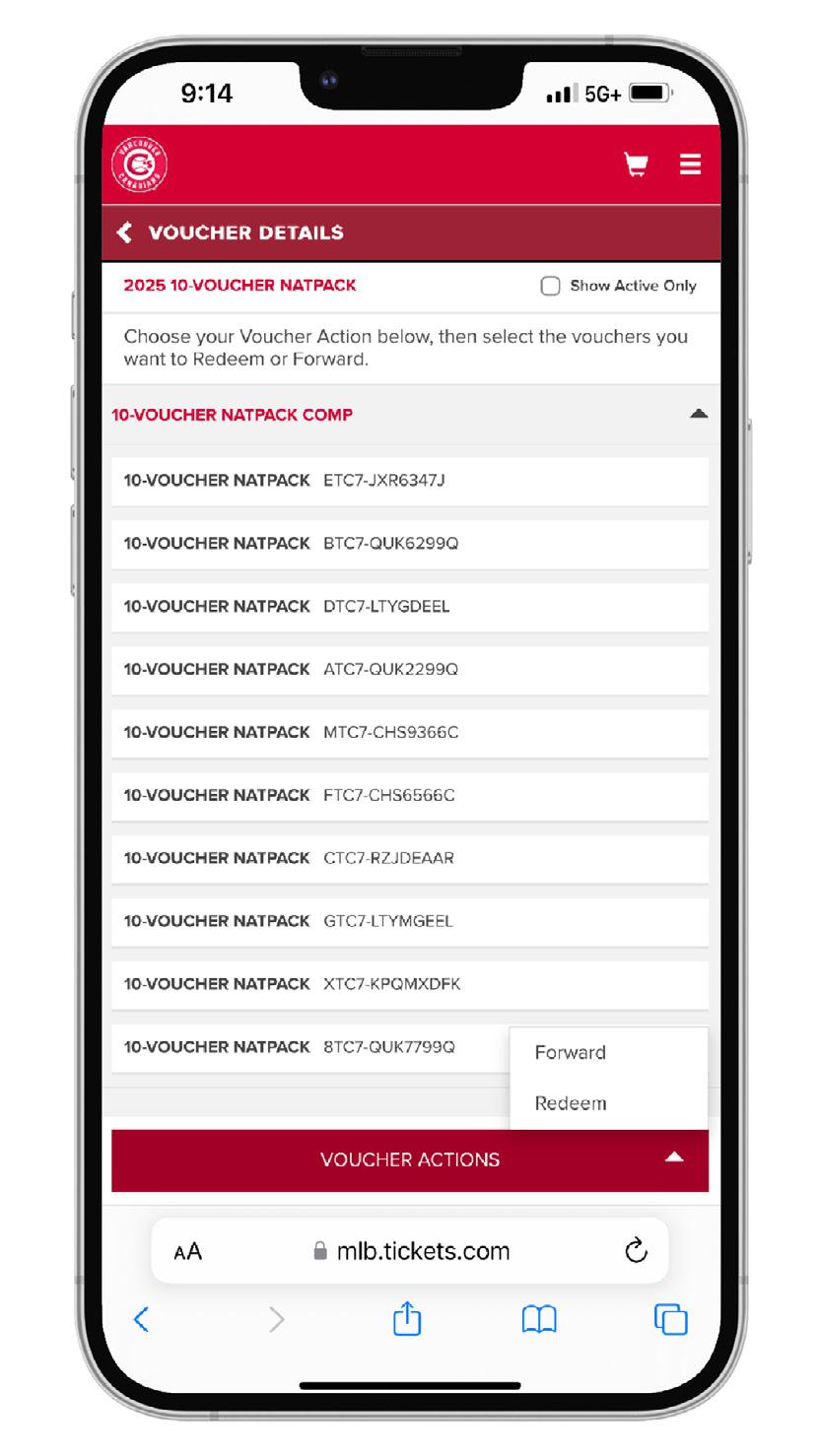
3. Click “Voucher Actions” located on the bottom of the page.
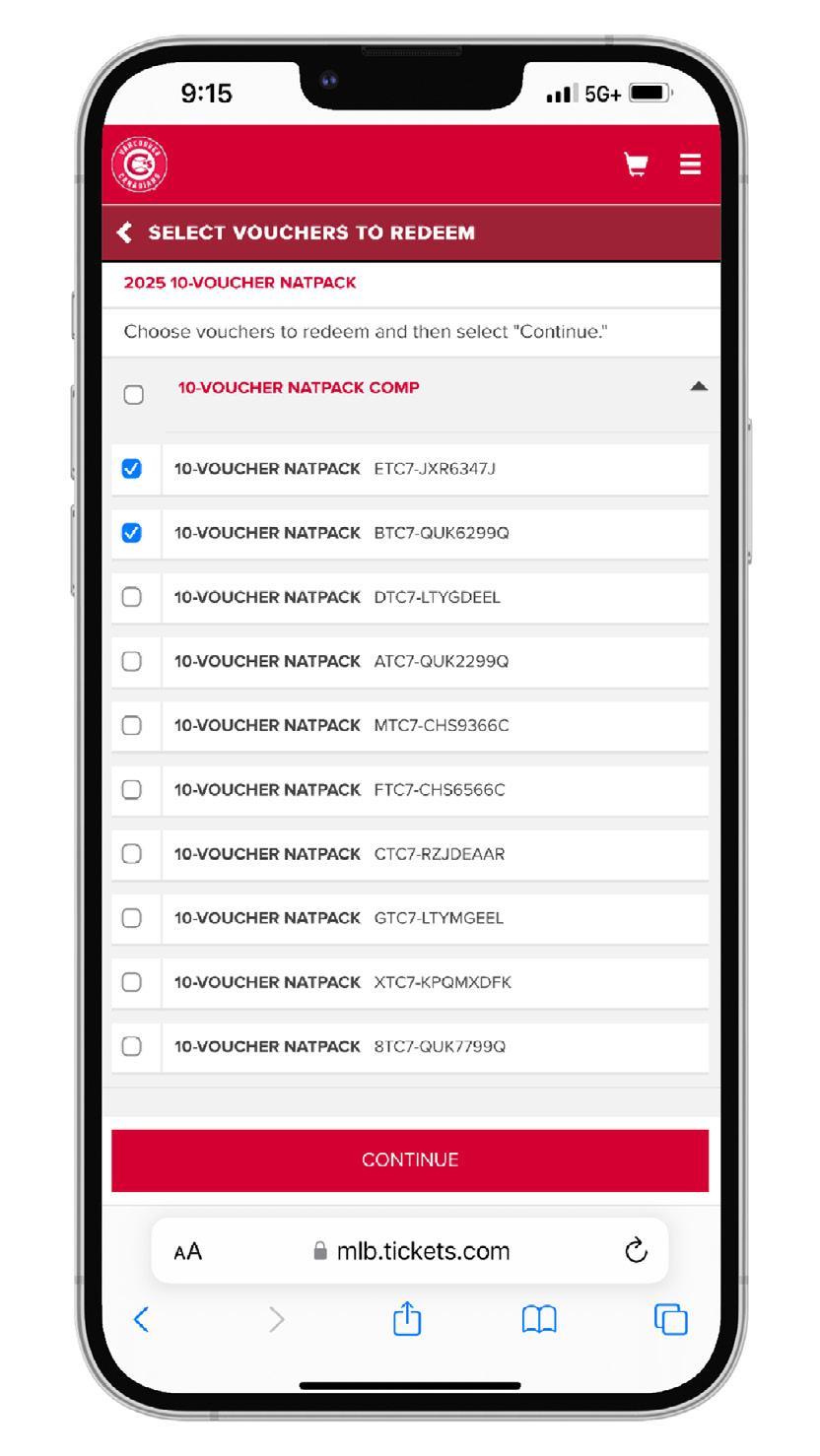
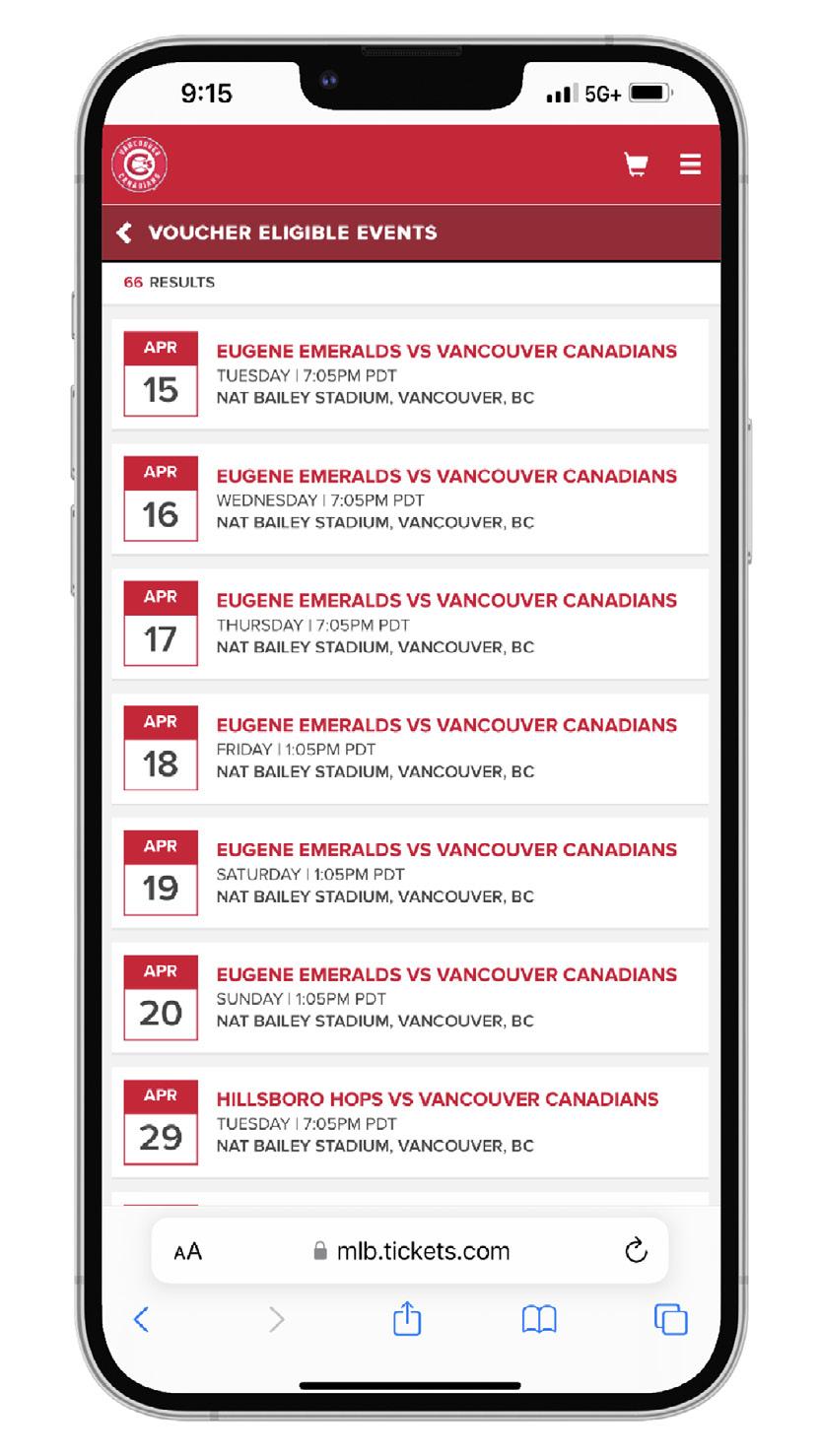
4. Click “Redeem” to begin the process.