



































•
New for the 2012 World Conference on Tennis! Register your Accredited Professional Coach (APC) and specialty course credits earned at the USPTA World Conference with the new quick and easy-to-use USPTA SmartCode Education System. Use your smartphone to instantly register your attendance to all USPTA seminars, general sessions and specialty courses, earning APC and specialty course credits toward USPTA education.
To use the system, you will need:
• A smartphone with data access, Web browsing capabilities and camera Apple iPhone and Google Android phones are fully supported Blackberry and Windows phones may also work
A barcode scanning application for your smartphone that can scan QR codes For iPhone/iPad we recommend Qraft er or the AT&T Code Scanner For Android we recommend Barcode Scanner Use your device to search the Apple Store or Google Play for these free applications
To use the system at a seminar, general session or specialty course, you must scan two QR codes. One QR code is on your conference badge. Th e second QR code will be posted in the seminar/specialty course room at the end of the session.
Scan one of the QR codes (it does not matter which one you start with) using your smartphone with the QR code scanning app. You will see the SmartCode Education System Web page that confi rms that you have scanned the fi rst code. You will see the barcode scan symbol to let you know that you need to scan the second code:

1st Barcode Scan Successful, Now Scan 2nd Code
Once the second barcode is scanned, you will see a green check mark to confi rm that your APC or specialty course education credits have been registered in the USPTA education system
You will also receive an email to your primary email address to confi rm that your credits were registered

Credits Successfully Registered
Once you have installed the QR Code scanning application on your phone, test your phone using the QR Code below:


If your test was successful, you should see the SmartCode Education System test Web page with the green “thumbs up” con.


Th e USPTA SmartCode Education System is designed so that you can temporarily borrow a friend’s smartphone to register your credits Th is is useful if you do not have your own smartphone. Th e phone’s owner can register his credits fi rst by scanning the two QR codes (his badge and the code posted in the seminar room). He should confi rm that he has received credit by looking for the green check mark.
You can now borrow your friend’s smartphone and repeat the process, scanning your own badge and then the code posted in the seminar room You can then get credit as well

•
New for the 2012 World Conference on Tennis! Register your Accredited Professional Coach (APC) and specialty course credits earned at the USPTA World Conference with the new quick and easy-to-use USPTA SmartCode Education System. Use your smartphone to instantly register your attendance to all USPTA seminars, general sessions and specialty courses, earning APC and specialty course credits toward USPTA education.
To use the system, you will need:
• A smartphone with data access, Web browsing capabilities and camera Apple iPhone and Google Android phones are fully supported Blackberry and Windows phones may also work
A barcode scanning application for your smartphone that can scan QR codes For iPhone/iPad we recommend Qraft er or the AT&T Code Scanner For Android we recommend Barcode Scanner Use your device to search the Apple Store or Google Play for these free applications
To use the system at a seminar, general session or specialty course, you must scan two QR codes. One QR code is on your conference badge. Th e second QR code will be posted in the seminar/specialty course room at the end of the session.
Scan one of the QR codes (it does not matter which one you start with) using your smartphone with the QR code scanning app. You will see the SmartCode Education System Web page that confi rms that you have scanned the fi rst code. You will see the barcode scan symbol to let you know that you need to scan the second code:
1st Barcode Scan Successful, Now Scan 2nd Code
Once the second barcode is scanned, you will see a green check mark to confi rm that your APC or specialty course education credits have been registered in the USPTA education system
You will also receive an email to your primary email address to confi rm that your credits were registered
Credits Successfully Registered
Once you have installed the QR Code scanning application on your phone, test your phone using the QR Code below:
If your test was successful, you should see the SmartCode Education System test Web page with the green “thumbs up” con.
Th e USPTA SmartCode Education System is designed so that you can temporarily borrow a friend’s smartphone to register your credits Th is is useful if you do not have your own smartphone. Th e phone’s owner can register his credits fi rst by scanning the two QR codes (his badge and the code posted in the seminar room). He should confi rm that he has received credit by looking for the green check mark.
You can now borrow your friend’s smartphone and repeat the process, scanning your own badge and then the code posted in the seminar room You can then get credit as well

•
New for the 2012 World Conference on Tennis! Register your Accredited Professional Coach (APC) and specialty course credits earned at the USPTA World Conference with the new quick and easy-to-use USPTA SmartCode Education System. Use your smartphone to instantly register your attendance to all USPTA seminars, general sessions and specialty courses, earning APC and specialty course credits toward USPTA education.
To use the system, you will need:
• A smartphone with data access, Web browsing capabilities and camera Apple iPhone and Google Android phones are fully supported Blackberry and Windows phones may also work
A barcode scanning application for your smartphone that can scan QR codes For iPhone/iPad we recommend Qraft er or the AT&T Code Scanner For Android we recommend Barcode Scanner Use your device to search the Apple Store or Google Play for these free applications
To use the system at a seminar, general session or specialty course, you must scan two QR codes. One QR code is on your conference badge. Th e second QR code will be posted in the seminar/specialty course room at the end of the session.
Scan one of the QR codes (it does not matter which one you start with) using your smartphone with the QR code scanning app. You will see the SmartCode Education System Web page that confi rms that you have scanned the fi rst code. You will see the barcode scan symbol to let you know that you need to scan the second code:
1st Barcode Scan Successful, Now Scan 2nd Code
Once the second barcode is scanned, you will see a green check mark to confi rm that your APC or specialty course education credits have been registered in the USPTA education system
You will also receive an email to your primary email address to confi rm that your credits were registered
Credits Successfully Registered
Once you have installed the QR Code scanning application on your phone, test your phone using the QR Code below:
If your test was successful, you should see the SmartCode Education System test Web page with the green “thumbs up” con.
Th e USPTA SmartCode Education System is designed so that you can temporarily borrow a friend’s smartphone to register your credits Th is is useful if you do not have your own smartphone. Th e phone’s owner can register his credits fi rst by scanning the two QR codes (his badge and the code posted in the seminar room). He should confi rm that he has received credit by looking for the green check mark.
You can now borrow your friend’s smartphone and repeat the process, scanning your own badge and then the code posted in the seminar room You can then get credit as well

•
New for the 2012 World Conference on Tennis! Register your Accredited Professional Coach (APC) and specialty course credits earned at the USPTA World Conference with the new quick and easy-to-use USPTA SmartCode Education System. Use your smartphone to instantly register your attendance to all USPTA seminars, general sessions and specialty courses, earning APC and specialty course credits toward USPTA education.
To use the system, you will need:
• A smartphone with data access, Web browsing capabilities and camera Apple iPhone and Google Android phones are fully supported Blackberry and Windows phones may also work
A barcode scanning application for your smartphone that can scan QR codes For iPhone/iPad we recommend Qraft er or the AT&T Code Scanner For Android we recommend Barcode Scanner Use your device to search the Apple Store or Google Play for these free applications
To use the system at a seminar, general session or specialty course, you must scan two QR codes. One QR code is on your conference badge. Th e second QR code will be posted in the seminar/specialty course room at the end of the session.
Scan one of the QR codes (it does not matter which one you start with) using your smartphone with the QR code scanning app. You will see the SmartCode Education System Web page that confi rms that you have scanned the fi rst code. You will see the barcode scan symbol to let you know that you need to scan the second code:
1st Barcode Scan Successful, Now Scan 2nd Code
Once the second barcode is scanned, you will see a green check mark to confi rm that your APC or specialty course education credits have been registered in the USPTA education system
You will also receive an email to your primary email address to confi rm that your credits were registered
Credits Successfully Registered
Once you have installed the QR Code scanning application on your phone, test your phone using the QR Code below:

If your test was successful, you should see the SmartCode Education System test Web page with the green “thumbs up” con.

Th e USPTA SmartCode Education System is designed so that you can temporarily borrow a friend’s smartphone to register your credits Th is is useful if you do not have your own smartphone. Th e phone’s owner can register his credits fi rst by scanning the two QR codes (his badge and the code posted in the seminar room). He should confi rm that he has received credit by looking for the green check mark.
You can now borrow your friend’s smartphone and repeat the process, scanning your own badge and then the code posted in the seminar room You can then get credit as well
•
New for the 2012 World Conference on Tennis! Register your Accredited Professional Coach (APC) and specialty course credits earned at the USPTA World Conference with the new quick and easy-to-use USPTA SmartCode Education System. Use your smartphone to instantly register your attendance to all USPTA seminars, general sessions and specialty courses, earning APC and specialty course credits toward USPTA education.
To use the system, you will need:
• A smartphone with data access, Web browsing capabilities and camera Apple iPhone and Google Android phones are fully supported Blackberry and Windows phones may also work
A barcode scanning application for your smartphone that can scan QR codes For iPhone/iPad we recommend Qraft er or the AT&T Code Scanner For Android we recommend Barcode Scanner Use your device to search the Apple Store or Google Play for these free applications
To use the system at a seminar, general session or specialty course, you must scan two QR codes. One QR code is on your conference badge. Th e second QR code will be posted in the seminar/specialty course room at the end of the session.
Scan one of the QR codes (it does not matter which one you start with) using your smartphone with the QR code scanning app. You will see the SmartCode Education System Web page that confi rms that you have scanned the fi rst code. You will see the barcode scan symbol to let you know that you need to scan the second code:
1st Barcode Scan Successful, Now Scan 2nd Code
Once the second barcode is scanned, you will see a green check mark to confi rm that your APC or specialty course education credits have been registered in the USPTA education system
You will also receive an email to your primary email address to confi rm that your credits were registered
Credits Successfully Registered
Once you have installed the QR Code scanning application on your phone, test your phone using the QR Code below:
If your test was successful, you should see the SmartCode Education System test Web page with the green “thumbs up” con.
Th e USPTA SmartCode Education System is designed so that you can temporarily borrow a friend’s smartphone to register your credits Th is is useful if you do not have your own smartphone. Th e phone’s owner can register his credits fi rst by scanning the two QR codes (his badge and the code posted in the seminar room). He should confi rm that he has received credit by looking for the green check mark.
You can now borrow your friend’s smartphone and repeat the process, scanning your own badge and then the code posted in the seminar room You can then get credit as well






To learn more or to start your 30-DAYFREETRIAL scan here or TEXT “TRIAL” TO 8889906790








DAY1-Sunday,May3 ,2026rd
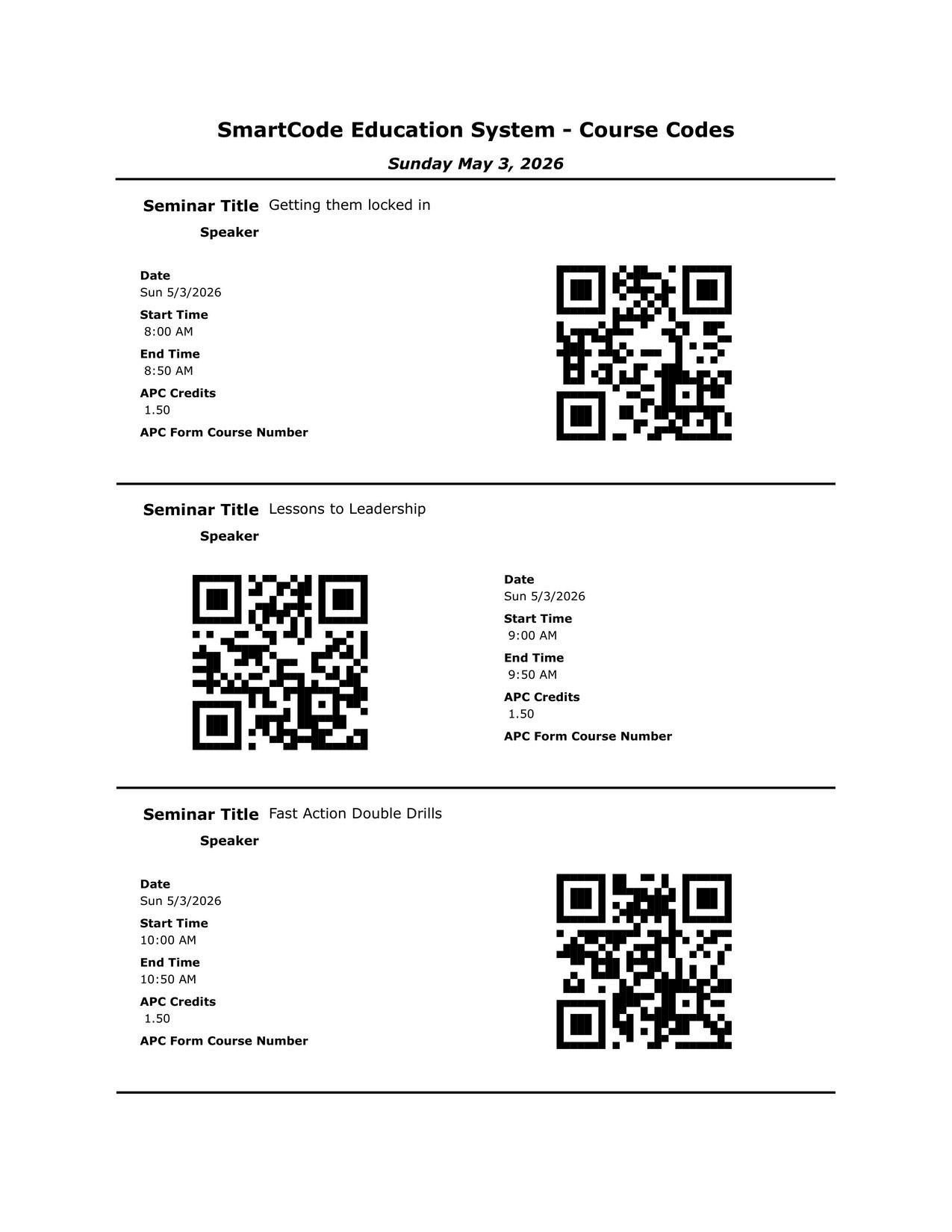
Session#1-8:00am-8:50am-Gettingthemlockedin:CoachingtheIntermediatePickleballClubPlayertotheNextLevel




1) Opening (3–5 min) “The Real Cha lenge Isnt Technique”
Intermed ate adults aren’t “blank slates”: hab ts, ego, comfort zone, fear of looking awkward.
Coaching goal: receptiv ty + neuroplasticity (wil ingness to rewire patterns).
Coaching posture: lead with empathy, slow down, be deliberate, normalize non- inear progress.
Define the promise of the sess on: a repeatab e system to move intermed ates to advanced.
2) The Framework (1–2 m n) Four Pi lars of Advanced Pick ebal
Four interconnected pi lars that upgrade: movement → touch → tactics/communication → transition mastery
3) Pi lar 1 — Foundational Footwork (8–10 m n)
Key principle: Never reach, a ways move
Teach 4 patterns:
Basel ne: open-stance + step-in
Transition: sp it-step + w de stance
Kitchen: lateral shuffle
Defense: “cha-cha” recovery
Dr lls
Side Shuffle Tag (kitchen ine lateral urgency + paddle-ready posture)
Four Footworks Rally (apply patterns through zones → finish with live po nts/time)
4) Pi lar 2 The Art of the Soft Game (10–12 min)
Mindset shift: A great drop isn’t weak its a trap.
Bu ld “un-attackable” ball: dink + 3rd-shot drop
Technica cues: less wrist, shoulder “pendulum,” legs lift/control tempo
Dr lls
Pendulum D nking (clean contact, deep kitchen targets)
Reset Ladder (base ine absorbs pace → earns the right to advance + play out)
5) P llar 3 Strategic Formations + Communication (10–12 min)
Main idea: communicat on s the #1 coachable weakness in ntermediate doub es
Introduce 3 format ons: stacking, offensive, receiving (dynamic systems, not stat c spots)
Dr lls
Communicat on 2v1 (mandatory “mine/yours”; consequence for silence)
Stack ng Movement Drill (start centered → react to feed → sprint nto ro es → live scrimmage)
6) Pi lar 4 Mastery of the Transition Zone (10–12 min)
Problem: “no mans land” decides points and is under-trained.
Replace instinct to h t harder with reset + composure to earn the net.
Dr lls
Transition Reset (coach attacks at feet → soft drop earns advance)
Basel ne-to-Net Rally (quality drop determines quality of entry; split-step/w de stance)
7) Competit ve Engine (3–5 m n) Ral y Scoring + Match-Based Training
Rally scoring: every rally matters → faster pace, higher focus, better decisions.
App y it n: scrimmage/ ive phases of each p llar “up and down the river” rotations (move courts based on results)
8) Close (2–3 min) What This Produces
Not just better shots: better thinkers + movers + partners.
Outcome: intermediate p ayers become confident, strategically inte ligent competitors.
F nal takeaway: empathy + structure + progressive dr lls + stakes = “locked in” adu ts.

Session#2-9:00am-9:50am-LessonstoLeadership:TheCareerPathfromTennisInstructortoGeneralManager





DAY1-Sunday,May3 ,2026rd
Session #3-10:00am-10:50am-FastActionDoublesDrills





DAY1-Sunday,May3 ,2026rd
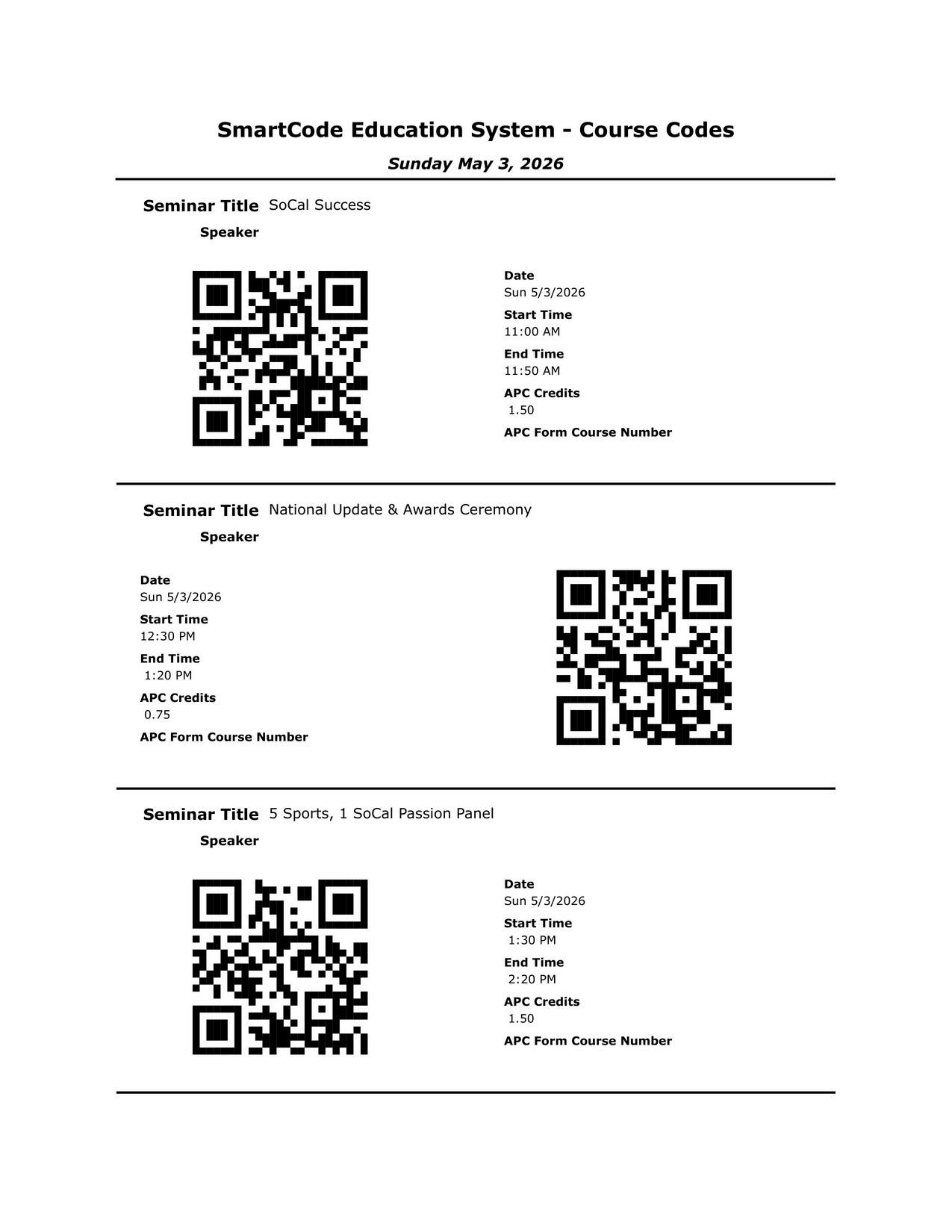
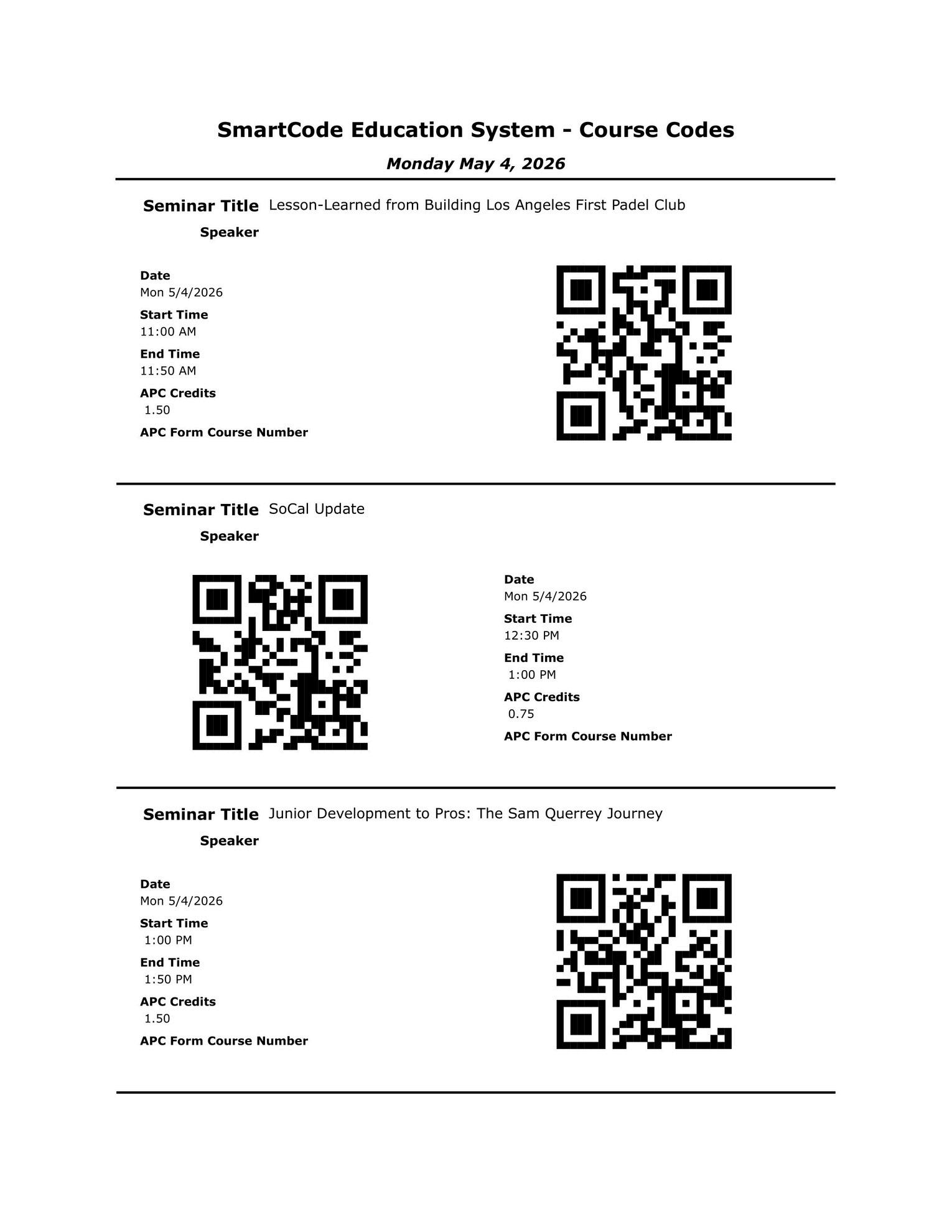
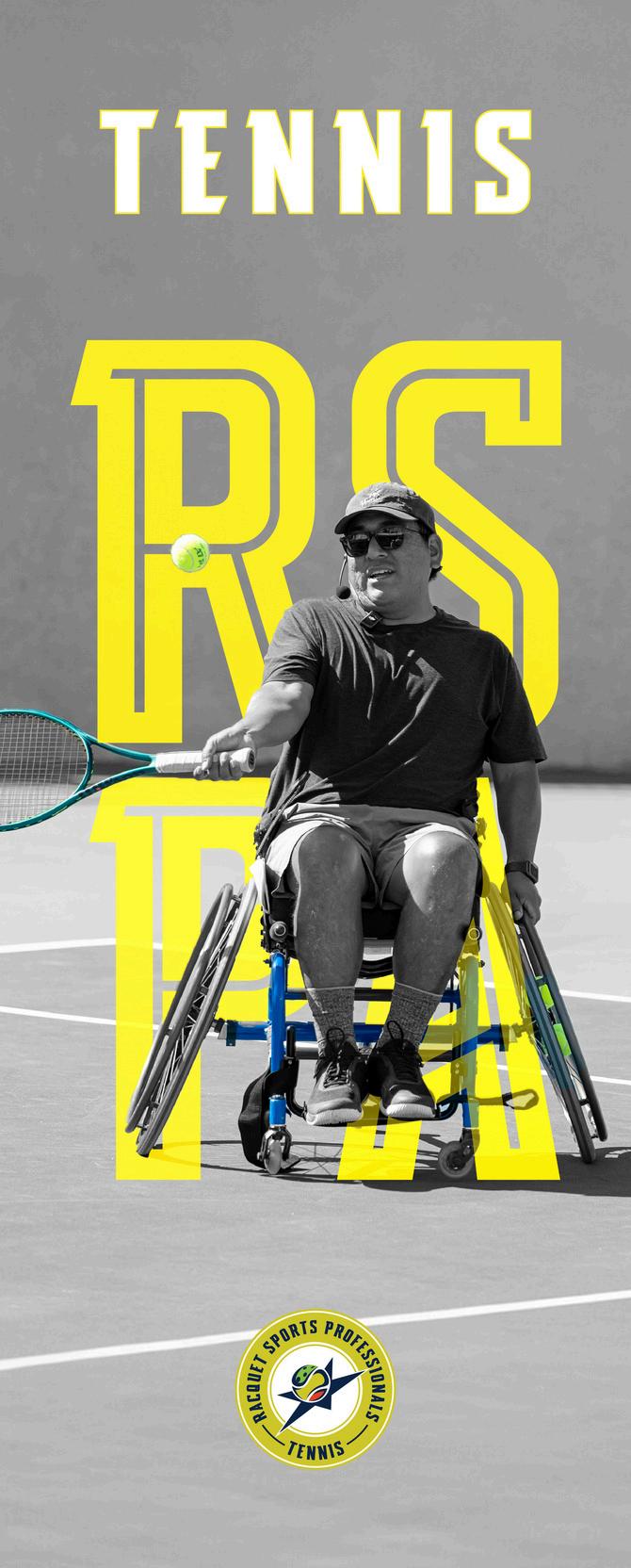
Session#4-11:00am-11:50am-WheelchairTennis





DAY1-Sunday,May3 ,2026rd
Session#5-1:30pm-2:20pm- “FiveSports,ONESoCalPassion”Panel



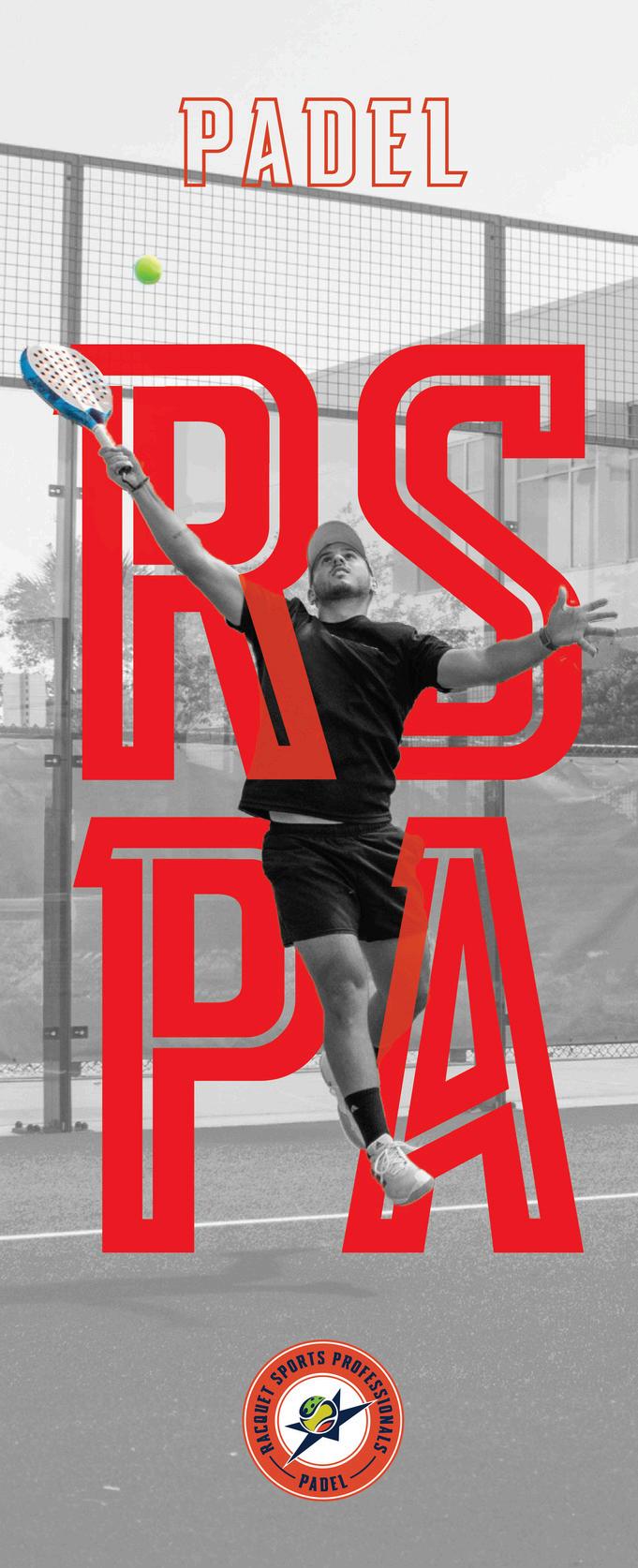
Jon Guerra is a Spain-born padel professional and coach who has been a key figure in growing the sport in Los Angeles since 2018. He has served as Head Coach at The Padel Courts and was appointed General Manager of Los Angeles Padel Club. A career-high United States Padel Association ranking of #15 (2023) and selection as a U.S. Pan American team coach highlight his competitive and coaching credentials, pairing elite on-court standards with strong player-development leadership.






DAY1-Sunday,May3
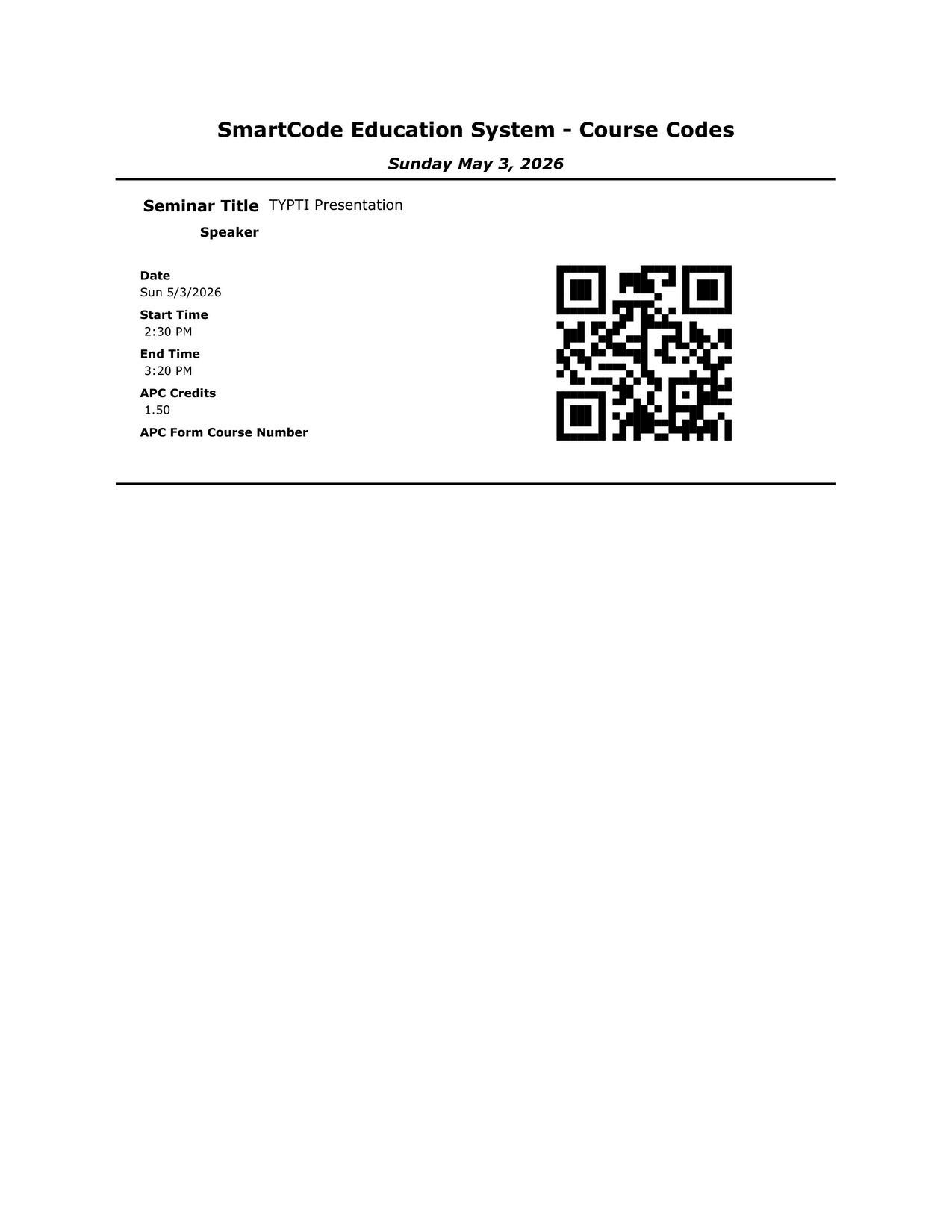
Session#6-2:30pm-3:20pm-TYPTIPresenation





1. Welcome and why TYPTI (5 min)
Brief intro to Steve Bellamy
Why racquet sports keep evolving
Why clubs and pros need new programming options
TYPTI as an addition, not a replacement
2. What is TYPTI? (7 min)
New racquet sport
Played on a 20x44 court
Pickleball-height net
22-inch carbon fiber racquet
3.5-inch channeled foam ball
3. What makes it different (8 min)
Longer rallies
Net rebound rule keeps points alive
Creative shot-making
Mix of accessibility and skill
Different feel from tennis, pickleball, and padel
4. Why teaching pros should care (8 min)
Easy entry point for new players
Fresh programming opportunity
New way to engage members
Can help with court utilization
Gives pros another teaching and event tool
5. How to teach it (8 min)
Introduce grip, court, and rules
Start with simple rally games
Use progressions for control and movement
Focus on fun, rhythm, and confidence first
Build toward strategy and competition
6. Programming ideas for clubs (7 min)
Intro clinics
Demo days
Round robins
Parent-child events
Cross-training for tennis and pickleball players
Social mixers
7. Business and industry impact (4 min)
Innovation helps clubs stay relevant
Early adopters can stand out
TYPTI fits the multi-racquet sports trend
RSPA has recognized TYPTI as a teachable sport category
8. Closing and Q&A (3 min)
Stay open to new racquet sport formats
Teaching pros help drive adoption
TYPTI is about participation, creativity, and growth



NEARLY 100 YEARS OF RACQUET SPORTS EXCELLENCE.
As the on y organization certifying professionals across tennis, pickleball, padel squash, and platform tenn s, the RSPA supports long-term careers not ust credent a s ensuring a unified standard of excellence on every court
RSPA-certified professionals undergo dozens of hours of structured tra ning built around a curricu um developed by leading experts across all five of our racquet sports This r gorous foundation alongside cont nuing education requirements, ensures every certified pro performs with a baseline of proven technical knowledge coaching methodology, and on court leadership sk lls Hiring managers can trust RSPA certification, as it signals reliability, professionalism, and a consistent excel ence we call the Hire Standard
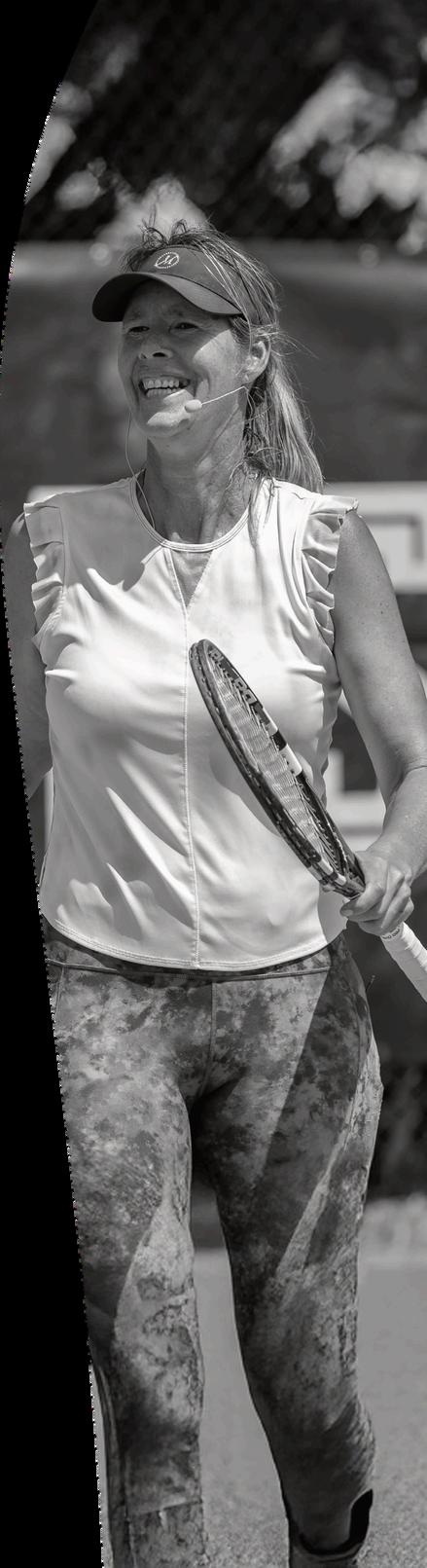


We built this profession nearly a Throughtrustedcertification, continuousprofessional development, career support, and a connected community we help racquet sports professionals turn passion into lasting impact century ago and we re setting the standard for what comes next. We don’t just certify. We develop professionals RSPA membership is more than a credential it’s a career pathway on and off the court.







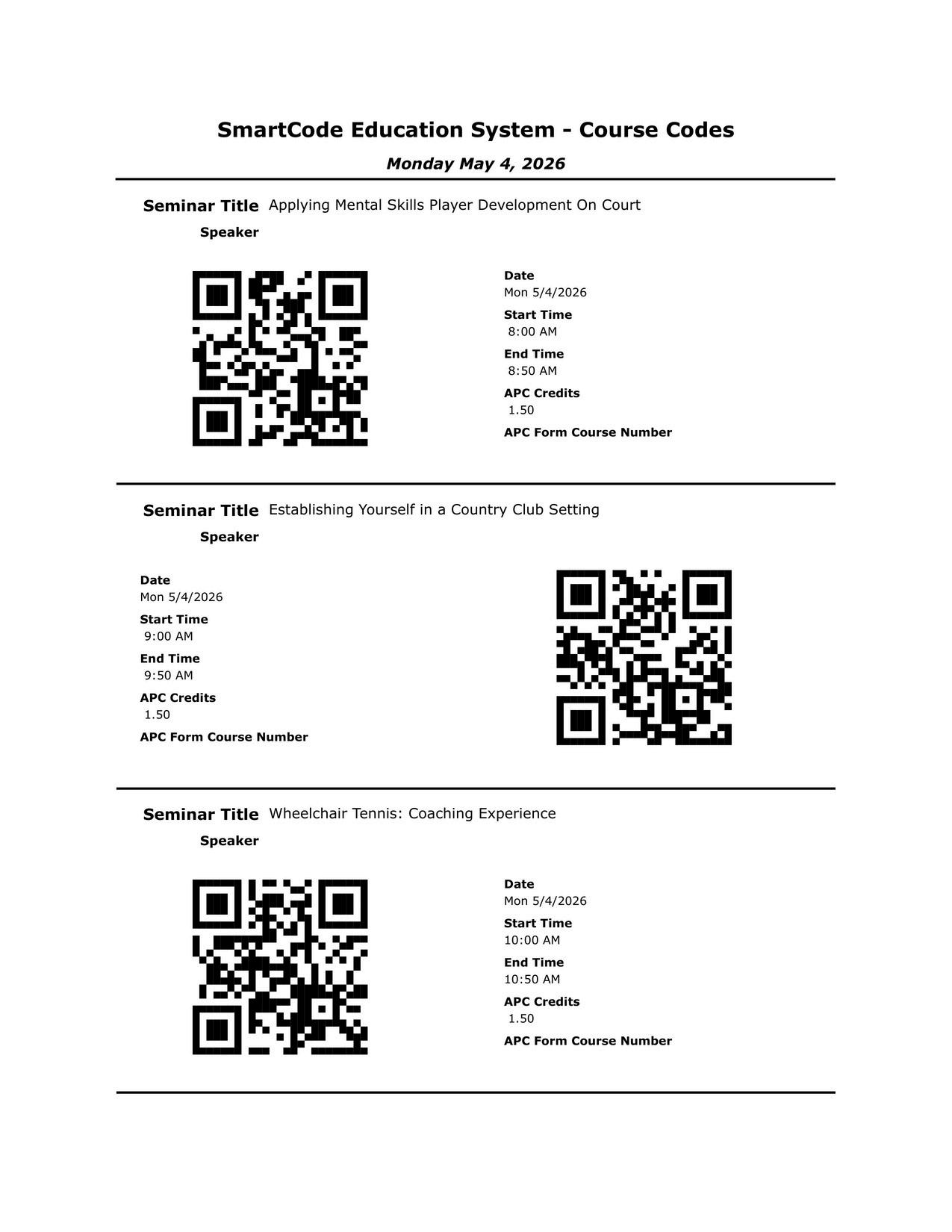
Session#7-8:00am-8:50am-ApplyingMentalSkillsPlayerDevelopmentOnCourt DAY2-Monday,May4 ,2026th




Howdowetrainordevelopmentalskillseffectivelyonthecourt?
TypesofMentalSkillsrequiredfortennis!
1. Maintaining Focus
2. Ritual & Routine
3. Instincts vs Reactions
4. Controlling Emotions
5. Handling Momentum Swings
6. Audience Suggestion
7. Audience Suggestion
OnCourtdrilltoworkonthatspecific
1. 1 ball warm up, eyes must stay on the court during drill/games
2. Develop players unique mantra/trigger as part of the serve and return routines
3. Hopman Drill - Saddlebrook (Live-Ball)
4. Money-ball drill
5. Momentum game with or without serve/return
6. Drill Based on suggestion
7. Drill Based on suggestion Q&A

DAY2-Monday,May4 ,2026th

Session#8-9:00am-9:50am-BuildingYourBrandandRunningHigh-DemandClinics


1.Be Patient
2.Maintain a Professional Presence
3.Seek Mentorship
4.Build Authentic Relationships
5.Commit to Continuous Learning
6.Work Hard and Stay Consistent
BuildingDemand:SmartGroupCreation&Scheduling
1.Build Around the Right People
2.Schedule Around Lifestyle
3.Create Scarcity
RunningHigh-DemandClinics
SECTION1—EveryMinuteMustHavePurpose
SECTION2—ProperFeedingIsEverything
SECTION3—CoachingWithoutStoppingtheFlow
SECTION4—SmartGrouping&CapacityControl
.
SECTION5—Atmosphere:Music&Energy
SECTION6—SafetyFirst
60vs90MinuteClinics
60Minutes
Faster pace
Higher intensity
2 main games
90Minutes
Slightly longer warm-up
3 games
More variation
Short hydration breaks
Closing
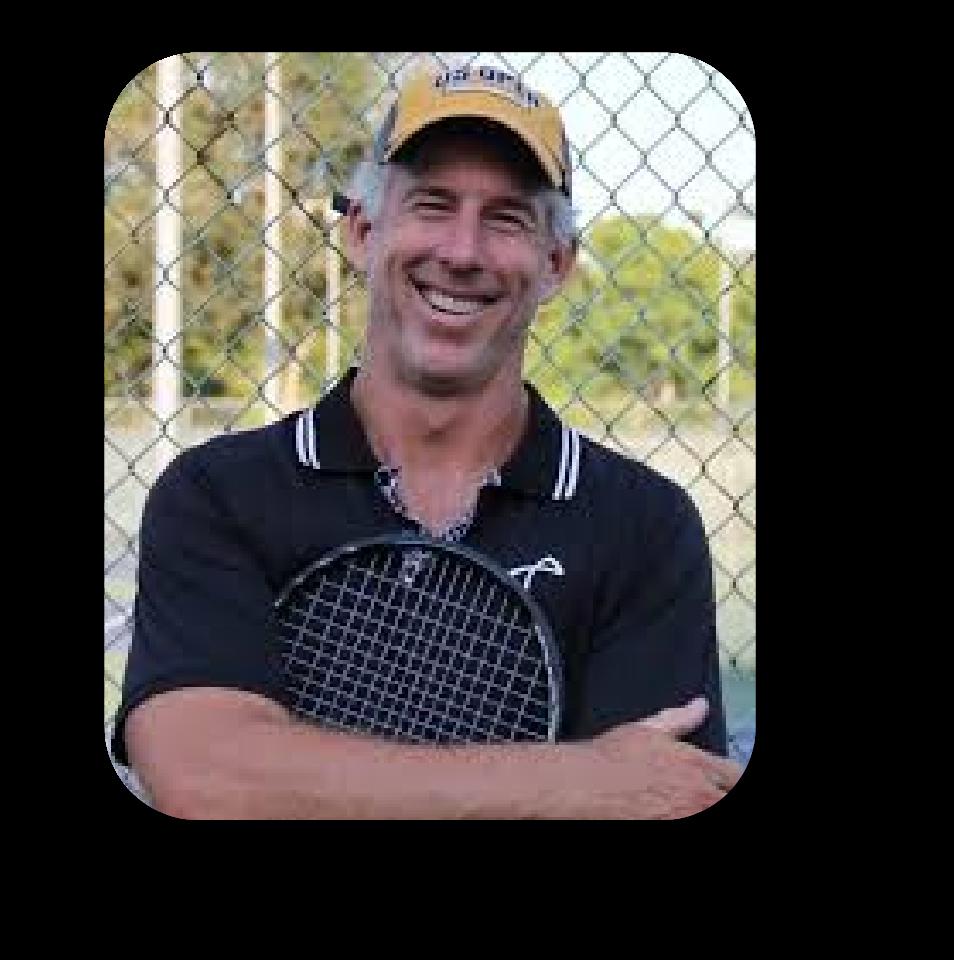
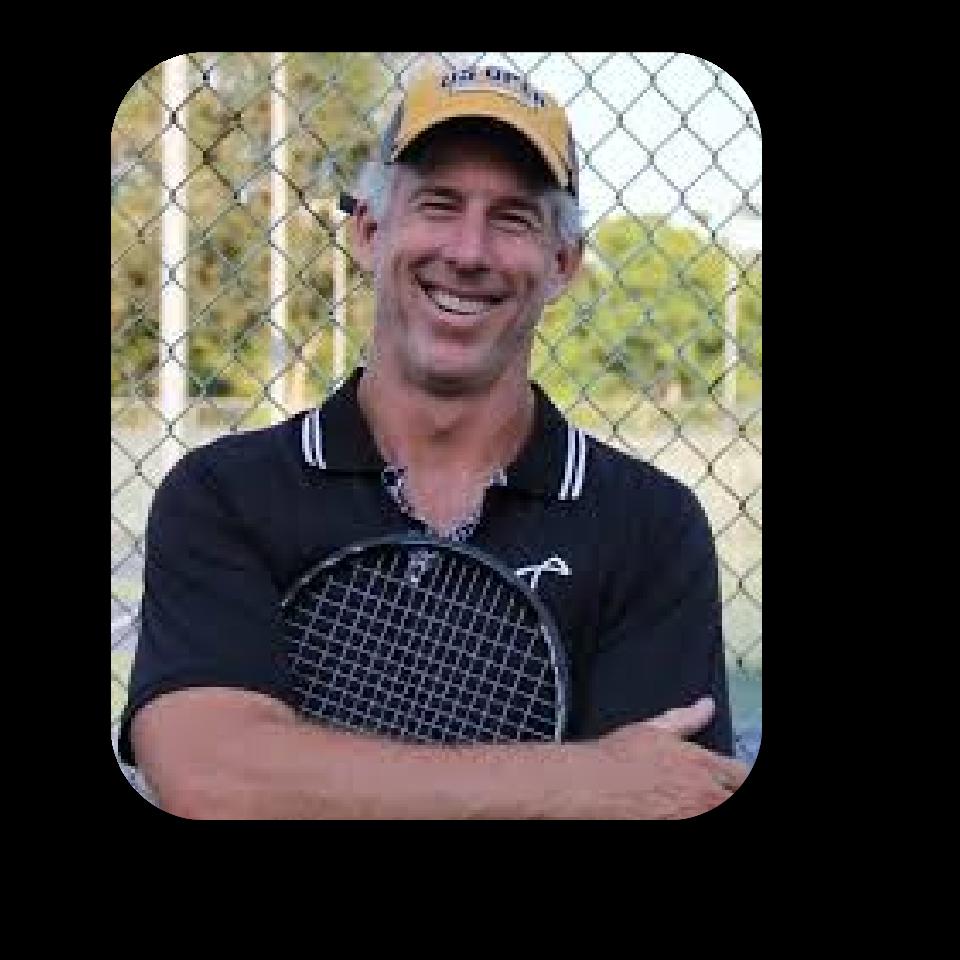
Session#9-10:00am-10:50am-AnIntimateConversationwithSoCalLegend,PeterSmith DAY2-Monday,May4 ,2026th


DAY2-Monday,May4 ,2026th
Session#10-11:00am-11:50am-TakingJuniorsThroughCollegeandBeyond
Session#11-1:00pm-1:50pm-Lesson-LearnedfromBuildingLosAngelesFirstPadelClub





Intro
TheLAPCjourney
IntroduceOwnership(Christ,Jennifer,Investors)andGM
Keymessage: “You’ll see why padel is addictive first… then we’ll break down how it becomes a business.”
PadelDemo
Show: rules in 60 seconds (underhand serve, walls in play, scoring like tennis).
ShotsofPadel:Wall Shots, Bandeja, Vibora, Portress how walls extend rallies why doubles spacing creates instant teamwork + fun how beginners can play quickly
Whypadelwins(experience→demand)
Explain: why people convert fast (low barrier, high fun, social format).
TheHook: how it pulls in tennis, pickleball, and non-racquet members. Concept: the retention flywheel — try it once → book again → bring friends → leagues → identity/community.
Businessmodel(howtostart)
Padelisgrowing(infancystage)
TheGoalofLAPC
Costs
Permit(particularinLosAngeles)
Revenuestreams:
• court bookings
• instruction
• leagues/ladders/tournaments
• events/corporate outings
• retail + F&B adjacency
Utilizationlogic: prime-time bookings drive viability; padel benefits from “social density” (more sharedsessions, more repeat play).
Implementationplan(howtolaunchit)
Staffing: who runs it (lead pro), how to train tennis pros into padel coaches, what the front desk needs for booking flow.
Programming:
•Intro clinics + “first-timer” sessions
•beginner league/ladder to lock in routine play with monthly social/tournament to create energy + visibility
Operationsbasics: SOPS software, equipment, onboarding, simple rules signage, booking.
Close+Q&A






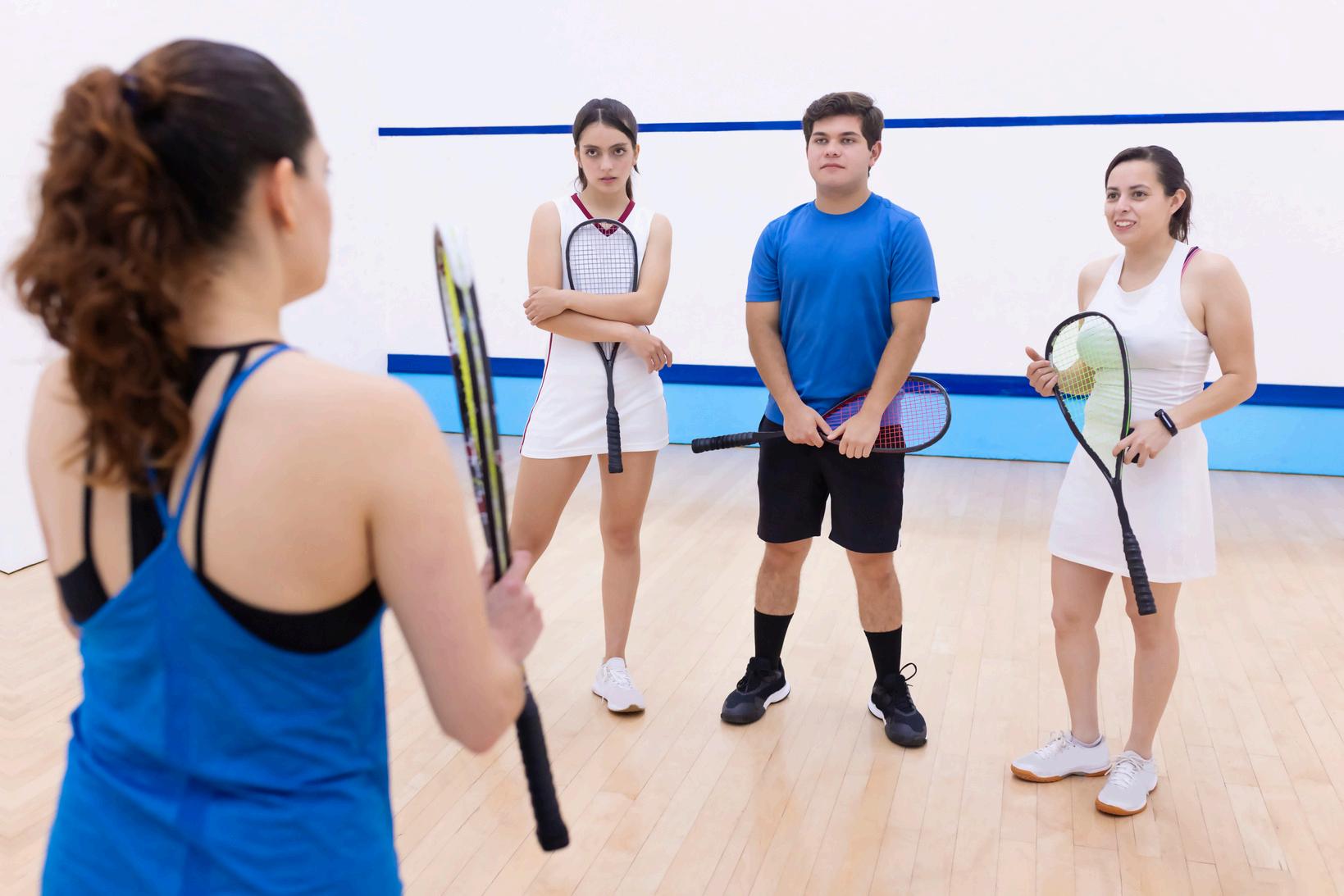
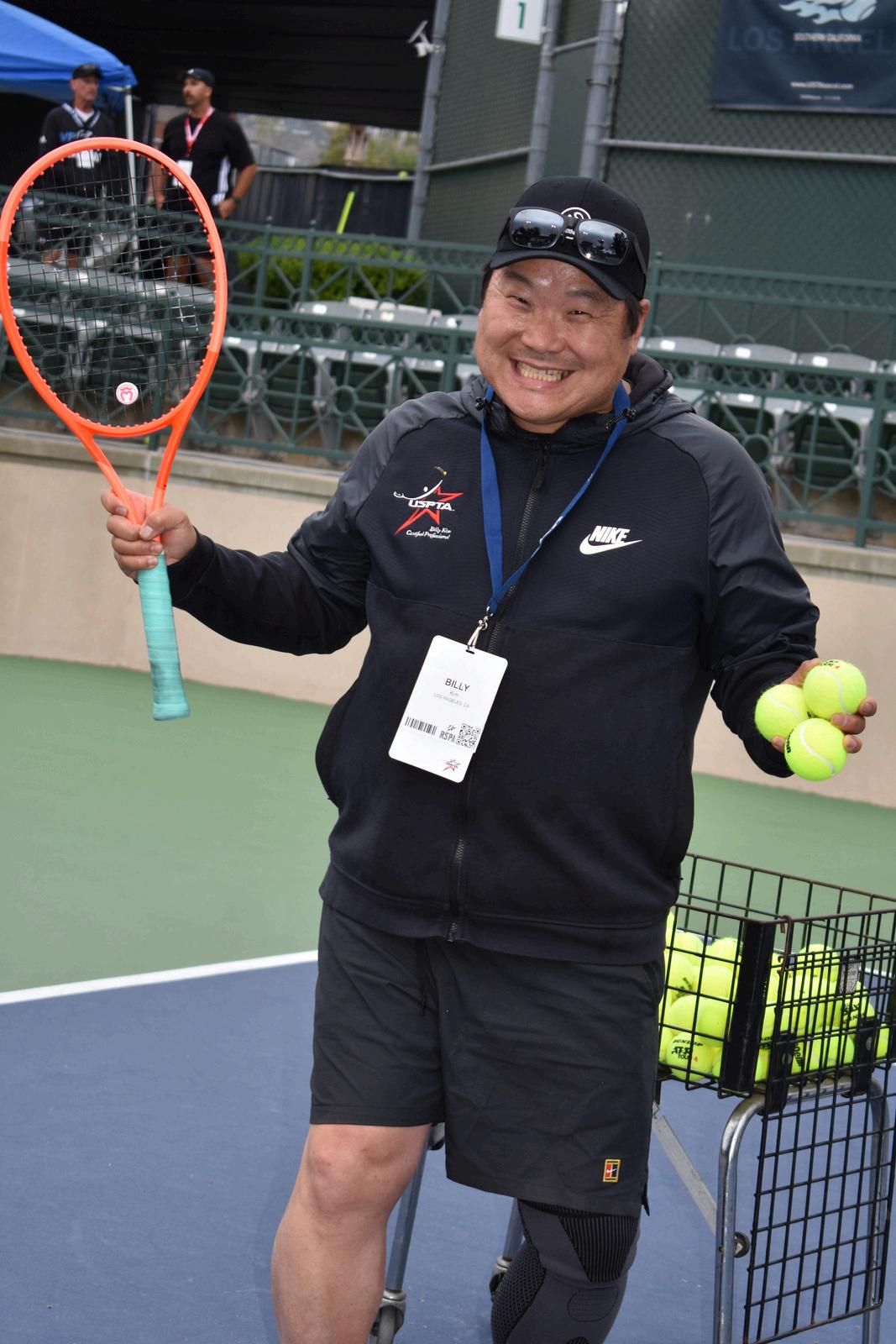
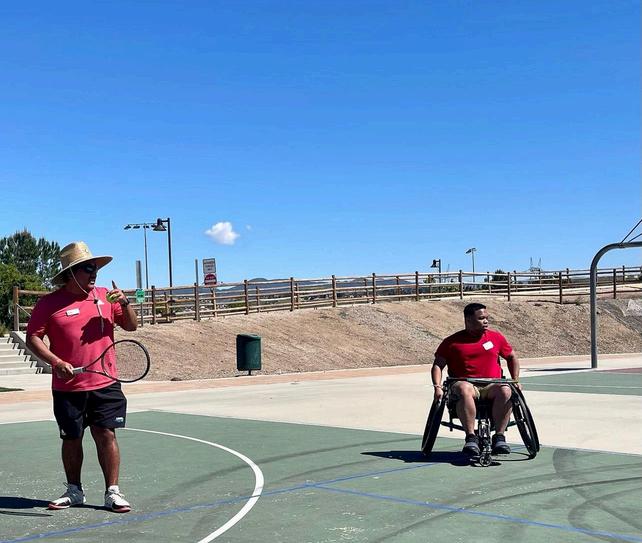
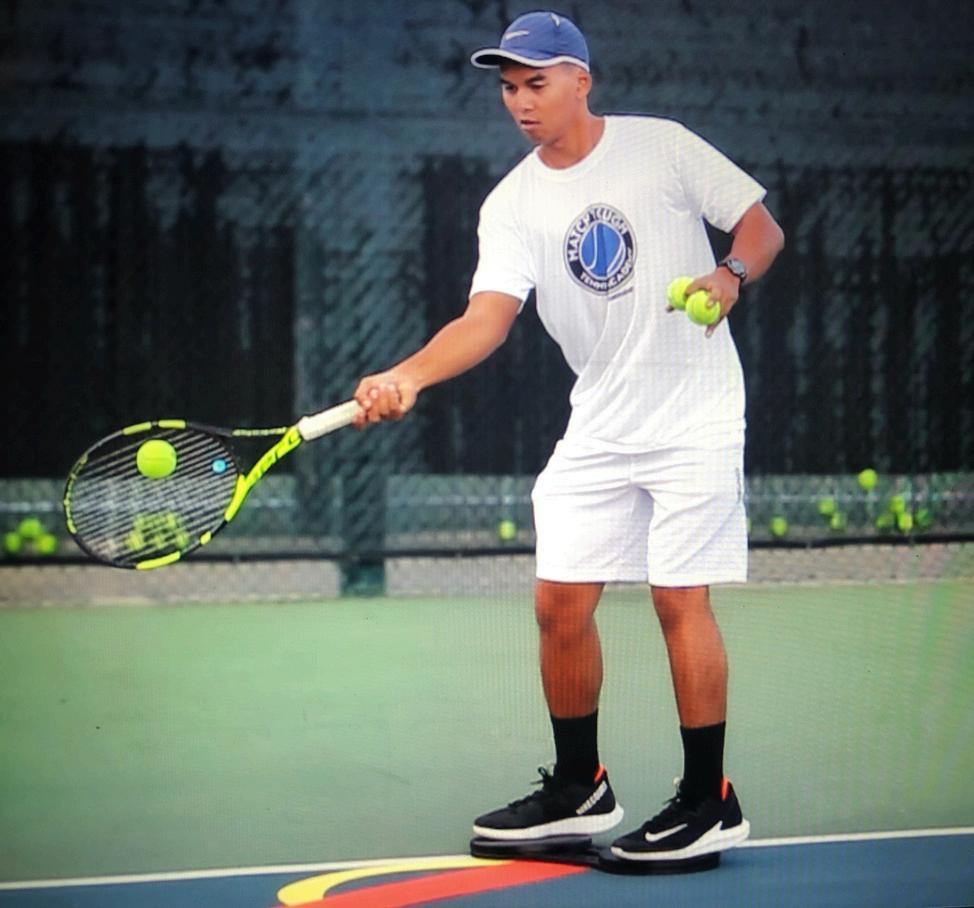
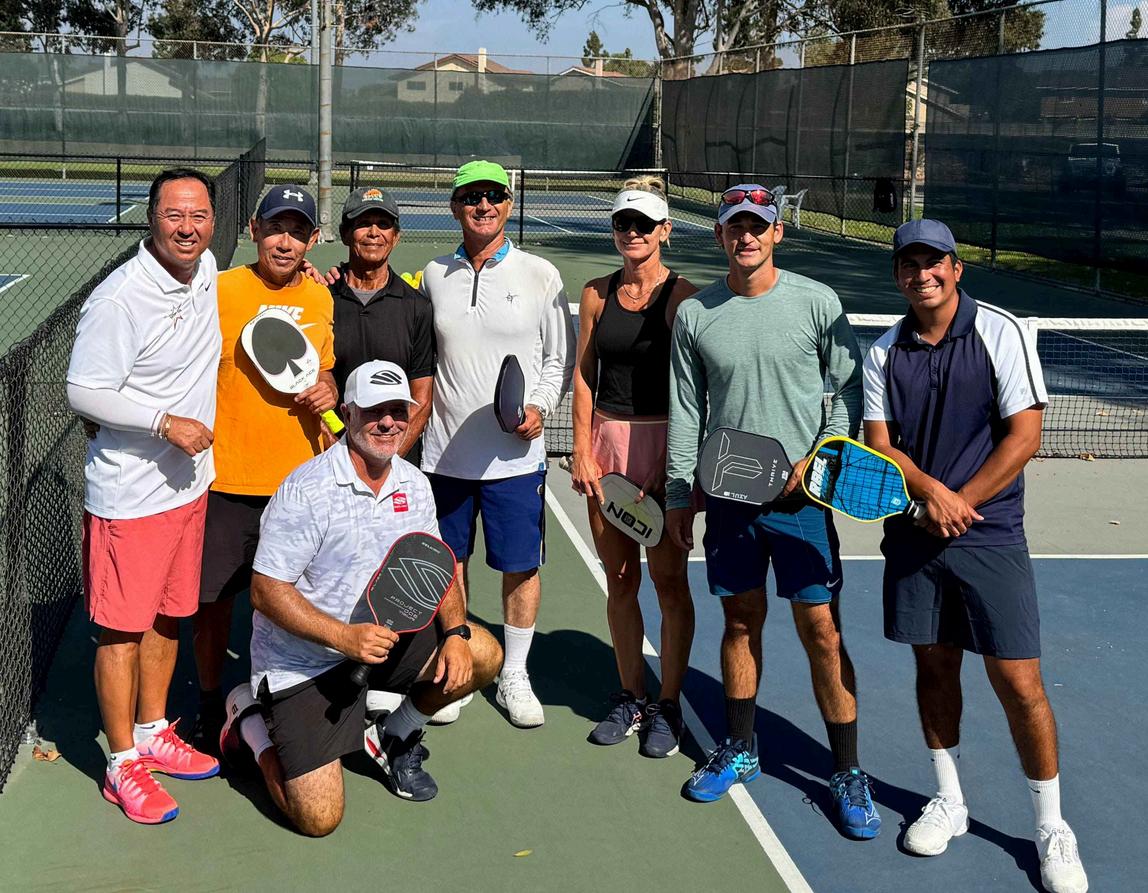
YOUR RSPA SOCAL DIVISION BOARD IS HERE FOR YOU!
Whether you have questions, need guidance, or just want to connect — We’re only a call, text or email away!
No concern is too small. We're committed to supporting our RSPA SoCal community — every step of the way!