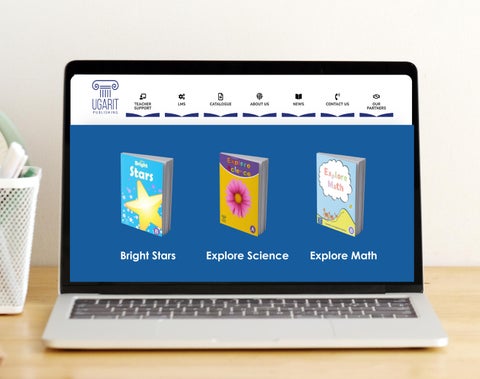
Explore Science Explore Math Bright Stars
Bright Stars
Explore Science
Explore Math
Dear Valued Educator, At UGARIT Publishing, teachers are more than educators—they are our valued partners. We stand side by side with you, placing your needs at the heart of every decision and keeping you in mind at every step we take. This brochure provides simple guidance on accessing the UGARIT Publishing LMS Platform, helping you make the most of our educational support for Bright Stars, Ecpore Maths, and Explore Science coursebooks.
Step by Step Guidance on how to access the online and digital resources
1. Go to www.ugaritpublishing.com 2. Click LMS
in the top menu.
3. On the LMS platform, click Log In.
Log in
4. Enter your username and password provided to you by the publisher.
5. Click My Courses to view your courses.
6. Click the course you want to access, then click View Course under the book title.
7. All units in the selected course will appear on the left. Click the the unit want to access,
8. Click Star Activity to begin interactive exercises.
9. A window will open where you can start the interactive activities and view the downloadable resources.
Downloadables to access the Teacher’s Guide, Worksheet, and Assessment. Interactive Activities to access all interactive excerices, videos, and other activities.
info@ugaritpublishing.com www.ugaritpublishing.com +971 54 484 3999
Better Education for Better Life