

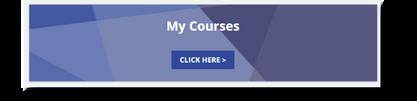
Step 1: Head to My Courses
Step 2: Find COMPLETED courses you don’t want to see anymore. This only works for COMPLETED Courses.
Step 4: Select Hide
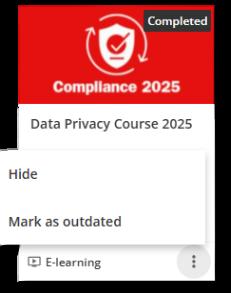
Step 3: Select the 3 dots (bottom right corner of the thumbnail)
Don’t worry – the course isn’t deleted, just neatly tucked away. You can bring it back anytime!