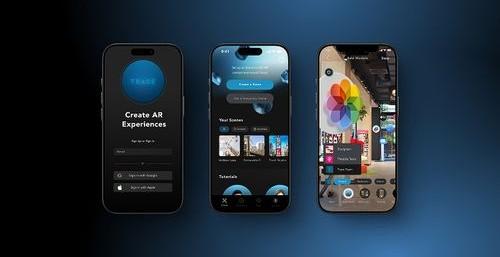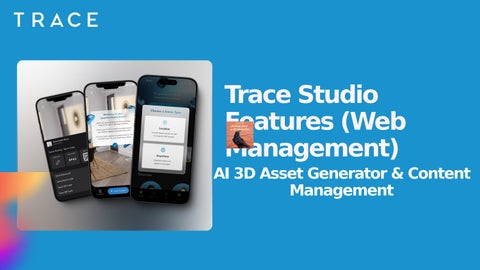

Trace Studio Features (Web Management)
AI 3D Asset Generator & Content Management
Efficient Content Management for 3D Assets
• Organize and manage 3D assets, images, videos, and AR content
• Centralized Content Library for easy access


Uploading Assets
Upload Assets
Easily
• Tap ‘Create New’ or drag files directly into your browser
• Supported formats: .glb, .jpg, .png, .mp4
Optimizing Assets for AR
Optimize File Sizes for Better AR Performance
• Images: Compressed JPEG/PNG, ≤2048x2048px, ≤2MB
• Videos: MP4 (H.264), ≤10MB per 30 sec
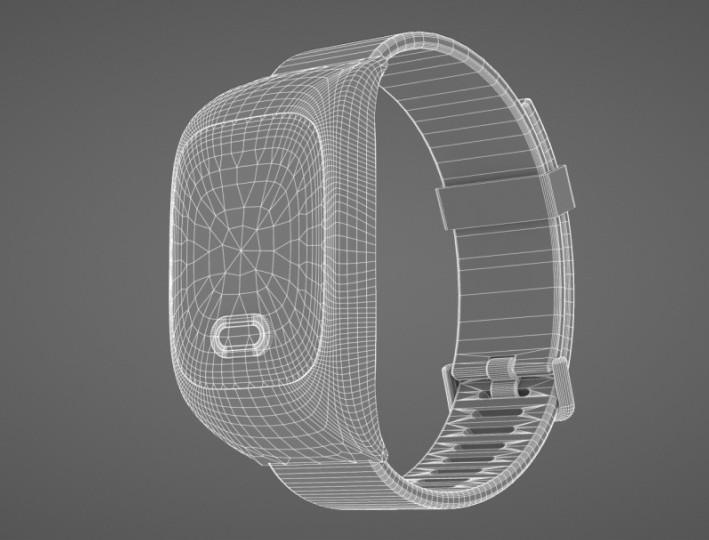
• 3D Models: GLB, ≤10MB, reduce polygon count
Organizing Folders & Assets
• Use folders and structured file names
• Assign assets/folders to the correct Teams
• Click the three-dot menu to rename, move, download, or delete Organize Your Assets Efficiently