How
Trac e Makes Creati ng AR Content wi th GLBs Easy

Platform Philosophy
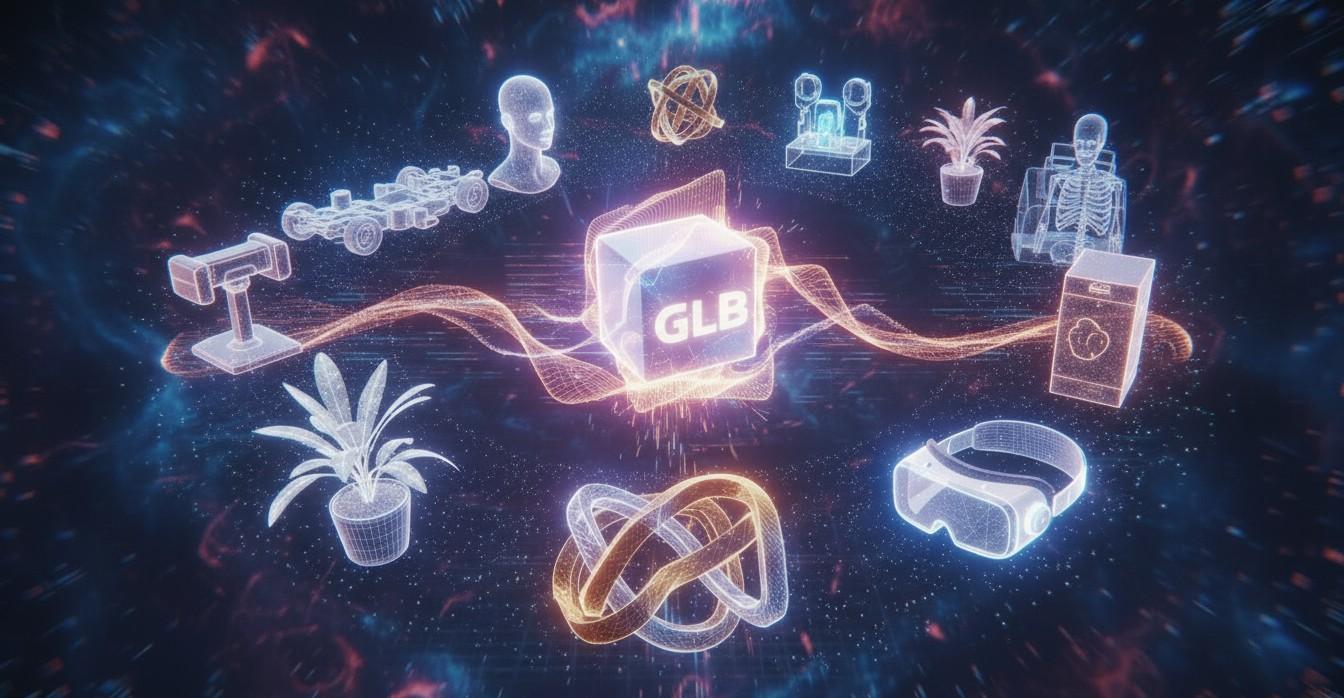
• Trace is built to remove friction in AR creation
• Designed for smooth compatibility across devices and use-cases
• Makes the entire GLB workflow simple and efficient
Easy GLB
Uploading
Upload → Auto-Optimize →
Create
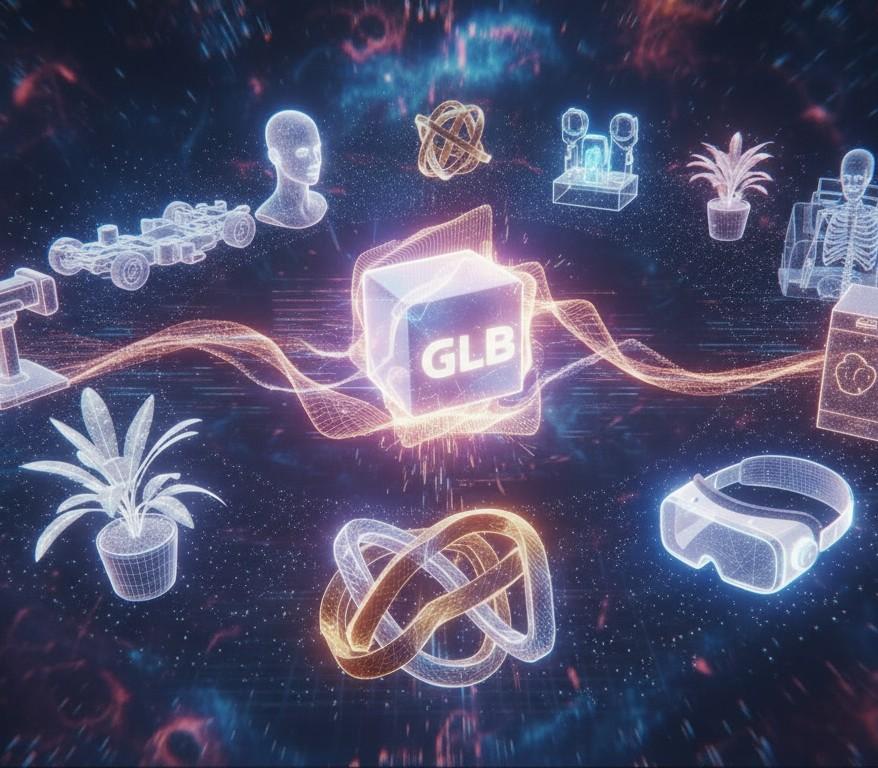
• Upload your GLB directly into Trace Studio
• Models are instantly optimized for mobile and headset performance
• No manual tweaking or complex setup required
Create in Trace Studio & Mobile App
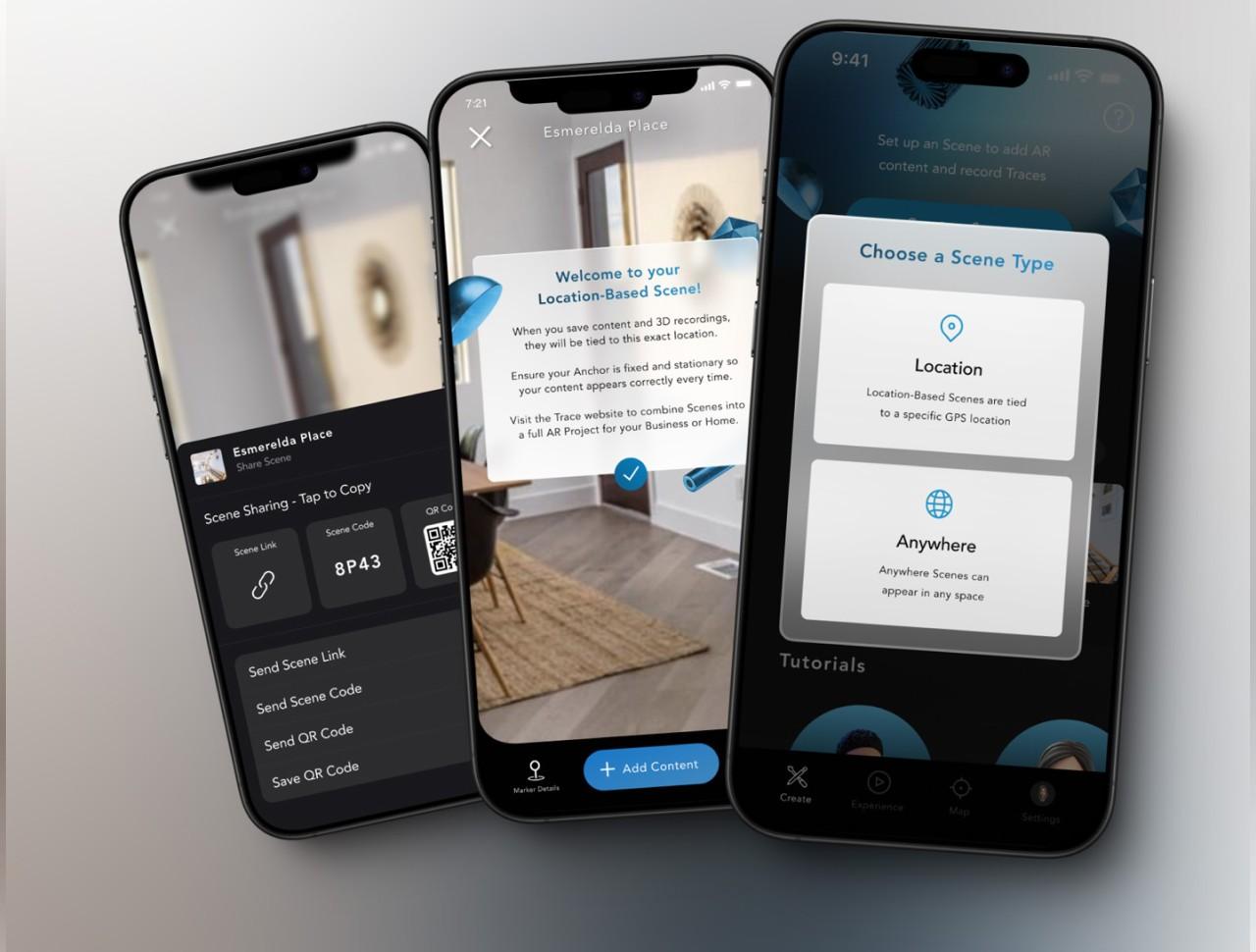
• Place, scale, rotate, and remix models with intuitive tools
• Build interactive AR scenes
• Works seamlessly on both lightweight mobile devices and robust AR headsets
Immersive AR Experiences
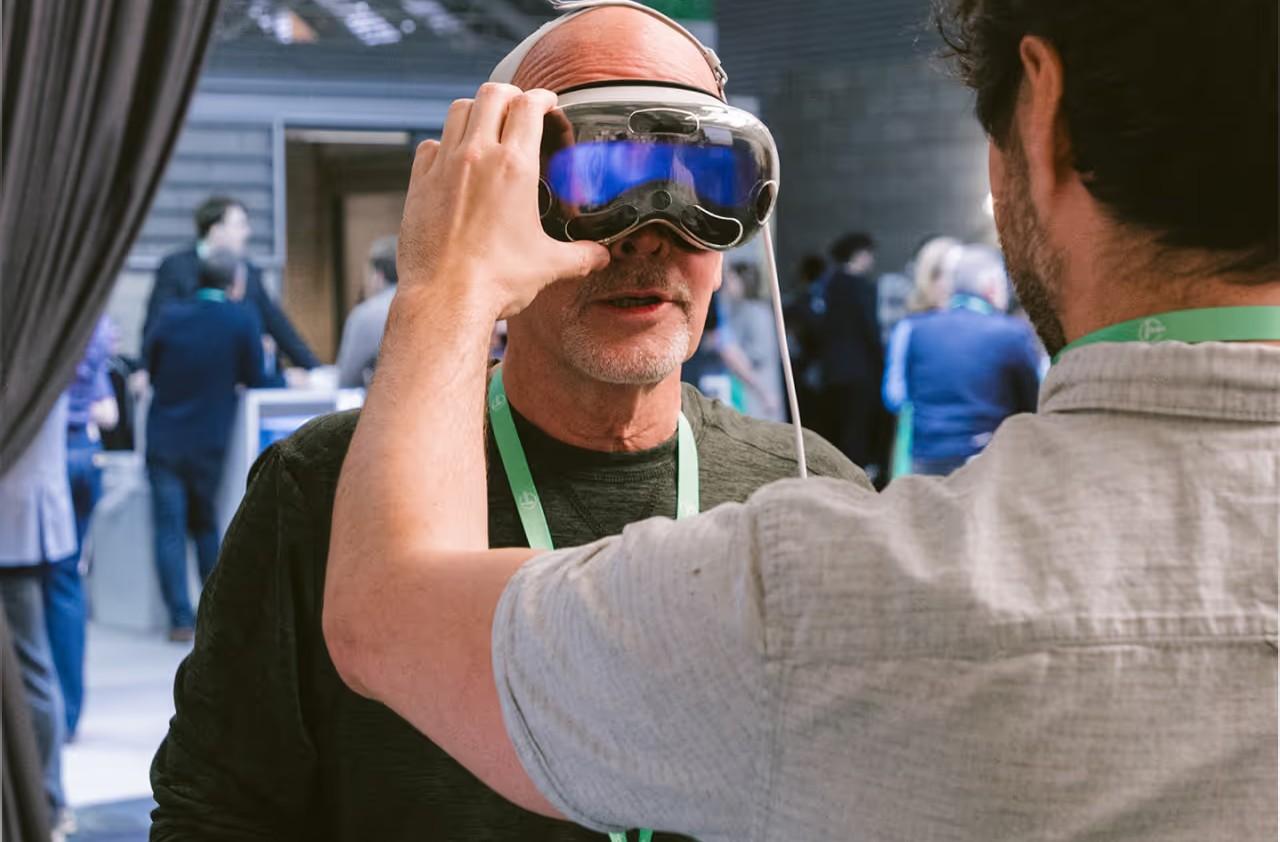
• Craft interactive worlds in minutes
• Smooth rendering across devices thanks to automatic optimization
• Ideal for demos, products, training, exhibitions, and more
Access to a Huge GLB Library
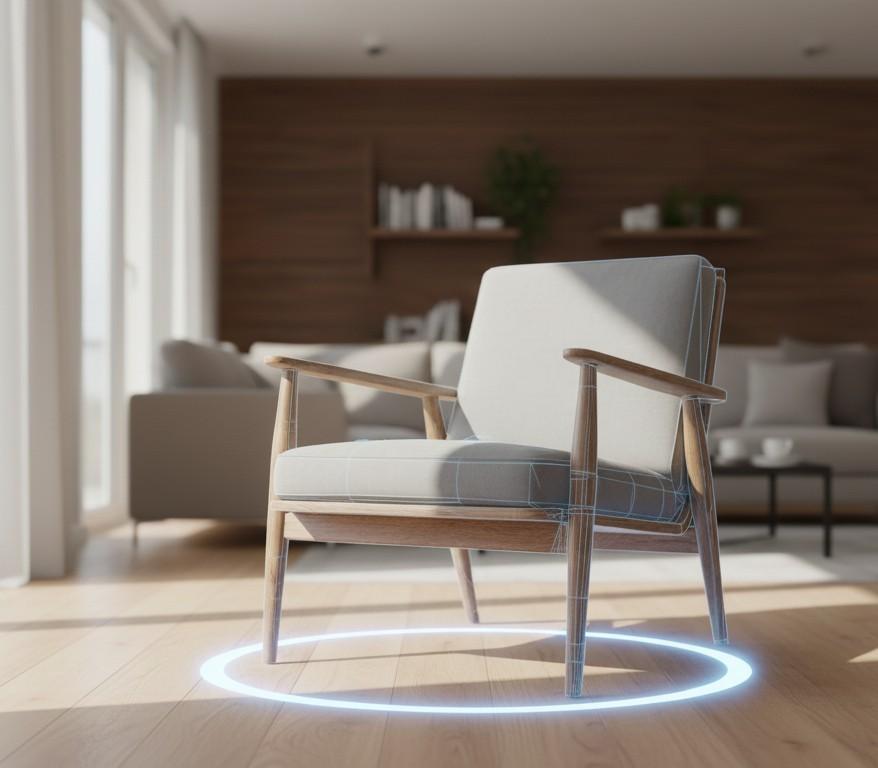
• Trace Library includes hundreds of free GLB files
• Icons, furniture, art, displays, and more ready to use
• Perfect for quick prototyping or enhancing existing projects
Built-In Best Practices
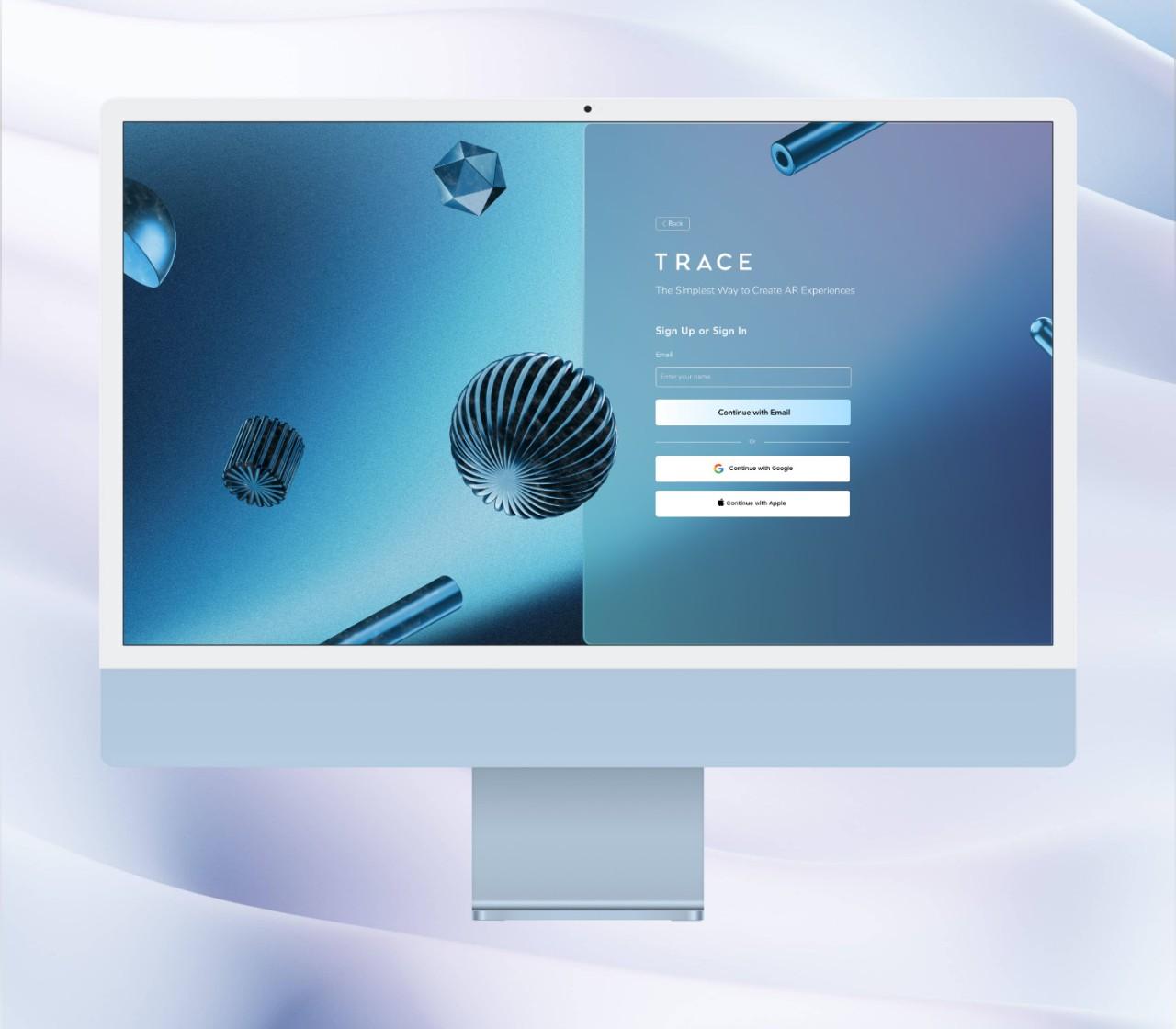
• All GLB files follow Trace’s Best Practices for AR Graphics
• Ensures models look great and perform smoothly
• You can apply these same standards to your own assets
Simple Workflow
• Create your account
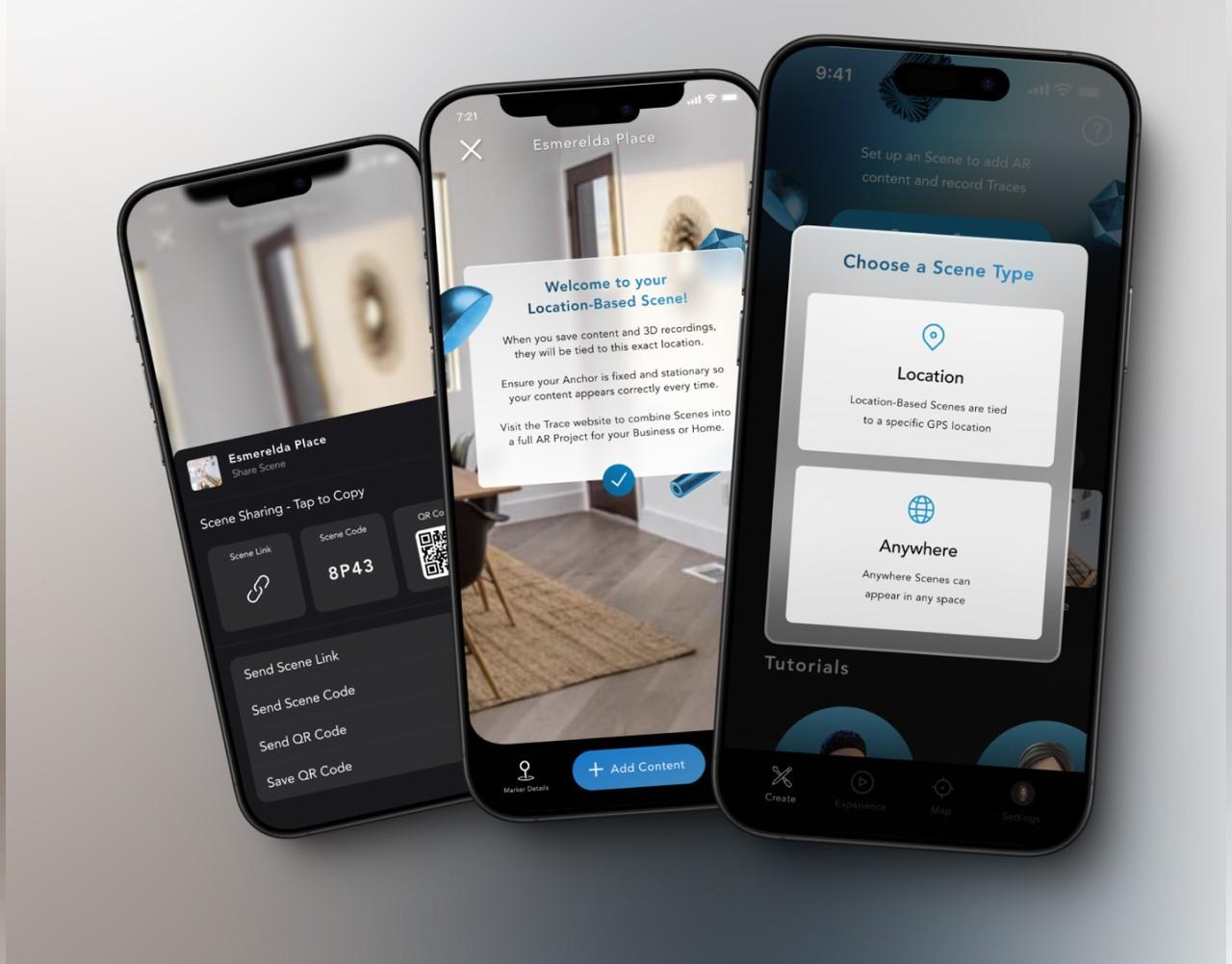
• Browse and add GLB assets to your workspace
• Open Trace Creator App
• Place, test, and interact with your AR models
Start Creating
Instantly
• No technical background required
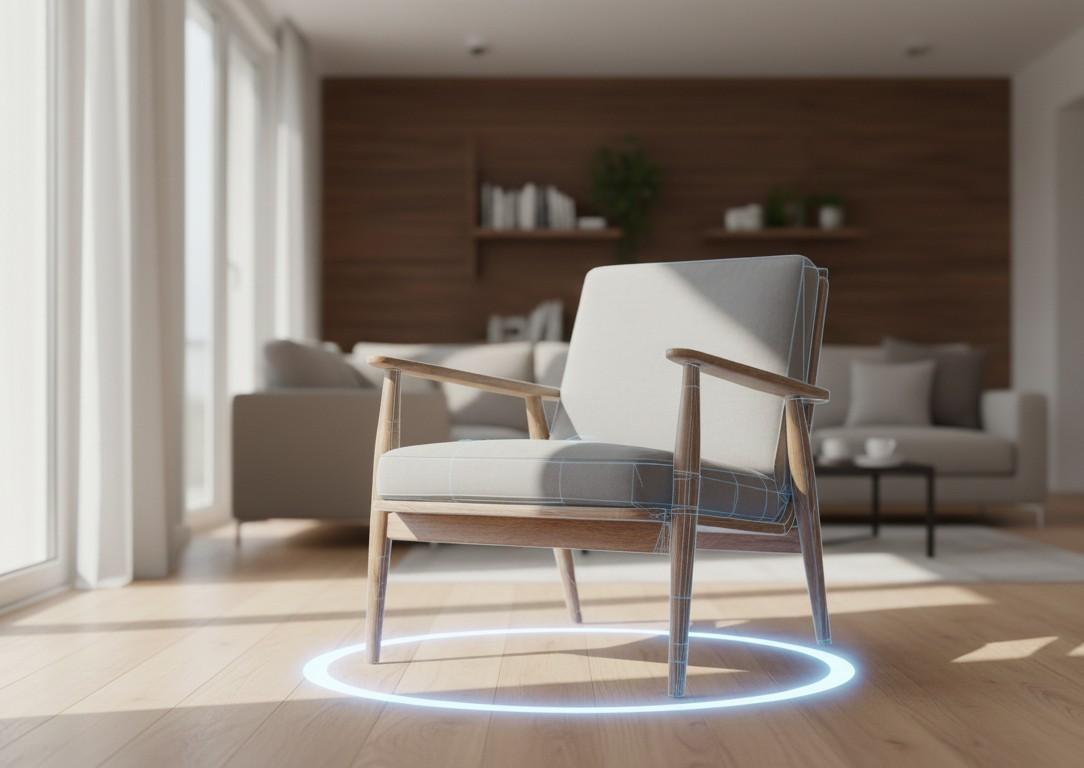
• A fast, frictionless path from GLB to immersive AR
• Trace brings professional AR creation to everyone