
How to create Smart+ Catalog Ads
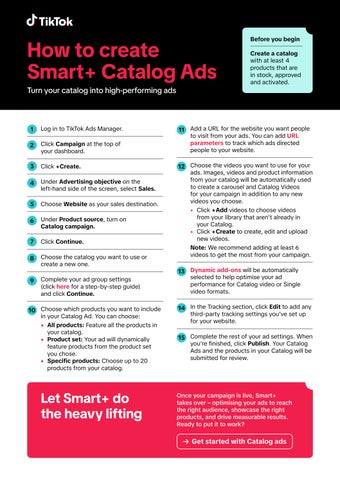
Log in to TikTok Ads Manager.
Click Campaign at the top of your dashboard.
Click +Create.
Under Advertising objective on the left-hand side of the screen, select Sales.
Choose Website as your sales destination.
Under Product source, turn on Catalog campaign.
Click Continue.
Choose the catalog you want to use or create a new one.
Complete your ad group settings (click here for a step-by-step guide) and click Continue.
Choose which products you want to include in your Catalog Ad. You can choose:
• All products: Feature all the products in your catalog.
• Product set: Your ad will dynamically feature products from the product set you chose.
• Specific products: Choose up to 20 products from your catalog.
Before you begin
Create a catalog with at least 4 products that are in stock, approved and activated.
Add a URL for the website you want people to visit from your ads. You can add URL parameters to track which ads directed people to your website.
Choose the videos you want to use for your ads. Images, videos and product information from your catalog will be automatically used to create a carousel and Catalog Videos for your campaign in addition to any new videos you choose.
• Click +Add videos to choose videos from your library that aren’t already in your Catalog.
• Click +Create to create, edit and upload new videos.
Note: We recommend adding at least 6 videos to get the most from your campaign.
Dynamic add-ons will be automatically selected to help optimise your ad performance for Catalog video or Single video formats.
In the Tracking section, click Edit to add any third-party tracking settings you’ve set up for your website.
Complete the rest of your ad settings. When you’re finished, click Publish. Your Catalog Ads and the products in your Catalog will be submitted for review.
Once your campaign is live, Smart+ takes over – optimising your ads to reach the right audience, showcase the right products, and drive measurable results. Ready to put it to work?