
MAINSTREAM Partner Portal
The MAINSTREAM Partner Portal is the hub designed for Event Managers to find all the information required for the MAINSTREAM Conference on 6-7 August 2026 at CENTREPIECE, Melbourne Park The below images are a guide to help you access the portal and highlight the areas that need to be completed before going onsite th
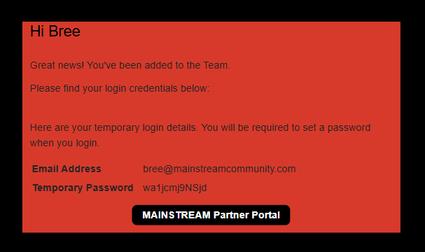
Step 1: You will receive an email from Sprintr with your temporary password and the link to access the Partner Portal
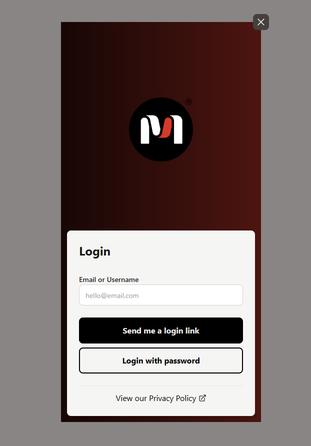
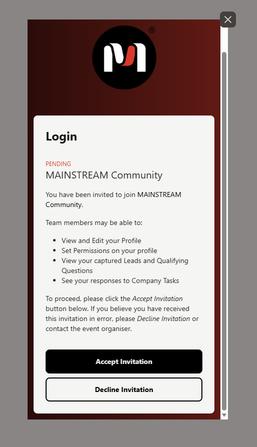
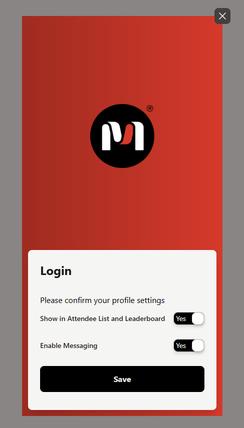
Step 2: You will be prompted to log in. Use your email address & the temporary password sent to you in the invitation email. Once logged in, accept the invitation to Join and ensure your privacy settings are correct
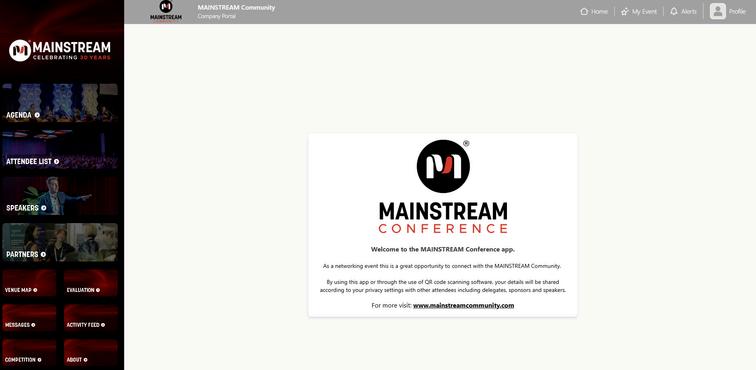
Step 3: You will be immediately directed to the portal homepage. This is the website version of the event app. From here you can use the left hand side naivigation menu to access the different areas of the MAINSTREAM Event App.
Please note: Content will be gradually added to the Event App in the lead up to the event. Due to strict GDPR laws, we are unable to send attendee details to Partners prior to the event The Speakers & Delegates will be uploaded to the MAINSTREAM Event within 2 weeks of the event. IF the attendees wish to have their details public, you will be able to see those details then Otherwise the scanning functionality within the app is the only contact sharing platform.
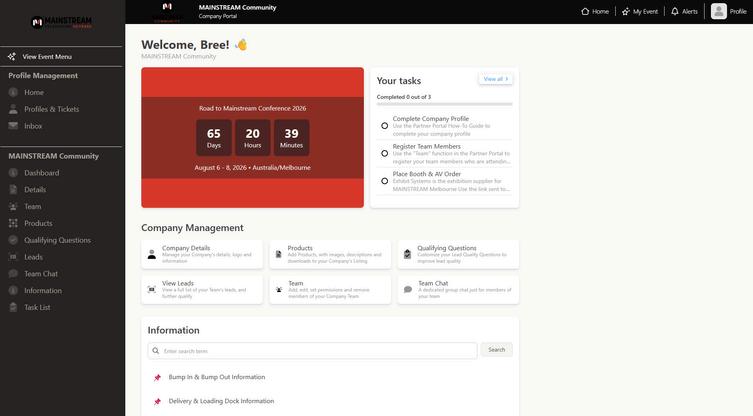
Step 4: Find your specific Partner Portal in the top left corner of the portal homepage to access the back end of your company’s profile within the Event App In this area, you’ll be able to complete your company profile, register your attending team members, complete tasks and find all information needed for the event. Take note of the task deadlines regarding your company profile & team registrations
For examples, find the MAINSTREAM Community & Asset Schools profiles via the portal homepage navigation menu > partners
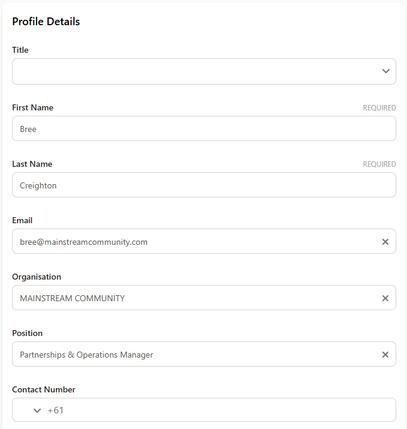
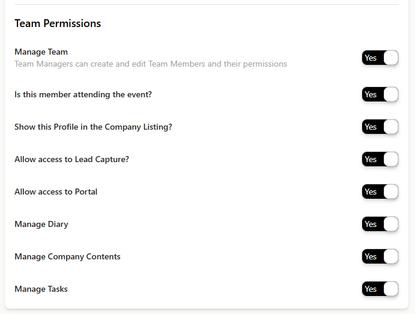
Step 5: When adding team members, ensure all details are correct and filled out correctly as this is what will be available for all MAINSTREAM Conference attendees Ensure their permissions are all set to YES to allow for full access to the MAINSTREAM Event App
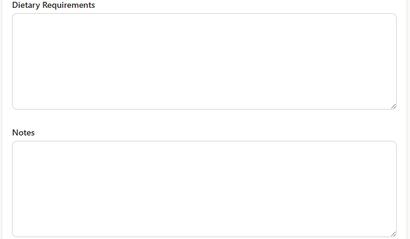
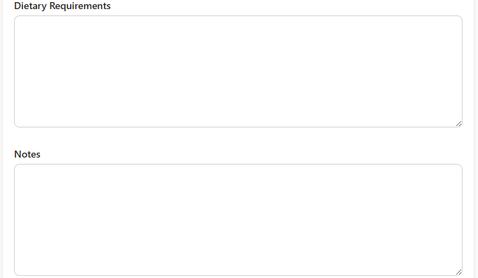
For those who need access to the MAINSTREAM Partner Portal for completing company profiles, registering team members OR accessing lead scans but are NOT attending MAINSTREAM - please put in the NOTES section “Not attendingneeding access for XYZ” so we can ensure your access is correct