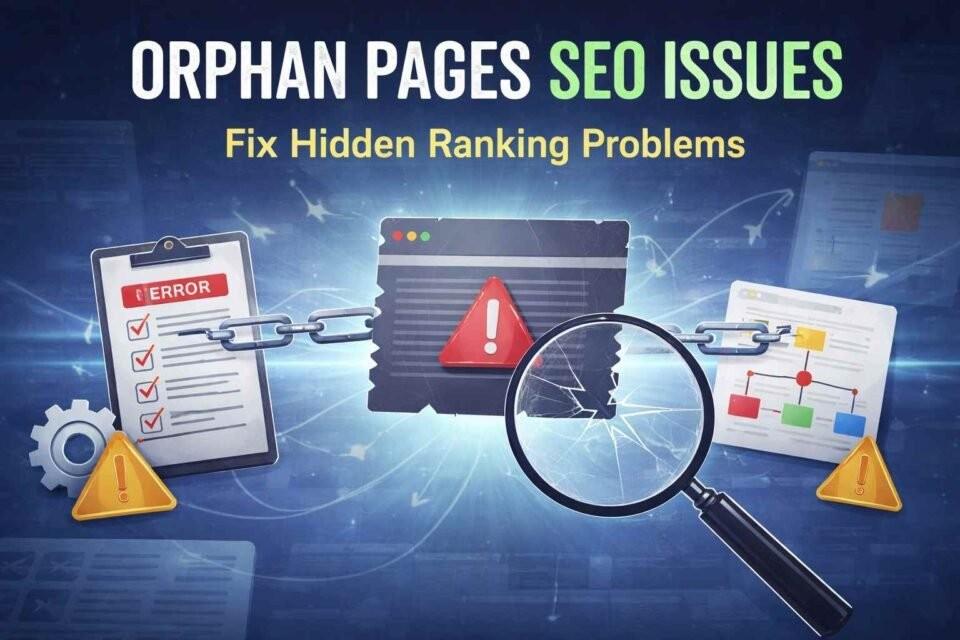
Orphan pages are web pages that have no internal links pointing to them from other pages on your website. Because search engines and users cannot easily discover these pages, orphan pages often receive little to no traffic and can negatively impact your site’s SEO performance. Learning how to find orphan pages is an important step in improving crawlability, indexing, and overall site structure.
What Are Orphan Pages?
Orphan pages are pages that exist on your website but are not linked from any other internal page. Since internal links help search engines discover and understand your content, orphan pages are usually:
Hard for users to find
Less likely to be crawled by search engines
Poorly indexed or completely ignored
These pages often remain hidden unless accessed directly through a URL, sitemap, or external link.
Why Finding Orphan Pages Is Important for SEO
Understanding how to find orphan pages helps you:
Improve website crawl efficiency
Strengthen internal linking structure
Increase organic visibility of hidden pages
Fix wasted or underperforming content
Enhance user navigation and experience
Removing or properly linking orphan pages ensures that every valuable page contributes to your SEO strategy.
How to Find Orphan Pages Using Google Search Console
One of the easiest ways to find orphan pages is through Google Search Console.
Steps:
1. Open Google Search Console
2. Go to the Pages or Indexing report
3. Export the list of indexed URLs
4. Compare this list with URLs found in your internal crawl
Any page that appears in Search Console but not in your internal link list is likely an orphan page.
How to Find Orphan Pages Using SEO Tools
Several SEO tools can help you identify orphan pages quickly.
Popular tools include:
Screaming Frog
Ahrefs
SEMrush
Sitebulb
Method:
1. Crawl your website to get all internally linked pages
2. Import your XML sitemap and Google Analytics data
3. Compare indexed URLs vs crawled URLs
4. Pages present in the sitemap but missing from crawl data are orphan pages
This method is very effective for large websites.
How to Find Orphan Pages Using XML Sitemap
Your XML sitemap contains a list of all important pages on your site.
Process:
Export all URLs from the XML sitemap
Crawl your website to get all internally linked URLs
Compare both lists
Any URL in the sitemap but not in the crawl list is an orphan page.
How to Fix Orphan Pages After Finding Them
Once you know how to find orphan pages, the next step is fixing them.
Best practices:
Add relevant internal links from related pages
Include them in navigation or category pages
Update outdated or thin content
Remove low-quality or unnecessary pages
Ensure every important page has at least one internal link
This helps improve both SEO performance and user experience.
Final Thoughts on How to Find Orphan Pages
Learning how to find orphan pages is essential for maintaining a healthy website structure. Regularly auditing your site for orphan pages helps search engines crawl your content efficiently and ensures no valuable page is left behind.
Contact Us: thallalokesh@gmail.com
Read More: https://www.thallalokesh.com/