Automating Your World with Python Scripts
Transform repetitive tasks into efficient solutions with the power of Python.
Boost your productivity through smart programming and unlock new possibilities in automation.

by Ozías Rondón


Transform repetitive tasks into efficient solutions with the power of Python.
Boost your productivity through smart programming and unlock new possibilities in automation.
by Ozías Rondón
Hours Saved Weekly
Reclaim your time from repetitive tasks 90%
Error Reduction Minimize mistakes through consistent processes
3x Efficiency Boost Accomplish more with automated workflows

The process of making tasks run without manual intervention. It transforms repetitive work into consistent, reliable processes.
• Data processing tasks
• Reporting workflows
• System monitoring
• Content management
Python combines simplicity with power, making it ideal for beginners and experts alike. Its flexibility works across personal and professional domains.


Python reads like English, making it approachable for beginners.

Thousands of pre-built packages for virtually any task.

Cross-Platform Compatibility
Works on Windows, Mac, Linux, and more.

Zero cost to get started with a supportive community.
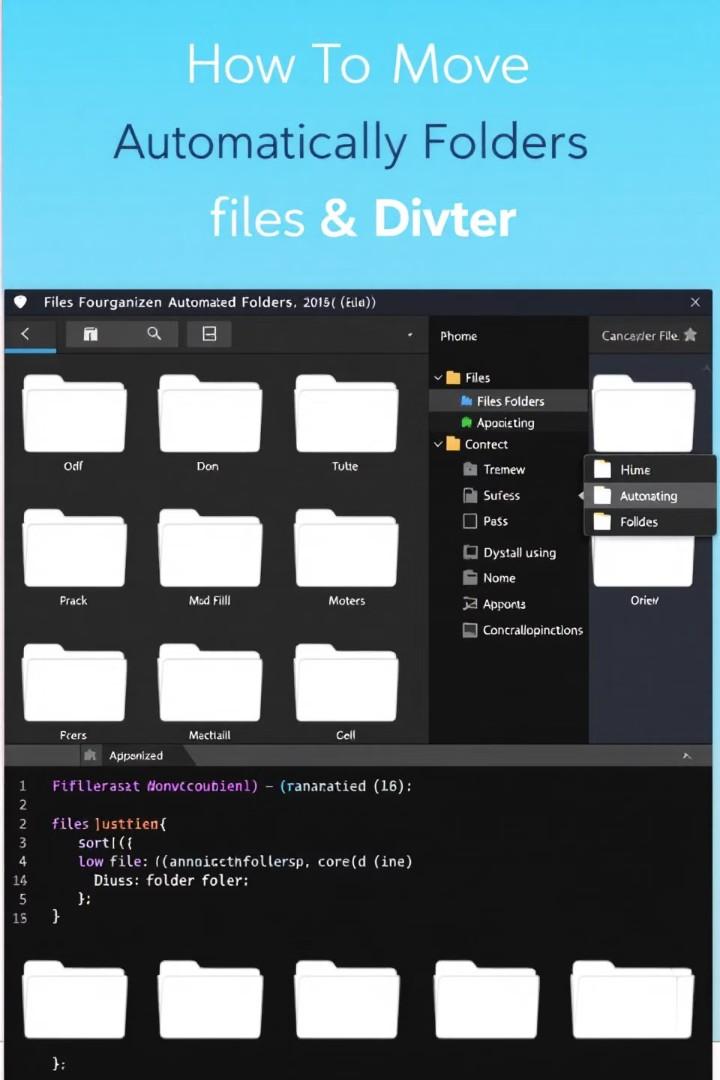
Create scripts that organize files by type, date, or content.
Keep your digital workspace tidy without manual effort.
Rename hundreds of files in seconds with custom patterns.
Add dates, sequence numbers, or format corrections automatically.
Find and remove duplicate files to free up storage space.
Compare by content, not just filenames, for accuracy.
Set up automatic backups of important folders and files.
Ensure data safety without remembering to manually save.





Access Web Data
Python connects to websites just like a browser would.
Extract Information
Pull specific data from complex webpages automatically.
Organize Results
Arrange scraped data into usable formats like CSV or Excel.
Schedule Updates
Monitor price changes or content updates automatically.


Email Dispatching
Send personalized messages to multiple recipients automatically


Sort incoming messages based on content and importance


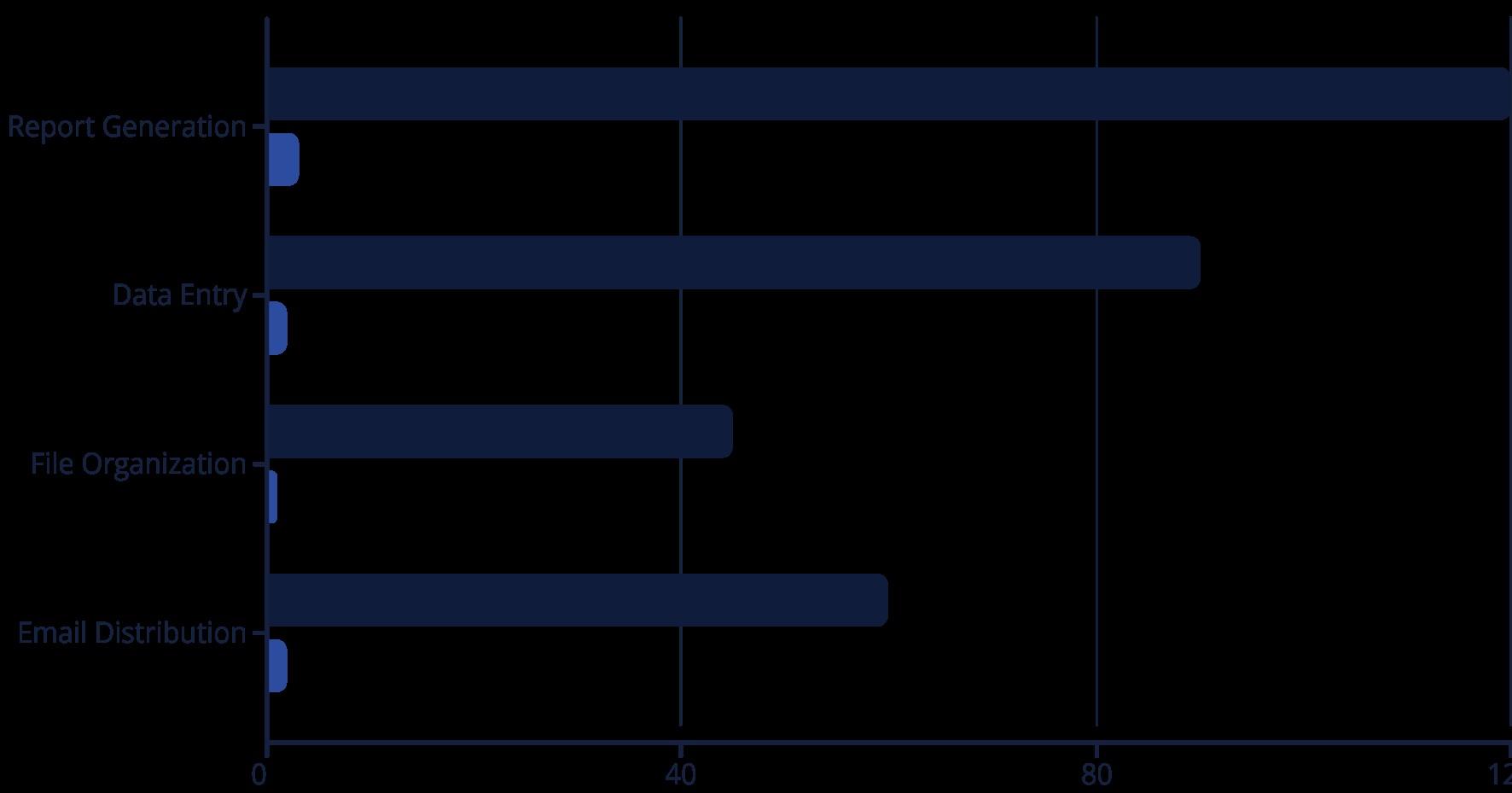
Report Generation
Create and distribute regular reports without manual work


Scheduling
Time communications for optimal delivery and response
Resource Tracking
Monitor CPU, memory, and disk usage in real-time.
Performance Optimization
Identify bottlenecks and automate resource allocation.


Get notified when metrics exceed defined thresholds.
Log Management
Parse and analyze log files for important patterns.


Data Import
Automatically pull data from various sources
Clean and Transform
Fix formatting issues and prepare for analysis

Generate Reports
Create visual summaries with charts and insights

Export Results
Send to databases or distribute as needed

Create desktop tools that display information you need regularly.
Build personalized dashboards for tracking important data.

Store multiple clipboard items and recall them when needed. Format pasted text automatically for consistency.

Capture screenshots on schedule or based on Recordtriggers.screen activities for documentation or sharing.

Create custom alerts for important events or deadlines. Get reminded when conditions you specify are met.
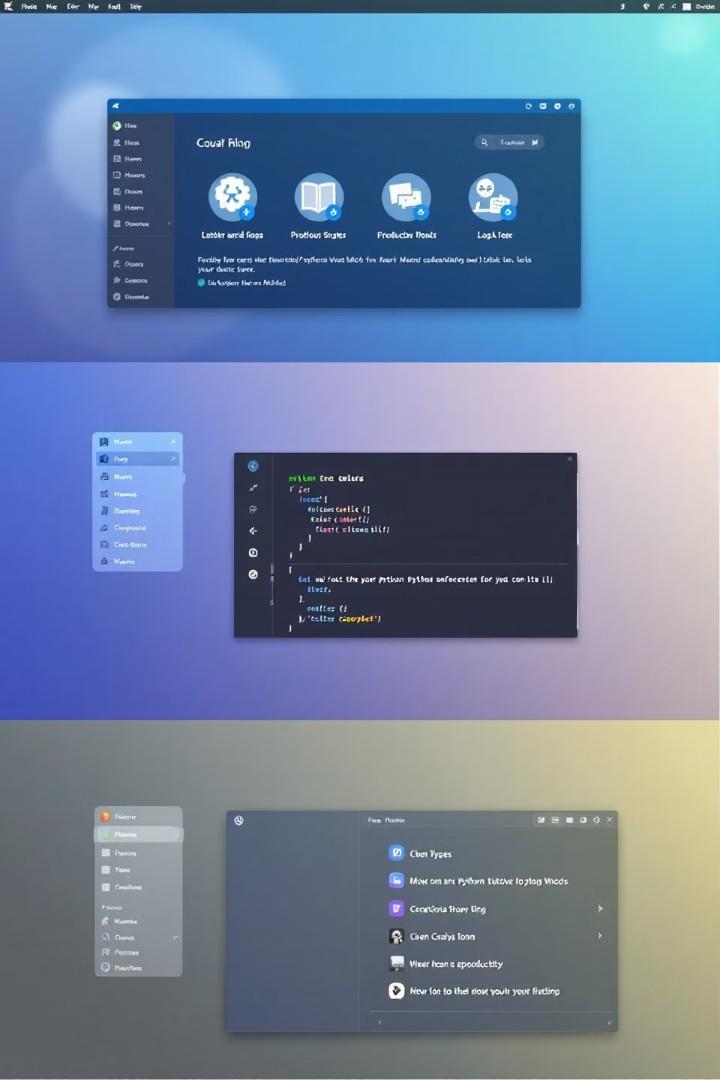

Content Scheduling
Plan and schedule posts across multiple platforms at optimal times.

Analytics Tracking
Collect engagement metrics and generate performance reports automatically.

Content Management
Organize media files and track publishing history effortlessly.

Engagement Monitoring
Track mentions, comments, and interactions across platforms.

Cloud Storage
Automate file uploads and synchronization
Webhook Integration

Trigger actions when external events occur

API Connections
Bridge between different web services
Data Synchronization
Keep information consistent across platforms

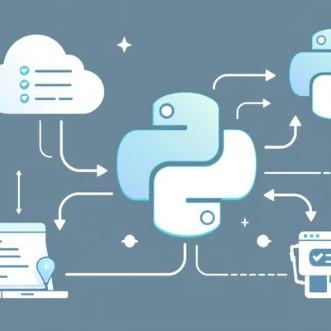


These powerful libraries extend Python's capabilities. Each one specializes in different automation tasks.
Combining them creates robust, efficient automation solutions for any challenge.
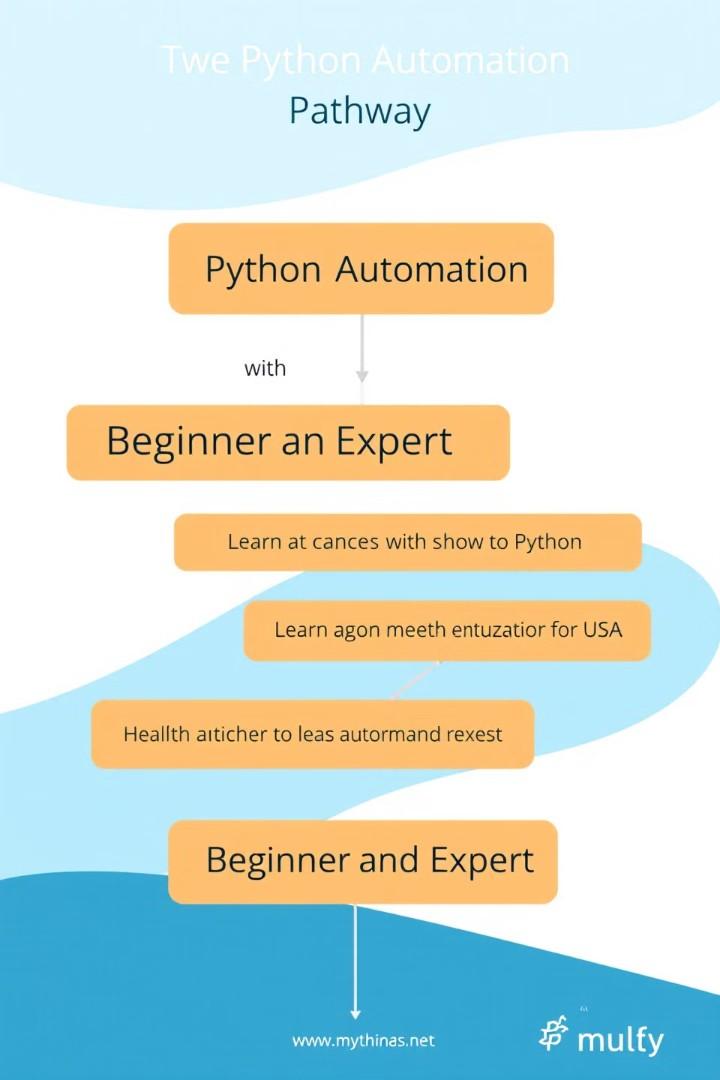
Python Fundamentals
• Master basic syntax and data structures
• Learn flow control and functions
• Understand object-oriented principles
Scripting Techniques
• Work with files and folders
• Process command-line arguments
• Handle errors effectively
Library Specialization
• Learn task-specific libraries
• Apply best practices and patterns
• Build complete automation solutions

Scripts must gracefully manage unexpected situations.
Implement try-except blocks to prevent crashes and log issues.
Protect sensitive data in your automation scripts.
Use environment variables for credentials and encryption when needed.
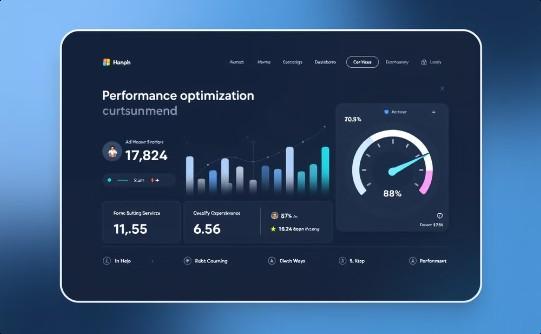
Ensure scripts run efficiently with minimal resources.
Use profiling tools to identify and fix bottlenecks.
Development Environments Visual Studio Code, PyCharm, Jupyter Notebooks
Learning Platforms Udemy, Coursera, Real Python, DataCamp
Code Repositories GitHub, GitLab, Bitbucket
Community Support
Stack Overflow, Reddit
r/Python, Discord groups
Documentation Python.org, ReadTheDocs, Library-specific resources


Learn the fundamentals and build practical skills.

Apply automation to your daily tasks and projects.

Add valuable skills to your professional portfolio.

Keep learning and refining your automation expertise.
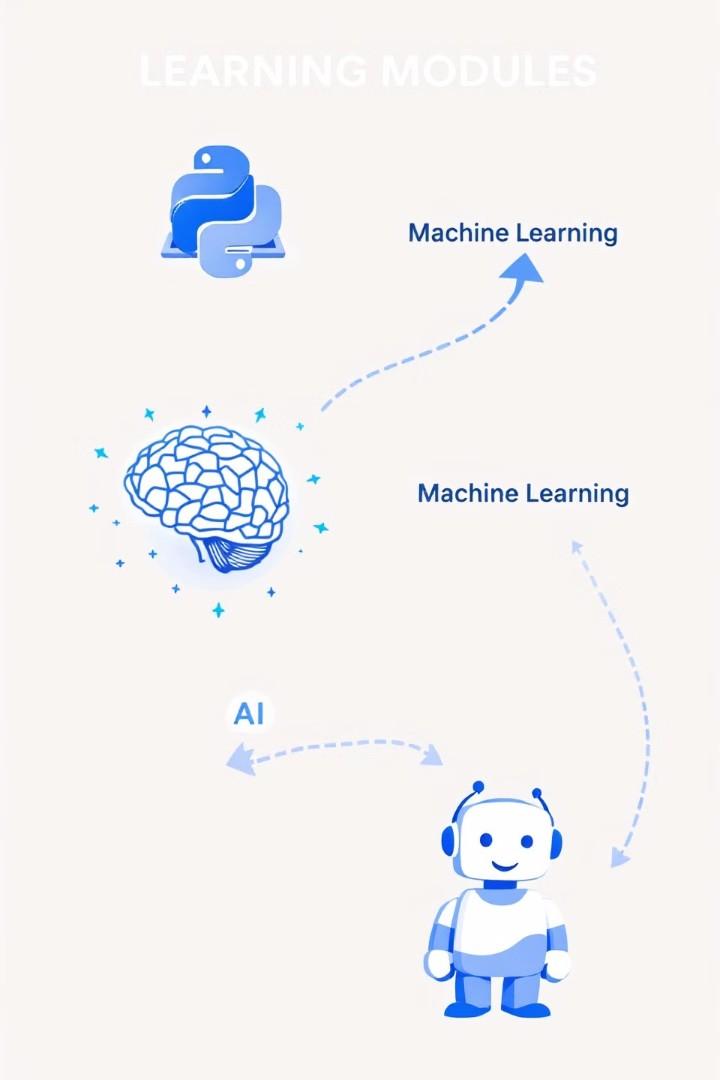
Access 200+ hours of expert-led video content.
Master everything from Python basics to advanced AI concepts.
Build real-world automation solutions as you learn.
Create a portfolio of work to showcase your new skills.
Learn at your own pace with no time restrictions.
Return to materials whenever you need a refresher.
Enroll today at a special discounted rate!
Complete career transformation for a fraction of traditional costs.





Go to:
https://www.digistore24.com/redir/509295/oziasrondo n2/
Don't Miss Out
Limited-time enrollment is available now.
Transform Your Career Gain skills that employers are desperately seeking.
Start Today Begin your automation journey immediately after enrollment.