SaaS29 Jun 2026Ubaid ur Rehman18 min read3 views
SaaS29 Jun 2026Ubaid ur Rehman18 min read3 views
Before hiring more staff, small businesses should first build better systems
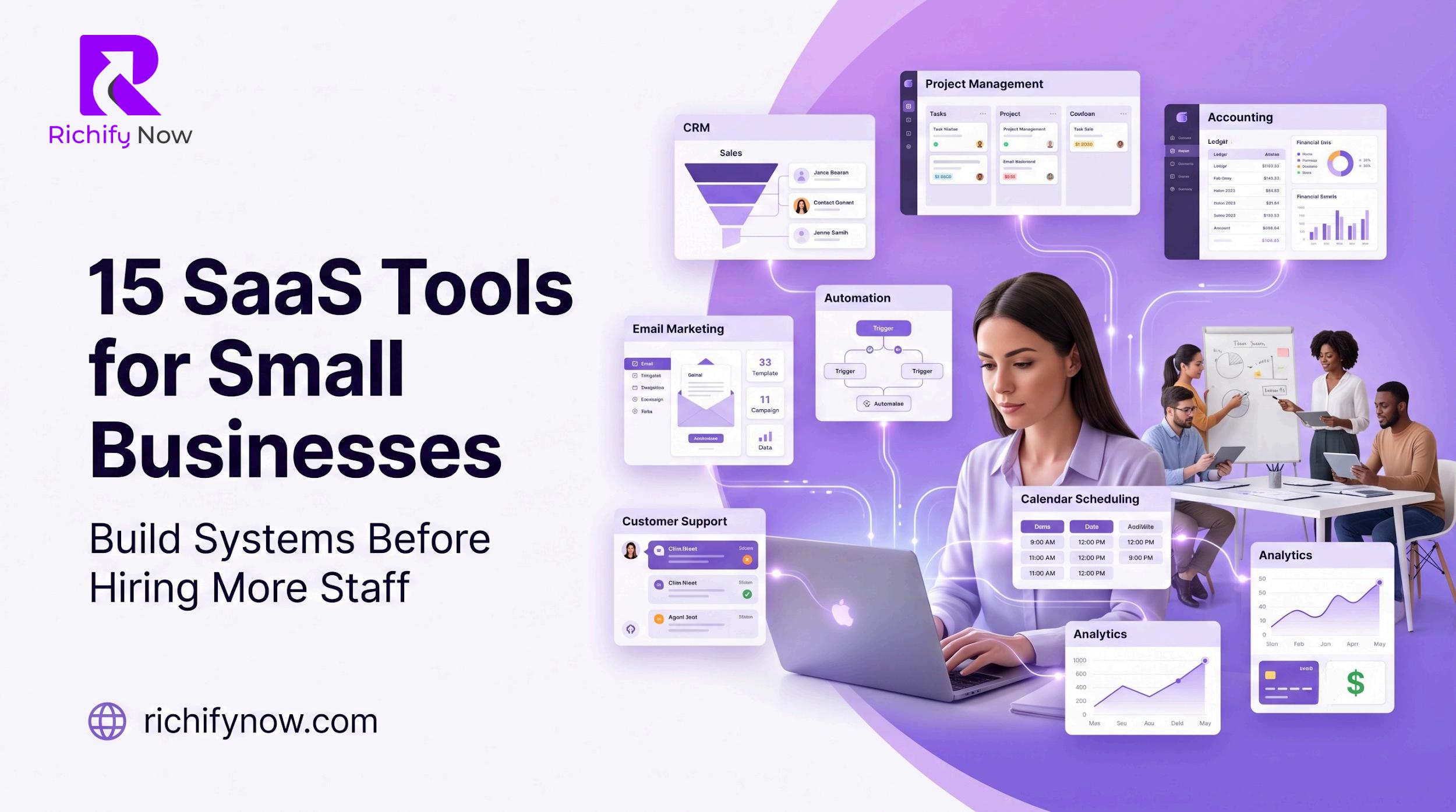
This guide explains 15 SaaS tools that can help manage leads, tasks, communication, accounting, marketing, customer support, automation, payments, and reporting more efficiently
Hiring more people is not always the first solution to business growth. Many small businesses rush to add staff because the owner feels overwhelmed, the
team is busy, customers are waiting, tasks are scattered, and daily operations feel messy. But in many cases, the real problem is not lack of people. The real problem is lack of systems.
Before a small business hires another employee, it should first ask one important question: can software handle part of this workload better, faster, and cheaper?
SaaS tools, or Software as a Service tools, help small businesses organize work, automate repetitive tasks, manage customers, track money, schedule meetings, create content, support clients, and measure performance without building a large team too early
A small business should not use software to avoid hiring forever It should use software to make hiring smarter The right SaaS stack helps your team remove busywork, improve speed, reduce mistakes, and create repeatable systems before adding more salaries to the business
Hiring is expensive. A new employee does not only bring a salary cost. There is also onboarding, training, management time, workspace, tools, benefits, communication, supervision, and performance risk. If the business has no proper systems, the new employee may simply enter the same chaos and create more confusion.
SaaS tools solve a different problem They help the business build structure before adding more people A CRM can organize leads before hiring a sales assistant. An accounting tool can clean financial records before hiring a finance person. A project management tool can organize tasks before hiring a project coordinator. An automation tool can connect apps before hiring an admin worker. The smartest businesses do not hire just because they are busy. They first identify which tasks are repetitive, which tasks need human judgment, and which tasks can be automated or simplified. When the right tools are in place, hiring becomes more effective because new staff members join a system, not a mess
This guide does not mean every small business must buy every tool on day one. The better approach is to choose tools based on your biggest bottleneck. If your leads are messy, start with CRM. If your tasks are scattered, start with project management. If your team loses time in manual work, start with automation. If your cash flow is unclear, start with accounting.
The goal is to create a lean SaaS stack that supports growth without unnecessary complexity.
Every small business needs a professional workspace before it hires more people. Using personal email addresses for business communication may work at the very beginning, but it quickly becomes unprofessional and difficult to manage A business workspace tool gives your team professional email, cloud storage, shared documents, calendars, meeting tools, spreadsheets, and collaboration features in one place.
Popular examples include Google Workspace and Microsoft 365.
This type of tool helps small businesses organize communication, create shared folders, manage documents, schedule internal meetings, and give new employees access to company resources without confusion Before hiring more staff, your business should have a clean email structure, shared drive system, naming rules for documents, team calendars, and access permissions. Otherwise, every new person will create their own messy version of the system.
Small businesses often lose hours because communication is spread across WhatsApp, email, phone calls, sticky notes, and random messages. When information is scattered, tasks are delayed, instructions are repeated, and team members miss important updates.
A team communication tool creates one place for internal conversations It can organize discussions by department, project, client, campaign, or priority
Popular examples include Slack, Microsoft Teams, and Google Chat.
The main benefit is speed. Instead of searching through old messages or asking the same question again, team members can find updates in the right channel. This reduces confusion and makes the business feel more organized.
Before hiring more staff, create communication rules Decide which updates go in email, which go in chat, which need meetings, and which should be added to project management This prevents your communication tool from becoming another noisy inbox
A small business cannot scale if all tasks live inside the owner’s head As work increases, people forget deadlines, clients ask for updates, campaigns get delayed, and responsibilities become unclear
A project management tool helps teams plan, assign, track, and complete work. It gives visibility into who is doing what, when it is due, and what is stuck.
Popular examples include Asana, Trello, ClickUp, Monday com, and Notion
This tool is especially useful before hiring because it shows whether your problem is truly lack of people or poor task management. Sometimes, a team does not need another employee. It needs clearer priorities.
A good project management system should include task owners, deadlines, status labels, priority levels, project templates, recurring tasks, and simple reporting. When new staff join, they should instantly see how work moves through the business.
A CRM, or Customer Relationship Management tool, is one of the most important systems for a growing business. Many small businesses lose money because leads are not followed up properly, customer details are not saved, and sales conversations are scattered across inboxes and chats.
A CRM keeps contact information, deal stages, follow ups, notes, emails, calls, tasks, and sales opportunities in one place
Popular examples include HubSpot CRM, Zoho CRM, Pipedrive, Freshsales, and Capsule.
Before hiring more sales staff, a business should first build a clean sales pipeline This allows the owner to see how many leads are coming in, where deals are getting stuck, how many follow ups are pending, and which sources produce better customers
Without a CRM, hiring a salesperson may only create more activity without better control. With a CRM, sales activity becomes trackable and repeatable.
Money confusion is one of the biggest problems in small businesses. Owners may know that sales are happening, but they may not clearly know profit, expenses, unpaid invoices, tax liabilities, cash flow gaps, or monthly financial trends.
Accounting software helps businesses track income, expenses, invoices, payments, reports, bills, and financial health
Popular examples include QuickBooks, Xero, FreshBooks, Wave, and Zoho Books.
Before hiring more staff, a business should understand whether it can afford the hire This means knowing monthly revenue, recurring expenses, profit margins, tax obligations, and cash reserves
Hiring without financial clarity can create pressure. Accounting software helps the business make hiring decisions based on numbers, not emotions.
Scheduling meetings manually wastes more time than many business owners realize. The back and forth messages, missed slots, timezone confusion, reminders, cancellations, and rescheduling can quietly eat hours every week.
A scheduling tool allows clients, prospects, partners, and team members to book available times based on your calendar rules.
Popular examples include Calendly, Google Calendar appointment schedules, TidyCal, Acuity Scheduling, and SavvyCal
This tool is especially valuable for consultants, agencies, service providers, coaches, clinics, real estate teams, sales teams, and customer success teams. Before hiring an assistant just to manage calendars, a small business should automate meeting booking, reminders, confirmation emails, and follow up workflows The assistant can then focus on higher value tasks instead of basic scheduling
Small businesses need regular visual content for social media posts, presentations, brochures, ads, banners, proposals, flyers, pitch decks, email graphics, and website sections. Hiring a full time designer may not be possible in the early stage.
A design tool helps non designers create professional looking visuals using templates, brand kits, stock elements, and simple editing features
Popular examples include Canva, Adobe Express, VistaCreate, and Figma for more design focused teams.
This does not mean software replaces a skilled designer. A professional designer is still valuable for brand identity, custom campaigns, UI design, and high quality creative work. But for daily marketing needs, a design tool can reduce dependency and speed up content production.