Best 5 Portable Dual Monitors for Enhancing Your Productivity
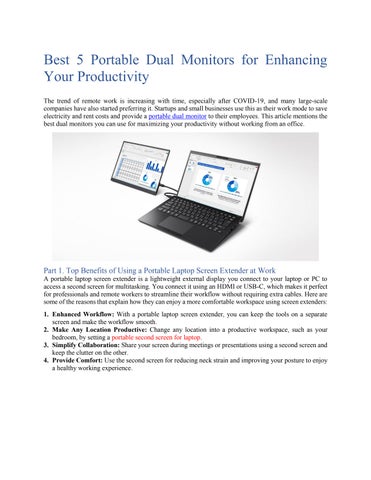
The trend of remote work is increasing with time, especially after COVID-19, and many large-scale companies have also started preferring it. Startups and small businesses use this as their work mode to save electricity and rent costs and provide a portable dual monitor to their employees. This article mentions the best dual monitors you can use for maximizing your productivity without working from an office.
Part 1. Top Benefits of Using a Portable Laptop Screen Extender at Work
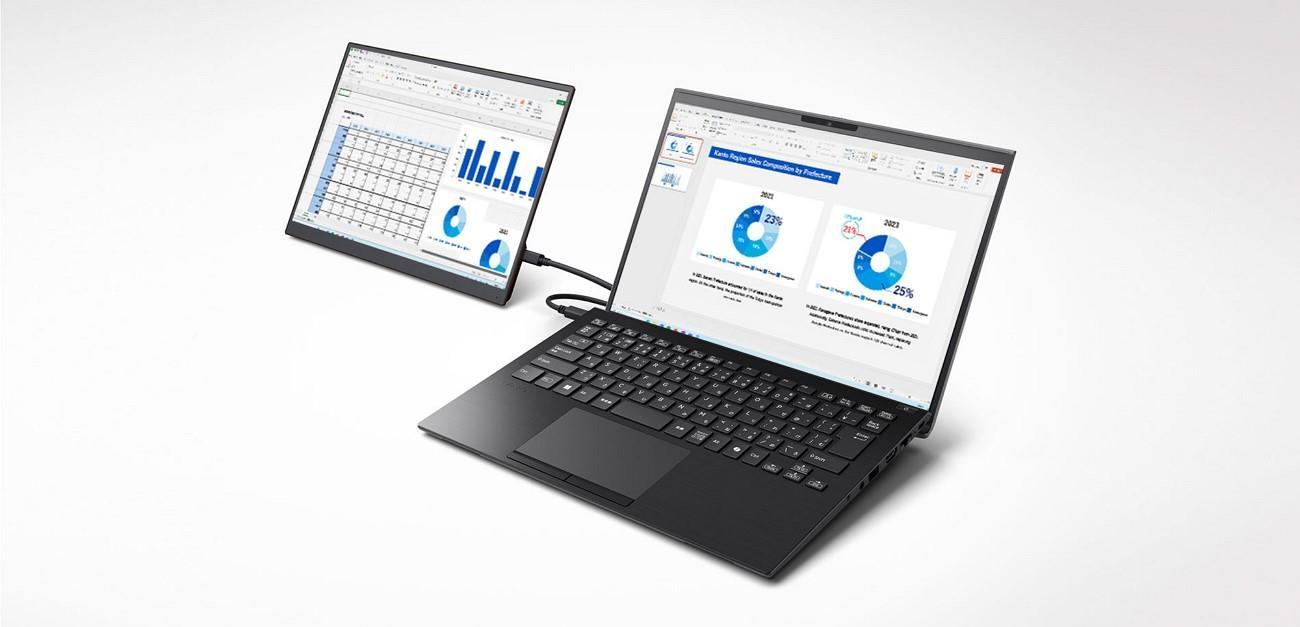
A portable laptop screen extender is a lightweight external display you connect to your laptop or PC to access a second screen for multitasking. You connect it using an HDMI or USB-C, which makes it perfect for professionals and remote workers to streamline their workflow without requiring extra cables. Here are some of the reasons that explain how they can enjoy a more comfortable workspace using screen extenders:
1. Enhanced Workflow: With a portable laptop screen extender, you can keep the tools on a separate screen and make the workflow smooth.
2. Make Any Location Productive: Change any location into a productive workspace, such as your bedroom, by setting a portable second screen for laptop.
3. Simplify Collaboration: Share your screen during meetings or presentations using a second screen and keep the clutter on the other.
4. Provide Comfort: Use the second screen for reducing neck strain and improving your posture to enjoy a healthy working experience.
Part 2. Best 5 Portable Dual Monitors Comparison
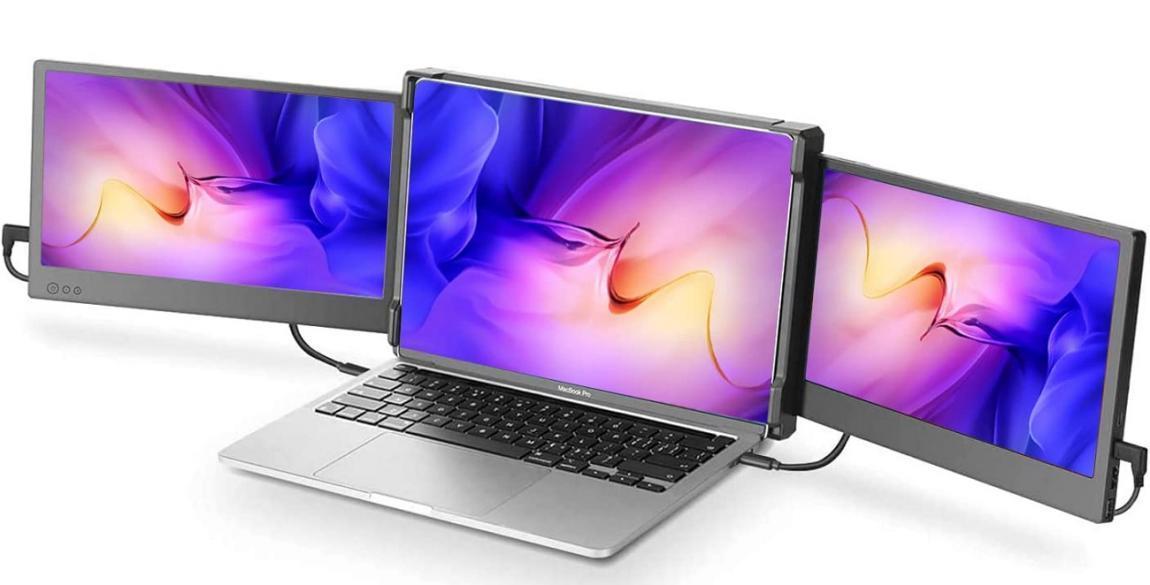
There are several portable dual monitors available on the market, which makes it hard for a non-tech person to pick one. Moreover, asking others never works in your favor because everyone suggests a monitor according to their experience, so check this comparison table.
Aspect Cevaton P5
● A refresh rate of 60 Hz ensures your content displays completely
.
Pros
● Built-in speaker that lets you watch videos with a clear voice.
● The brightness of 300cd/m² enables you to work outdoors too.
ViewSonic TD1655
● Has a warranty of almost 3 years.
● The monitor contains a screen protector and a stand cover.
Xebec TriScreen 2
● The extendabl e stand provides extra balance to the monitor.
● 16:10 aspect ratio offers detailed visuals
SideTrak Swivel 13.3"
● Requires no drivers to deliver a highquality picture.
● Works well both for portrait and landscape viewing.
●Adjustable length according to viewing angle.
●Contains accessorie s like cloth protectors and carry bag.
Con
Design & Display Size
Color calibration isn’t topnotch a major requirement of graphic designers from a portable dual monitor.
15.6-inch FHD Display, making it suitable for dual workstations.
Non-matte screen shows fingerprints . Only provides a warranty of 1 year.
Slightly expensive for students or employees . Does not support devices with M1 or M2 chips.
5.6-inch Full HD (1920x1080p)
(1920 x 1200)
(FHD 1080p)
13.3-inch display (1920 x 1080P)
Connectivity Options AUX, USB-C, HDMI USB-C, HDMI HDMI, USB-C USB-C HDMI, USBC
Compatibilit y
Ease of Use
Universally compatible with Windows and Android Windows Mac, Windows, Chromebook, Linux Mac, Windows. PS4, Xbox Windows, Android, Mac
Stand is easy to detach and attach, fits in a backpack, and no additional bag needed
Can enjoy both portrait and landscape views
Foldable screen extender that you can attach to anyone
Lightweight and screen rotates 270°
Adjustable brightness according to the environment
Out of the options we discussed in the table, Cevaton P5 stands out since it offers different connectivity options and is easy to carry. Thus, if you’re looking for portable dual monitors that are economical and offer detailed visuals, order Cevaton P5 and get it delivered within a week.
Part 3. Cevaton P5: The Smartest Portable Dual Monitor
Among all the options, the portable laptop screen extender, Cevaton P5, takes the lead since it can fit into any backpack. Therefore, you can ensure productivity from anywhere and adjust your Cevaton P5’s stand before working and remove the setup once your task is complete. Whether you view it from any angle, the quality will be the same since it contains an IPS-wide viewing angle.
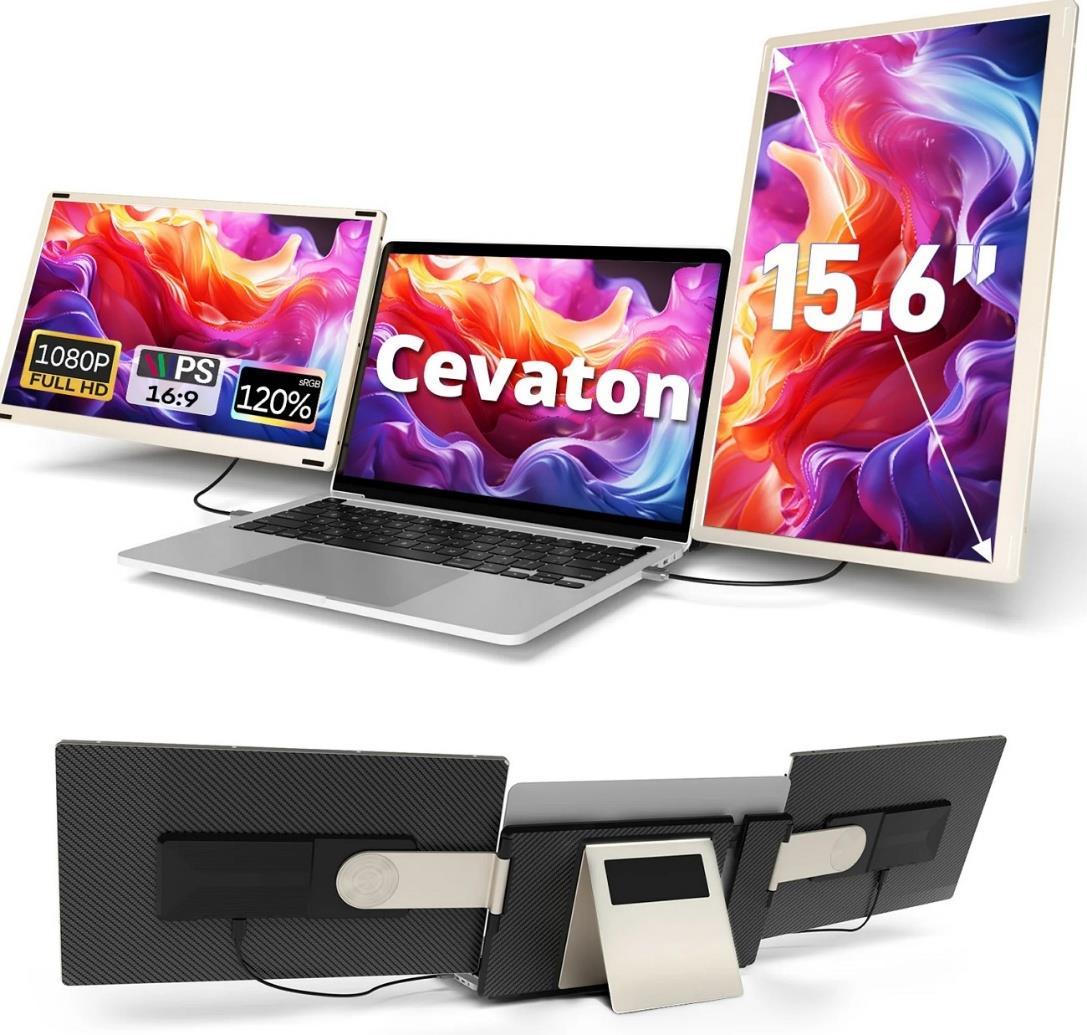
Cevaton P5 contains an FHD display, which means that users can enjoy detailed visuals due to 1080p resolution. Additionally, due to two USB-C ports and an HDMI adapter, the monitor is easy to connect to different devices, considering its price. It is perfect for gaming, attending remote meetings, and giving presentations. Graphic designers can use it since the monitor offers accurate colors due to an 85% NTSC color gamut.
Part 4. Frequently Asked Questions
1. What is the ideal screen size for a portable dual monitor for travel? The ideal screen size for a portable dual monitor that you can take with you while traveling is 13 to 15 inches.
2. Are portable dual monitors compatible with all laptop brands? Although it depends, portable dual monitors like Cevaton P5 are compatible with both Windows and Mac devices.
3. Will a portable dual monitor drain my laptop battery quickly?
Yes, portable dual monitors draw power from your laptop, which can drain its battery quickly, but it differs due to the monitor’s size and usage.
4. Doportabledualmonitorsrequireaseparatepowersource,orcantheybepoweredbythelaptop? You can power most portable monitors directly through a USB, but some large models need a separate power source.
Conclusion
To conclude, an easy and cost-effective method to enhance your productivity is attaching a portable dual monitor to your primary device. Among the top choices we discussed Cevaton P5 stands out due to its portable design and universal compatibility with different devices. To maintain professionalism and productivity while on your vacation, pick a Cevaton P5. You can check various websites or Cevaton’s official website to learn more and eventually order one.