Connect login procedure using SSO Students

T
he way we log in to Connect has changed!
This is to keep our systems aligned with modern policies, and ensure all our data is kept safe and secure. If you would prefer to watch a video of this process, please click here or access the video from the link on the Connect login page.
If you have any issues with your student number or password, please get in touch using a method on this page: https://tafeqld.edu.au/contact
Let’s begin!
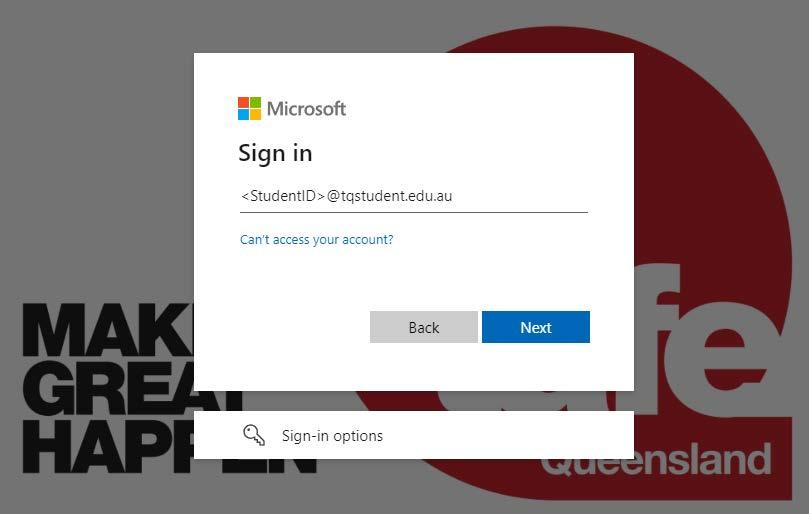
You’ll need your student number and password that you set up.
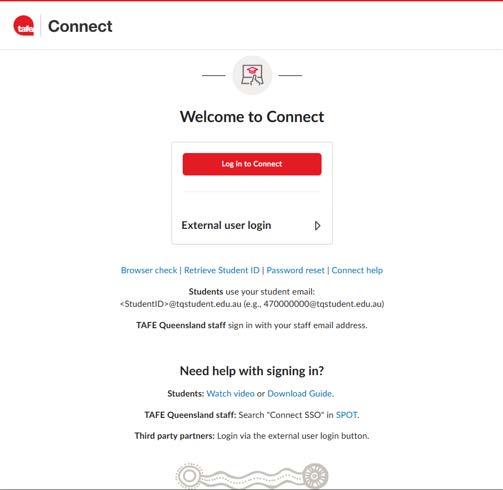
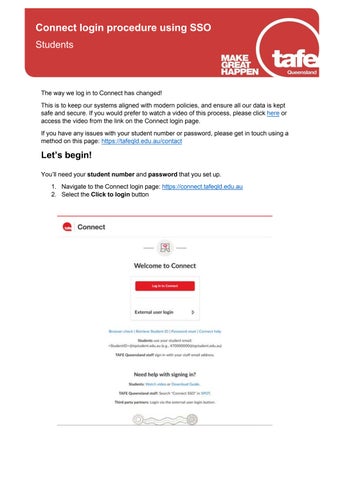
1. Navigate to the Connect login page: https://connect.tafeqld.edu.au
2. Select the Click to login button