Reassuring Pace: The format is very friendly, and you will be encouraged to progress at your own speed, throughout this journey.
Supportive Learning Environment: We meet here in a warm nonintimidating space where questions are welcomed, and mistakes are part of learning.
Building Confidence: I especially want to boost your confidence in navigating IT, making it accessible and enjoyable for you.To foster a can, do attitude towards technology.
Jargon Free: Getting the most from your devices in plain English
TOPICS WE WILL BE COVERING
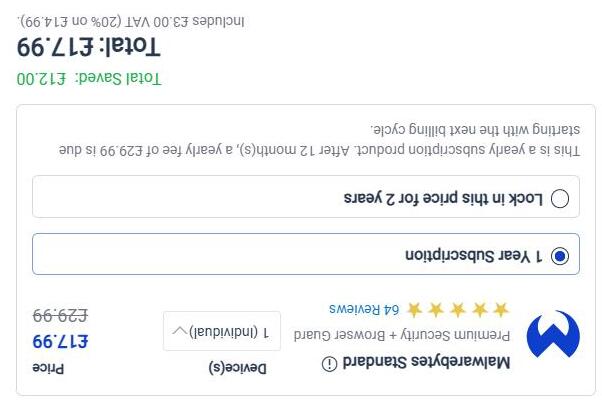
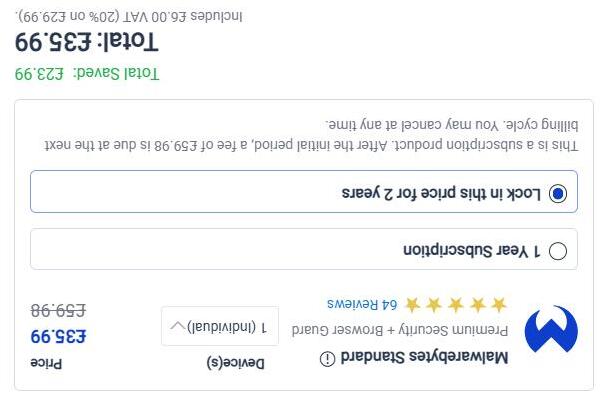
Anti-Virus
Malware
Passwords
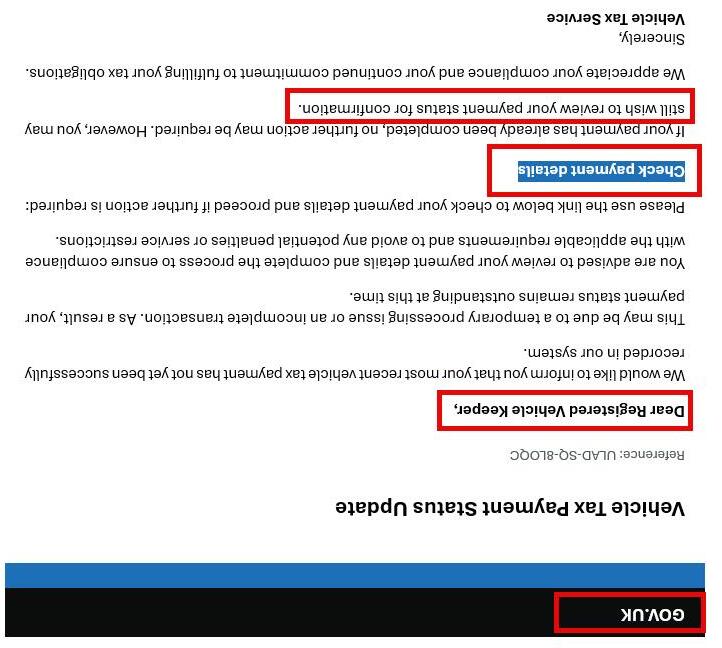
If you notice any of the following you may be being scammed:
• A payment on your card that you did not make
• A message saying your card was added to a new device
• Receiving a one-time-passcode (OTP) that you did not request
• An email saying your details were changed even though you did not log in
• Always PAUSE if something seems unusual. It’s OK to STOP and CHECK
STAYING SAFE
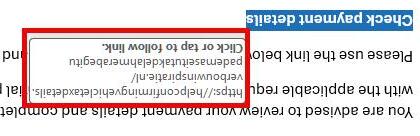
DVLA SCAM
Fake CAPTCHA scams
A typical flow for the scam looks like this:
CAPTCHA SCAMS
Victims arrive via malvertising onto a page that looks like a basic image-selection or quiz CAPTCHA.
To “continue,” they’re prompted to tap a button that opens their SMS app with a prefilled message and recipient list.
This isn’t one SMS to one number.The fake CAPTCHA runs through multiple steps, and each message is preconfigured with more than a dozen international numbers across 17 countries known for high fees
On a typical consumer plan, that can translate to roughly $30 in international SMS charges per person.
#AI stethoscope could detect major heart conditions in seconds
The tool could be a "real game-changer" resulting in patients being treated sooner, with plans to roll the device out across the UK following a study involving 205 GP surgeries in west and north-west London.
AI UPDATE
Those with heart failure were 2.33 times more likely to have it detected within 12 months while heart valve disease was 1.9 times more detectable.
Researchers built a chatbot that only knows the world before 1931
1930’S CHATBOT
Wouldn’t it be nice if we had a chatbot that only draws on knowledge from before the internet, reality TV, or AI-slop content ever existed? Three researchers have created just that: a chatbot that hasn’t read anything published after 1930.
Talkie is a 13-billion-parameter language model trained on digital scans of English-language texts published before the end of 1930. That cutoff aligns with the current US public domain year, meaning anything published until the end of that year is fair game and there are no lawsuits from irate IP-holders to worry about.
The Elon Musk Show
Elon Musk was born in South Africa in 1971 and became one of the world’s most influential technology entrepreneurs after moving to North America and co-founding companies in software, payments, electric vehicles, and space technology.
He helped create PayPal before leading Tesla into a major electric car manufacturer and founding SpaceX to develop reusable rockets and commercial space travel.
Musk has also been involved in projects including Neuralink,The Boring Company, and the social media platform X, formerly Twitter.
His career has been marked by major technological achievements, immense wealth, controversy, and a strong public influence on debates around AI, free speech, transportation, and the future of humanity. Oh, and he is the richest person on the planet. ($800bil)
ELON MUSK SHOW
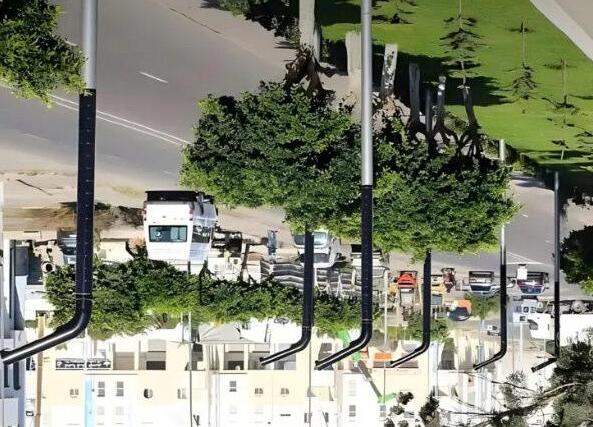
Data centres using lampposts
Now a UK firm is betting on data centres using thousands of connected smart lampposts, and has signed an agreement with a Nigerian state to deploy 50,000
DATA CENTRES
ConflowPower Group Limited (CPG) says networked together its solar-powered iLampunits "double as a revenue-generating distributed AI data centre".
Experts have said the tech isn't a substitute for the powerful data centres needed to run the toughest AI tasks, although they could be useful for less demanding work.
Each iLamphas batteries which are charged by a cylindrical solar panel.These supply the energy used by a low-powered computer suitable for AI tasks.
The Thinking Game
directed by Greg Kohs, which provides a broader and more current profile of DeepMind. It delves into the journey of the company's founder, Demis Hassabis, and highlights major breakthroughs like AlphaFold, which revolutionized protein structure prediction.
#Sheer luck made the tiny Caribbean island of Anguilla millions from its web address.
AI UPDATE
Back in the 1980s when the internet was still in its infancy, countries were being handed their own unique website addresses (.uk for the UK) Anguilla, landed the address ending with .ai US tech boss Dharmesh Shah, who earlier this year spent a reported $700,000 (£519,000) on the address “you.ai”
QUESTION TIME
THIS TIME ROBOTS
Introduction:
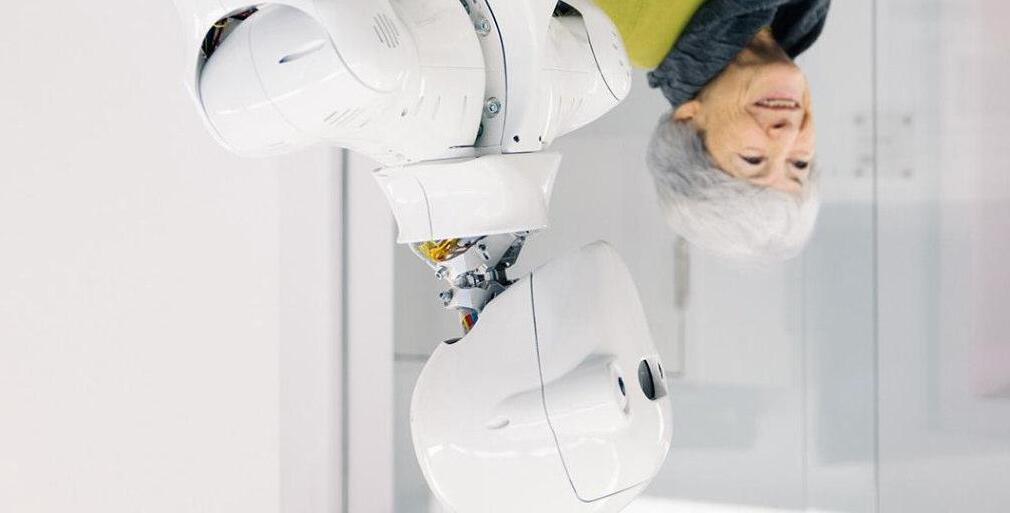
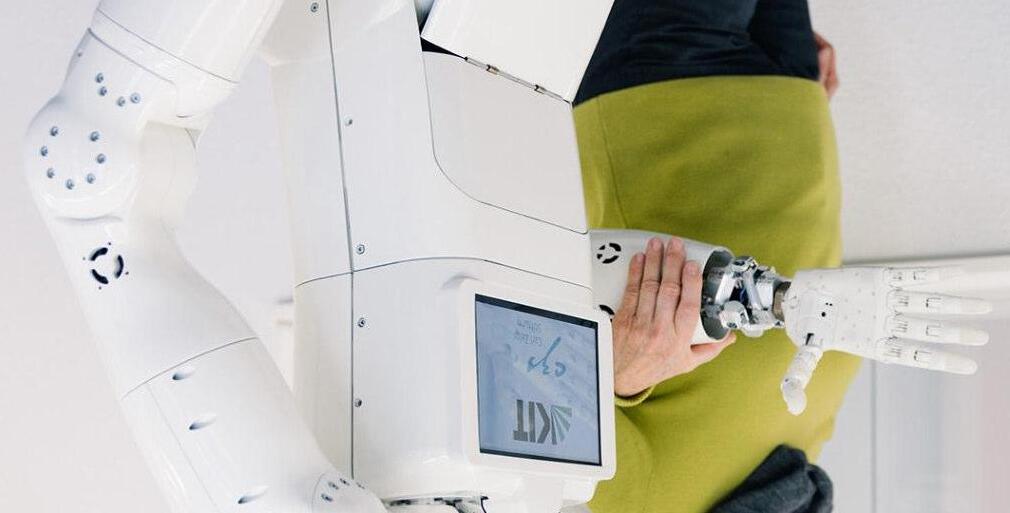
Today we’ll be looking at how robots have developed, and how they can help improve quality of life for older adults.
ROBOTS
But first let’s see some robots in action
Drone Swarms:
In just a couple of minutes it is now possible to launch over 700 drones in this case to perform stunning arial ‘firework’ displays
DRONES
DRONES Drone Swarms:
In just a couple of minutes it is now possible to launch over 700 drones in this case to perform arial ‘firework’ displays
Art Drones:
Today we’ll be looking at how robots have developed, and how they can help improve quality of life for older adults.
DRONES
Military Drones:
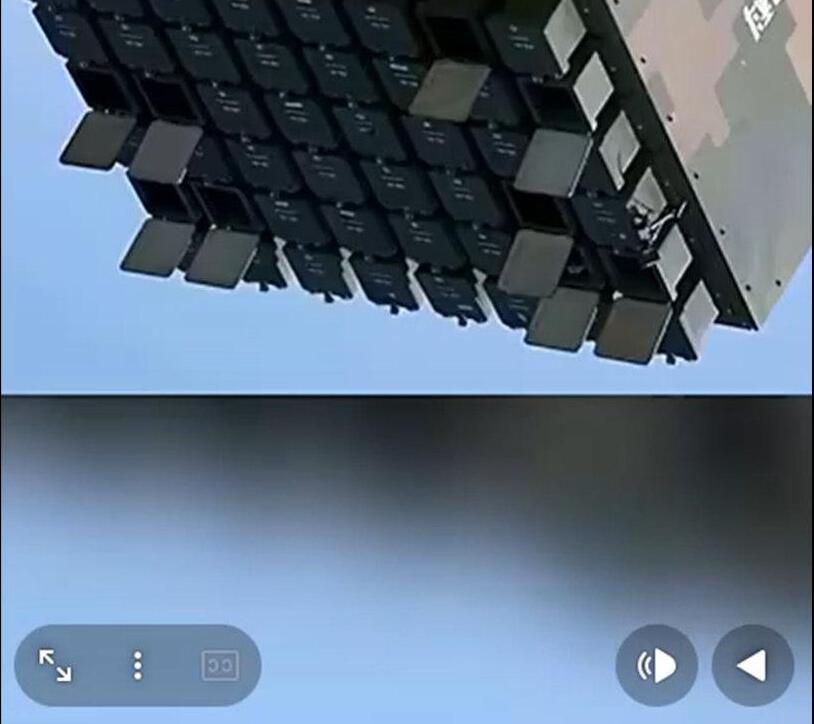
And as you would expect the military take it all to the next level. This launches can launch up to 48 fixed wing drones at a time
DRONES
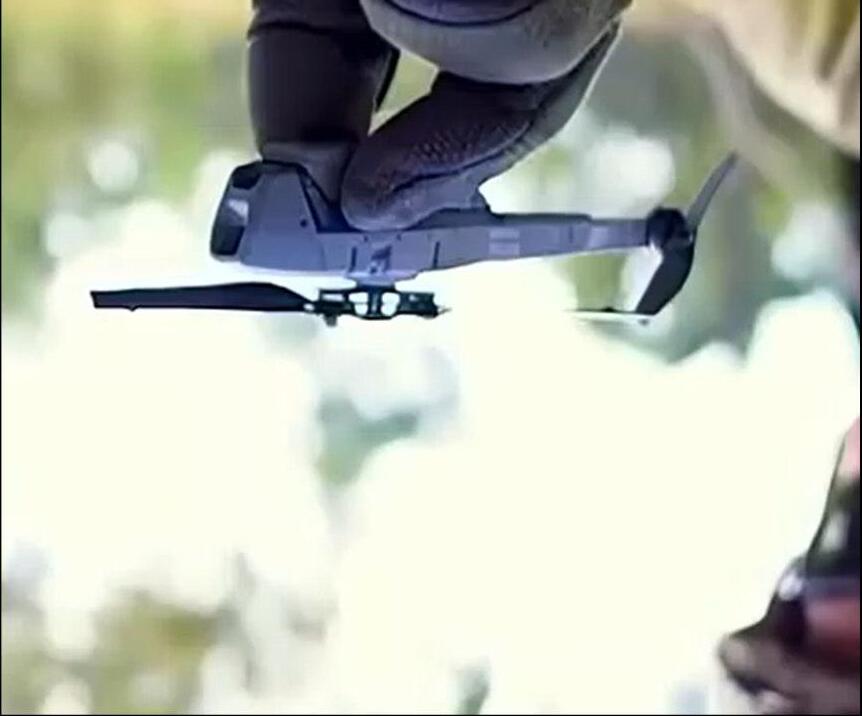
Military drones also come in a number of different shapes and sizes
Drones:
DRONES Military
Today we’ll be looking at how robots have developed, and how they can help improve quality of life for older adults.
Drones:
DRONES Military
Today we’ll be looking at how robots have developed, and how they can help improve quality of life for older adults.
Speedy Bots:
Lightning, a humanoid robot developed by the Chinese smartphone company Honor, won the 2026 Beijing E-Town HalfMarathon, completing the 13.1-mile (21 km) course in 50 minutes and 26 seconds.
ROBOTS
This performance beat the current human half-marathon world record of 57 minutes and 20 seconds, set by Jacob Kiplimo in March 2026.
Bots: for older
Drones:
DRONES Military
Today we’ll be looking at how robots have developed, and how they can help improve quality of life for older adults.
Agile Bots:
Jam Bots:
Butler Bots:
Tesla Bots:
Micro Bots:
ROBOTS
Clever Bots:
ROBOTS
Worker Bots:
Assist Bots:
ROBOTS
Walker Bots:
ROBOTS
Wheelchair Bots:
Companion Bots:
ROBOTS
Social/Companion Robots
• Paro: a seal-shaped robot used in UK care homes to reduce loneliness and stress.
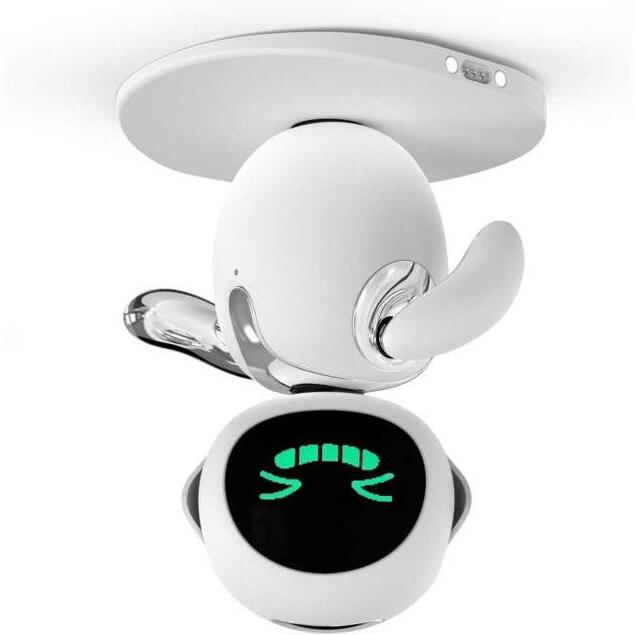
• Eilik: a table-top companion robot that chats, reminds about medication, and encourages activity.
ROBOTS
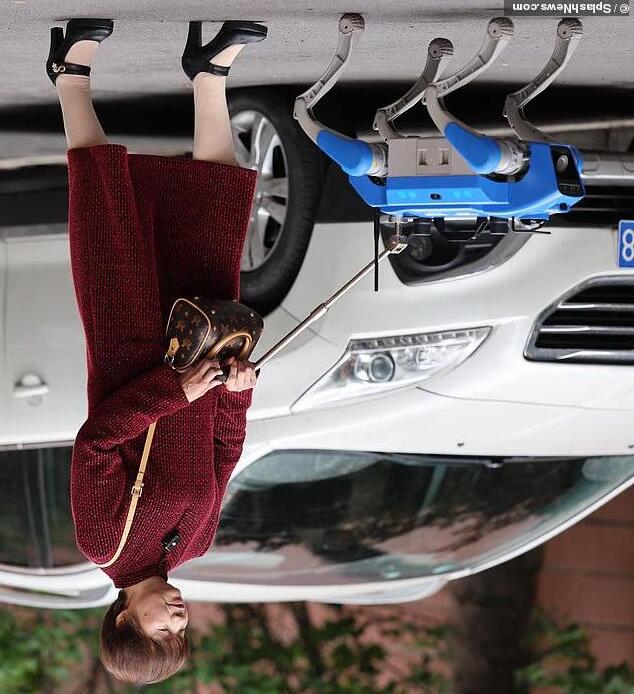
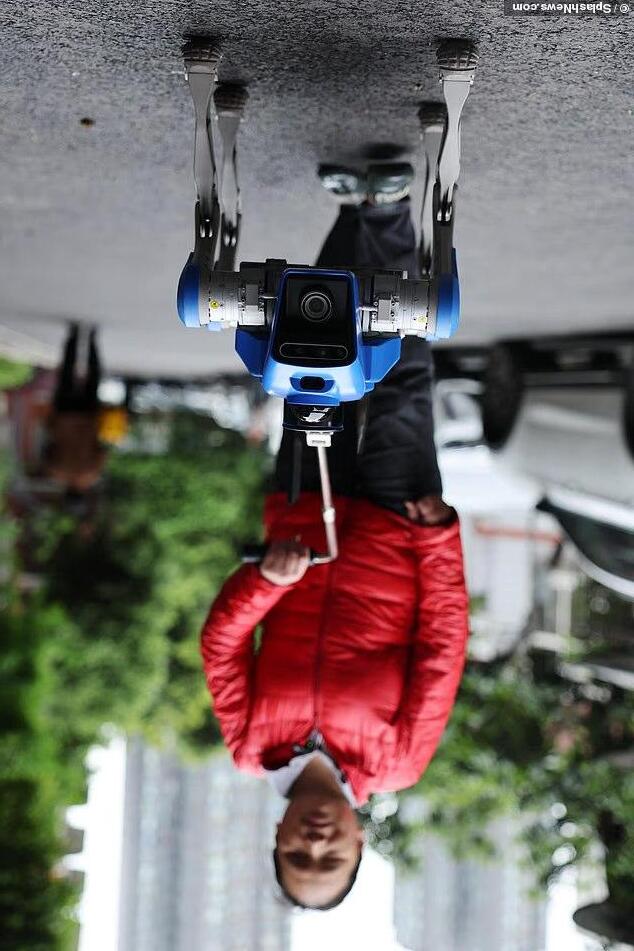
Robot Guide Dogs
ROBOTS
Healthcare & Assistance Robots
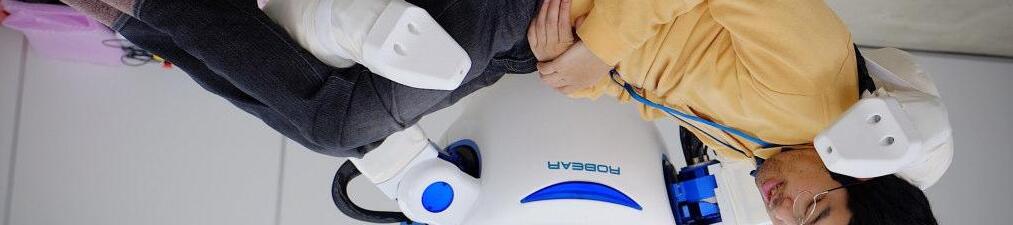
• Robear (Japan): helps lift patients safely.
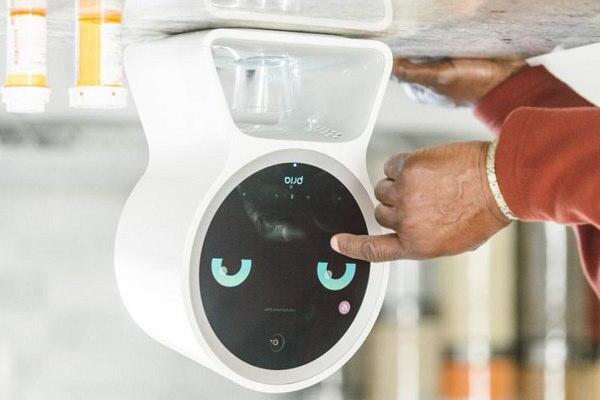
• Robot medication dispensers: remind seniors to take the right pills at the right time.
ROBOTS
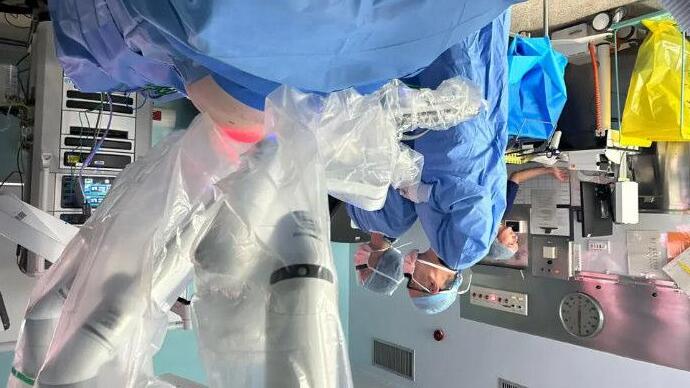
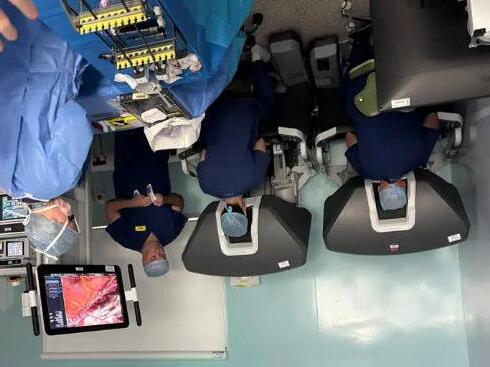
Robots in Hospitals
ROBOTS
So What Does The Next 5 Years Hold
Warehouses and factories will become heavily robot-centric
The biggest near-term growth will happen in logistics and manufacturing, not homes.
Humanoid robots will move from demos to limited real jobs
Humanoid robots won’t fully replace human workers in five years, but they will begin doing repetitive physical tasks in controlled environments.
Robots will become much more adaptable because of AI
Traditional robots are programmed for one task. The next generation will learn and adapt.
Elder care and healthcare robotics will grow rapidly
As ageing populations in countries like Japan, China, South Korea, Germany, and the UK are creating labour shortages in care work.
Robot costs will fall dramatically
Robots are likely to become cheaper in the same way solar panels and EV batteries did.
NEAR FUTURE
And 5 Years After That?
AI assistants will become permanent digital coworkers
AI will move beyond chatbots into always-available agents that can actually complete tasks.
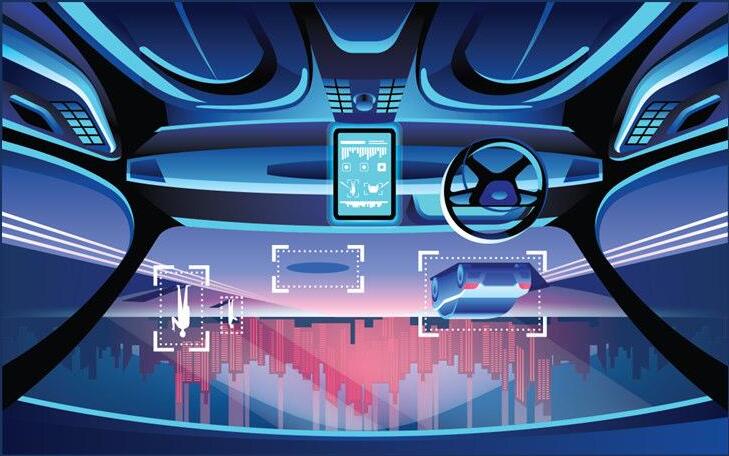
Self-driving vehicles will become normal in limited areas
Fully autonomous driving everywhere is still difficult, but robotaxis and autonomous delivery vehicles are likely to become common in specific cities and routes.
Personalized medicine will accelerate Healthcare may become far more individualized thanks to AI and biotechnology.
Energy systems will shift faster than expected Solar, batteries, and AI-managed power grids are improving rapidly.
Summary
The next decade probably won’t feel like one giant sci-fi breakthrough. Instead, it will feel like hundreds of smaller automations quietly accumulating until daily life looks very different from today.
NEAR FUTURE
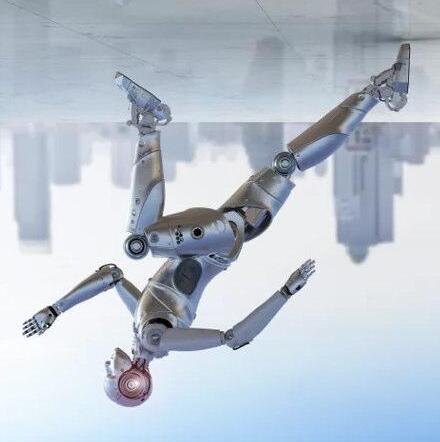
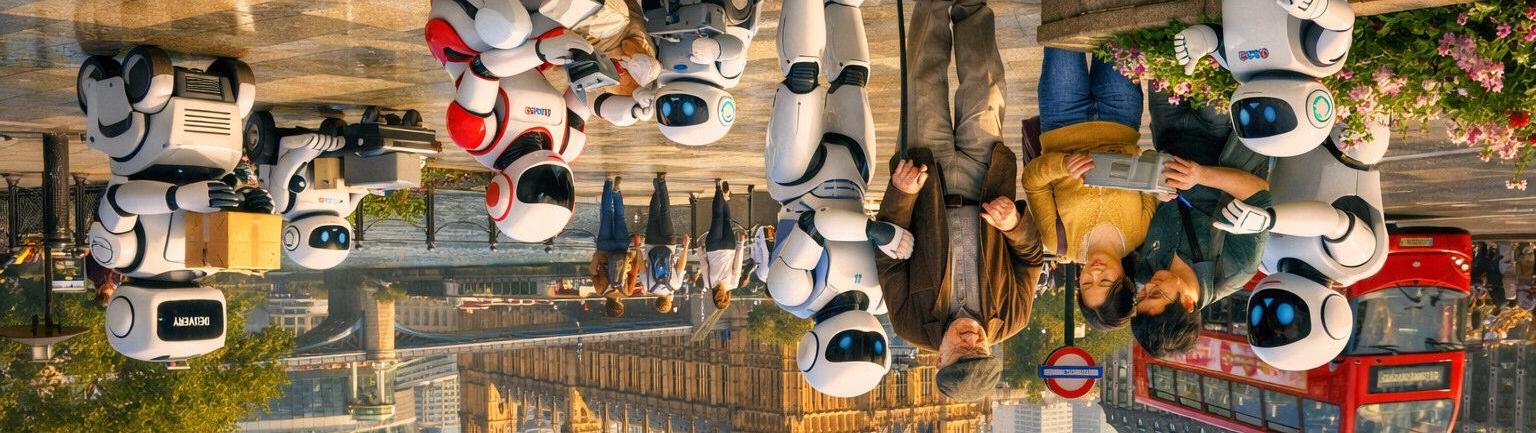
So will it be like this ?
Or this ?
There really are some very clever people on the planet
ROBOTS
History
• 1950’s: First Industrial robots in factories & manufacturing
• 1960’s: Robots became more common in automation.
• 1990’s: Service robots machines designed to interact with humans, not just factories.
• 2000’s: First humanoid robots that could walk and climb stairs
• 2005: First robot to lift and carry elderly patients safely
ROBOTS
History
• 2010: Therapeutic robot seal for dementia care and companionship.
• 2014: Social robot designed to read emotions and interact with people.
• 2017: A table-top AI companion for older adults, offering reminders, small talk, and video calls.
• 2019: Personal robot with mobility, voice interaction, and video-calling, marketed for home and care use.
ROBOTS
History
• 2020: (COVID-19 pandemic) Robots widely used for delivery in hospitals, disinfecting rooms, and reducing human contact.
• 2021: Care robots in UK trials: NHS and care homes began testing companion and assistive robots for older adults.
• 2023: Humanoid robots (e.g.,Ameca, Figure
AI): robots capable of natural facial expressions and realistic conversations.
ROBOTS
Need
• By 2040, nearly 1 in 4 people in the UK will be aged 65+.
• The UK already has around 3 million people aged 80+ (ONS, 2022).
• The UK is investing in assistive technology to support healthy ageing.
• Service robot market worldwide is expected to grow by over 20% per year EVERY YEAR this decade.
ROBOTS
Benefits for Seniors
• Independence (less reliance on constant carers).
• Safety (fall detection, reminders).
• Companionship (reducing loneliness).
• Support for carers and families.
• Retention of dignity
ROBOTS
Challenges & Considerations
• Cost and accessibility.
• Trust and ease of use.
• Data privacy and ethics.
• Human touch can’t be replaced, but robots can assist.
ROBOTS
• Robots are not about replacing people, but supporting seniors to live healthier, safer, and more independent lives.
Development of Self-Driving Cars
• 1920s -930s (Early Concepts) First “phantom car” demos in the U.S., controlled remotely by radio waves.
• 1980s -Carnegie Mellon University’s NavLaband Mercedes-Benz developed experimental autonomous vehicles using cameras and computers.
• 1995 -CMU’s “No Hands Across America” project: drove almost 3,000 miles with a car steering itself (human still controlled brakes).
• 2004 & 2005 –DARPA Grand Challenges (USA)U.S. DefenseAdvanced Research Projects Agency (DARPA) held competitions for autonomous vehicles. Sparked modern self-driving innovation.
SELF DRIVING CARS
Development of Self-Driving Cars
• 2009 – Google Self-Driving Car Project Later became Waymo. Marked the start of big tech interest in autonomous driving.
• 2013 – Tesla Introduces Autopilot Concept Semiautonomous driver-assist features became mainstream.
• 2015 – UK Trials Begin First official tests of selfdriving cars on UK public roads (e.g., Milton Keynes).
• 2016 – Uber Launches Self-Driving Pilot Autonomous ride-hailing service tested in U.S. cities.
• 2018 – First Fatal Accident when a self-driving Uber car struck a pedestrian in Arizona - raised global safety concerns.
SELF DRIVING CARS
Development of Self-Driving Cars
• 2020 –Waymo Driverless Taxi Service Waymo launched the first fully driverless taxi service in Phoenix, Arizona.
• 2021 –UK Legalises Limited Self-Driving UK approved “ALKS” (Automated Lane Keeping Systems) for use on motorways at low speeds.
• 2023 –Waymo and Cruise expanded robotaxi services in U.S. cities.
• UK government announced plans to allow fully autonomous cars by 2025.
SELF DRIVING CARS
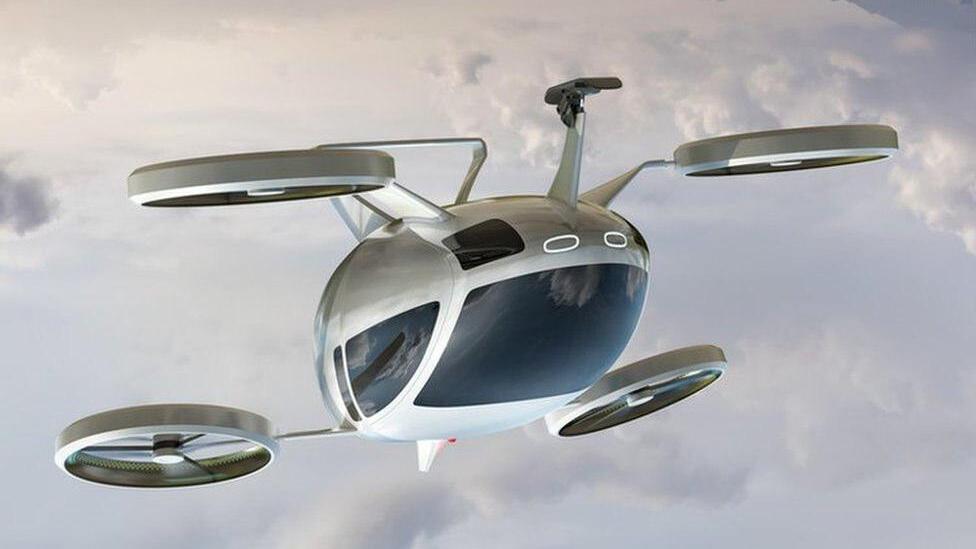
Development of Drone / Flying Cars
• 1917 –Curtiss AutoplaneOne of the first “flying car” prototypes, part car, part plane. Never mass-produced.
• 1940s–1950sVarious experimental “roadable aircraft” like the Aerocar appeared
• 2009 –Terrafugia Transition (USA) A modern flying car prototype that could both drive and fly.
• 2011 –PAL-V (Netherlands) Personal Air and Land Vehicle (PAL-V) designed like a gyrocopter–car hybrid.
• 2016 –AeroMobil(Slovakia) Sleek flying car prototype unveiled, capable of highway driving and flight.
• 2017 –Kitty Hawk (backed by Google’s Larry Page) Revealed a small electric flying vehicle (early eVTOL).
DRONE / FLYING CARS
Development of Drone / Flying Cars
• 2019 –Uber Elevate ProjectUberannounced plans for flying taxi services (later sold to Joby Aviation).
• 2020 –Hyundai & Uber partnership Showcased electric flying car concept at CES tech expo.
• 2021 –KleinVision AirCar(Slovakia) Successfully flew between two cities and received a certificate of airworthiness.
• 2022 –XPeng X2 (China)Completed its first public test flight in Dubai.
• 2023–2024 –Joby Aviation & Archer Aviation (USA)Tested passenger-ready eVTOL air taxis.Aim for commercial flights by 2025–2026.
DRONE / FLYING CARS
What next 2030’s
• Rates of change accelerating
• Most innovation aimed at the senior market
• ElliQ 3 – The Evolving AI Companion
• Autonomous Domestic Assistants (ADAM)
• Humanoid Care Robots (e.g. Draco 3 & Pepper-style Bots)
• Looking further ahead, some research predicts robots merging with human environments or bodiesblurring the line between biological and mechanical.
QUESTION TIME
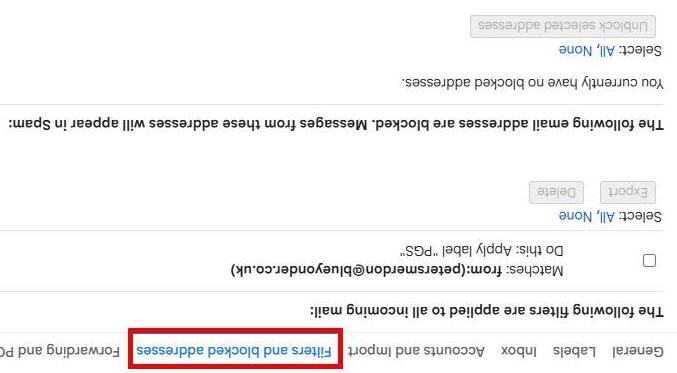
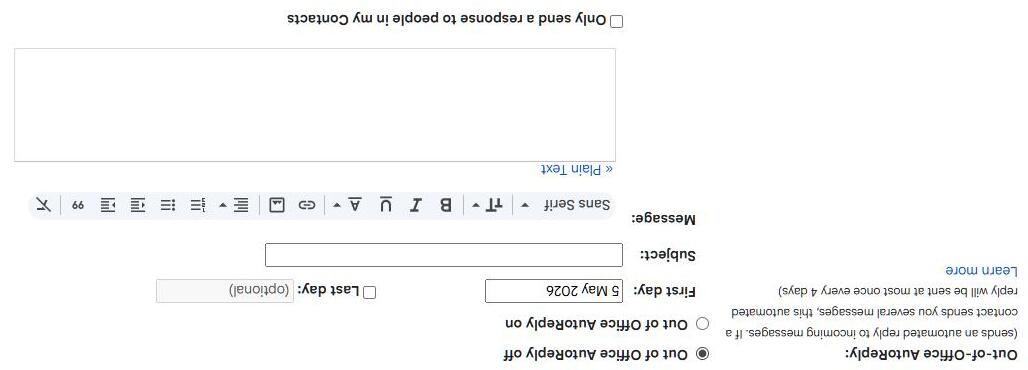
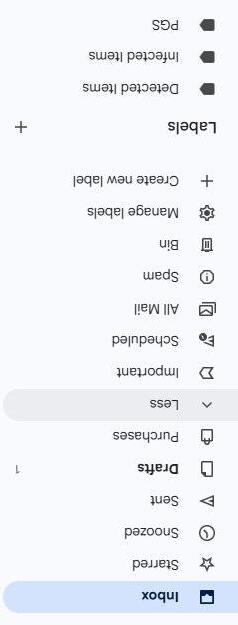
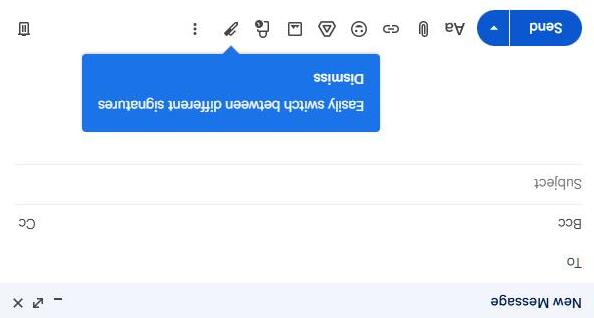
Email Tips
• Each person within a household should have their own email address. So avoid joint email addresses
• Separate email addresses will be a requirement if you ever buy a smart device
• Maybe have a second for Junk – notmyrealemailaddress@gmail.com so as not to clog your inbox
• Ideally your email address should not be linked to your internet provider so you are not forced to change your email if you change provider down the line. Gmail /Yahoo / Outlook (Microsoft Users)
• In most systems the email address is the ‘key’ field so is not easily changed
• There is no need to delete old emails to make things run quicker –this is a fallacy. Just delete your junk.
EMAIL
Email Types (Protocols)
POP3 (Post Office Protocol v3)
Downloads emails from the server to your device
Often deletes them from the server after download.