Reassuring Pace: The format is very friendly, and you will be encouraged to progress at your own speed, throughout this journey.
Supportive Learning Environment: We meet here in a warm nonintimidating space where questions are welcomed, and mistakes are part of learning.
Building Confidence: I especially want to boost your confidence in navigating IT, making it accessible and enjoyable for you.To foster a can, do attitude towards technology.
Jargon Free: Getting the most from your devices in plain English
TOPICS
COVERING
Anti-Virus
Malware
Passwords
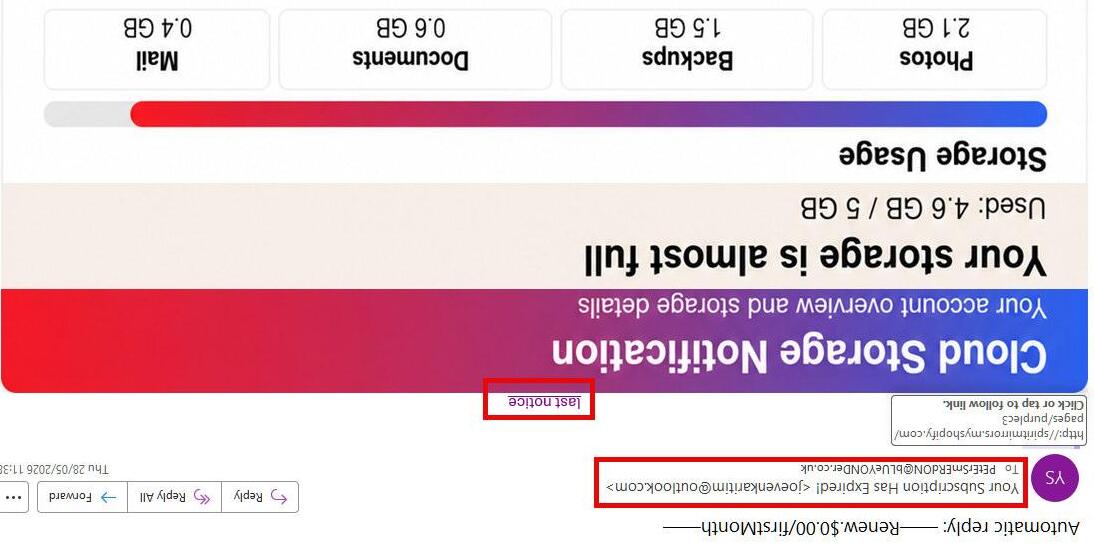
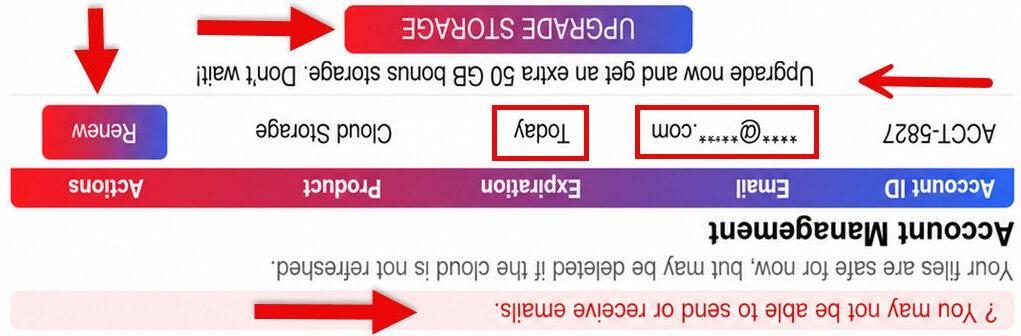
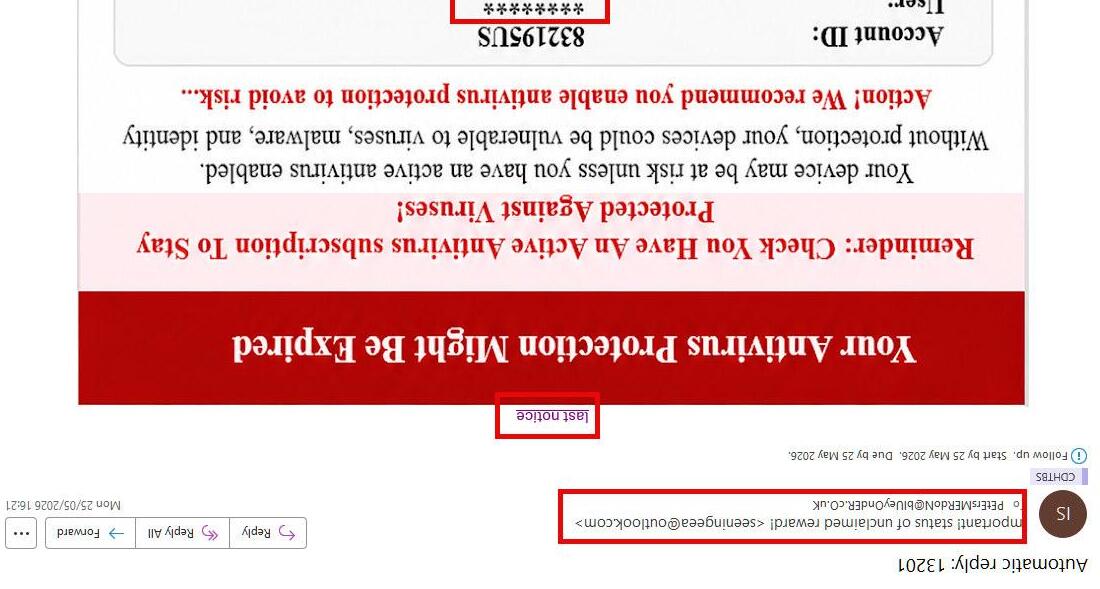
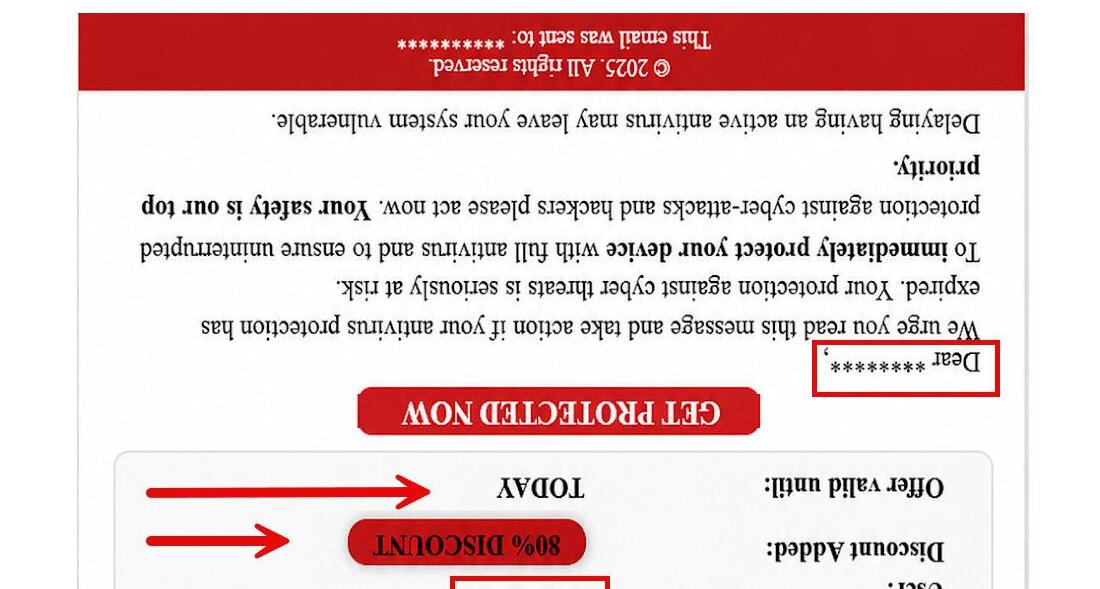
If you notice any of the following you may be being scammed:
• A payment on your card that you did not make
• A message saying your card was added to a new device
• Receiving a one-time-passcode (OTP) that you did not request
• An email saying your details were changed even though you did not log in
• Always PAUSE if something seems unusual. It’s OK to STOP and CHECK
STAYING SAFE
Learn My Way
Learn My Way is a much better experience when you register. You can access all the learning topics for free. Below is a list of the subjects available on Learn My Way.
• Using your device
• Using email
• Staying in touch
• Online entertainment
• Employment and work
• Managing your money online
• Starting to use the internet
• Safety and security online
• Spending money online
• Working with office programs
• Managing your health online
• Digital media literacy
FREE EXTRA SUPPORT
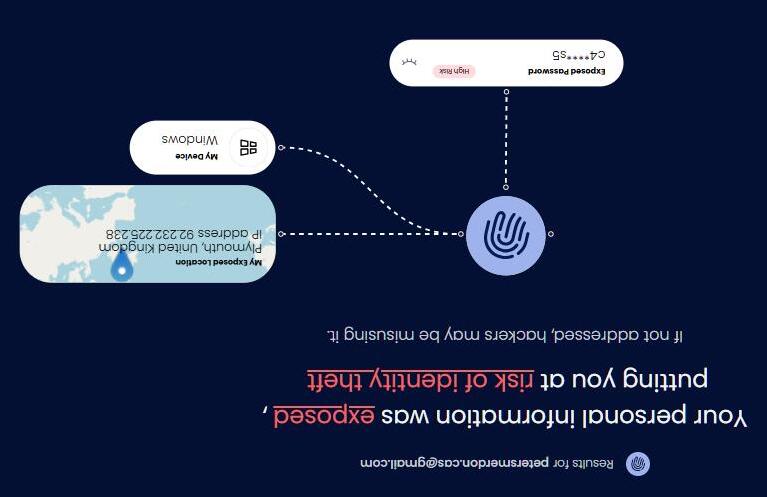
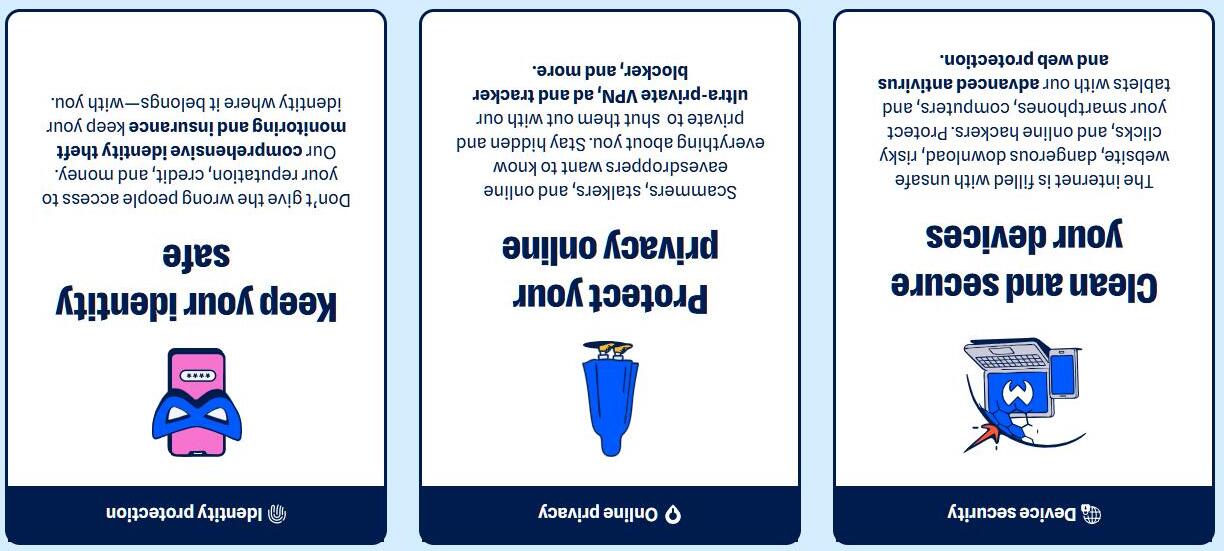
24 billion stolen records exposed online
MALWARE BYTES
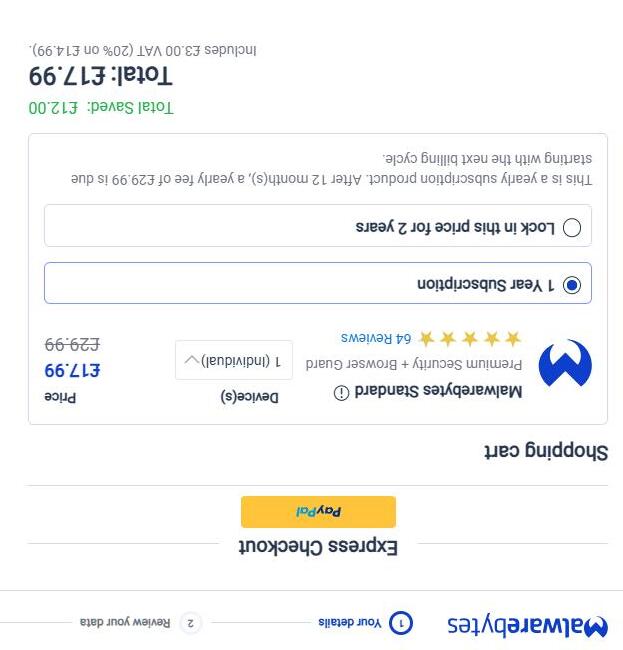
A newly discovered database containing 24 billion stolen records is a reminder that personal information from data breaches, phishing campaigns, and infostealer infections continues to circulate online. The collection was exposed on the internet before being taken offline.While researchers can’t confirm exactly whose information was included, the discovery is a good opportunity to check whether your email addresses, passwords, or other personal data have already been exposed.
Two thirds of all online shopping scams now start on Facebook and Instagram.
Unusual offer: Promises of high-value products (“meat box from Aldi for under £10”) for an extremely low price are classic signs of scams, especially when they leverage well-known brands.
Anecdotal story: The post uses a personal story (“My son works at Aldi…”) to appear trustworthy and relatable, a common technique in social engineering.
Age restriction: Arbitrarily targeting people over 40 is a psychological trick to make the offer feel exclusive and relevant.
External link: The most common tactic is to provide a link in the comments rather than in the main post to avoid automatic detection by the platform.
Urgency and simplicity: Encourages quick action with phrases like “took me about a minute,” downplaying any possible risk.
As it turns out, the possible risk, or “worst case” as the Facebook post calls it, is a lot worse than losing a minute of your time.
SOCIAL MEDIA SCAMS
Trust in the News
Trust in the news has fallen to an all-time low globally - the lowest since annual reports by the Reuters Institute began more than a decade ago (2015).
More than half of respondents said they now get their news from thirdparty platforms like social media and video networks, although a similar number still use news websites and TV news as well. Traditional sources are still more popular in the UK.
Despite more people accessing news via social media, confidence in that format is much lower than in news overall, at 22%.
Online news video is now mainstream everywhere: 77% globally consume online news video each week, and a majority now watch online news video in every market covered by the report. It's now ahead of broadcast TV news in every market apart from Germany, Denmark and the Netherlands.
A social media ban for under-16s has been announced by the UK government. It will be introduced in early 2027.
The government is also considering an overnight curfew and measures to stop infinite scrolling for under-18s.
The ban will cover platforms including Snapchat, TikTok, YouTube, Instagram, Facebook and X, the government said.
The government said that for the "high risk" functions of livestreaming and chat with strangers, restrictions would be on by default for under17s "to prevent a cliff-edge at 16".
SOCIAL MEDIA
BAN
Nvidia announces new AI chip for personal computers
• Nvidia has announced a new chip for PCs as it moves into the consumer market for devices integrated with AI technology.
• Nvidia has traditionally focused on creating Graphics Processing Units (GPUs) –specialised chips originally designed to rapidly process computer graphics for video games, but now also widely used to power artificial intelligence systems.
• "This reinvention of the computer is as big of a deal as the reinvention of the phone into what we now know as the smartphone," Nvidia's chief executive Jensen Huang said as he unveiled the RTX Spark chip.
NVIDIA UPDATE
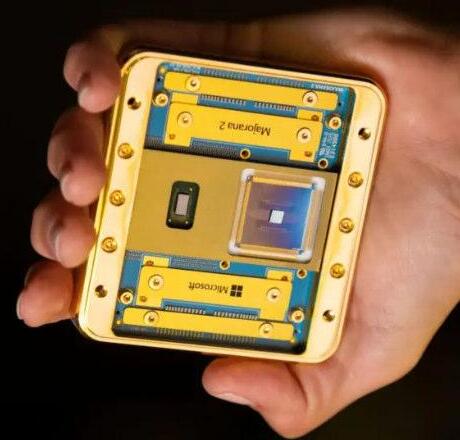
Microsoft says new quantum chip 1,000 times more reliable than predecessor
• Its new quantum chip is vastly more reliable than its previous version, paving the way for a quantum computer solving commercially useful problems within three years.
• That means the new chip is 1,000 times more reliable -an improvement in performance the tech giant compares to the difference between a phone that needs charging every day to one which needs charging every few years.
• "If they succeed, they will leap from being a player with no production quantum computer, to being a serious player in the race to make the next generation of fault-tolerant machines."
QUANTUM UPDATE
QUESTION TIME
THIS TIME ROBOTS
Introduction:
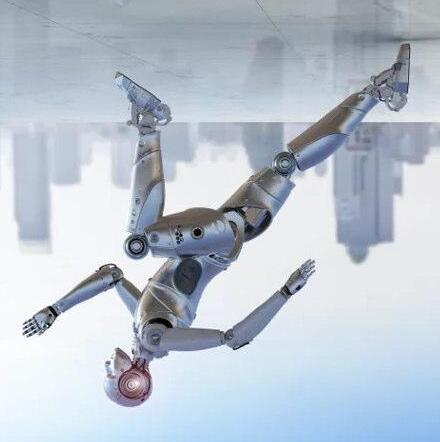
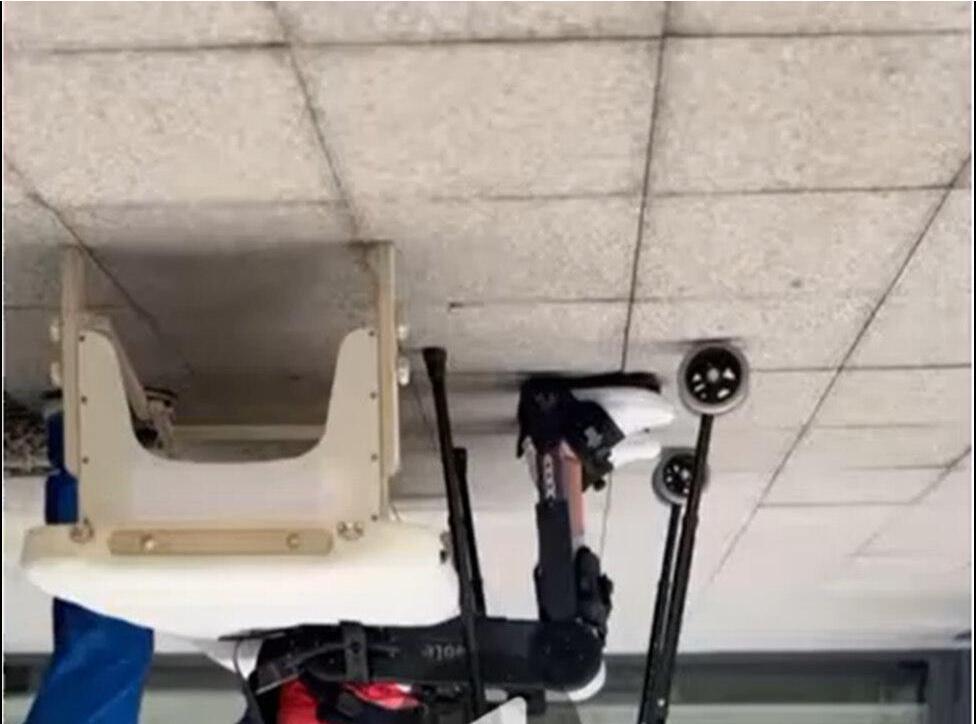
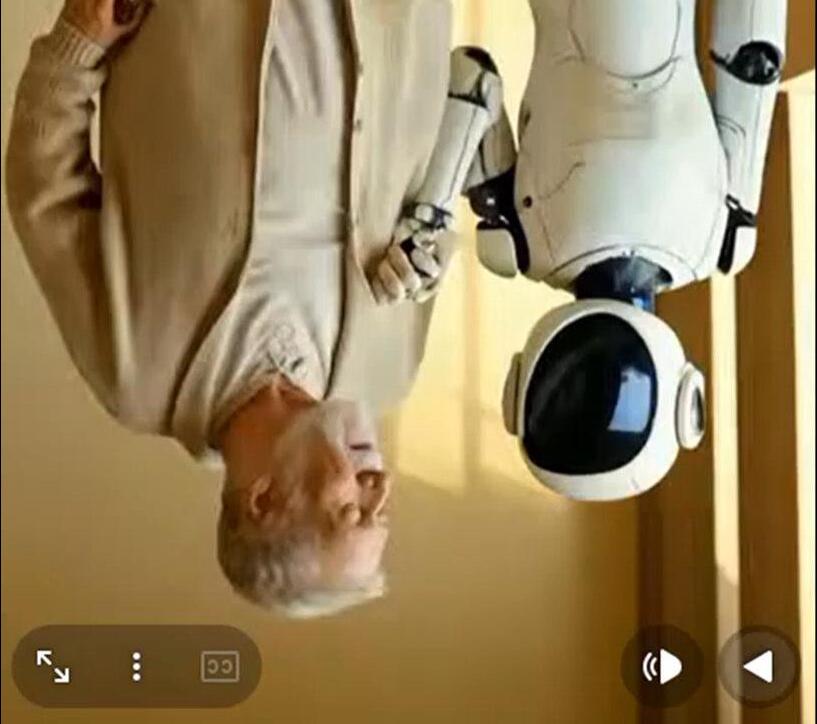
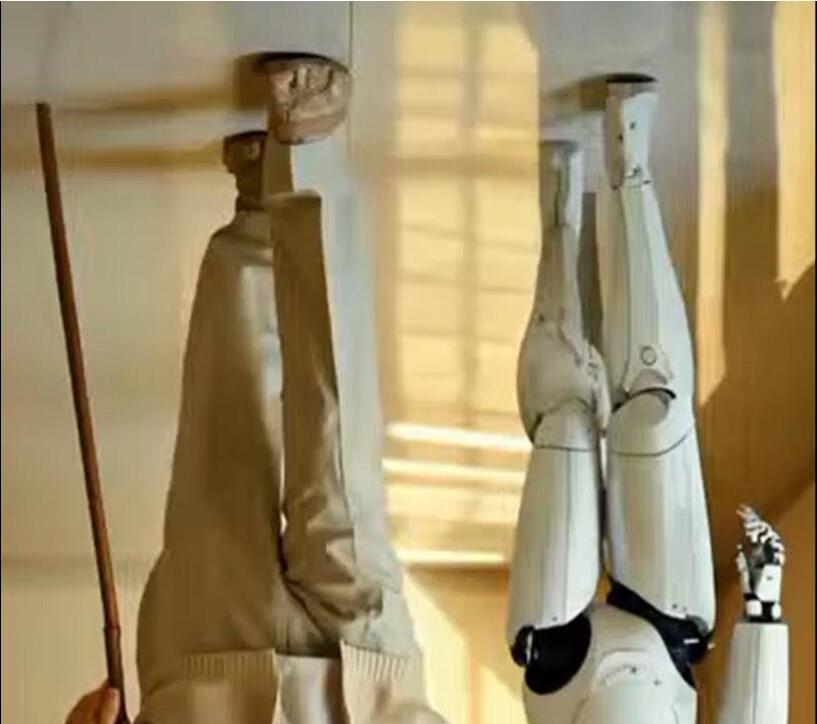
Today we’ll be looking at how robots have developed, and how they can help improve quality of life for older adults.
ROBOTS
But first let’s see some robots in action
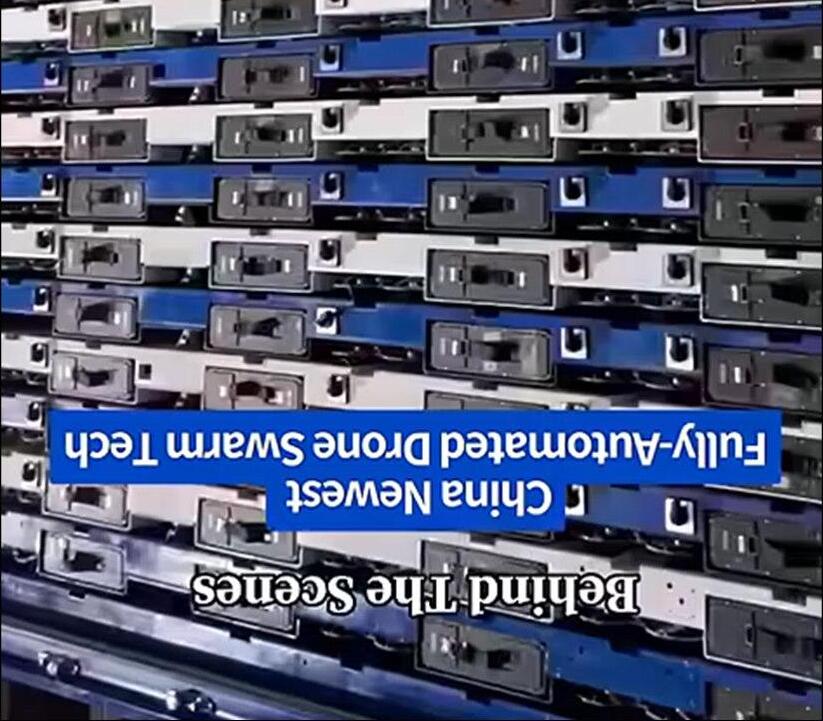
Drone Swarms:
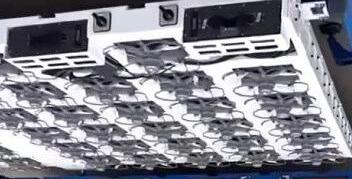
In just a couple of minutes it is now possible to launch over 700 drones in this case to perform stunning arial ‘firework’ displays
DRONES
DRONES Drone Swarms:
In just a couple of minutes it is now possible to launch over 700 drones in this case to perform arial ‘firework’ displays
Art Drones:
Today we’ll be looking at how robots have developed, and how they can help improve quality of life for older adults.
DRONES
Military Drones:
And as you would expect the military take it all to the next level. This launches can launch up to 48 fixed wing drones at a time
DRONES
Military drones also come in a number of different shapes and sizes
Drones:
DRONES Military
Today we’ll be looking at how robots have developed, and how they can help improve quality of life for older adults.
Drones:
DRONES Military
Today we’ll be looking at how robots have developed, and how they can help improve quality of life for older adults.
Speedy Bots:
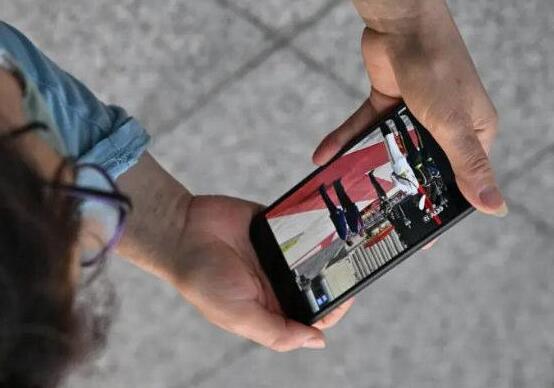
Lightning, a humanoid robot developed by the Chinese smartphone company Honor, won the 2026 Beijing E-Town HalfMarathon, completing the 13.1-mile (21 km) course in 50 minutes and 26 seconds.
ROBOTS
This performance beat the current human half-marathon world record of 57 minutes and 20 seconds, set by Jacob Kiplimo in March 2026.
Bots: for older
Drones:
DRONES Military
Today we’ll be looking at how robots have developed, and how they can help improve quality of life for older adults.
Agile Bots:
Jam Bots:
Butler Bots:
Tesla Bots:
Micro Bots:
ROBOTS
Clever Bots:
ROBOTS
Worker Bots:
Assist Bots:
ROBOTS
Walker Bots:
ROBOTS
Wheelchair Bots:
Companion Bots:
ROBOTS
Social/Companion Robots
• Paro: a seal-shaped robot used in UK care homes to reduce loneliness and stress.
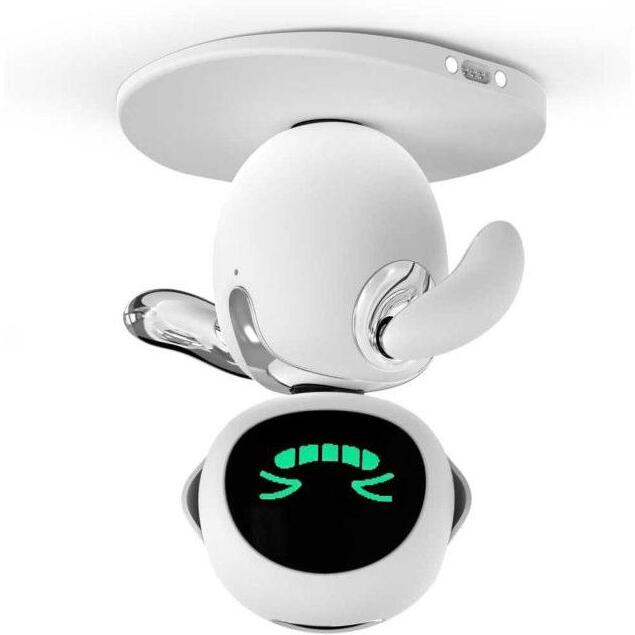
• Eilik: a table-top companion robot that chats, reminds about medication, and encourages activity.
ROBOTS
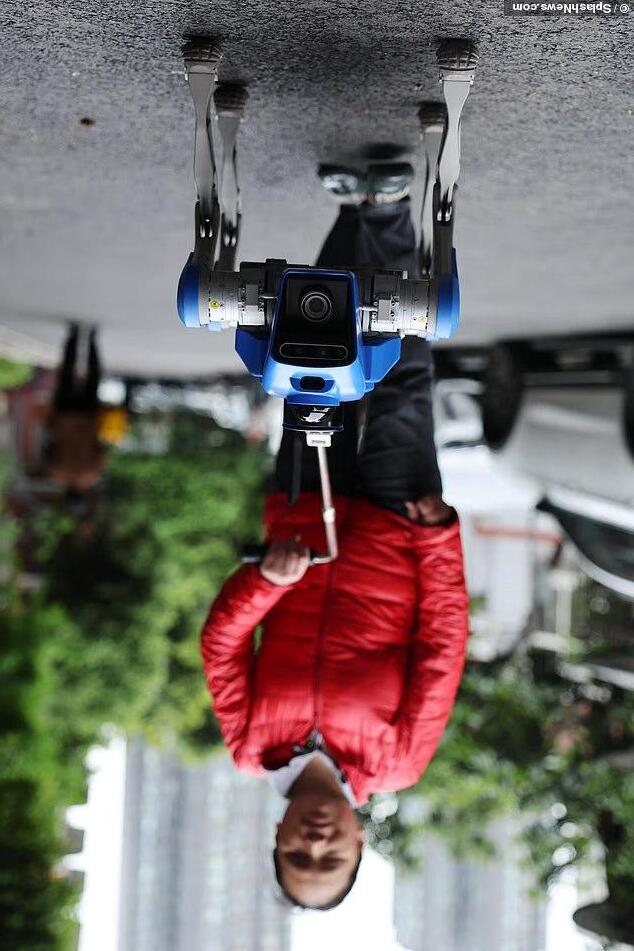
Robot Guide Dogs
ROBOTS
Healthcare & Assistance Robots
• Robear (Japan): helps lift patients safely.
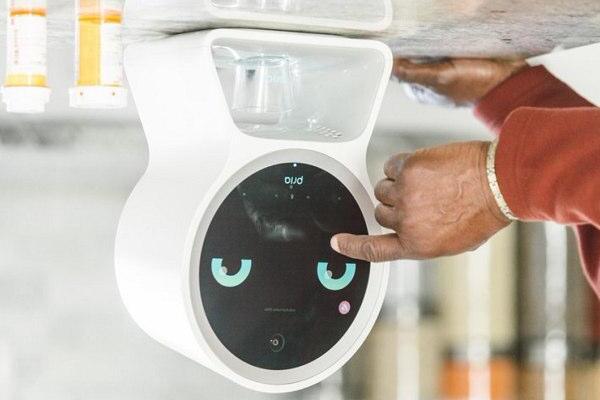
• Robot medication dispensers: remind seniors to take the right pills at the right time.
ROBOTS
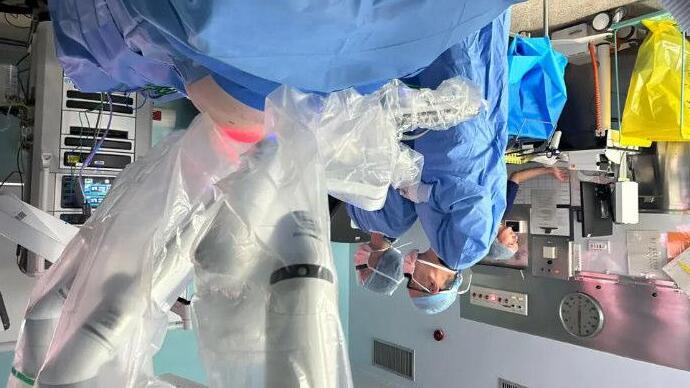
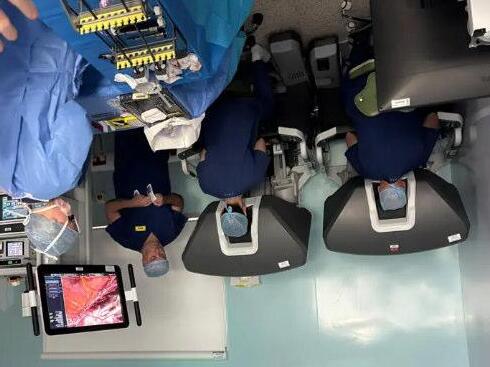
Robots in Hospitals
ROBOTS
So What Does The Next 5 Years Hold
Warehouses and factories will become heavily robot-centric
The biggest near-term growth will happen in logistics and manufacturing, not homes.
Humanoid robots will move from demos to limited real jobs
Humanoid robots won’t fully replace human workers in five years, but they will begin doing repetitive physical tasks in controlled environments.
Robots will become much more adaptable because of AI
Traditional robots are programmed for one task. The next generation will learn and adapt.
Elder care and healthcare robotics will grow rapidly
As ageing populations in countries like Japan, China, South Korea, Germany, and the UK are creating labour shortages in care work.
Robot costs will fall dramatically
Robots are likely to become cheaper in the same way solar panels and EV batteries did.
NEAR FUTURE
And 5Years AfterThat?
AI assistants will become permanent digital coworkers
AI will move beyond chatbots into always-available agents that can actually complete tasks.
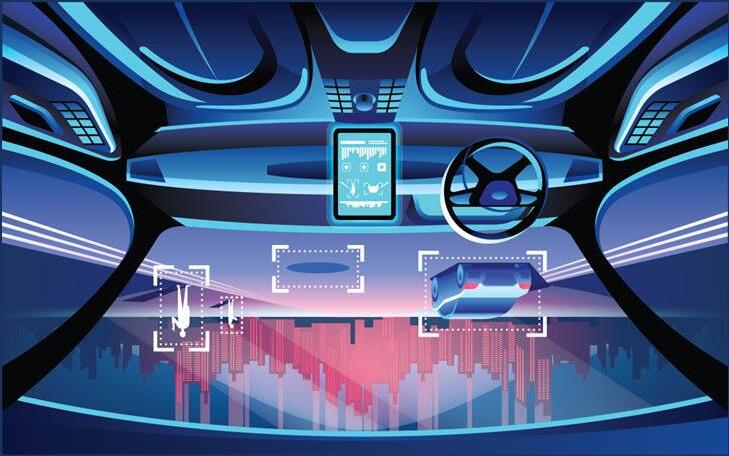
Self-driving vehicles will become normal in limited areas
Fully autonomous driving everywhere is still difficult, but robotaxis and autonomous delivery vehicles are likely to become common in specific cities and routes.
Personalized medicine will accelerate Healthcare may become far more individualized thanks to AI and biotechnology.
Energy systems will shift faster than expected Solar, batteries, and AI-managed power grids are improving rapidly.
Summary
The next decade probably won’t feel like one giant sci-fi breakthrough. Instead, it will feel like hundreds of smaller automations quietly accumulating until daily life looks very different from today.
NEAR FUTURE
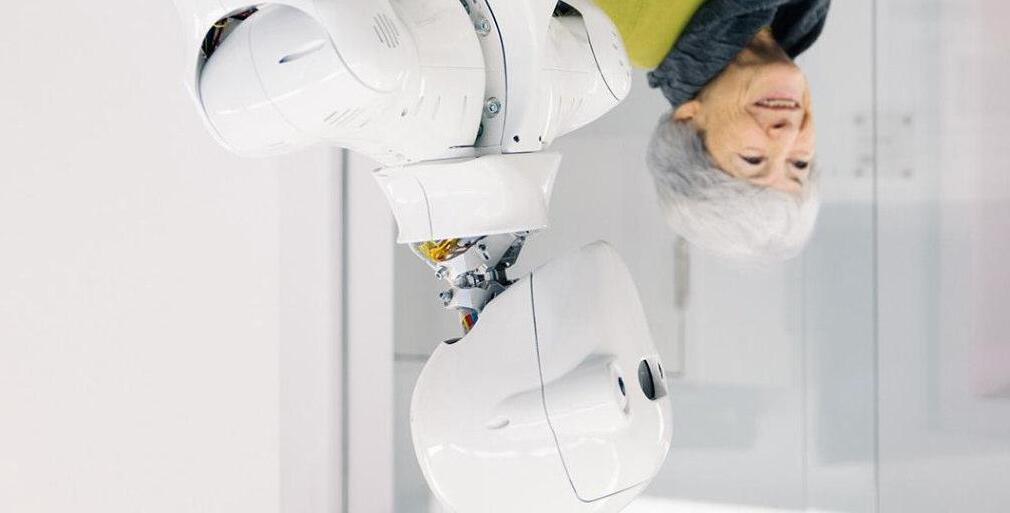
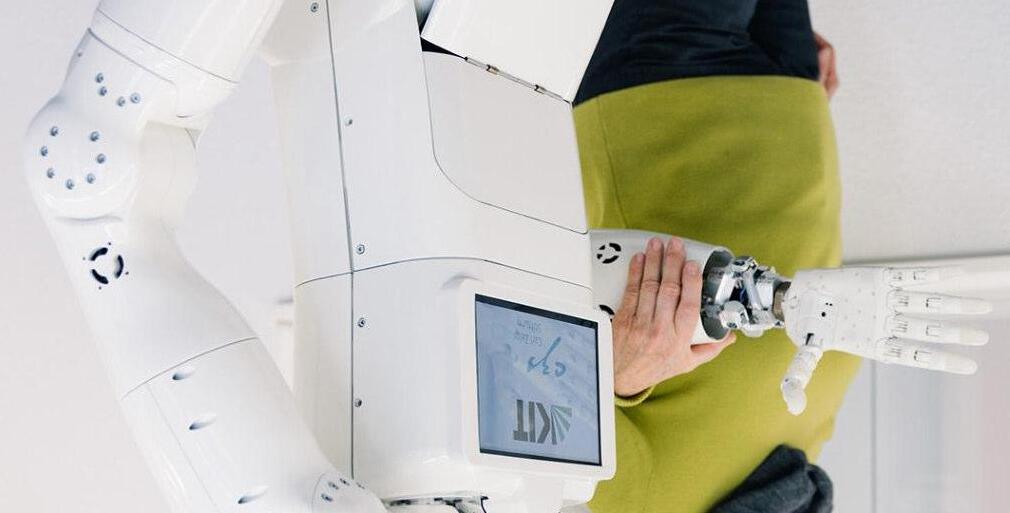
So will it be like this ?
Or this ?
There really are some very clever people on the planet
ROBOTS
History
• 1950’s: First Industrial robots in factories & manufacturing
• 1960’s: Robots became more common in automation.
• 1990’s: Service robots machines designed to interact with humans, not just factories.
• 2000’s: First humanoid robots that could walk and climb stairs
• 2005: First robot to lift and carry elderly patients safely
ROBOTS
History
• 2010: Therapeutic robot seal for dementia care and companionship.
• 2014: Social robot designed to read emotions and interact with people.
• 2017: A table-top AI companion for older adults, offering reminders, small talk, and video calls.
• 2019: Personal robot with mobility, voice interaction, and video-calling, marketed for home and care use.
ROBOTS
History
• 2020: (COVID-19 pandemic) Robots widely used for delivery in hospitals, disinfecting rooms, and reducing human contact.
• 2021: Care robots in UK trials: NHS and care homes began testing companion and assistive robots for older adults.
• 2023: Humanoid robots (e.g., Ameca, Figure
AI): robots capable of natural facial expressions and realistic conversations.
ROBOTS
Need
• By 2040, nearly 1 in 4 people in the UK will be aged 65+.
• The UK already has around 3 million people aged 80+ (ONS, 2022).
• The UK is investing in assistive technology to support healthy ageing.
• Service robot market worldwide is expected to grow by over 20% per year EVERY YEAR this decade.
ROBOTS
Benefits for Seniors
• Independence (less reliance on constant carers).
• Safety (fall detection, reminders).
• Companionship (reducing loneliness).
• Support for carers and families.
• Retention of dignity
ROBOTS
Challenges & Considerations
• Cost and accessibility.
• Trust and ease of use.
• Data privacy and ethics.
• Human touch can’t be replaced, but robots can assist.
ROBOTS
• Robots are not about replacing people, but supporting seniors to live healthier, safer, and more independent lives.
Development of Self-Driving Cars
• 1920s - 930s (Early Concepts) First “phantom car” demos in the U.S., controlled remotely by radio waves.
• 1980s - Carnegie Mellon University’s NavLab and Mercedes-Benz developed experimental autonomous vehicles using cameras and computers.
• 1995 - CMU’s “No Hands Across America” project: drove almost 3,000 miles with a car steering itself (human still controlled brakes).
• 2004 & 2005 – DARPA Grand Challenges (USA)U.S. Defense Advanced Research Projects Agency (DARPA) held competitions for autonomous vehicles. Sparked modern self-driving innovation.
SELF DRIVING CARS
Development of Self-Driving Cars
• 2009 –Google Self-Driving Car Project Later became Waymo. Marked the start of big tech interest in autonomous driving.
• 2013 –Tesla Introduces Autopilot Concept Semiautonomous driver-assist features became mainstream.
• 2015 –UK Trials Begin First official tests of selfdriving cars on UK public roads (e.g., Milton Keynes).
• 2016 –Uber Launches Self-Driving Pilot Autonomous ride-hailing service tested in U.S. cities.
• 2018 –First Fatal Accident when a self-driving Uber car struck a pedestrian in Arizona -raised global safety concerns.
SELF DRIVING CARS
Development of Self-Driving Cars
• 2020 –Waymo Driverless Taxi Service Waymo launched the first fully driverless taxi service in Phoenix, Arizona.
• 2021 –UK Legalises Limited Self-Driving UK approved “ALKS” (Automated Lane Keeping Systems) for use on motorways at low speeds.
• 2023 –Waymo and Cruise expanded robotaxi services in U.S. cities.
• UK government announced plans to allow fully autonomous cars by 2025.
SELF DRIVING CARS
Development of Drone / Flying Cars
• 1917 –Curtiss AutoplaneOne of the first “flying car” prototypes, part car, part plane. Never mass-produced.
• 1940s–1950sVarious experimental “roadable aircraft” like the Aerocar appeared
• 2009 –Terrafugia Transition (USA) A modern flying car prototype that could both drive and fly.
• 2011 –PAL-V (Netherlands) Personal Air and Land Vehicle (PAL-V) designed like a gyrocopter–car hybrid.
• 2016 –AeroMobil(Slovakia) Sleek flying car prototype unveiled, capable of highway driving and flight.
• 2017 –Kitty Hawk (backed by Google’s Larry Page) Revealed a small electric flying vehicle (early eVTOL).
DRONE / FLYING CARS
Development of Drone / Flying Cars
• 2019 –Uber Elevate ProjectUberannounced plans for flying taxi services (later sold to Joby Aviation).
• 2020 –Hyundai & Uber partnership Showcased electric flying car concept at CES tech expo.
• 2021 –KleinVision AirCar(Slovakia) Successfully flew between two cities and received a certificate of airworthiness.
• 2022 –XPeng X2 (China)Completed its first public test flight in Dubai.
• 2023–2024 –Joby Aviation & Archer Aviation (USA)Tested passenger-ready eVTOL air taxis.Aim for commercial flights by 2025–2026.
DRONE / FLYING CARS
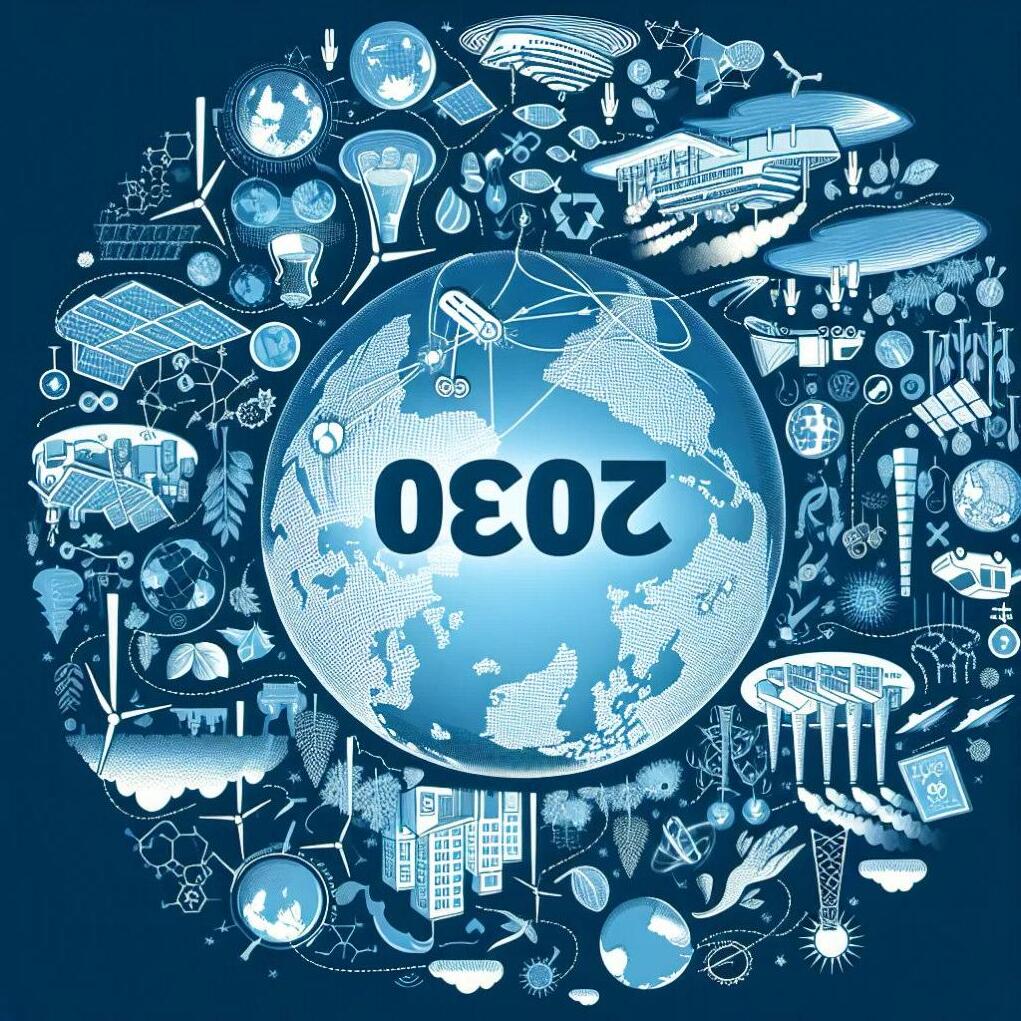
What next 2030’s
• Rates of change accelerating
• Most innovation aimed at the senior market
• ElliQ 3 –The Evolving AI Companion
• Autonomous Domestic Assistants (ADAM)
• Humanoid Care Robots (e.g. Draco 3 & Pepper-style Bots)
• Robot Trials in UK Homes (Cera Care)
• Mobility-Boosting Exoskeletons & Smart WheelchairsDriven by the military
• Looking further ahead, some research predicts robots merging with human environments or bodiesblurring the line between biological and mechanical.
QUESTION TIME
Email Tips
• Each person within a household should have their own email address. So avoid joint email addresses
• Separate email addresses will be a requirement if you ever buy a smart device
• Maybe have a second for Junk – notmyrealemailaddress@gmail.com so as not to clog your inbox
• Ideally your email address should not be linked to your internet provider so you are not forced to change your email if you change provider down the line. Gmail / Yahoo / Outlook (Microsoft Users)
• In most systems the email address is the ‘key’ field so is not easily changed
• There is no need to delete old emails to make things run quicker –this is a fallacy. Just delete your junk.
EMAIL
Email Types (Protocols)
POP3 (Post Office Protocol v3)
Downloads emails from the server to your device
Often deletes them from the server after download.
Used mainly by Microsoft Outlook with Microsoft Exchange servers
Allows advanced features like calendars, contacts, and tasks
More than just email (full collaboration system)
Exchange (Microsoft Exchange ActiveSync / EAS)
A protocol/service from Microsoft
Pushes emails, contacts, calendars in real time
Common in business environments
Webmail (not a protocol, but worth noting)
Access email through a browser instead of a client
Examples: Gmail,
EMAIL
Email Types (Access)
Webmail
What it is: Email accessed through a web browser (no software install)
Examples: Gmail, Outlook
How it works:
• You log in on a website
• Everything stays on the server
• No setup needed beyond a browser
Pros:
• Works anywhere on any device
• No installation
• Always synced
Cons:
• Needs internet
• Fewer advanced features than full apps
Email Types (Access)
Email Client
What it is: Software installed on your device to manage email
Examples: Microsoft Outlook, Mozilla Thunderbird,Apple Mail
How it works:
• Connects to your email using protocols like IMAP, POP3, SMTP
• Downloads or syncs messages to your device
Pros:
• Can work offline (especially with POP or cached IMAP)
• More features (rules, folders, integrations)
• Better for managing multiple accounts
Cons:
• Requires setup
• Tied to a specific device unless synced
EMAIL
Email Types (Access)
Microsoft Exchange
What it is: A mail server + service (not just an app)
Provider: Microsoft
How it works:
• Stores email, calendars, contacts centrally
• Syncs everything in real time using Exchange/ActiveSync
• Used mainly by businesses and organizations
Pros:
• Real-time sync across all devices
• Shared calendars, contacts, meeting scheduling
• Enterprise-level control and security
Cons:
• Usually requires a subscription or company setup
• More complex than basic email
EMAIL
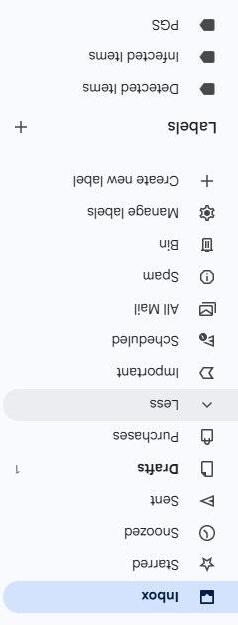
Gmail
Email Management
Inbox organization with tabs (Primary, Social, Promotions)
Labels instead of traditional folders (more flexible)
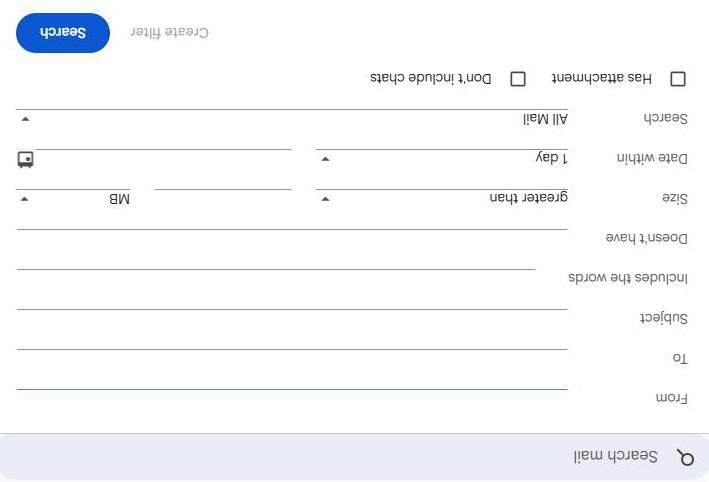
Powerful search to quickly find emails
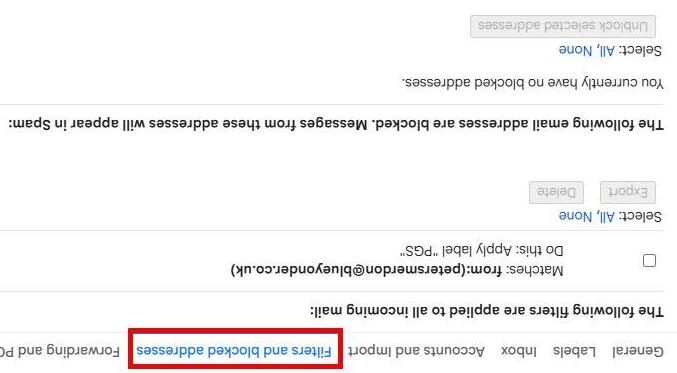
Filters to automatically sort incoming mail
GMAIL
Gmail
Storage & Cloud Integration
Generous free storage shared with Google Drive
Easy attachment of large files via Drive links
Automatic saving of attachments
Sync Across Devices
Access from phone, tablet, or computer
Real-time syncing of emails, drafts, and settings
Works via browser (webmail) or apps
GMAIL
Gmail Integration with Google Services
Built-in connection with Google Calendar for scheduling
Integration with Google Meet for video calls
Works seamlessly with Docs, Sheets, and other Google tools
Smart Features (AI-powered)
Smart Compose (suggests what to type)
Smart Reply (quick response options)
Automatic email categorization
Spam detection
GMAIL
Gmail
Security & Protection
Strong spam filtering
Phishing and malware protection
Two-factor authentication (2FA)
Alerts for suspicious activity
CommunicationTools
Send attachments and inline images
Conversation view (threads emails together)
Chat and spaces (team messaging inside Gmail)
GMAIL
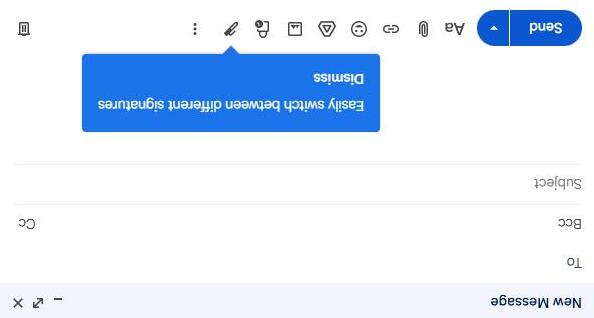
Customization & Settings
Themes and layout options
GMAIL Gmail
Custom signatures
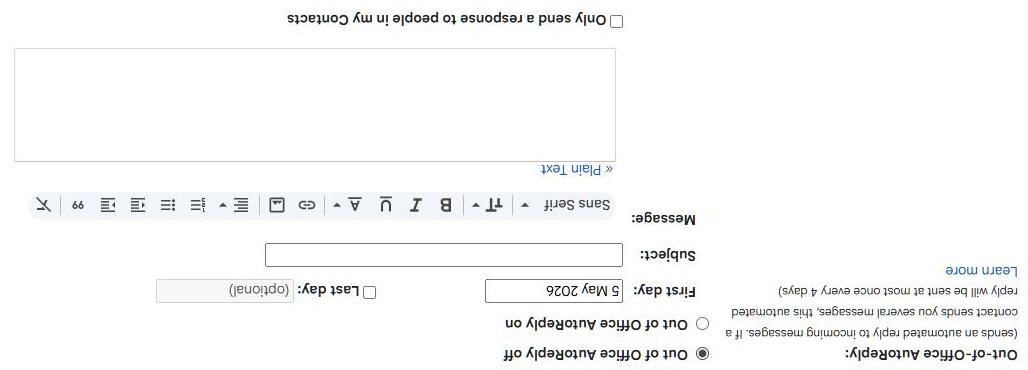
Vacation auto-replies
Keyboard shortcuts
Gmail
Productivity Features
Schedule emails to send later
Snooze emails to revisit later
Undo send (short delay to cancel mistakes)
In short: Gmail isn’t just email—it’s a full communication and productivity hub connected to the wider Google ecosystem.
GMAIL
QUESTION TIME
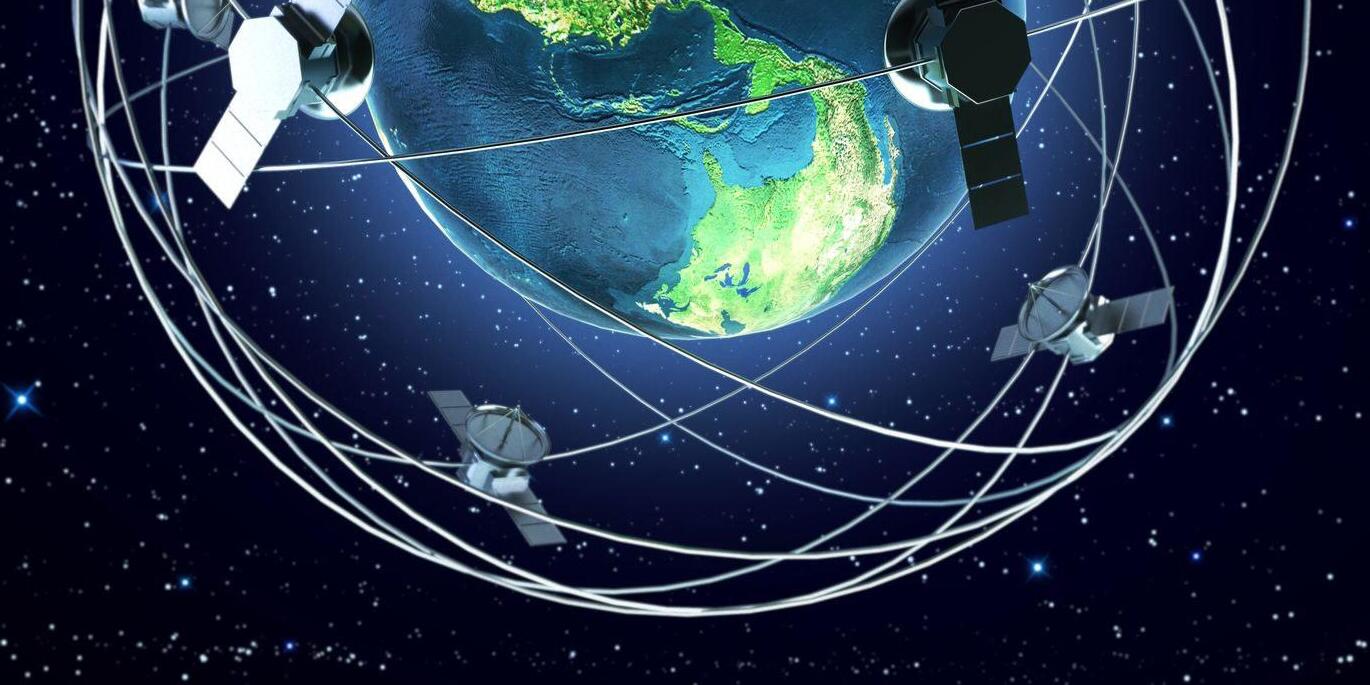
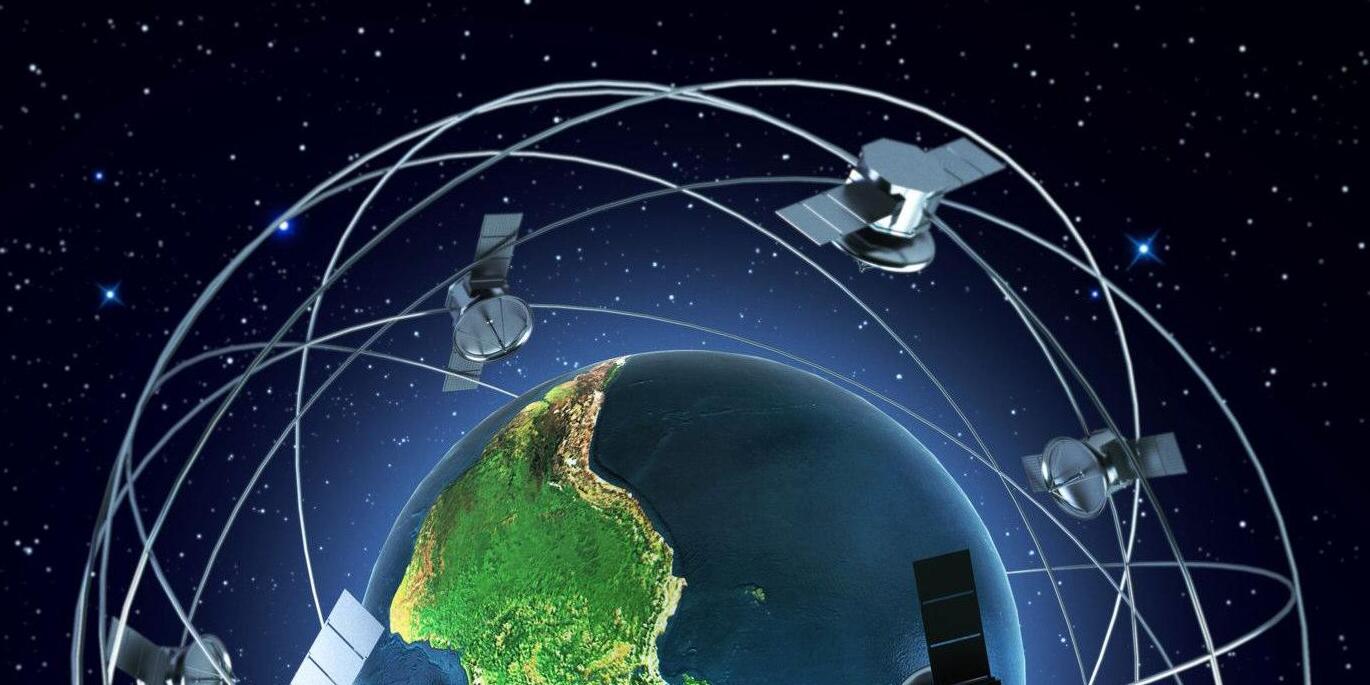
NEXT TIME SATELLITES
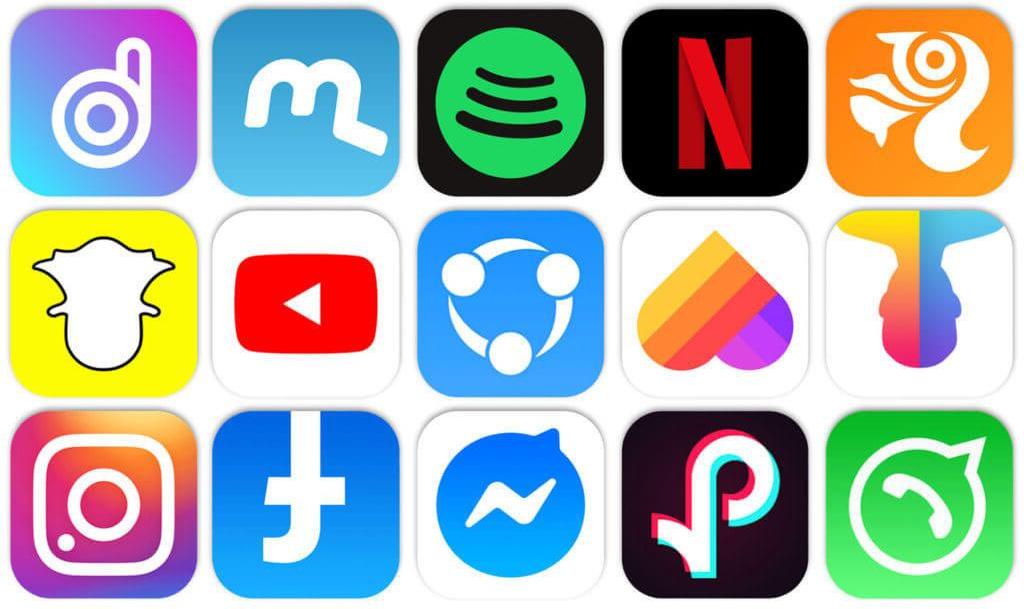
NEXT TIME APPS
Thursday 16th July (third Thursday)
NEXT SESSION
If you found this helpful tell others
NEXT TIME
SESSION NOTES
QUESTION TIME
Top tips for buying your tech
BUYING TECH
Why Buying Tech isTricky
• Constantly changing models & upgrades
• Wide price ranges for similar products
• Marketing hype vs. real needs
Example: Choosing between iPhone vs Android models or laptops vs tablets with different specs
Are you a creator or consumer of data
Accessibility considerations
BUYING TECH
Key Things to Consider
• Purpose: Work, gaming, school, entertainment?
• Specs: Processor, RAM, storage, screen size, battery life
• Budget: Match needs to cost, avoid overspending on unused features
• Ecosystem: Apple vs. Windows vs. Android compatibility
BUYING TECH
Where to Buy
• Online retailers: Amazon, official brand websites
• Physical stores: Best Buy, Apple Store, electronics shops
• Second-hand & refurbished: Cost savings but check warranties
• Tip: Compare prices using aggregator sites
BUYING TECH
Common Mistakes to Avoid
• Buying based only on brand or looks
• Ignoring software updates & support lifespan
• Not checking reviews or benchmarks
• Skipping warranty/return policies
• Overbuying features you don’t use
BUYING TECH
Smart Buying Tips
• Do research (YouTube reviews, tech blogs, comparison sites)
• Set a realistic budget and stick to it
• Buy at the right time (Black Friday, backto-school deals)
• Think long-term: reliability, repairability, and support
• Consider re-furbished products
BUYING TECH
Golden Rule: Buy for your needs today + 2 to 3 years ahead, not just for hype
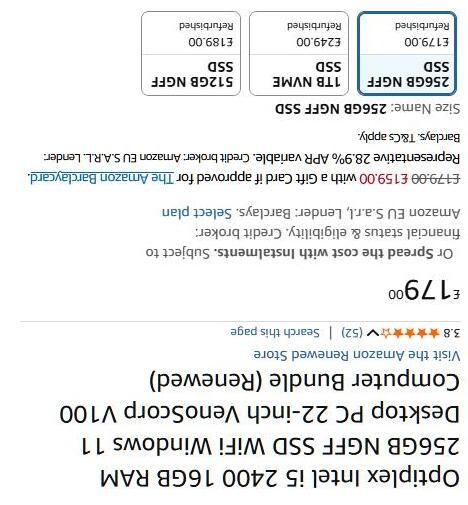
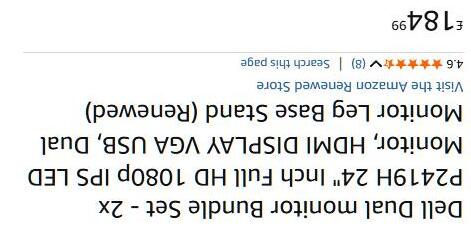
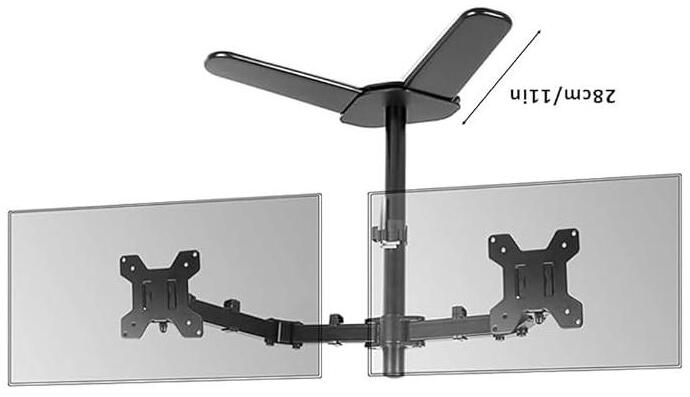
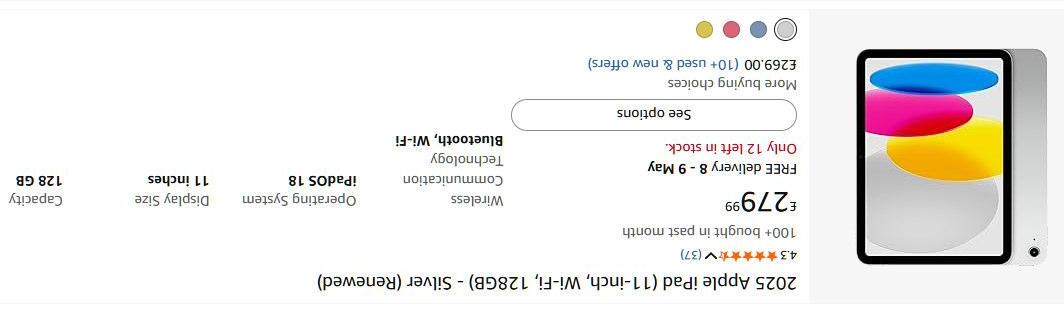
Typical Offers
Typical Offers
BUYING TECH
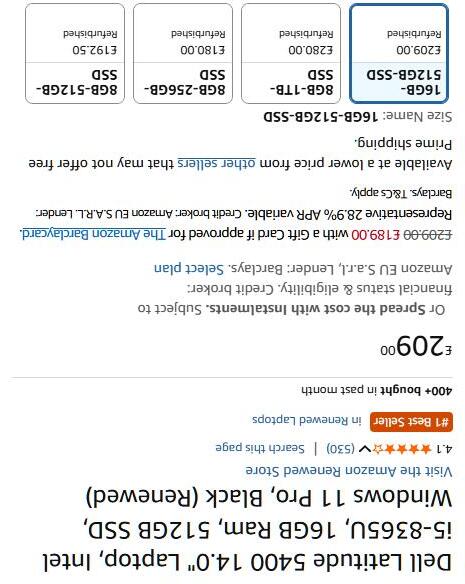
Typical Offers
BUYING TECH
Typical Offers
BUYING TECH
PASSWORD BOOKS
Date: 20/06/25
URL: Link: bbc.co.uk
Email: myemailaddress@gmail.com
Username: CDHTBS
Password / Hint: BbcPL46xv#
Three Words – Farm2 / City / Peach#
Notes: Login for iPlayer and BBC Sounds Amazon link to buy (£7.99 Prime Day Price)
https://tinyurl.com/3wb59vcc
PPL NEXT WEEKS FILMS
What are Apps?
APPS
What is an App?
An app (short for "application") is a software program designed to run on mobile devices like smartphones and tablets —though the term can also refer to desktop applications.
APPS
While desktop apps are tailored for PCs, mobile apps target touch devices and often rely on internet connectivity.
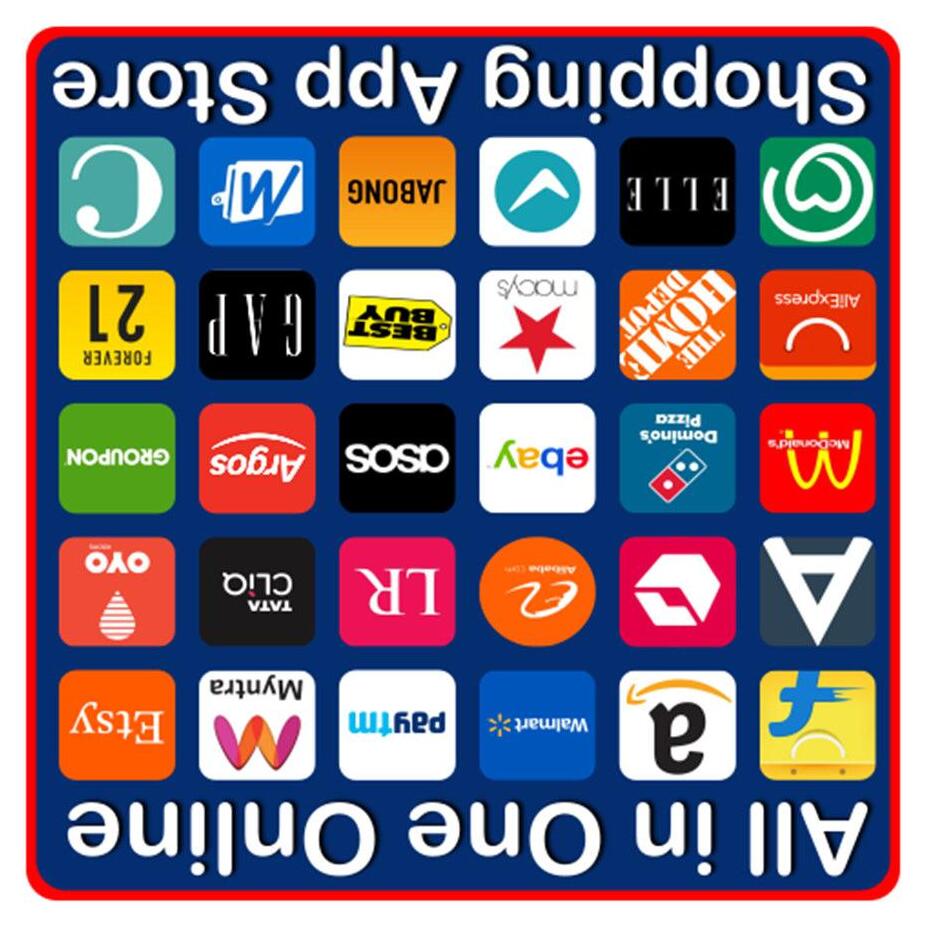
What is the App store ?
An App Store is a digital distribution platform where users browse, download, and update apps.The most famous is Apple's ‘App Store’, launched in July 2008. It provides a centralized and secure way to discover and get apps for iOS devices.
APPS
Also known as the ‘Play Store’ on Android (Google) devices
On a Windows PC it is known as the ‘Microsoft Store’
The growth of Apps (Apple Store)
• July 2008: 500 apps available.
• Sept 2008: 3,000 apps.
• Jan 2009: 15,000 apps.
• June 2009: 50,000 apps.
• Nov 2009: 100,000 apps.
• August 2010: 250,000 apps.
• July 2012: 650,000 apps.
• Oct 2013: 1 million apps.
• June 2016: 1.5 million apps.
• 2023–2024: Around 1.81 million apps, including roughly 222,000 games and 1.66 million nongaming apps.
APPS
App Software Developers
As of 2025, there are approximately 26.9 million software developers worldwide, (equivalent to the population of Shanghai) with mobile app developers making up 40% of that group. This equates to roughly 10.8 million mobile developers globally.
• UK – 70,000
• Western Europe: Around 5.5–6.1 million developers across core tech nations.
• North America (U.S.): Between 4.1 and 4.6 million developers, including independent contractors.
• Subscription-based – e.g., Netflix, Duolingo Plus
• Paid apps – e.g., Some professional tools, premium games
• Bespoke apps for industry – Restaurants, Salespeople, Heavy Industry, finance
APPS
Where to buy?
Think of App stores as high street stores
Apple apps come from the App Store
Android (google) from Google Play (store) etc
APPS
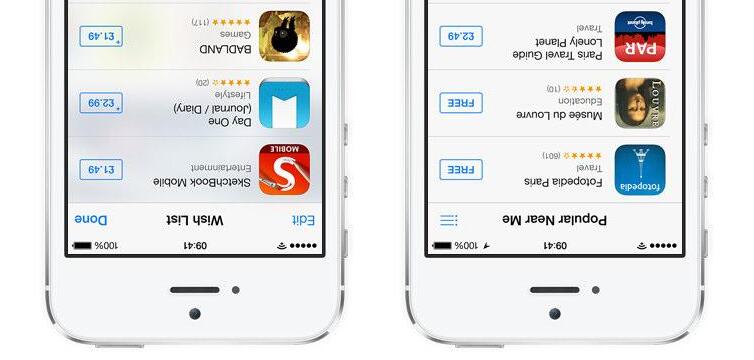
What do they cost?
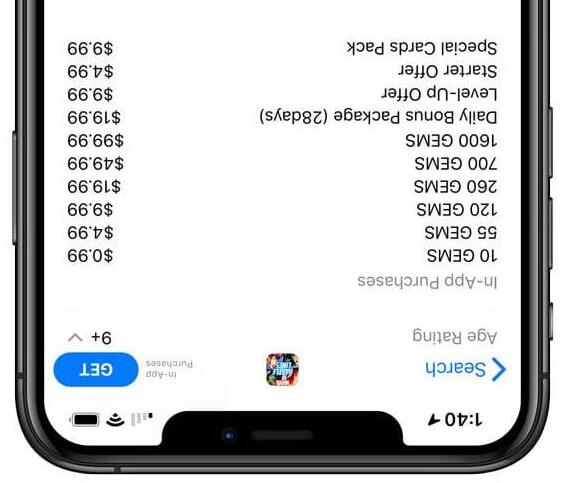
• FREE -When supported by advertising these are usually Free initially. Paying an additional one-off fee to remove the adverts if required (FREE / GET)
• One-time cost –Cost show under the app
• In app purchase –price varies either for increased functionality or time
• Subscription –Bit like a direct debit where in subscribing you agree to making a regular payment
APPS
Pre Installed Apps ios
Core Apps
• Phone
• Messages
• FaceTime
• Contacts
• Mail
• Safari (web browser)
• Camera
• Photos
APPS
Pre Installed Apps ios
Utilities
• Clock
• Calendar
• Weather
• Notes
• Reminders
• Calculator
• Compass
• Voice Memos
• Magnifier
APPS
• Measure
• Stocks
• Files
• Translate
• Tips
• Shortcuts
• Find My
• Settings
Pre Installed Apps ios
Media & Entertainment
• Music (Apple)
• TV (Apple TV)
• Podcasts
• Books
• News (varies by region)
APPS
Pre Installed Apps ios
Productivity & Services
• Wallet
• Maps
• App Store
• iTunes Store
• Health
• Fitness
• Home
• Freeform (drawing app)
APPS
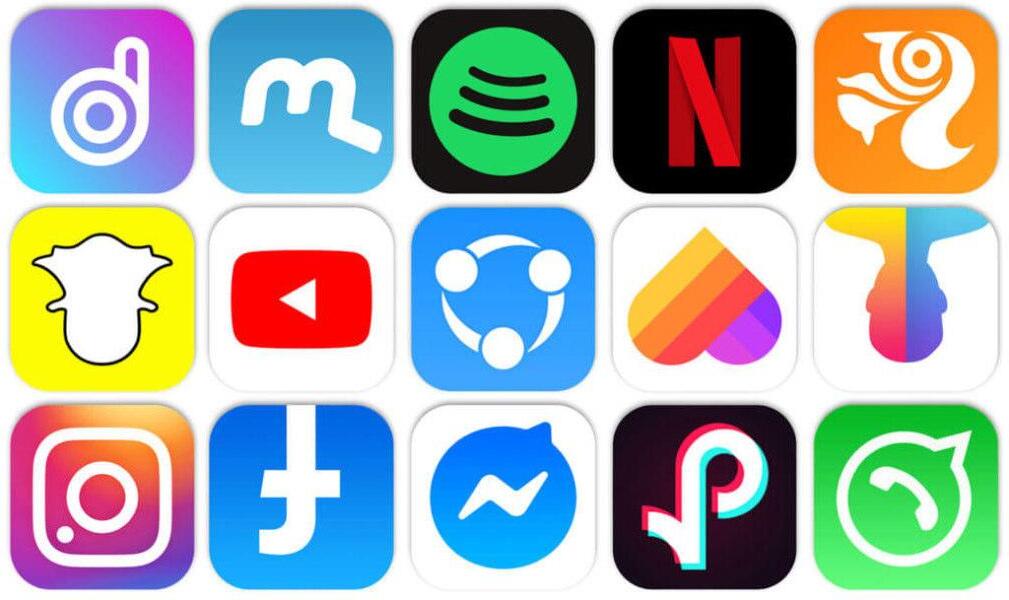
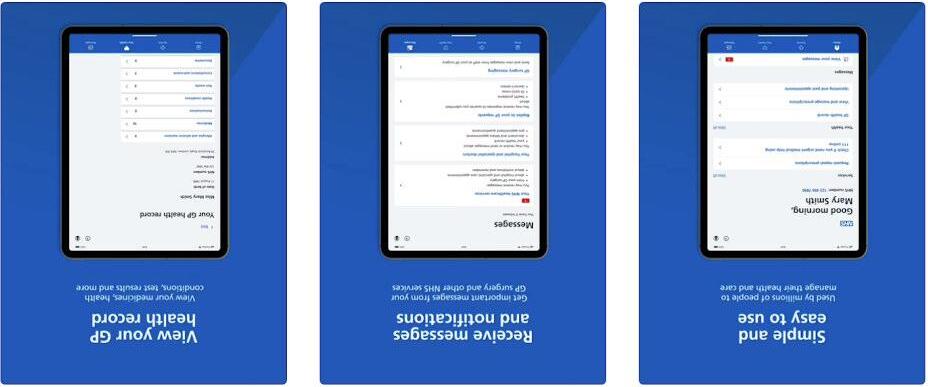
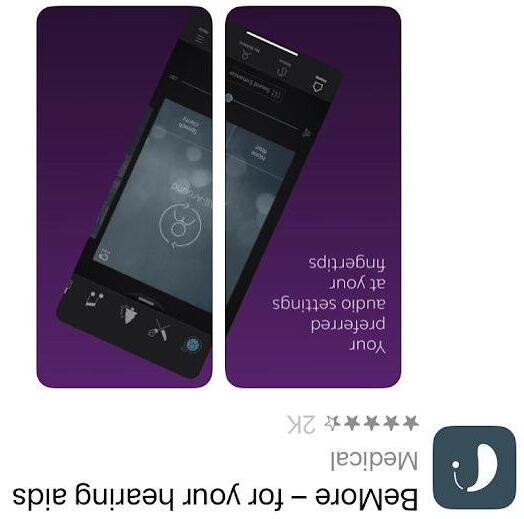
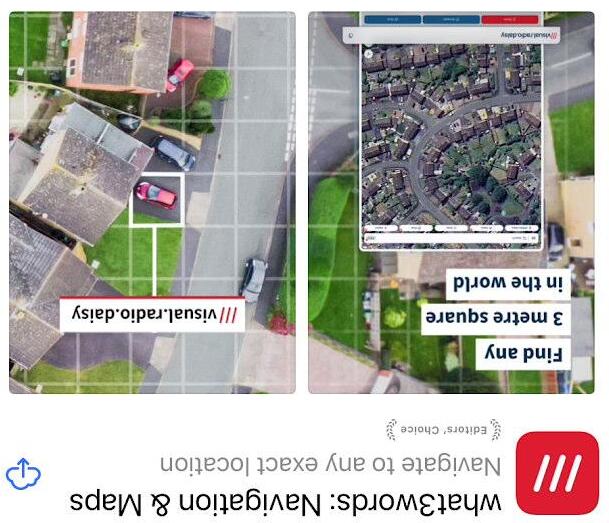
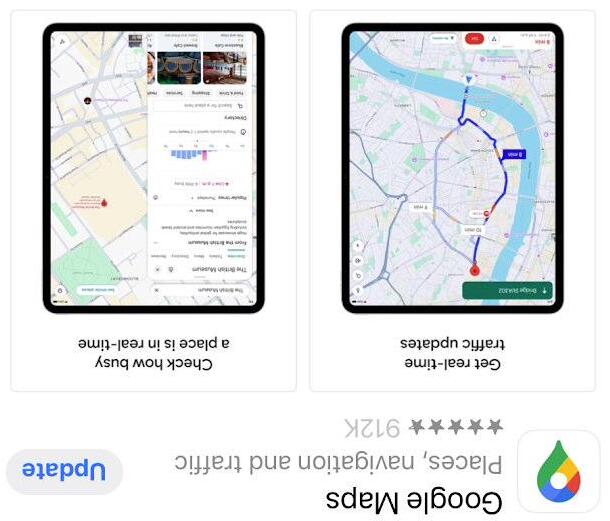
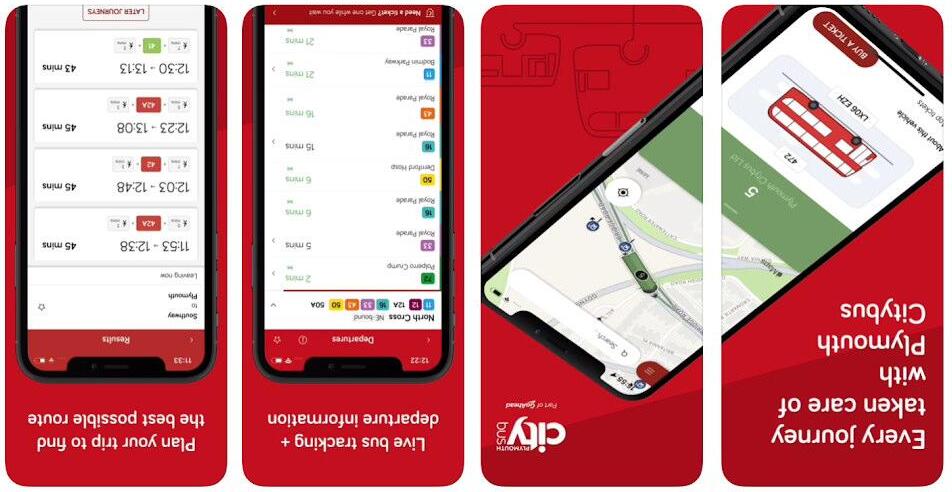
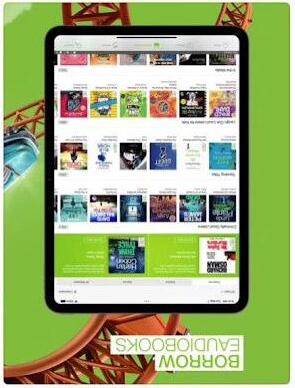
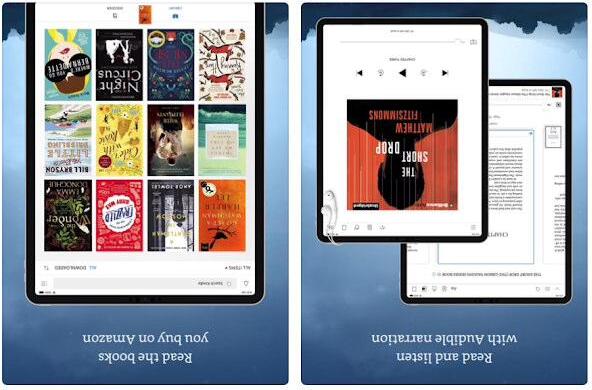
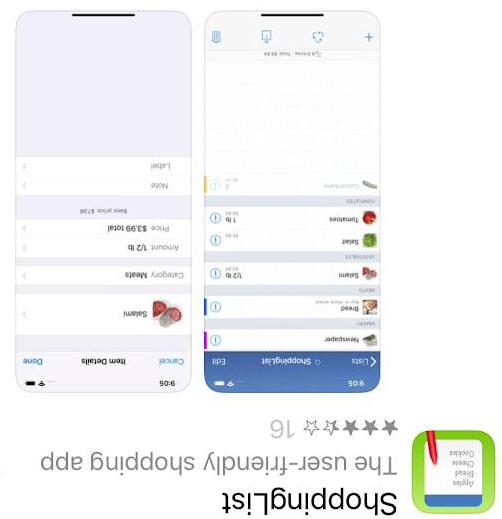
My Top 20 Add on Apps
In no particular order
APPS
My Top 20 Add on Apps
APPS
My Top 20 Add on Apps
APPS
My Top 20 Add on Apps
APPS
My Top 20 Add on Apps
APPS
My Top 20 Add on Apps
APPS
My Top 20 Add on Apps
APPS
My Top 20 Add on Apps
APPS
APPS My Top 20 Add on Apps
My Top 20 Add on Apps
APPS
My Top 20 Add on Apps
APPS
My Top 20 Add on Apps
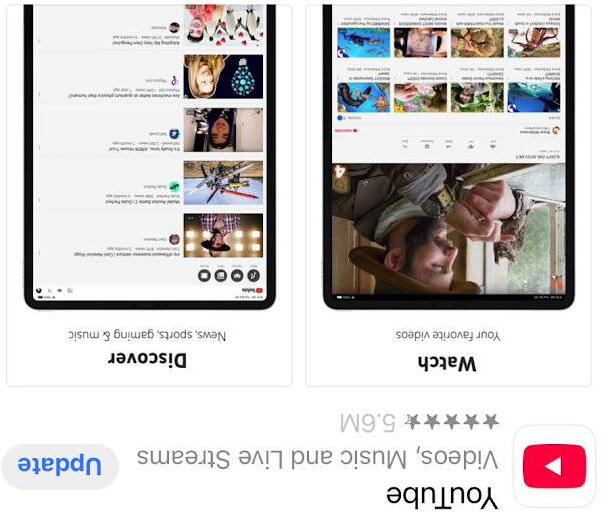
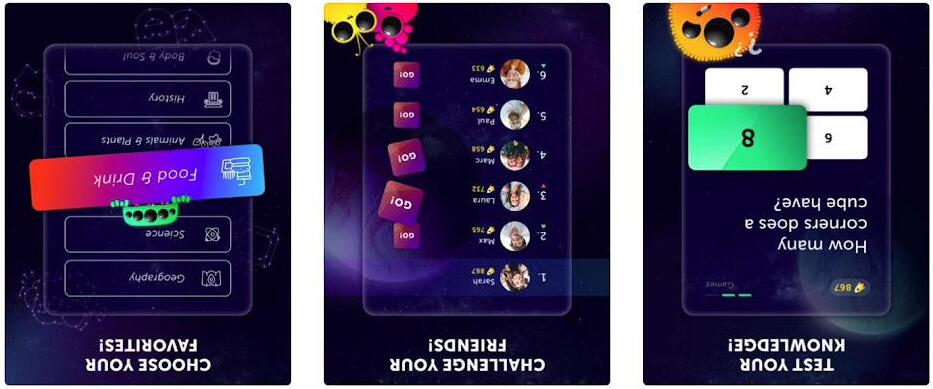
In February 2025 USA Neilson TV viewing figures showed that YouTube is now the most watched TV service in America on TV’s ! This excludes phones & tablets. In the UKYouTube now comes second ahead of ITV and just behind the BBC but is catching up fast.