What Is POS System Software and How Does It Work?
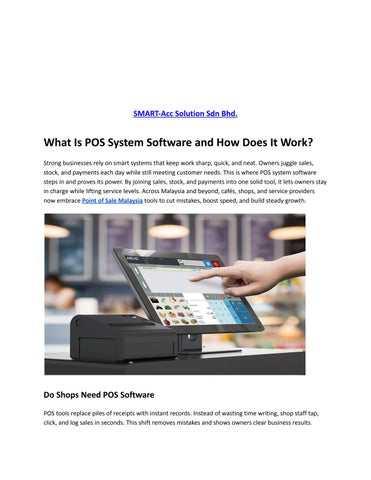
Strong businesses rely on smart systems that keep work sharp, quick, and neat. Owners juggle sales, stock, and payments each day while still meeting customer needs. This is where POS system software steps in and proves its power. By joining sales, stock, and payments into one solid tool, it lets owners stay in charge while lifting service levels. Across Malaysia and beyond, cafés, shops, and service providers now embrace Point of Sale Malaysia tools to cut mistakes, boost speed, and build steady growth.
Do Shops Need POS Software
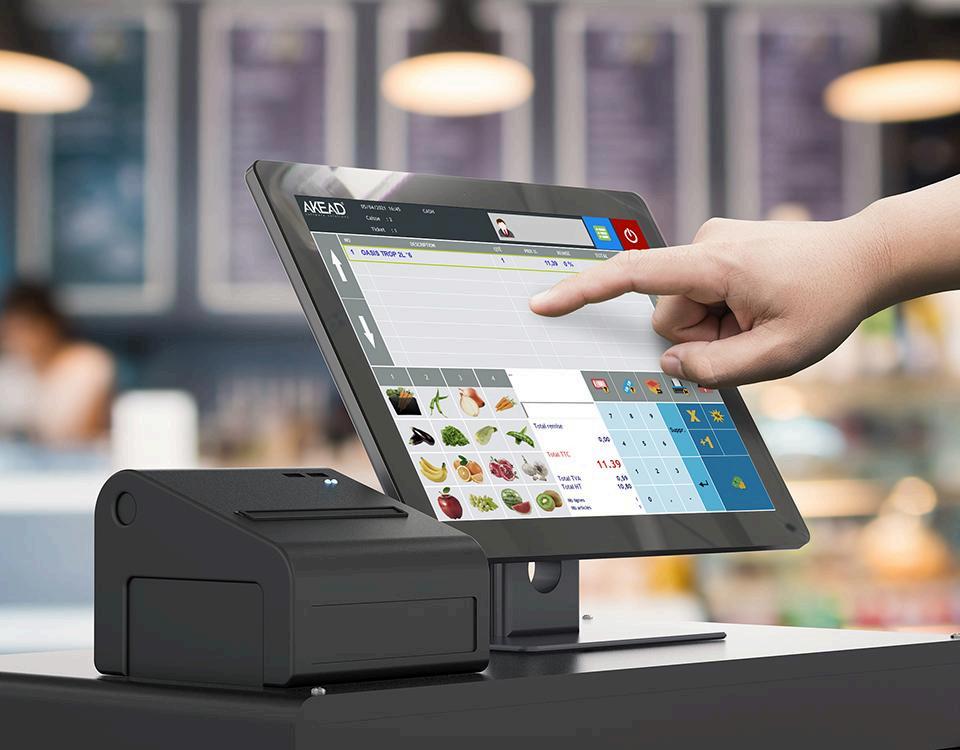
POS tools replace piles of receipts with instant records. Instead of wasting time writing, shop staff tap, click, and log sales in seconds This shift removes mistakes and shows owners clear business results
Main Benefits
● Log sales in a flash
● Track every item with care.
● Print receipts on demand
● Accept cash, card, or wallet with ease.
When the system runs smoothly, staff stay focused and customers leave with smiles Smooth service earns trust and pulls shoppers back again and again.
What Happens Without POS Systems
Without POS, businesses often stumble and slip. Errors creep in, service slows down, and owners lose sight of stock and sales, making growth tough
Mistakes Everywhere
Manual notes lead to errors. A wrong entry can cost money and ruin trust.
Slow Service
Counting stock by hand or hunting for records slows staff and annoys customers.
Does POS Software Work
A POS works like a smart bridge between the counter and the owner’s records. Every time a customer pays, the system records the sale, updates stock, and saves the report
Simple Steps
● Customer picks items
● Staff type them into the screen
● Customer pays with card, cash, or wallet.
● POS updates stock and sales instantly
This quick loop means owners always know what sells fast and what needs refilling. The live updates help them choose wisely
Types of POS Systems
POS systems come in many shapes to fit different shops. Each type brings special tools that let owners handle sales, stock, and customers smoothly
Traditional POS Systems
These sit on a counter with a till, screen, and drawer They fit shops and cafés where customers always pay in one place.
Mobile POS Systems
Mobile POS tools work on tablets or phones. Staff can walk to the shopper, add items, and finish the sale right there Perfect for cafés or stalls that need movement
Cloud-Based POS Systems
Cloud POS keeps data online. Owners can log in anywhere, anytime. Growing shops love it because it adjusts as they expand
Features of Modern POS
Modern POS systems pack strong features that do more than record sales They track stock, draw clear reports, and speed up service every single day.
Sales Tracking
Every sale lands in the system Owners can check totals each day and compare with last week or last month.
Inventory Control
After each sale, the system cuts items from stock. It even alerts owners when supplies run low. No more empty shelve.
POS Is Growing in Malaysia
Shops and cafés fight to keep customers. POS systems give them speed, accuracy, and smooth service. That edge helps them stand out in crowded street.
Local Advantages
● Win trust with clear bills
● Keep tight control of stock.
● Speed up queues
● Check sale each day
This is why more owners embrace Point of Sale Malaysia systems to strengthen their shops.
Final Thought
Real progress in business springs from tools that simplify tasks and sharpen results. POS system software records sales cleanly, refreshes stock in real time, and welcomes flexible payments More than just a till, it earns trust, guides choices, and fuels growth. In Malaysia, more shops now adopt POS systems as a key step to success With the right solution, even the smallest shop can match the speed, accuracy, and polish of larger players and stand strong in the market.
Frequently Asked Questions
Q1: Why do small shops use a digital checkout system?
Small shops grab digital checkout systems because they speed up payments, slice errors, track sales clearly, and let owners steer daily business with ease and control.
Q2: Can a digital checkout system run without the internet?
Yes, many systems store sales offline. They hold the data during downtime and push it online later, so owners never lose records or payments
Q3: How does a digital checkout system build customer trust?
It earns trust by printing clear bills, moving payments fast, and guarding data safely Customers feel secure, valued, and eager to return.