Seesaw It! 1 Open Seesaw and Sign In
2 Journal
Click the Journal Tab
3 Click the Add + Button
4 Choose a Learning Tool
5 Click the Green Check
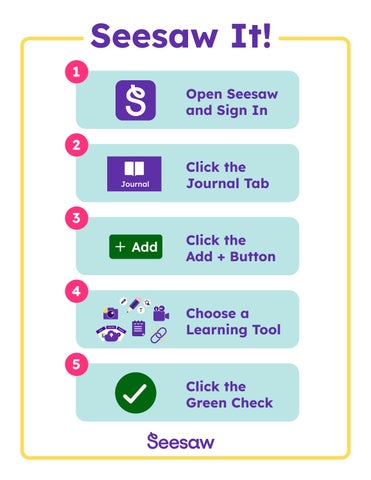
Seesaw It! 1 Open Seesaw and Sign In
2 Journal
Click the Journal Tab
3 Click the Add + Button
4 Choose a Learning Tool
5 Click the Green Check