Cue Cards
Here are a few ideas...
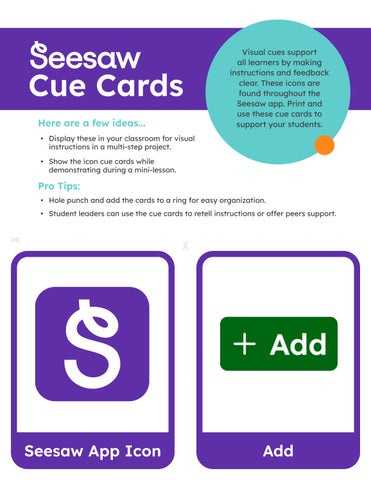
• Display these in your classroom for visual instructions in a multi-step project.
• Show the icon cue cards while demonstrating during a mini-lesson.
Pro Tips:
Visual cues support all learners by making instructions and feedback clear. These icons are found throughout the Seesaw app. Print and use these cue cards to support your students.
• Hole punch and add the cards to a ring for easy organization.
• Student leaders can use the cue cards to retell instructions or offer peers support.

Video Photo
Drawing Upload
Note Link
Journal Activities
Three Dots
Photo