





Here they are:
Press B to blur the current slide
Press C for confetti rain
Press D for a drumroll animation
Press M for a mic drop animation
Press O for floating bubbles
Press Q for quiet
Press U for a curtain call animation
Press any number (0-9) for a timer (1 for one minute, 2 for two minutes, etc.)
You can also press Shift + / or ? on your keyboard to open the Magic Shortcuts™ menu. Enjoy your presentation!

Spend less time planning & more time teaching.
Savetimewith ready-to-use classroom materials. Createand deliverlessons. Makelessons popwithAI.
Empoweryour learnerswith futureskills.

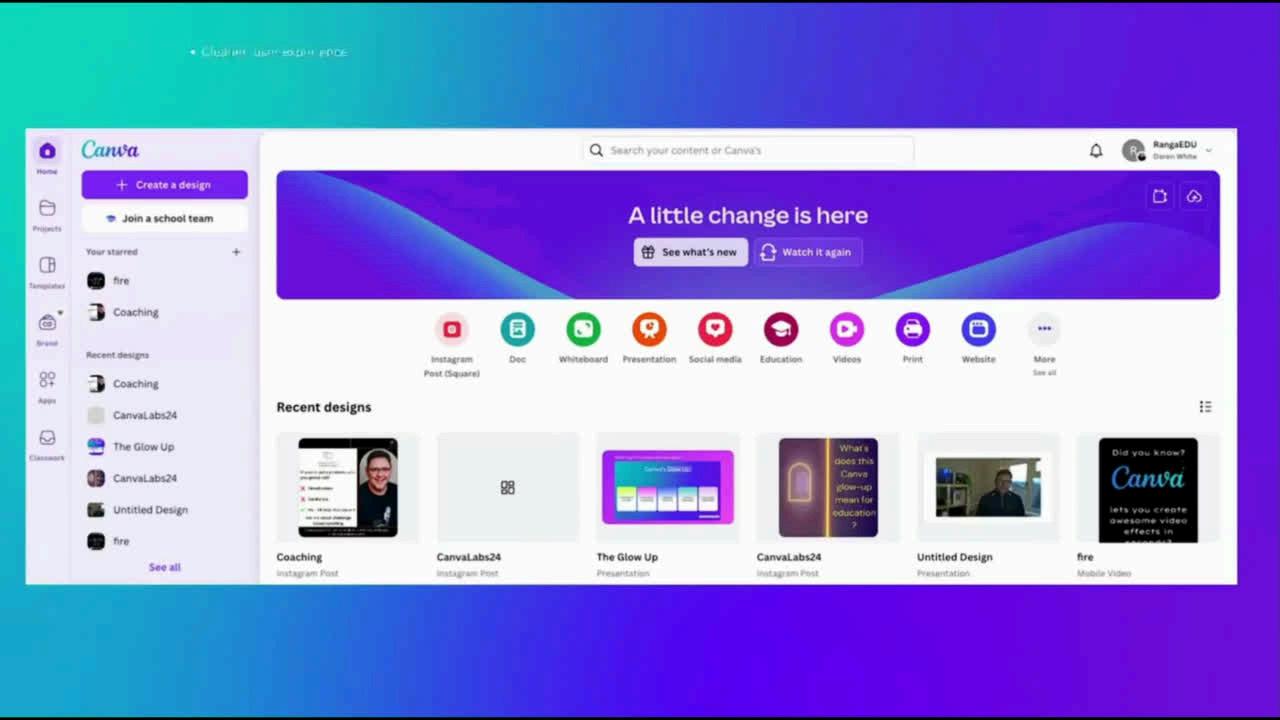
Canva Design School for Educators
Magic AI
Magic AI for Teachers
Canva Teacher Resources
Create a Lesson in Canva
Canva: Schoolwide, MATs & Regional Hubs
Education Creator Programme

Generate lesson ideas: Tailor an existing teaching material to meet individual needs:
Create a lesson presentation in minutes:
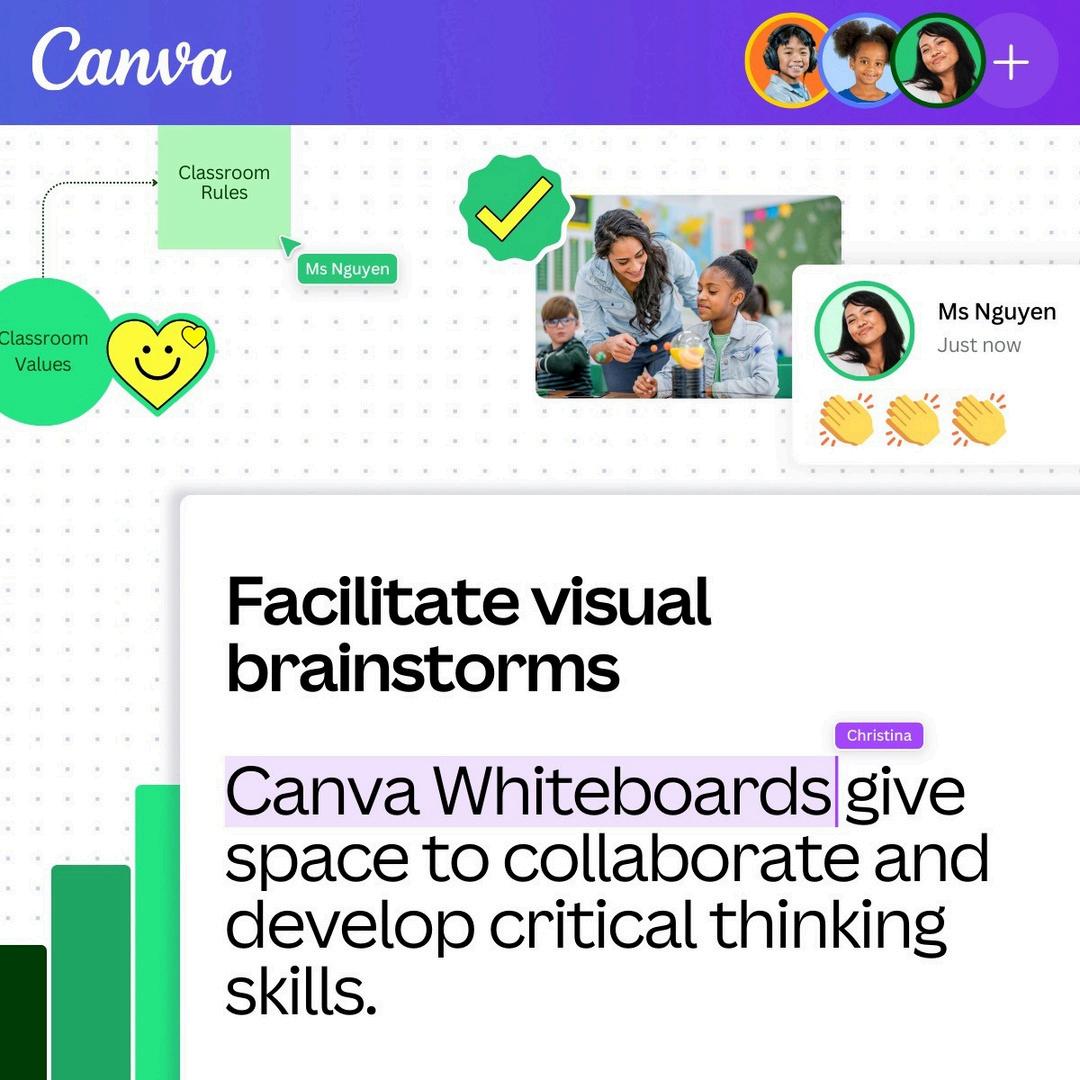
Creating visual and collaborative brainstorms (Canva Whiteboards)
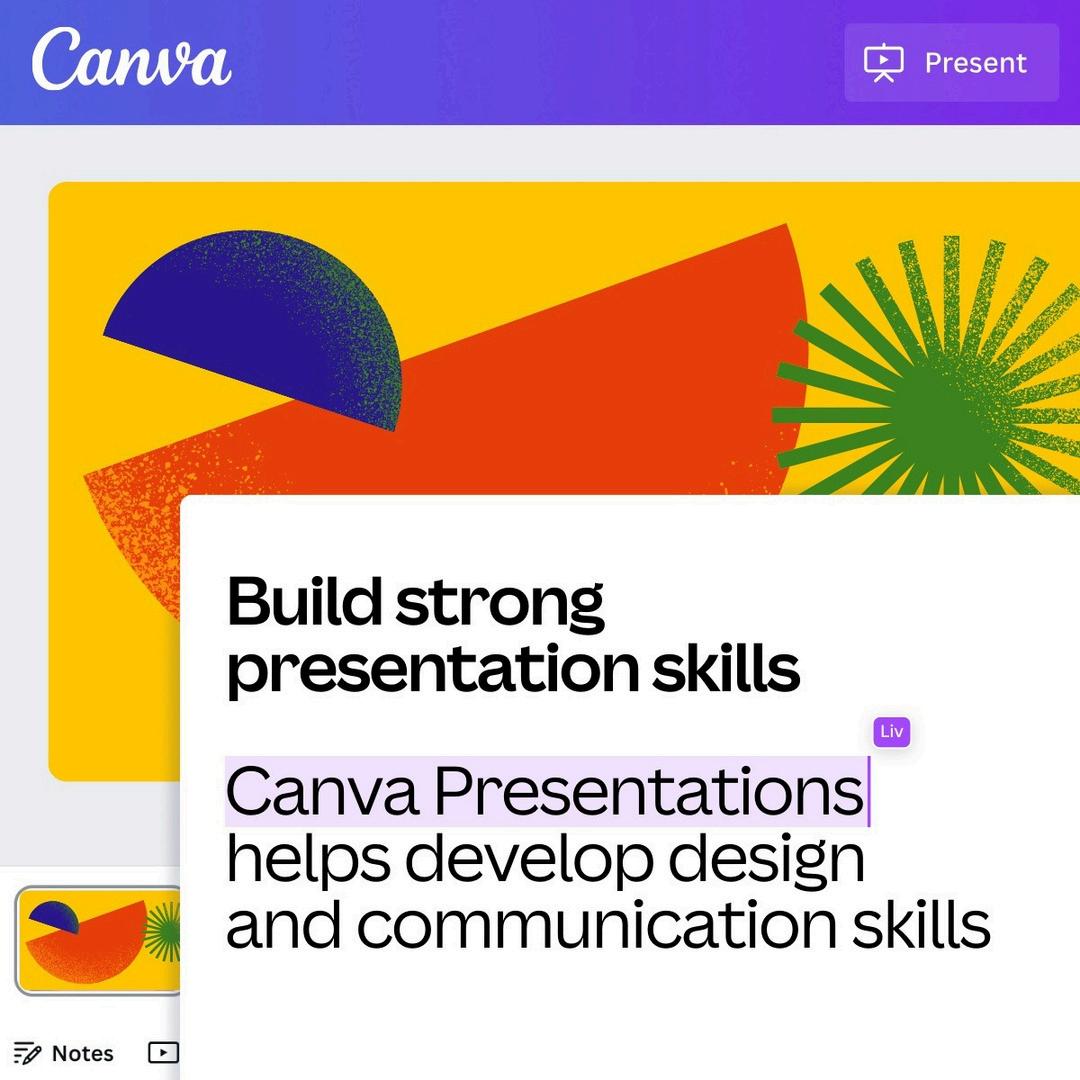
Building presentation skills and confidence (Canva Presentations)
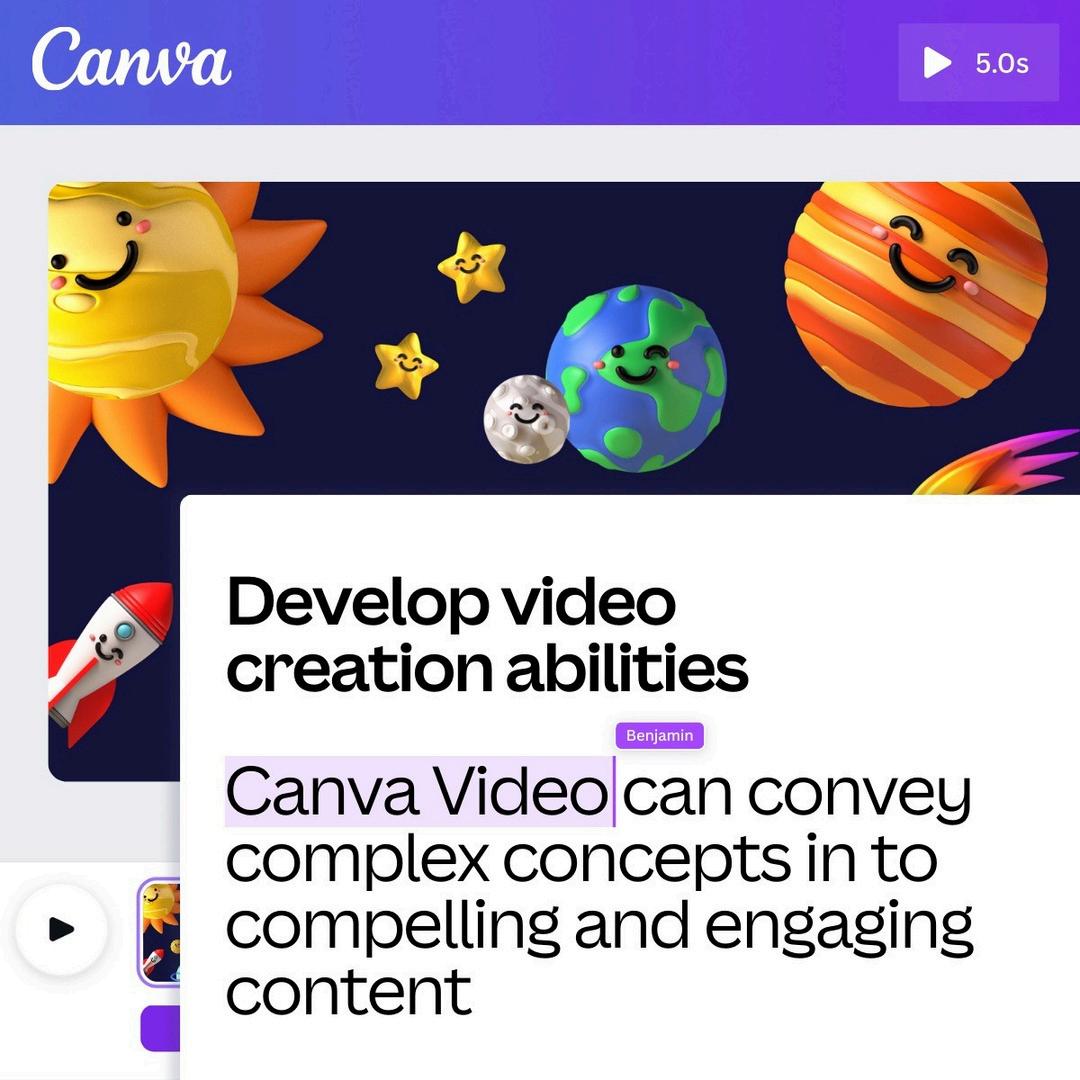
Developing video creation abilities (Canva Video)
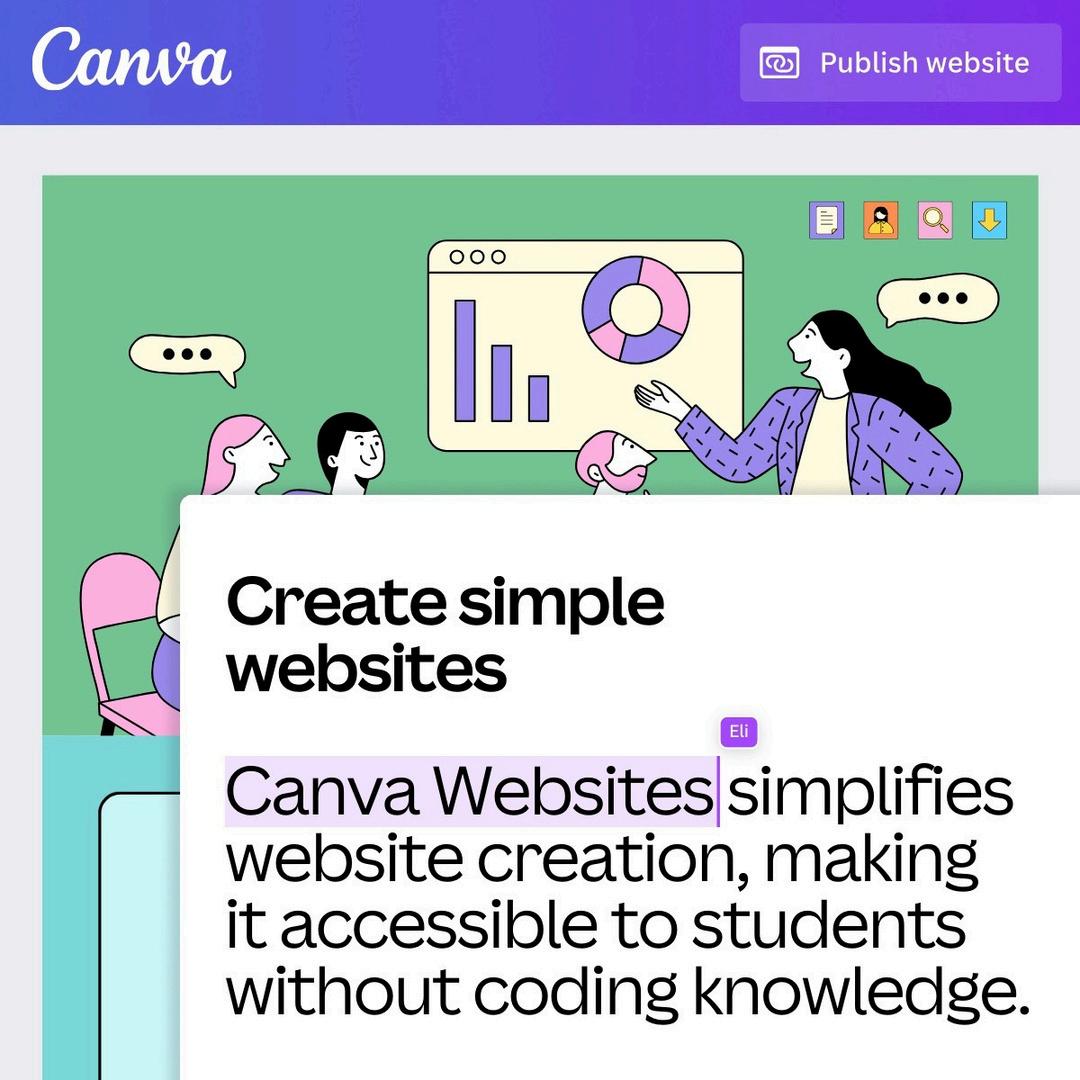
Learning simple website creation (Canva Websites)
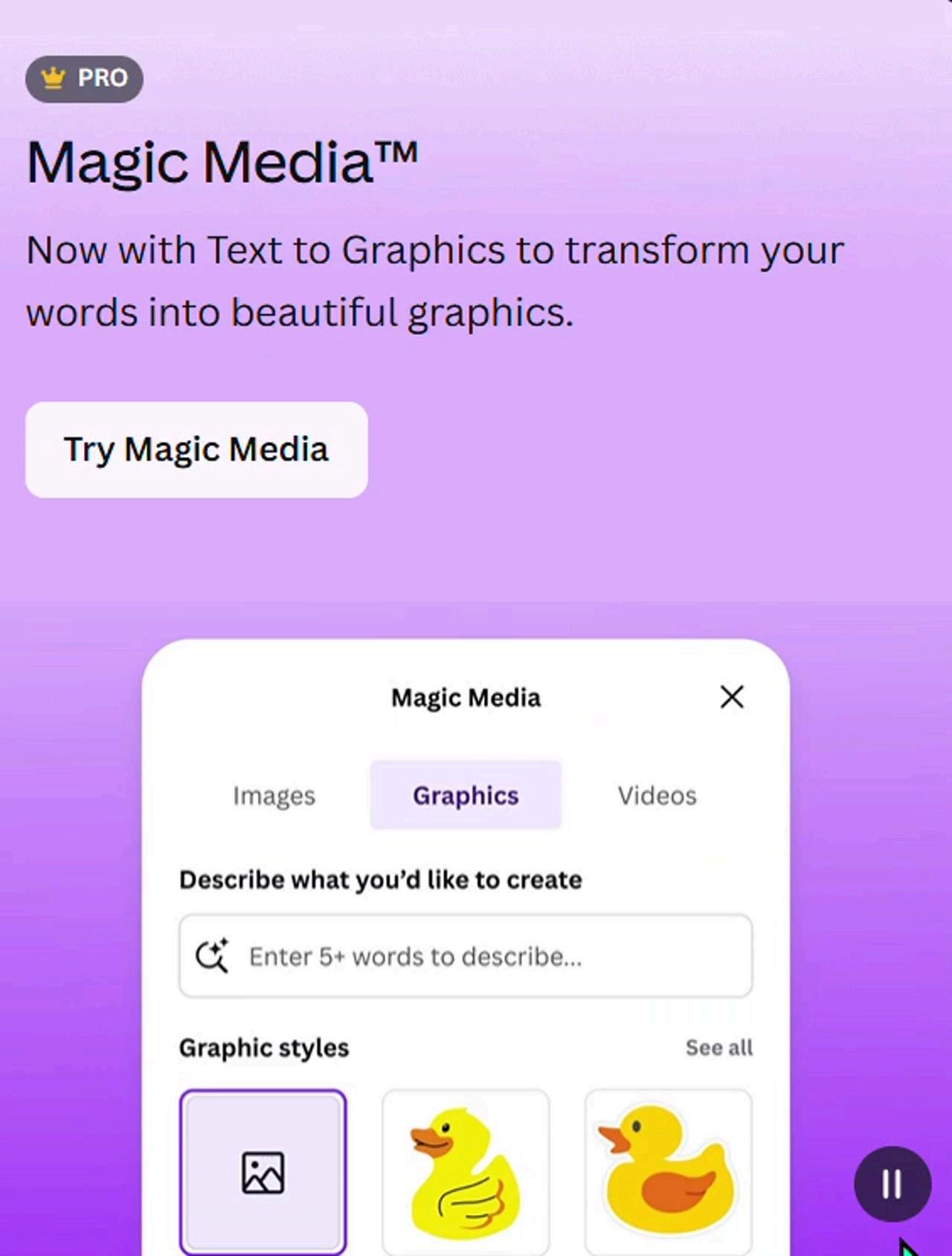
Adding the magic touch with AI

Contact: https://www.canva.com/help/contact-us/ Email: support@canva.com