Vitals Upgrade: HPCA Crib Sheet
This is a step by step guide to logging into Vitals after the upgrade.
1. Use a Vitalpac device – search for your surname as usual
2. Click on your name. The next step should be a page with your NHS.Net email address, which then asks for a password.

3. Enter the password you have set up when you received an email from useraccounts-noreply@systemc.com.
4. You can then set a 5 digit pin to use to access the system moving forwards.
If the screen goes straight to a pin screen when you click your name
i. Use your old Vitals pin
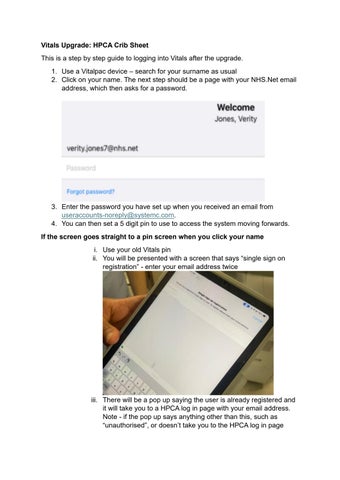
ii. You will be presented with a screen that says “single sign on registration” - enter your email address twice

iii. There will be a pop up saying the user is already registered and it will take you to a HPCA log in page with your email address. Note - if the pop up says anything other than this, such as “unauthorised”, or doesn’t take you to the HPCA log in page
seen in step 2 of this document, please contact the IT Service desk on extension 2522.
If you can’t remember your password:
iv. The easiest way to reset your password is through Patient Flow (this is the same log in as Vitals – you can use this even if you don’t normally access Flow)
v. Enter your email address and click “can’t log in” – an email will then be sent to your NHS.net email address with a link to reset your password. Use this password to follow steps 1-4 in the first section of this document.

If you’re not sure if you’ve registered
vi. Click this link and enter your email address to resend the registration link
vii. Go to your NHS.net email account and click “get started”
viii. If no email comes through it means you’ve already activated an account – follow the steps above to reset your password
If you click on your name and the wrong email address comes up
ix. Please contact the IT support desk on extension 2522
If your account is locked after failed password/pin attempts
x. Superusers on Vitals can still unlock your account. If a super user isn’t available, please contact the IT support desk on extension 2522