Choosing the Right Video Editing Software: A
Modern Guide for Content Creators
Whether you are crafting short-form clips for social media, producing high-budget commercial campaigns, or launching a YouTube channel, selecting the right video editing software is critical to your workflow and output quality. The modern video editing landscape offers tools tailored to every skill level, from intuitive drag-and-drop web applications to feature-rich desktop suits
Core Features to Look For in Video Editors
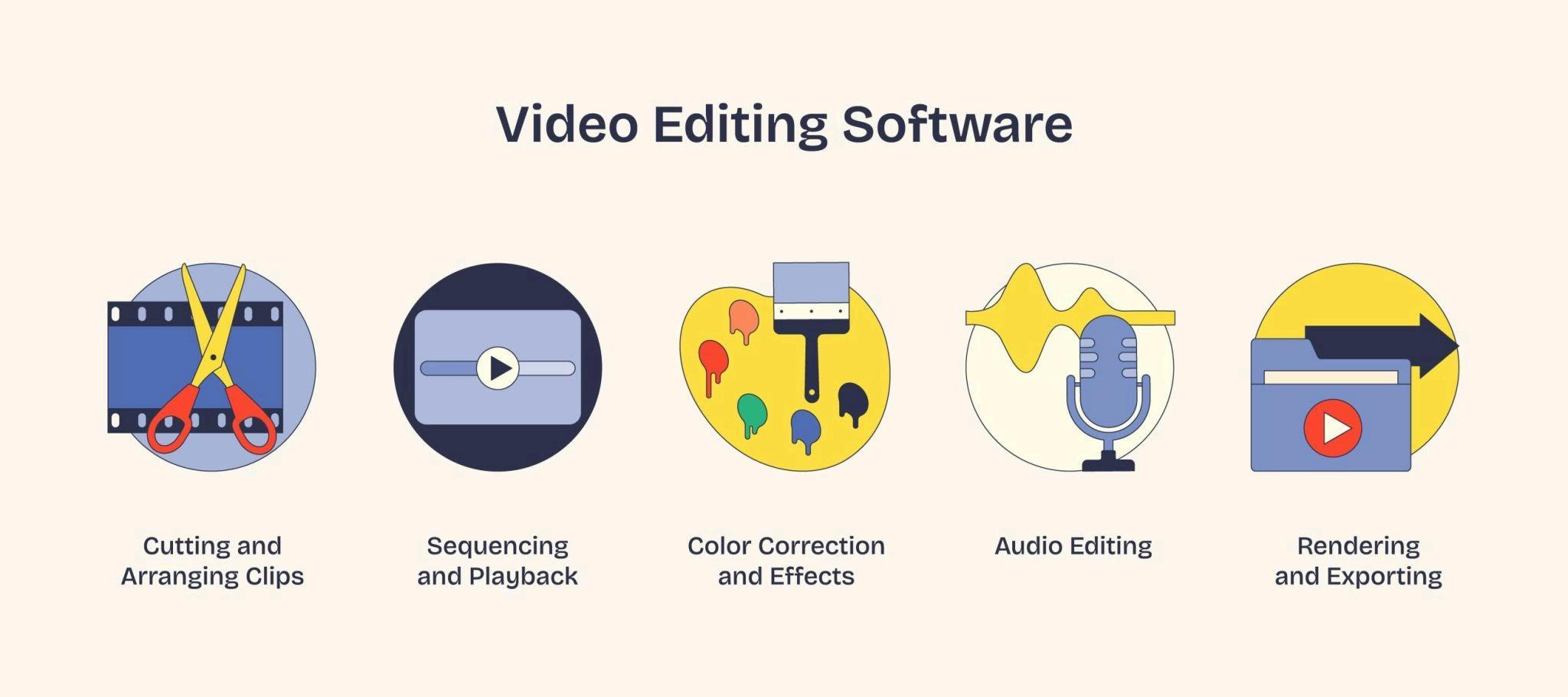
When evaluating video editing platforms, consider these fundamental capabilities to ensure your software keeps pace with your creative demands:
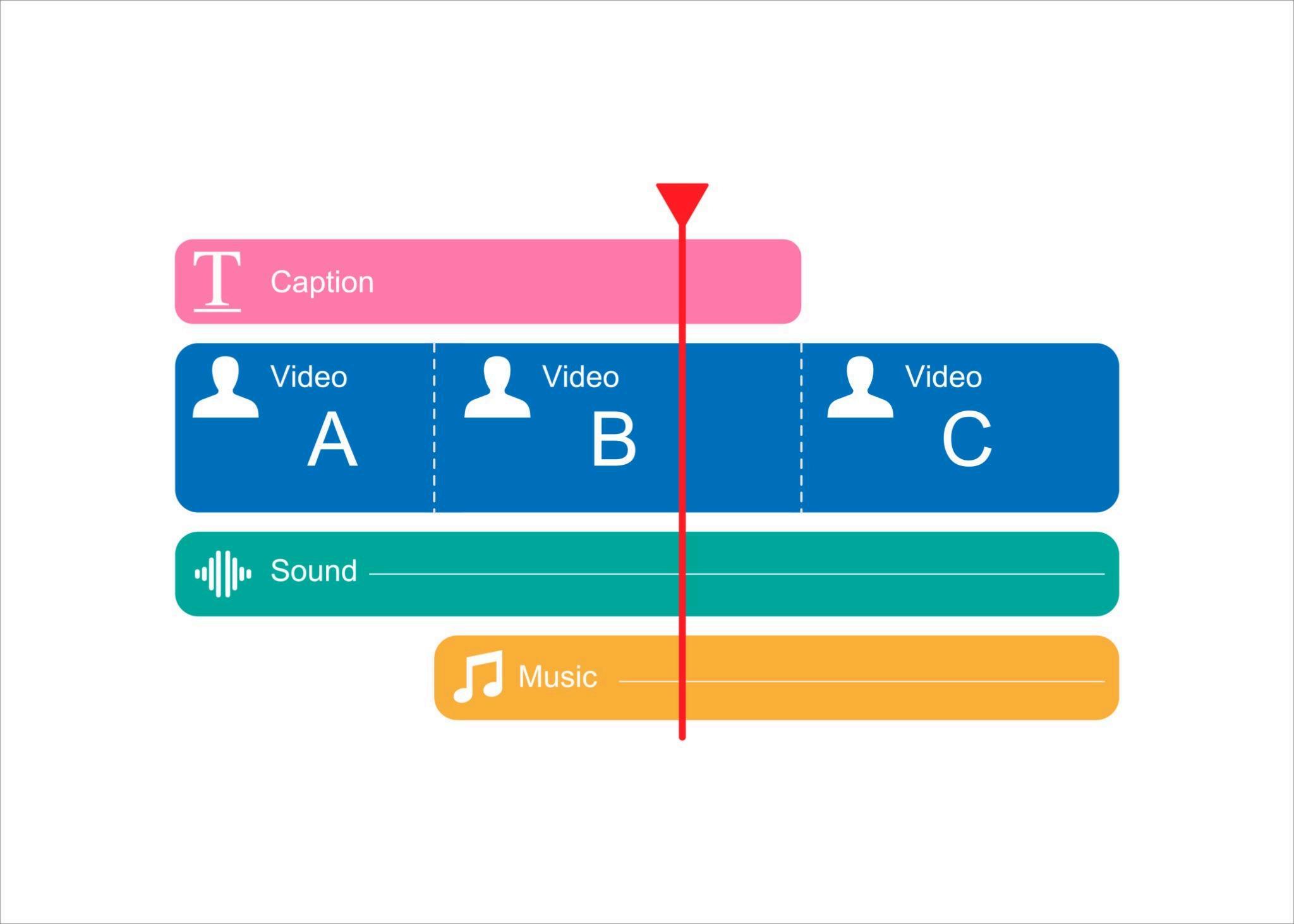
Timeline Flexibility: A multi-track timeline allows seamless layering of video tracks, lower-thirds text, voiceover tracks, and ambient background music.
AI & Automated Editing: Modern tools feature automatic audio transcription, auto-caption generation, text-based editing, and intelligent background removal.
Color Correction & Grading: Professional tools provide lookup tables (LUTs), scope monitoring, and granular color wheels to achieve cinematic visuals
Export Versatility: Look for support for multiple aspect ratios (16:9, 9:16, 1:1) and high-resolution rendering up to 4K or 8K without performance bottlenecks
Choosing the right video editing software depends on your technical skill, budget, and project goals While beginner-friendly applications provide automated templates and straightforward drag-and-drop interfaces, professional platforms like DaVinci Resolve and Adobe Premiere Pro deliver advanced multi-track timelines, precise color grading, and AI-driven automation. Investing in robust software streamlines post-production and helps creators produce polished, high-resolution content efficiently.