QuickBooksStartup& InstallationErrors

Twocommonissues—onepracticalguide.WhetherQuickBooks opensbutneverappearsonscreen,oryoursystemisstuckinaneverendingrebootloop,thispresentationwalksITsupporttechniciansand small-businessusersthrougheverysteptodiagnoseandresolvethe problem.
WhyThisMatters StartupErrorsKillProductivity
Invisiblewindow&rebootloop—two separateissues,bothblockingaccess ~30min
DistinctErrors
LostPerIncident
Averagedowntimebeforeauserseeks
FixableWithoutReinstall
Mostcasesareresolvedwithbuilt-in toolsandquickconfigchanges
QuickBooksstartupfailures—whetherasilentinvisiblewindoworapersistentrebootdemand—preventaccesstocritical financialdata,delayinvoicing,anddisruptday-to-daybusinessoperations.Understandingrootcausesleadstofaster,more permanentfixes.
QuickBooksOpenButNot Showing
QuickBookslaunches—youcanseeitinTaskManager—buttheapplication windowneverappearsonscreen.Usersareleftwitharunningprocessandno waytointeractwithit.
SymptomA
QuickBooksappearsinTask Managerasarunningprocess
SymptomB
Clickingthetaskbaricondoes nothing—nowindowcomesinto focus
SymptomC
Double-clickingtheshortcutopensasecondprocessratherthanrestoring thewindow
RootCauses:InvisibleWindow

DamagedProgramFiles
CoreQuickBooksexecutableorsupportfiles becomecorrupted,preventingproper windowrendering.
CorruptedQBWUSER.ini
Thiscriticalconfigfilestoreswindow positionanduserpreferences.When damaged,QuickBookscan'tdetermine wheretodrawthewindow.
Multi-DisplayIssues
Windowpositionissavedtoadisconnected monitor.QuickBooksopensoff-screenona displaythatnolongerexists.
OutdatedSoftware
StaleWindowsorQuickBooksbuilds introducecompatibilityconflictsthatblock theUIfromrendering.
FixIt:QuickBooksNotShowing
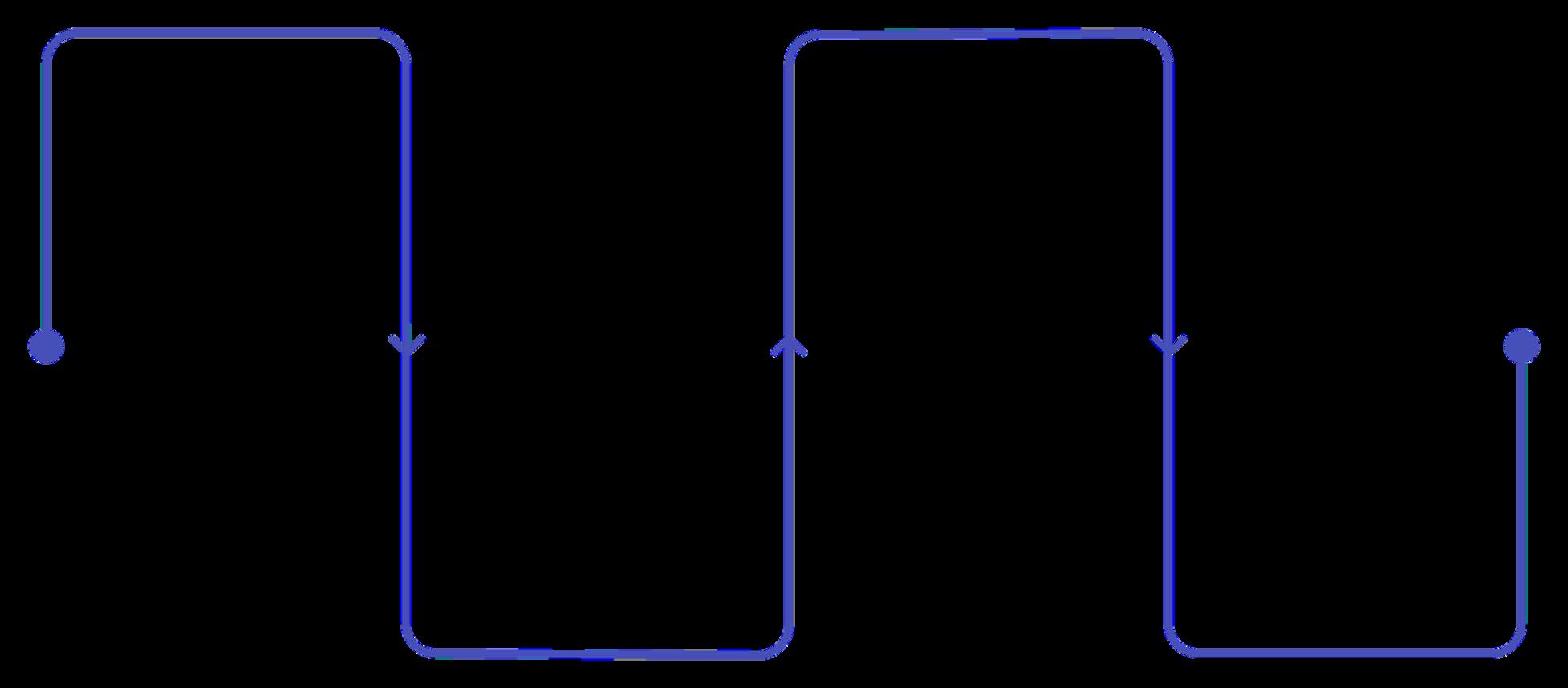
EndTask
CloseQuickBooks viaTaskManager Run Diagnostic
UseQuickBooks InstallDiagnostic Tool
Workthrougheachstepinorder.Mostusersresolvetheinvisible-windowissueatStep1orStep2—renamingQBWUSER.iniforcesQuickBooksto rebuilditsconfigfromscratch,clearinganycorruptedpositionorpreferencedata.Iftheproblempersists,theInstallDiagnosticToolrepairsdeeper filedamage.

QuickBooksRequiresThat YouReboot—Loop
Afterinstallationoranupdate,QuickBooksdisplaysapromptrequiringa systemrestart.Butrebootingdoesn'tclearthemessage—itreappears everytimeQuickBooksislaunched,trappingusersinanendlessloop.
RootCauses:RebootLoop
WhatTriggerstheLoop?
TherebootlooperroroccurswhenQuickBooksdetectsthatarequired systemchangehasnotyettakeneffect—eventhoughthemachinehas alreadybeenrestarted.Threecorecausesdrivethisbehaviour:
Incompleteupdates:AQuickBooksorWindowsupdatethatdidnot finishcleanlyleavespendingchangesregisteredinthesystem.
Damagedinstallationfiles:Corrupted.MSIorcomponentfilesprevent theinstallerfromconfirmingasuccessfulsetup.
Systemcomponentconflicts:OutdatedormissingMicrosoft components(e.g..NETFramework,C++Redistributables)causethe installertoflagarequiredrebootthatneverresolves.

FixIt:RebootLoopStep-by-Step
Restart&Retry
Performafullshutdown(notSleep)andrelaunch QuickBooks.Ruleoutaone-timeglitchbeforedeeper investigation.
DownloadandruntheQuickBooksInstallDiagnosticTool fromtheIntuitToolHub.Itautomaticallydetectsandrepairs damagedinstallationcomponents.
Ensure.NETFramework,MSXML,andVisualC++
Redistributablesarecurrent.Missingcomponentsarethe mostcommonhiddencauseoftheloop.
QuickBooksCleanInstallTooltofullyremoveand reinstallQuickBooks,clearingallresidualregistryentriesand files.
YourDiagnosticToolkit
QuickBooksToolHub
ThecentralhubforallIntuitdiagnostic tools.DownloadfromtheofficialIntuit siteanduseitasyourfirst-linerepair resource.
EnsureallWindowspatchesare current.Compatibilityissuesbetween QuickBooksandolderWindowsbuilds causebotherrorscoveredinthisguide.
LocatedinC:\Users\ [username]\AppData\Local\Intuit\Quick Books.Renamingthisfileresetswindow configwithoutdeletingcompanydata.
BestPracticestoPrevent Recurrence
�� KeepEverythingUpdated
EnableautomaticupdatesforbothQuickBooksandWindows.Moststartuperrorsare introducedbyversionmismatches.
�� Single-MonitorSaves
Ifusingmultipledisplays,disconnectsecondarymonitorsbeforequittingQuickBooksto preventoff-screenwindowsaves.
�� MonthlyMaintenance
RuntheQuickBooksFileDoctormonthlytocatchcorruptionearly,beforeitcausesstartup failures.
��
DocumentChanges
Logallupdatesandinstallations.Whenanerrorappears,achangelogdramaticallyspeeds uproot-causeanalysis.