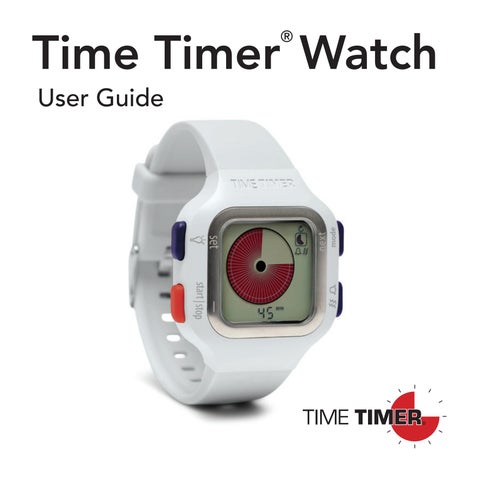
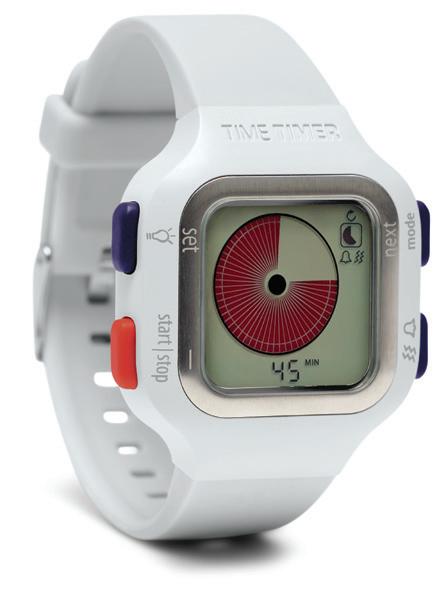
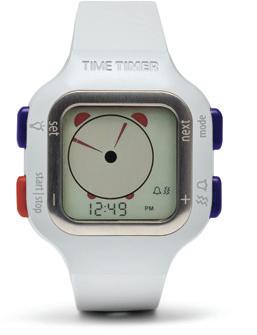
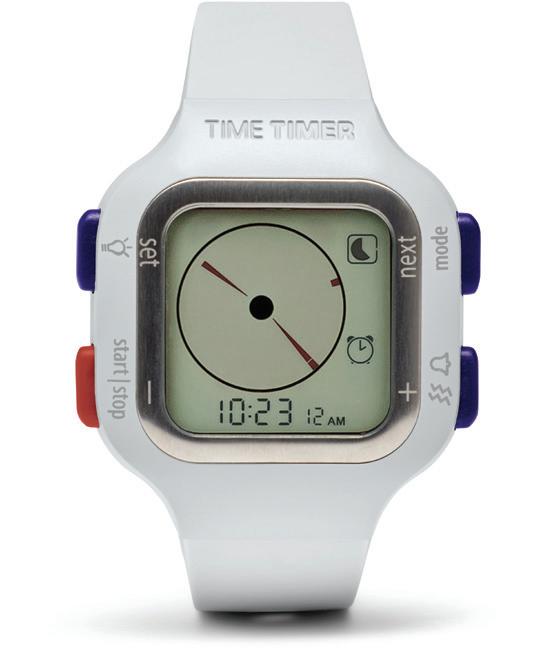
Visit timetimer.eu to view our instructional video. The Time Timer Watch uses a red disk to visually depict how much time remains. As time elapses clockwise, the disk gradually disappears, helping you see and manage time more effectively.
STEP 1: INSERT BATTERY
LIFT tab INSERT battery under tab + CLOSE battery cover, turn clockwise 1 3 2 4
OPEN battery cover with a coin, turn counterclockwise
STEP 2: SELECT WATCH MODE
Time Timer Watch has 3 modes:
Press the MODE button on the upper right to toggle between modes.
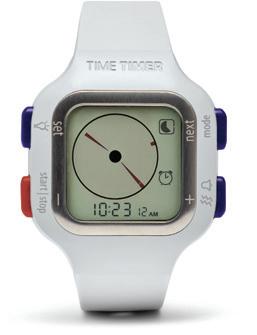
Clock mode: The Clock mode displays time of day using both a traditional analog clock face and a digital numeric display. If a Time Timer is running or an Alarm has been set, a unique icon displays on the right side of the watch face. Time can be viewed in 12- or 24-hour format.
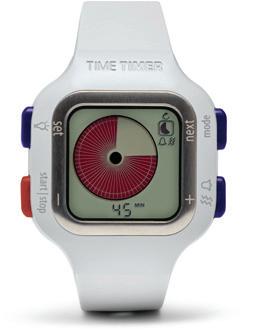
Time Timer mode: The Time Timer mode includes two options: 1) Original 60-minute Timer Disk or 2) Custom Timer Disk. The Custom Disk Timer allows the disk to be scaled to represent any duration from 1 minute to 99 hours. A numeric display of time remaining is shown below the red disk. Alert can be set to audible, vibrate, both, or no alert.
Alarm mode: The Alarm mode can be set in 12- or 24 hour time formats. Set alert to activate alarm. Alert can be set to audible, vibrate, both, or no alert.
1
Press SET for 3 seconds to start.
2 3
The first setting will start to flash.
4
Press (+) and (–) to adjust time or to toggle between setting options.
Press NEXT to continue or SET to confirm and exit.
A time-out will occur after 20 seconds of inactivity.
Press SET for 3 seconds to restart.
QUICK REFERENCE
and set
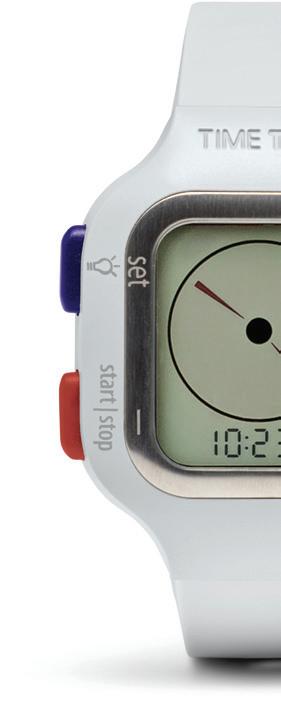
Quick tap activates screen backlight.
Press and hold for 3 seconds to customize settings within each mode.
start | stop
Starts or stops timer in Time Timer mode.
Press and hold to reset timer.
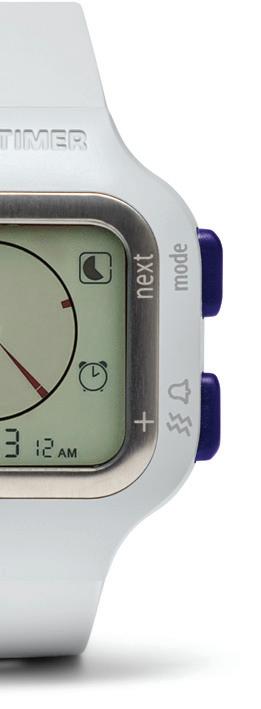
mode
Toggles between 3 watch modes: Clock, Time Timer, Alarm
Press any button to silence alarm.
Toggles between 4 alarm options in Time Timer and Alarm mode: audible, vibrate, audible + vibrate, no alert
SETTINGS KEY
Indicates alarm is set
Audible alarm
Vibrate alarm
Audible + vibrate alarm
No alert (silent) alarm
60-minute timer, up to 60 minutes
Custom timer, up to 99:59 minutes
Repeat timer
One-time timer
Clock mode
CLOCK MODE SETTINGS
Press SET button for 3 seconds to begin modifying settings. AM 10:23 12 12 HR Indicates Time Timer is running Indicates Alarm is set
1
2
3
Set hour, minutes, and seconds Select 12- or 24-hour clock mode Select AM or PM for 12-hour mode only
TIMER MODE SETTINGS
Press SET button for 3 seconds to begin modifying settings.
15 MIN
1 2 3
Set hour or minutes Select alarm: audible, vibrate, both, or no alert Select timer: 60-minute or custom timer
4 Select repeat timer or one-time
ALARM MODE SETTINGS
Press SET button for 3 seconds to begin modifying settings.
1
8:00
2
AM
3
Set hour or minutes Select AM or PM for 12-hour mode only Select alarm: audible, vibrate, both, or no alert
BAND REMOVAL
1 2
Slide lever inward to unlock band. While holding lever, release left pin, then right pin.
Follow steps in reverse to replace a band.
COMMON QUESTIONS
Is watch water resistant? Watch is water resistant as long as buttons are not pressed while wet. Recommended to keep away from saltwater exposure.
How do I set a repeat feature? In Time Timer mode only, follow step 4 and select the repeat timer option:
Why do my settings time-out? A time-out will occur after 20 seconds of inactivity. Press SET for 3 seconds to restart.
What are the watch default settings?
Clock - active state (12hr)
Timer - 15 minute (Original 60-minute Timer Disk)
Alarm - 8:00 AM (no alert)
What is the battery life? The expected life of the battery is approximately eight months, based on typical use. If the watch is used to time a short duration (or left running) on the repeat function with vibrating alert, then the battery life will be significantly shorter due to the higher battery requirements for vibration. If a spontaneous watch reset to original factory settings occurs, there is no backlight or a dim display, please replace the battery.
What type of battery is it? CR2032
GUARANTEE
Every Time Timer® Watch comes with a 1-year warranty that covers all manufacturing and material defects. It does not cover the battery, nor the damage caused by abuse, misuse or common wear and tear.