Update: Enrolling in a Blended Course
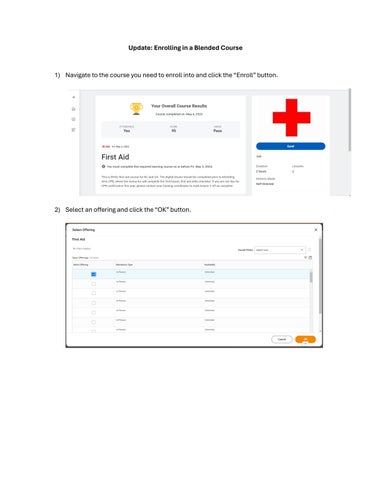
1) Navigate to the course you need to enroll into and click the “Enroll” button.
2) Select an offering and click the “OK” button.
3) After clicking “OK”, a new pop-up window will appear and show the details of the offering. If the details provided list the assessor/trainers from your location, click the “Submit” button.
4) If the details are not correct for your location, click the “Review” button to return to the list of offerings to continue searching for the correct offering.