10 Interactive Desktop Widgets Every Mac User Should Try in 2026
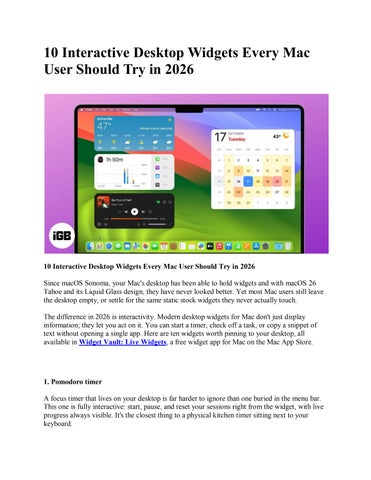
10 Interactive Desktop Widgets Every Mac User Should Try in 2026 Since macOS Sonoma, your Mac's desktop has been able to hold widgets and with macOS 26 Tahoe and its Liquid Glass design, they have never looked better. Yet most Mac users still leave the desktop empty, or settle for the same static stock widgets they never actually touch. The difference in 2026 is interactivity. Modern desktop widgets for Mac don't just display information; they let you act on it. You can start a timer, check off a task, or copy a snippet of text without opening a single app. Here are ten widgets worth pinning to your desktop, all available in Widget Vault: Live Widgets, a free widget app for Mac on the Mac App Store.
1. Pomodoro timer A focus timer that lives on your desktop is far harder to ignore than one buried in the menu bar. This one is fully interactive: start, pause, and reset your sessions right from the widget, with live progress always visible. It's the closest thing to a physical kitchen timer sitting next to your keyboard.