JavaScript Training: A Complete Guide to Building a Successful Career
Practical, career-focused training to master client-side and modern JavaScript development. This guide walks aspiring web developers through fundamentals, tools, workflows, and career-building strategies — combining theory, live coding, and portfolio projects to get you job-ready.
Why JavaScript Training Matters
JavaScript powers interactive websites and modern web apps across industries — IT, e-commerce, healthcare, finance, education, and media. A structured training program translates theory into real-world skills: DOM manipulation, events, APIs, asynchronous patterns, and modern frameworks. For learners and professionals, this training opens higher-paying roles, freelance opportunities, and full-stack pathways.
What Is Covered in a Professional JavaScript Course?
Foundations
Variables, data types, operators, comments, basic I/O, and syntax rules that form the backbone of all JavaScript code.
Functions & Scope
Function declarations, parameters, return values, arrow functions, callbacks, and scope/closures for reusable, predictable code.
DOM & Events
Selecting and updating elements, event listeners, form validation, and patterns for responsive user interactions.
APIs & Async
Fetch, XHR, promises, async/await, handling responses and errors — connecting UIs to servers and thirdparty services.
Courses often add modules on objects & arrays, control flow, modular code, and testing to prepare you for production work.
Core Modules — Deep Dive
Objects & Arrays
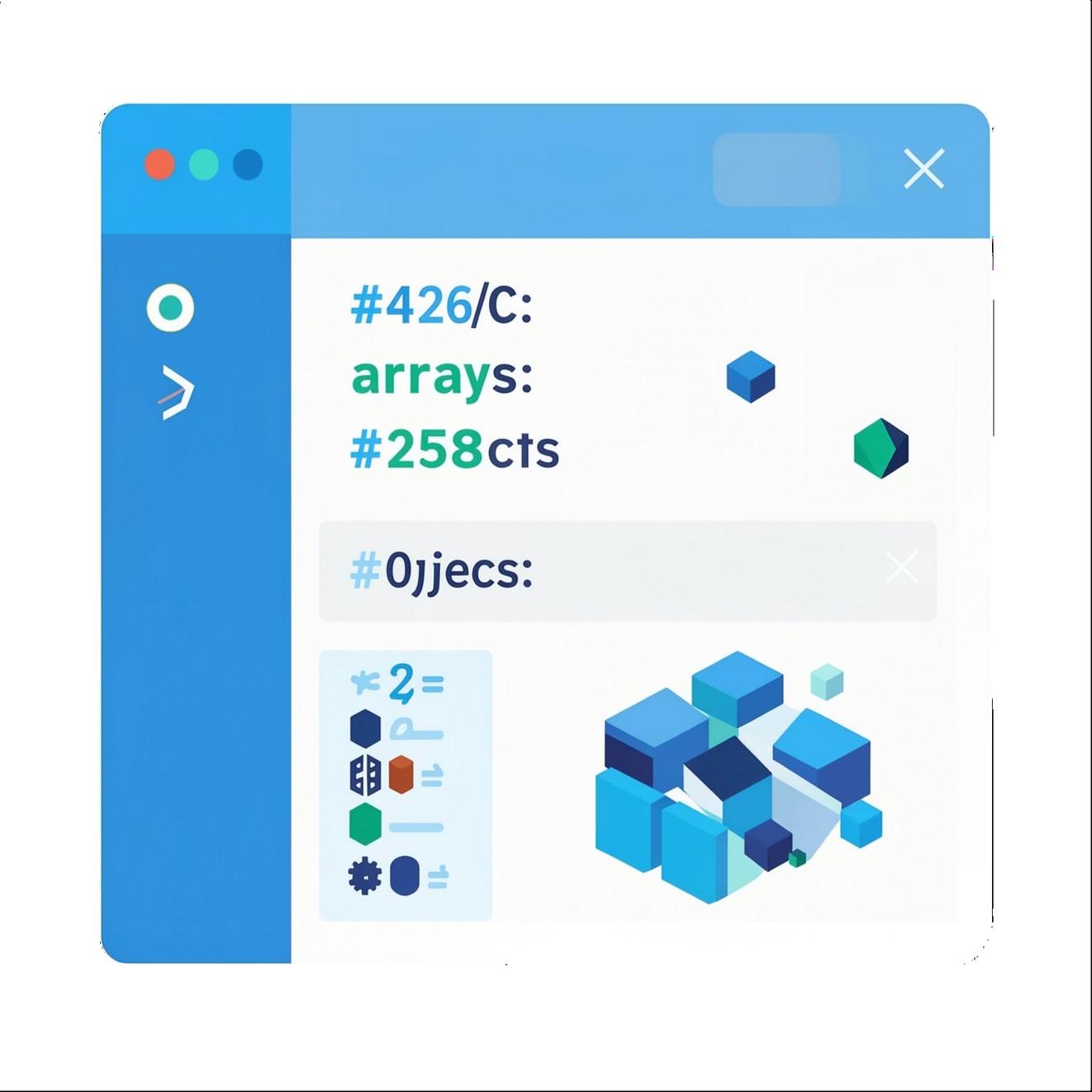
Structure and manage data using objects, nested objects, arrays, and array methods (map, filter, reduce). Learn when to use each data
structure and best practices for immutability and performant access.
Control Flow
Event Handling & DOM
Capture user actions, debounce/throttle inputs, manage form submission and validation, and implement dynamic UI updates without page reloads.
Asynchronous Patterns
If/else, switch, for/while loops, break/continue — design program logic that handles edge cases and maintains readability.
Promises vs. async/await, concurrency patterns, error handling strategies, and integrating with REST and GraphQL APIs.
Tools & Environment You’ll Use
Industry-standard tools: Visual Studio Code, Chrome DevTools, Git & GitHub, Node.js & npm, Postman, and sandbox environments like CodePen. Learning these tools is essential for debugging, version control, local development, and collaboration.
Learning Format: How Professional Training Works
Live Coding Sessions
Instructor-led problem solving with immediate feedback — reproduce real development conditions.
Hands-on Projects
Build portfolio-ready apps: to-do apps, REST clients, single-page apps, and small full-stack projects.
Expert Mentorship
Code reviews, architecture guidance, and career coaching from experienced developers.
Certification & Placement
Certificates, interview prep, resume support, and portfolio polishing to accelerate job placement.
These features combine to convert theoretical knowledge into practical readiness for industry roles.
Skills You’ll Gain
Technical
JavaScript, DOM, APIs
Tools & Workflows
Git, Node, debugging
Professional
Communication, teamwork, problem solving
Technical depth (programming fundamentals, async, frameworks), tool fluency (git, debugging, package managers), and soft skills (communication, time management, collaborative workflows) — all essential for professional success.
Career Paths & Opportunities
Salary & Market
High demand globally creates competitive salaries and remote options. Portfolios, GitHub activity, and real projects matter most during hiring.
Building a Portfolio & Preparing for Interviews
Portfolio Projects
Include 3–6 polished projects demonstrating interactivity, API usage, and code organization. Host on GitHub Pages or Netlify and include README with architecture notes.
Interview Prep
Practice coding problems, system design basics, and behavioral stories. Prepare to explain trade-offs and architecture decisions from your projects.
Career Readiness
Refine your resume, LinkedIn, and GitHub. Showcase clear commit history and meaningful issues/PRs to demonstrate collaboration.
Next Steps & Key Takeaways
Start Small, Build Often
Focus on fundamentals, then add complexity through projects and frameworks.
Practice Tools
Make Git, debugging, and Node part of your daily workflow — they are non-negotiable in modern dev teams.
Show Your Work
Publish projects, write short technical notes, and keep a clean Git history to stand out to employers.