SMART LOCKERS
Modern Access, Storage, and Exchange

Why Choose Smart Lockers?
Smart lockers help organizations manage pickup, drop-off, personal storage, shared equipment, and everyday storage needs without relying on keys, manual handoffs, or guesswork.
With digital access and management tools built in, teams can control who gets access, support changing user needs, and see how lockers are being used.
It’s a more efficient way to keep people, items, and workflows moving.
Why Organizations Choose Smart Lockers
» Reduce manual handoffs: Give users a clearer path to what they need while cutting down on keys, codes, front-desk traffic, and follow-ups.
» Improve accountability: Create more visibility into who accessed a locker, when access happened, and how lockers are being used.
» Increase operational efficiency: Support pickup, drop-off, storage, and exchange workflows with fewer manual steps for staff.
» Create a better user experience: Let people retrieve packages, devices, equipment, or personal items with less waiting time and fewer extra steps.
» Support flexible use: Use lockers for one-time access, day-use, shared use, or longer-term assignments as needs change.
Where Smart Lockers Make Sense
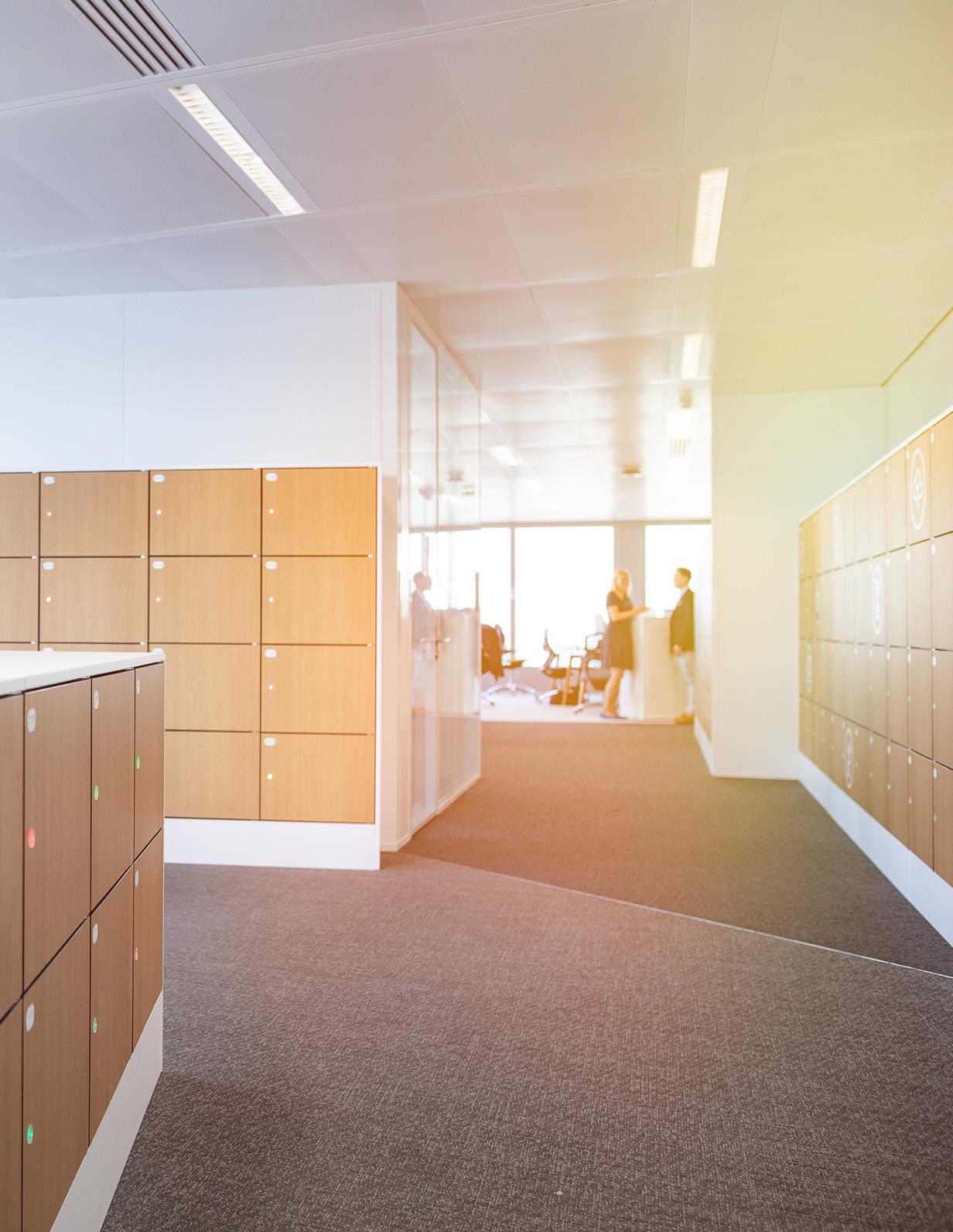
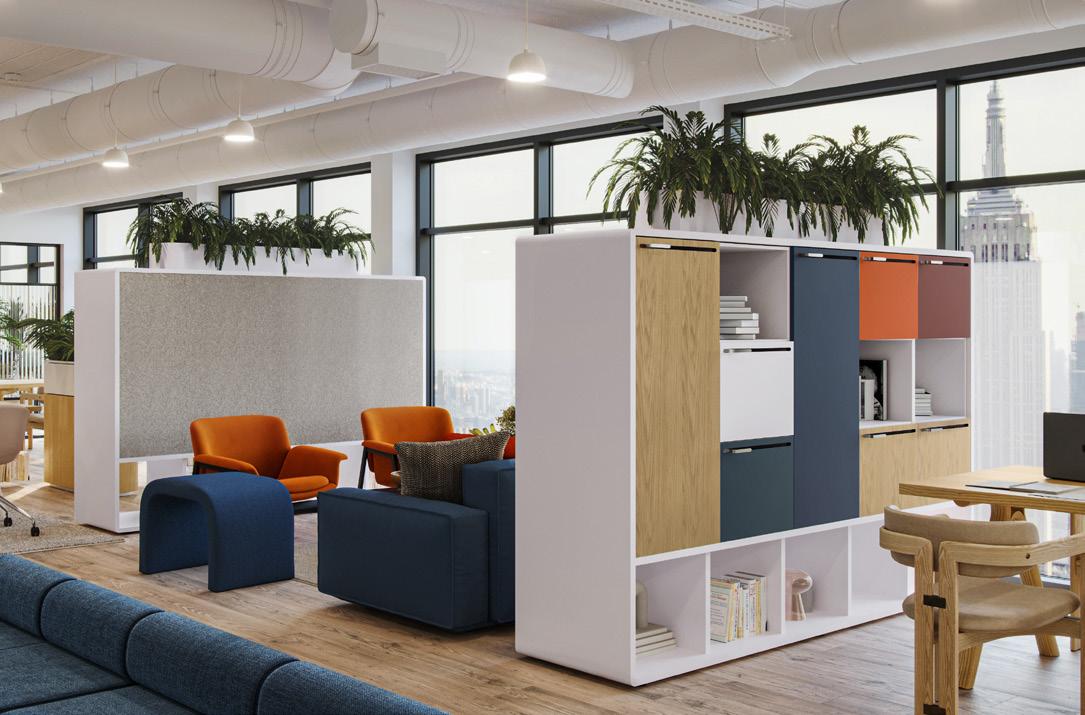
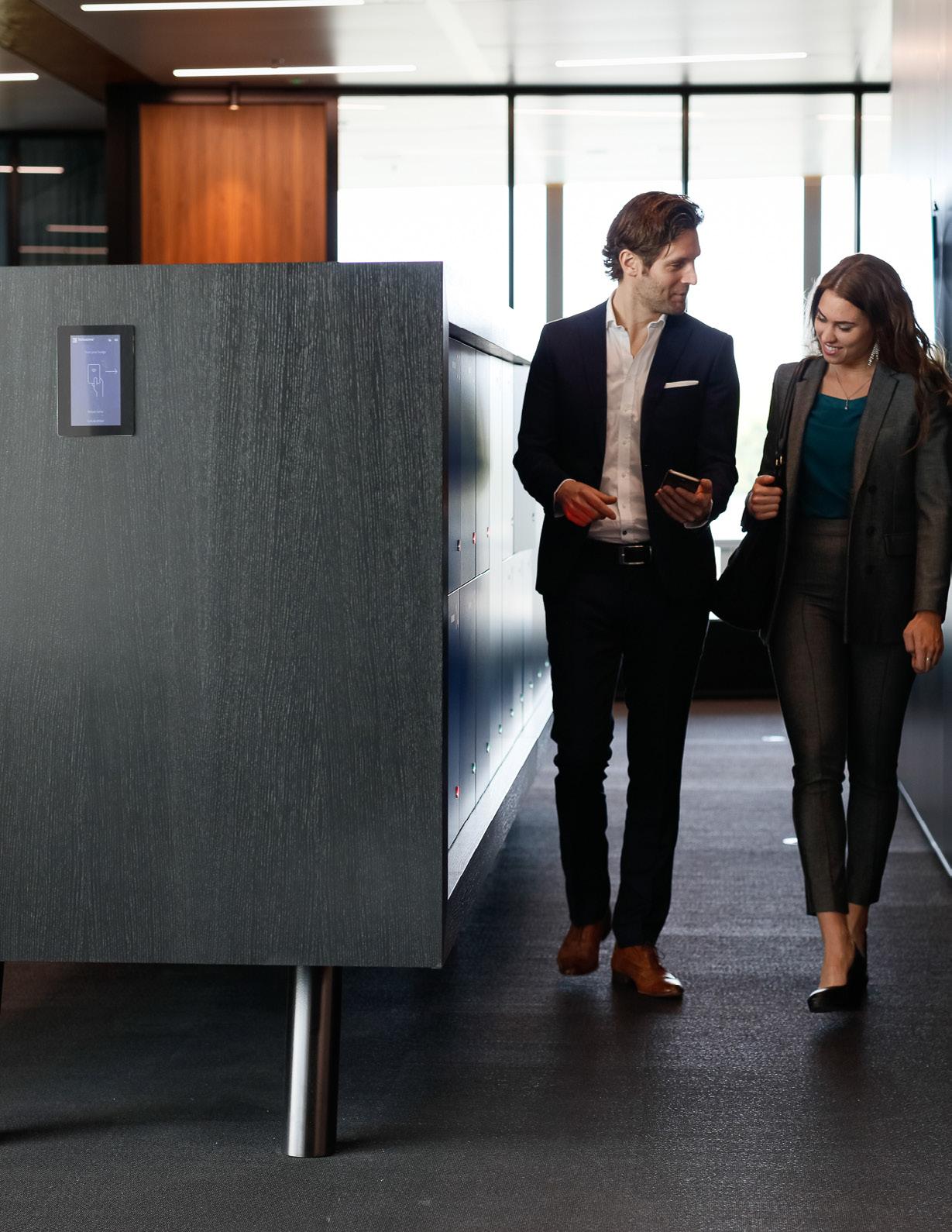
Smart lockers can support any space where people need secure, adaptive access to stored items. From packages and personal belongings to shared equipment and afterhours pickups, they help keep items moving without turning every exchange into a staff assignment.
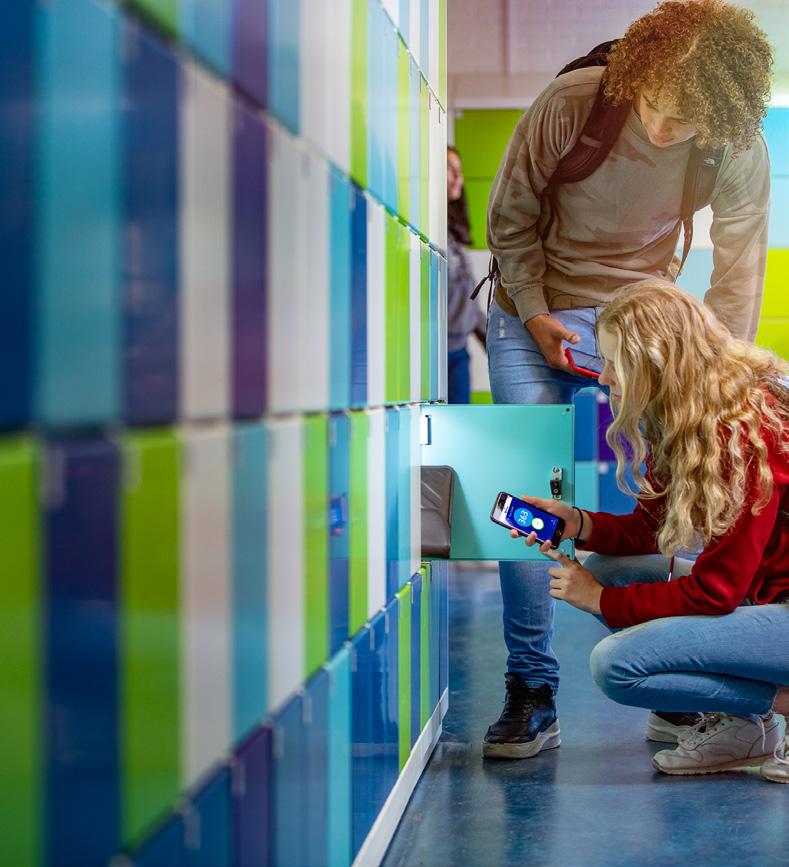
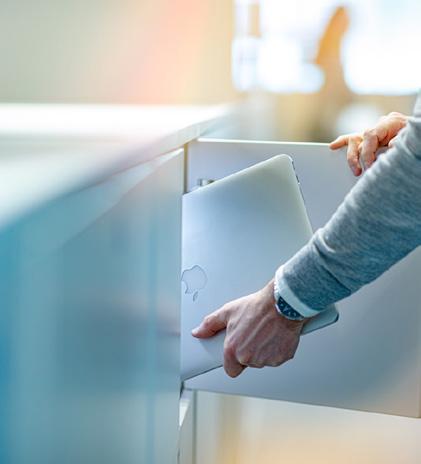
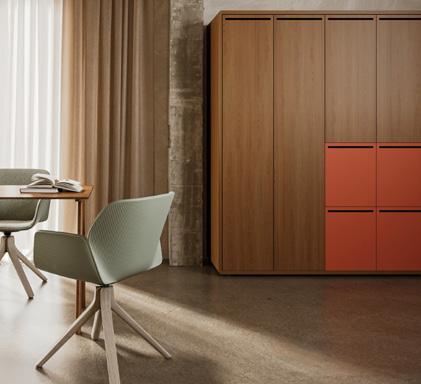
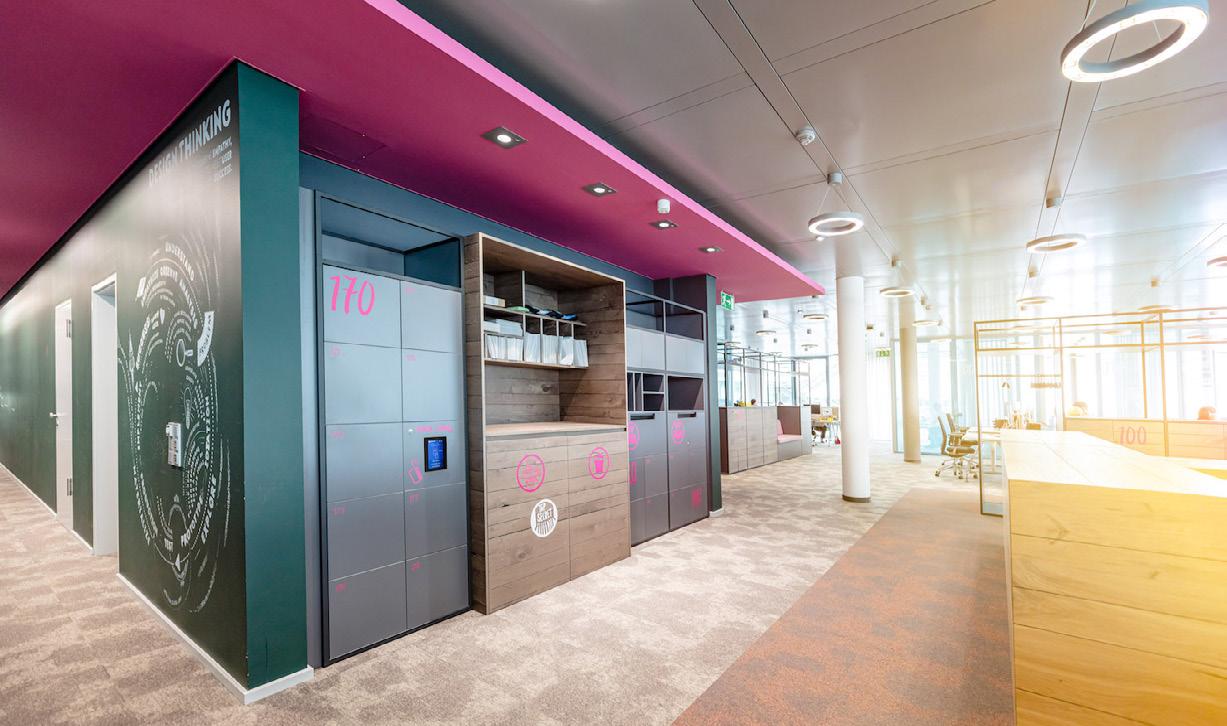
Use Cases:
» Package & mail pickup: Help users retrieve deliveries on their schedule while reducing front-desk traffic, manual sorting, and follow-up.
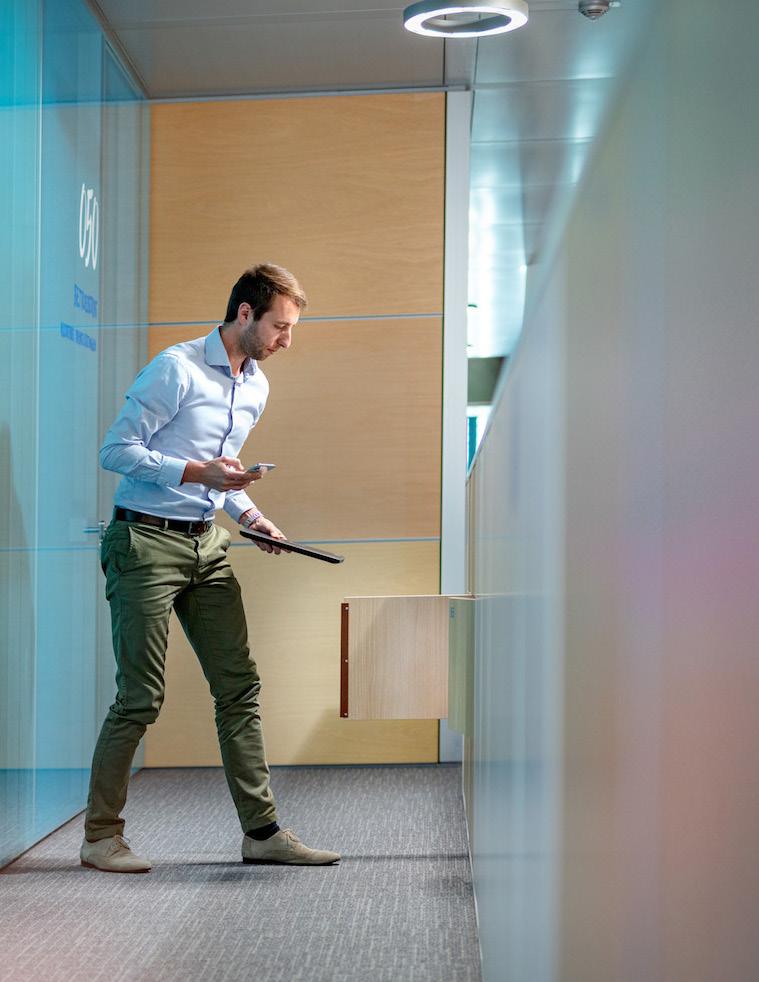
» IT device exchange: Support laptop pickup, equipment returns, repair swaps, and shared tech access without requiring face-to-face handoffs.
» Visitor & guest storage: Give guests, vendors, and temporary users a secure place to store belongings without handing out keys.
» Day-use personal storage: Let users reserve or access storage for a few hours, a shift, a visit, or the day.
» Shared asset management: Control access to shared tools, devices, supplies, uniforms, or equipment that need to be available.
» Pickup & drop-off exchanges: Create a secure handoff point for items moving between people, departments, shifts, or service teams.
» After-hours access: Allow approved users to retrieve or return items outside regular hours while keeping access controlled and trackable.
What Makes Smart Lockers Smart?
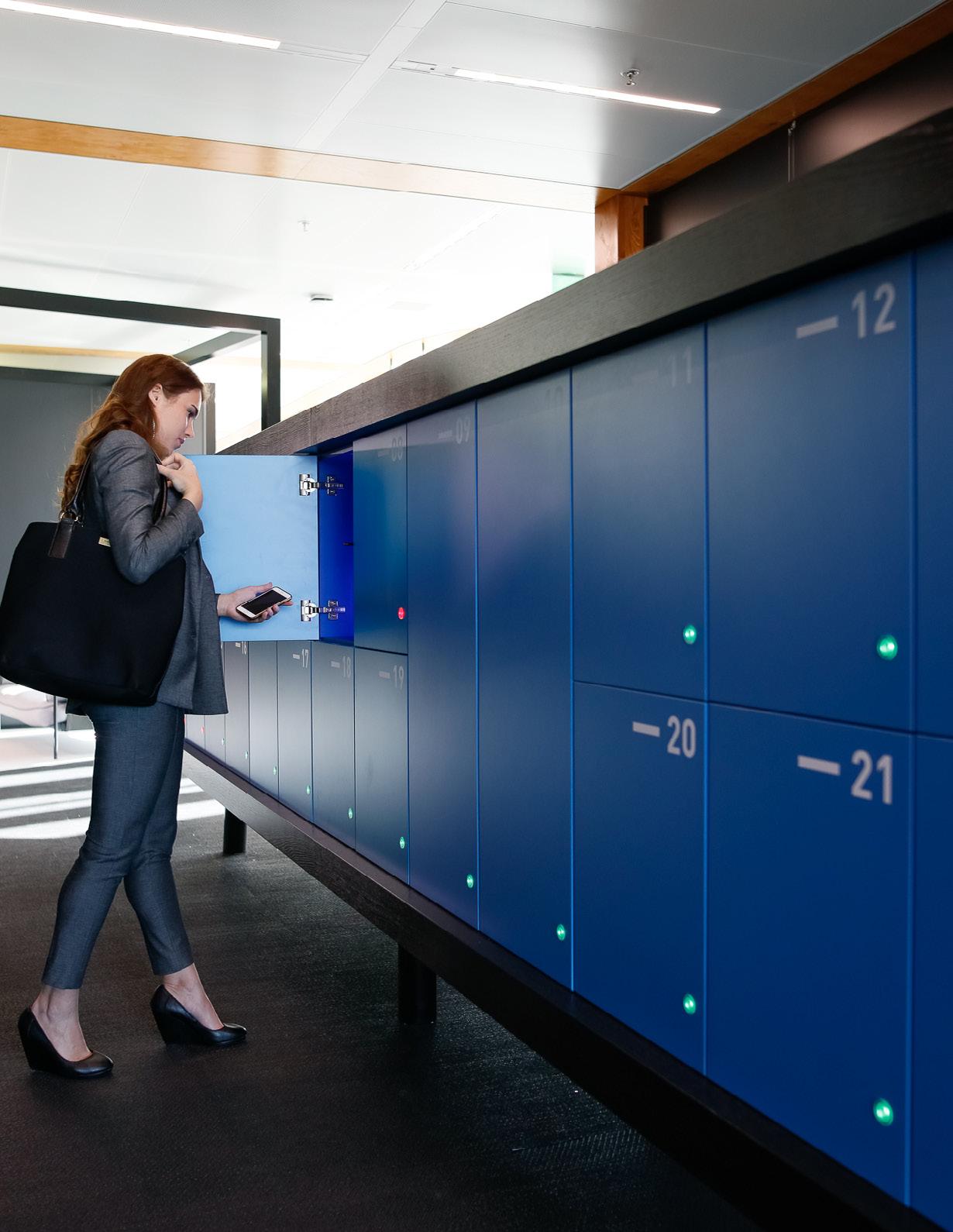
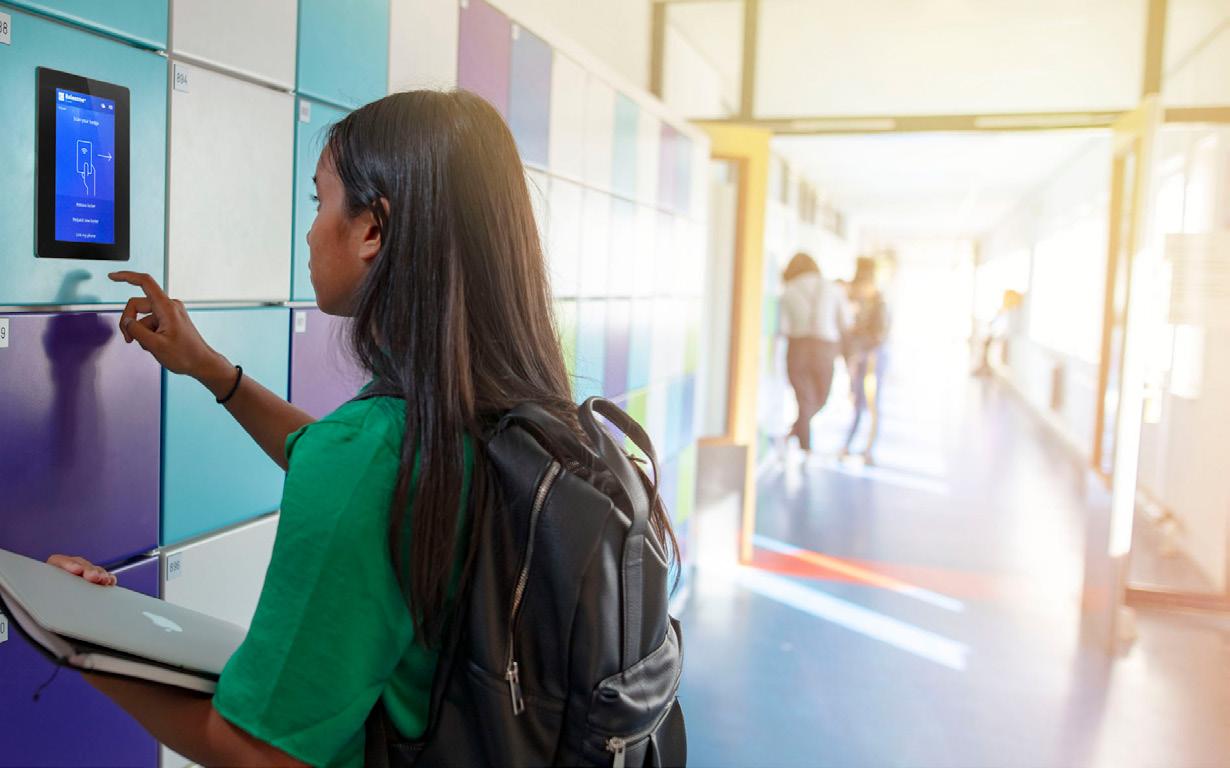
Picking up a package, grabbing a laptop, storing a bag, returning equipment, or accessing something after hours—smart lockers are built for the real moments when people need their stuff.
The smart part shows up in the way lockers open, assign, notify, track, and adapt to everyday exchanges:
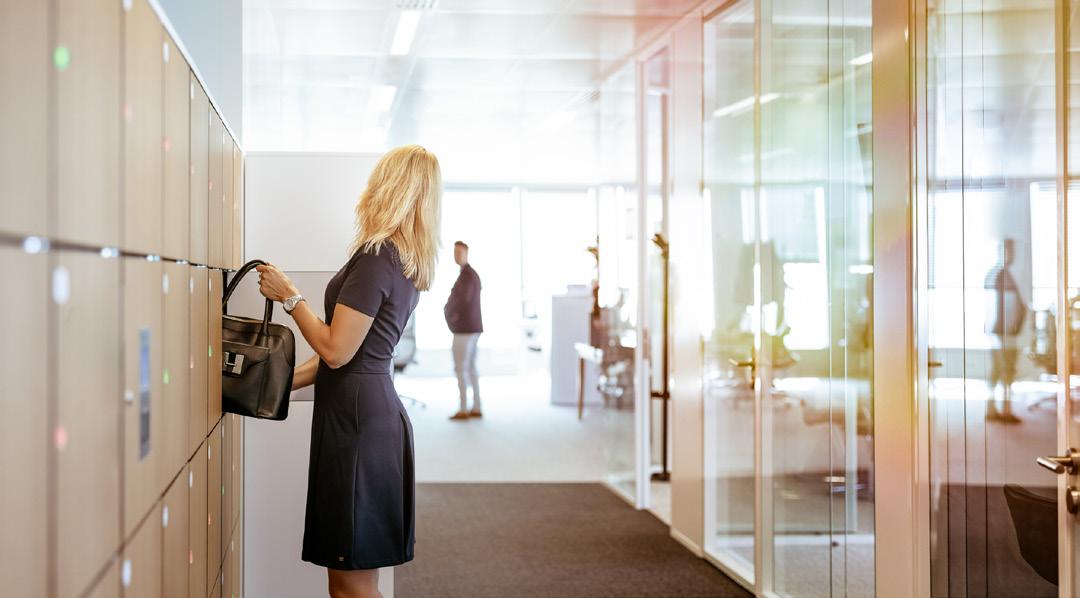
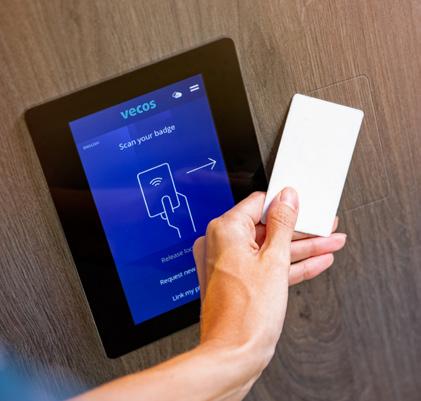
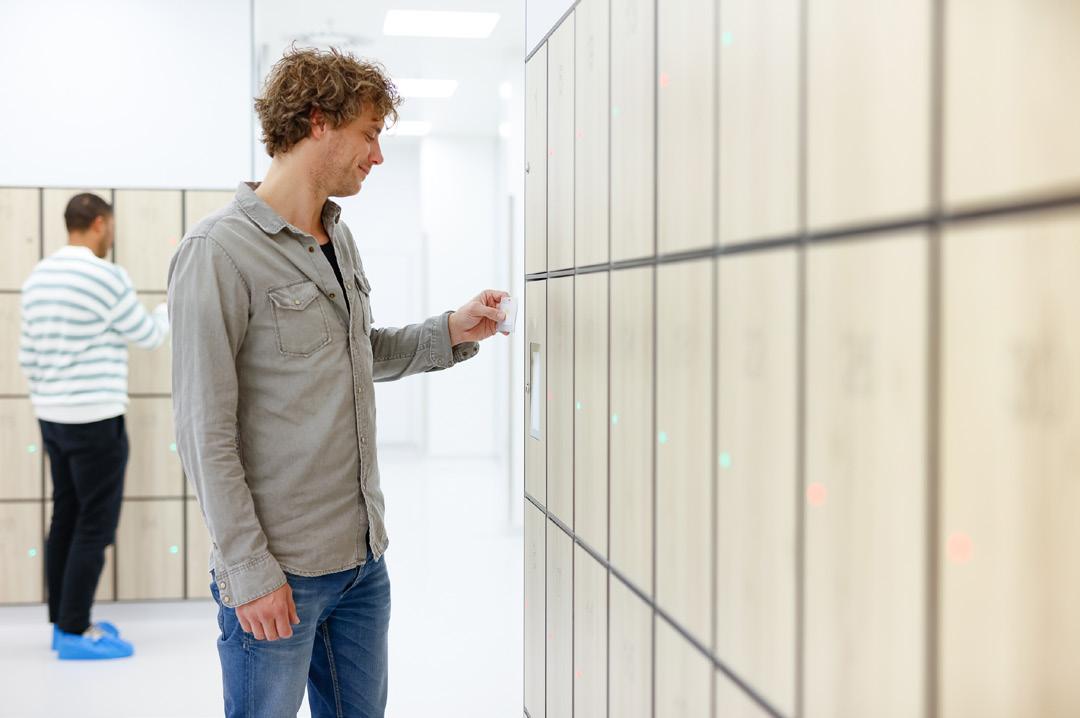
» Digital access: Users can open lockers with approved credentials like badges, mobile access, QR codes, PINs, or other configured methods.
» Flexible use: Support assigned storage, day use, shared access, temporary access, or one-time use.
» Secure pickup & drop-off: Create a controlled place for items to move between people, departments, shifts, or services.
» Automatic notifications: Let users know when an item is ready, delivered, assigned, or waiting for pickup.
» Activity visibility: Help teams see when locker access happens and how lockers are being used.
» Less back-and-forth: Cut down on key chasing, desk traffic, follow-up, and “wait, who has what?” moments.
The System Behind the Storage
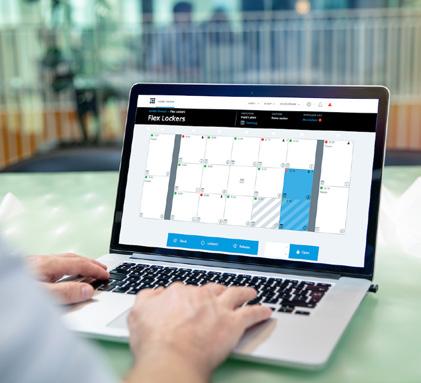
A smart locker system gives teams a central way to oversee locker use. Depending on the system, admins can assign users, adjust permissions, view activity, and support different workflows from one platform.
In
short: clearer control, cleaner oversight, fewer loose ends.
Access Methods May Include:
» RFID / badge access
» Mobile credentials
» QR code access
» NFC / connected device access
» Biometric access, depending on the system
Management Systems Help You...
» Manage from one place: Oversee locker access, assignments, and availability from a centralized platform.
» Set user permissions: Control who can access specific lockers based on role, timing, or need.
» See locker activity: View usage, availability, access history, and other activity depending on the platform.
» Support different workflows: Adapt the same locker system for package pickup, device exchange, day use, guest storage, shared assets, and more.
» Scale across spaces: Support anything from a single locker bank to larger smart locker solutions across multiple areas.

Ready to Put Smart Lockers to Work?
Before choosing a setup, it helps to look at the daily flow: who needs access, what they’re picking up or putting away, and what your team needs to manage behind the scenes.
Planning questions:
» Who needs access? Employees, students, guests, delivery teams, IT staff, or shared users?
» What needs to be stored? Packages, devices, personal items, equipment, supplies, or something else?
» How should lockers be used? Assigned, shared, temporary, on-demand, or a mix?
» When does access need to happen? During business hours, after hours, across shifts, or around the clock?
» What should your team be able to see? Assignments, activity, availability, notifications, permissions, or access history?
Patterson Pope can help you work through a smart locker setup that adapts to your space, users, and workflow. Let’s make access easier to manage.