

» Work independently
» Fast target level checks
» Includes EASY DIG View™ and LED indicator

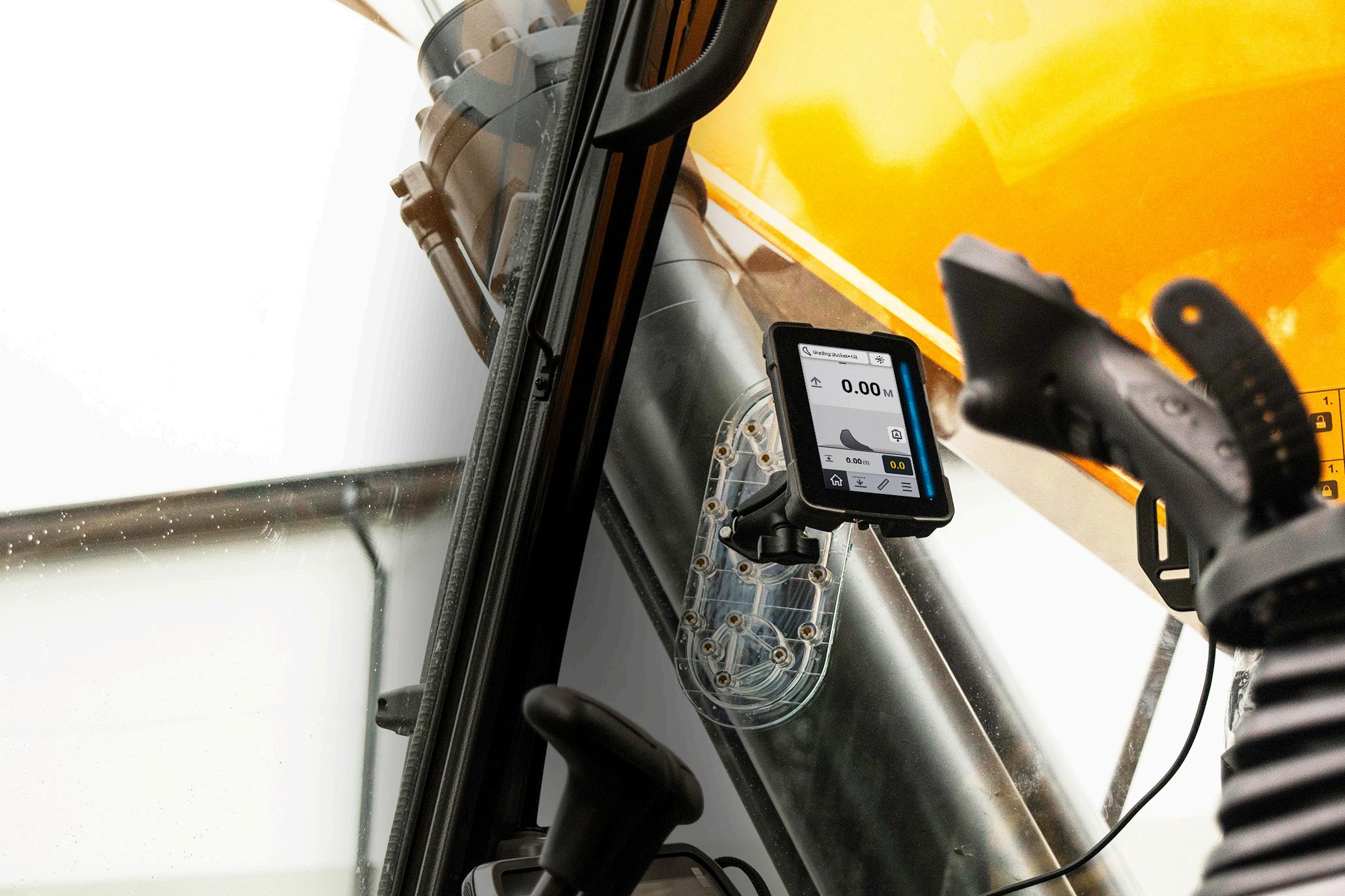

» Work independently
» Fast target level checks
» Includes EASY DIG View™ and LED indicator
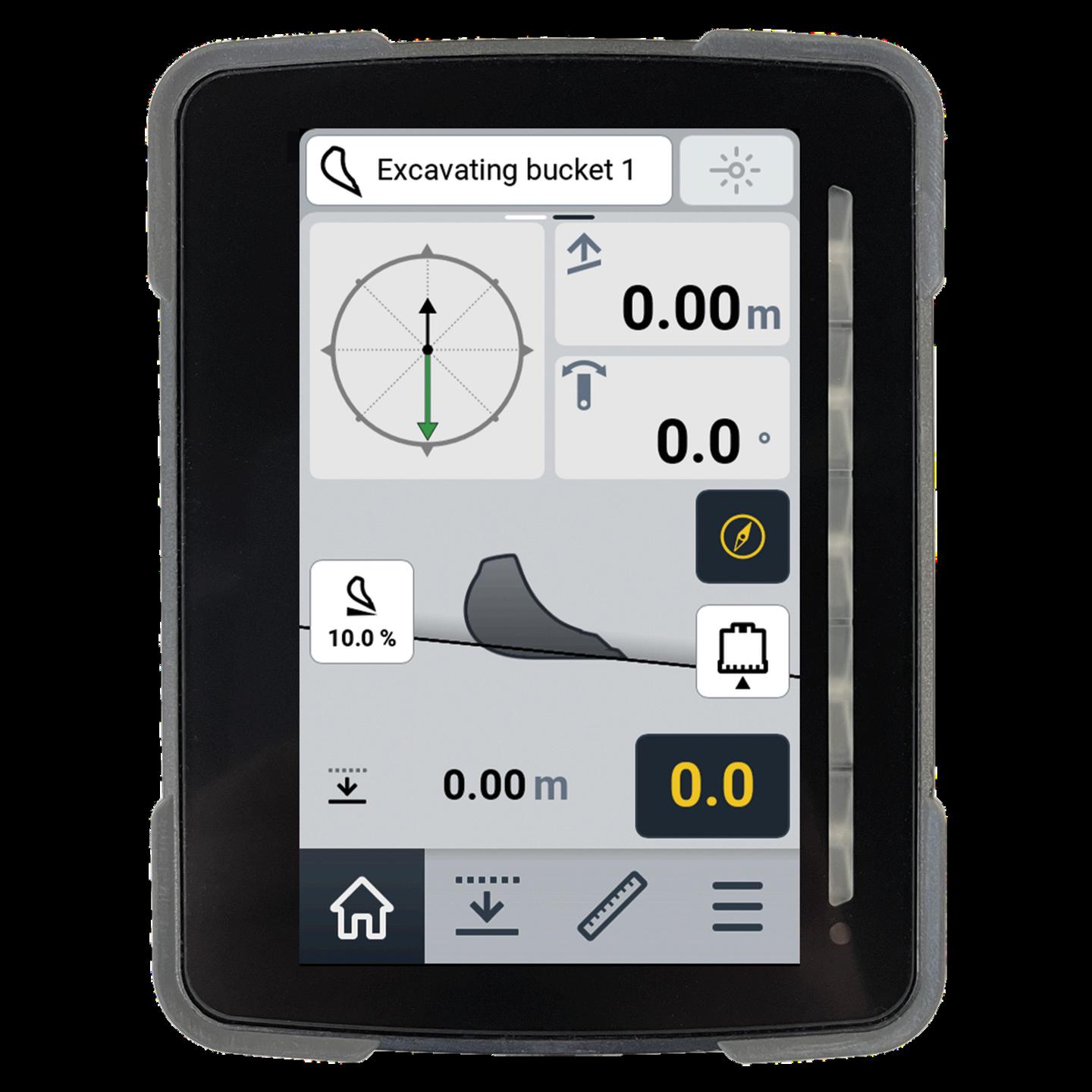
Select / Change Bucket
Select the bucket in use
Bucket visualization
See your buckets position in realtime in relevance to the target.
Bucket visualization
Depth/slope value that has been set by the operator.

Home view Set Target
Measuring
Laser Receiver On / Off
Toggle laser on/off
Cut / Fill LED-indicator
Quick glance LED-lightbar that indicates your distance to the target level.
Swing boom degrees (optional)
Compass Feature ON / OFF (optional)
Activate/deactivate the compass feature.
Select Measuring Point
Select corners or the center of the bucket to be the measuring point or use the automatic selection.
Reset Reference Point
Reset the measuring values of the system
Access Menu


Simple visualization with colors
Open with one simple swipe from bottom to up
A useful view when working with tiltrotators, like Rototilt, and making dual slopes.
Helps working with dual slopes
Helps when you don’t see the bucket
The viewing mode includes all you need: compass heading reset, height zeroing and laser on/off button
Check and calculate slopes and distances using the bucket of your excavator You can set the measured slope as a reference with just one touch of the screen
A perfect tool for continuing existing slopes or trenches when other designs are unavailable