Nighthawk App: Quick Setup
& Management
Effortlessly Control Your Home Network
LearnhowtodownloadNighthawkapptosetup,monitor,andmanageyourNetgearNighthawkrouter withunparalleledease.

LearnhowtodownloadNighthawkapptosetup,monitor,andmanageyourNetgearNighthawkrouter withunparalleledease.
TheNighthawkappputscomprehensivenetworkcontrolrightinyourpocket,makingroutermanagementsimplerandmoreintuitive thanever.
Getyourrouterupandrunningin justminuteswithguided,stepby-stepinstructions.
Adjustsettings,enableguest networks,orpauseinternet accessfromanywhere,anytime.
Monitor Connected Devices
Viewalldevicesonyournetwork, blockunwantedconnections, andkeepaneyeonnetwork activity.
1 Find Your Store
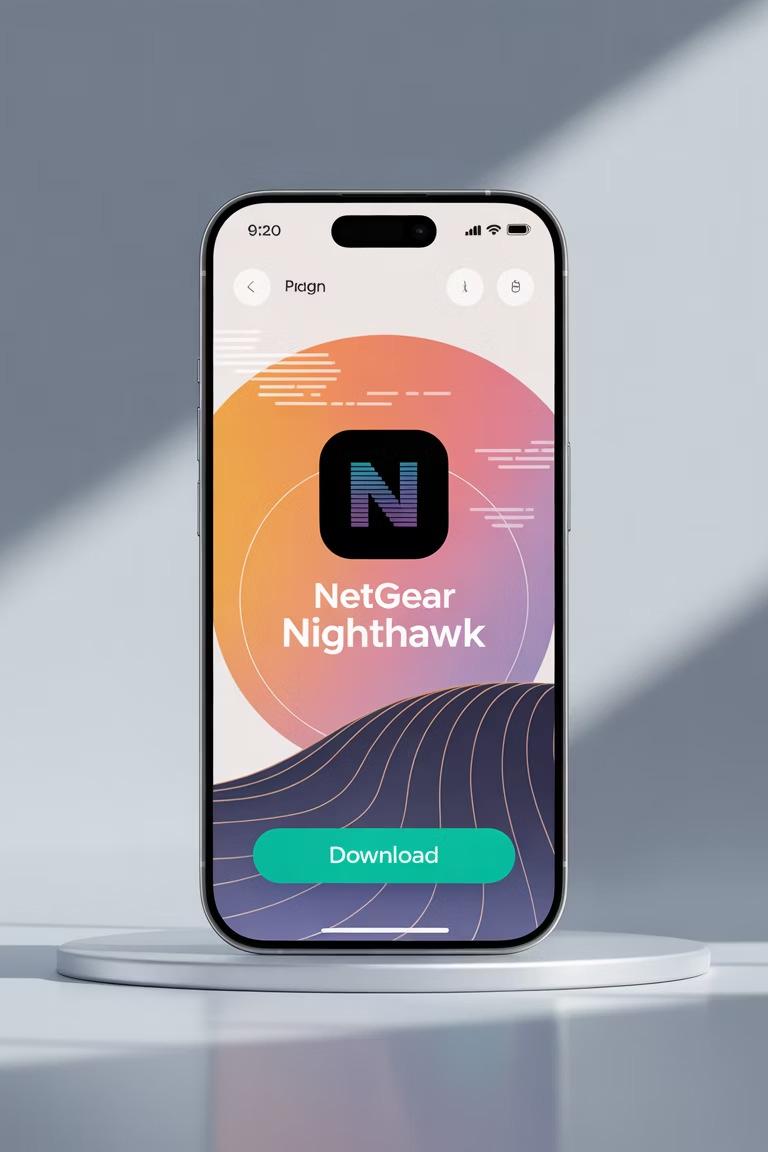
GototheGooglePlayStore(Android)orAppleAppStore(iOS)on yourmobiledevice.
2 Search & Download Searchfor"Nighthawk"andselecttheofficialNetgearNighthawk app.Taptodownload.
3 Install & Open
Oncedownloaded,theappwillinstallautomatically.Tap"Open"to launchtheapplicationandproceed.
Securelyaccessyourrouter'ssettingsbylogginginwithyourNetgearaccountcredentials.
ExistingUsers:OpentheNighthawkappafterinstallation. You'llbepromptedtoenteryourexistingNetgearaccountemail andpassword.
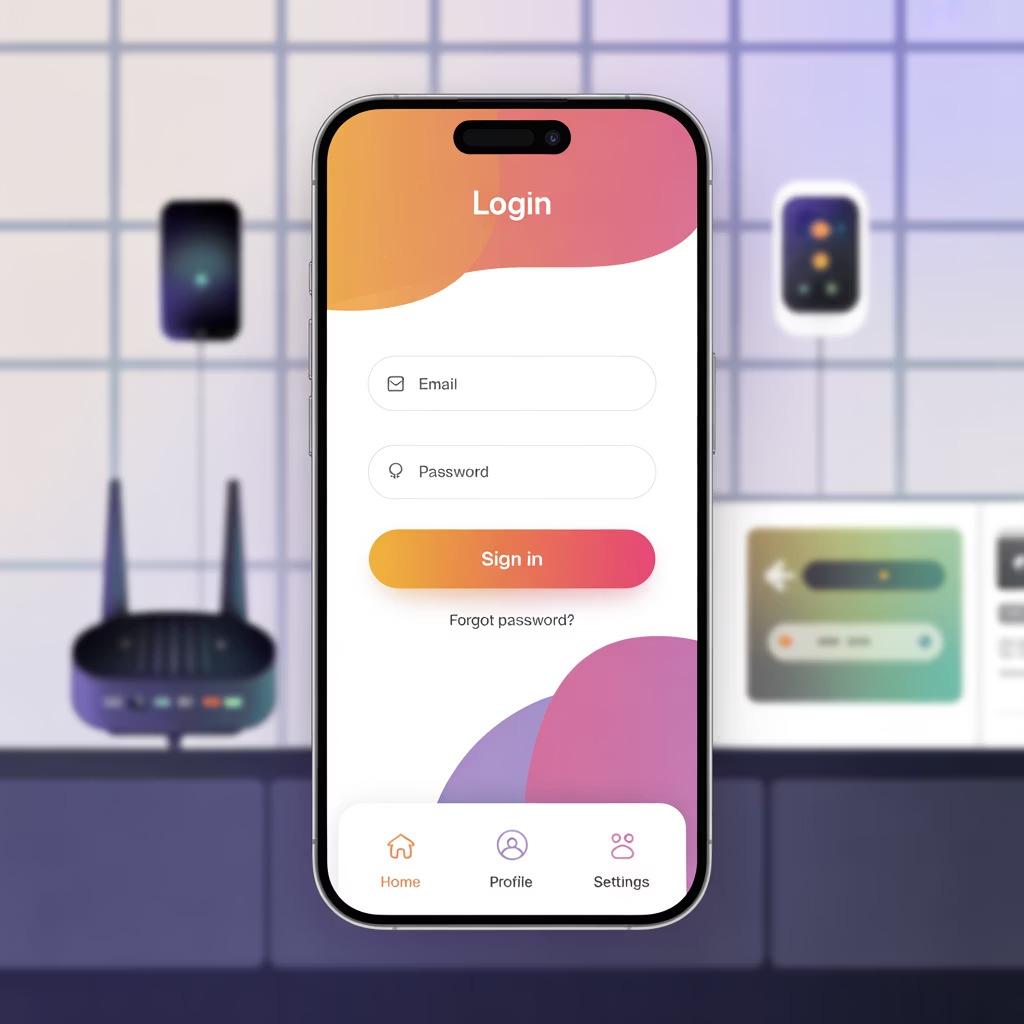
NewUsers:Ifyoudon'thaveaNetgearaccount,tap"Create NewAccount"andfollowtheon-screeninstructionstoregister. ThisaccountlinkstoallyourNetgeardevices.
FortheapptosuccessfullydetectandmanageyourNighthawkrouter,ensure yourdeviceisconnectedtoitsWiFinetwork.
1 Join Router WiFi
Ensureyoursmartphoneortabletisactivelyconnectedtoyour Nighthawkrouter'sWiFinetwork(thedefaultSSID).
TheNighthawkappwillautomaticallydetectyourrouterwhen you'reconnectedtoitsnetwork.
Oncedetected,simplyfollowtheon-screenpromptswithinthe apptocompletetheinitialsetuporaccessmanagement features.
Unlockpowerfulcontrolsandoptimizeyournetworkperformancewiththeseessentialappfeatures.
Quicklycheckyourinternetspeedto ensureyou'regettingoptimal performancefromyourISP.
Setupcontentfilters,pauseinternet accessforspecificdevices,and enableadvancednetworksecurity featureslikeArmor.
Prioritizespecificdevicesor applicationstoallocatemore bandwidthforgaming,streaming,or videocalls,ensuringalag-free experience.
TheNighthawkappisdesignedforeaseofuse,butifyouencounterissues,herearequicksolutionsand wheretogethelp.
LoginIssues:Ifloginfails,tryresettingyourNetgear accountpasswordviatheapporwebsite.
AppCrashes:Reinstalltheappcompletely,thenrestartyour phoneandrouter.
Connectivity:Ensureyourrouter'sfirmwareisupdatedto thelatestversionforoptimalappcompatibility.
Don'tworry,helpisjustaclickoremailaway! VisitourdedicatedsupportportalfordetailedguidesandFAQs: nighthawk-setup.net
oursupportteamdirectlyforpersonalizedassistance: