Nighthawk App Download & Installation Made Easy
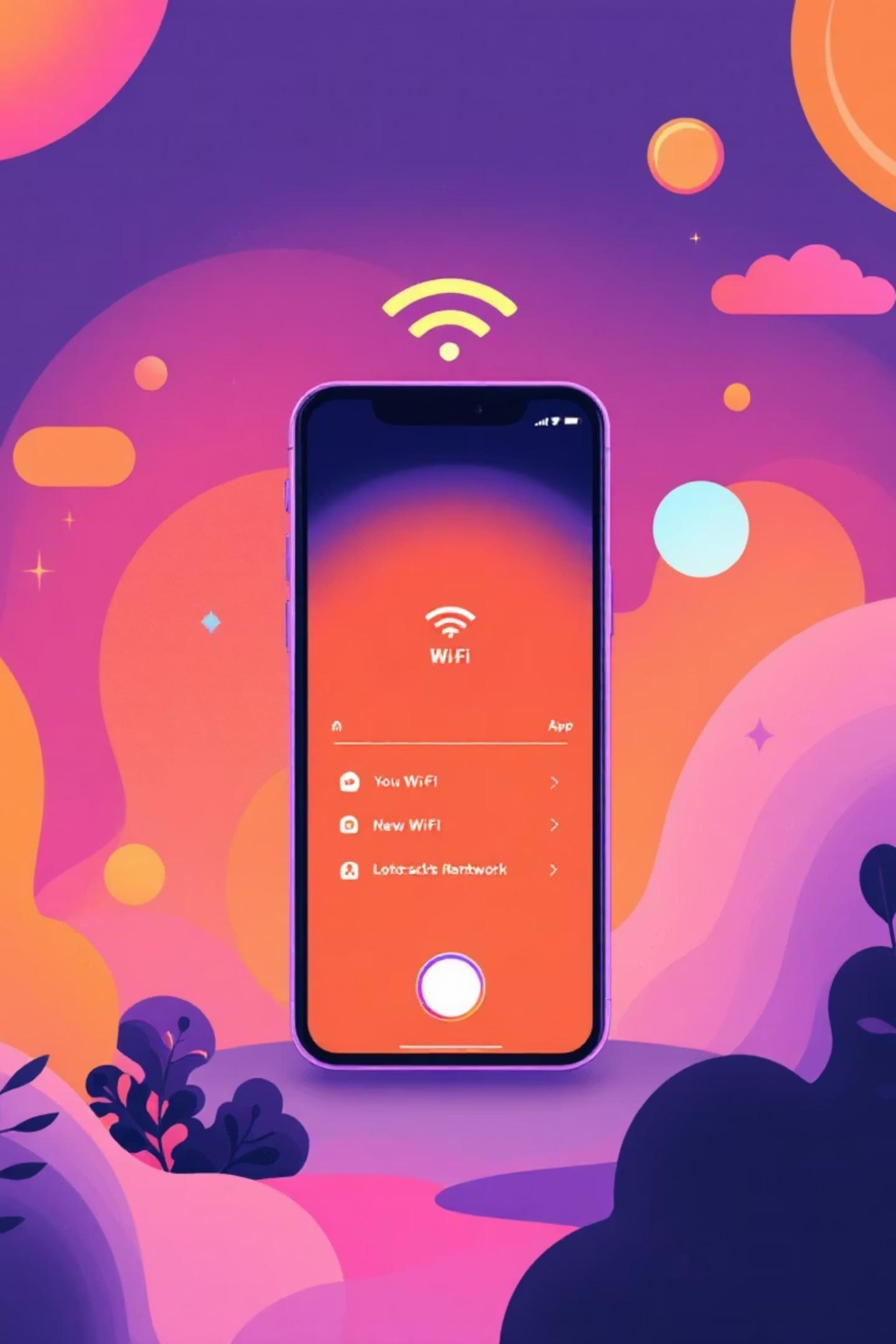
Control your Wi-Fi network from your phone with the Nighthawk App. Manage devices, run speed tests, and adjust settings—all without a computer.

Control your Wi-Fi network from your phone with the Nighthawk App. Manage devices, run speed tests, and adjust settings—all without a computer.

Pause devices, check speed, or adjust limits instantly— everything at your fingertips.

Simple Control
Manage settings easily without logging into a browser. Perfect for beginners and advanced users.
All-in-One View See connected devices, network status, and settings in one convenient place.


Check Requirements
• Ensure your router is compatible
• Have your phone ready
• Confirm internet is working Gather Information
• Keep router name and password handy
• Check for OS updates
• Power on your router

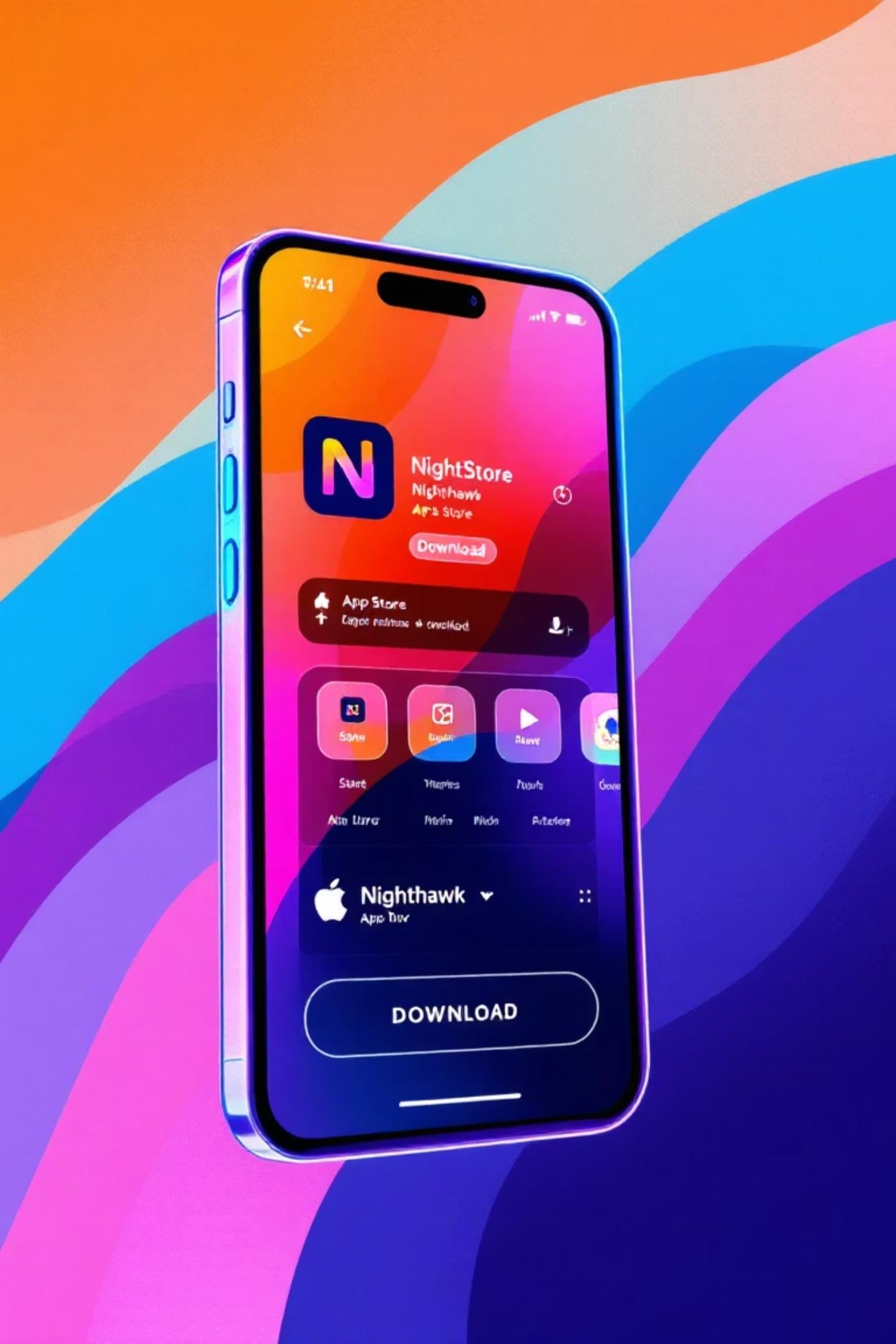

Launch the App Store on your iPhone.

Search and Download
Search "Nighthawk App," tap get, and wait for installation.

Initial Setup
Open the app, allow permissions, and keep your router powered on.
Wi-Fi and location access are necessary for the app to function. Granting them avoids setup delays.
The app automatically scans for nearby Nighthawk routers. This may take a few moments—follow on-screen instructions carefully.




Select Your Router
Choose your Nighthawk router from the detected devices list. Enter Credentials
Type your network name and password. The app links automatically. Stay Connected
Do not close the app while connecting. Wait for confirmation.
Connection Confirmed
The app displays a confirmation when your router is successfully connected.
Customize Settings
Rename your Wi-Fi network, set new passwords, or create guest access for visitors.
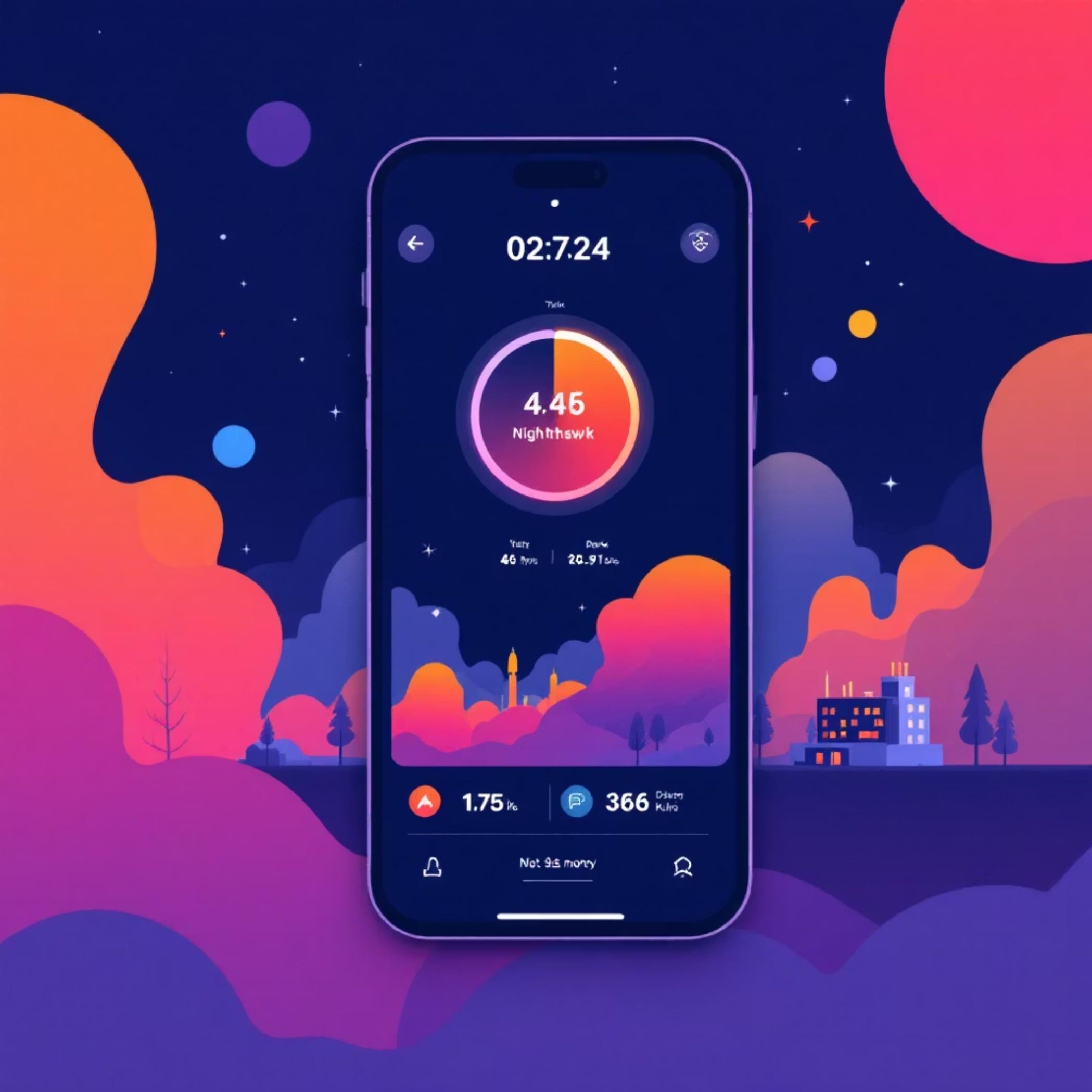
Pause internet access for any device instantly. Set up parental controls to manage screen time and content.

Monitor Network Check connection strength and run speed tests. Update firmware when new versions are available.

Security Features View security status and manage guest networks. All features accessible in one convenient place.

Keep App Updated
Regular updates bring security patches and new features. Enable automatic updates in your app store.
Monthly Maintenance
Restart your router once a month for optimal performance. Use built-in troubleshooting if issues occur. 3
Get Support
Visit nighthawk-setup.net or email support@nighthawk-setup.net for assistance.