Netgear-Nighthawk-Setup-Without-Using-the-App

Page 1


Netgear Nighthawk Setup Without Using the App Step-by-Step Manual Configuration Guide [NighthawkSetupSupport] https://nighthawk-setup.net support@nighthawk-setup.net

Why Manual Setup?

SettingupyourNetgearNighthawkSetupwithoutapp.Thisguidefocuses onthemanualsetupmethodviaawebbrowser,whichisidealfor desktop/laptopusersorwhentheappisunavailable.Itoffersflexibilityand directcontroloveryournetworkconfiguration.
What You'll Need

The Physical Setup

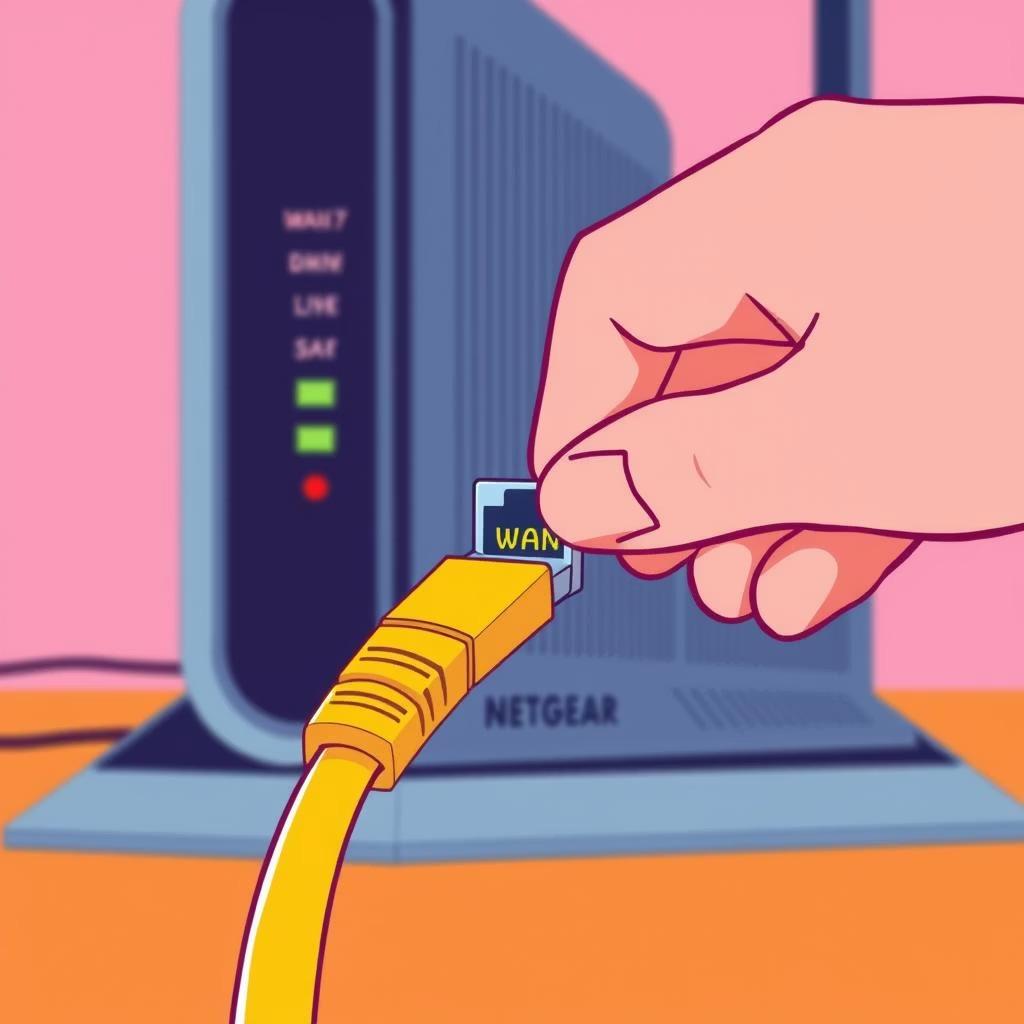
1.Connectthemodemtotherouter¾sWANport(usually yellow)usingtheprovidedEthernetcable.Thisisyourprimary internetconnection.

2.PluginandpoweronbothyourmodemandyourNighthawk router.Ensureallconnectionsaresecure.

3.WaitfortheLEDlightstoturnsolid(typicallywhiteorblue) onbothdevices.Thisindicatesastableconnectionandpower.

Connect to the Router Network

Open WiFi Settings

Onyourcomputer,navigatetoyourWiFinetworksettings. Join Default Netgear Connecttothedefaultnetwork(e.g.,"_NETGEAR-XX").

Or Use Ethernet

Foradirectconnection,pluganEthernetcablefromrouterto PC. No Password Needed Nopasswordisrequiredforthisinitialconnection.

Access the Web Interface

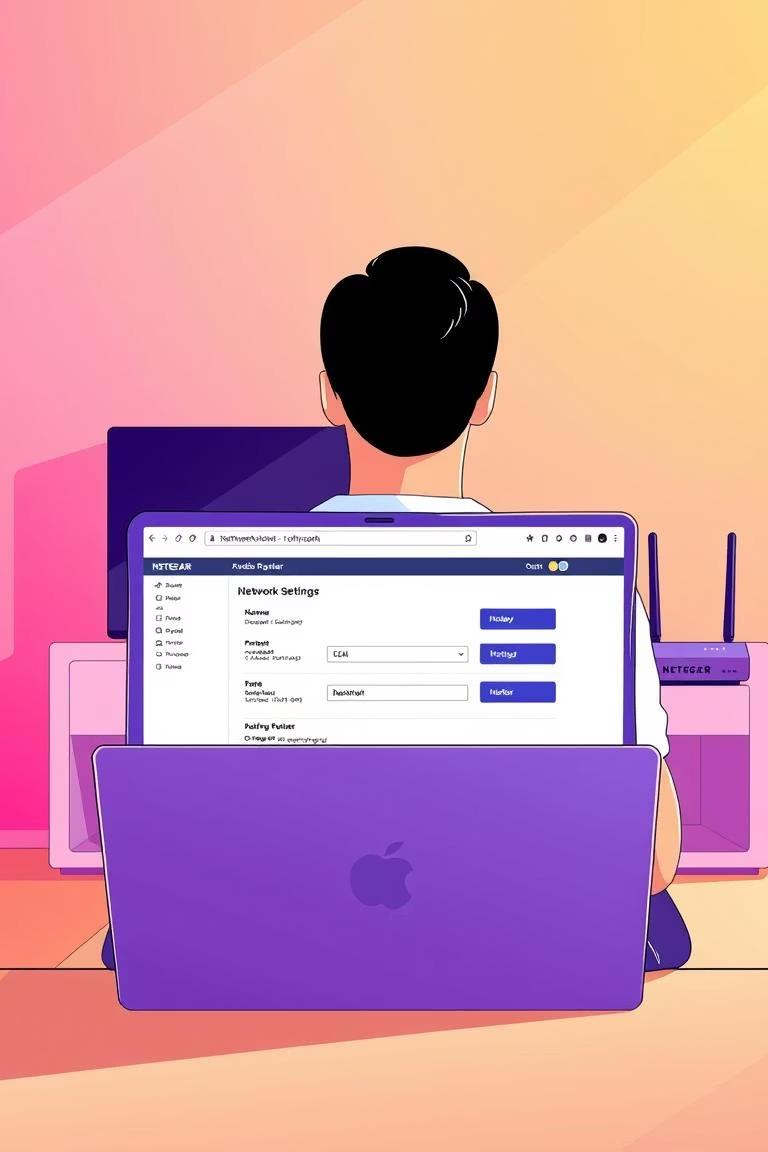
1.Openanywebbrowseronyourconnecteddevice.

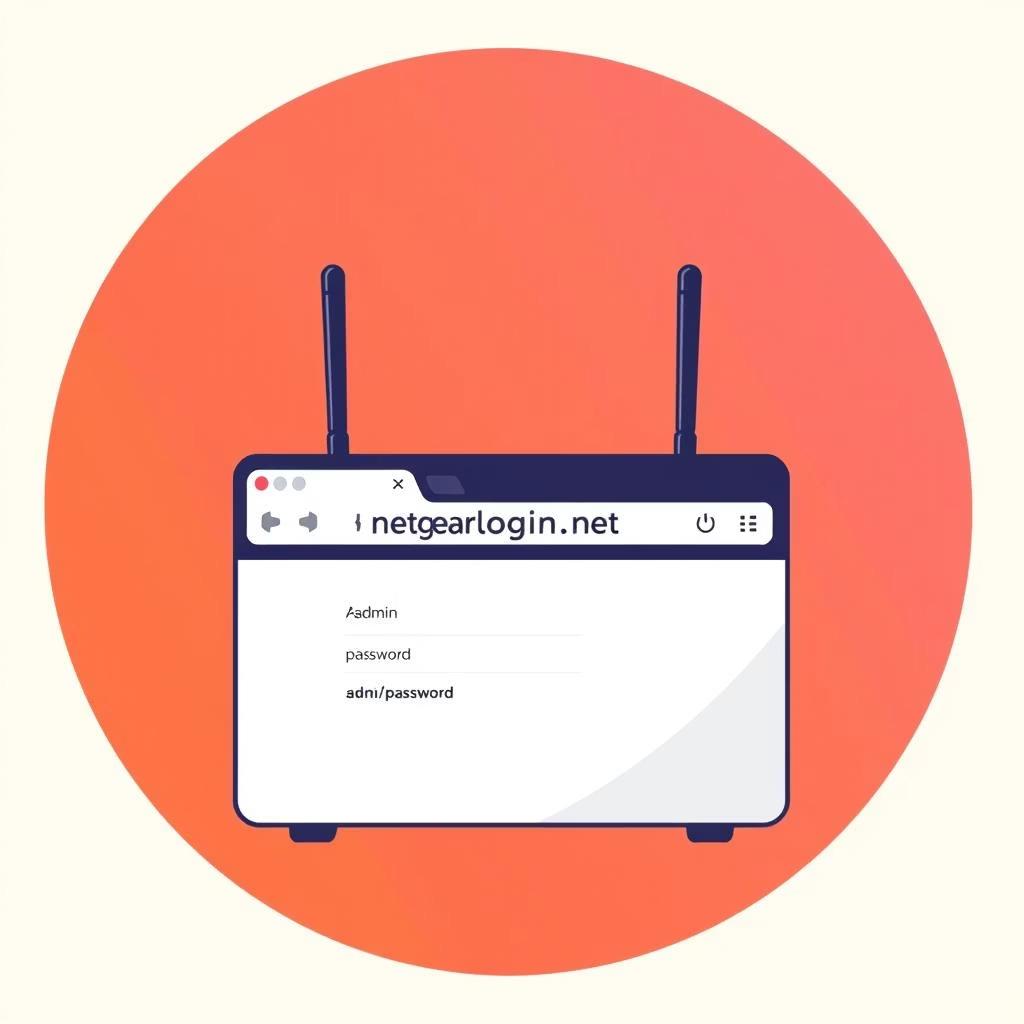
2.Intheaddressbar,typehttp://www.routerlogin.netor 192.168.1.1(thedefaultIPaddress).

3.PressEntertoloadtheNetgearsetuppage.

4.Loginwiththedefaultcredentials:Username:adminand Password:password.

Setup Wizard Steps

1 Launch Wizard

TheNetgearSetupWizardwillautomaticallylaunch.

2 Detect Internet

Select"Yes"toallowittodetectyourinternetconnection.

3 Follow Prompts

SetyournewWiFinetworkname(SSID)andastrongadminpassword.

4 Choose Security

Selectyourpreferredsecurityoptions(WPA2-PSKrecommended).

5 Finish & Apply Click"Finish"tosaveallsettingsandapplythem.

Optional Advanced Settings

Guest Network

Createaseparate,securenetworkforvisitors.

Firmware Update

Keepyourroutersecureandoptimizedwiththelatest firmware.

Parental Controls

Manageinternetaccessandcontentforfamilymembers.

Port Forwarding / QoS

Customizenetworktrafficforgamingorspecific applications.

Troubleshooting Tips

Can't Access Login Page?

Clearyourbrowser'scacheandcookies.

Tryanalternativewebbrowser.

Directlytype192.168.1.1intotheaddressbar.

Forgot Admin Password?

Performafactoryreset:Pressandholdthereset buttononyourrouterfor10seconds.

Warning:Thiswilleraseallcustomsettings.

Alwaysensureyourmodemisonlineandfunctioningcorrectly.

Summary: Your Nighthawk, Your Way

Manual Setup is Simple

QuicklyconfigureyourNetgear Nighthawkwithouttheneedforan app.

Browser-Based Access

Allconfigurationsaredone convenientlythroughyourweb browserviarouterlogin.net.

Secure Your Network

Remembertochangedefault credentialsforenhancedsecurity andapersonalizednetworkname.

Turn static files into dynamic content formats.

Create a flipbook
Netgear-Nighthawk-Setup-Without-Using-the-App by nighthawksetup9 - Issuu